
Course Outcome CSS What is CSS Syntax rules





- Slides: 29
Course Outcome CSS • What is CSS? • Syntax rules • Linking external CSS to HTML • Style • CSS Color properties • CSS Font • CSS Text properties • CSS Background properties
Cascading Style Sheets (CSS) • Describes the appearance, layout, and presentation of information on a web page • HTML describes the content of the page • Describes how information is to be displayed, not what is being displayed • Can be embedded in HTML document or placed into separate. css file
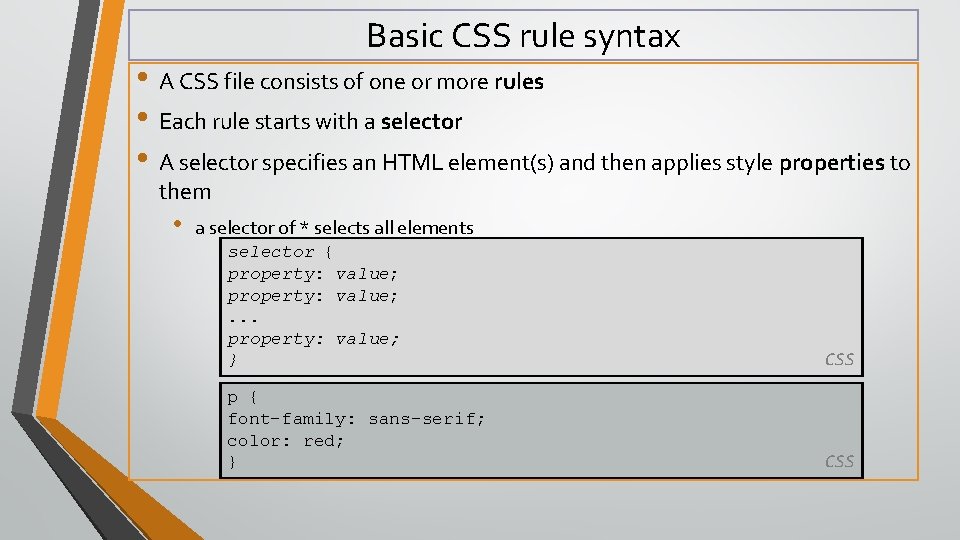
Basic CSS rule syntax • A CSS file consists of one or more rules • Each rule starts with a selector • A selector specifies an HTML element(s) and then applies style properties to them • a selector of * selects all elements selector { property: value; . . . property: value; } CSS p { font-family: sans-serif; color: red; } CSS
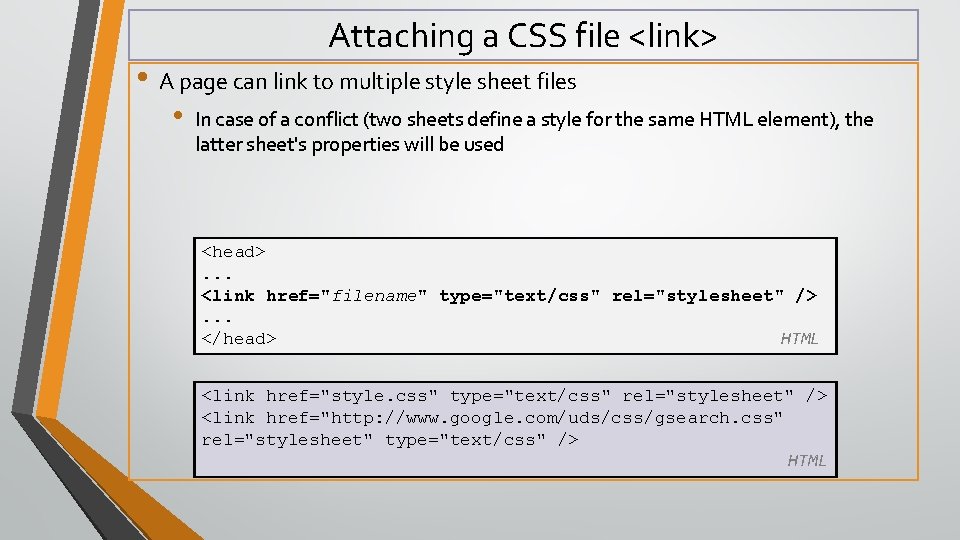
Attaching a CSS file <link> • A page can link to multiple style sheet files • In case of a conflict (two sheets define a style for the same HTML element), the latter sheet's properties will be used <head>. . . <link href="filename" type="text/css" rel="stylesheet" />. . . </head> HTML <link href="style. css" type="text/css" rel="stylesheet" /> <link href="http: //www. google. com/uds/css/gsearch. css" rel="stylesheet" type="text/css" /> HTML
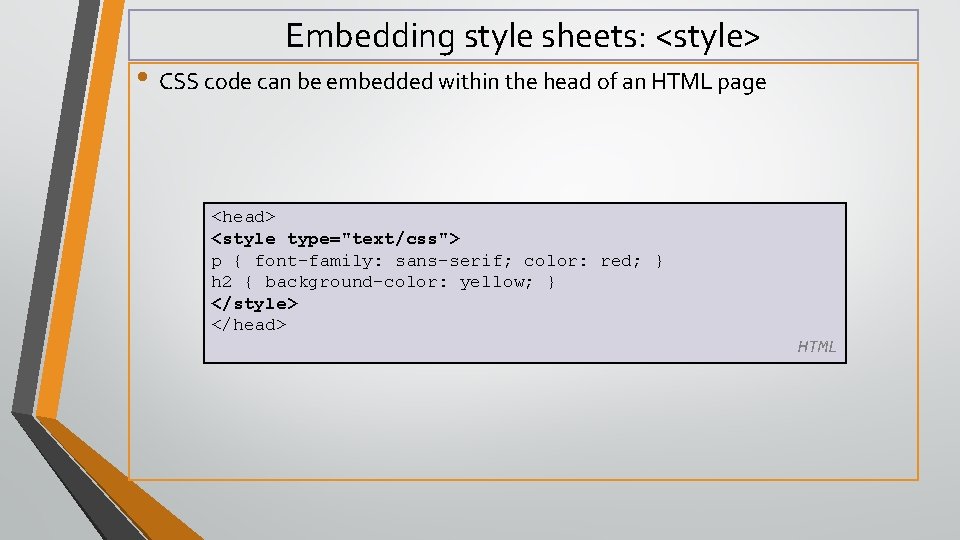
Embedding style sheets: <style> • CSS code can be embedded within the head of an HTML page <head> <style type="text/css"> p { font-family: sans-serif; color: red; } h 2 { background-color: yellow; } </style> </head> HTML
Inline styles: the style attribute • Higher precedence than embedded or linked styles • Used for one-time overrides and styling a particular element <p style="font-family: sans-serif; color: red; "> This is a paragraph</p> HTML This is a paragraph output
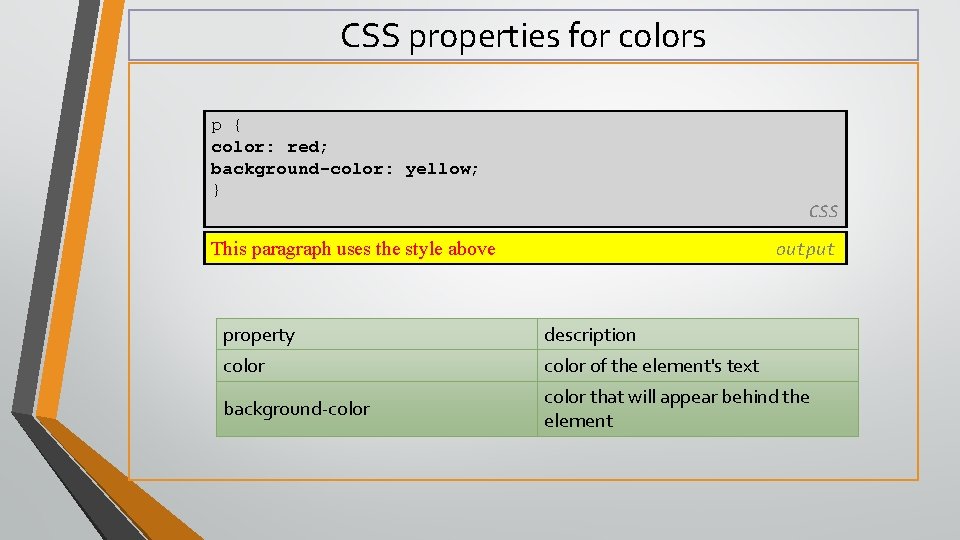
CSS properties for colors p { color: red; background-color: yellow; } CSS This paragraph uses the style above output property description color of the element's text background-color that will appear behind the element
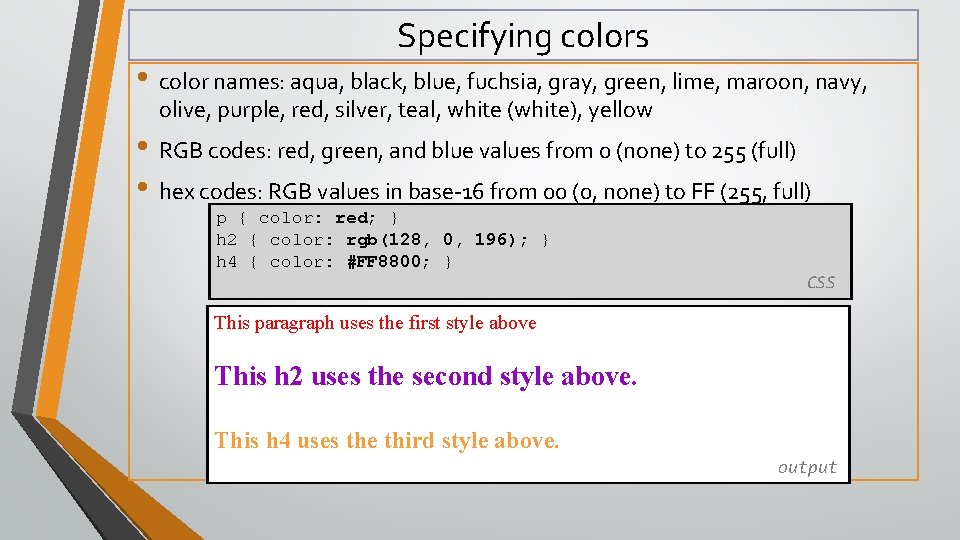
Specifying colors • color names: aqua, black, blue, fuchsia, gray, green, lime, maroon, navy, olive, purple, red, silver, teal, white (white), yellow • RGB codes: red, green, and blue values from 0 (none) to 255 (full) • hex codes: RGB values in base-16 from 00 (0, none) to FF (255, full) p { color: red; } h 2 { color: rgb(128, 0, 196); } h 4 { color: #FF 8800; } CSS This paragraph uses the first style above This h 2 uses the second style above. This h 4 uses the third style above. output
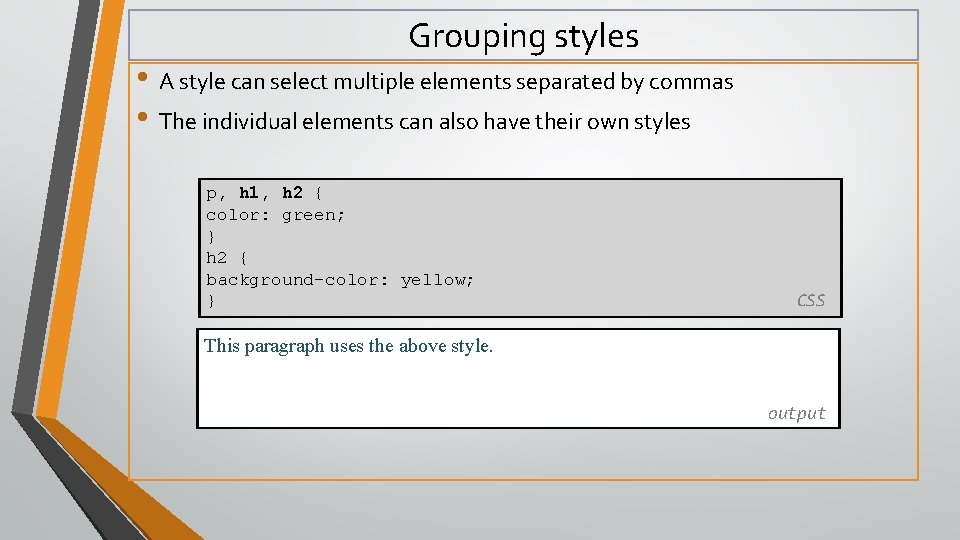
Grouping styles • A style can select multiple elements separated by commas • The individual elements can also have their own styles p, h 1, h 2 { color: green; } h 2 { background-color: yellow; } CSS This paragraph uses the above style. output
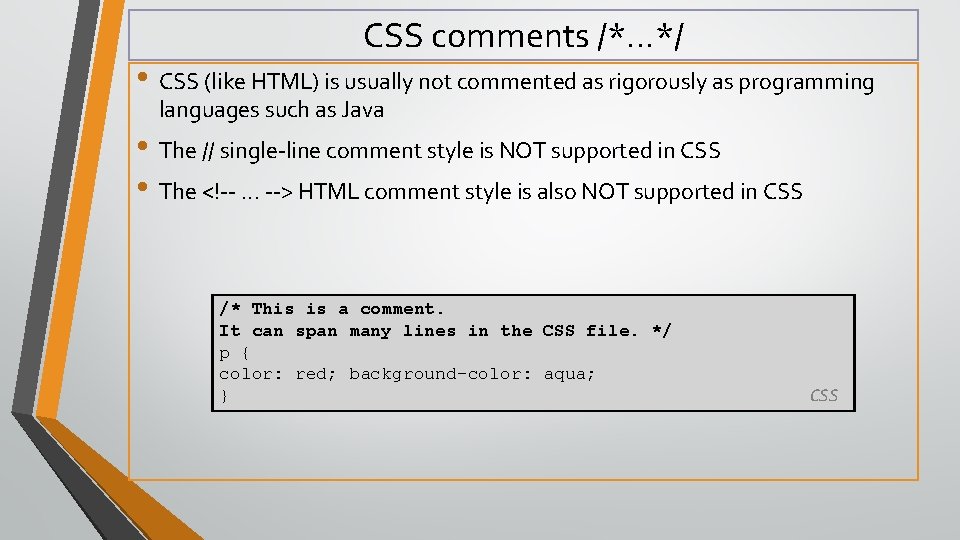
CSS comments /*…*/ • CSS (like HTML) is usually not commented as rigorously as programming languages such as Java • The // single-line comment style is NOT supported in CSS • The <!--. . . --> HTML comment style is also NOT supported in CSS /* This is a comment. It can span many lines in the CSS file. */ p { color: red; background-color: aqua; } CSS
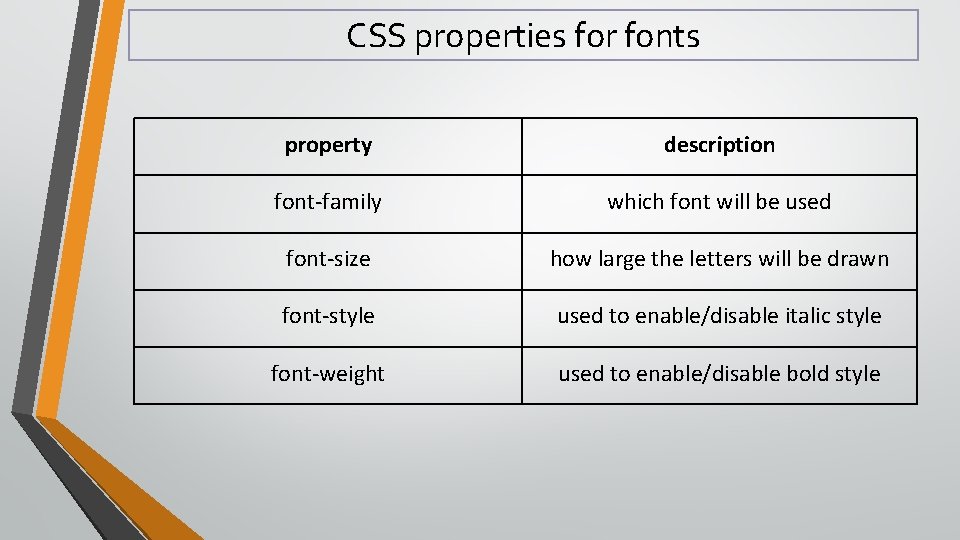
CSS properties for fonts property description font-family which font will be used font-size how large the letters will be drawn font-style used to enable/disable italic style font-weight used to enable/disable bold style
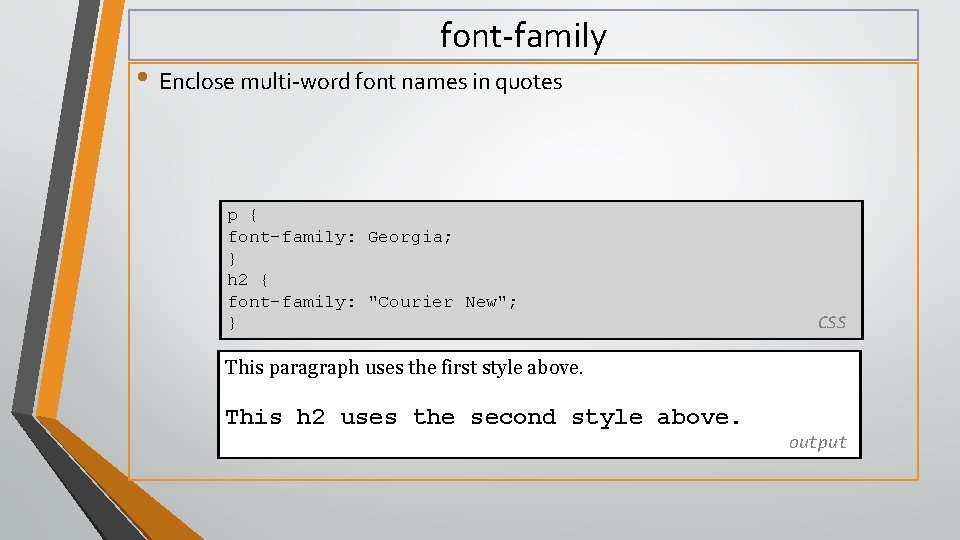
font-family • Enclose multi-word font names in quotes p { font-family: Georgia; } h 2 { font-family: "Courier New"; } CSS This paragraph uses the first style above. This h 2 uses the second style above. output
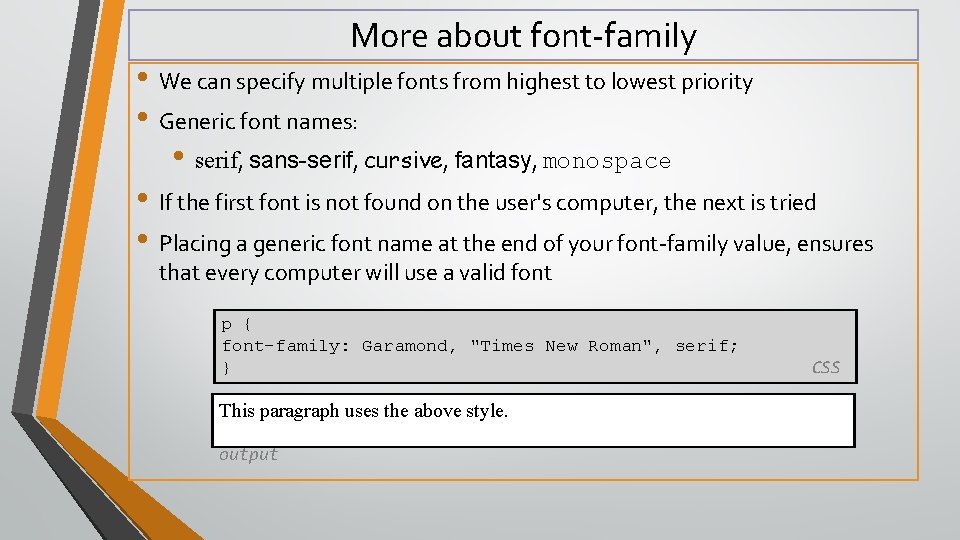
More about font-family • We can specify multiple fonts from highest to lowest priority • Generic font names: • serif, sans-serif, cursive, fantasy, monospace • If the first font is not found on the user's computer, the next is tried • Placing a generic font name at the end of your font-family value, ensures that every computer will use a valid font p { font-family: Garamond, "Times New Roman", serif; } This paragraph uses the above style. output CSS
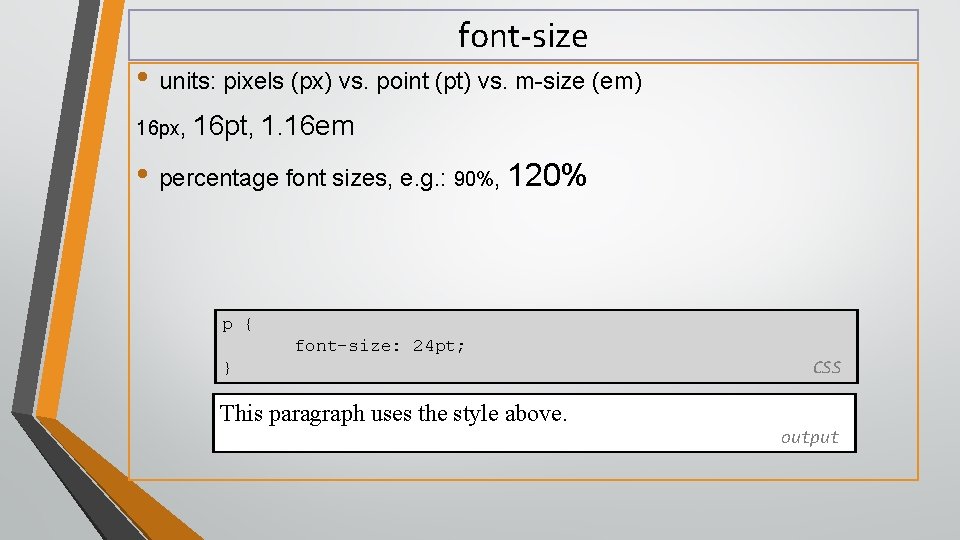
font-size • units: pixels (px) vs. point (pt) vs. m-size (em) 16 px, 16 pt, 1. 16 em • percentage font sizes, e. g. : 90%, 120% p { font-size: 24 pt; } CSS This paragraph uses the style above. output
font-size • pt specifies number of point, where a point is 1/72 of an inch onscreen • px specifies a number of pixels on the screen • em specifies number of m-widths, where 1 em is equal to the font's current size p { font-size: 24 pt; } CSS This paragraph uses the style above. output
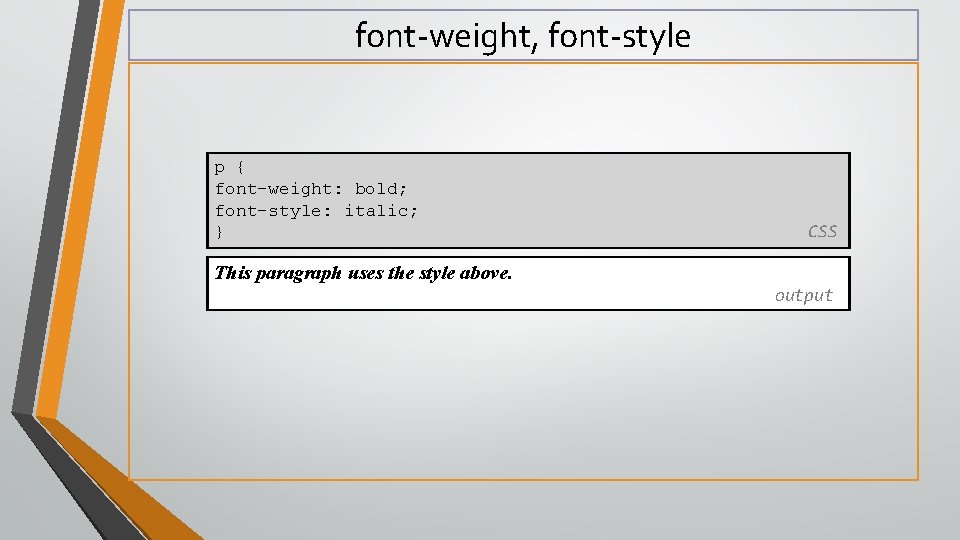
font-weight, font-style p { font-weight: bold; font-style: italic; } CSS This paragraph uses the style above. output
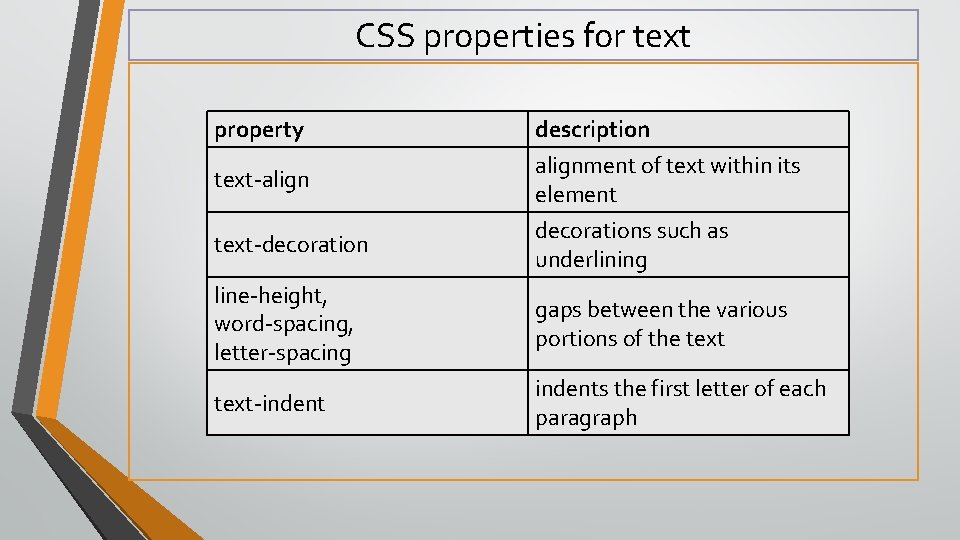
CSS properties for text property text-align description alignment of text within its element text-decorations such as underlining line-height, word-spacing, letter-spacing gaps between the various portions of the text-indents the first letter of each paragraph
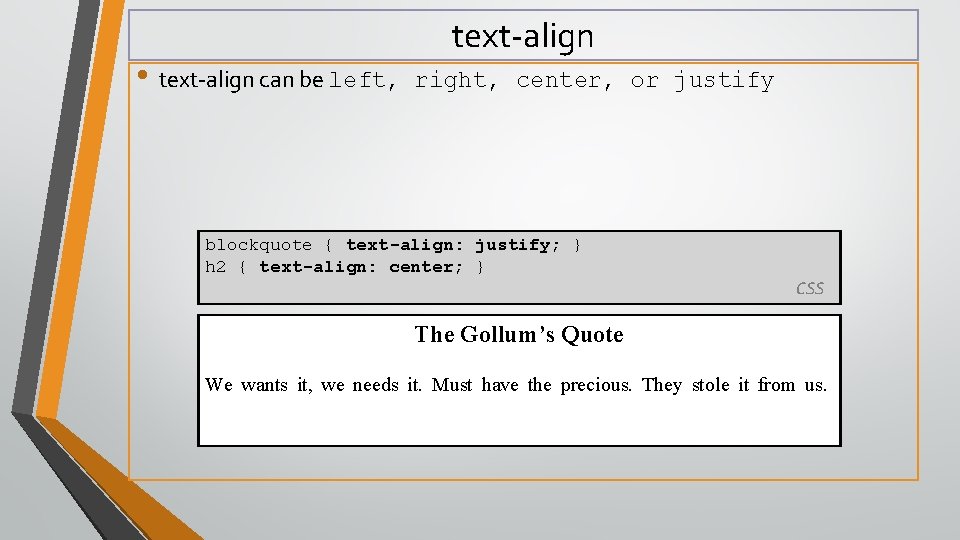
• text-align can be left, text-align right, center, or justify blockquote { text-align: justify; } h 2 { text-align: center; } CSS The Gollum’s Quote We wants it, we needs it. Must have the precious. They stole it from us.
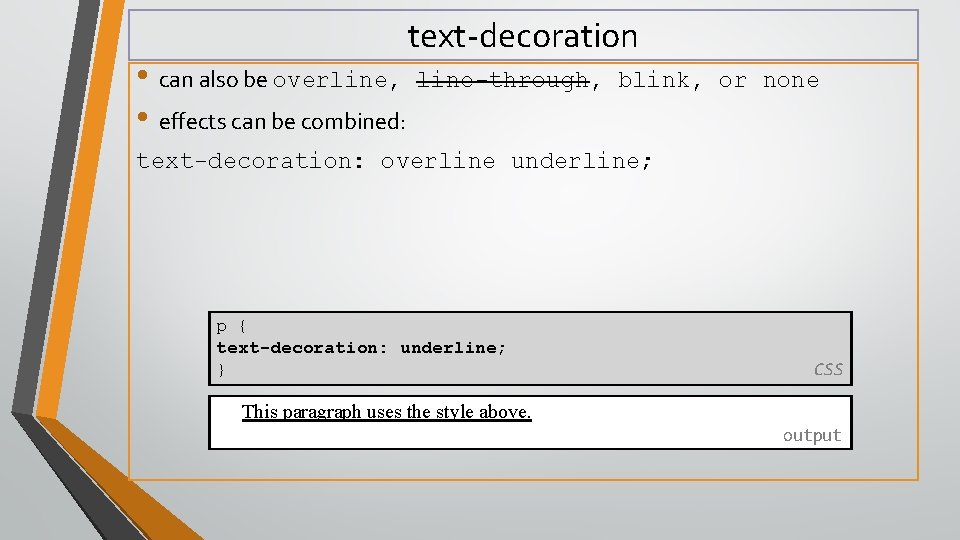
• can also be overline, • effects can be combined: text-decoration line-through, blink, or none text-decoration: overline underline; p { text-decoration: underline; } CSS This paragraph uses the style above. output
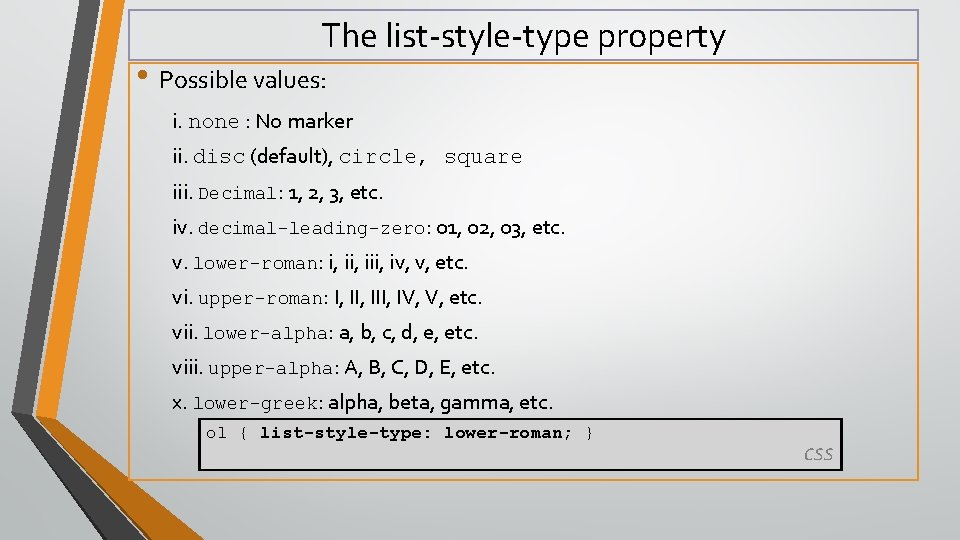
The list-style-type property • Possible values: i. none : No marker ii. disc (default), circle, square iii. Decimal: 1, 2, 3, etc. iv. decimal-leading-zero: 01, 02, 03, etc. v. lower-roman: i, iii, iv, v, etc. vi. upper-roman: I, III, IV, V, etc. vii. lower-alpha: a, b, c, d, e, etc. viii. upper-alpha: A, B, C, D, E, etc. x. lower-greek: alpha, beta, gamma, etc. ol { list-style-type: lower-roman; } CSS
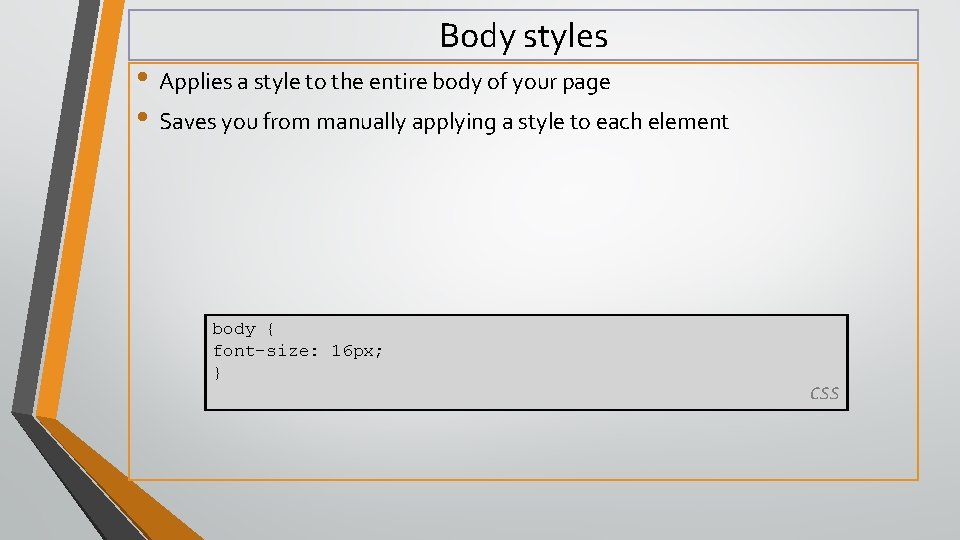
Body styles • Applies a style to the entire body of your page • Saves you from manually applying a style to each element body { font-size: 16 px; } CSS
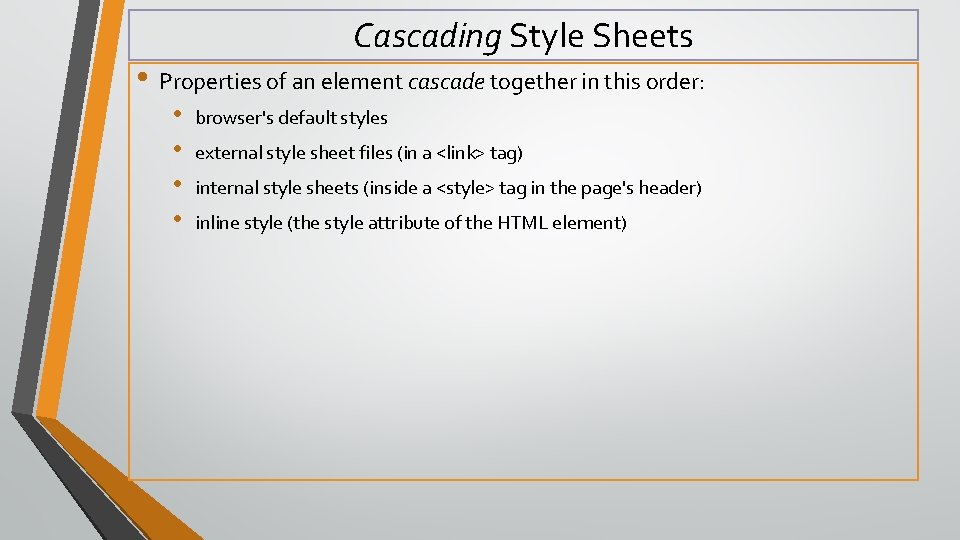
Cascading Style Sheets • Properties of an element cascade together in this order: • • browser's default styles external style sheet files (in a <link> tag) internal style sheets (inside a <style> tag in the page's header) inline style (the style attribute of the HTML element)
Inheriting styles • when multiple styles apply to an element, they are inherited • a more tightly matching rule can override a more general inherited rule body { font-family: sans-serif; background-color: yellow; } p { color: red; background-color: aqua; } a { text-decoration: underline; } h 2 { font-weight: bold; text-align: center; } CSS This is a heading • A bulleted list output
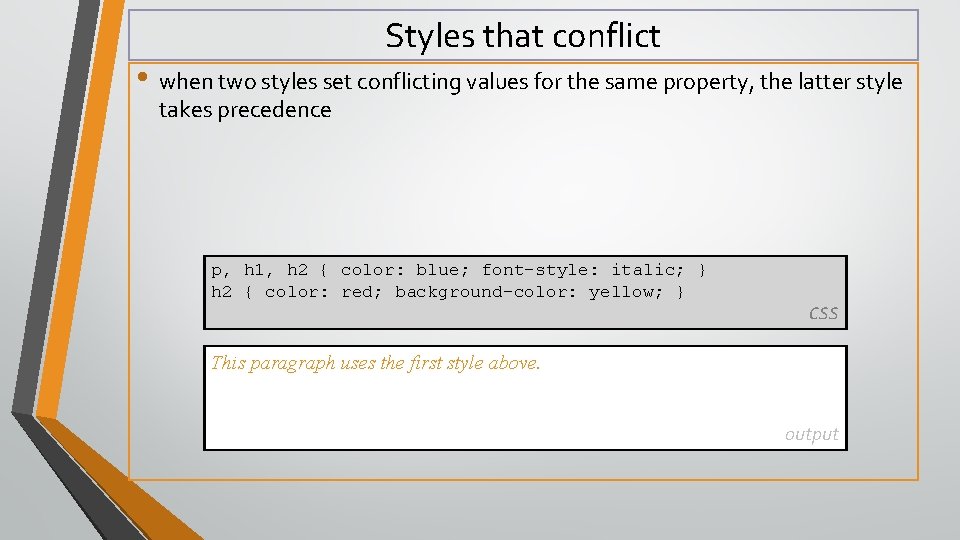
Styles that conflict • when two styles set conflicting values for the same property, the latter style takes precedence p, h 1, h 2 { color: blue; font-style: italic; } h 2 { color: red; background-color: yellow; } CSS This paragraph uses the first style above. output
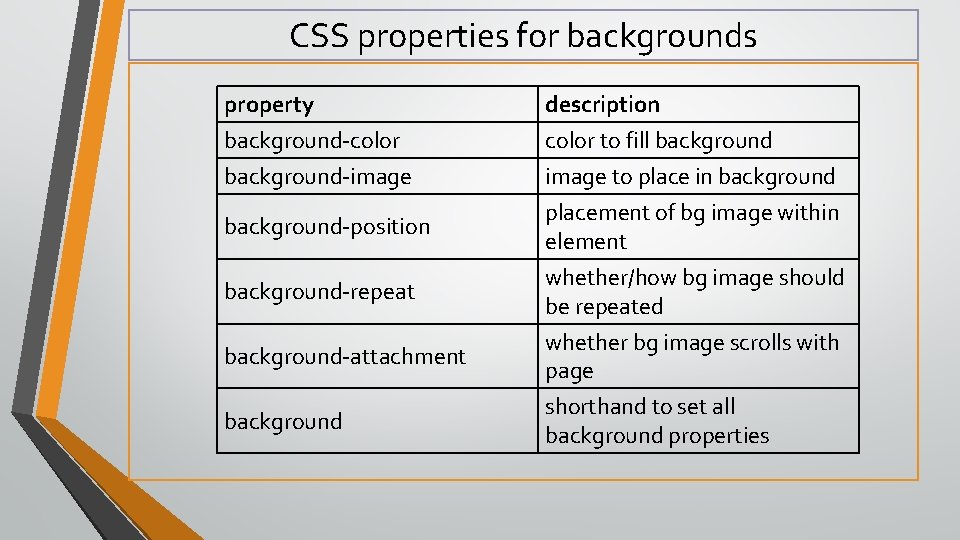
CSS properties for backgrounds property background-color background-image background-position background-repeat background-attachment background description color to fill background image to place in background placement of bg image within element whether/how bg image should be repeated whether bg image scrolls with page shorthand to set all background properties
background-image • background image/color fills the element's content area body { background-image: url("images/draft. jpg"); } CSS
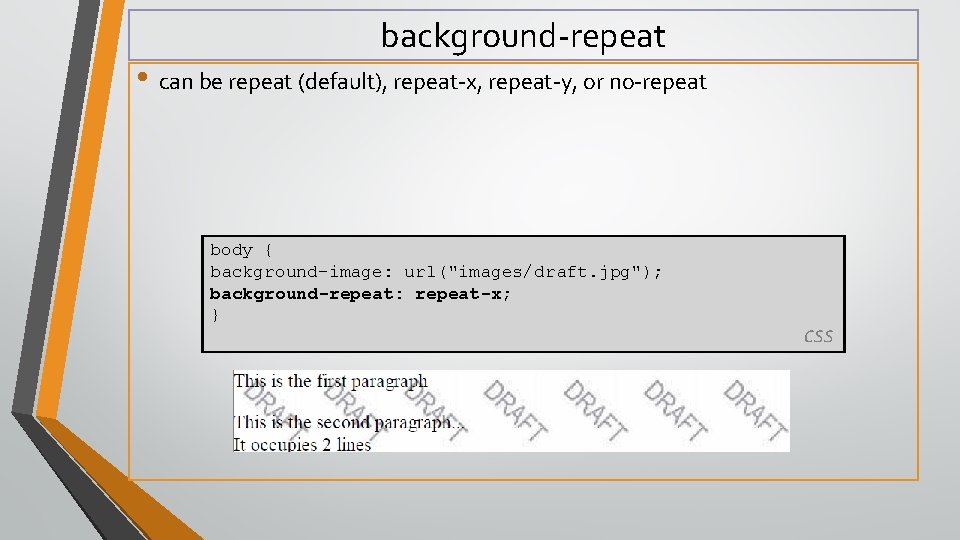
background-repeat • can be repeat (default), repeat-x, repeat-y, or no-repeat body { background-image: url("images/draft. jpg"); background-repeat: repeat-x; } CSS
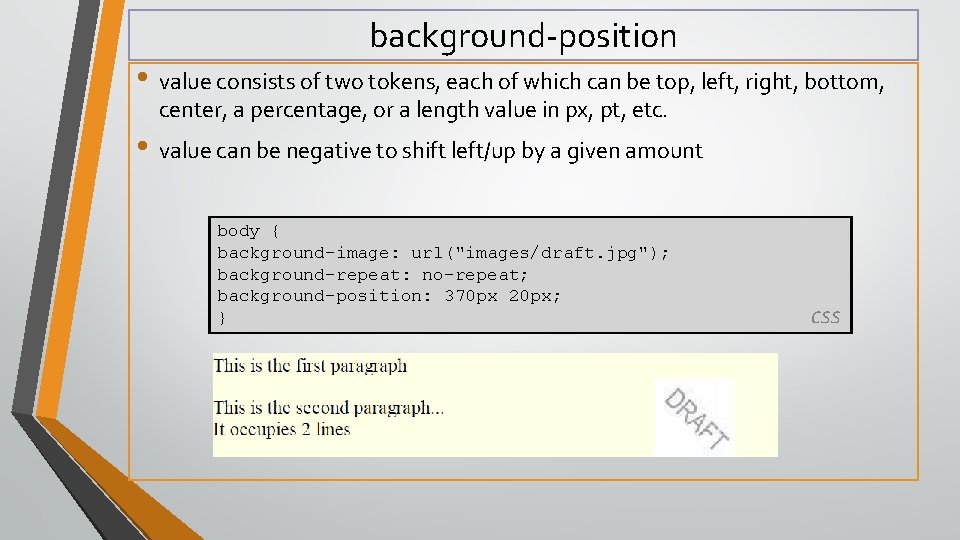
background-position • value consists of two tokens, each of which can be top, left, right, bottom, center, a percentage, or a length value in px, pt, etc. • value can be negative to shift left/up by a given amount body { background-image: url("images/draft. jpg"); background-repeat: no-repeat; background-position: 370 px 20 px; } CSS
Thank you