
Course Guidelines CADCAM Academy ev 5 IO Expert
- Slides: 45
Course Guidelines CADCAM Academy ev 5. IO Expert Level
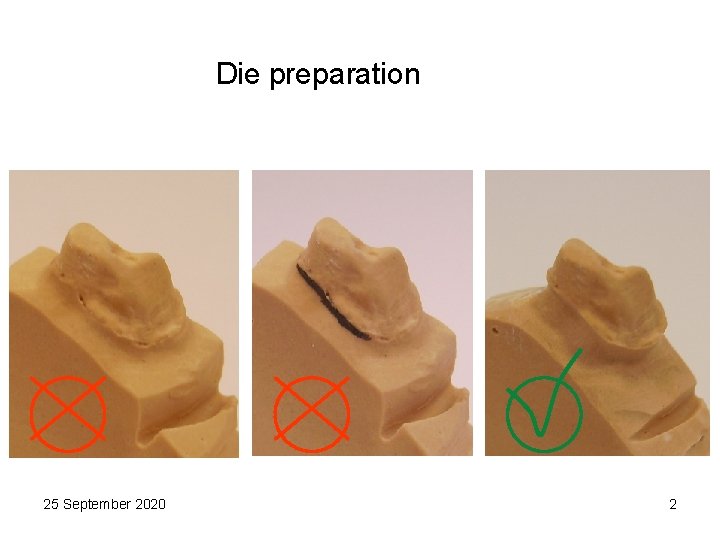
Die preparation 25 September 2020 2
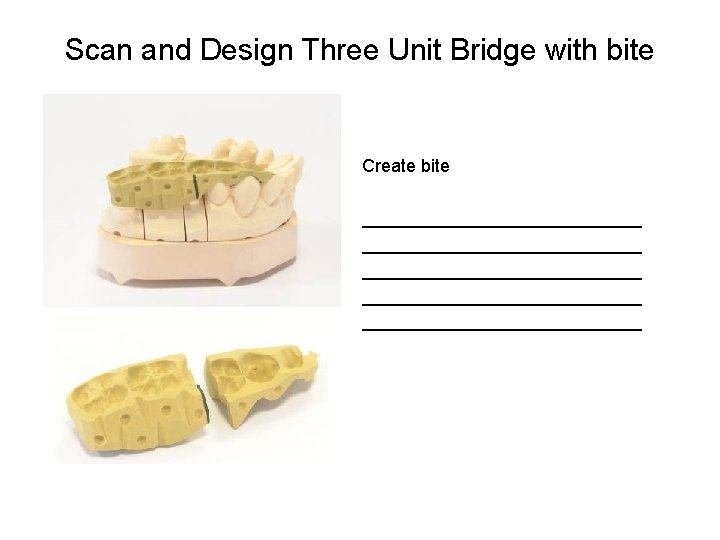
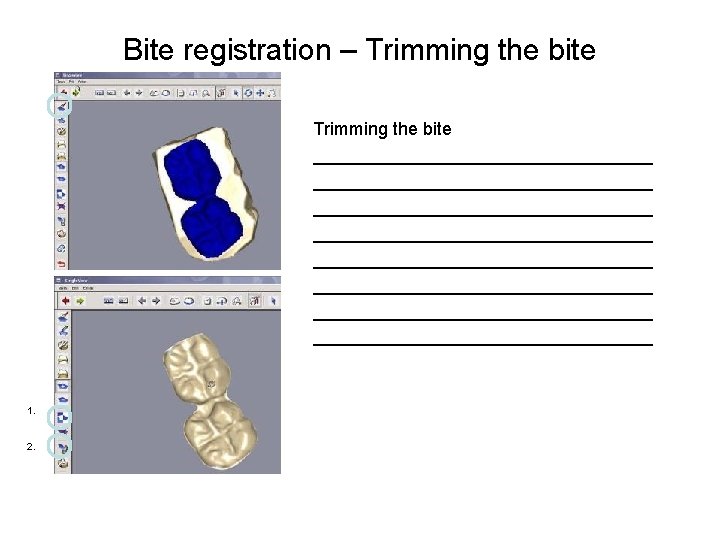
Scan and Design Three Unit Bridge with bite Create bite ____________________________ ______________
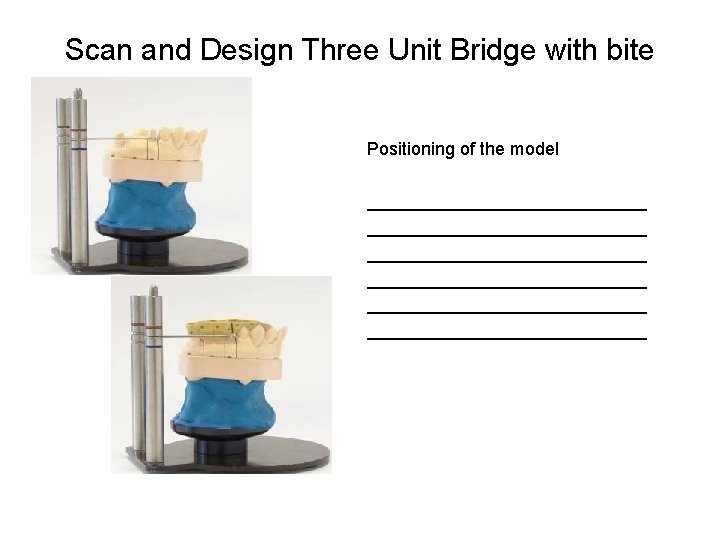
Scan and Design Three Unit Bridge with bite Positioning of the model ____________________________ ____________________________
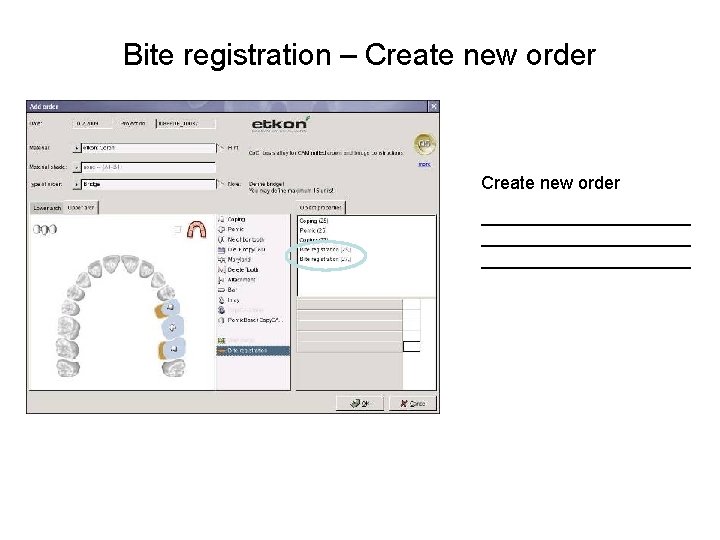
Bite registration – Create new order _____________________
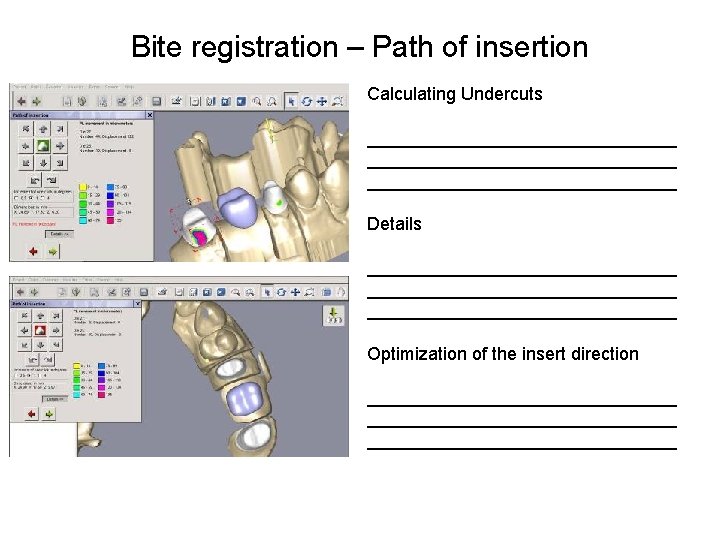
Bite registration – Path of insertion Calculating Undercuts _______________________________ Details _______________________________ Optimization of the insert direction _______________________________
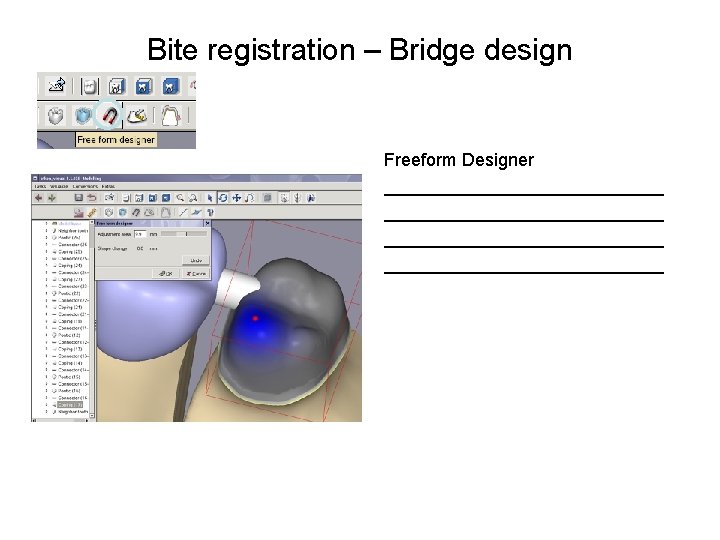
Bite registration – Bridge design Freeform Designer ____________________________
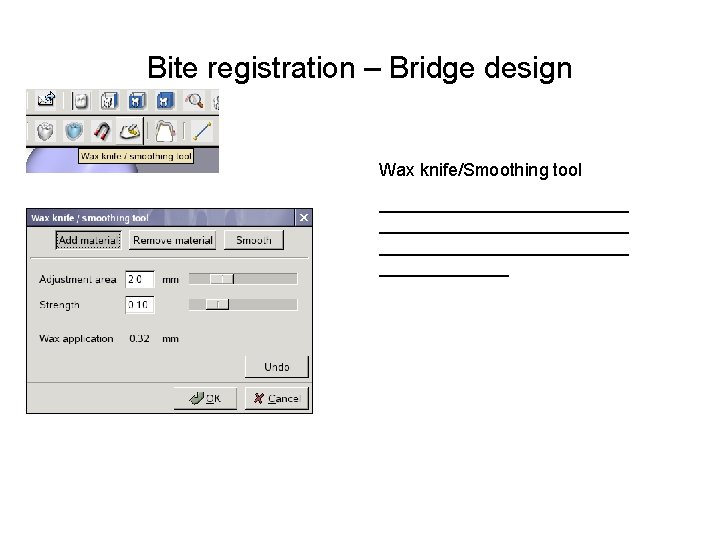
Bite registration – Bridge design Wax knife/Smoothing tool _________________________ _______
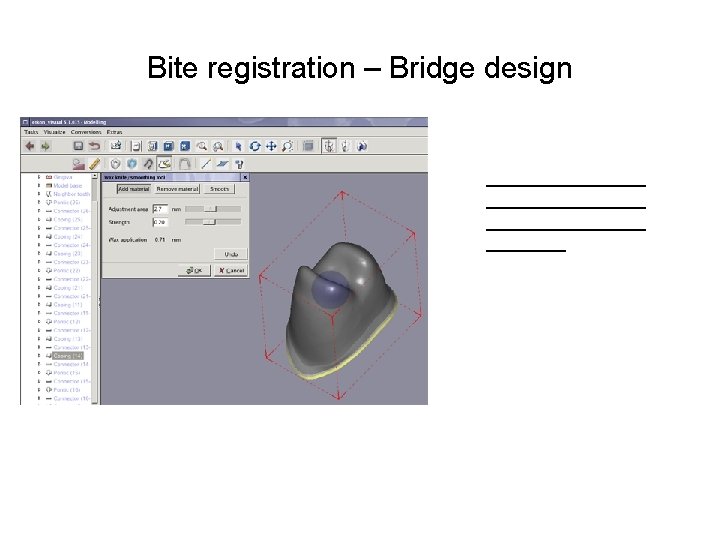
Bite registration – Bridge design ________________ ____
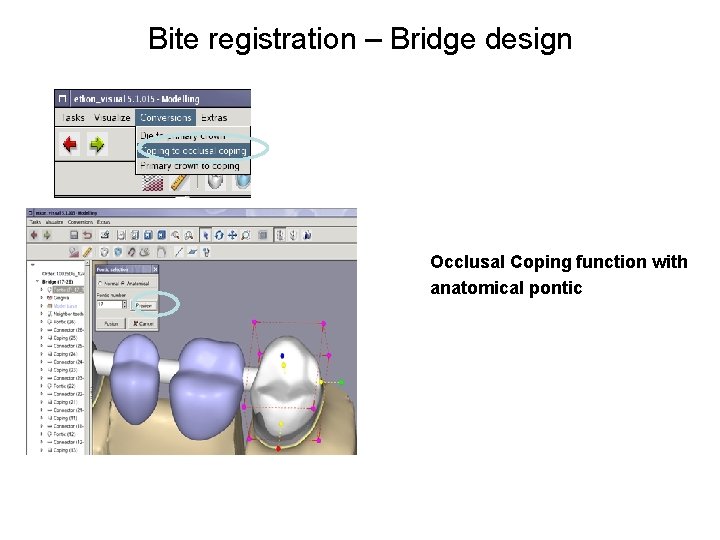
Bite registration – Bridge design Occlusal Coping function with anatomical pontic
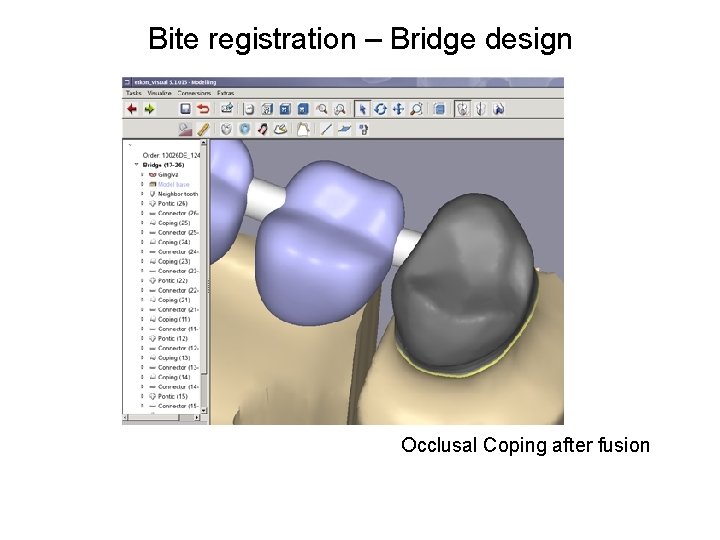
Bite registration – Bridge design Occlusal Coping after fusion
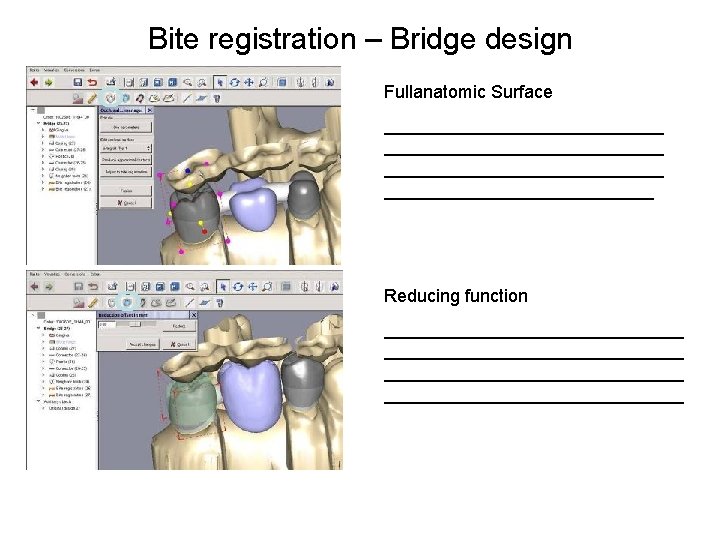
Bite registration – Bridge design Fullanatomic Surface ____________________________ ______________ Reducing function ______________________________
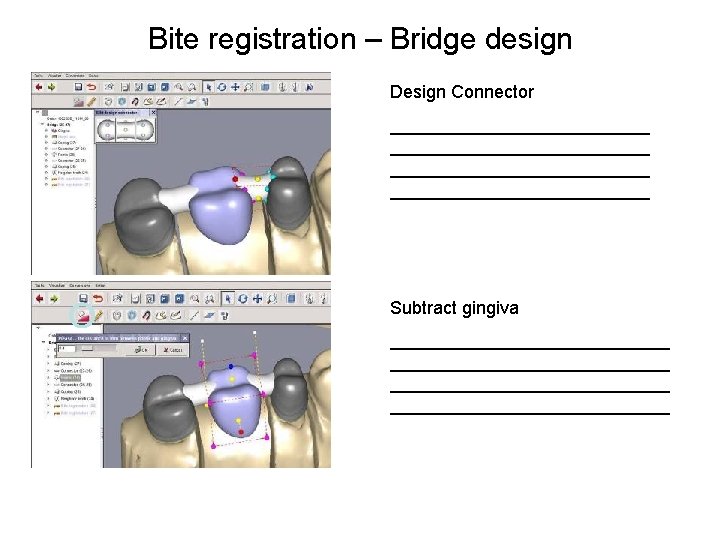
Bite registration – Bridge design Design Connector __________________________ Subtract gingiva ____________________________
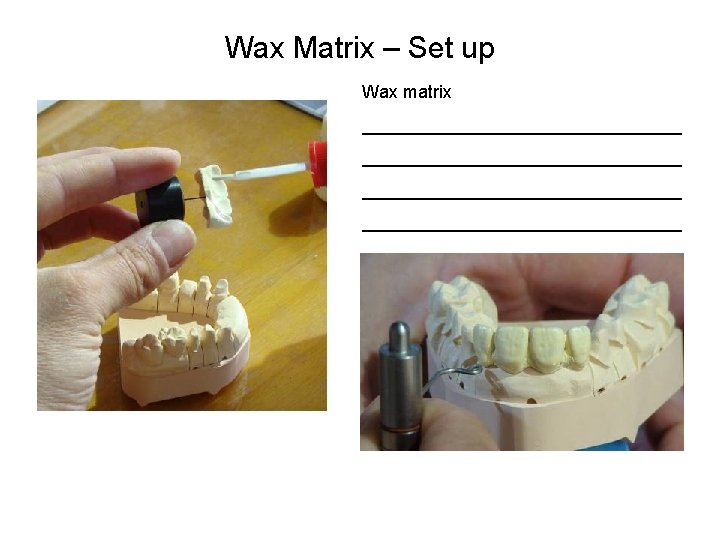
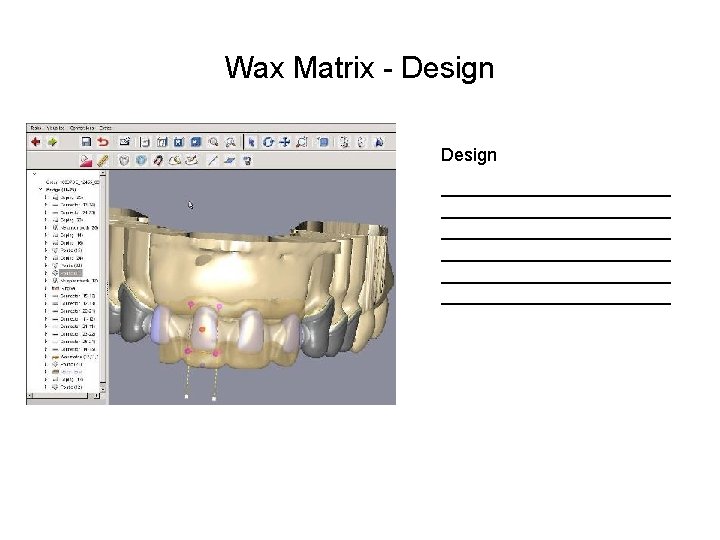
Wax Matrix – Set up Wax matrix ________________________________
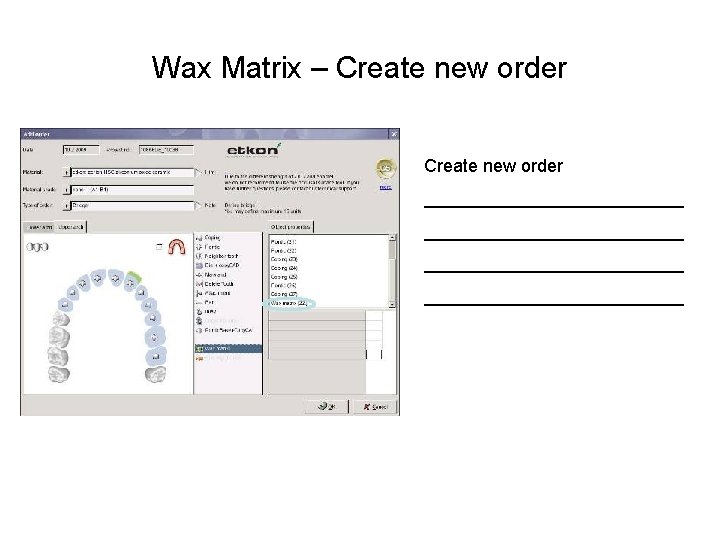
Wax Matrix – Create new order __________________________
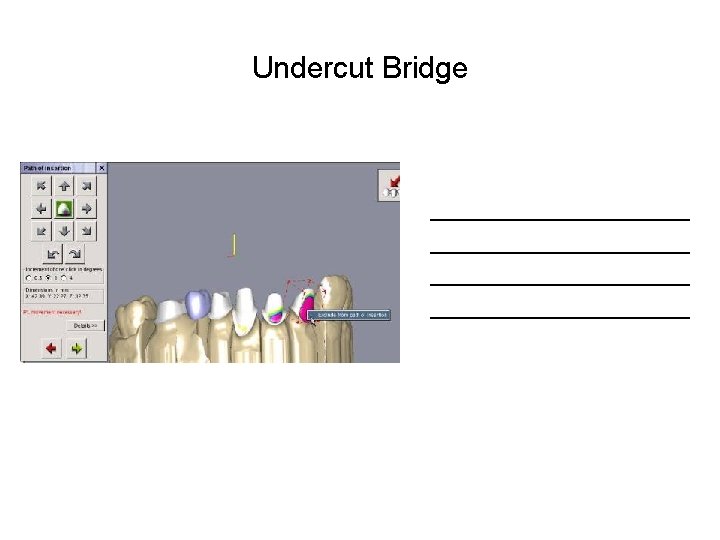
Undercut Bridge __________________________
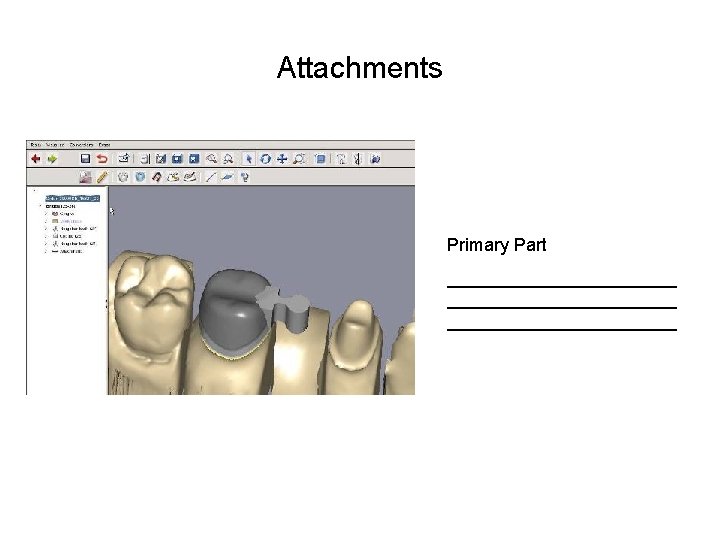
Attachments Primary Part _______________________
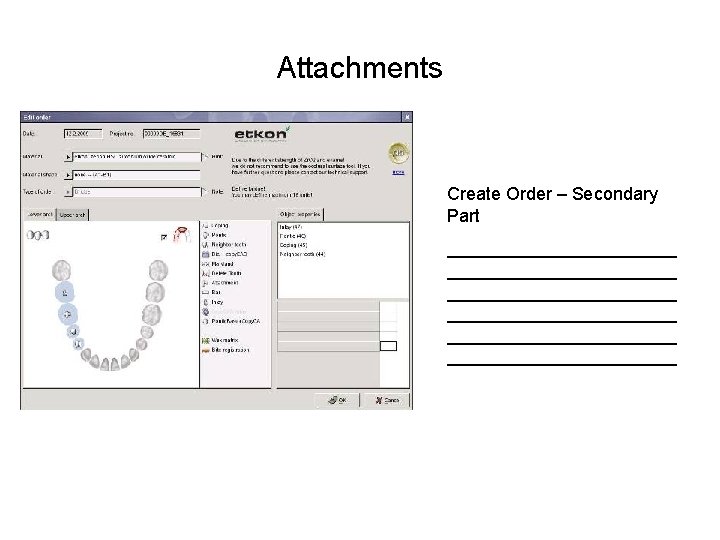
Attachments Create Order – Secondary Part _______________________ _______________________
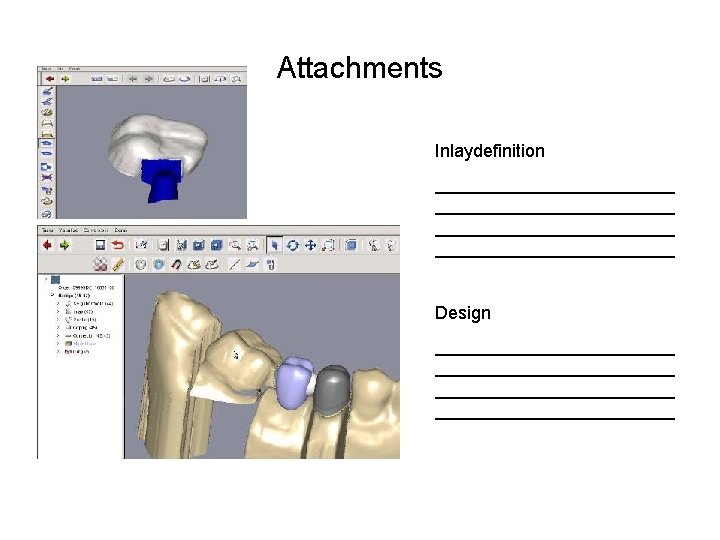
Attachments Inlaydefinition ________________________ Design ________________________
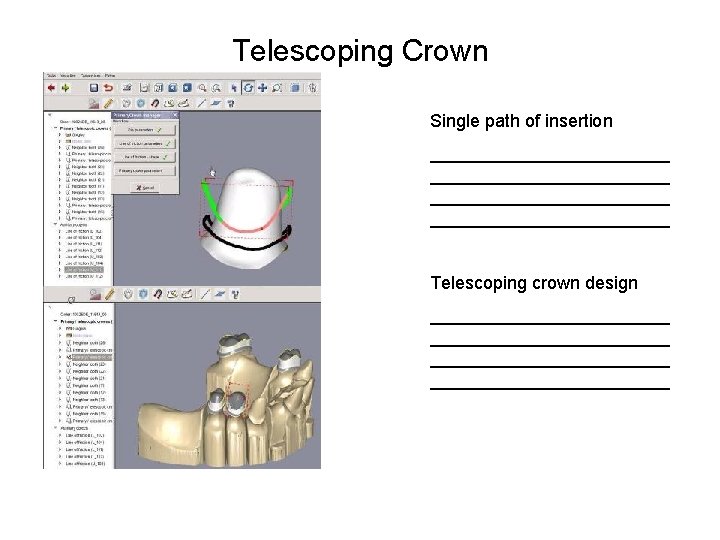
Telescoping Crown Single path of insertion ________________________ Telescoping crown design ________________________
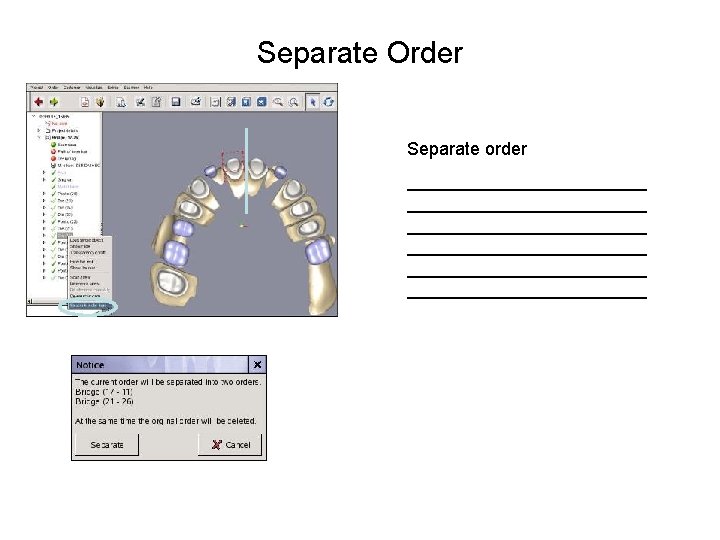
Separate Order Separate order ________________________ ________________________
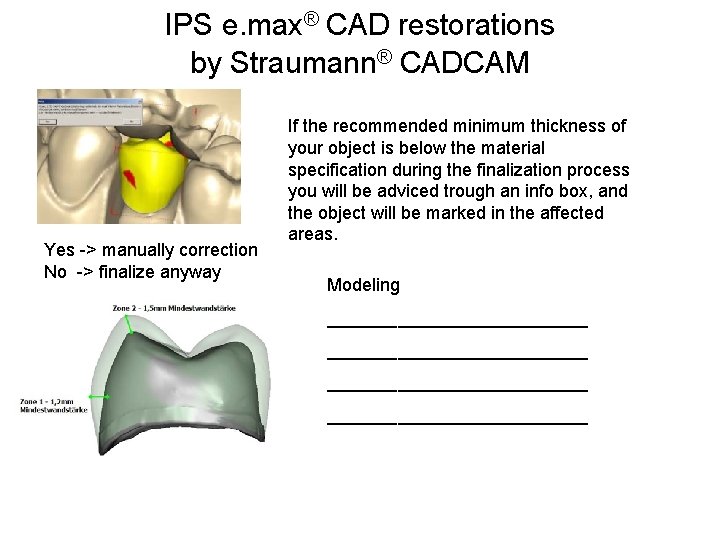
IPS e. max® CAD restorations by Straumann® CADCAM Yes -> manually correction No -> finalize anyway If the recommended minimum thickness of your object is below the material specification during the finalization process you will be adviced trough an info box, and the object will be marked in the affected areas. Modeling __________________________
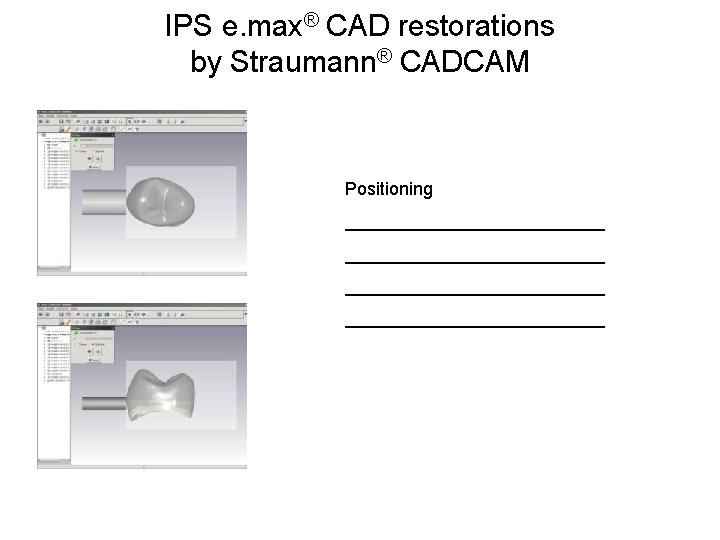
IPS e. max® CAD restorations by Straumann® CADCAM Positioning __________________________
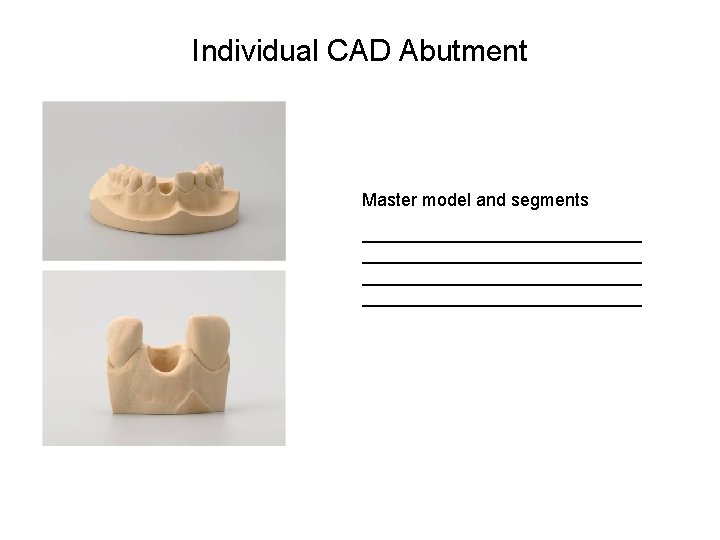
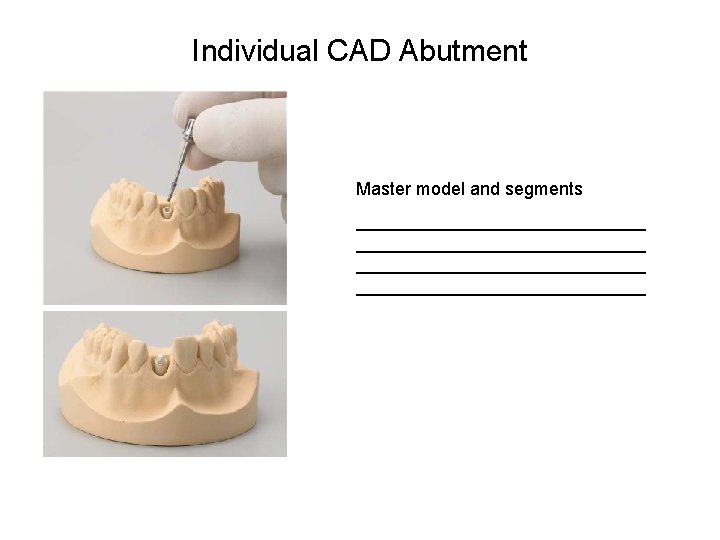
Individual CAD Abutment Master model and segments ____________________________
Individual CAD Abutment Master model and segments _____________________________
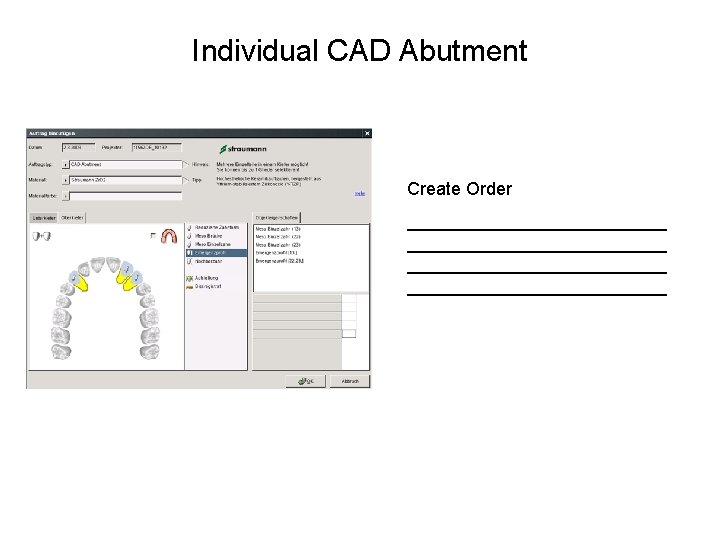
Individual CAD Abutment Create Order __________________________
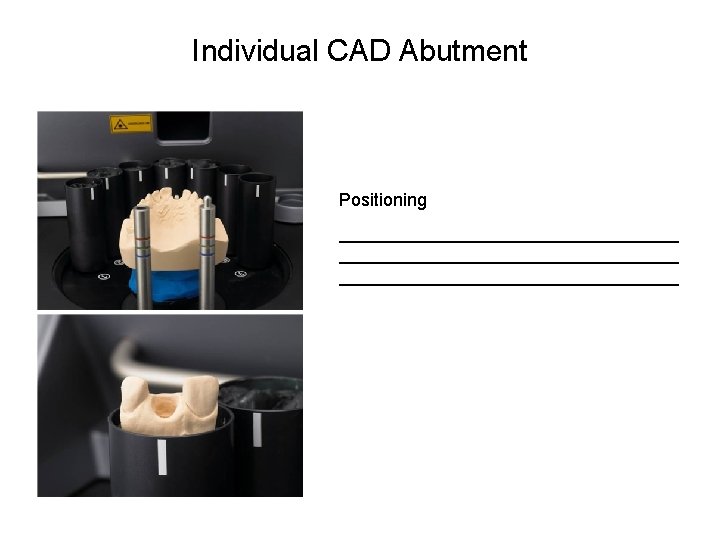
Individual CAD Abutment Positioning __________________________________
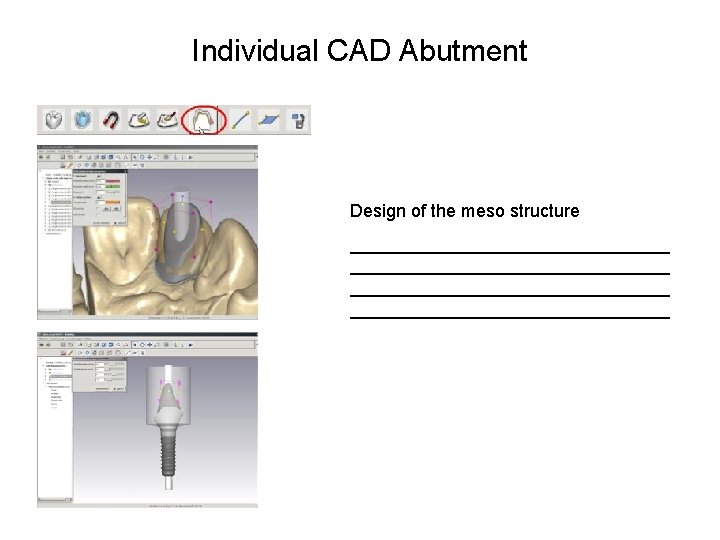
Individual CAD Abutment Design of the meso structure ________________________________
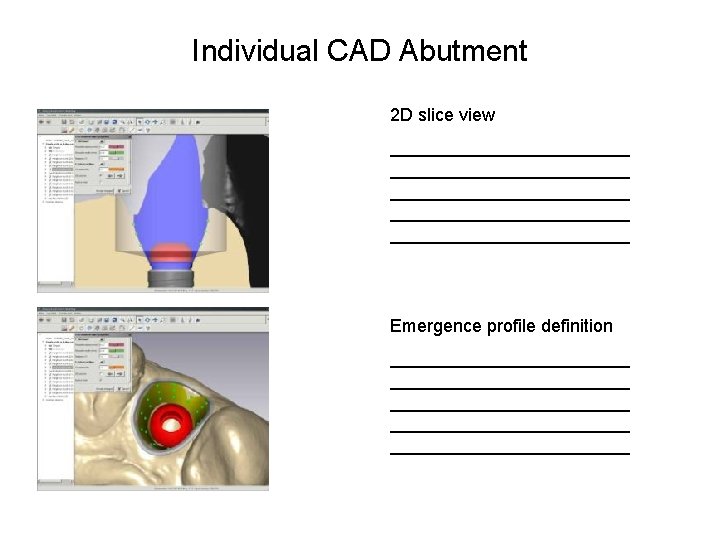
Individual CAD Abutment 2 D slice view ________________________ ____________ Emergence profile definition ________________________ ____________
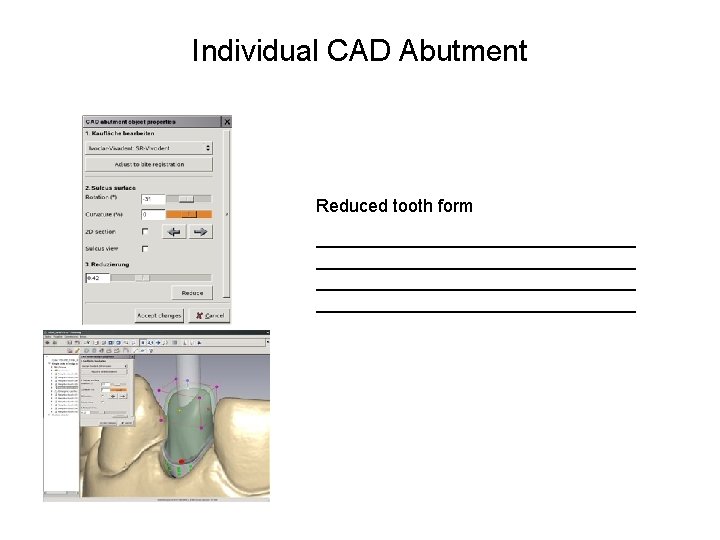
Individual CAD Abutment Reduced tooth form ________________________________
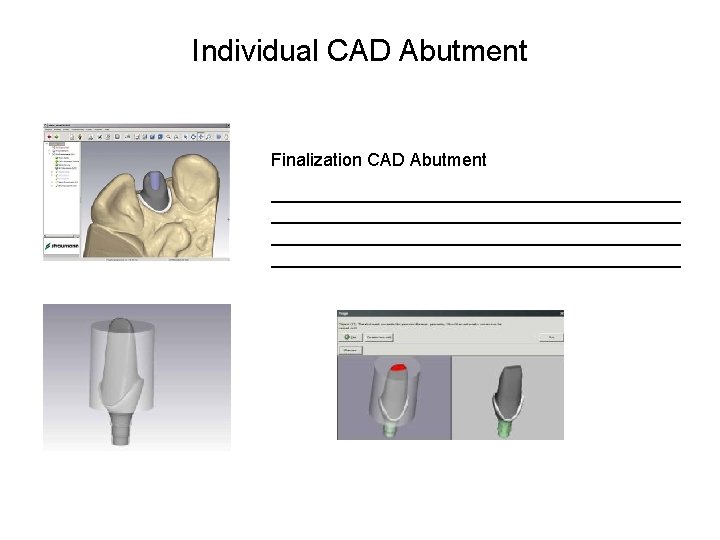
Individual CAD Abutment Finalization CAD Abutment _________________________________________
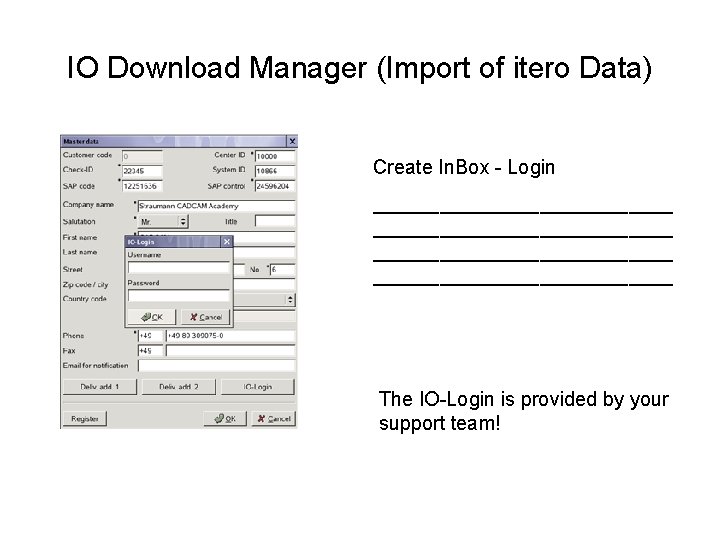
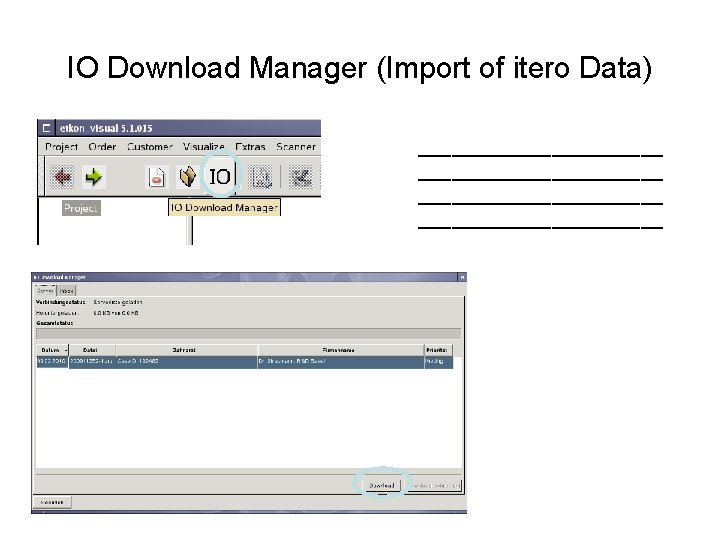
IO Download Manager (Import of itero Data) Create In. Box - Login ___________________________ The IO-Login is provided by your support team!
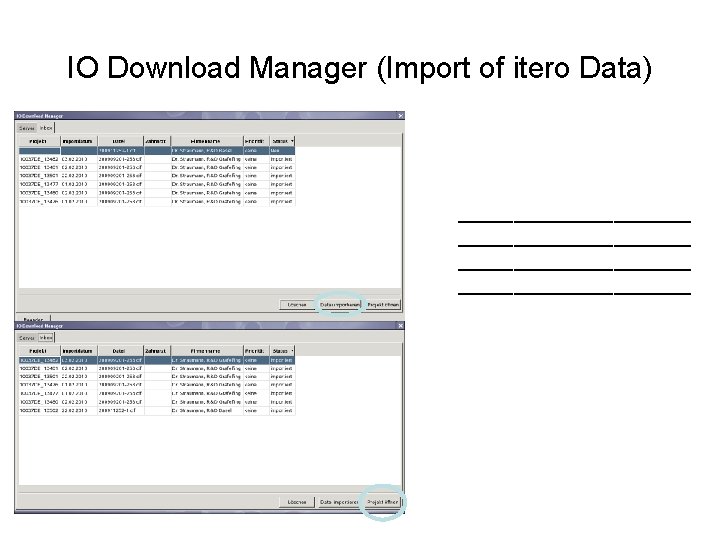
IO Download Manager (Import of itero Data) ______________________
IO Download Manager (Import of itero Data) _____________________
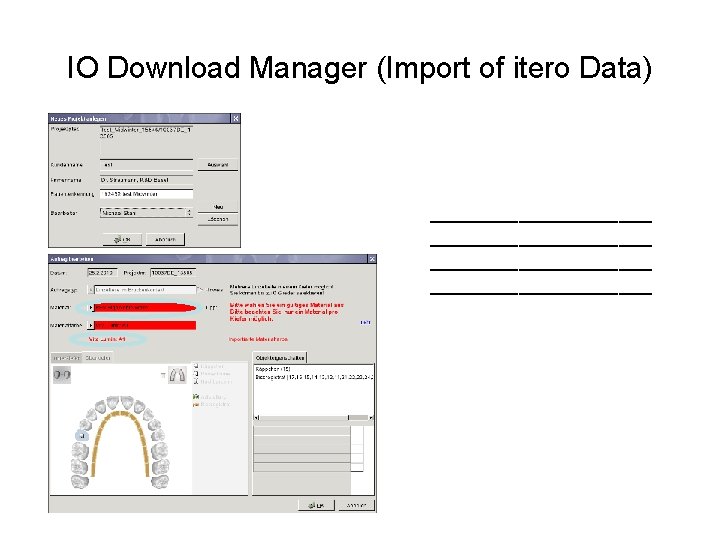
IO Download Manager (Import of itero Data) ____________________
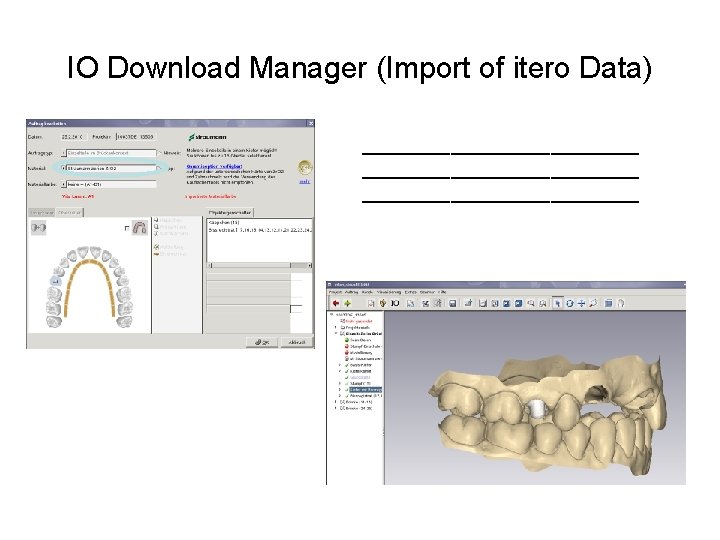
IO Download Manager (Import of itero Data) _________________________
Contact informations Straumann CADCAM Fabriksgatan 13 412 50 Göteborg Tel. Support med delad skärmfunktion: 0200 -222 101