
COS 429 PS 3 Stitching a Panorama Due
- Slides: 16
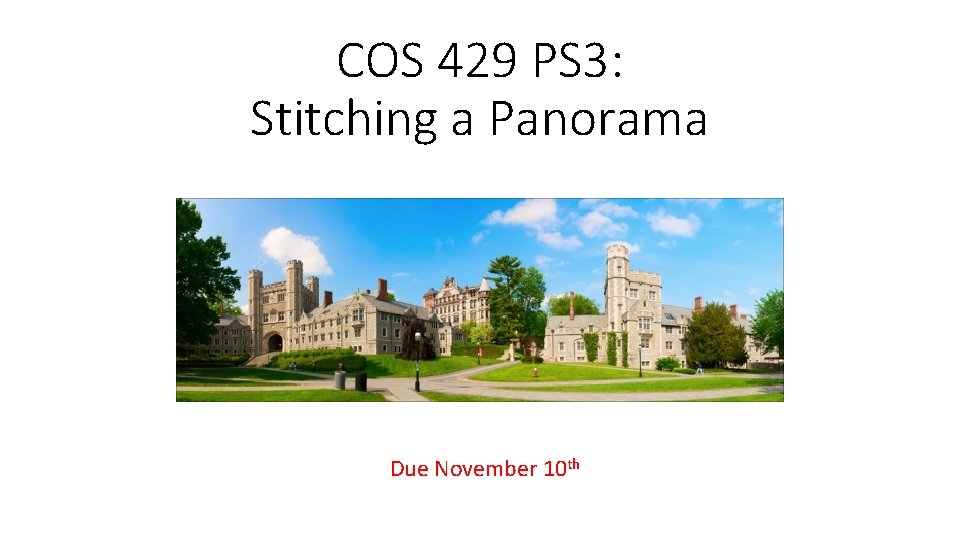
COS 429 PS 3: Stitching a Panorama Due November 10 th
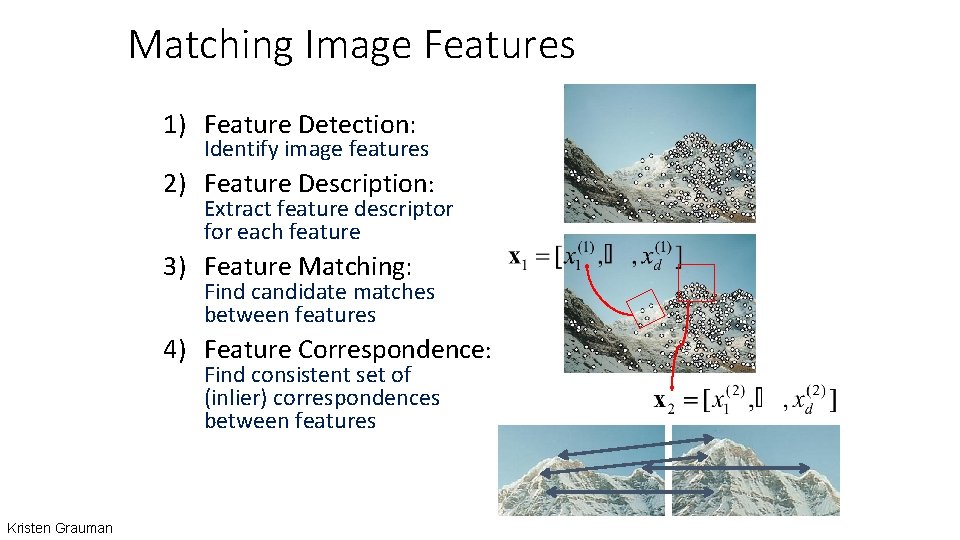
Matching Image Features 1) Feature Detection: Identify image features 2) Feature Description: Extract feature descriptor for each feature 3) Feature Matching: Find candidate matches between features 4) Feature Correspondence: Find consistent set of (inlier) correspondences between features Kristen Grauman
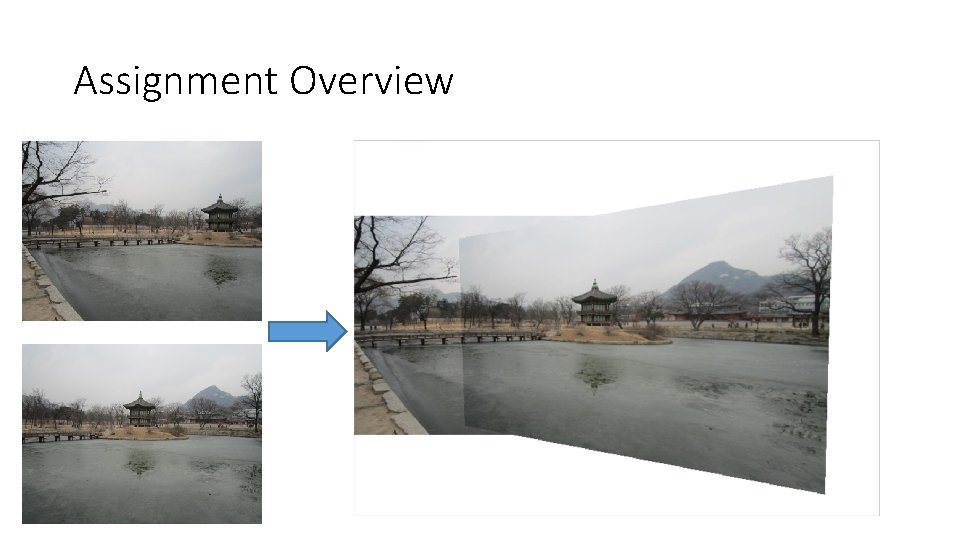
Assignment Overview
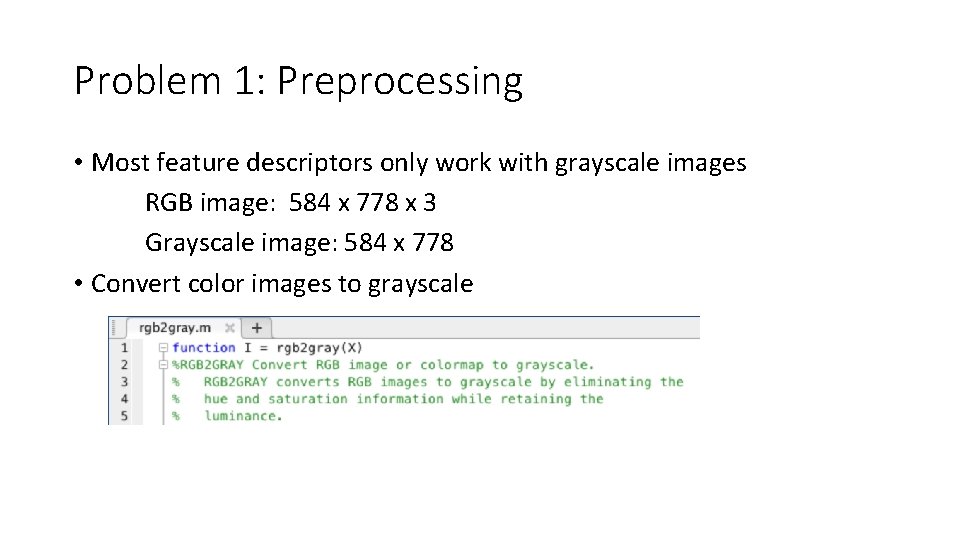
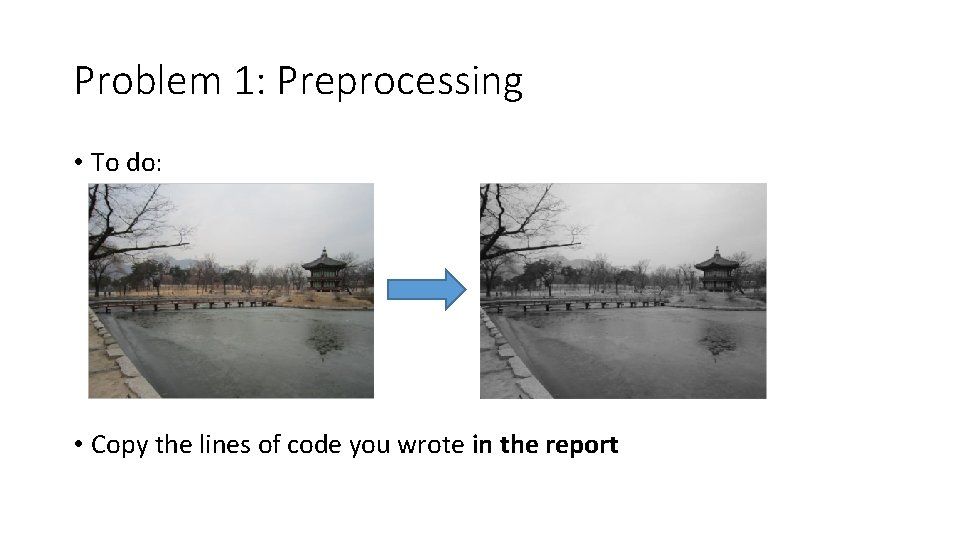
Problem 1: Preprocessing • Most feature descriptors only work with grayscale images RGB image: 584 x 778 x 3 Grayscale image: 584 x 778 • Convert color images to grayscale
Problem 1: Preprocessing • To do: • Copy the lines of code you wrote in the report
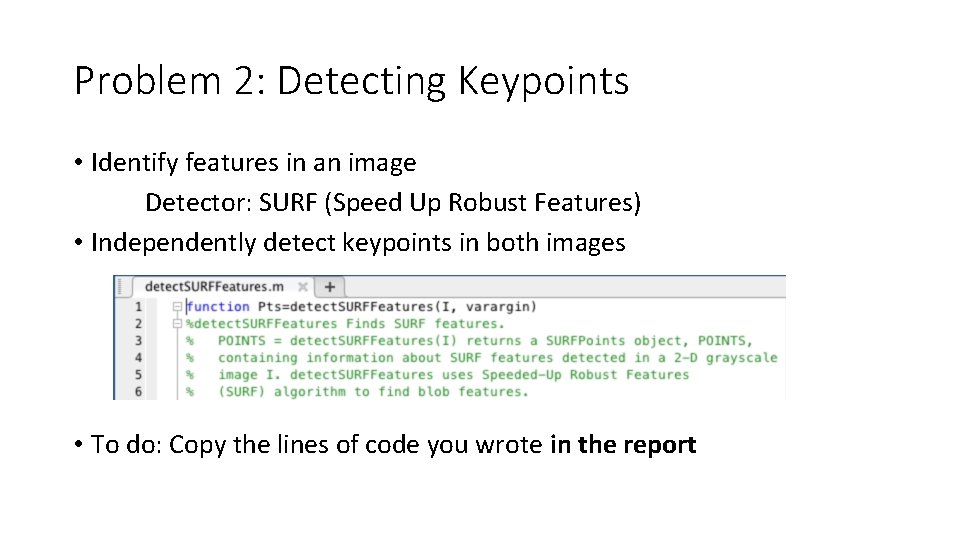
Problem 2: Detecting Keypoints • Identify features in an image Detector: SURF (Speed Up Robust Features) • Independently detect keypoints in both images • To do: Copy the lines of code you wrote in the report
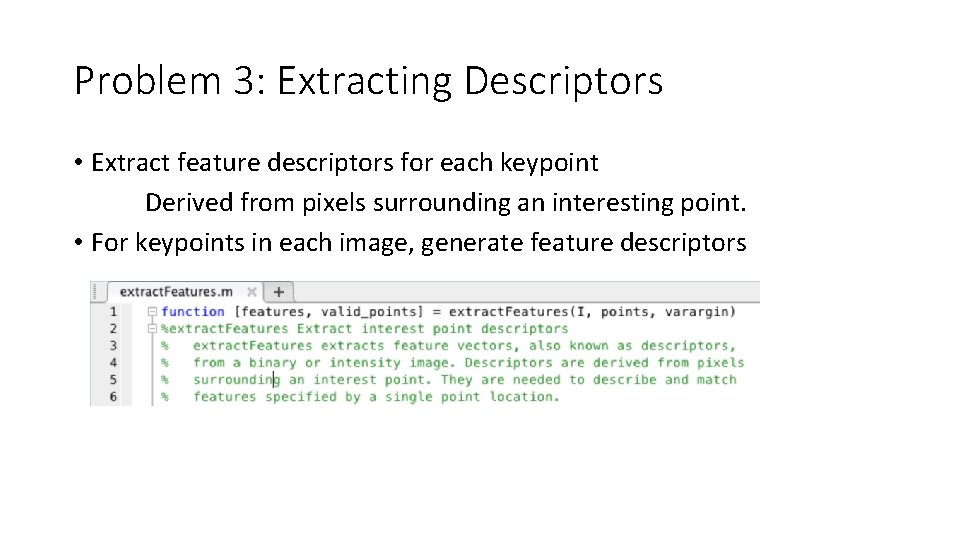
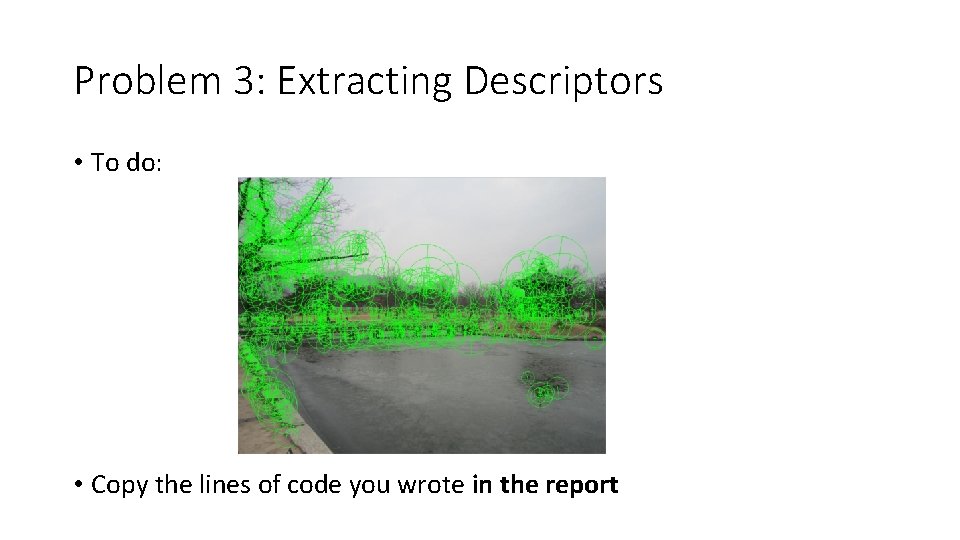
Problem 3: Extracting Descriptors • Extract feature descriptors for each keypoint Derived from pixels surrounding an interesting point. • For keypoints in each image, generate feature descriptors
Problem 3: Extracting Descriptors • To do: • Copy the lines of code you wrote in the report
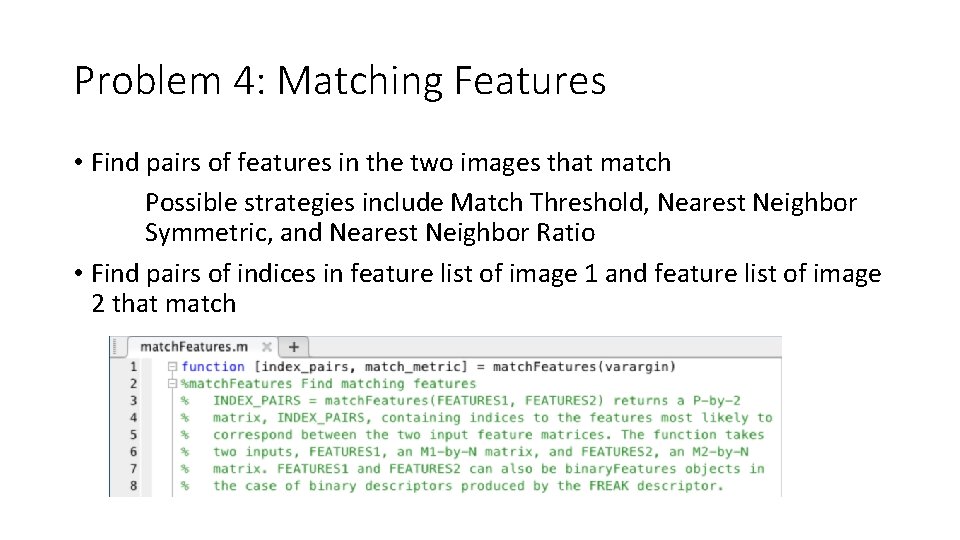
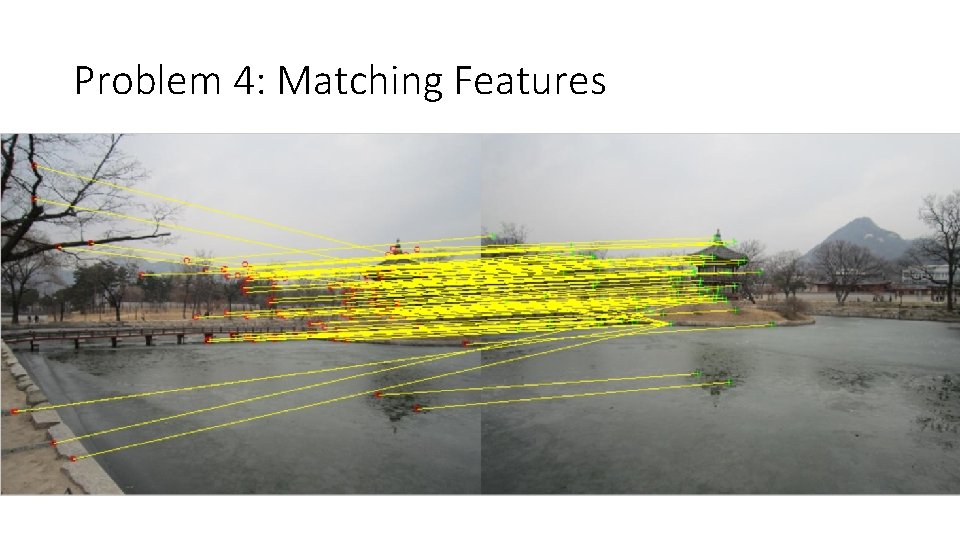
Problem 4: Matching Features • Find pairs of features in the two images that match Possible strategies include Match Threshold, Nearest Neighbor Symmetric, and Nearest Neighbor Ratio • Find pairs of indices in feature list of image 1 and feature list of image 2 that match
Problem 4: Matching Features
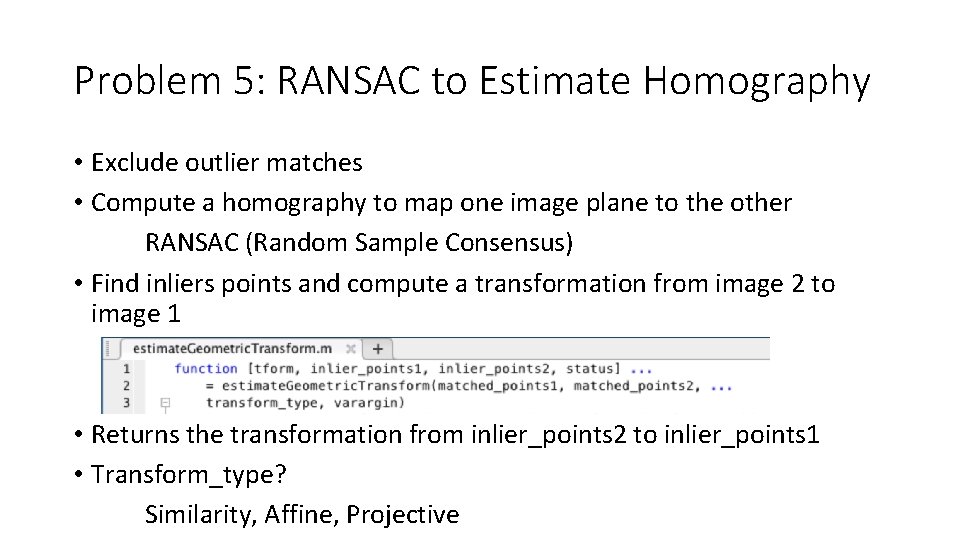
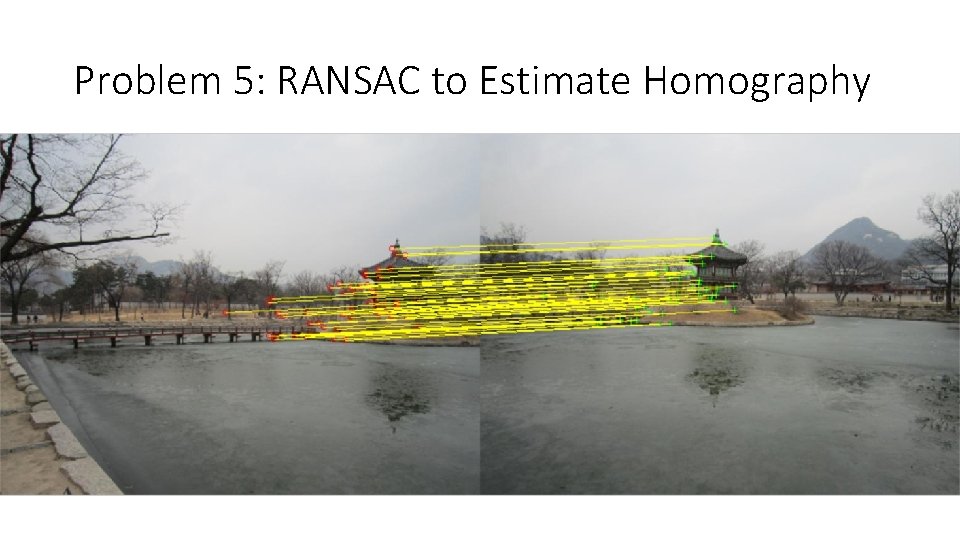
Problem 5: RANSAC to Estimate Homography • Exclude outlier matches • Compute a homography to map one image plane to the other RANSAC (Random Sample Consensus) • Find inliers points and compute a transformation from image 2 to image 1 • Returns the transformation from inlier_points 2 to inlier_points 1 • Transform_type? Similarity, Affine, Projective
Problem 5: RANSAC to Estimate Homography
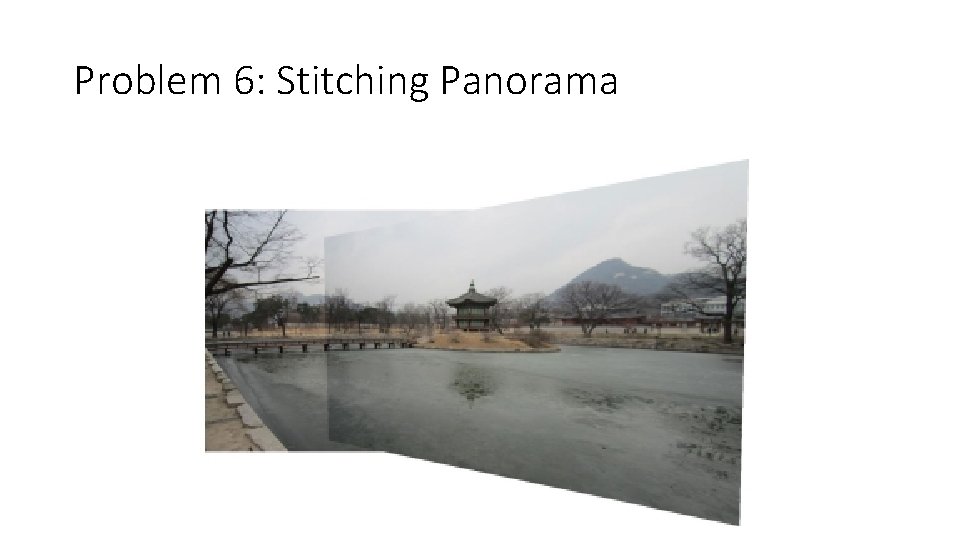
Problem 6: Stitching Panorama • Warp the two images to make a panorama Code provided to warp the first image • To do: Write similar code to warp and paste the second image to produce a final panoramic image • Add the resulting panorama to your report; copy the lines of code you wrote in the report
Problem 6: Stitching Panorama
Problem 7: Take Your Own Pictures for Princeton Campus • Task: Take two pictures of Princeton’s campus, run the code to stitch them together Include the original two photos and the final panorama in your report
What to Submit: • One PDF file report • One ZIP file containing all the source code, and a “ps 3. m” file that takes no parameters as input and runs directly in MATLAB to generate the results in the pdf report