
Core servlets chapter 6 Generating server response http

- Slides: 14
Core servlets chapter 6 Generating server response: http status codes
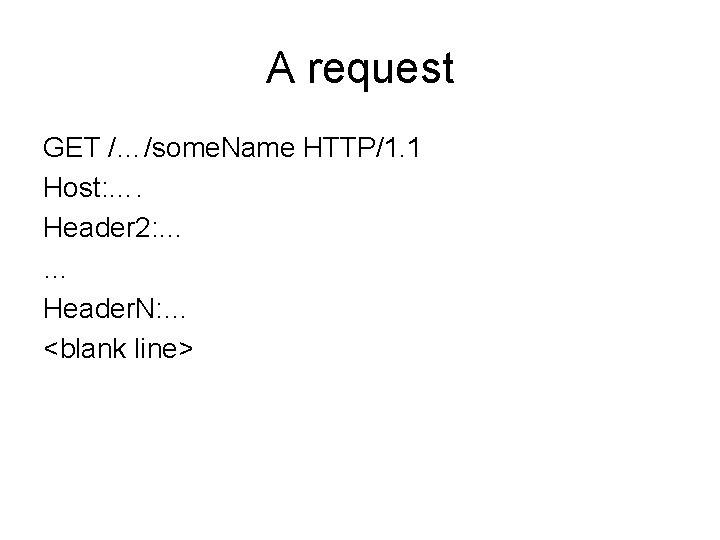
A request GET /…/some. Name HTTP/1. 1 Host: …. Header 2: … … Header. N: … <blank line>
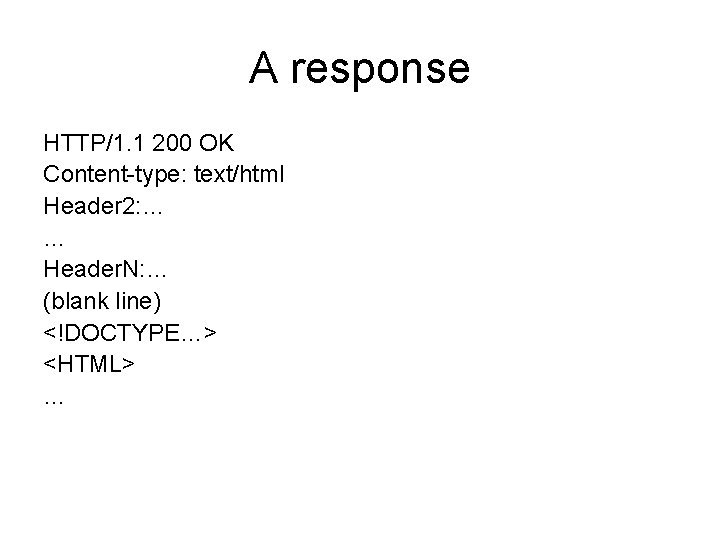
A response HTTP/1. 1 200 OK Content-type: text/html Header 2: … … Header. N: … (blank line) <!DOCTYPE…> <HTML> …
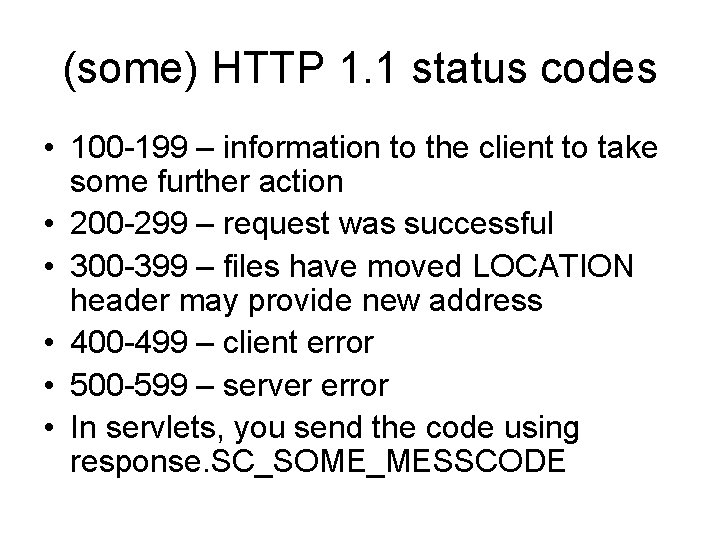
(some) HTTP 1. 1 status codes • 100 -199 – information to the client to take some further action • 200 -299 – request was successful • 300 -399 – files have moved LOCATION header may provide new address • 400 -499 – client error • 500 -599 – server error • In servlets, you send the code using response. SC_SOME_MESSCODE
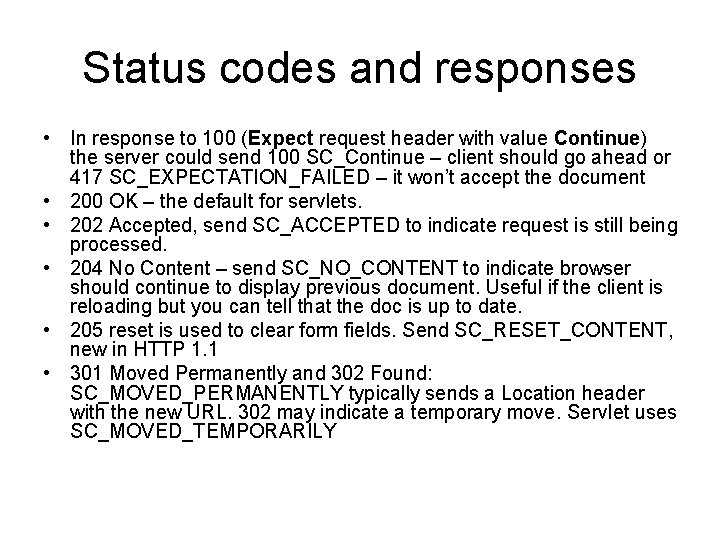
Status codes and responses • In response to 100 (Expect request header with value Continue) the server could send 100 SC_Continue – client should go ahead or 417 SC_EXPECTATION_FAILED – it won’t accept the document • 200 OK – the default for servlets. • 202 Accepted, send SC_ACCEPTED to indicate request is still being processed. • 204 No Content – send SC_NO_CONTENT to indicate browser should continue to display previous document. Useful if the client is reloading but you can tell that the doc is up to date. • 205 reset is used to clear form fields. Send SC_RESET_CONTENT, new in HTTP 1. 1 • 301 Moved Permanently and 302 Found: SC_MOVED_PERMANENTLY typically sends a Location header with the new URL. 302 may indicate a temporary move. Servlet uses SC_MOVED_TEMPORARILY
More codes • 303 (See Other)
Redirect vs refresh • In 302 the browser automatically loads the URL from the location header. • Track user behavior by routing them to a link on your own site and then recording what they select • Side effects – you can return both a Set-Cookie response header via response. add. Cookie and a 302 status code by means of a response. send. Redirect(url). This latter is shorter and easier than using both response. set. Status(response. SC_MOVED_TEMPORAR ILY) and respnse. set. Header(“Location”, url)
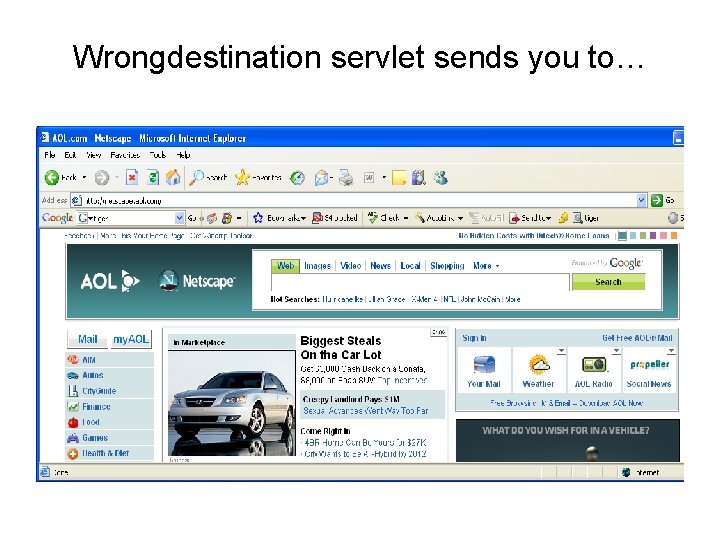
Wrongdestination servlet sends you to…
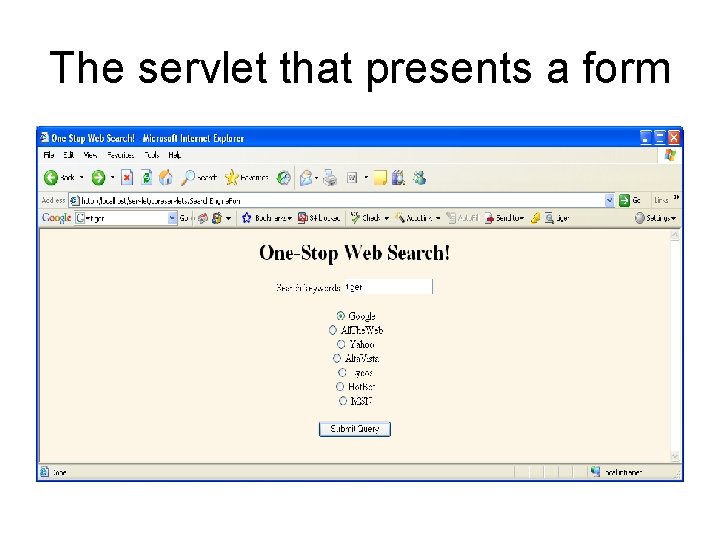
The servlet that presents a form
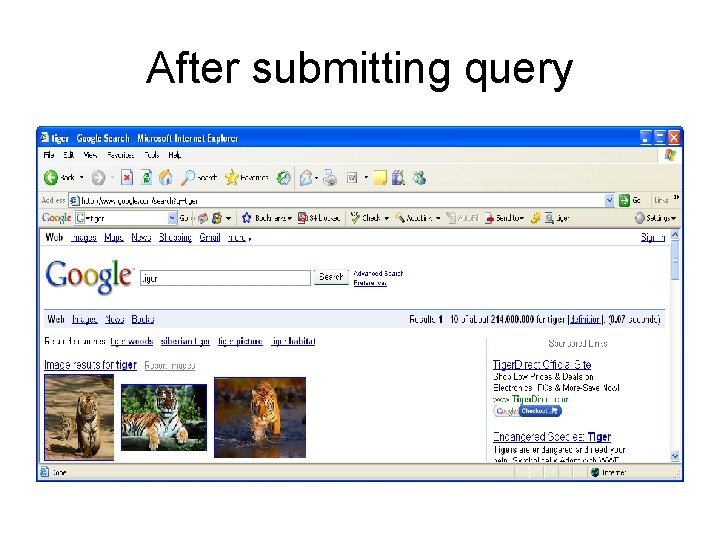
After submitting query
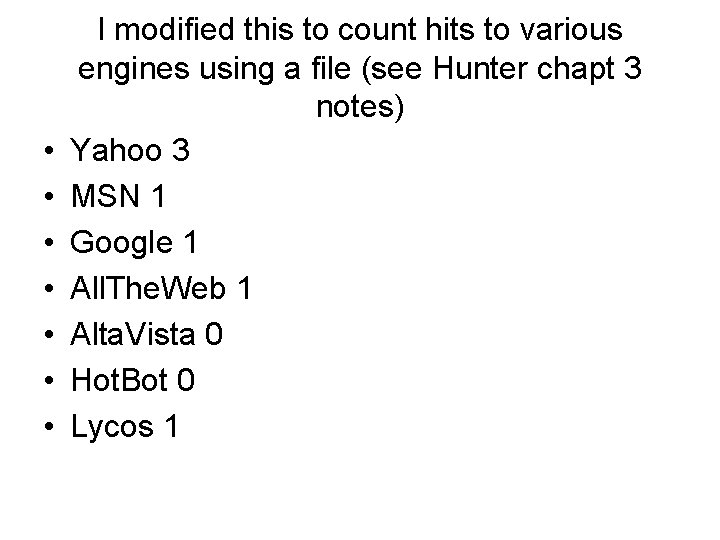
• • I modified this to count hits to various engines using a file (see Hunter chapt 3 notes) Yahoo 3 MSN 1 Google 1 All. The. Web 1 Alta. Vista 0 Hot. Bot 0 Lycos 1
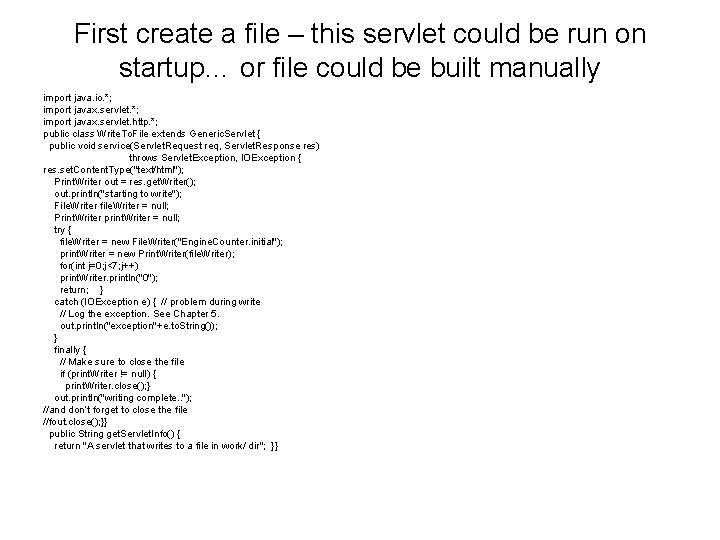
First create a file – this servlet could be run on startup… or file could be built manually import java. io. *; import javax. servlet. http. *; public class Write. To. File extends Generic. Servlet { public void service(Servlet. Request req, Servlet. Response res) throws Servlet. Exception, IOException { res. set. Content. Type("text/html"); Print. Writer out = res. get. Writer(); out. println("starting to write"); File. Writer file. Writer = null; Print. Writer print. Writer = null; try { file. Writer = new File. Writer("Engine. Counter. initial"); print. Writer = new Print. Writer(file. Writer); for(int j=0; j<7; j++) print. Writer. println("0"); return; } catch (IOException e) { // problem during write // Log the exception. See Chapter 5. out. println("exception"+e. to. String()); } finally { // Make sure to close the file if (print. Writer != null) { print. Writer. close(); } out. println("writing complete. . "); //and don’t forget to close the file //fout. close(); }} public String get. Servlet. Info() { return "A servlet that writes to a file in work/ dir"; }}
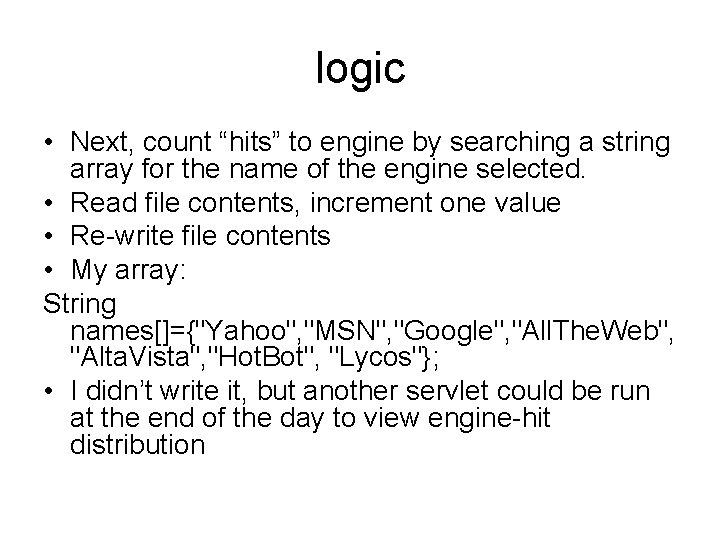
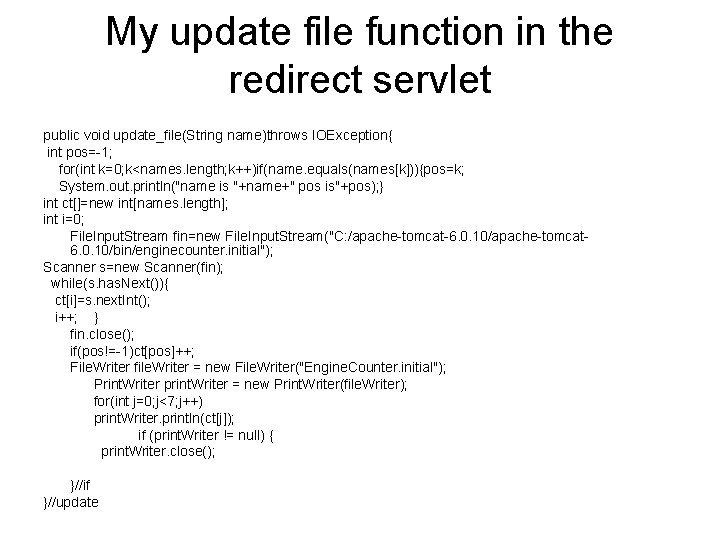
logic • Next, count “hits” to engine by searching a string array for the name of the engine selected. • Read file contents, increment one value • Re-write file contents • My array: String names[]={"Yahoo", "MSN", "Google", "All. The. Web", "Alta. Vista", "Hot. Bot", "Lycos"}; • I didn’t write it, but another servlet could be run at the end of the day to view engine-hit distribution
My update file function in the redirect servlet public void update_file(String name)throws IOException{ int pos=-1; for(int k=0; k<names. length; k++)if(name. equals(names[k])){pos=k; System. out. println("name is "+name+" pos is"+pos); } int ct[]=new int[names. length]; int i=0; File. Input. Stream fin=new File. Input. Stream("C: /apache-tomcat-6. 0. 10/apache-tomcat 6. 0. 10/bin/enginecounter. initial"); Scanner s=new Scanner(fin); while(s. has. Next()){ ct[i]=s. next. Int(); i++; } fin. close(); if(pos!=-1)ct[pos]++; File. Writer file. Writer = new File. Writer("Engine. Counter. initial"); Print. Writer print. Writer = new Print. Writer(file. Writer); for(int j=0; j<7; j++) print. Writer. println(ct[j]); if (print. Writer != null) { print. Writer. close(); }//if }//update