
Core Performance Follow Up Employment and Earnings Survey

- Slides: 45
Core Performance Follow Up Employment and Earnings Survey February 6, 2019
Agenda 1) History and Overview of Follow up Process 2) Important Dates for Employment and Earnings Follow Up Survey 3) Description of Student Portal in TOPSpro Enterprise (TE) 4) Features of Student Portal • Create Survey Definition • Run Core Performance Population Report • Save Exit Population and Generate Survey • View and respond to Survey in Student Portal
History and Overview of Follow up Process For both WIA and WIOA II – eligible learners who exit require follow up for employment and post-secondary outcomes • WIA – 1999 -2012: • Required survey of all exited learners • Used Primary/Secondary goals to identify eligible learners • WIA – 2012 -2016: • Used random sampling of exited learners • NRS cohorts system used different data elements for each follow up area to identify eligible learners
NRS Table 5 Follow up Process Implementation of WIOA in July 2016 changed the follow up requirements for NRS Table 5 • All WIOA II learners who exit are eligible for follow up • Follow up is to be done 2 quarters and 4 quarters after exit • No more NRS cohorts definitions • No more random sampling • Emphasis on data matching
NRS Table 5 Follow up Process Implementation of WIOA in July 2016 changed the follow up requirements for NRS Table 5 • All WIOA II learners who exit are eligible for follow up • In the 1999 -2012 survey, we followed up with all learners and were required to get a 50% student response rate • In 2012 -2016, using random sampling, we were required to get a 70% response rate
NRS Table 5 Follow up Process Implementation of WIOA in July 2016 changed the follow up requirements for NRS Table 5 • All WIOA II learners who exit are eligible for follow up • In the current survey process, required response is now 100% • This doesn’t mean we’ll get 100% of our students to respond – but does mean all students are counted when reporting state and agency level results
NRS Table 5 Follow up Process Implementation of WIOA in July 2016 changed the follow up requirements for NRS Table 5 • This doesn’t mean we’ll get 100% of our students to respond – but does mean all students are counted when reporting state and agency level results • Example: If an agency receives responses from 50% of eligible students, and then 50% of those respondents report “yes I got a job” – then that agency’s job attainment rate is 25%.
Data Matching CA initiated two data matches: 1. Chancellor’s Office (CCCCO) for post-secondary outcomes • CCCCO/post-secondary data match to include a “fuzzy match” (looks for demographics in addition to SSN) 2. Employment Development Department (EDD) for employment and wages outcomes • EDD/employment match requires Social Security Number (SSN)
Data Matching • Historically, about 10% of CA WIOA learners include SSN in the statewide data submission • CDE has emphasized use of SSN for data matching purposes, and posted a memorandum on appropriate use of learner SSN, with a sample consent form: https: //www. cde. ca. gov/sp/ae/ir/mgtbulletin 20171. asp • CA developed a new follow up survey to obtain supplemental jobs and wages information for NRS Table 5, so that the state does not rely exclusively on students with SSN.
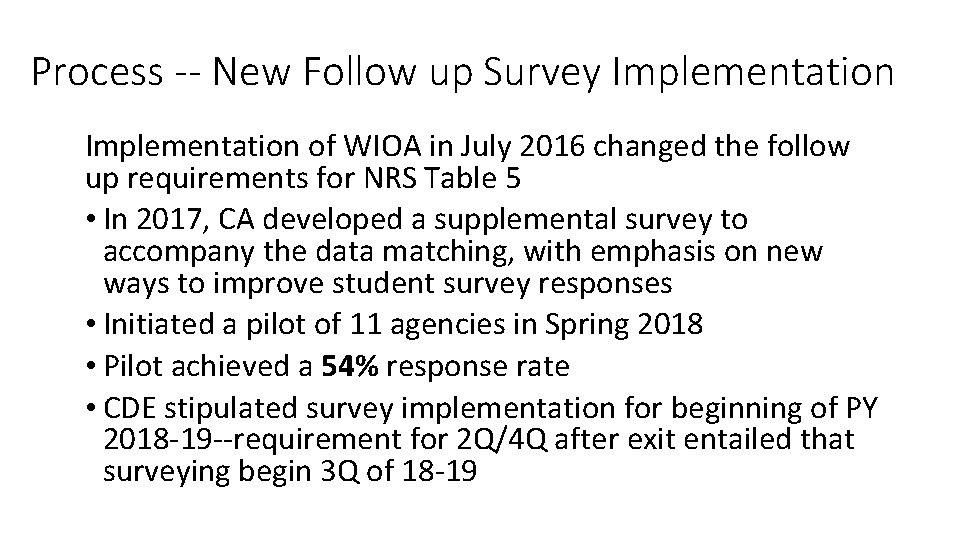
Process -- New Follow up Survey Implementation of WIOA in July 2016 changed the follow up requirements for NRS Table 5 • In 2017, CA developed a supplemental survey to accompany the data matching, with emphasis on new ways to improve student survey responses • Initiated a pilot of 11 agencies in Spring 2018 • Pilot achieved a 54% response rate • CDE stipulated survey implementation for beginning of PY 2018 -19 --requirement for 2 Q/4 Q after exit entailed that surveying begin 3 Q of 18 -19
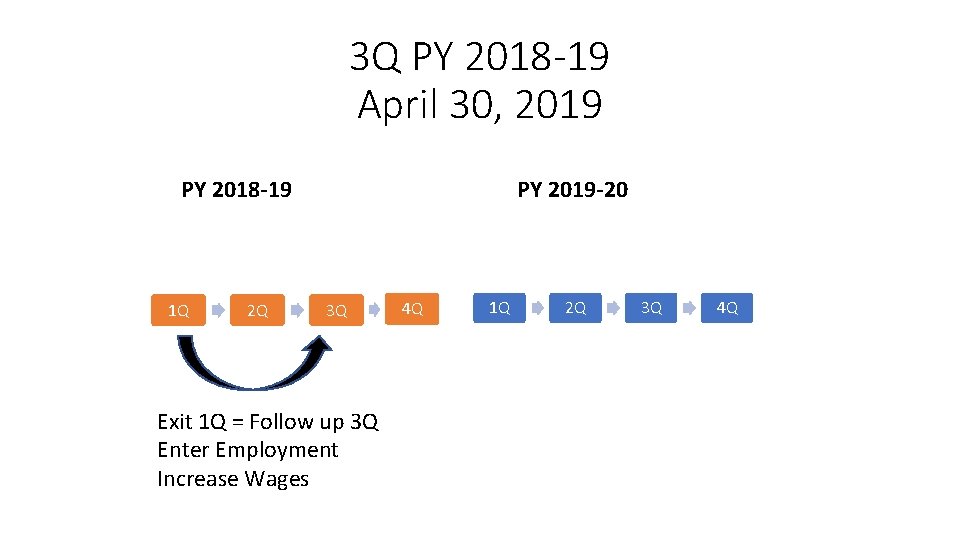
3 Q PY 2018 -19 April 30, 2019 PY 2019 -20 PY 2018 -19 1 Q 2 Q 3 Q Exit 1 Q = Follow up 3 Q Enter Employment Increase Wages 4 Q 1 Q 2 Q 3 Q 4 Q
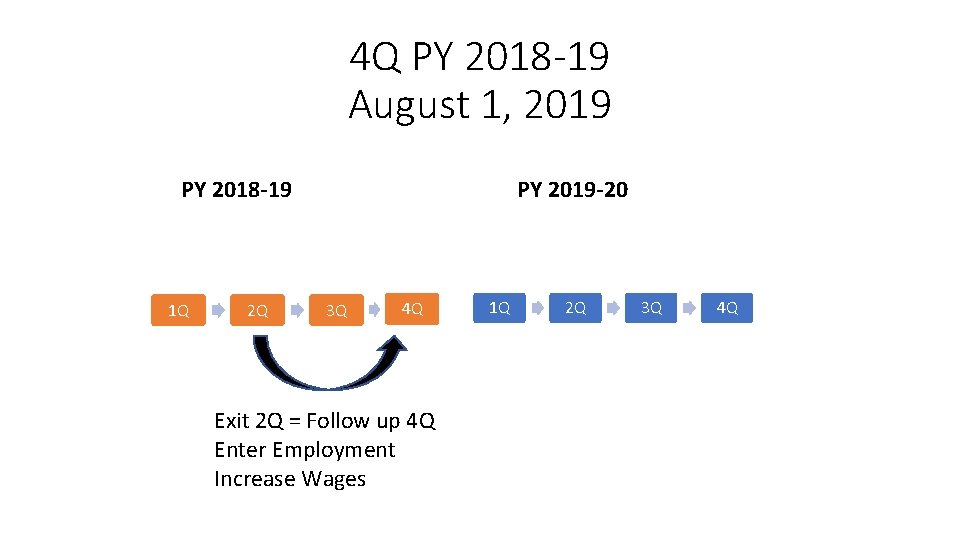
4 Q PY 2018 -19 August 1, 2019 PY 2019 -20 PY 2018 -19 1 Q 2 Q 3 Q 4 Q Exit 2 Q = Follow up 4 Q Enter Employment Increase Wages 1 Q 2 Q 3 Q 4 Q
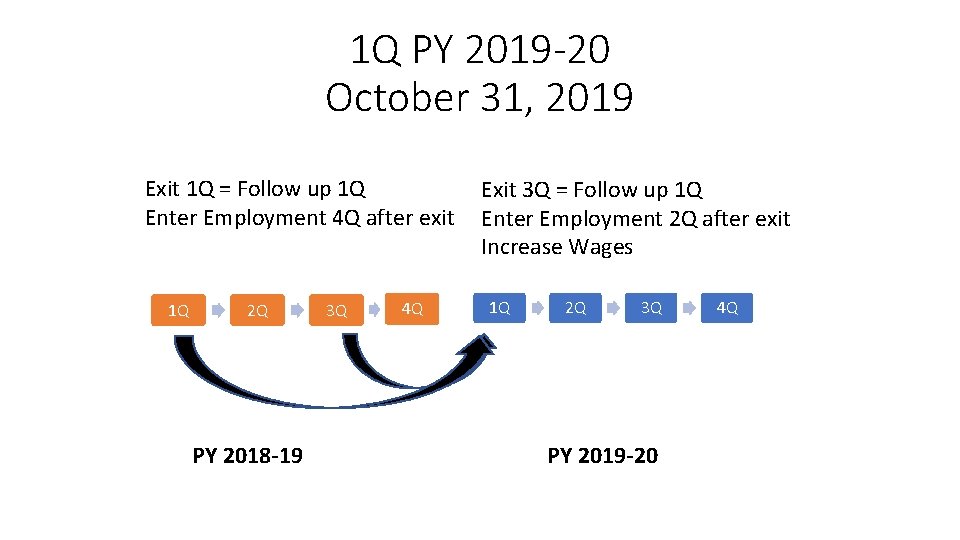
1 Q PY 2019 -20 October 31, 2019 Exit 1 Q = Follow up 1 Q Enter Employment 4 Q after exit 1 Q 2 Q PY 2018 -19 3 Q 4 Q Exit 3 Q = Follow up 1 Q Enter Employment 2 Q after exit Increase Wages 1 Q 2 Q 3 Q PY 2019 -20 4 Q
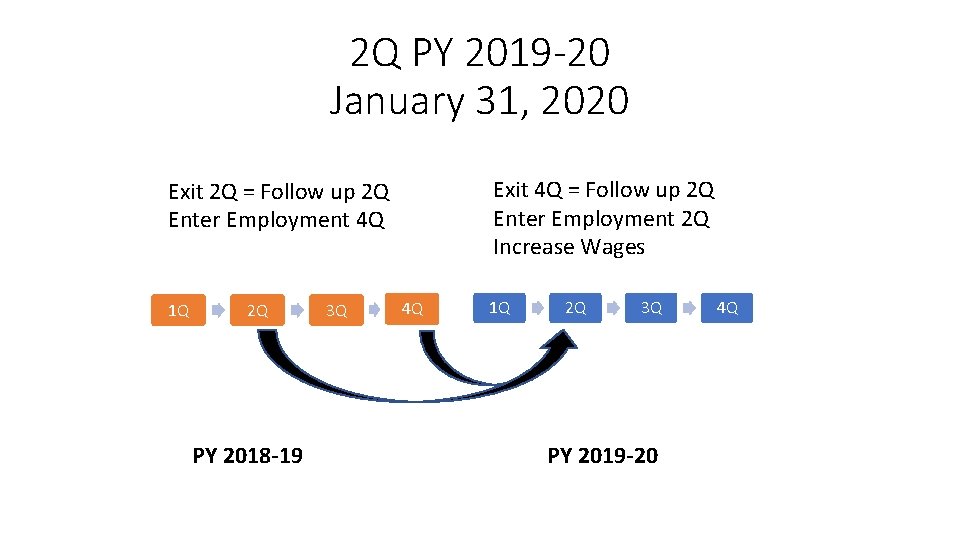
2 Q PY 2019 -20 January 31, 2020 Exit 4 Q = Follow up 2 Q Enter Employment 2 Q Increase Wages Exit 2 Q = Follow up 2 Q Enter Employment 4 Q 1 Q 2 Q PY 2018 -19 3 Q 4 Q 1 Q 2 Q 3 Q PY 2019 -20 4 Q
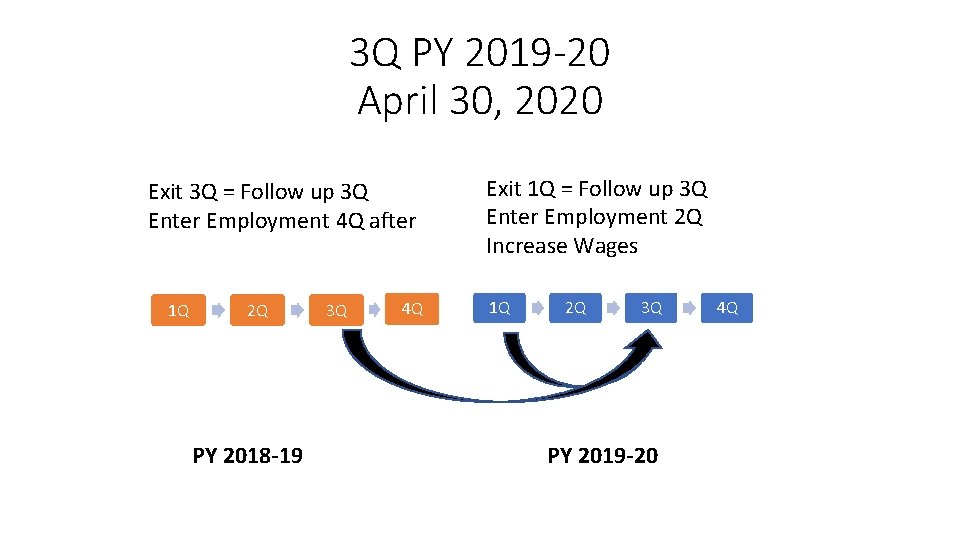
3 Q PY 2019 -20 April 30, 2020 Exit 3 Q = Follow up 3 Q Enter Employment 4 Q after 1 Q 2 Q PY 2018 -19 3 Q 4 Q Exit 1 Q = Follow up 3 Q Enter Employment 2 Q Increase Wages 1 Q 2 Q 3 Q PY 2019 -20 4 Q
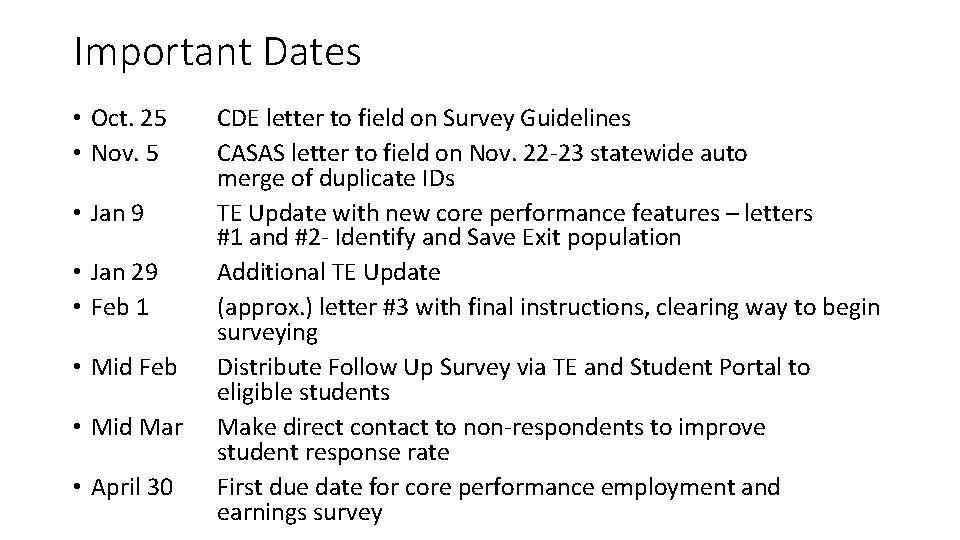
Important Dates • Oct. 25 • Nov. 5 • Jan 9 • Jan 29 • Feb 1 • Mid Feb • Mid Mar • April 30 CDE letter to field on Survey Guidelines CASAS letter to field on Nov. 22 -23 statewide auto merge of duplicate IDs TE Update with new core performance features – letters #1 and #2 - Identify and Save Exit population Additional TE Update (approx. ) letter #3 with final instructions, clearing way to begin surveying Distribute Follow Up Survey via TE and Student Portal to eligible students Make direct contact to non-respondents to improve student response rate First due date for core performance employment and earnings survey
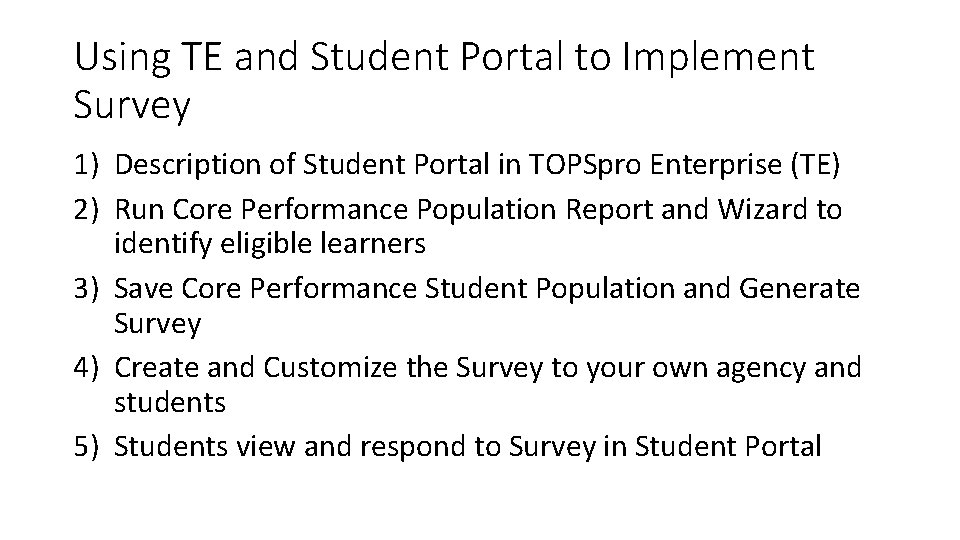
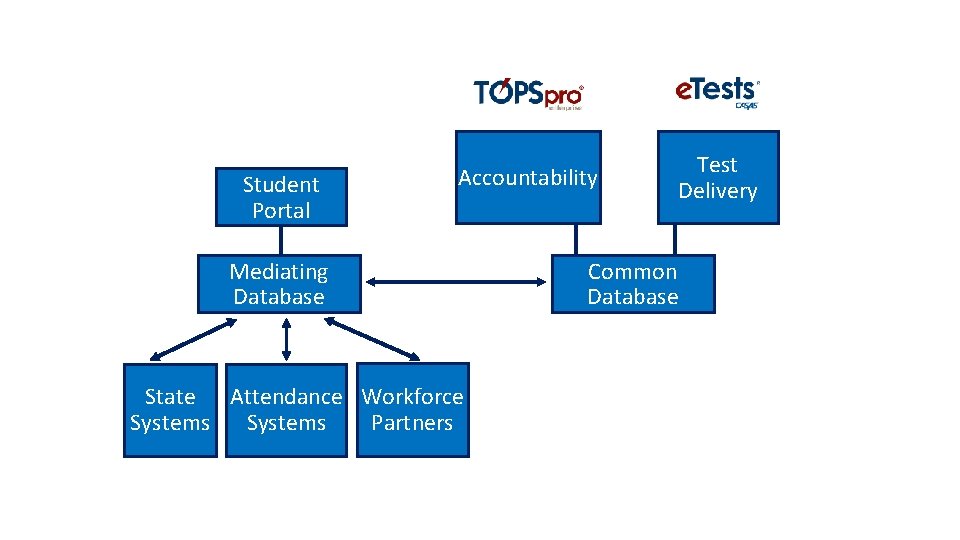
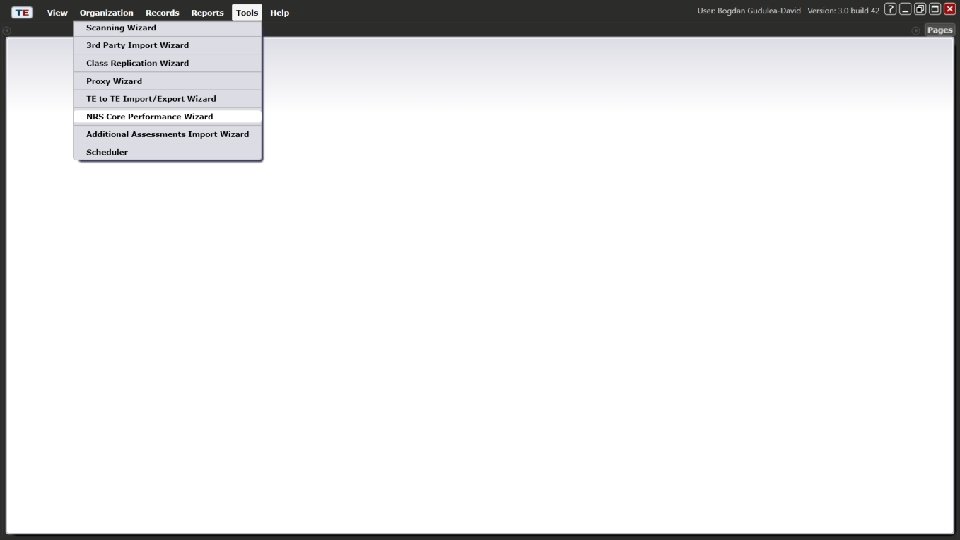
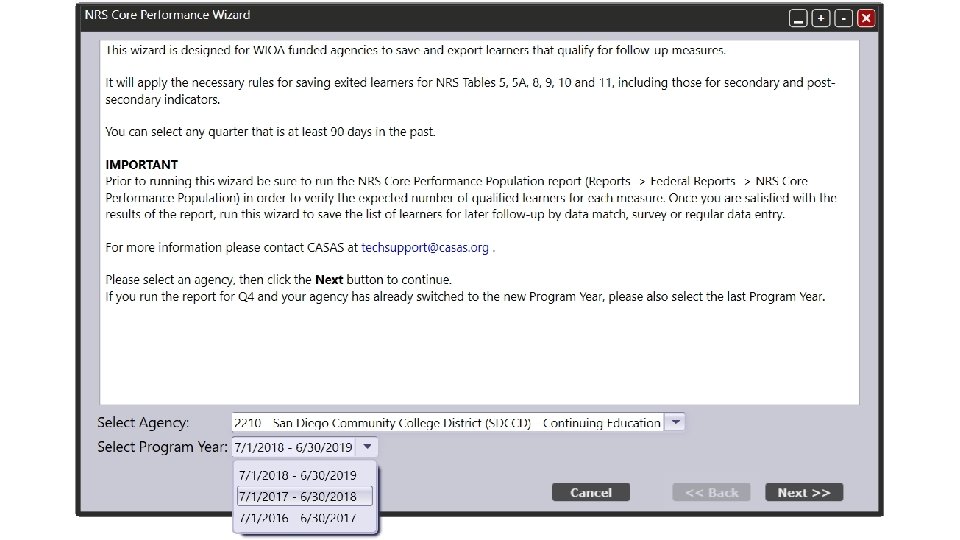
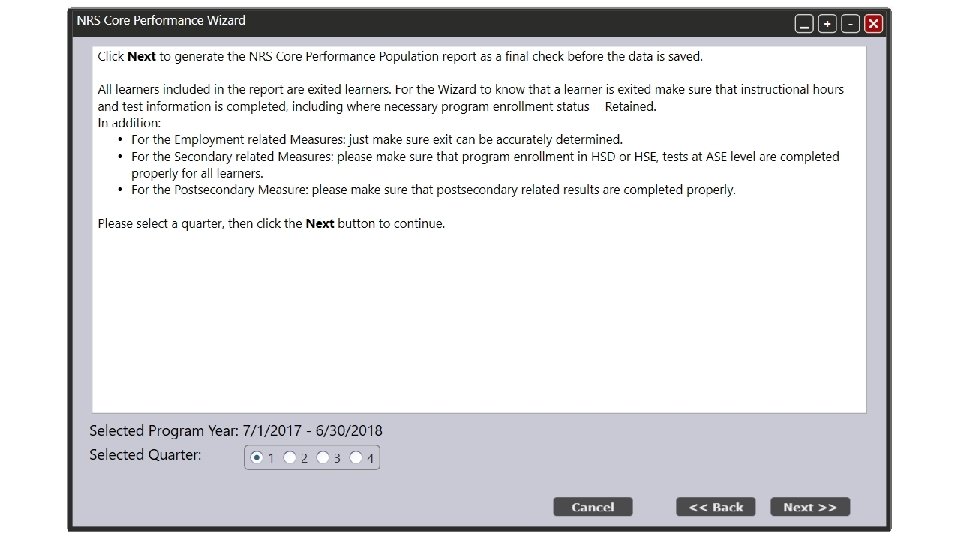
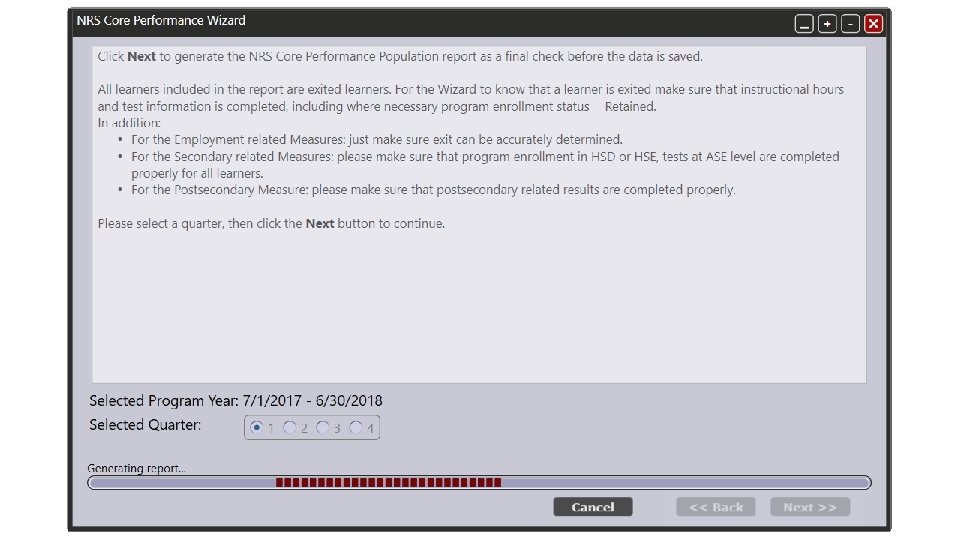
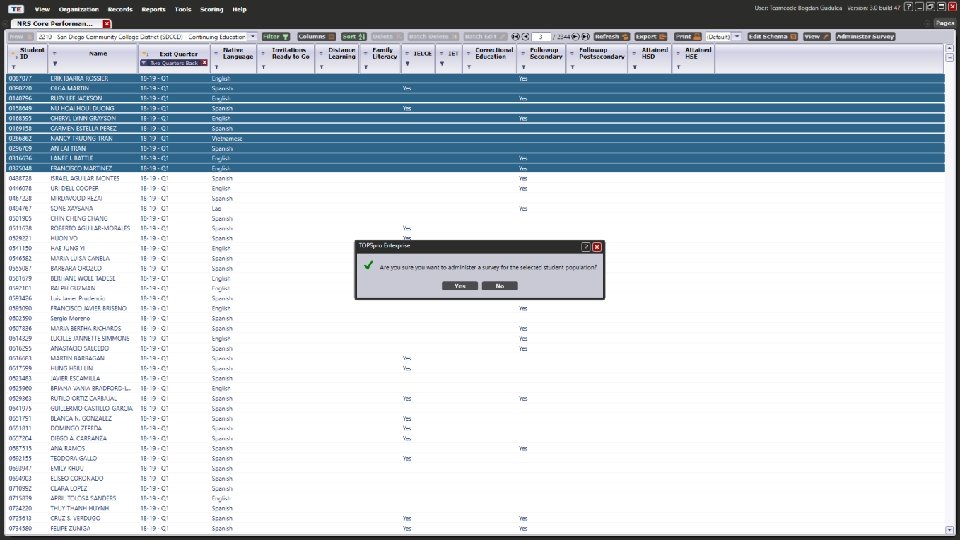
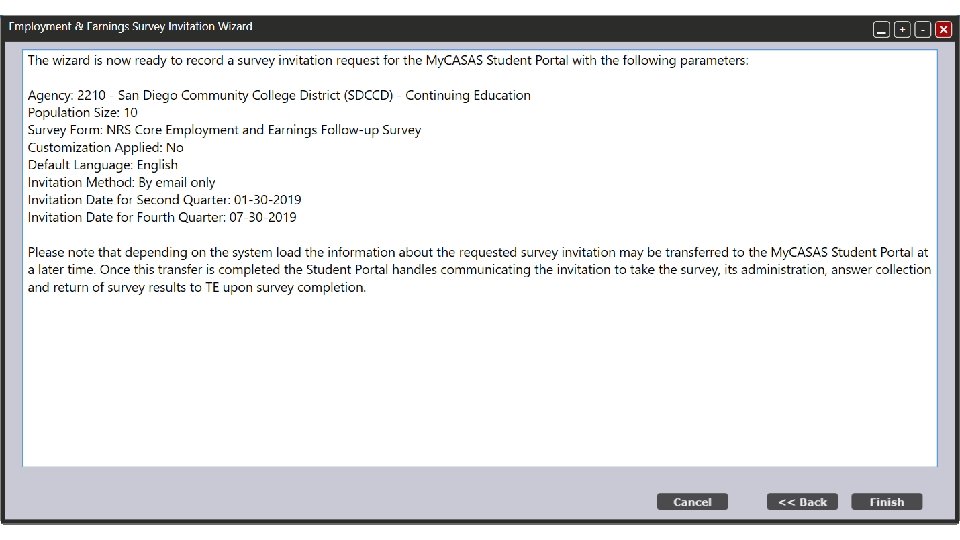
Using TE and Student Portal to Implement Survey 1) Description of Student Portal in TOPSpro Enterprise (TE) 2) Run Core Performance Population Report and Wizard to identify eligible learners 3) Save Core Performance Student Population and Generate Survey 4) Create and Customize the Survey to your own agency and students 5) Students view and respond to Survey in Student Portal
Student Portal Accountability Mediating Database State Attendance Workforce Partners Systems Test Delivery Common Database
NRS Core Performance Wizard Generating the population that qualifies for follow-up measures
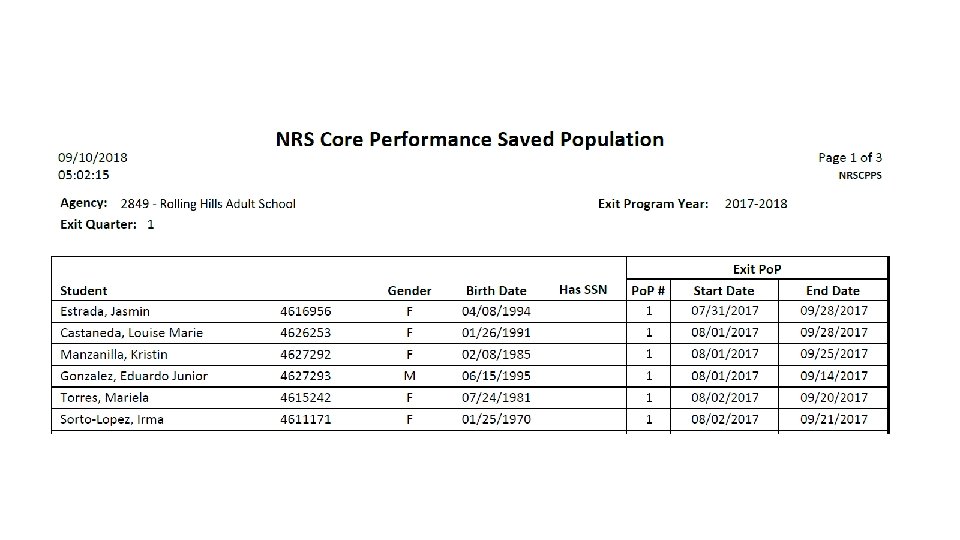
Saved Core Performance Student Population Viewing the exited population in the dedicated lister
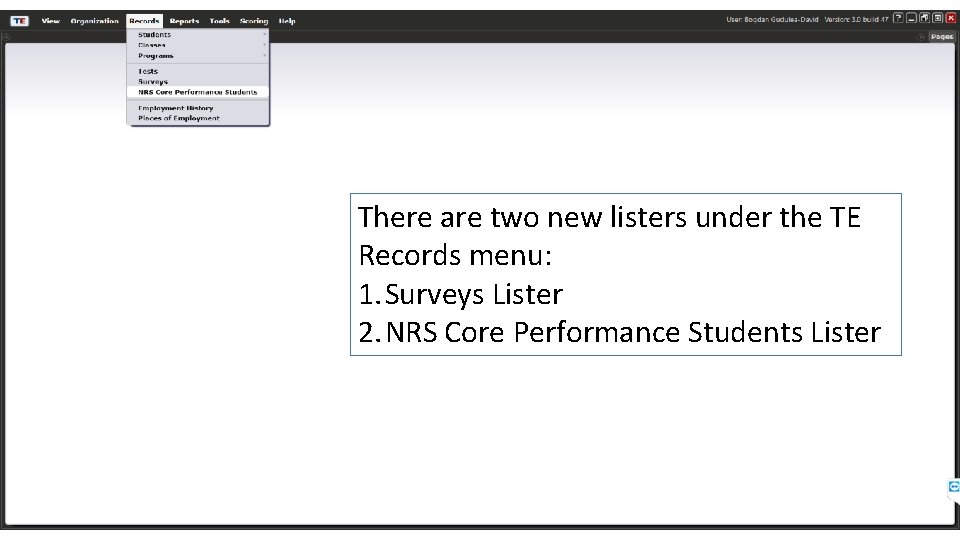
There are two new listers under the TE Records menu: 1. Surveys Lister 2. NRS Core Performance Students Lister
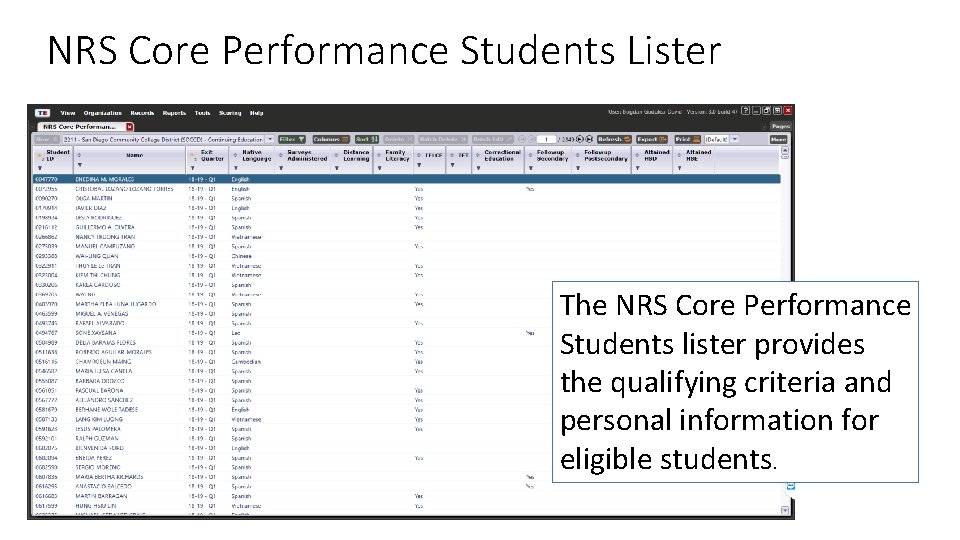
NRS Core Performance Students Lister The NRS Core Performance Students lister provides the qualifying criteria and personal information for eligible students.
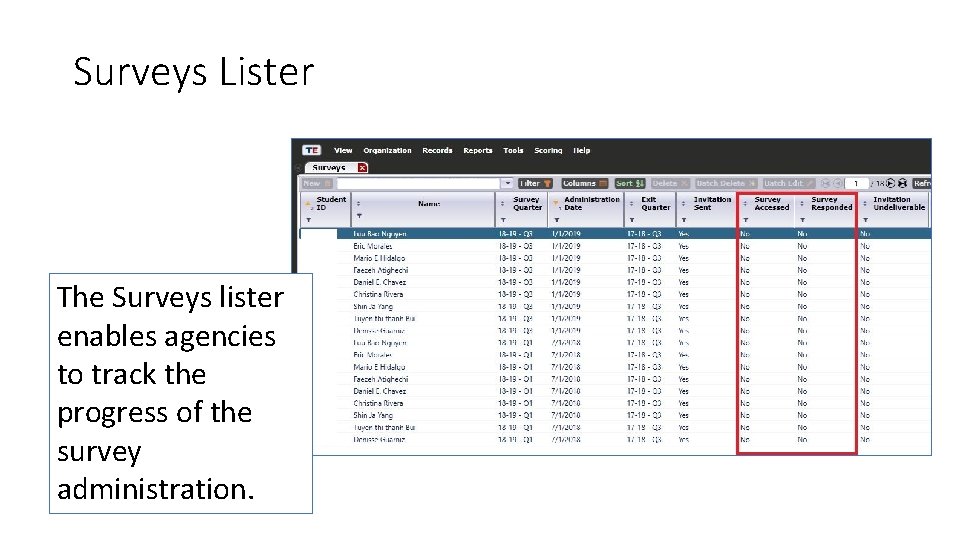
Surveys Lister The Surveys lister enables agencies to track the progress of the survey administration.
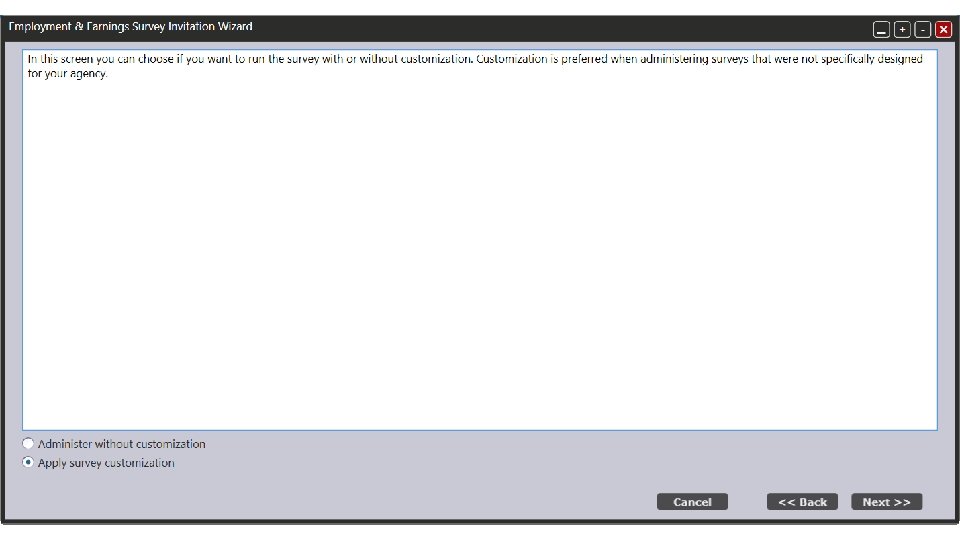
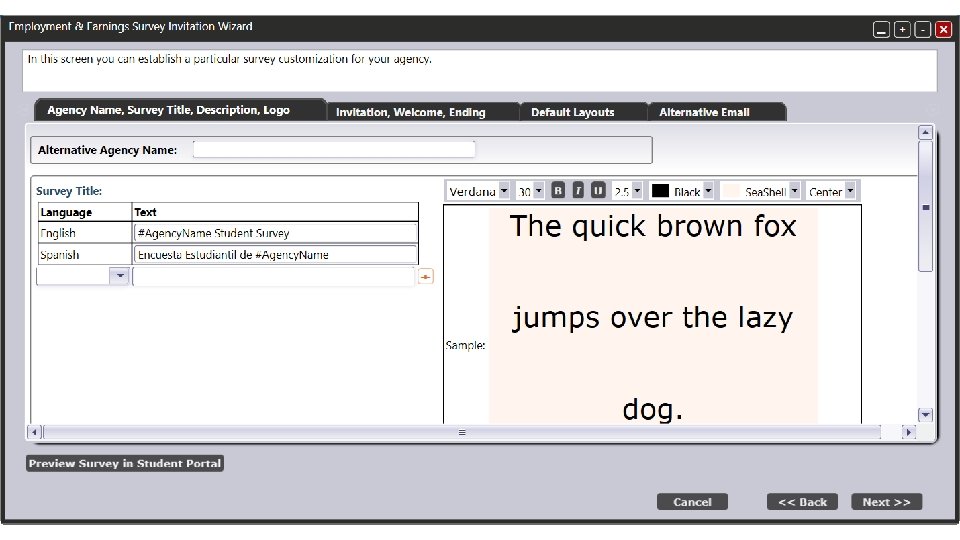
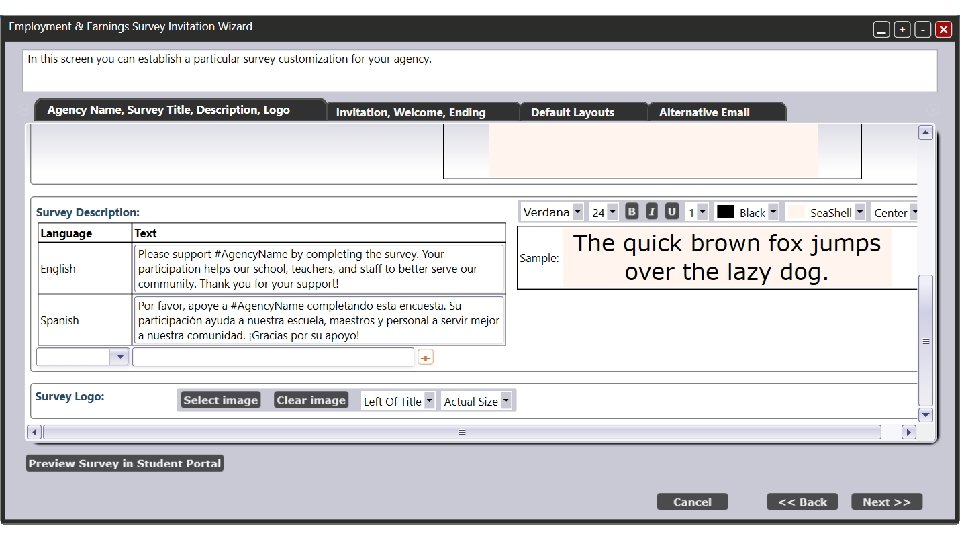
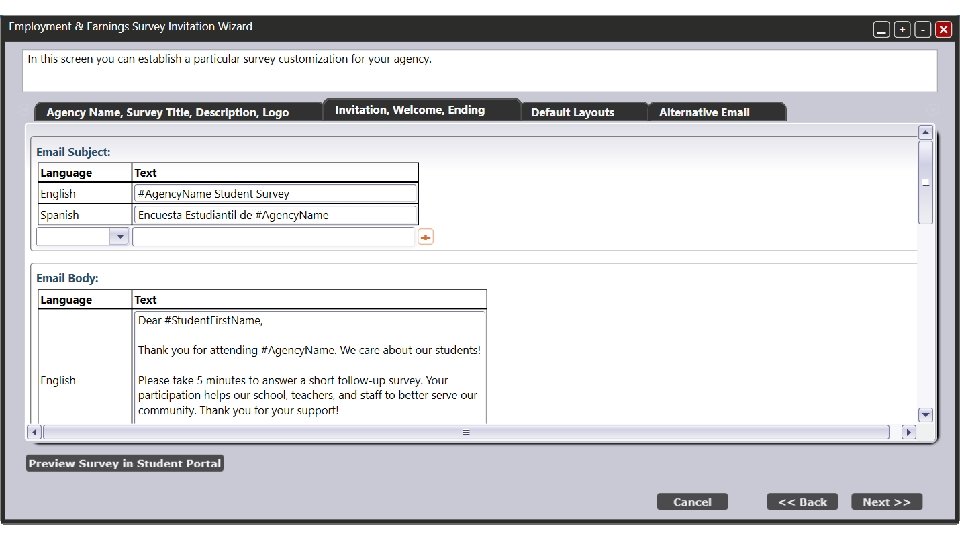
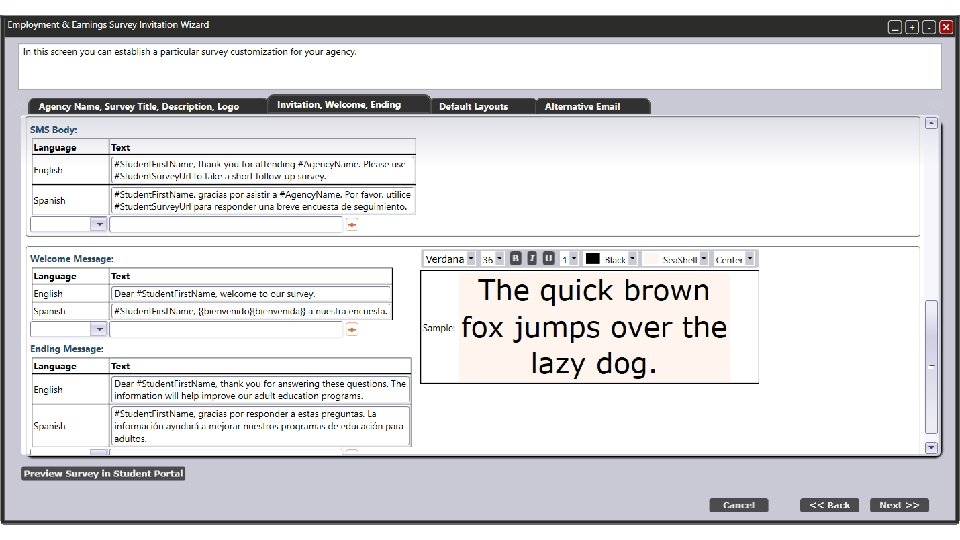
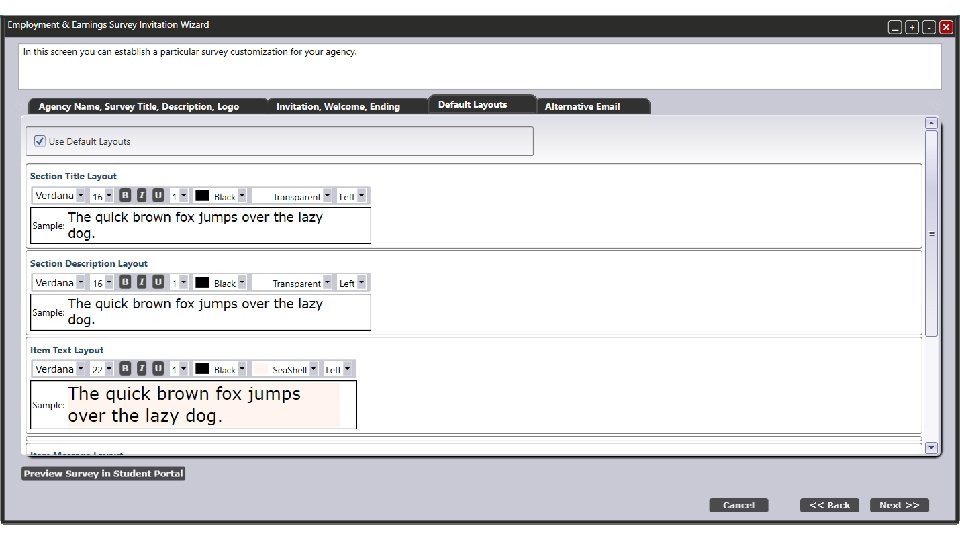
Customize Survey Selecting customization options for the survey based on agency preferences
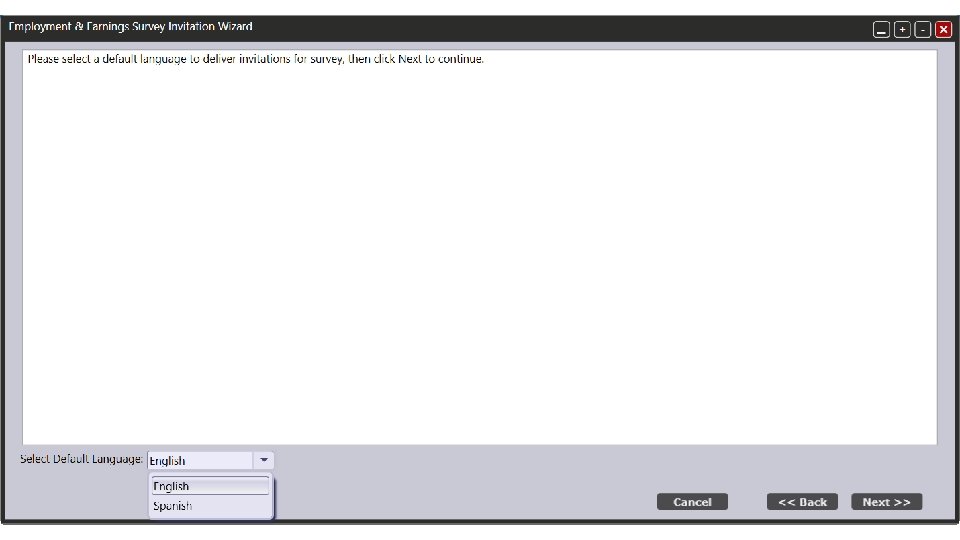
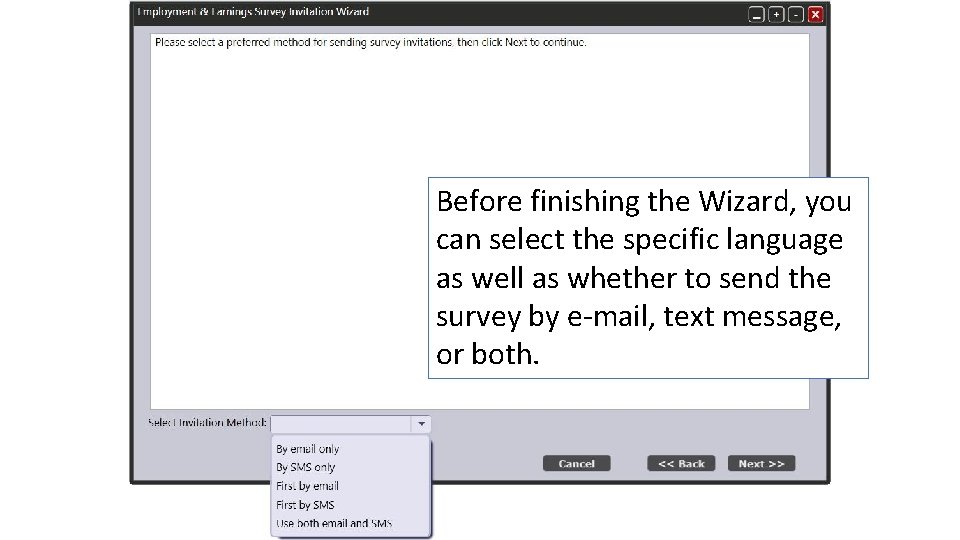
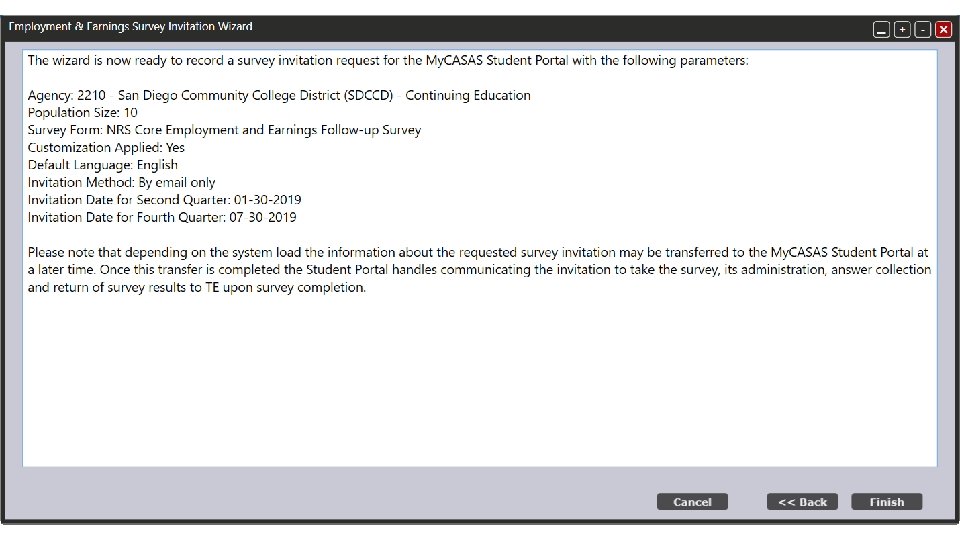
Before finishing the Wizard, you can select the specific language as well as whether to send the survey by e-mail, text message, or both.
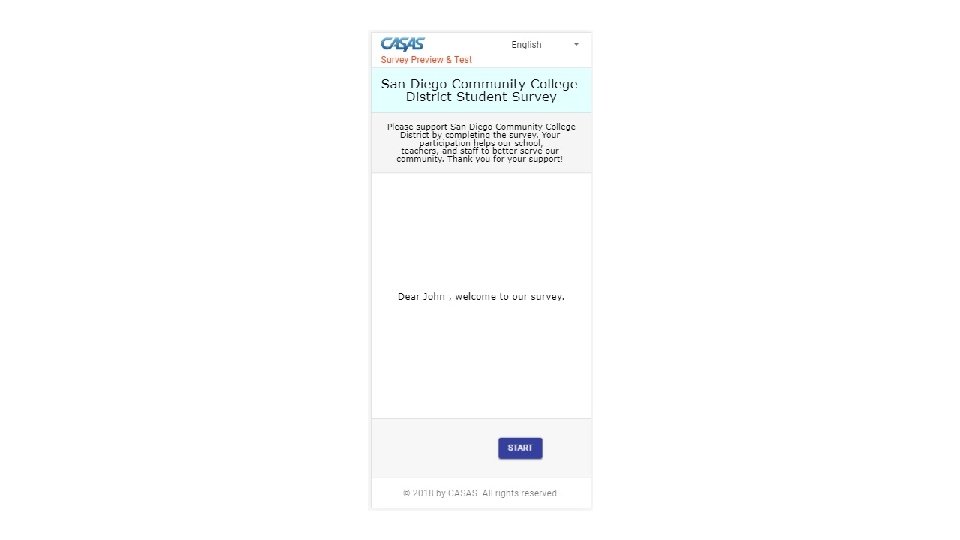
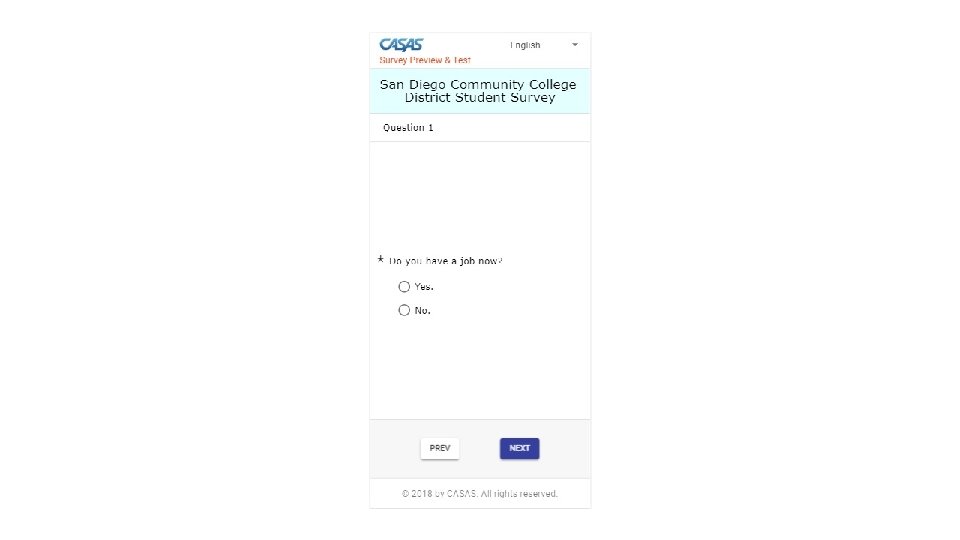
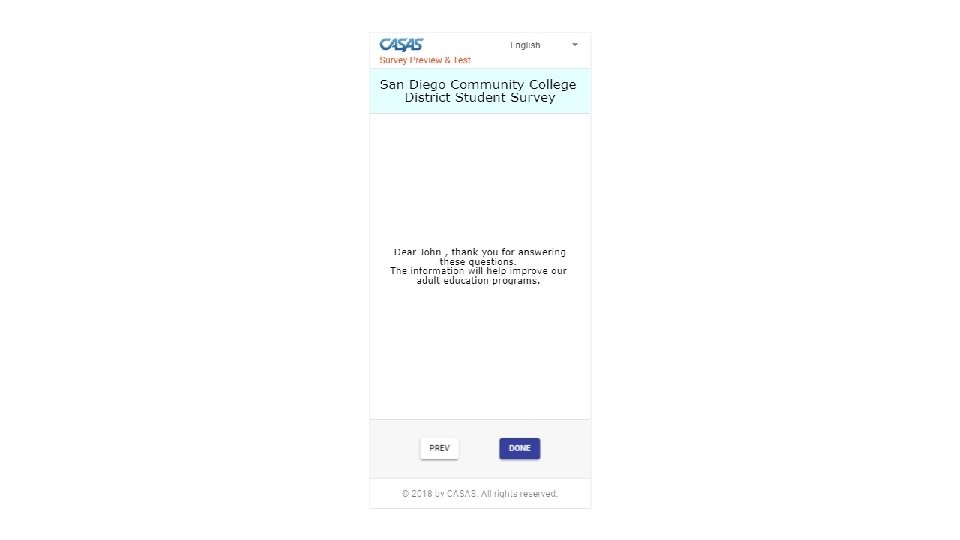
Student Portal Taking the survey
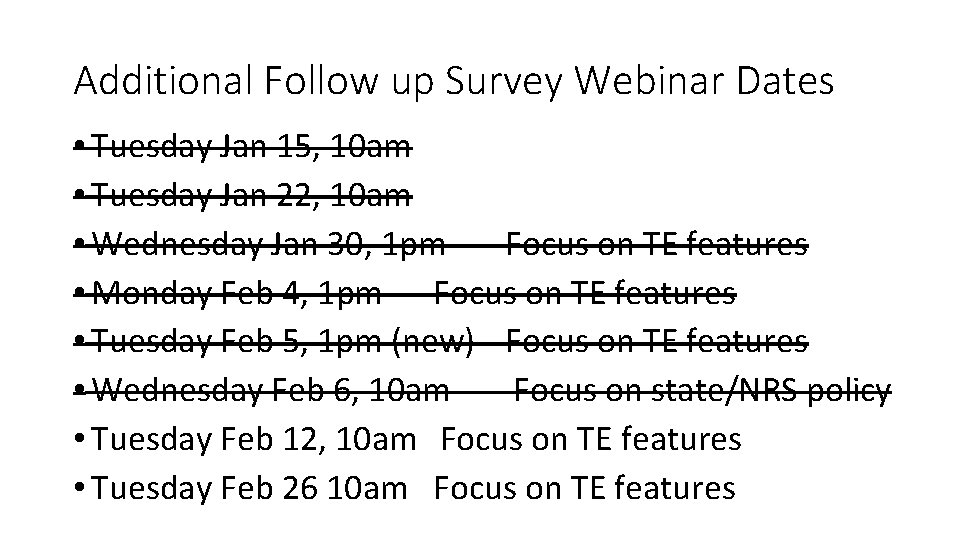
Additional Follow up Survey Webinar Dates • Tuesday Jan 15, 10 am • Tuesday Jan 22, 10 am • Wednesday Jan 30, 1 pm Focus on TE features • Monday Feb 4, 1 pm Focus on TE features • Tuesday Feb 5, 1 pm (new) Focus on TE features • Wednesday Feb 6, 10 am Focus on state/NRS policy • Tuesday Feb 12, 10 am Focus on TE features • Tuesday Feb 26 10 am Focus on TE features