
Copyright Rebecca Becky Vasquez 2008 This work is
Copyright Rebecca (Becky) Vasquez 2008. This work is the intellectual property of the author. Permission is granted for this material to be shared for non-commercial, educational purposes, provided that this copyright statement appears on the reproduced materials and notice is given that the copying is by permission of the author. To disseminate otherwise or to republish requires written permission from the author.
Educause 2008 Annual Conference Measuring Usability: Life After Deploying Your Portal Becky Vasquez Director Student and Technology Services
Agenda • About Embry-Riddle Aeronautical University • How to perform a usability study • Recording and using results • Improvements
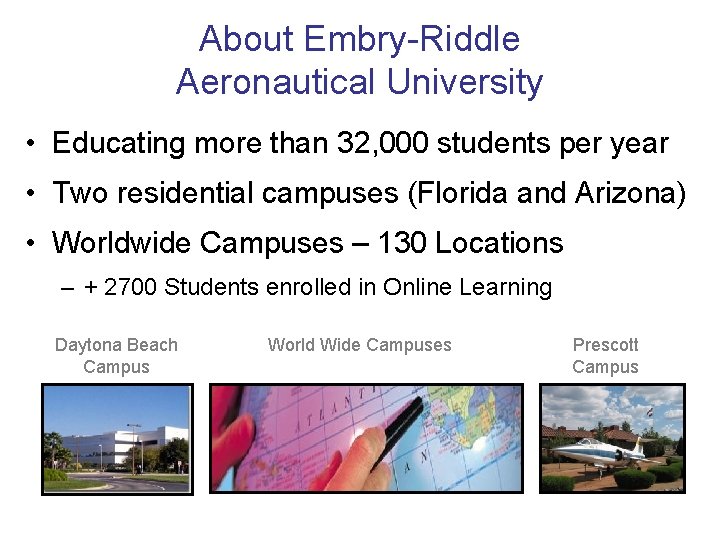
About Embry-Riddle Aeronautical University • Educating more than 32, 000 students per year • Two residential campuses (Florida and Arizona) • Worldwide Campuses – 130 Locations – + 2700 Students enrolled in Online Learning Daytona Beach Campus World Wide Campuses Prescott Campus
Insert Student Photo
T U I B L usability A I Y s
• Campus Strategic Plan – Intranet Upgrade • Sponsored by Chancellor • Partnership with IT • Project Charter – Improve usability
Usability Study Measures application usability or overall user friendliness • Human factors • Real world insight • Data driven results • What works and what doesn’t • Recommendations • Benchmark and assessment
Methodology • Method outlined by Nielsen Norman Group • Morae software captured: – Voice – Video – Screens – Graphical data representation of time and success
Getting Started • Facilitators • Budget – Software – Travel – Appreciation Gifts • Participants – 6 each “group”
• Schedule for 1 ½ hours • Private location • Identify up to 15 tasks – Maximum 3 minutes each • Provide technology redundancy
Participation thank-you and confirmation • • • Define usability study When and where Identify facilitator Set expectations Emphasize you are testing your portal/intranet and not them! • Explain how results are shared • Provide a “thank you” gift
Facilitator role: • Introduce the study • Minimal conversation • Set behind and to the side to discourage discussion • Give participation gift when complete
Scripted greeting for facilitator(s) • Introduction • Explanation • Emphasize you are testing the portal and not them! • It’s not about feelings, be honest • Talk out loud • Recording permission “Understanding Your Participation”
• 3 questions to ask prior to beginning study: – How many hours a week would you say you spend using the portal/intranet, including email? – How do you spend that time? – What is your favorite thing to do in the portal/intranet? • Survey at end of study
Tasks Examples • • Go to ERNIE and login. Find the online transcript request form. Locate where you can change your PIN. Find the Worldwide 2007 -2008 Catalog. Find the per credit hour tuition rate range for Worldwide undergraduate students. Find where you can sell back your used textbooks. Find the Student Ombudsman Services page.
• Clip from study
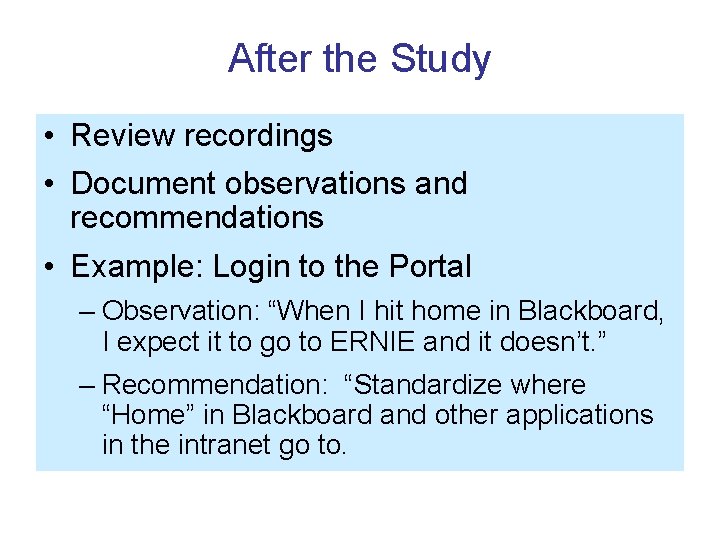
After the Study • Review recordings • Document observations and recommendations • Example: Login to the Portal – Observation: “When I hit home in Blackboard, I expect it to go to ERNIE and it doesn’t. ” – Recommendation: “Standardize where “Home” in Blackboard and other applications in the intranet go to.
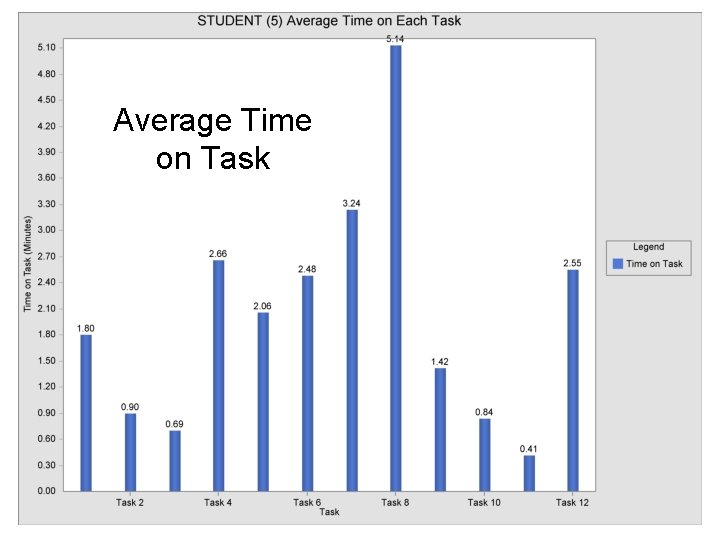
Average Time on Task
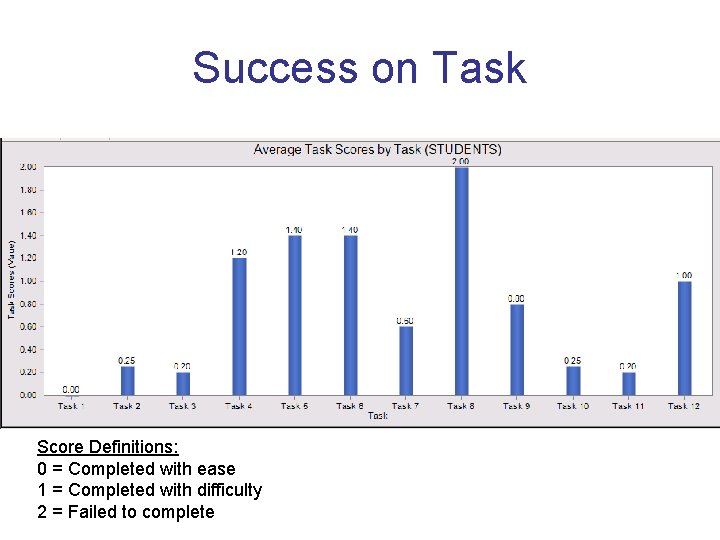
Success on Task Score Definitions: 0 = Completed with ease 1 = Completed with difficulty 2 = Failed to complete
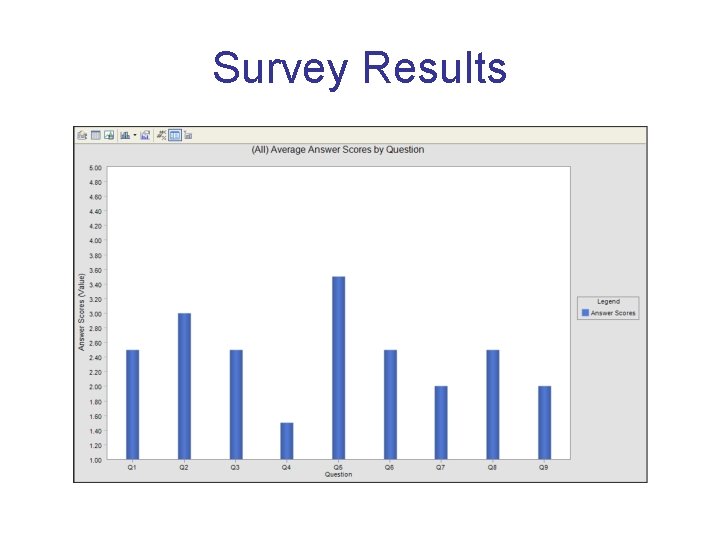
Survey Results
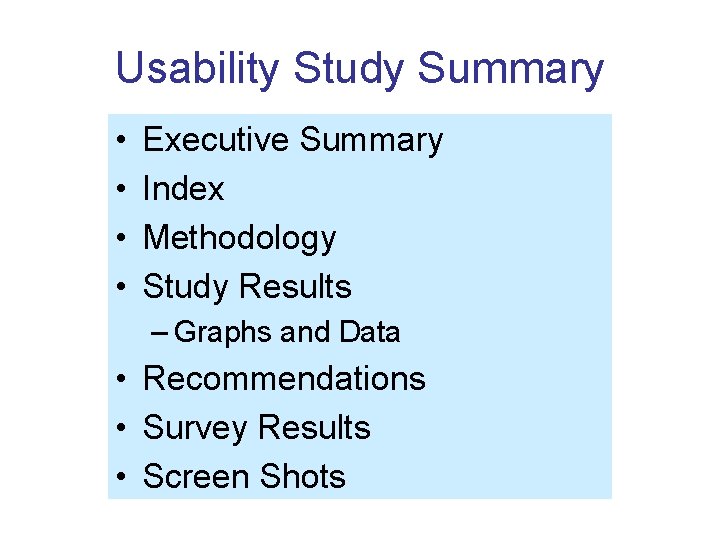
Usability Study Summary • • Executive Summary Index Methodology Study Results – Graphs and Data • Recommendations • Survey Results • Screen Shots
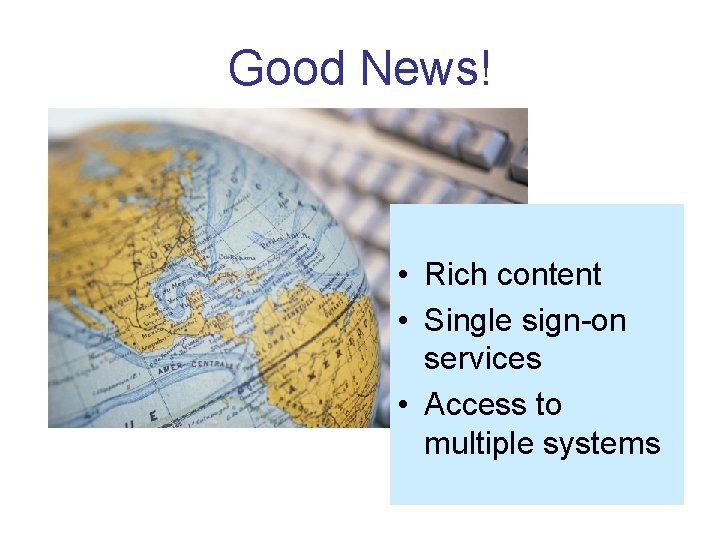
Good News! • Rich content • Single sign-on services • Access to multiple systems
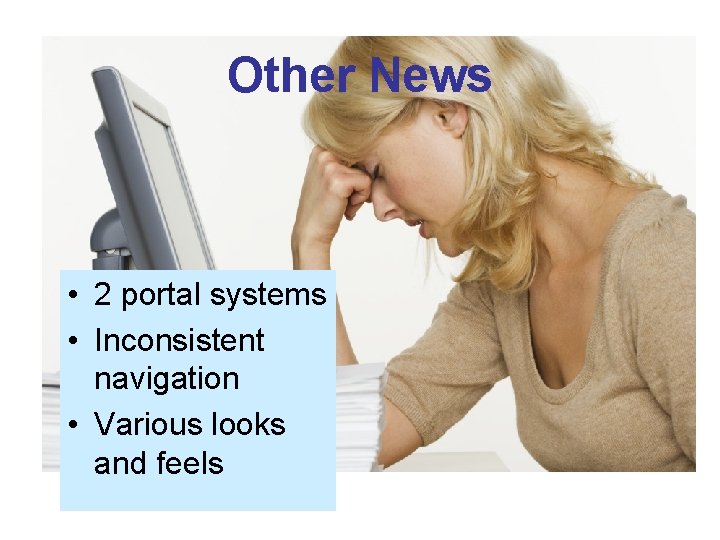
Other News • 2 portal systems • Inconsistent navigation • Various looks and feels
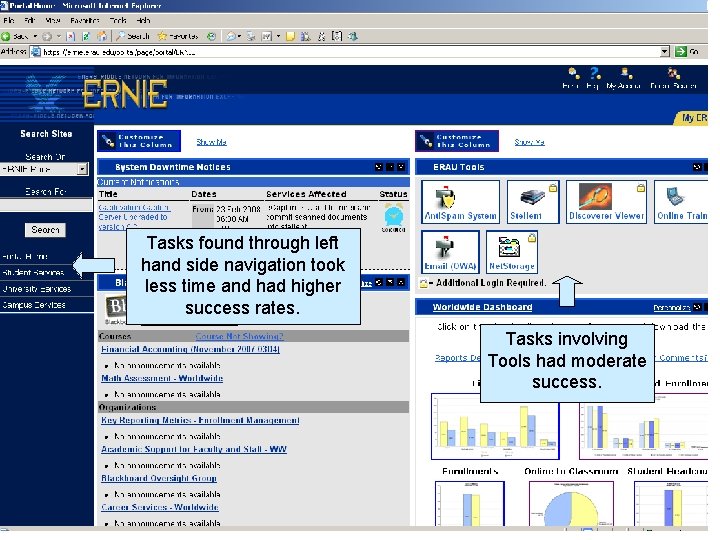
Tasks found through left hand side navigation took less time and had higher success rates. Tasks involving Tools had moderate success.
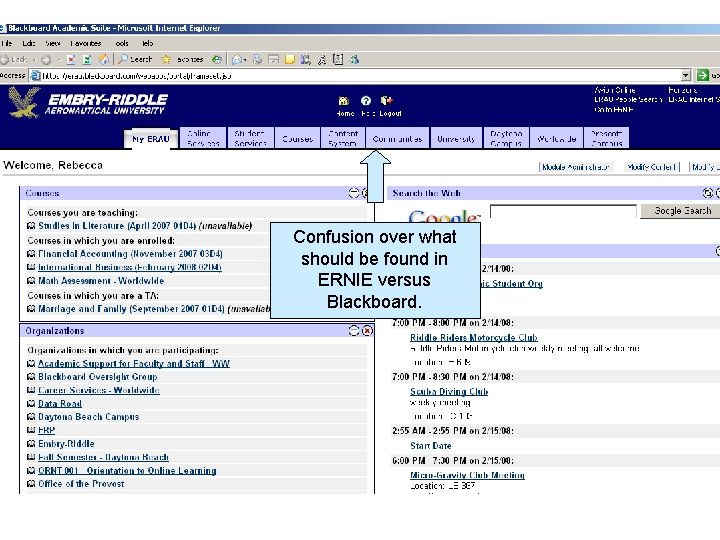
Confusion over what should be found in ERNIE versus Blackboard.
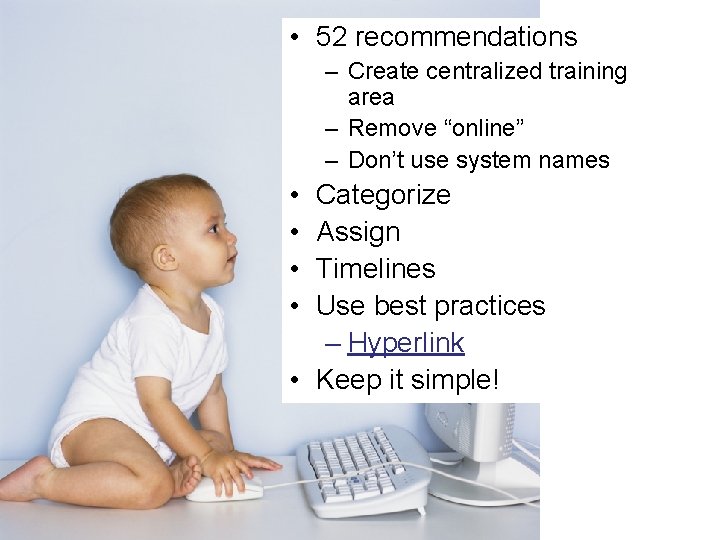
• 52 recommendations – Create centralized training area – Remove “online” – Don’t use system names • • Categorize Assign Timelines Use best practices – Hyperlink • Keep it simple!
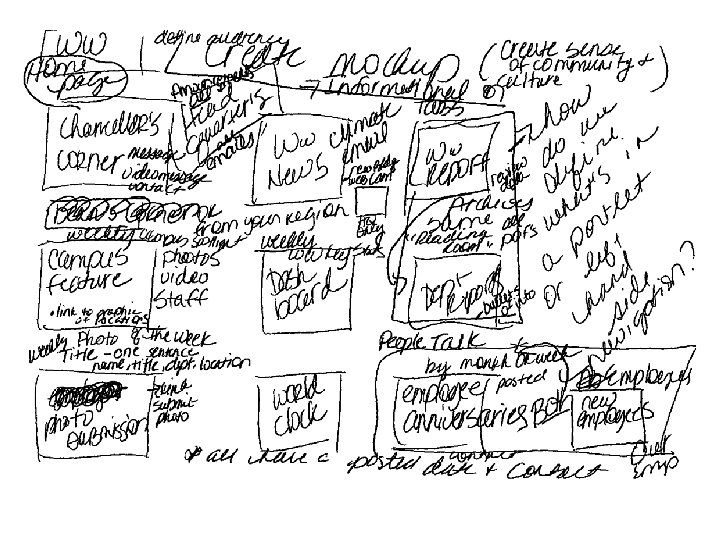
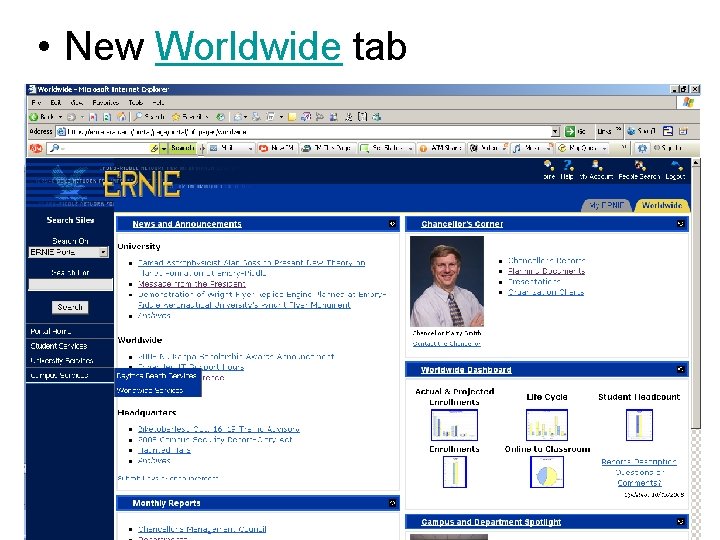
• New Worldwide tab

Becky Vasquez vasquezb@erau. edu 386. 226. 6948
References Krug, Steve. Don’t Make Me Think. Berkeley, California: New Riders Publishing; 2000. Molich, Rolf. (2007). 230 Tips and Tricks for Better Usability Testing. Retrieved in July, 2007 from http: //www. NNgroup. com/reports/tips/usertest. Pernice, Kara & Schade, Amy. (April, 2007). Intranet Usability I and II. A workshop and presentation delivered at the Nielsen Norman Group Usability Week 2007.
- Slides: 31