
Copyright 2008 N Al JaffanKSU Introduction to Computers
- Slides: 25
Copyright© 2008 N. Al. Jaffan®KSU Introduction to Computers 1 r 1 te ha p C
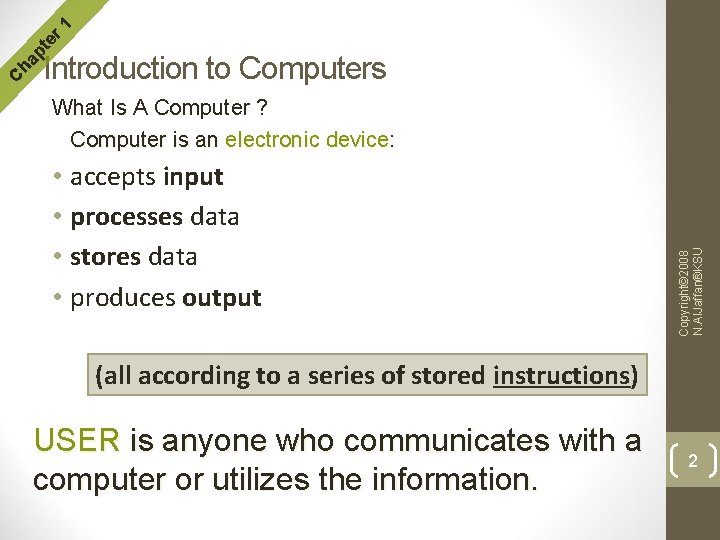
r 1 te What Is A Computer ? Computer is an electronic device: • accepts input • processes data • stores data • produces output Copyright© 2008 N. Al. Jaffan®KSU C ha p Introduction to Computers (all according to a series of stored instructions) USER is anyone who communicates with a computer or utilizes the information. 2
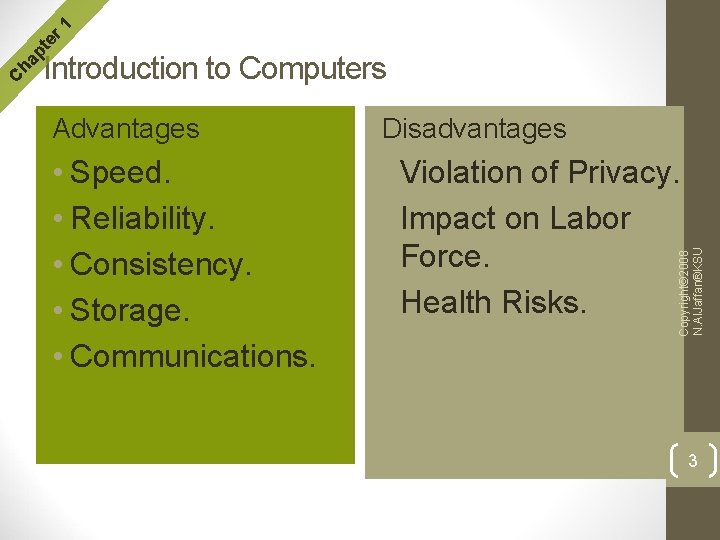
r 1 te Advantages Disadvantages • Speed. • Reliability. • Consistency. • Storage. • Communications. • Violation of Privacy. • Impact on Labor Force. • Health Risks. Copyright© 2008 N. Al. Jaffan®KSU C ha p Introduction to Computers 3
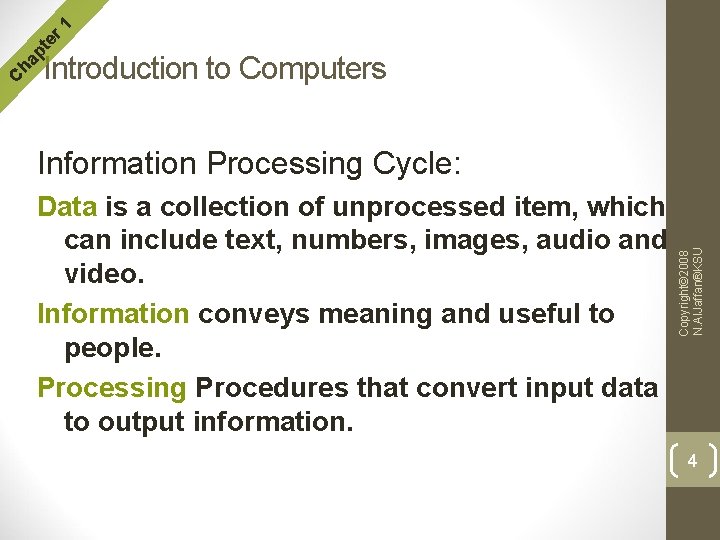
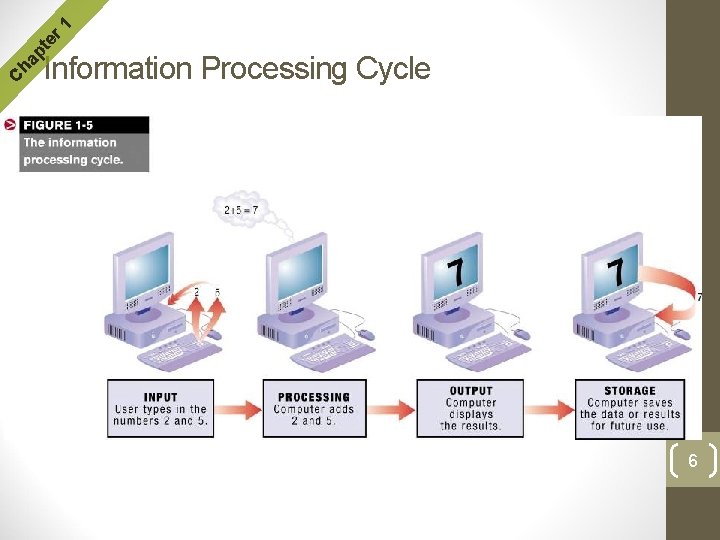
r 1 te Information Processing Cycle: Data is a collection of unprocessed item, which can include text, numbers, images, audio and video. Information conveys meaning and useful to people. Processing Procedures that convert input data to output information. Copyright© 2008 N. Al. Jaffan®KSU C ha p Introduction to Computers 4
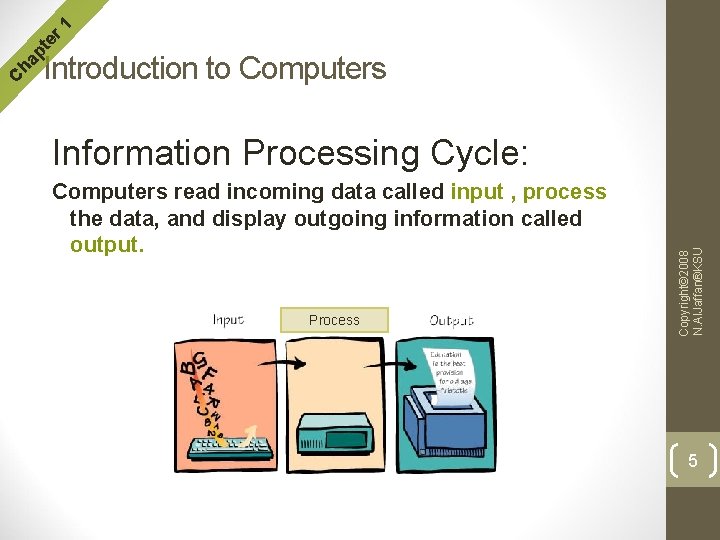
r 1 te Information Processing Cycle: Computers read incoming data called input , process the data, and display outgoing information called output. Process Copyright© 2008 N. Al. Jaffan®KSU C ha p Introduction to Computers 5
Copyright© 2008 N. Al. Jaffan®KSU r 1 te ha p C Information Processing Cycle 6
r 1 te 1 -Hardware H/W A group of machines in a computer system. 2 -Software (programs) – S/W Copyright© 2008 N. Al. Jaffan®KSU C ha p components of computers The instructions that tell the computer what to do and how to do it. 7
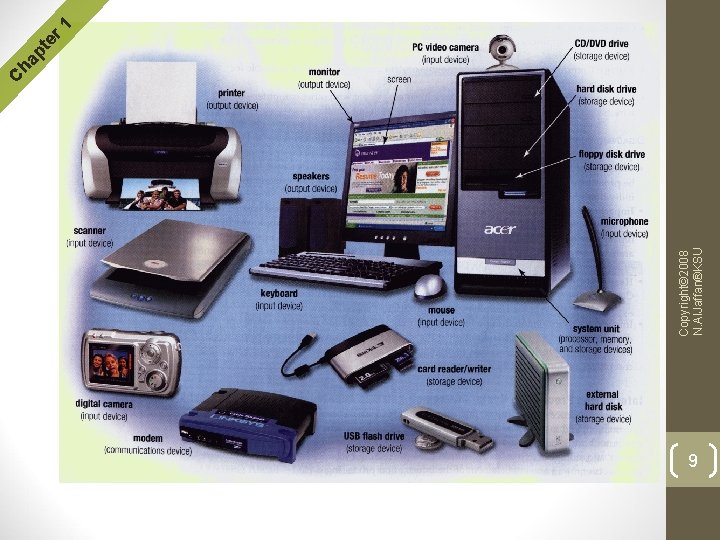
1 -Hardware- H/W • • Input Devices and Output Devices. System Unit. Storage Devices. Communications Devices. Copyright© 2008 N. Al. Jaffan®KSU The Components Of A Hardware: 8
9 Copyright© 2008 N. Al. Jaffan®KSU r 1 te ha p C
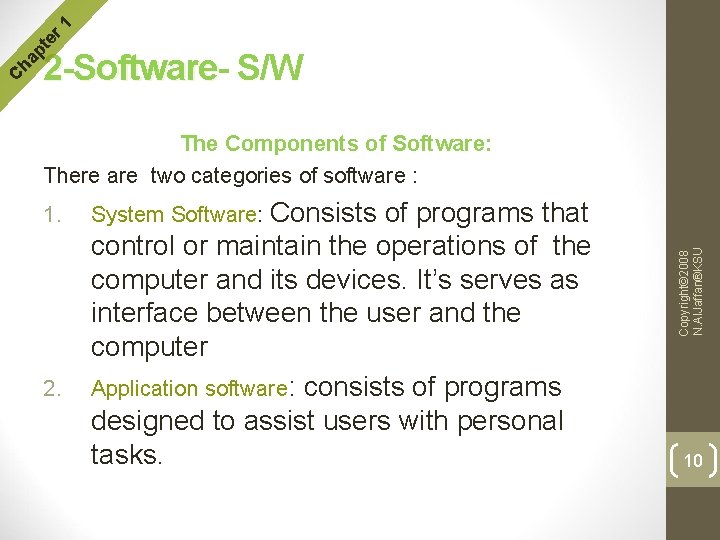
r 1 te The Components of Software: There are two categories of software : 1. 2. System Software: Consists of programs that control or maintain the operations of the computer and its devices. It’s serves as interface between the user and the computer Application software: consists of programs designed to assist users with personal tasks. Copyright© 2008 N. Al. Jaffan®KSU C ha p 2 -Software- S/W 10
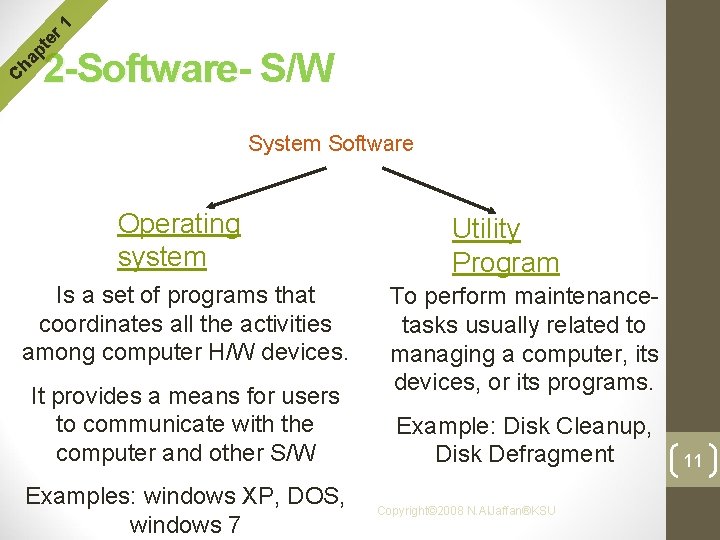
r 1 te C ha p 2 -Software- S/W System Software Operating system Is a set of programs that coordinates all the activities among computer H/W devices. It provides a means for users to communicate with the computer and other S/W Examples: windows XP, DOS, windows 7 Utility Program To perform maintenancetasks usually related to managing a computer, its devices, or its programs. Example: Disk Cleanup, Disk Defragment Copyright© 2008 N. Al. Jaffan®KSU 11
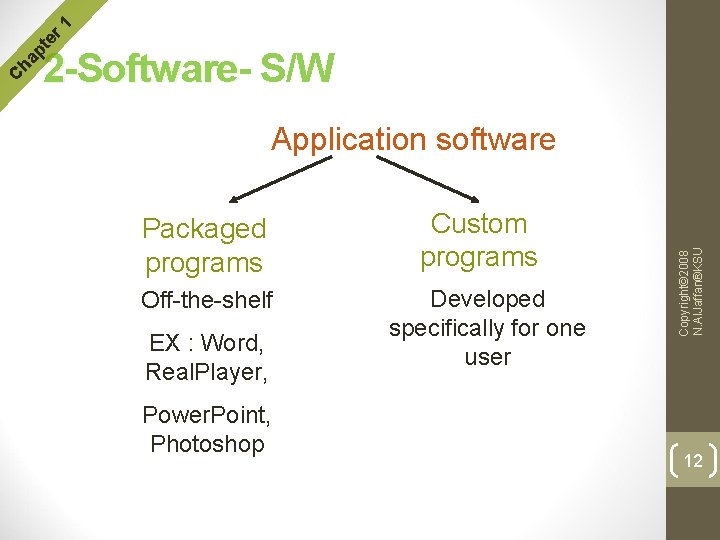
r 1 te Application software Packaged programs Off-the-shelf EX : Word, Real. Player, Power. Point, Photoshop Custom programs Developed specifically for one user Copyright© 2008 N. Al. Jaffan®KSU C ha p 2 -Software- S/W 12
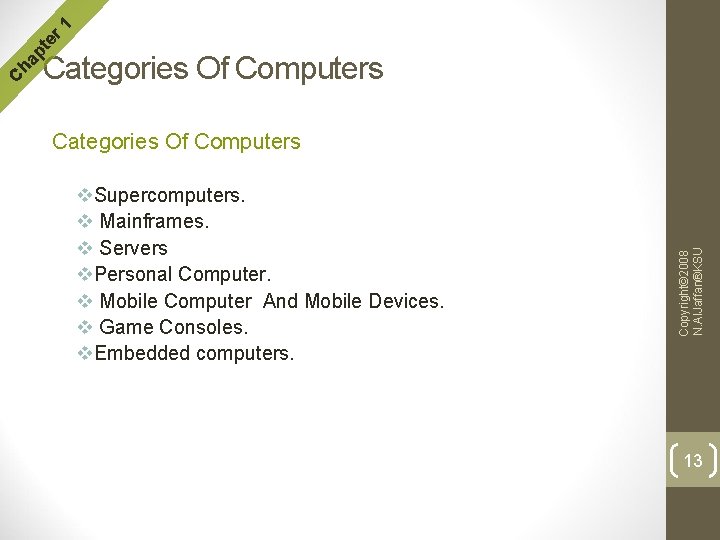
r 1 te Categories Of Computers v. Supercomputers. v Mainframes. v Servers v. Personal Computer. v Mobile Computer And Mobile Devices. v Game Consoles. v. Embedded computers. Copyright© 2008 N. Al. Jaffan®KSU C ha p Categories Of Computers 13
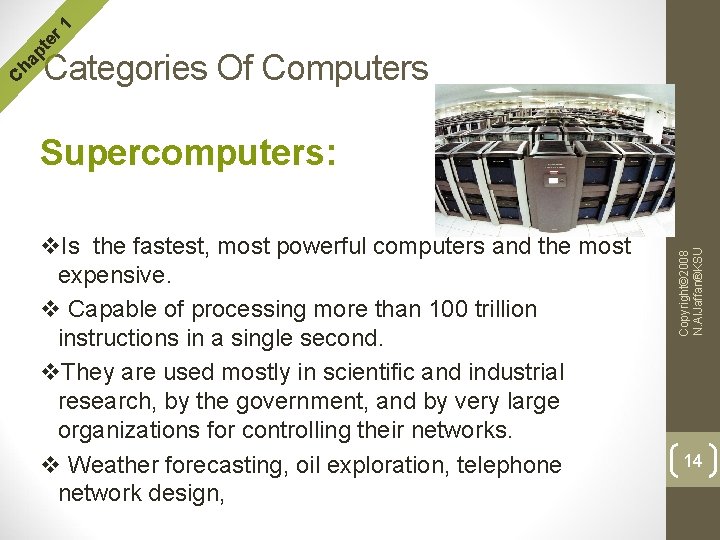
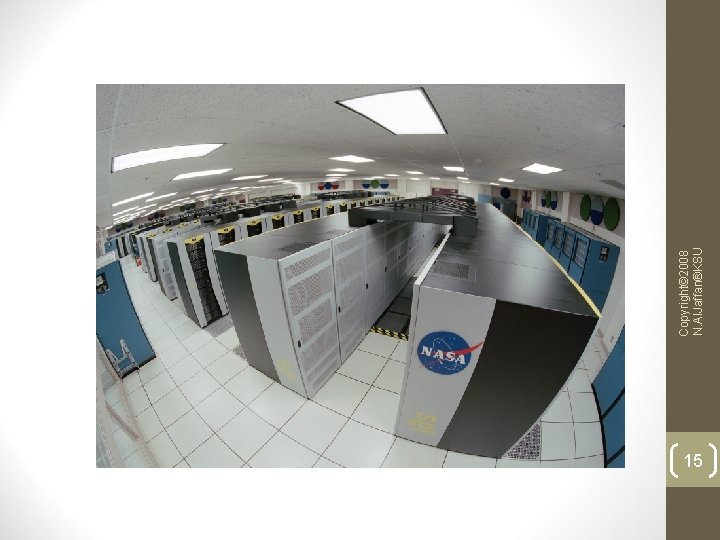
r 1 te Supercomputers: v. Is the fastest, most powerful computers and the most expensive. v Capable of processing more than 100 trillion instructions in a single second. v. They are used mostly in scientific and industrial research, by the government, and by very large organizations for controlling their networks. v Weather forecasting, oil exploration, telephone network design, Copyright© 2008 N. Al. Jaffan®KSU C ha p Categories Of Computers 14
15 Copyright© 2008 N. Al. Jaffan®KSU
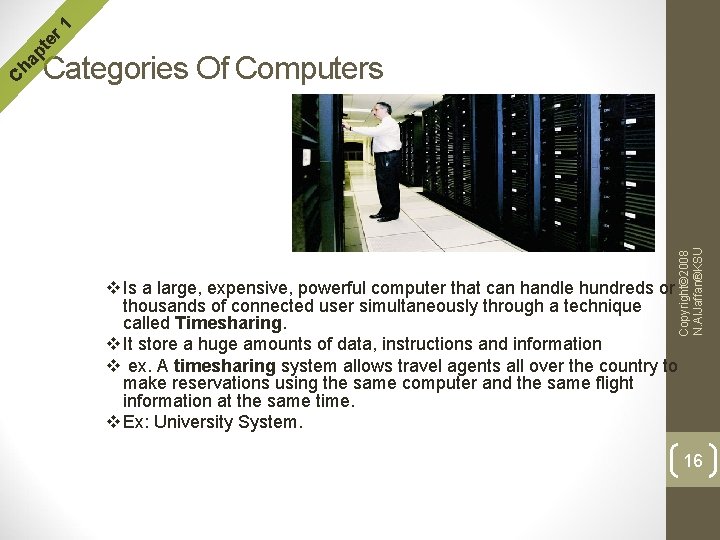
r 1 te Mainframes: Copyright© 2008 N. Al. Jaffan®KSU C ha p Categories Of Computers v Is a large, expensive, powerful computer that can handle hundreds or thousands of connected user simultaneously through a technique called Timesharing. v It store a huge amounts of data, instructions and information v ex. A timesharing system allows travel agents all over the country to make reservations using the same computer and the same flight information at the same time. v Ex: University System. 16
r 1 te Mainframes: v. Most major corporations use mainframes for business activities. v. Used by large organizations, such as banks and airlines, for big computing jobs. v. Users communicate with a mainframe using a computer terminal. Copyright© 2008 N. Al. Jaffan®KSU C ha p Categories Of Computers 17
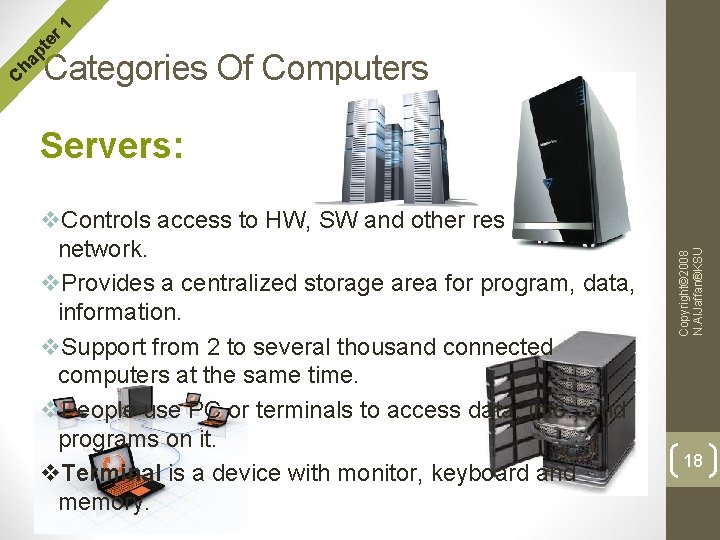
r 1 te Servers: v. Controls access to HW, SW and other resources on a network. v. Provides a centralized storage area for program, data, information. v. Support from 2 to several thousand connected computers at the same time. v. People use PC or terminals to access data, info. , and programs on it. v. Terminal is a device with monitor, keyboard and memory. Copyright© 2008 N. Al. Jaffan®KSU C ha p Categories Of Computers 18
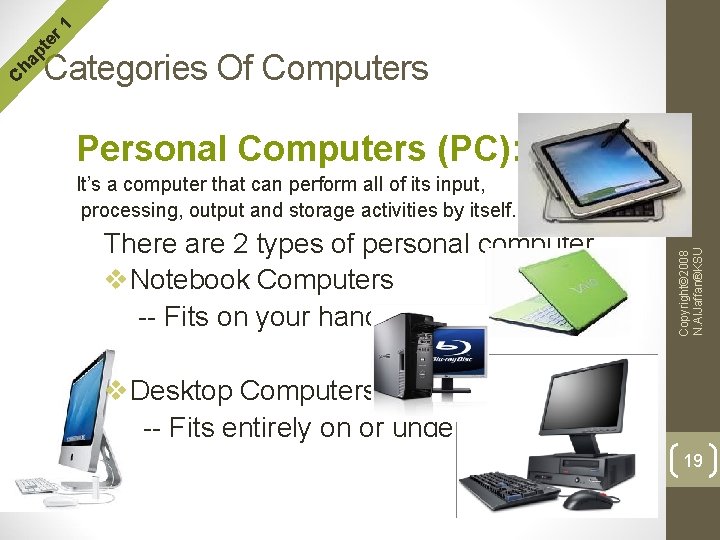
r 1 te Personal Computers (PC): It’s a computer that can perform all of its input, processing, output and storage activities by itself. There are 2 types of personal computer v. Notebook Computers -- Fits on your hand or lap. Copyright© 2008 N. Al. Jaffan®KSU C ha p Categories Of Computers v. Desktop Computers -- Fits entirely on or under desk 19
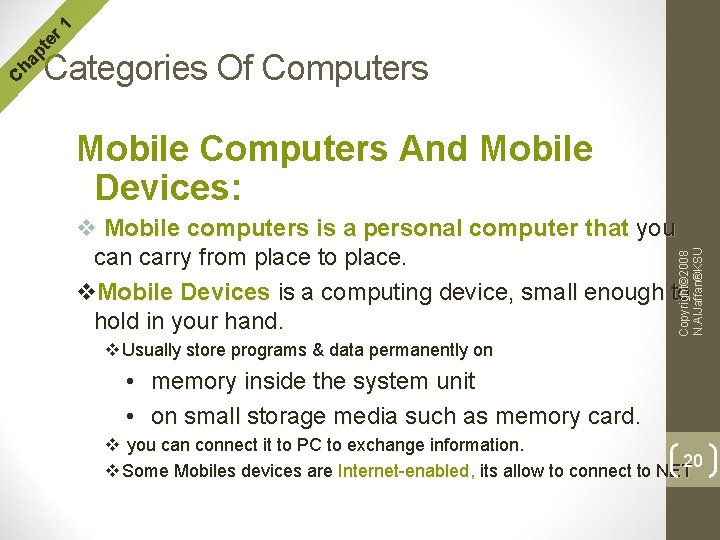
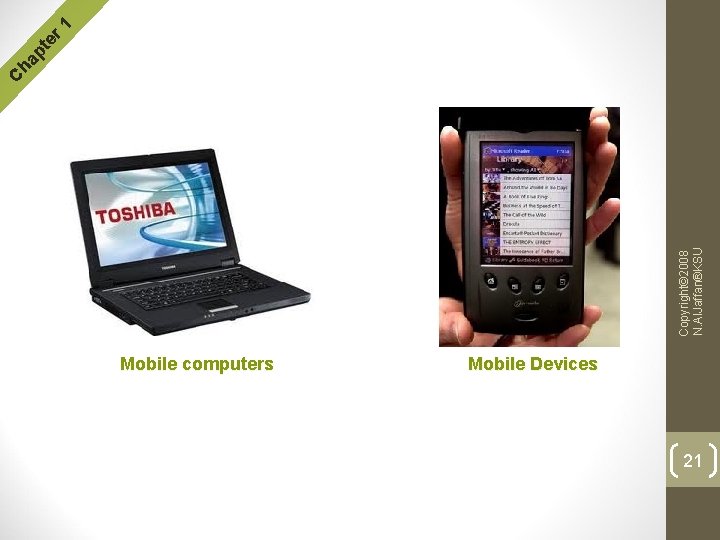
r 1 te Mobile Computers And Mobile Devices: v Mobile computers is a personal computer that you can carry from place to place. v. Mobile Devices is a computing device, small enough to hold in your hand. Copyright© 2008 N. Al. Jaffan®KSU C ha p Categories Of Computers v Usually store programs & data permanently on • memory inside the system unit • on small storage media such as memory card. v you can connect it to PC to exchange information. 20 v Some Mobiles devices are Internet-enabled, its allow to connect to NET
Mobile computers Mobile Devices 21 Copyright© 2008 N. Al. Jaffan®KSU r 1 te ha p C
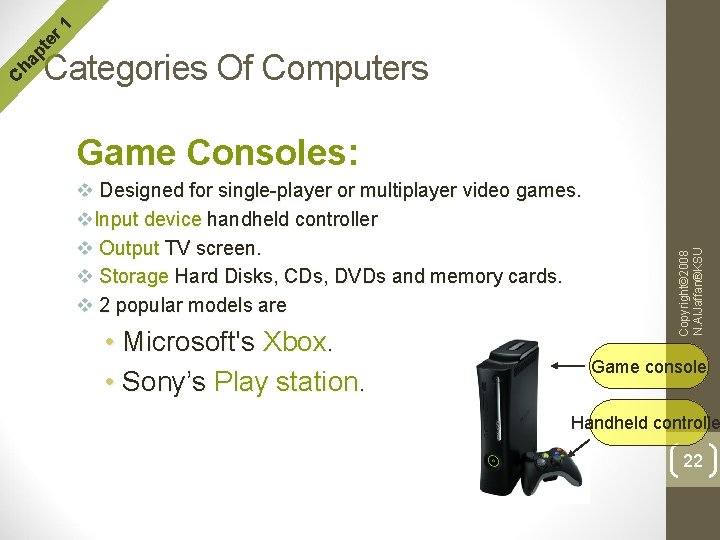
r 1 te Game Consoles: v Designed for single-player or multiplayer video games. v. Input device handheld controller v Output TV screen. v Storage Hard Disks, CDs, DVDs and memory cards. v 2 popular models are • Microsoft's Xbox. • Sony’s Play station. Copyright© 2008 N. Al. Jaffan®KSU C ha p Categories Of Computers Game console Handheld controlle 22
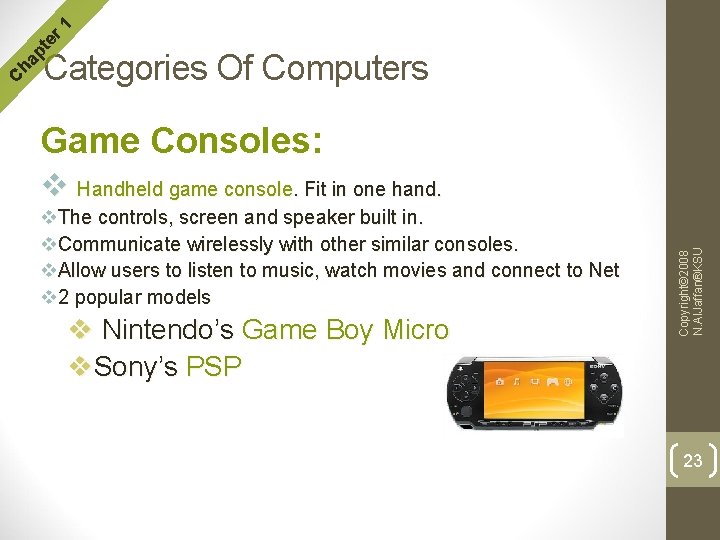
r 1 te Game Consoles: v Handheld game console. Fit in one hand. v. The controls, screen and speaker built in. v. Communicate wirelessly with other similar consoles. v. Allow users to listen to music, watch movies and connect to Net v 2 popular models v Nintendo’s Game Boy Micro v. Sony’s PSP Copyright© 2008 N. Al. Jaffan®KSU C ha p Categories Of Computers 23
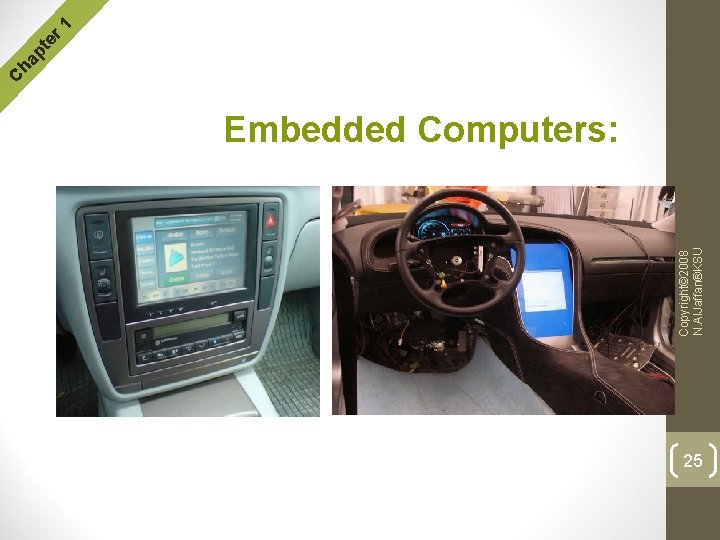
r 1 te Embedded Computers: v Special – purpose computer that functions as a component in a larger product. v Usually are small & have limited hardware. v. Functions depending on the requirements of the product in which they reside. v some of them designed to improve your safety, security and performance. Copyright© 2008 N. Al. Jaffan®KSU C ha p Categories Of Computers 24
Copyright© 2008 N. Al. Jaffan®KSU Embedded Computers: 25 r 1 te ha p C