
COP 4331 GTA Information l Melanie Kaprocki l

- Slides: 71
COP 4331
GTA Information l Melanie Kaprocki l Office Hours: • MSKaprocki@knights. ucf. edu • Thursday, 2: 00 -3: 30 pm, HEC 308 (The CAVE) • Hopefully starting next week • By appointment, on campus • By appointment, via Skype 2 10/7/2020
About the Course Project l Course Project • Simulates real-world software development project • Deliverables • Templates online • Lots of work! • But also very rewarding • DON’T reuse portions of previous assignments • UCF Golden Rule: Plagiarism, Multiple submissions 3 10/7/2020
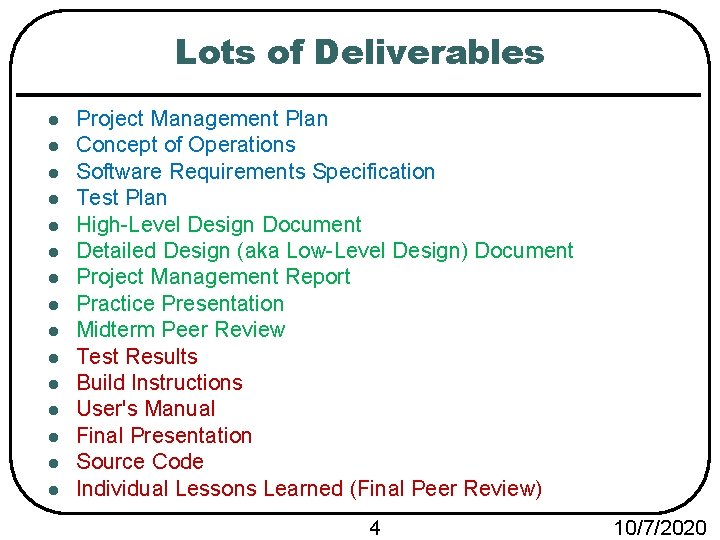
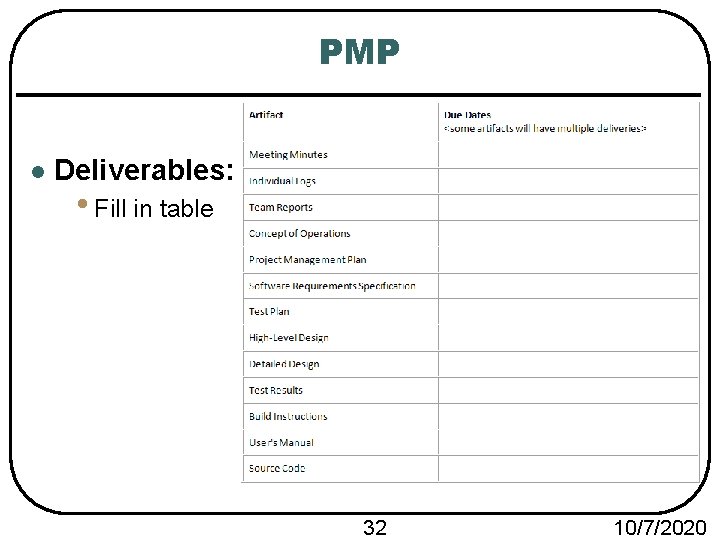
Lots of Deliverables l l l l Project Management Plan Concept of Operations Software Requirements Specification Test Plan High-Level Design Document Detailed Design (aka Low-Level Design) Document Project Management Report Practice Presentation Midterm Peer Review Test Results Build Instructions User's Manual Final Presentation Source Code Individual Lessons Learned (Final Peer Review) 4 10/7/2020
Phase 1 Summary
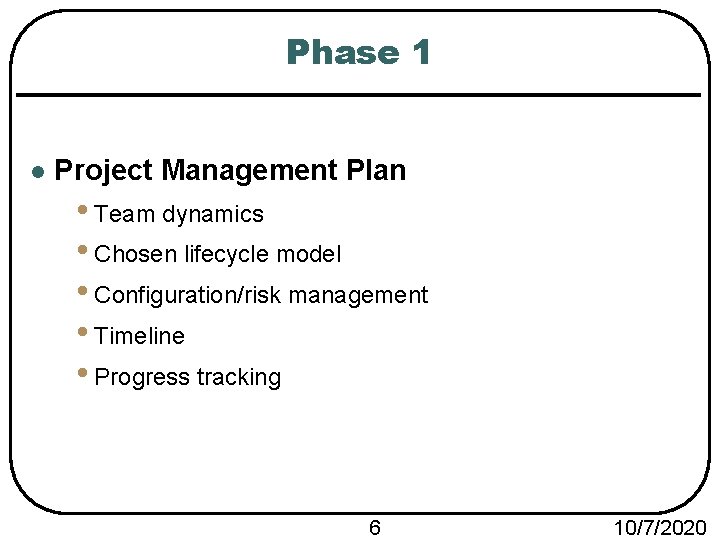
Phase 1 l Project Management Plan • Team dynamics • Chosen lifecycle model • Configuration/risk management • Timeline • Progress tracking 6 10/7/2020
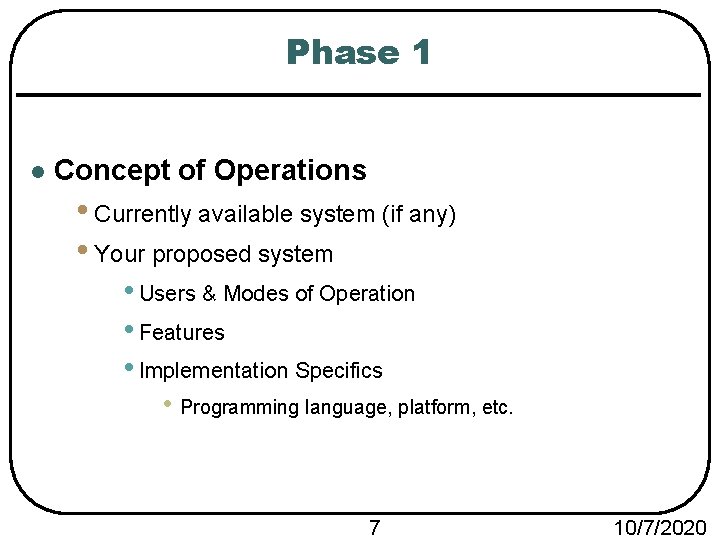
Phase 1 l Concept of Operations • Currently available system (if any) • Your proposed system • Users & Modes of Operation • Features • Implementation Specifics • Programming language, platform, etc. 7 10/7/2020
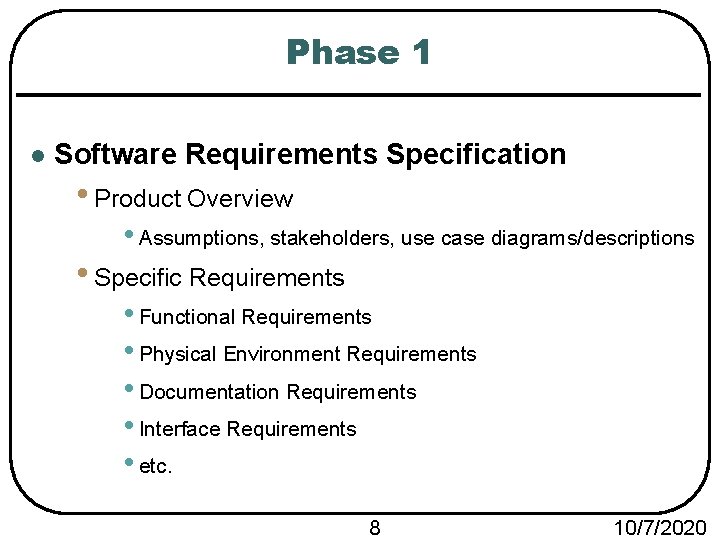
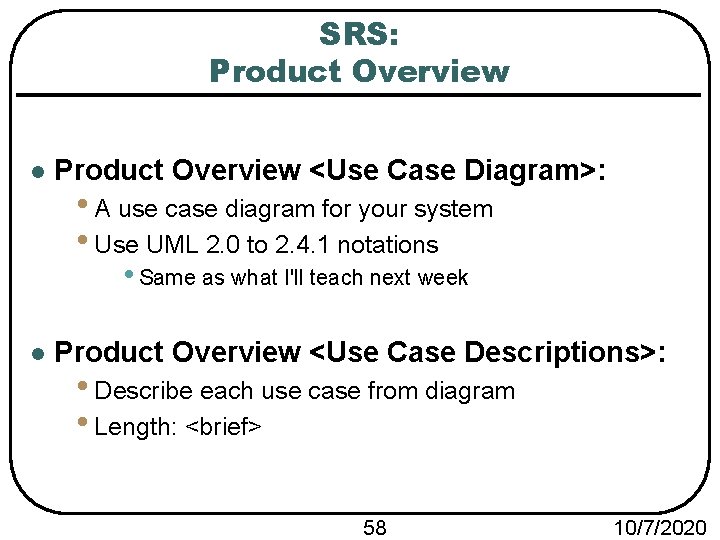
Phase 1 l Software Requirements Specification • Product Overview • Assumptions, stakeholders, use case diagrams/descriptions • Specific Requirements • Functional Requirements • Physical Environment Requirements • Documentation Requirements • Interface Requirements • etc. 8 10/7/2020
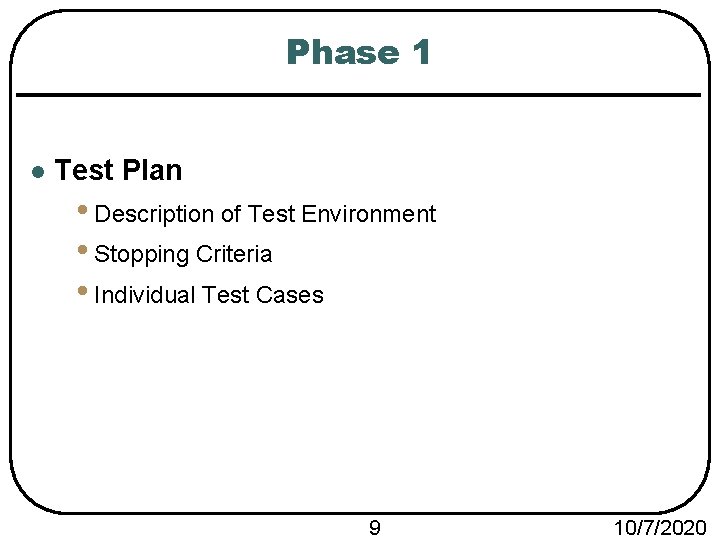
Phase 1 l Test Plan • Description of Test Environment • Stopping Criteria • Individual Test Cases 9 10/7/2020
Phase 2 Summary
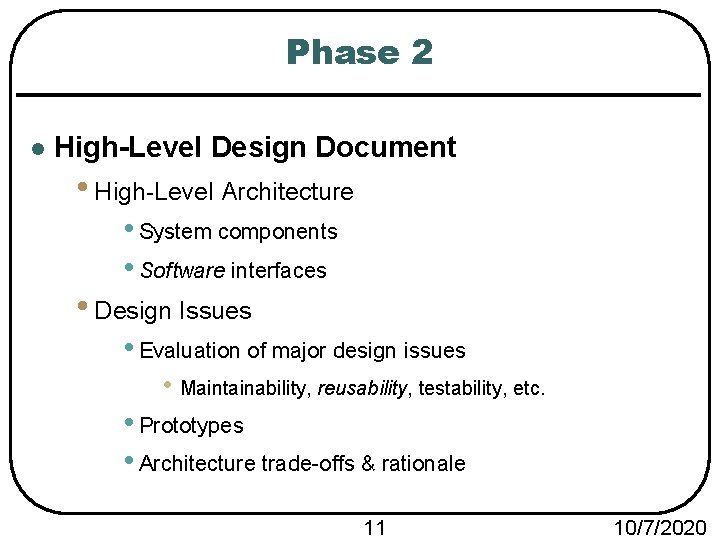
Phase 2 l High-Level Design Document • High-Level Architecture • System components • Software interfaces • Design Issues • Evaluation of major design issues • Maintainability, reusability, testability, etc. • Prototypes • Architecture trade-offs & rationale 11 10/7/2020
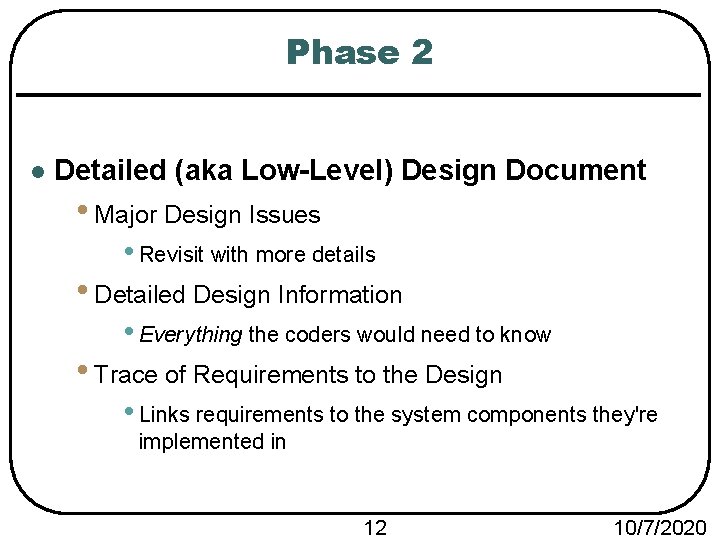
Phase 2 l Detailed (aka Low-Level) Design Document • Major Design Issues • Revisit with more details • Detailed Design Information • Everything the coders would need to know • Trace of Requirements to the Design • Links requirements to the system components they're implemented in 12 10/7/2020
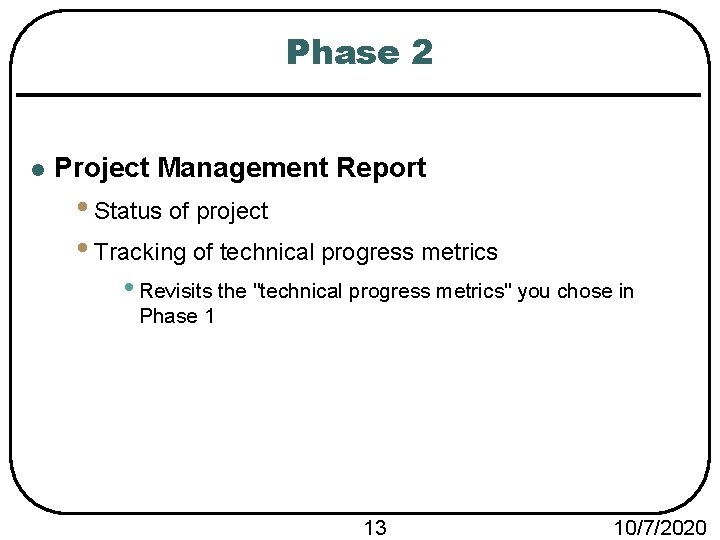
Phase 2 l Project Management Report • Status of project • Tracking of technical progress metrics • Revisits the "technical progress metrics" you chose in Phase 1 13 10/7/2020
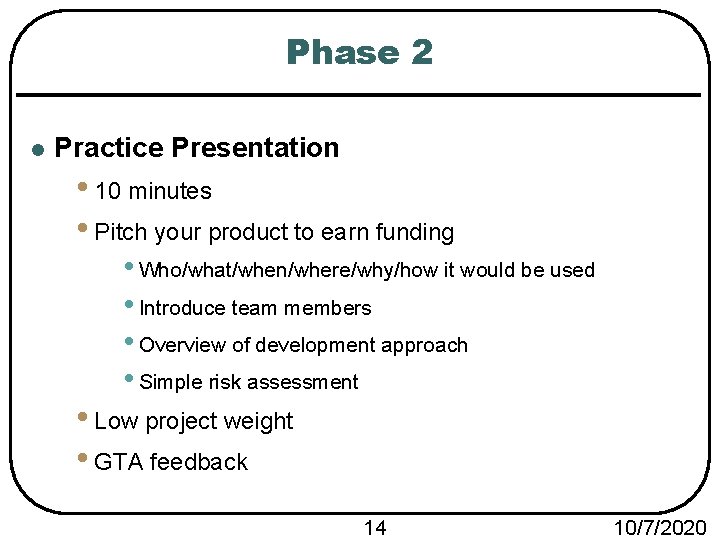
Phase 2 l Practice Presentation • 10 minutes • Pitch your product to earn funding • Who/what/when/where/why/how it would be used • Introduce team members • Overview of development approach • Simple risk assessment • Low project weight • GTA feedback 14 10/7/2020
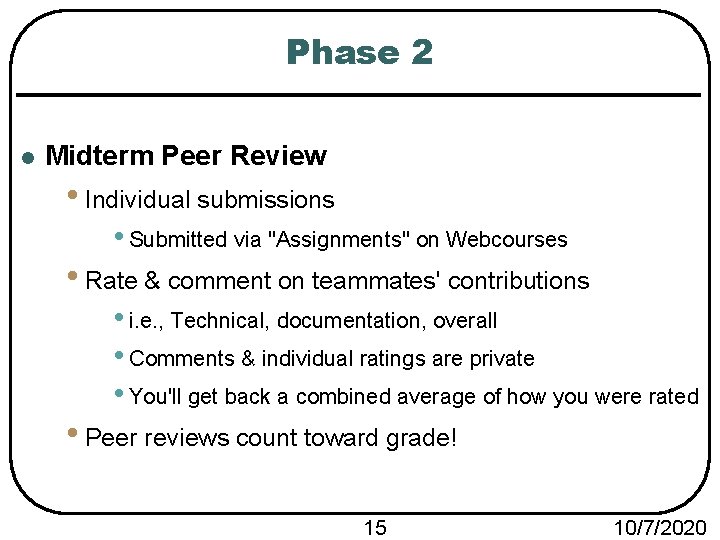
Phase 2 l Midterm Peer Review • Individual submissions • Submitted via "Assignments" on Webcourses • Rate & comment on teammates' contributions • i. e. , Technical, documentation, overall • Comments & individual ratings are private • You'll get back a combined average of how you were rated • Peer reviews count toward grade! 15 10/7/2020
Phase 3 Summary
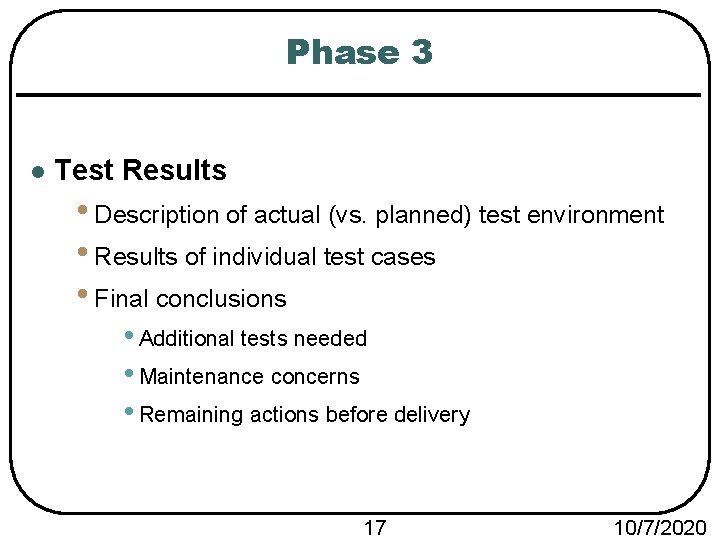
Phase 3 l Test Results • Description of actual (vs. planned) test environment • Results of individual test cases • Final conclusions • Additional tests needed • Maintenance concerns • Remaining actions before delivery 17 10/7/2020
Phase 3 l Build Instructions • Everything needed to know to install it • Hardware/software/system requirements • Steps to build & run 18 10/7/2020
Phase 3 l User's Manual • Product description • Step-by-step process for completing major functions • Screenshots required 19 10/7/2020
Phase 3 l Final Presentation & Demo • 25 minutes • Operational description • Demo • Description of architecture/design • Summary of major design issues & technical challenges • Statement of quality of final product 20 10/7/2020
Phase 3 l Individual Lessons Learned • Final peer review • Again, rate teammates' contributions • What you've learned/experienced • Suggestions for future COP 4331 students 21 10/7/2020
Getting Started: Phase 1 Document Details
Phase 1 l Every phase will be a lot of work l Get started as soon as you're assigned teams l Templates available on course website l Submitting deliverables: • Recall: Group Project Questionnaire due on 5/22 • Fill them in directly • One submission per team • Teams will be set up on Webcourses • Every document at once • If any are submitted late: Penalty applies to whole phase. 23 10/7/2020
Project Management Plan (PMP) Phase 1
PMP l Title & Front Matter • Project name • Title of document • Course information • Team name • Team members' names • Modification history • Be sure to update this! • Contents of document 25 10/7/2020
PMP l Project Overview • Brief description of your project • No need for technical details • Length: <1 brief paragraph> 26 10/7/2020
PMP l Reference Documents: • Concept of Operations • Any other relevant documents 27 10/7/2020
PMP l Applicable Standards <Coding> • The goal of a coding standard is to make maintenance easier. • What's your minimal acceptable standard for code? • Things to include: • Required documentation (e. g. , commenting) • Naming conventions (e. g. , camel case) • Indentation style • etc. • Give it some real thought • You're going to be coding with others, so really try to stick to some kind of coding standard. 28 10/7/2020
PMP l Applicable Standards <Documentation> • Describe the minimal acceptable standard for documents • Things to include: • Font size • Headings • Spacing • Spelling/grammar checking • Table of Contents • Lists of Figures and Tables • Authors' names • Modification History • etc. • ~80% of your deliverables are documentation 29 10/7/2020
PMP l Applicable Standards <Artifact Size Metric> • What are appropriate measures of "size" for your project? • i. e. , How will you measure how BIG your project is? • E. g. , Size in k. B? Length of game? Both? etc. 30 10/7/2020
PMP l Project Team Organization: • Used to explain your group and organizational issues • For each group member, describe: • Skills, talents, project role(s) • Describe how you'll handle communication. • Face-to-Face meetings, Skype, Email, Webcourses, etc. 31 10/7/2020
PMP l Deliverables: • Fill in table 32 10/7/2020
PMP l Software Life Cycle Process: • What process are you going to follow? • See chapter 2 for lifecycle models • May use a hybrid model • Describe process and your rational for choosing it • Include a diagram • Feel free to copy/paste from textbook (see slides) or other source, but make sure to cite it in a footnote! • Length: <A few sentences> 33 10/7/2020
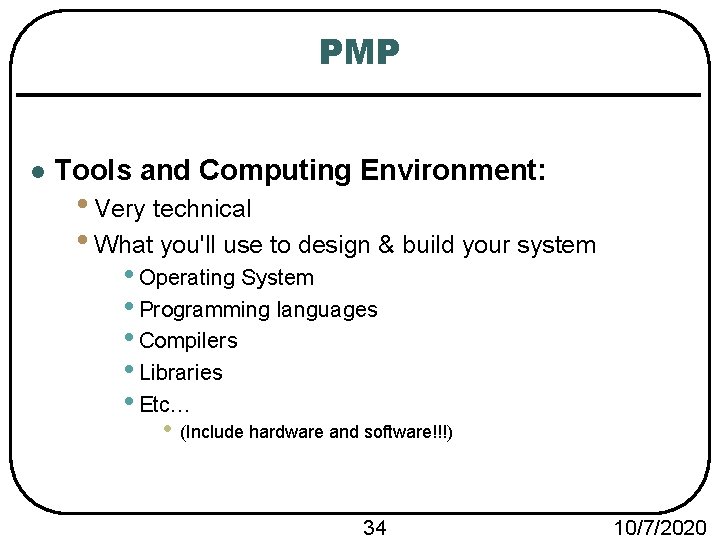
PMP l Tools and Computing Environment: • Very technical • What you'll use to design & build your system • Operating System • Programming languages • Compilers • Libraries • Etc… • (Include hardware and software!!!) 34 10/7/2020
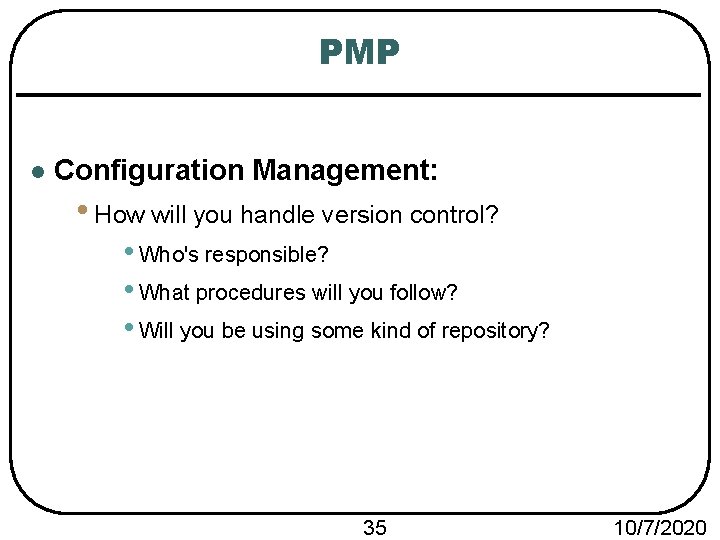
PMP l Configuration Management: • How will you handle version control? • Who's responsible? • What procedures will you follow? • Will you be using some kind of repository? 35 10/7/2020
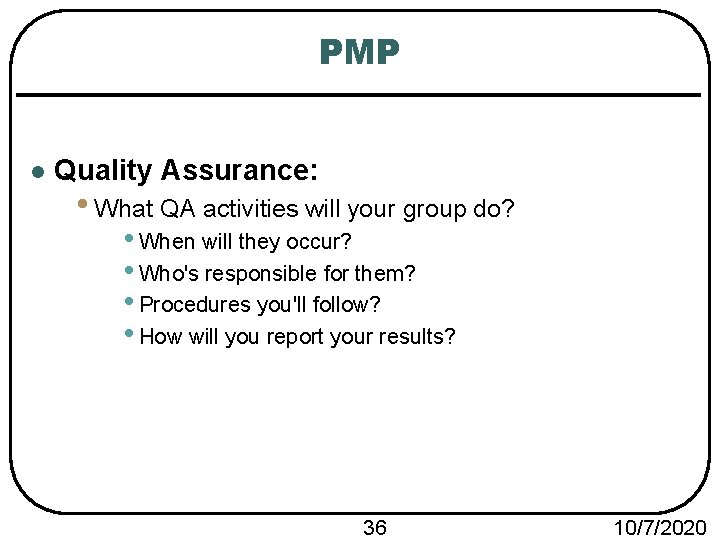
PMP l Quality Assurance: • What QA activities will your group do? • When will they occur? • Who's responsible for them? • Procedures you'll follow? • How will you report your results? 36 10/7/2020
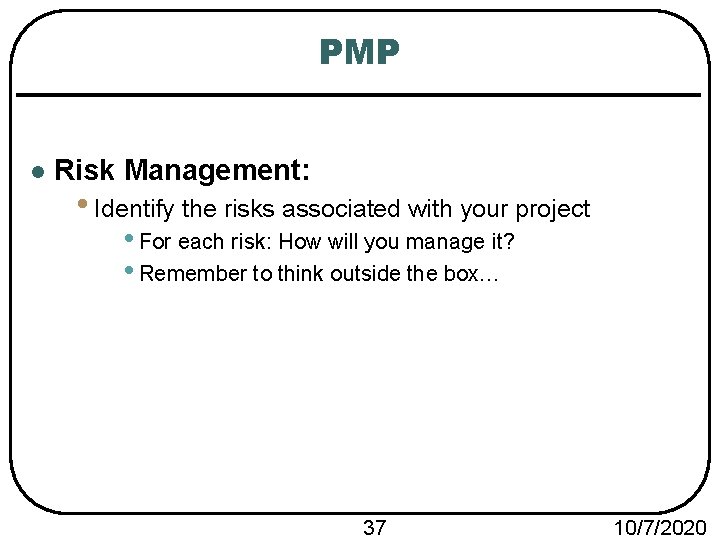
PMP l Risk Management: • Identify the risks associated with your project • For each risk: How will you manage it? • Remember to think outside the box… 37 10/7/2020
PMP l Work Packages, Time Estimates, Assignments: • Break down the project into a hierarchy of work packages (i. e. , project components) • For each work package: • Estimate how much work time it'll take to complete • State who's responsible for its completion 38 10/7/2020
PMP l Technical Progress Metrics • Metric: A system or standard of measurement • So, How will you be measuring the technical progress you make on your project? • Choose metrics that are easy to report & collect • You'll use these to measure your progress in Phase 2 • Examples: • Requirements Phase: • # of requirements • High-Level System Design Phase: • # of UML diagrams completed • Low-Level Design & Coding Phases: • # of packages, classes, and/or methods • etc. 39 10/7/2020
PMP l Plan for tracking, control, reporting of progress: • What data to collect • When to collect it • How and when to interpret it • How and when to report it • Example response given in document template • Base your team's plan on this 40 10/7/2020
Concept of Operations Phase 1
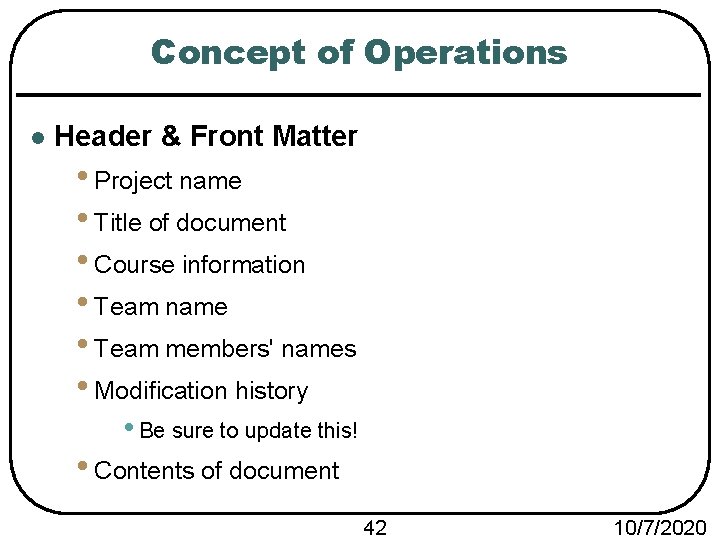
Concept of Operations l Header & Front Matter • Project name • Title of document • Course information • Team name • Team members' names • Modification history • Be sure to update this! • Contents of document 42 10/7/2020
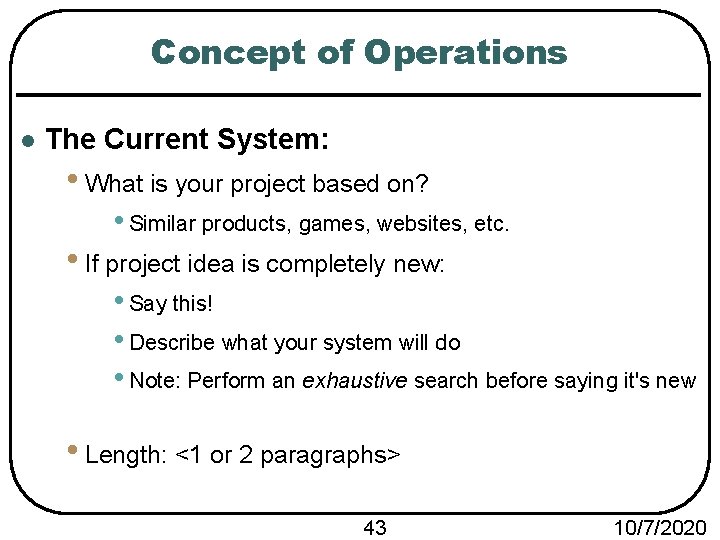
Concept of Operations l The Current System: • What is your project based on? • Similar products, games, websites, etc. • If project idea is completely new: • Say this! • Describe what your system will do • Note: Perform an exhaustive search before saying it's new • Length: <1 or 2 paragraphs> 43 10/7/2020
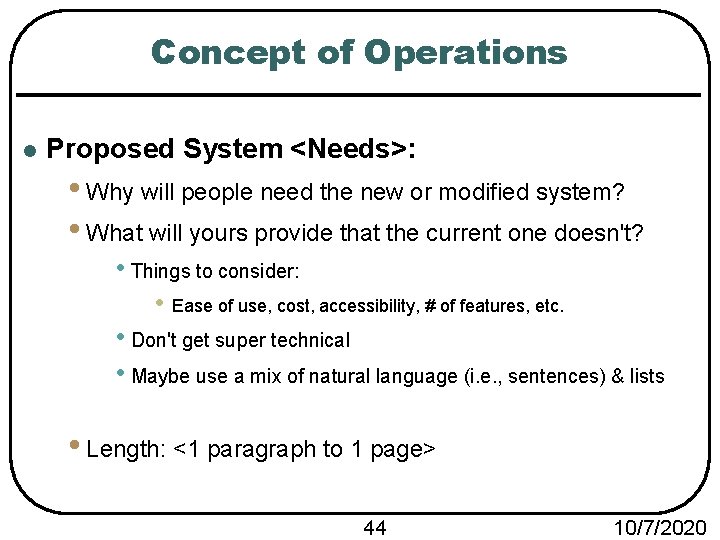
Concept of Operations l Proposed System <Needs>: • Why will people need the new or modified system? • What will yours provide that the current one doesn't? • Things to consider: • Ease of use, cost, accessibility, # of features, etc. • Don't get super technical • Maybe use a mix of natural language (i. e. , sentences) & lists • Length: <1 paragraph to 1 page> 44 10/7/2020
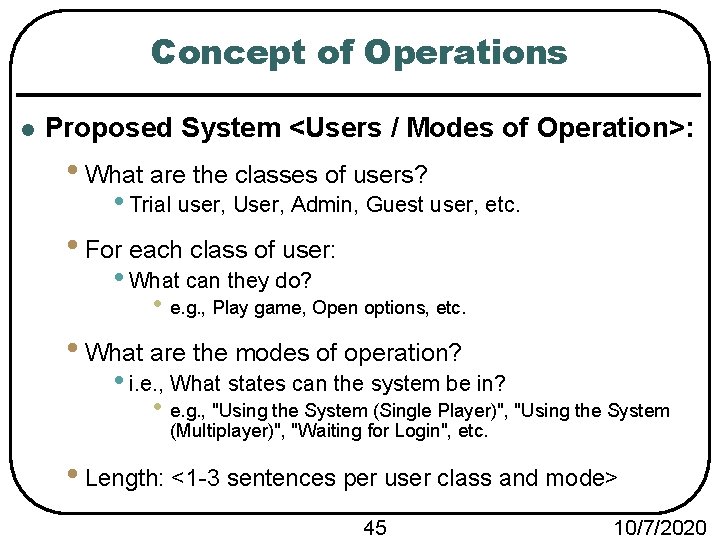
Concept of Operations l Proposed System <Users / Modes of Operation>: • What are the classes of users? • Trial user, User, Admin, Guest user, etc. • For each class of user: • What can they do? • e. g. , Play game, Open options, etc. • What are the modes of operation? • i. e. , What states can the system be in? • e. g. , "Using the System (Single Player)", "Using the System (Multiplayer)", "Waiting for Login", etc. • Length: <1 -3 sentences per user class and mode> 45 10/7/2020
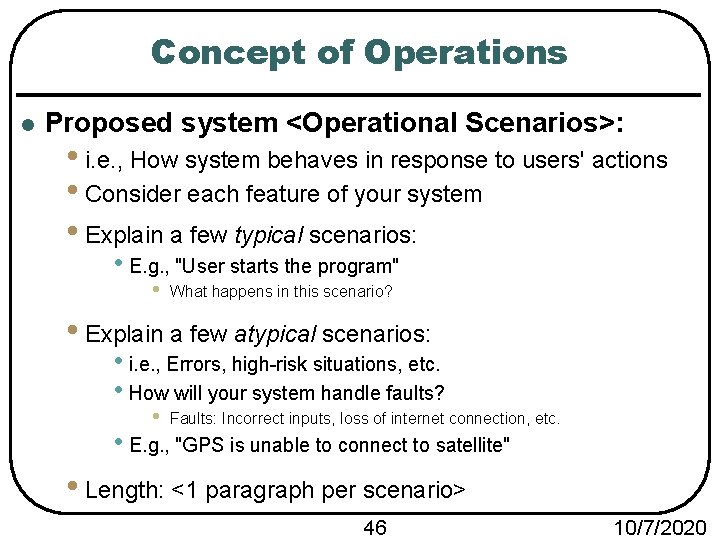
Concept of Operations l Proposed system <Operational Scenarios>: • i. e. , How system behaves in response to users' actions • Consider each feature of your system • Explain a few typical scenarios: • E. g. , "User starts the program" • What happens in this scenario? • Explain a few atypical scenarios: • i. e. , Errors, high-risk situations, etc. • How will your system handle faults? • Faults: Incorrect inputs, loss of internet connection, etc. • E. g. , "GPS is unable to connect to satellite" • Length: <1 paragraph per scenario> 46 10/7/2020
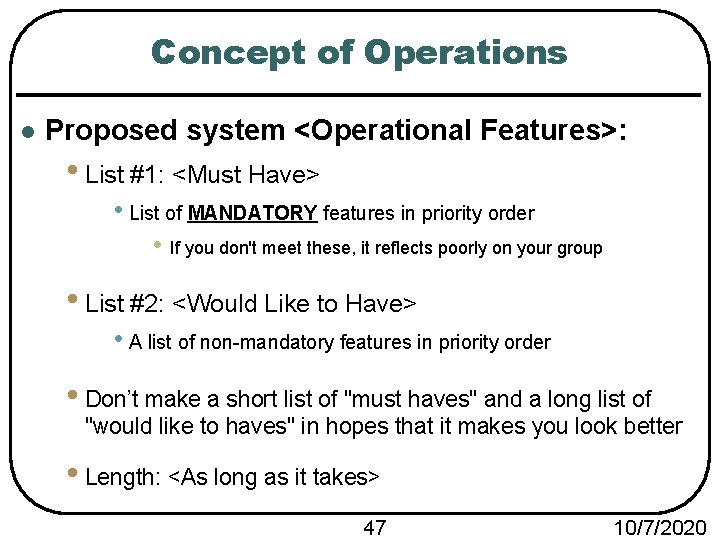
Concept of Operations l Proposed system <Operational Features>: • List #1: <Must Have> • List of MANDATORY features in priority order • If you don't meet these, it reflects poorly on your group • List #2: <Would Like to Have> • A list of non-mandatory features in priority order • Don’t make a short list of "must haves" and a long list of "would like to haves" in hopes that it makes you look better • Length: <As long as it takes> 47 10/7/2020
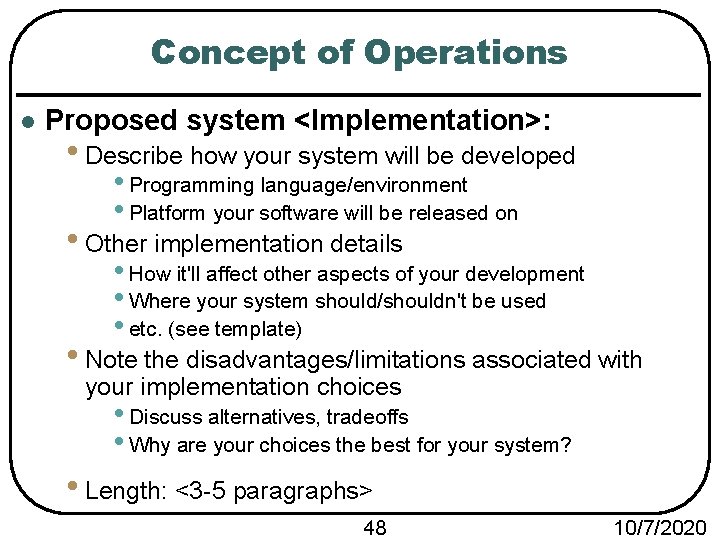
Concept of Operations l Proposed system <Implementation>: • Describe how your system will be developed • Programming language/environment • Platform your software will be released on • Other implementation details • How it'll affect other aspects of your development • Where your system should/shouldn't be used • etc. (see template) • Note the disadvantages/limitations associated with your implementation choices • Discuss alternatives, tradeoffs • Why are your choices the best for your system? • Length: <3 -5 paragraphs> 48 10/7/2020
Software Requirements Specification (SRS) Phase 1
SRS l Header & Front Matter • Project name • Title of document • Course information • Team name • Team members' names • Modification history • Be sure to update this! • Contents of document 50 10/7/2020
SRS: Introduction l Software to be produced: • Describe what your project idea is • You can reference other documents in this section • E. g. , "Please see Concept of Operations for more details" • Length: <1 good paragraph> 51 10/7/2020
SRS: Introduction l Reference documents: • Concept of Operations • Project Management Plan • Any other supporting documents • Influence for your project? 52 10/7/2020
SRS: Introduction l Applicable standards: • Specific standards relating to your system • Don't restate standards already listed in PMP • E. g. , "Please see Project Management Plan for coding standards" 53 10/7/2020
SRS: Introduction l Definitions, Acronyms, Abbreviations: • Straightforward… but be thorough. • E. g. , "API – Application Programming Interface" • If no acronyms/abbreviations are present and no definitions are necessary: • Say this! • (In this course, never exclude or leave any section blank) • Tip: Be sure this is the case before making it final. • Length: <Cover everything> 54 10/7/2020
SRS: Product Overview l Product Overview <Assumptions>: • List ALL of your assumptions • Other systems this product will interface with • Technological environment the system will operate in • How much memory, what type of processor, etc. • Start getting into technical details • What device? What OS? What version? • Length: <Cover everything> 55 10/7/2020
SRS: Product Overview l Product Overview <Stakeholders>: • List each category of stakeholder • Briefly describe their interest of concerns • Example categories: • Your professor/GTA • Your customers • Your competitors? • Some people hold a negative stake in your success • Length: <A sentence or two for each category> 56 10/7/2020
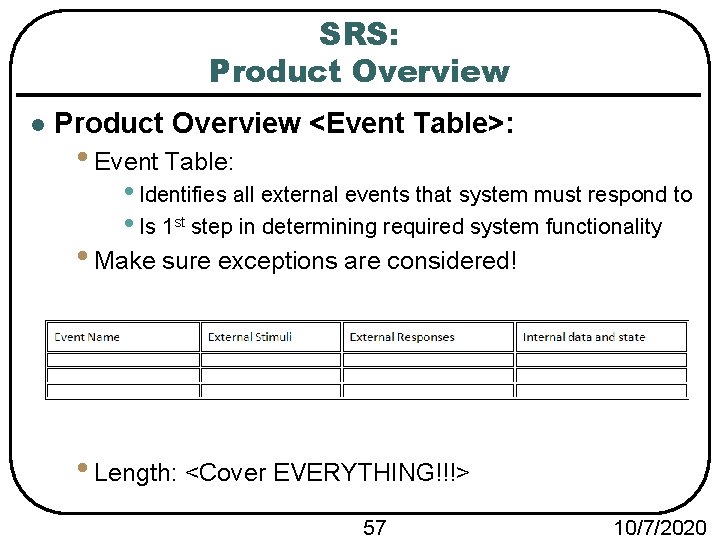
SRS: Product Overview l Product Overview <Event Table>: • Event Table: • Identifies all external events that system must respond to • Is 1 st step in determining required system functionality • Make sure exceptions are considered! • Length: <Cover EVERYTHING!!!> 57 10/7/2020
SRS: Product Overview l Product Overview <Use Case Diagram>: • A use case diagram for your system • Use UML 2. 0 to 2. 4. 1 notations • Same as what I'll teach next week l Product Overview <Use Case Descriptions>: • Describe each use case from diagram • Length: <brief> 58 10/7/2020
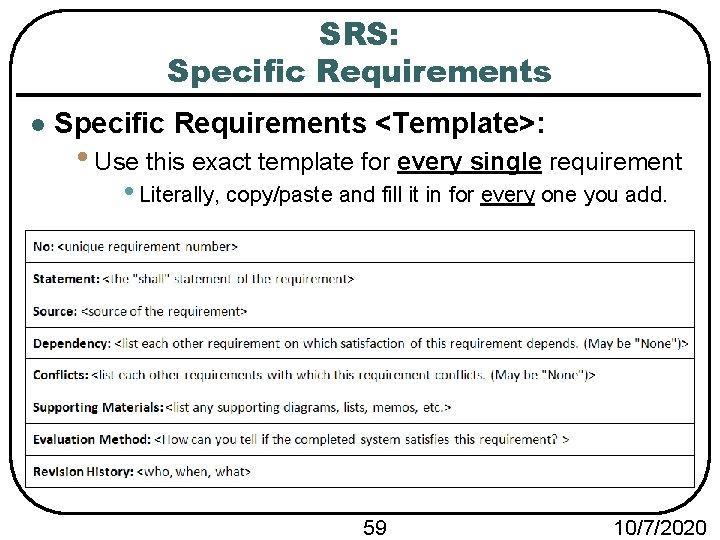
SRS: Specific Requirements l Specific Requirements <Template>: • Use this exact template for every single requirement • Literally, copy/paste and fill it in for every one you add. 59 10/7/2020
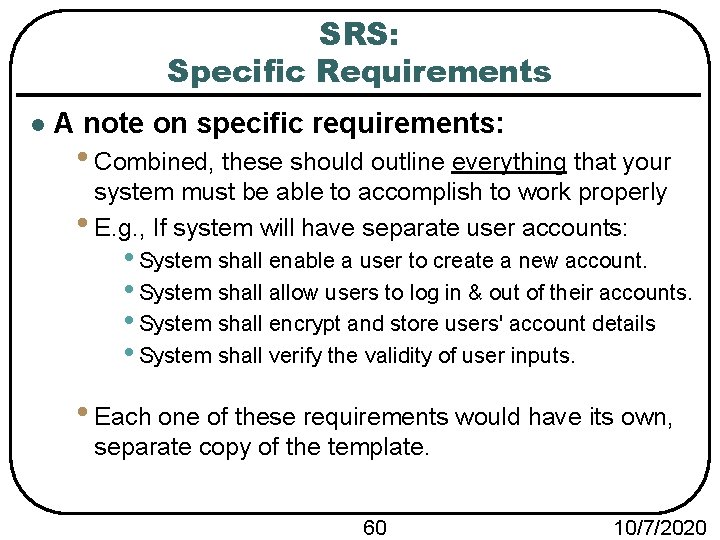
SRS: Specific Requirements l A note on specific requirements: • Combined, these should outline everything that your system must be able to accomplish to work properly • E. g. , If system will have separate user accounts: • System shall enable a user to create a new account. • System shall allow users to log in & out of their accounts. • System shall encrypt and store users' account details • System shall verify the validity of user inputs. • Each one of these requirements would have its own, separate copy of the template. 60 10/7/2020
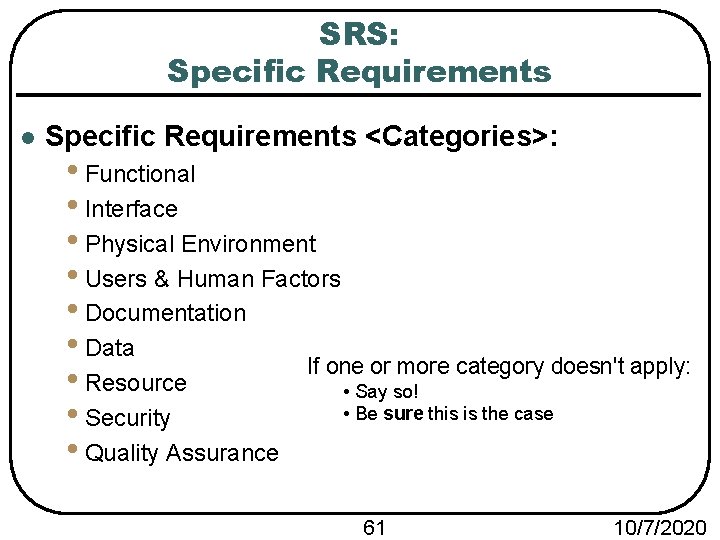
SRS: Specific Requirements l Specific Requirements <Categories>: • Functional • Interface • Physical Environment • Users & Human Factors • Documentation • Data If one or more category doesn't apply: • Resource • Say so! • Be sure this is the case • Security • Quality Assurance 61 10/7/2020
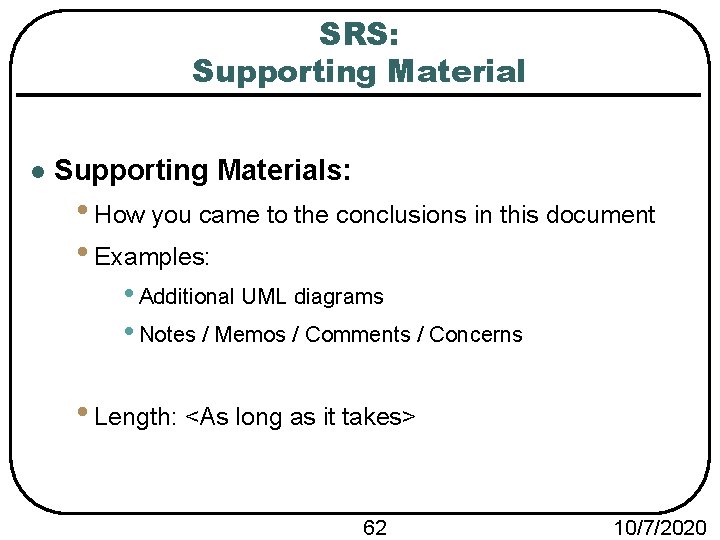
SRS: Supporting Material l Supporting Materials: • How you came to the conclusions in this document • Examples: • Additional UML diagrams • Notes / Memos / Comments / Concerns • Length: <As long as it takes> 62 10/7/2020
Test Plan Phase 1
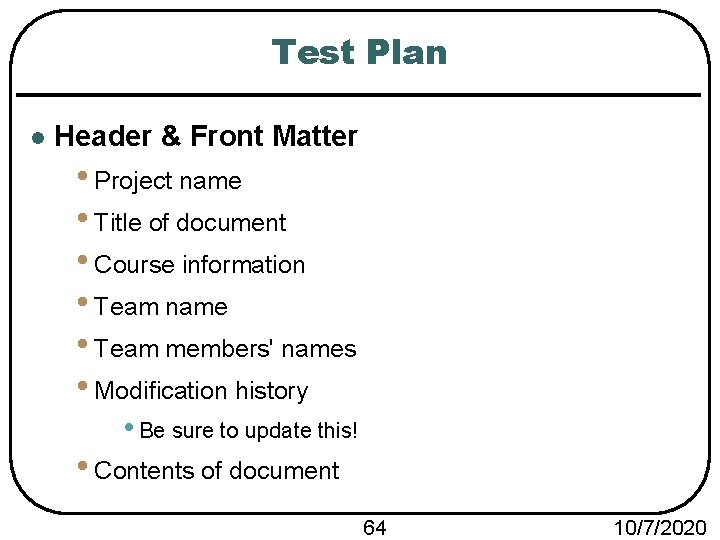
Test Plan l Header & Front Matter • Project name • Title of document • Course information • Team name • Team members' names • Modification history • Be sure to update this! • Contents of document 64 10/7/2020
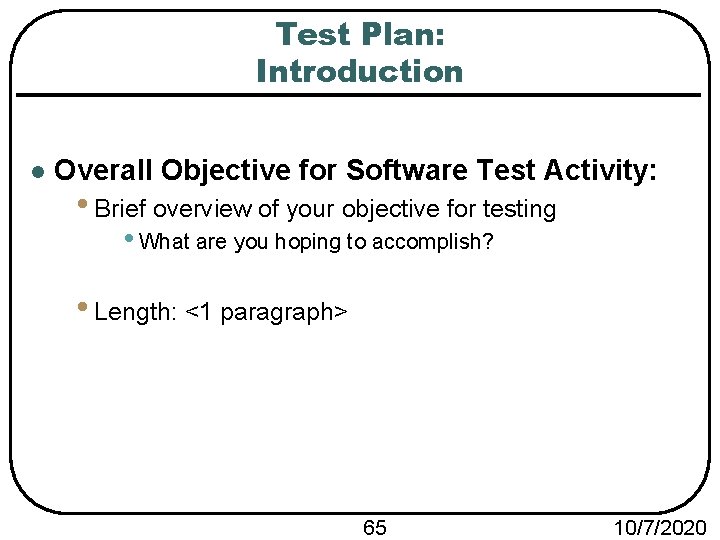
Test Plan: Introduction l Overall Objective for Software Test Activity: • Brief overview of your objective for testing • What are you hoping to accomplish? • Length: <1 paragraph> 65 10/7/2020
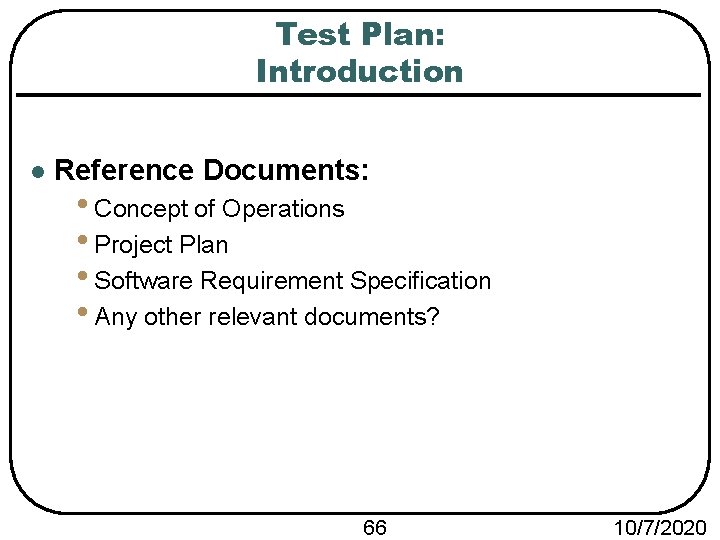
Test Plan: Introduction l Reference Documents: • Concept of Operations • Project Plan • Software Requirement Specification • Any other relevant documents? 66 10/7/2020
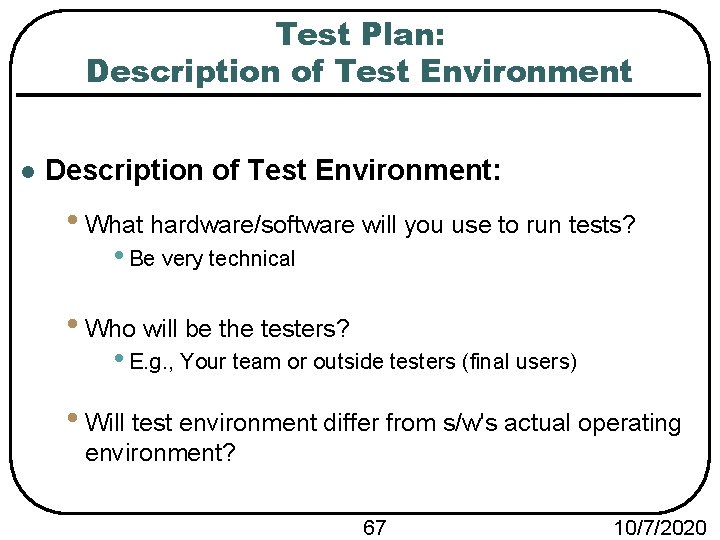
Test Plan: Description of Test Environment l Description of Test Environment: • What hardware/software will you use to run tests? • Be very technical • Who will be the testers? • E. g. , Your team or outside testers (final users) • Will test environment differ from s/w's actual operating environment? 67 10/7/2020
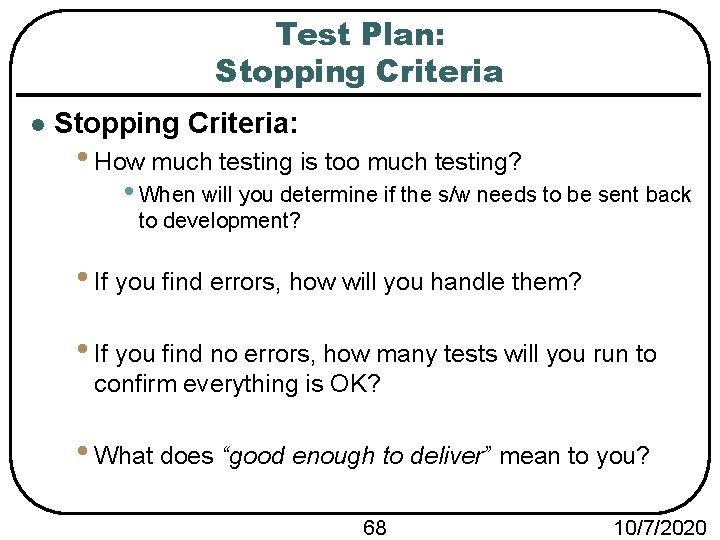
Test Plan: Stopping Criteria l Stopping Criteria: • How much testing is too much testing? • When will you determine if the s/w needs to be sent back to development? • If you find errors, how will you handle them? • If you find no errors, how many tests will you run to confirm everything is OK? • What does “good enough to deliver” mean to you? 68 10/7/2020
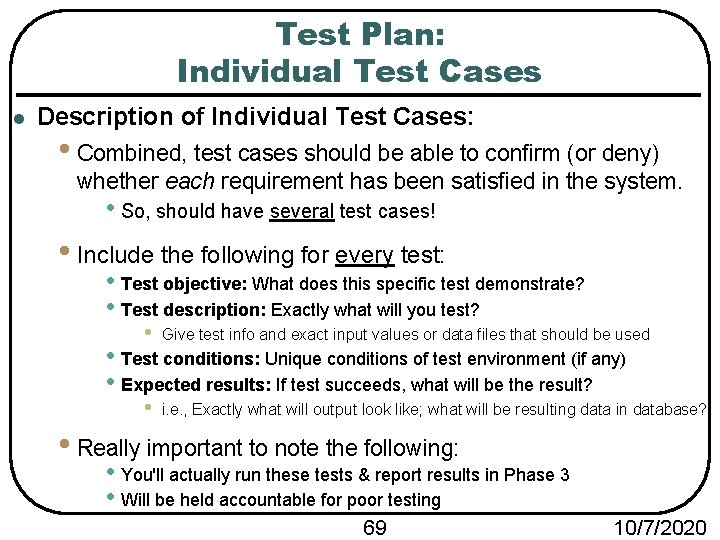
Test Plan: Individual Test Cases l Description of Individual Test Cases: • Combined, test cases should be able to confirm (or deny) whether each requirement has been satisfied in the system. • So, should have several test cases! • Include the following for every test: • Test objective: What does this specific test demonstrate? • Test description: Exactly what will you test? • Give test info and exact input values or data files that should be used • i. e. , Exactly what will output look like; what will be resulting data in database? • Test conditions: Unique conditions of test environment (if any) • Expected results: If test succeeds, what will be the result? • Really important to note the following: • You'll actually run these tests & report results in Phase 3 • Will be held accountable for poor testing 69 10/7/2020
Side Note About Groups
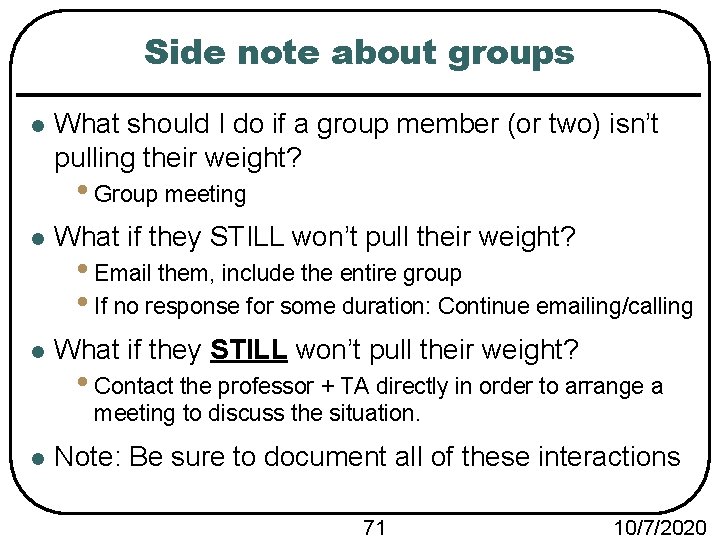
Side note about groups l What should I do if a group member (or two) isn’t pulling their weight? • Group meeting l What if they STILL won’t pull their weight? • Email them, include the entire group • If no response for some duration: Continue emailing/calling • Contact the professor + TA directly in order to arrange a meeting to discuss the situation. l Note: Be sure to document all of these interactions 71 10/7/2020