
Cookies and Sessions in PHP Week 6 Arguments



- Slides: 12
Cookies and Sessions in PHP Week # 6
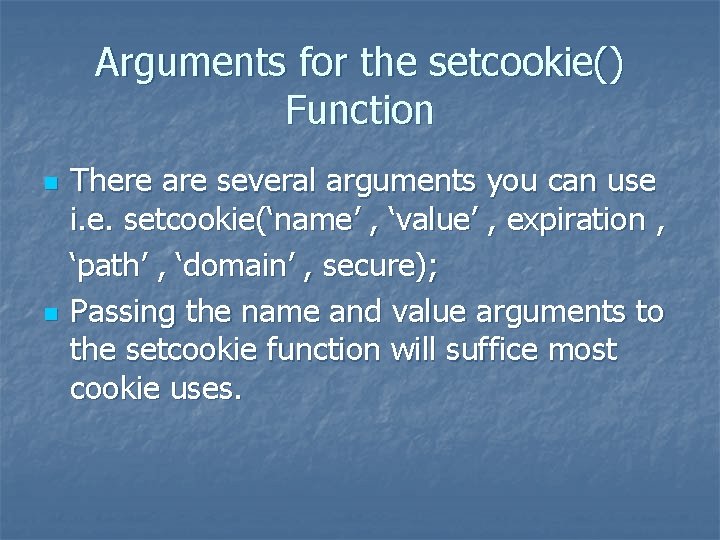
Arguments for the setcookie() Function n n There are several arguments you can use i. e. setcookie(‘name’ , ‘value’ , expiration , ‘path’ , ‘domain’ , secure); Passing the name and value arguments to the setcookie function will suffice most cookie uses.
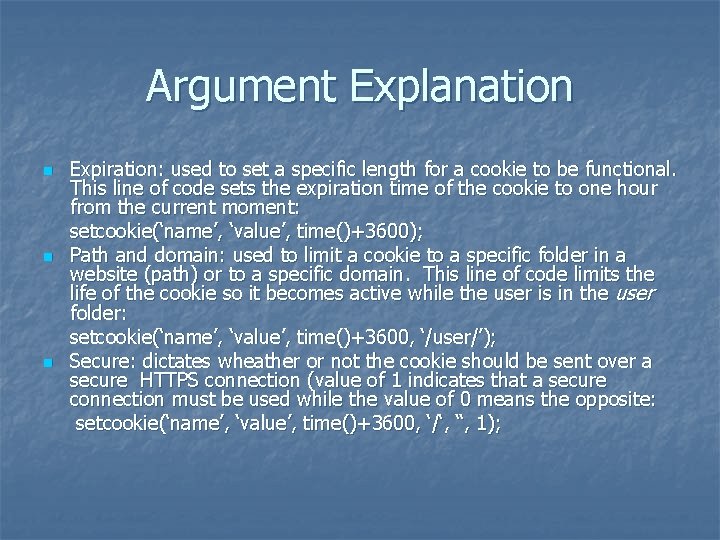
Argument Explanation n Expiration: used to set a specific length for a cookie to be functional. This line of code sets the expiration time of the cookie to one hour from the current moment: setcookie(‘name’, ‘value’, time()+3600); Path and domain: used to limit a cookie to a specific folder in a website (path) or to a specific domain. This line of code limits the life of the cookie so it becomes active while the user is in the user folder: setcookie(‘name’, ‘value’, time()+3600, ‘/user/’); Secure: dictates wheather or not the cookie should be sent over a secure HTTPS connection (value of 1 indicates that a secure connection must be used while the value of 0 means the opposite: setcookie(‘name’, ‘value’, time()+3600, ‘/‘, ‘‘, 1);
Creating Cookies n Script 9. 1
Reading from Cookies n Script 9. 2
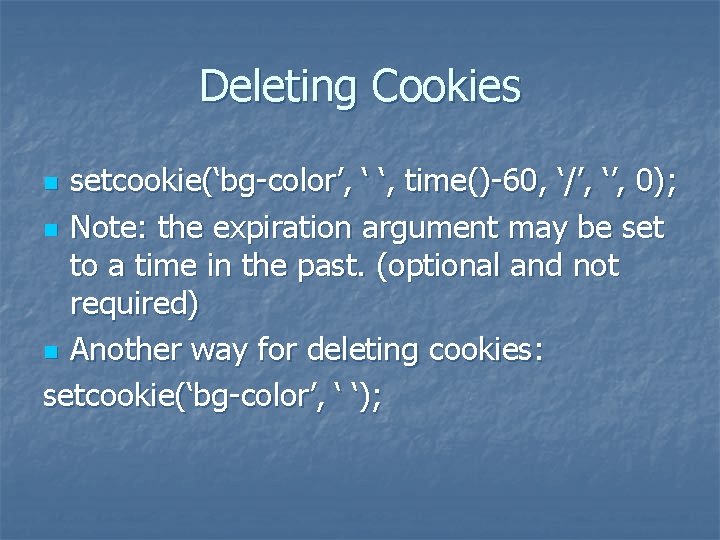
Deleting Cookies setcookie(‘bg-color’, ‘ ‘, time()-60, ‘/’, ‘’, 0); n Note: the expiration argument may be set to a time in the past. (optional and not required) n Another way for deleting cookies: setcookie(‘bg-color’, ‘ ‘); n
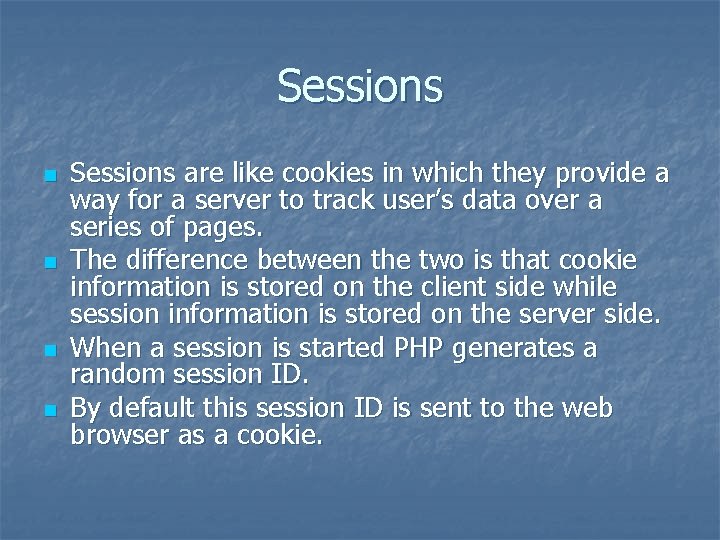
Sessions n n Sessions are like cookies in which they provide a way for a server to track user’s data over a series of pages. The difference between the two is that cookie information is stored on the client side while session information is stored on the server side. When a session is started PHP generates a random session ID. By default this session ID is sent to the web browser as a cookie.
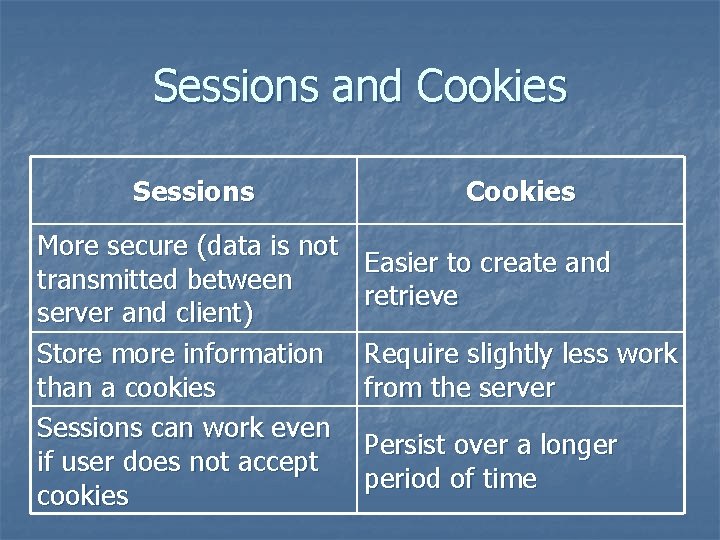
Sessions and Cookies Sessions More secure (data is not transmitted between server and client) Store more information than a cookies Sessions can work even if user does not accept cookies Cookies Easier to create and retrieve Require slightly less work from the server Persist over a longer period of time
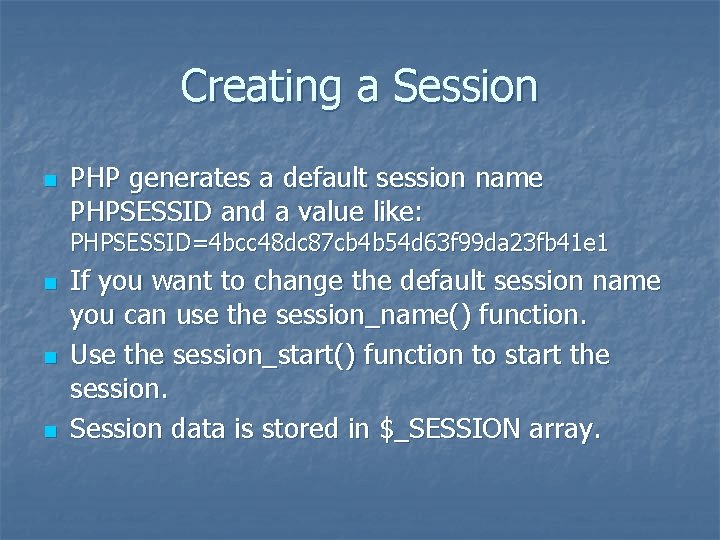
Creating a Session n PHP generates a default session name PHPSESSID and a value like: PHPSESSID=4 bcc 48 dc 87 cb 4 b 54 d 63 f 99 da 23 fb 41 e 1 n n n If you want to change the default session name you can use the session_name() function. Use the session_start() function to start the session. Session data is stored in $_SESSION array.
Code Example for Creating a Session n Script 9. 5
Accessing Session Variables n Script 9. 6
Deleting a Session n Script 9. 7