
Converting Home Movies Photos and Slides to Digital
- Slides: 17
Converting Home Movies, Photos and Slides to Digital Format Presented by Doug Shearer MI Photo and Video Transfer May 2, 2011
My Background q Worked 34 years as a statistician for the IRS q Retired in 2008 and moved to Murrells Inlet q Worked as a photo lab technician q Started a small business in 2010 converting home movies, photos, and slides to digital format q Amateur photographer q Family home movies q Film photography q Point and shoot digital - 10 years ago q Shooting with 12 MP Canon EOS Rebel DSLR - past 2 years
Today’s Topics q Scanning photos to digital images q Slide show movies on DVD q Conversion of VHS home movies to DVD
Why Convert Analog Photos or Videos to Digital Format? q Preserve q Storage q Enhance q Restore q. Others?
Digitizing Photos – Hardware & Software Needed q A personal computer q A scanner q Software to process and save images
Why so much RAM and HDD space? q My PC q 8 GB RAM q 1 TB HDD q Why is RAM and HDD space important?
Spatial Resolution q What is spatial resolution? q How is it different from what we typically mean when we refer to the resolution of an image? q Why is spatial resolution important? q Why do you need to consider spatial resolution when cropping an image?
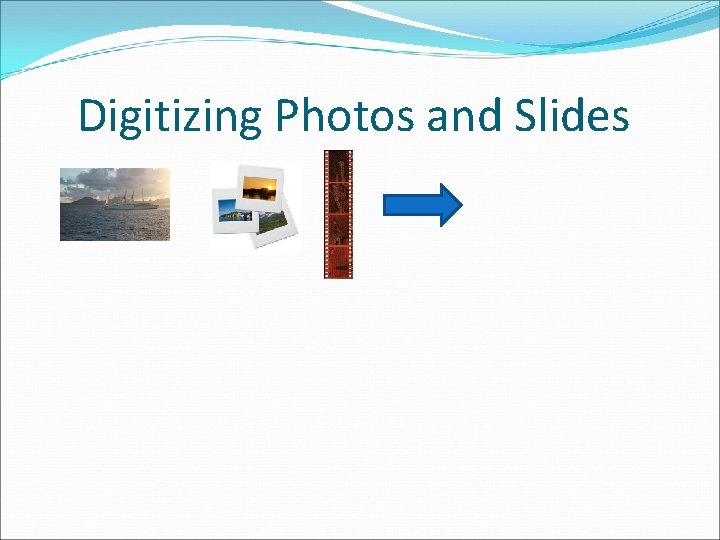
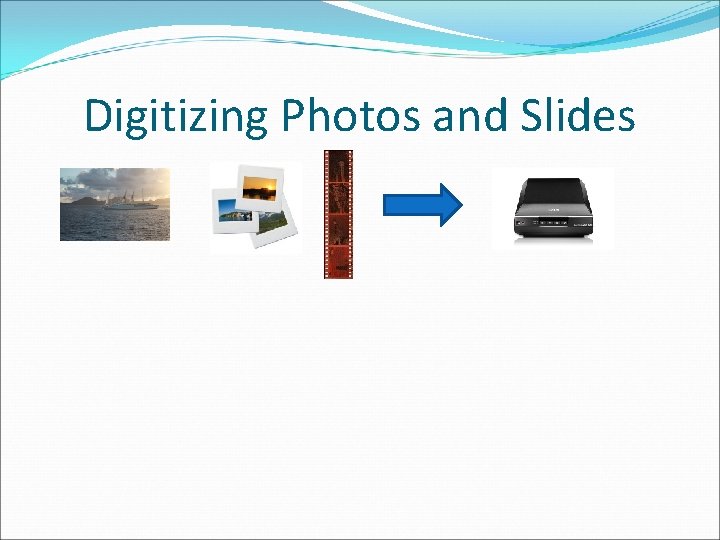
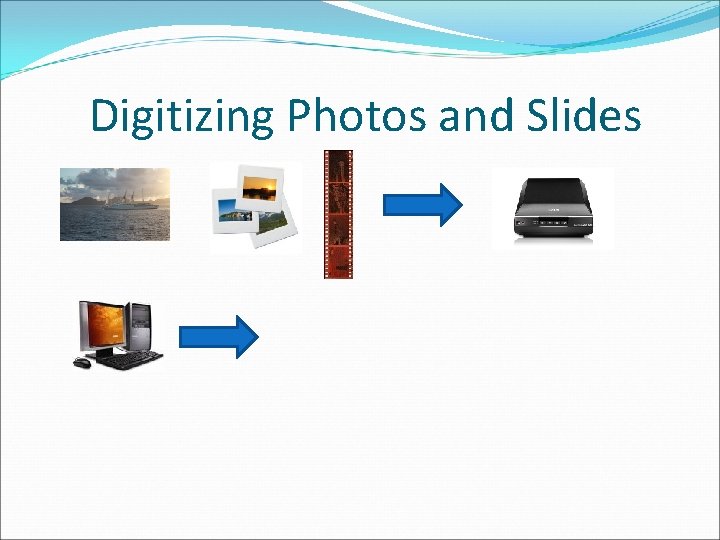
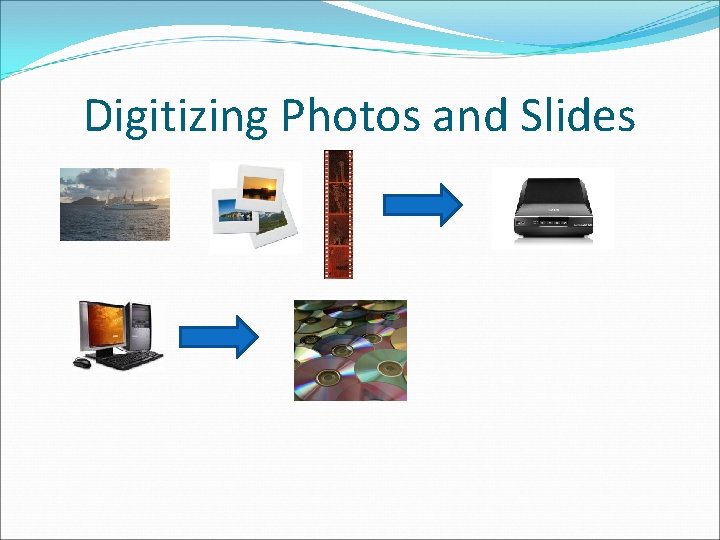
Digitizing Photos and Slides
Digitizing Photos and Slides
Digitizing Photos and Slides
Digitizing Photos and Slides
Several Things You Can Do with Your Digital Images q Enhance them via post-processing q Print them q Store them on your computer or other media such as DVDs q Create slide show movies
Features/Advantages of Slide Show Movies q Background music q Special effects such as pan and zoom, slide transitions, title and closing credit screens q Play on a computer or a DVD player q Create large compilations
Hardware & Software needed to convert home movies to digital format q A personal computer with at least 2 GB of memory and a large hard drive q VCR q Component cable with a USB adapter q Software to capture the images played from the VCR as a digital movie q A DVD drive in the PC to burn the digital movie to DVD q Alternate method use a combination VHS player/DVD recorder
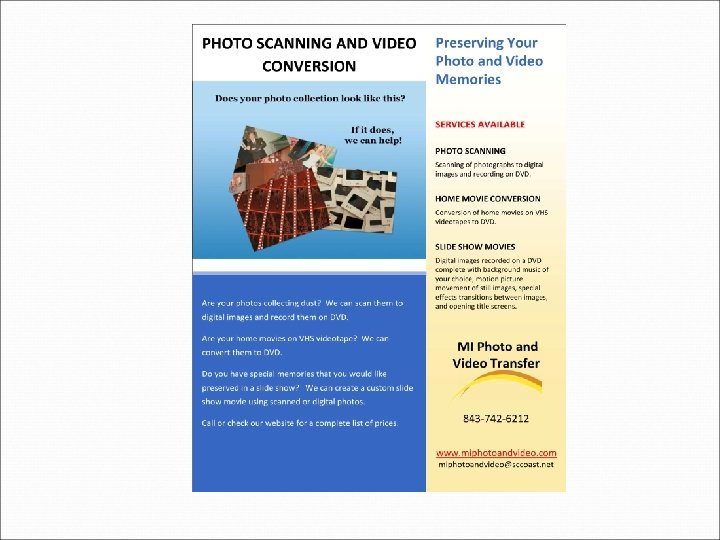
If your photo collection looks like any of these … I can help you q Preserve the analog photos by converting them to digital format q This is something you can do yourself, if: q You have the necessary hardware, software, time, knowledge, and desire; or q It can be done for you by a service provider such as myself
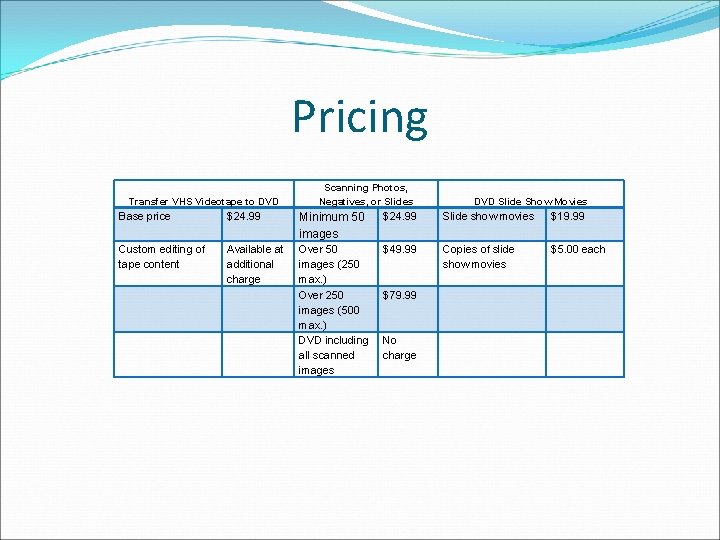
Pricing Transfer VHS Videotape to DVD Base price $24. 99 Custom editing of tape content Available at additional charge Scanning Photos, Negatives, or Slides DVD Slide Show Movies Minimum 50 images $24. 99 Slide show movies $19. 99 Over 50 images (250 max. ) Over 250 images (500 max. ) DVD including all scanned images $49. 99 Copies of slide show movies $5. 00 each $79. 99 No charge