
CONTROLLING EXPOSURE Aperture shutter speed and other exposure

- Slides: 12
CONTROLLING EXPOSURE Aperture, shutter speed and other exposure techniques
The Aperture controls light and depth of field The larger the opening the more light is let in The larger the opening the sharper the foreground will be The smaller the opening the less light will be let in The smaller the opening both the foreground and background will be sharp Standard apertures Exposure Series
The shutter controls light and motion Faster shutter speed lets in less light Faster shutter speed will keep an image sharp Slower shutter speeds let in more light Slower shutter speeds can be blurry Effect of shutter speed on exposure Shutter speed effect on moving subjects
Aperture and Shutter Priority Mode Trying to get the right exposure can be challenging Use aperture priority mode when you want to set the aperture to a specific size and you don’t have time to figure out the fastest shutter speed. Use shutter priority mode when you need a specific freeze or blur to occur. You set the shutter speed and the camera will set the aperture.
Try it Take a photo in aperture priority mode. The photo should have a shallow depth of field Set the camera to A Set the aperture Take the Photo
Take a photo in shutter priority mode. The photo should be a freeze action image like someone jumping or spinning Set the camera to S Set the shutter to a fast speed Take the Photo
Exposure Metering Your camera meters exposure based on the average brightness of a scene This works well most of the time, but sometimes scenes are hard to meter You can adjust the settings to accommodate hard to meter scenes.
How the camera measures brightness A digital camera takes all the tones and averages the exposure based on middle gray. Middle gray reflects 18% on the light coming into the camera If the scene has a lot of contrast or is backlit the camera cannot determine that. � In these instances you need to use exposure commendation or an exposure meter.
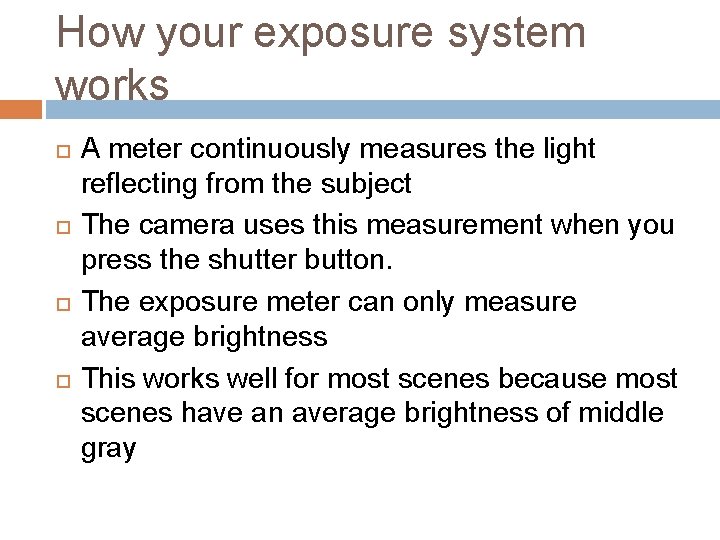
How your exposure system works A meter continuously measures the light reflecting from the subject The camera uses this measurement when you press the shutter button. The exposure meter can only measure average brightness This works well for most scenes because most scenes have an average brightness of middle gray
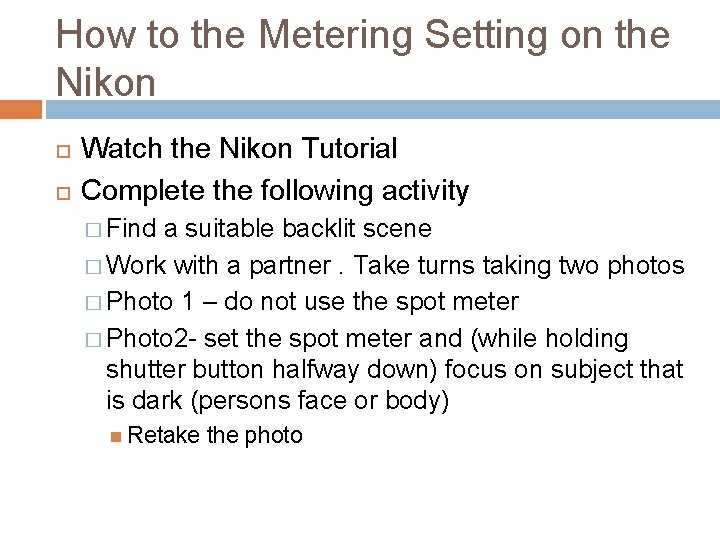
How to the Metering Setting on the Nikon Watch the Nikon Tutorial Complete the following activity � Find a suitable backlit scene � Work with a partner. Take turns taking two photos � Photo 1 – do not use the spot meter � Photo 2 - set the spot meter and (while holding shutter button halfway down) focus on subject that is dark (persons face or body) Retake the photo
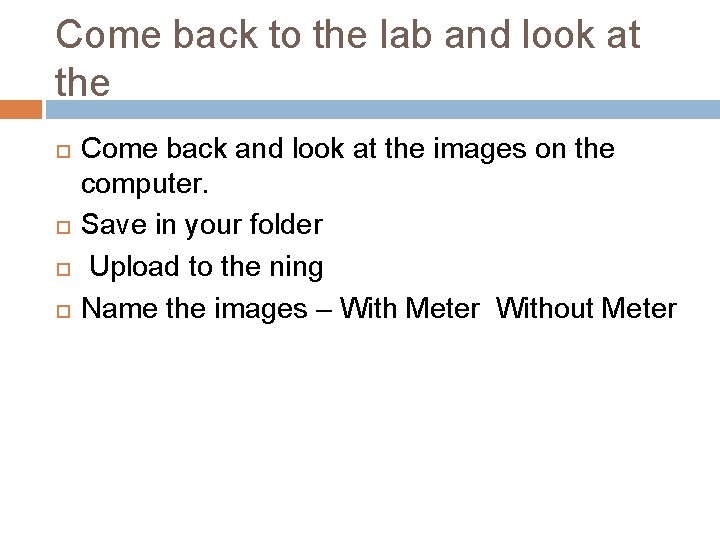
Come back to the lab and look at the Come back and look at the images on the computer. Save in your folder Upload to the ning Name the images – With Meter Without Meter