
Control Structures Selection or Decision or Branching Decision
Control Structures Selection or Decision or Branching
Decision Which the statements are executed Two types: simple alternative compound alternative if if. . . else
Single Alternative Decision An action is taken if the condition is true, otherwise the control goes to the next statement.
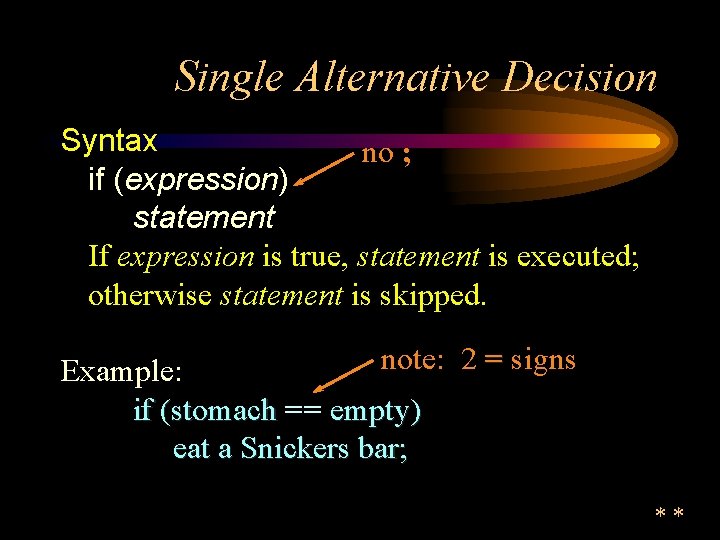
Single Alternative Decision Syntax no ; if (expression) statement If expression is true, statement is executed; otherwise statement is skipped. note: 2 = signs Example: if (stomach == empty) eat a Snickers bar; **
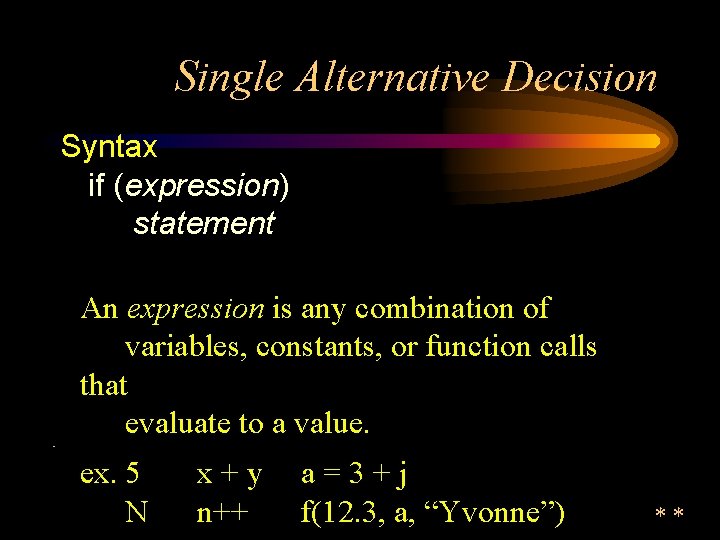
Single Alternative Decision Syntax if (expression) statement An expression is any combination of variables, constants, or function calls that evaluate to a value. • ex. 5 N x+y n++ a=3+j f(12. 3, a, “Yvonne”) **
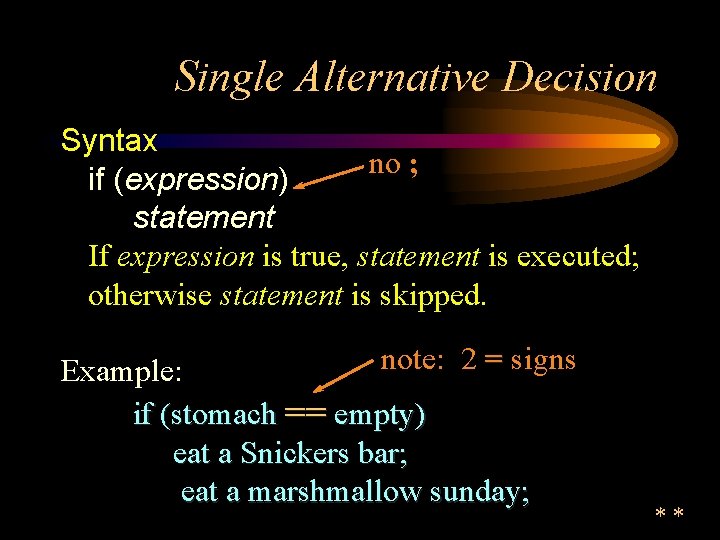
Single Alternative Decision Syntax no ; if (expression) statement If expression is true, statement is executed; otherwise statement is skipped. note: 2 = signs Example: if (stomach == empty) eat a Snickers bar; eat a marshmallow sunday; **
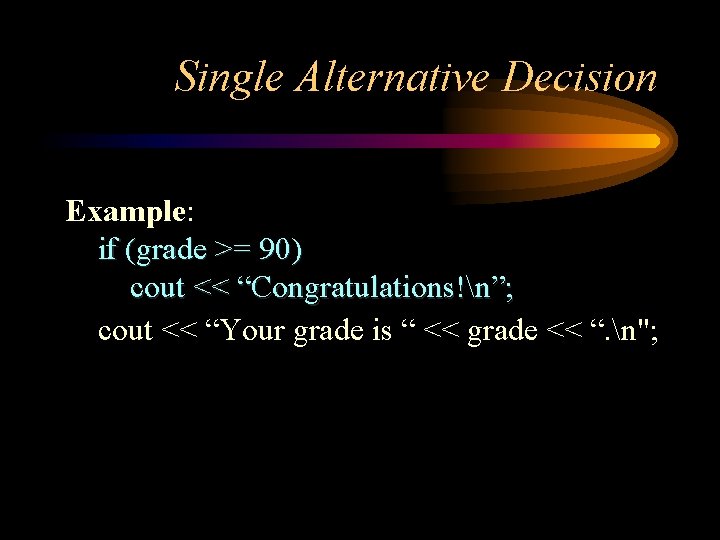
Single Alternative Decision Example: if (grade >= 90) cout << “Congratulations!n”; cout << “Your grade is “ << grade << “. n";
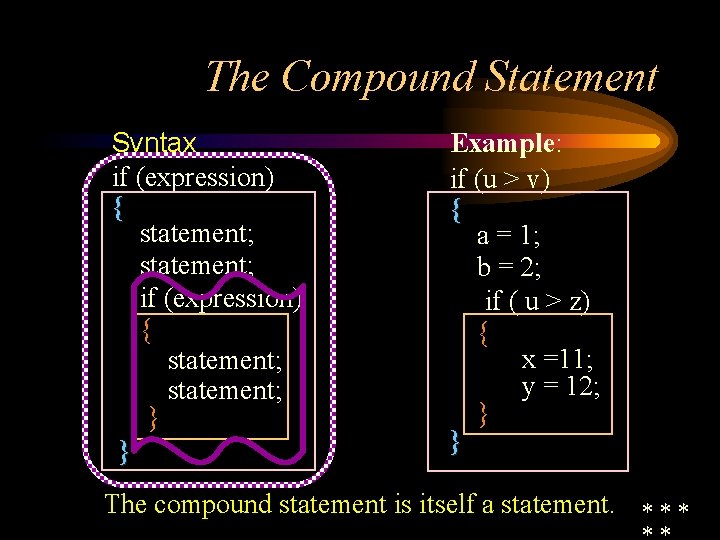
The Compound Statement Syntax if (expression) { statement; } } Example: if (u > v) { a = 1; b = 2; if ( u > z) { x =11; y = 12; } } The compound statement is itself a statement. * * *
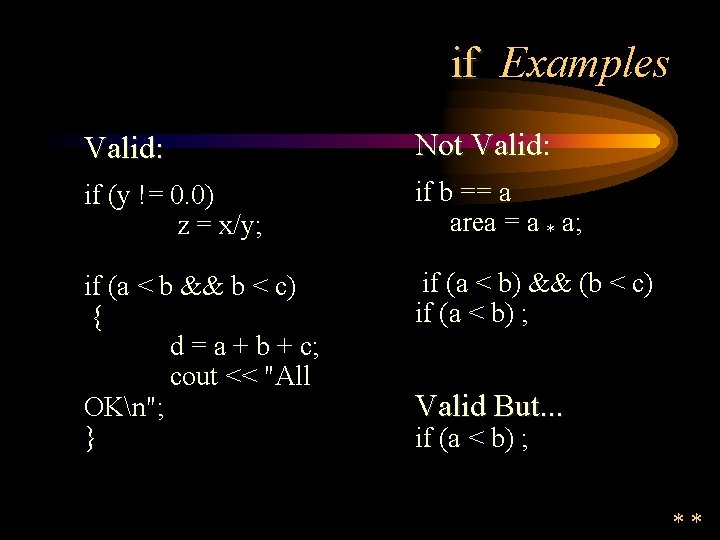
if Examples Valid: Not Valid: Valid if (y != 0. 0) z = x/y; if b == a area = a * a; if (a < b && b < c) { d = a + b + c; cout << "All OKn"; } if (a < b) && (b < c) if (a < b) ; Valid But. . . if (a < b) ; **
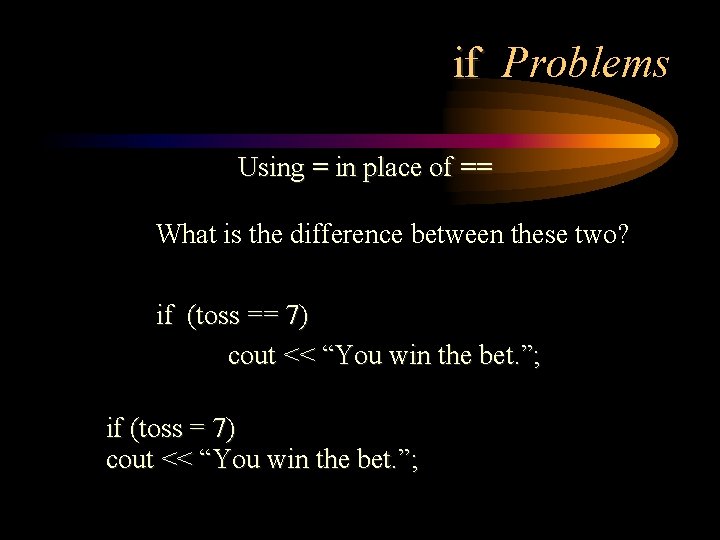
if Problems Using = in place of == What is the difference between these two? if (toss == 7) cout << “You win the bet. ”; if (toss = 7) cout << “You win the bet. ”;
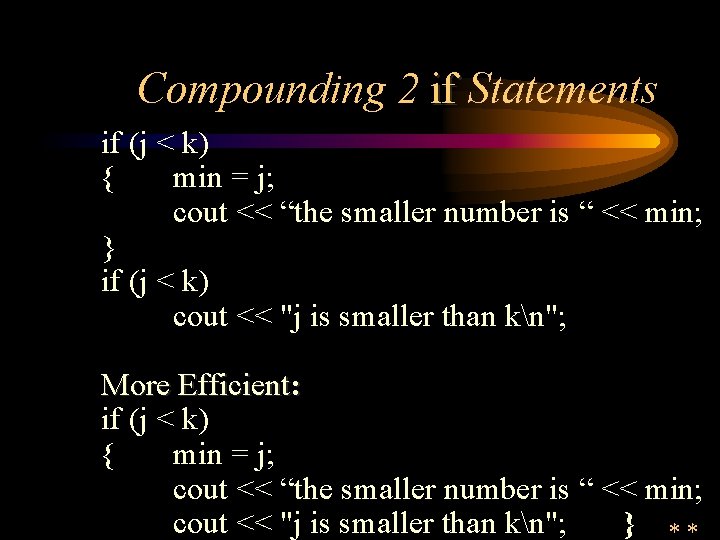
Compounding 2 if Statements if (j < k) { min = j; cout << “the smaller number is “ << min; } if (j < k) cout << "j is smaller than kn"; More Efficient: if (j < k) { min = j; cout << “the smaller number is “ << min; cout << "j is smaller than kn"; }

Double Alternative Decision An action (or set of actions) is taken if the condition is true, another action (or set of actions) is taken if the condition is false, then the control goes to the next statement. if. . . else is the typical double alternative. **
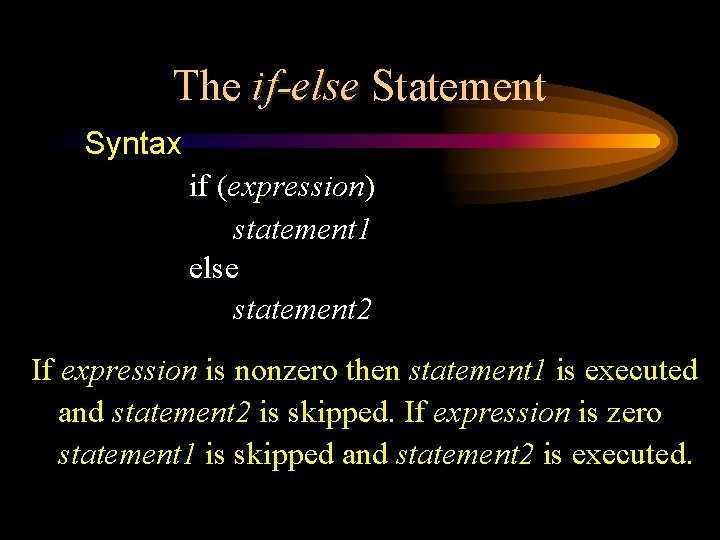
The if-else Statement Syntax if (expression) statement 1 else statement 2 If expression is nonzero then statement 1 is executed and statement 2 is skipped. If expression is zero statement 1 is skipped and statement 2 is executed.
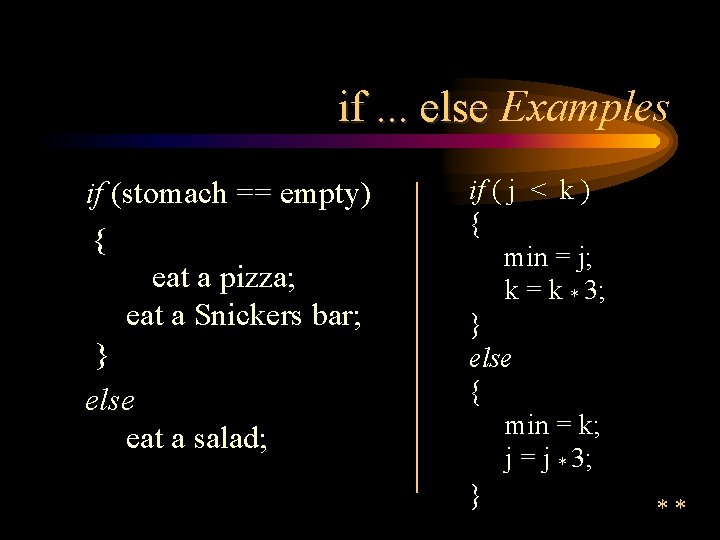
if. . . else Examples if (stomach == empty) { eat a pizza; eat a Snickers bar; } else eat a salad; if ( j < k ) { min = j; k = k * 3; } else { min = k; j = j * 3; } **
Interactive Program Finding the minimum of three values
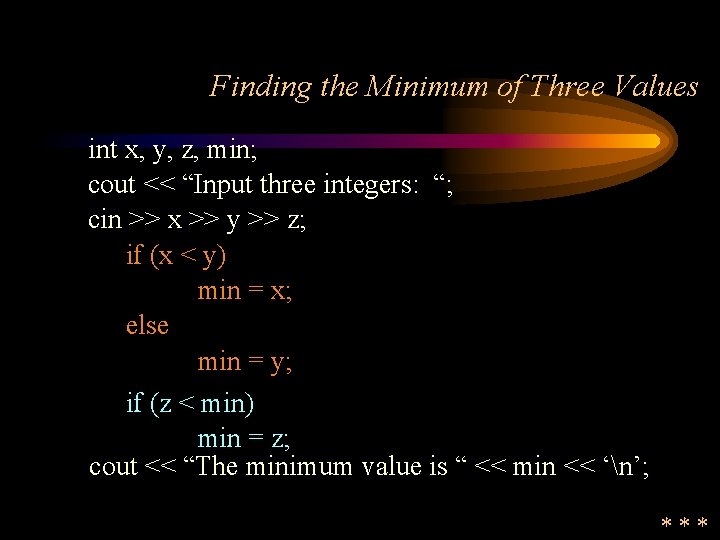
Finding the Minimum of Three Values int x, y, z, min; cout << “Input three integers: “; cin >> x >> y >> z; if (x < y) min = x; else min = y; if (z < min) min = z; cout << “The minimum value is “ << min << ‘n’; ***
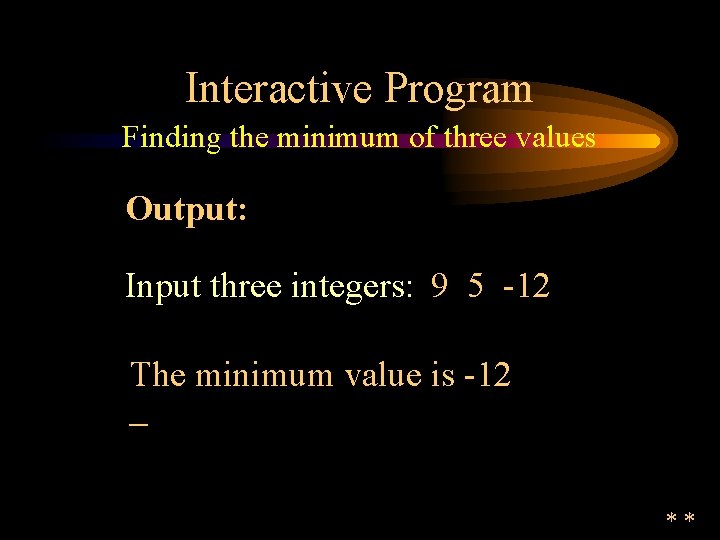
Interactive Program Finding the minimum of three values Output: Input three integers: 9 5 -12 The minimum value is -12 _ **
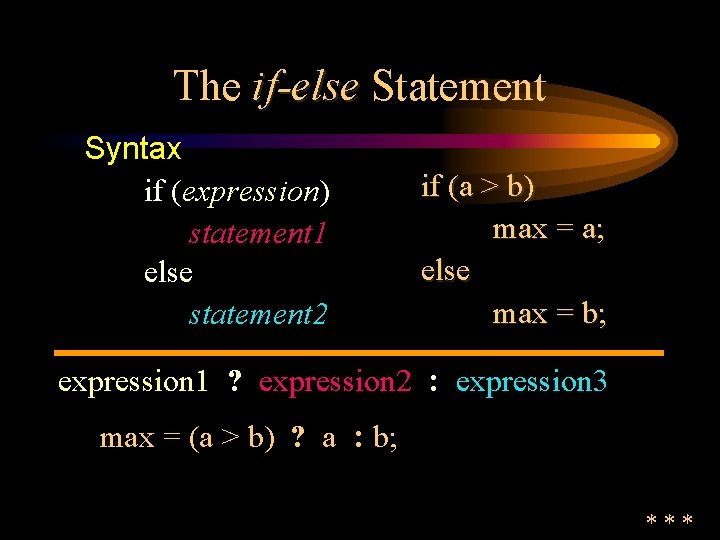
The if-else Statement Syntax if (expression) statement 1 else statement 2 if (a > b) max = a; else max = b; expression 1 ? expression 2 : expression 3 max = (a > b) ? a : b; ***
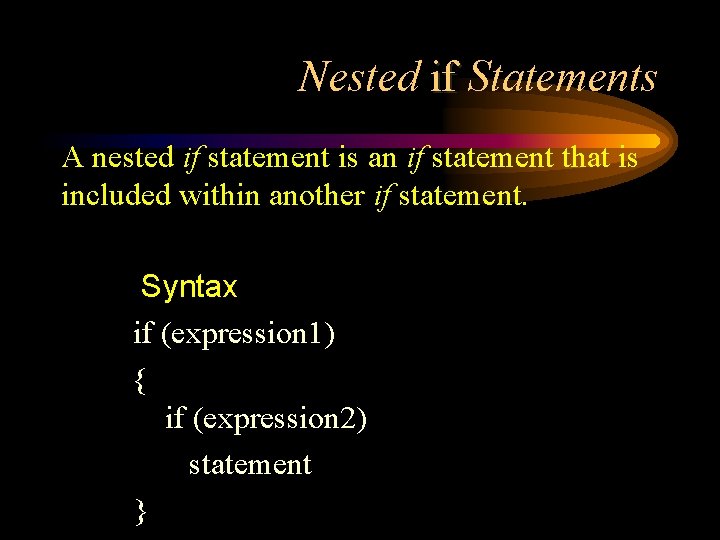
Nested if Statements A nested if statement is an if statement that is included within another if statement. Syntax if (expression 1) { if (expression 2) statement }
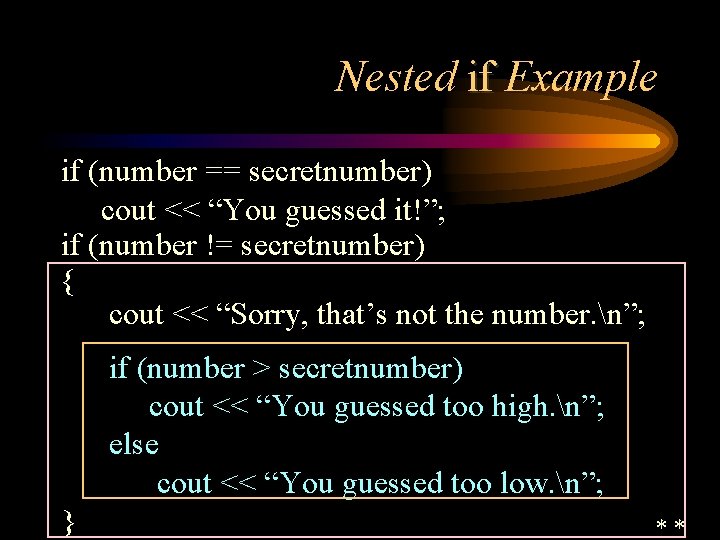
Nested if Example if (number == secretnumber) cout << “You guessed it!”; if (number != secretnumber) { cout << “Sorry, that’s not the number. n”; if (number > secretnumber) cout << “You guessed too high. n”; else cout << “You guessed too low. n”; } **
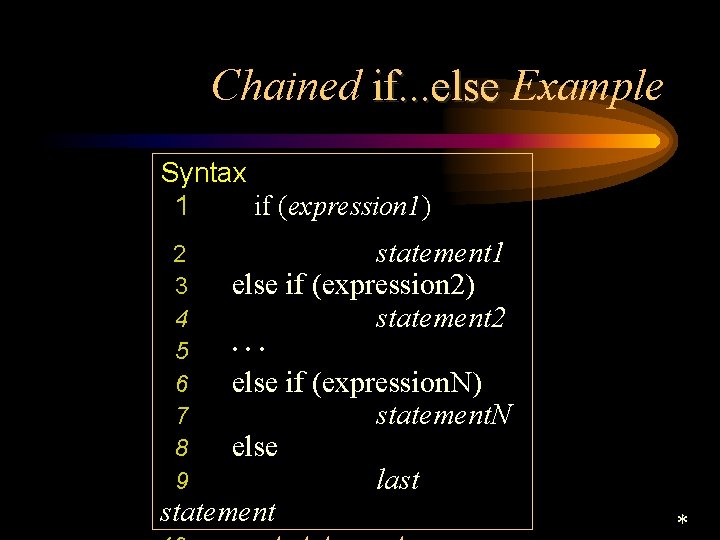
Chained if. . . else Example Syntax 1 if (expression 1) 2 3 4 5 6 7 8 9 statement 1 else if (expression 2) statement 2. . . else if (expression. N) statement. N else last statement *
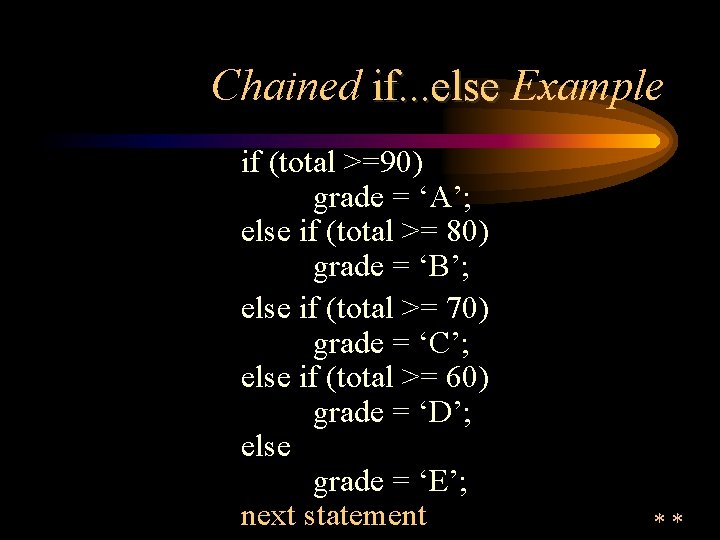
Chained if. . . else Example if (total >=90) grade = ‘A’; else if (total >= 80) grade = ‘B’; else if (total >= 70) grade = ‘C’; else if (total >= 60) grade = ‘D’; else grade = ‘E’; next statement **
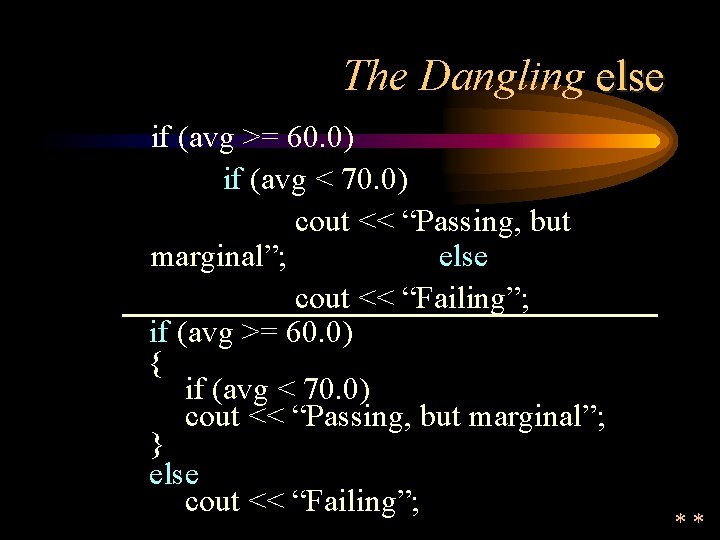
The Dangling else if (avg >= 60. 0) if (avg < 70. 0) cout << “Passing, but marginal”; else cout << “Failing”; if (avg >= 60. 0) { if (avg < 70. 0) cout << “Passing, but marginal”; } else cout << “Failing”; **
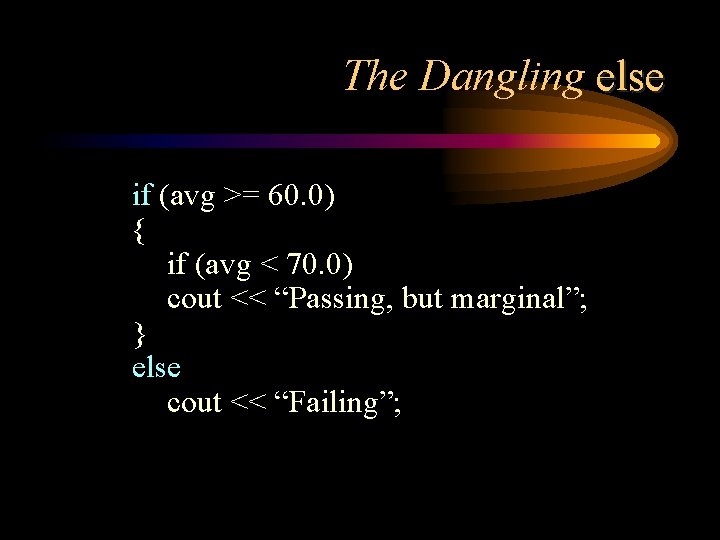
The Dangling else if (avg >= 60. 0) { if (avg < 70. 0) cout << “Passing, but marginal”; } else cout << “Failing”;
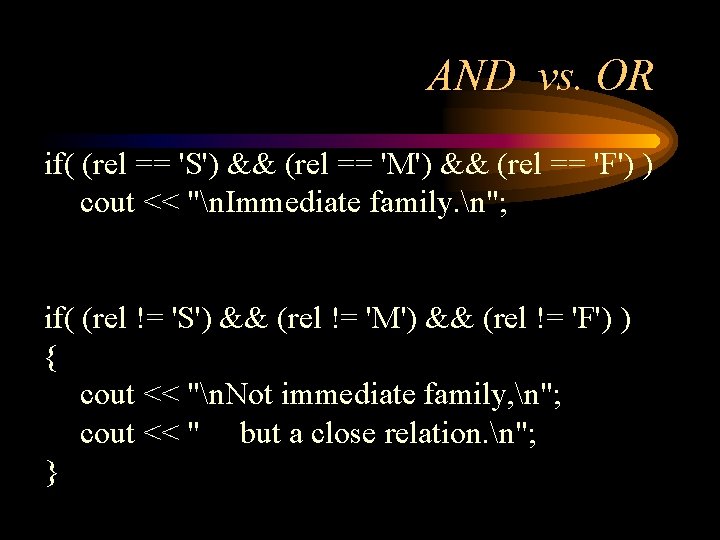
AND vs. OR if( (rel == 'S') && (rel == 'M') && (rel == 'F') ) cout << "n. Immediate family. n"; if( (rel != 'S') && (rel != 'M') && (rel != 'F') ) { cout << "n. Not immediate family, n"; cout << " but a close relation. n"; }
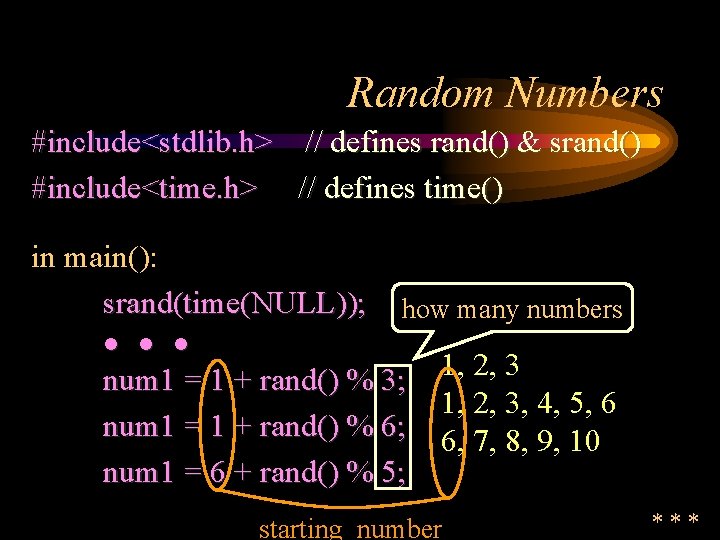
Random Numbers #include<stdlib. h> // defines rand() & srand() #include<time. h> // defines time() in main(): srand(time(NULL)); how many numbers l l l num 1 = 1 + rand() % 3; num 1 = 1 + rand() % 6; num 1 = 6 + rand() % 5; 1, 2, 3, 4, 5, 6 6, 7, 8, 9, 10 starting number ***
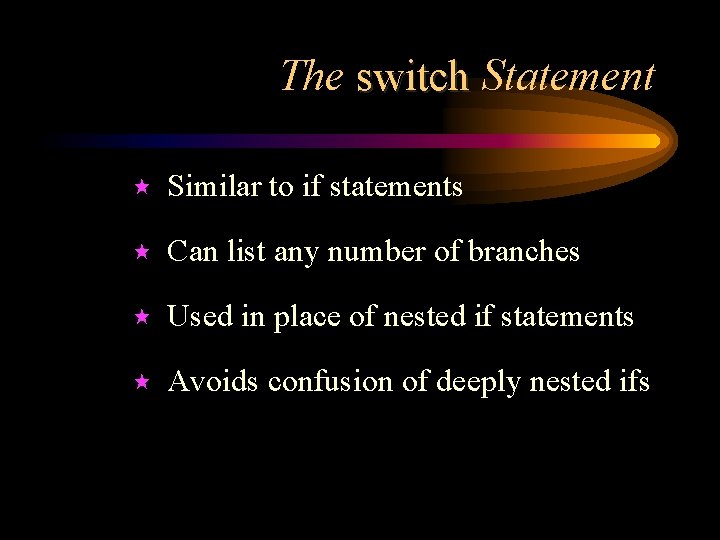
The switch Statement « Similar to if statements « Can list any number of branches « Used in place of nested if statements « Avoids confusion of deeply nested ifs
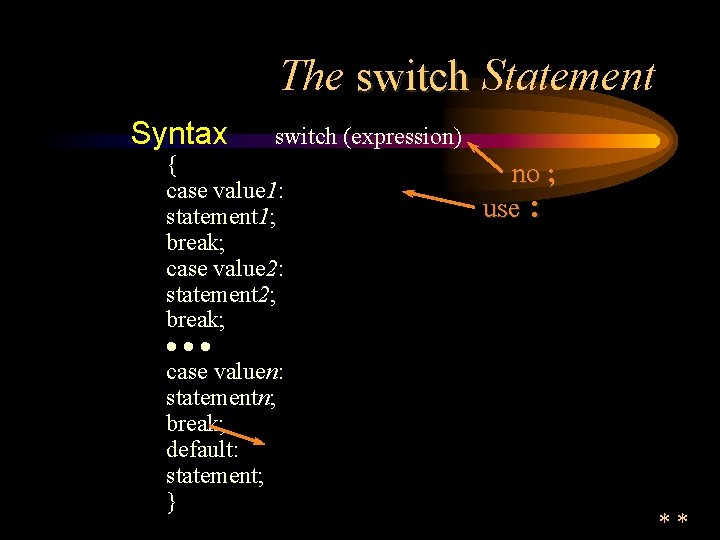
The switch Statement Syntax switch (expression) { case value 1: statement 1; break; case value 2: statement 2; break; ··· case valuen: statementn; break; default: statement; } no ; use : **
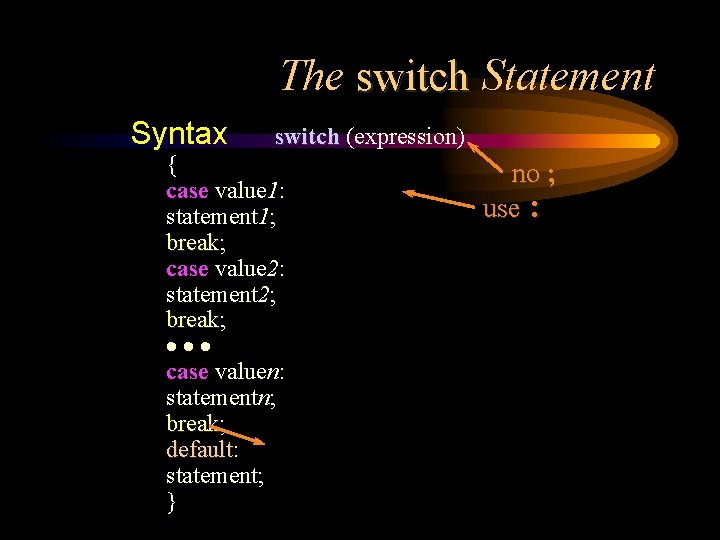
The switch Statement Syntax switch (expression) { case value 1: statement 1; break case value 2: statement 2; break ··· case valuen: statementn; break default: default statement; } no ; use :
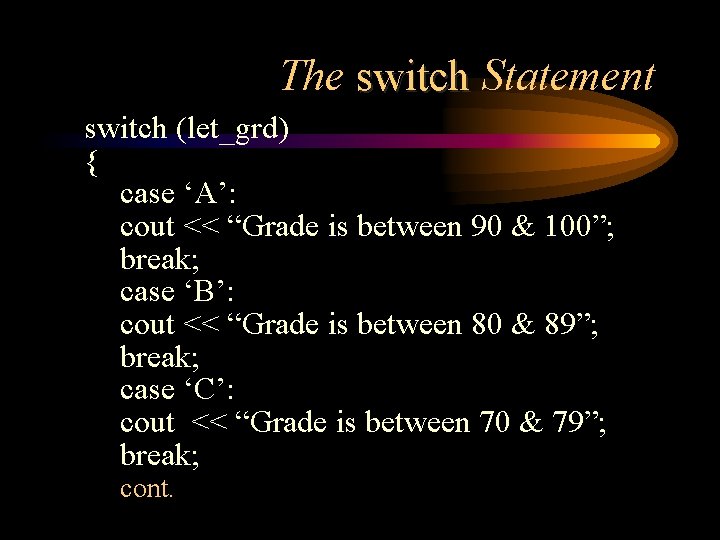
The switch Statement switch (let_grd) { case ‘A’: cout << “Grade is between 90 & 100”; break; case ‘B’: cout << “Grade is between 80 & 89”; break; case ‘C’: cout << “Grade is between 70 & 79”; break; cont.
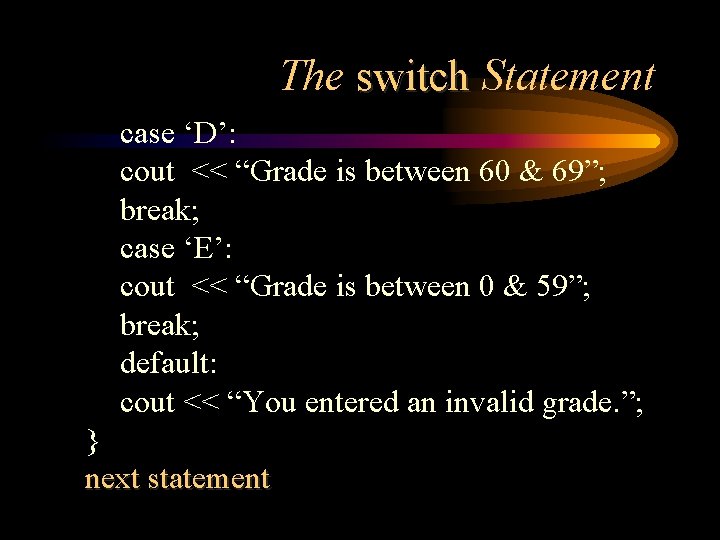
The switch Statement case ‘D’: cout << “Grade is between 60 & 69”; break; case ‘E’: cout << “Grade is between 0 & 59”; break; default: cout << “You entered an invalid grade. ”; } next statement
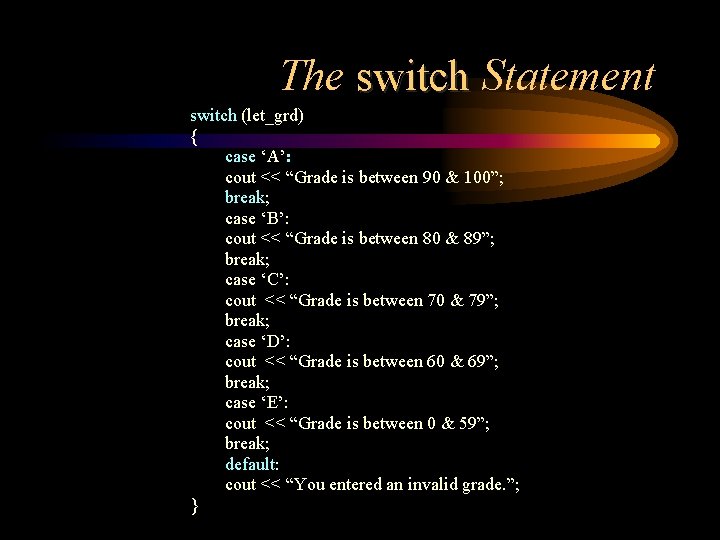
The switch Statement switch (let_grd) { case ‘A’: cout << “Grade is between 90 & 100”; break; case ‘B’: cout << “Grade is between 80 & 89”; break; case ‘C’: cout << “Grade is between 70 & 79”; break; case ‘D’: cout << “Grade is between 60 & 69”; break; case ‘E’: cout << “Grade is between 0 & 59”; break; default: cout << “You entered an invalid grade. ”; }
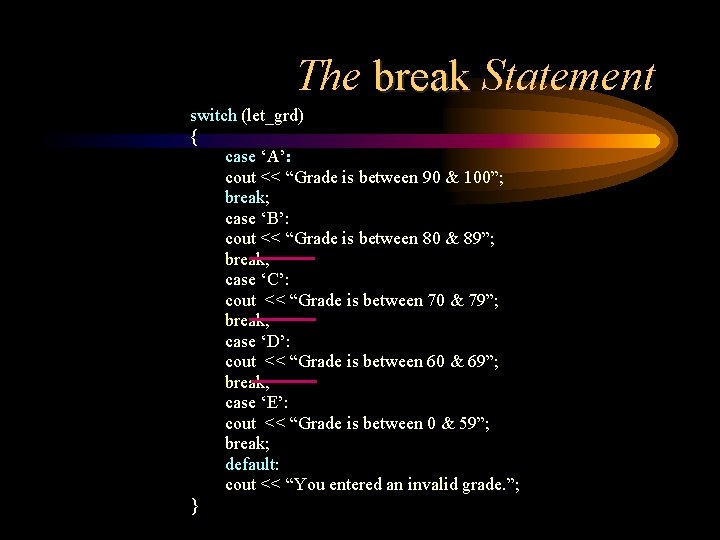
The break Statement switch (let_grd) { case ‘A’: cout << “Grade is between 90 & 100”; break; case ‘B’: cout << “Grade is between 80 & 89”; break; case ‘C’: cout << “Grade is between 70 & 79”; break; case ‘D’: cout << “Grade is between 60 & 69”; break; case ‘E’: cout << “Grade is between 0 & 59”; break; default: cout << “You entered an invalid grade. ”; }
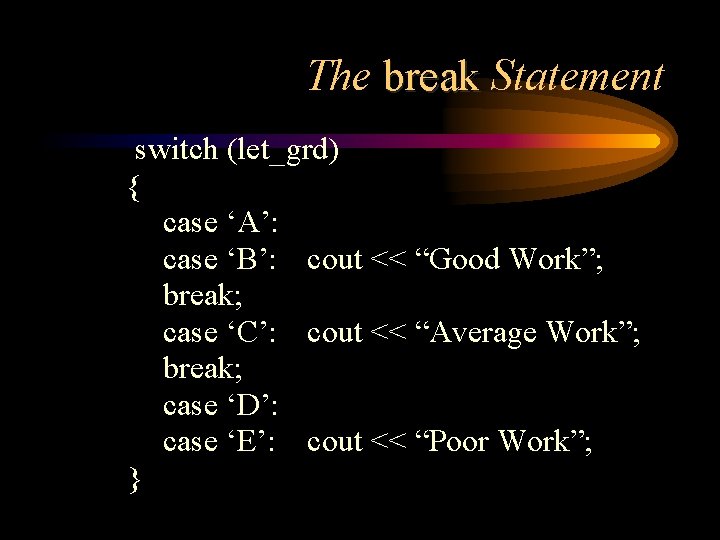
The break Statement switch (let_grd) { case ‘A’: case ‘B’: cout << “Good Work”; break; case ‘C’: cout << “Average Work”; break; case ‘D’: case ‘E’: cout << “Poor Work”; }
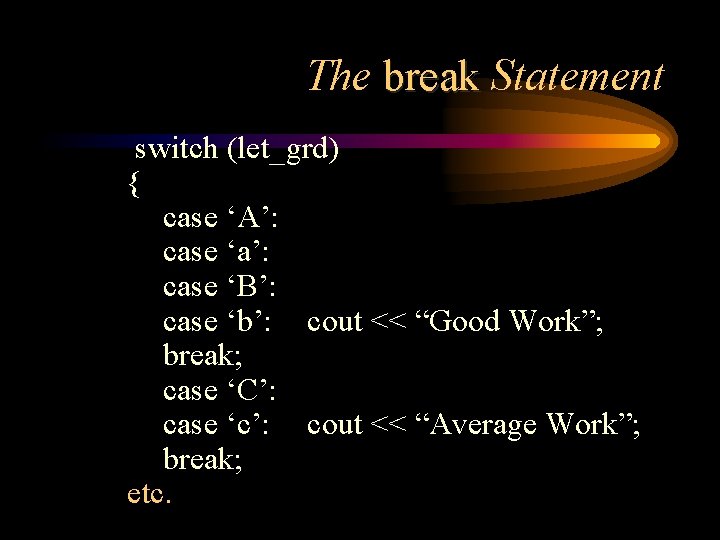
The break Statement switch (let_grd) { case ‘A’: case ‘a’: case ‘B’: case ‘b’: cout << “Good Work”; break; case ‘C’: case ‘c’: cout << “Average Work”; break; etc.
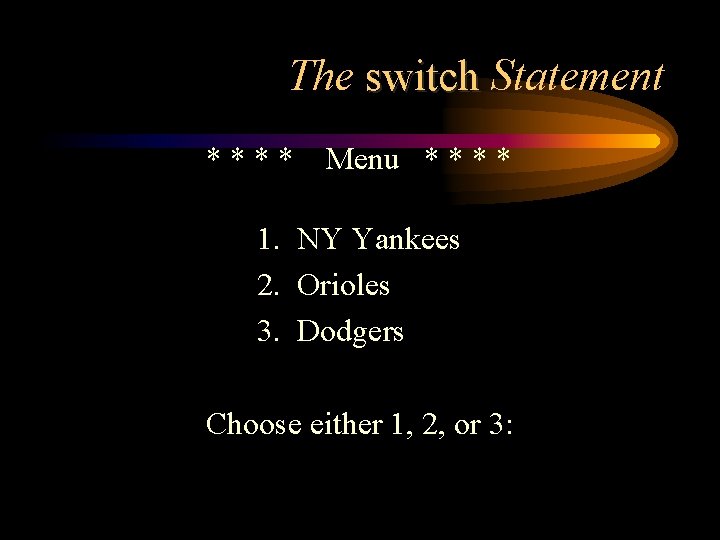
The switch Statement **** Menu * * 1. NY Yankees 2. Orioles 3. Dodgers Choose either 1, 2, or 3:
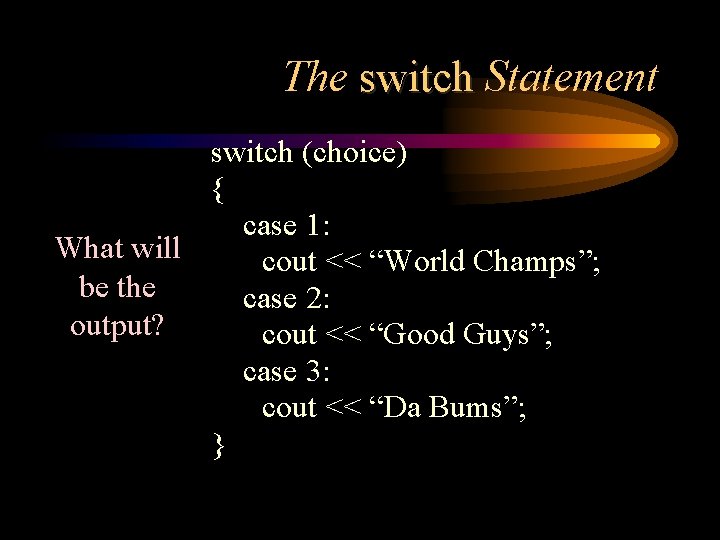
The switch Statement switch (choice) { case 1: What will cout << “World Champs”; be the case 2: output? cout << “Good Guys”; case 3: cout << “Da Bums”; }
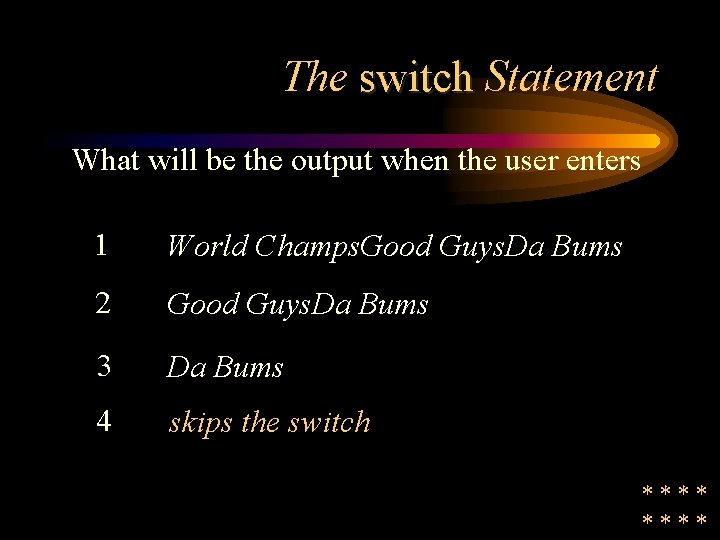
The switch Statement What will be the output when the user enters 1 World Champs. Good Guys. Da Bums 2 Good Guys. Da Bums 3 Da Bums 4 skips the switch ****
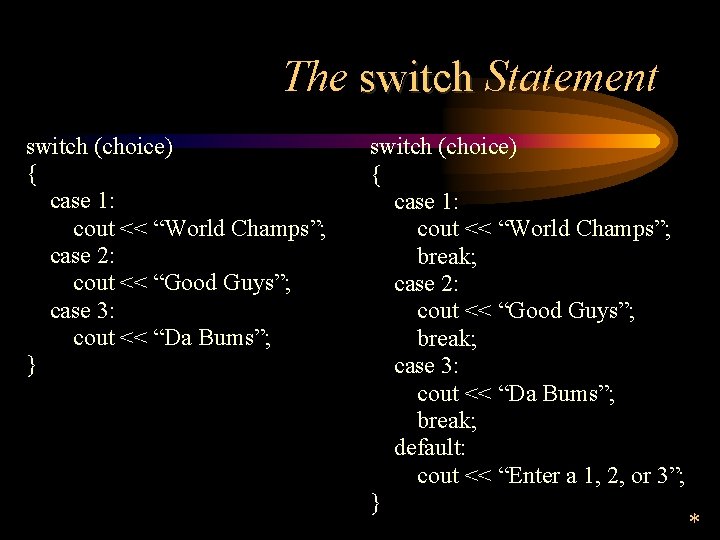
The switch Statement switch (choice) { case 1: cout << “World Champs”; case 2: cout << “Good Guys”; case 3: cout << “Da Bums”; } switch (choice) { case 1: cout << “World Champs”; break; case 2: cout << “Good Guys”; break; case 3: cout << “Da Bums”; break; default: cout << “Enter a 1, 2, or 3”; } *
Common Errors Using = in place of == Improper braces in nested ifs Too deeply nested ifs Missing break statements in switch the statement Copyright © 1999 by Freedom TLC, Inc.
Debugging Syntax errors vs. Logic error Prevention - plan first! Valuation tables Display values C++ Debugger Copyright © 1999 by Freedom TLC, Inc.

“I discovered I always have choices, and sometimes it’s only a choice of attitude” Judith M. Knowlton Copyright © 1999 by Freedom TLC, Inc.
- Slides: 42