
Continuous Integration Practices and Pitfalls David Cate and
![Cruise Control Configuration CRUISE CONTROL CORE config. xml common. properties cc-[project]. xml [project]. properties](https://slidetodoc.com/presentation_image_h/0a0a7b91e48e92da2839d2b368b6cb72/image-29.jpg "Cruise Control Configuration CRUISE CONTROL CORE config. xml common. properties cc-[project]. xml [project]. properties")
- Slides: 44
Continuous Integration Practices and Pitfalls David Cate and Chris Mair May 2010
David and Chris – Unmasked �David Cate – 10+ years of development from varied backgrounds. Interests include automation and pragmatic problem solving. �Chris Mair – 20+ years doing what I love. Passion for software craftsmanship, testing and automation. Wells Fargo.
Agenda �Introduction �What is Continuous Integration? ◦ Principles, practices and benefits �CI versus Build Management Anti-Patterns �Challenges and Lessons Learned �Where we are now and what’s on our roadmap �Share experiences and Q & A
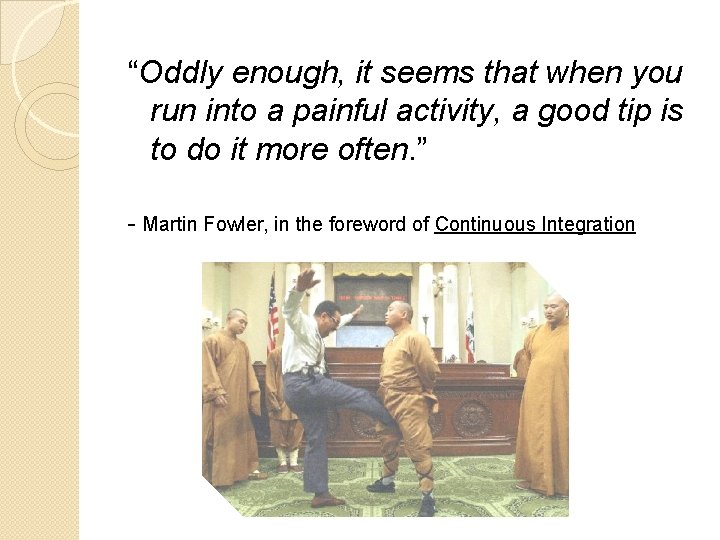
“Oddly enough, it seems that when you run into a painful activity, a good tip is to do it more often. ” - Martin Fowler, in the foreword of Continuous Integration
What is Continuous Integration? “Continuous Integration is a software development practice where members of a team integrate their work frequently, usually each person integrates at least daily - leading to multiple integrations per day. Each integration is verified by an automated build (including test) to detect integration errors as quickly as possible. Many teams find that this approach leads to significantly reduced integration problems and allows a team to develop cohesive software more rapidly. “ -- Martin Fowler
CI – Principles �Provide quick and continuous feedback �Continuously produce working software �Address risks early �Automate wherever possible �Provide transparency and visibility �Build quality in
CI – Practices � Maintain a single source repository � Automate the build � Standalone build (not tied to IDE) � Run tests and inspections as part of build � Build automatically upon code commit � Keep the build fast � Design builds to fail fast � Provide continuous visibility and feedback � Commit code frequently (at least every day) � Run private builds before check-in � Fix broken builds immediately � Don’t commit broken code (fails private build)
CI – Foundational Practices � Maintain a single source repository ◦ All code and build inputs under version control � Automate the build ◦ Run from a single command � Standalone build ◦ Not tied to IDE
CI – Project Practices � Run tests and inspections as part ◦ All tests and inspections must pass � Build of build automatically upon code commit � Keep the build fast ◦ Want fast feedback; minutes, not hours � Design builds to fail fast ◦ Run tests/inspections that are most likely to fail first ◦ Want to find out about failures as soon as possible � Provide continuous visibility ◦ Project status dashboard ◦ Continuous feedback devices and feedback
CI - Developer Practices � Commit code frequently (at least daily) ◦ Reduces magnitude of changes to be integrated with each build ◦ Reduces likelihood of stale (out-of-sync) code changes ◦ Reduces effort of troubleshooting failures – less has changed � Run private builds before check-in ◦ Execute same set of tests and inspections that CI will ◦ IDE may help here (e. g. PMD or Checkstyle plugin) � Fix broken builds immediately � Don’t commit broken code ◦ Broken code should fail the private build
CI - Benefits �Reduced risk �Reduced manual, repetitive processes �Easier debugging / troubleshooting �Generate deployable software at any time �Better project visibility �Greater confidence in the software
Advanced CI Practices �Staged builds �Parallel and/or distributed build execution �Automated �Dedicated deployment integration build (CI) machine �Continuous database integration
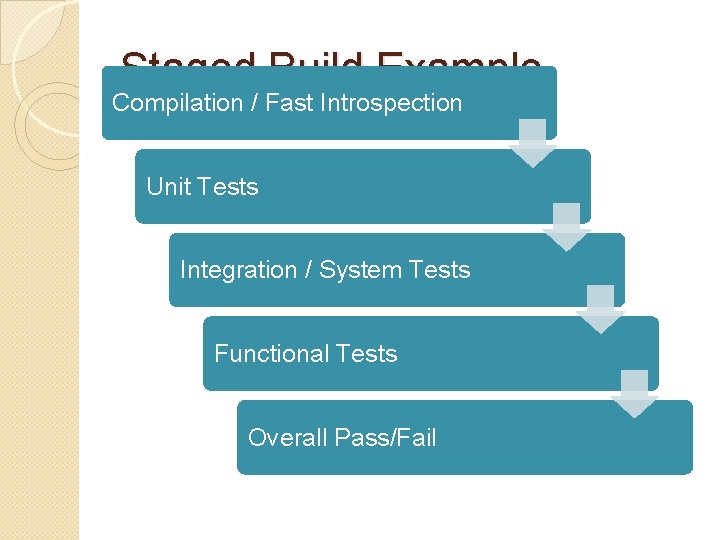
Staged Build Example Compilation / Fast Introspection Unit Tests Integration / System Tests Functional Tests Overall Pass/Fail
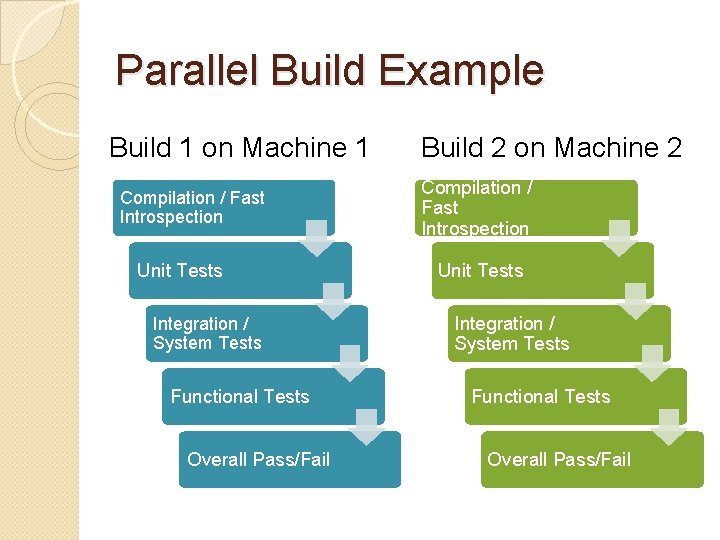
Parallel Build Example Build 1 on Machine 1 Compilation / Fast Introspection Unit Tests Integration / System Tests Functional Tests Overall Pass/Fail Build 2 on Machine 2 Compilation / Fast Introspection Unit Tests Integration / System Tests Functional Tests Overall Pass/Fail
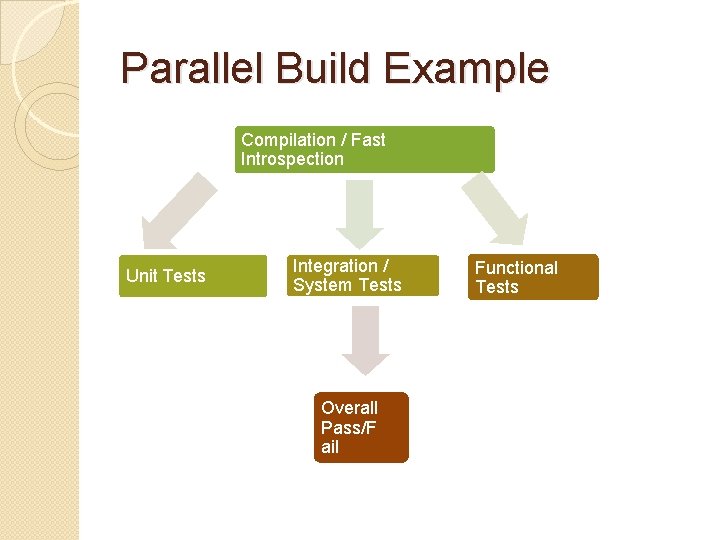
Parallel Build Example Compilation / Fast Introspection Unit Tests Integration / System Tests Overall Pass/F ail Functional Tests
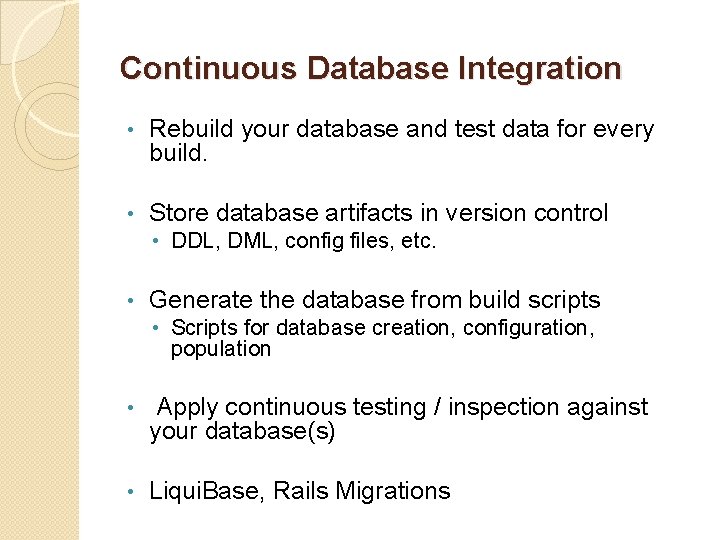
Continuous Database Integration • Rebuild your database and test data for every build. • Store database artifacts in version control • DDL, DML, config files, etc. • Generate the database from build scripts • Scripts for database creation, configuration, population • Apply continuous testing / inspection against your database(s) • Liqui. Base, Rails Migrations
Continuous Integration vs Build Management “Build Management, essentially, aims to produce a set of artifacts that correspond to a specified snapshot of source code, and to be able to hand off those artifacts to third parties outside of development” � Urban. Code - http: //www. cmcrossroads. com/pdf/Drawingthe. Line. pdf
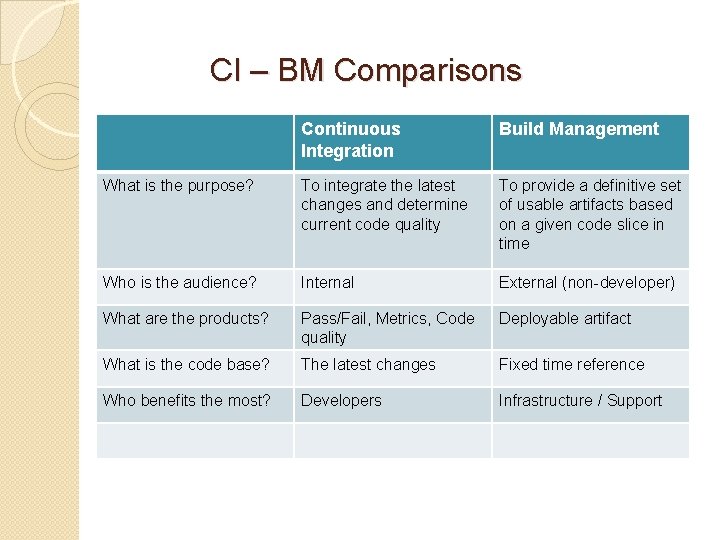
CI – BM Comparisons Continuous Integration Build Management What is the purpose? To integrate the latest changes and determine current code quality To provide a definitive set of usable artifacts based on a given code slice in time Who is the audience? Internal External (non-developer) What are the products? Pass/Fail, Metrics, Code quality Deployable artifact What is the code base? The latest changes Fixed time reference Who benefits the most? Developers Infrastructure / Support
Questions to Ponder � Who should own the governance for CI? How about for build management? � Should similar, different, or exactly the same build processes be used for CI and BM? � What is needed to verify the quality of the artifact generated by the BM process?
CI Developer Anti-Patterns � Infrequent check-ins � Premature check-ins (failing code) � Ignoring broken builds � Turning off tests to correct builds � Waiting until end of day to commit changes � Inconsistent developer build environments (works on my machine)
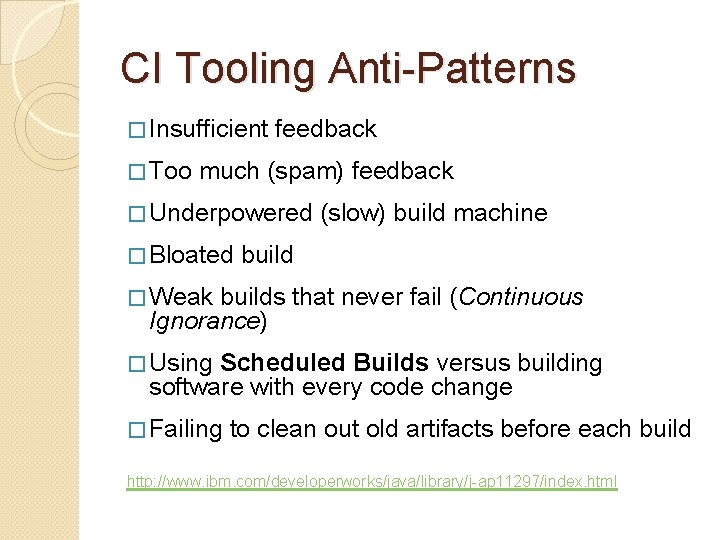
CI Tooling Anti-Patterns � Insufficient � Too feedback much (spam) feedback � Underpowered � Bloated (slow) build machine build � Weak builds that never fail (Continuous Ignorance) � Using Scheduled Builds versus building software with every code change � Failing to clean out old artifacts before each build http: //www. ibm. com/developerworks/java/library/j-ap 11297/index. html
CI - Challenges “CI is not just a technical implementation; it is also an organizational and cultural implementation” – Paul Duvall, Continuous Integration
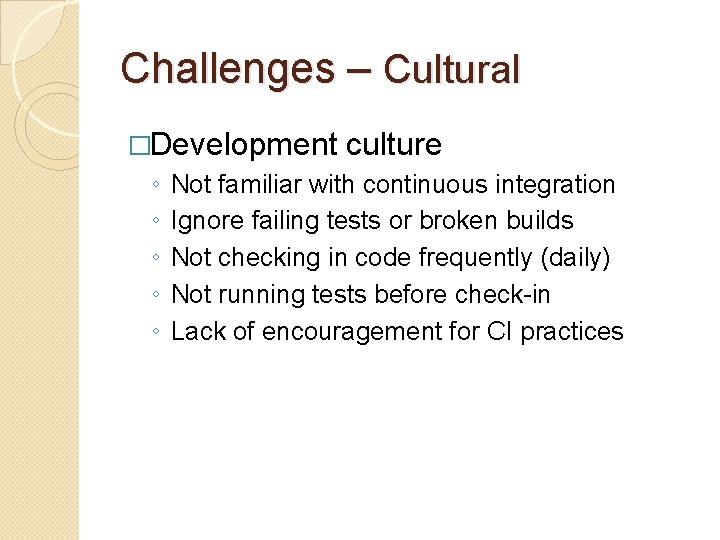
Challenges – Cultural �Development culture ◦ Not familiar with continuous integration ◦ Ignore failing tests or broken builds ◦ Not checking in code frequently (daily) ◦ Not running tests before check-in ◦ Lack of encouragement for CI practices
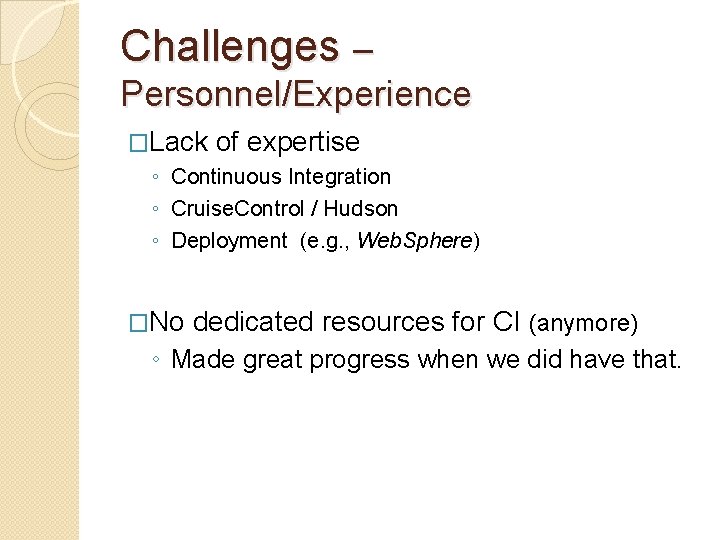
Challenges – Personnel/Experience �Lack of expertise ◦ Continuous Integration ◦ Cruise. Control / Hudson ◦ Deployment (e. g. , Web. Sphere) �No dedicated resources for CI (anymore) ◦ Made great progress when we did have that.
Challenges – Infrastructure �Obtaining system accounts, disk space, etc. to run CI �Insufficient and constrained environments ◦ Not enough, not always available ◦ Test environments, app servers, databases, etc.
Challenges – Technical Implementation � Stuck on outdated technologies ◦ Java 1. 4, Tru 64, PVCS, VB, Visual. C++ � Technology stacks ◦ Grails, Java, Struts, etc – all with differing folder structures � Database changes in separate source ◦ Database changes in PVCS; main code in CVS repo � Disparate systems for CI integration ◦ CVS, PVCS, PICCT, Quality. Center, Version. One, Fortify � Cruise Control / Hudson – learning curve
Challenges – Running Builds �Brittle tests (e. g. , data-dependency) �Slow tests or lots of time-consuming tests �Build “noise” ◦ CI build fails for reasons outside developer control (e. g. , bug in Hudson or file access issues) �Interactions between builds ◦ “Access denied” and “Cannot delete …” errors on Hudson ◦ Shortcomings of Windows build server
Where have we been? �Cruise Control ◦ The overall project configurations were a project unto itself – Cruise control checked itself out and handled it’s own updates ◦ Configurations were a mix of Cruise Control and raw Ant scripts. ◦ Projects were compiled, tested and provided introspection with results via email. Trending was not being utilized
Cruise Control Configuration CRUISE CONTROL CORE config. xml common. properties cc-[project]. xml [project]. properties common-build. xml [project]. properties build-[project]. xml common. properties ANT base-build. xml PROJECT ANT Project-specific build Properties
Lessons Learned – Cruise Control � Readability trumps DRY when working with configurations � If the configuration is so complex that it can easily break, there’s very little advantage to having the system � The interface can make / break even a very good application. It’s about the user experience. � Getting the builds to call properly named tasks that explain what they do makes life easier (i. e. Build, Build. And. Test, etc. ) � Developers will become lax running local tools if there is a central place running them
The End of Cruise Control Several reasons for leaving Cruise Control: ◦ Lack of community involvement ◦ Extensibility / Plug-ins ◦ We finally moved away from Java 1. 4 ◦ The framework required deeper knowledge than was readily available
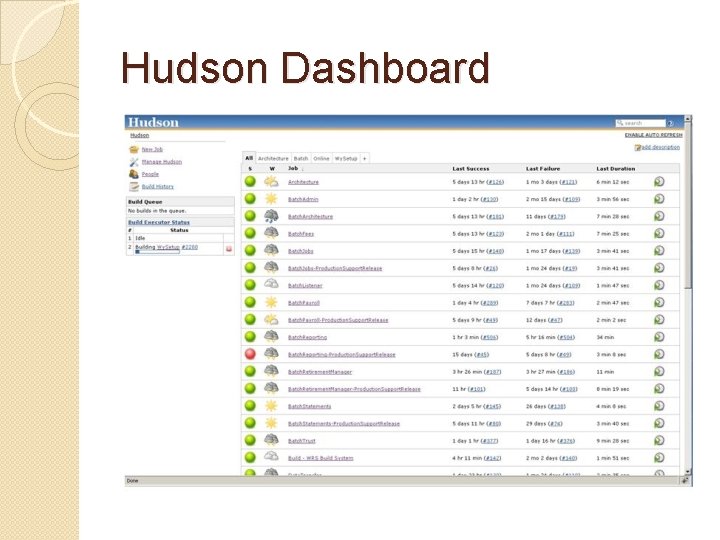
Where We Are Now �Hudson running mixture of scheduled / change-based builds integrating a mixture of tests, introspective utilities, while providing email feedback to interested parties. �~25 projects using CI/Hudson �Whole spectrum of maturity/sophistication of CI usage across projects
Hudson � Each project is capable of self-building � Builds are run after a version control check-in. � All projects build regardless of change on Thursday night. This way, broken builds are at most based on 1 week worth of change � Communication comes in the form of emails – fail (and first pass) on most projects, pass/fail on all critical projects � Groovy scripts analyze the configuration and scavenge the scripts for backups.
Hudson Technology Stack �Java, Groovy, Grails �CPD/PMD, Cobertura �All builds are done via Ant �Favorite ◦ ◦ Code. Narc, Fortify, JUnit, Hudson Plug-ins Used: CVS Tagging Plugin Email-ext Plugin Sidebar-Link Plugin Green Balls
Hudson Dashboard
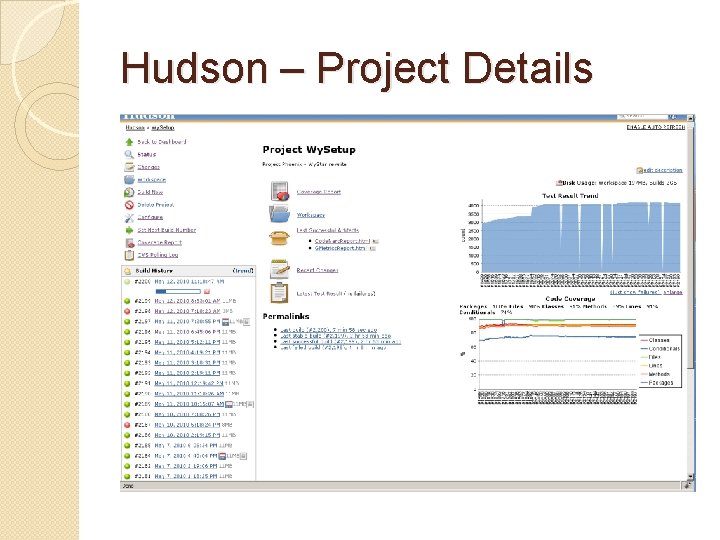
Hudson – Project Details
Lessons Learned �Cruise Control was good but happier with Hudson �Best to gradually evolve to “full” CI ◦ Start with simple build/compile; ◦ Add tests, analysis/metrics as the team can handle and appreciate it. �Each team is different and has a different culture and personalities. ◦ No “one size fits all” ◦ Varying appetites for risk, process, rules, oversight
CI – Realized Benefits Expected and Unexpected Benefits �Exposed weaknesses in processes and code �Significantly increased transparency �Motivated and enforced consistent build (repeatable process) �Significantly fewer deployment issues
Our Roadmap / Future Goals �Streamlined build with dependencymanagement (Ivy; Gradle) �Automated deployment �Streamlining and automating SDLC lifecycle (including Ant. Hill Pro).
Thoughts on CI � Start Now. Don’t let not having the entire process laid out prevent you from doing the work that can be done now. � Make Plans and Act. Choose a path and investigate. Waiting for the perfect plan means getting nothing perfectly done. � Approach with Passionate Detachment. The result may be meaningless for the end result but the learning is the valuable asset here. � Don’t Stop. Some of the best results come from small deliberate steps. Continue making incremental steps even when there “isn’t time”. � Acknowledge Change. It’s inevitable and it’s not always bad. � Don’t Work in Isolation. Isolating your work and yourself will ensure that your system does not reflect the needs of the team.
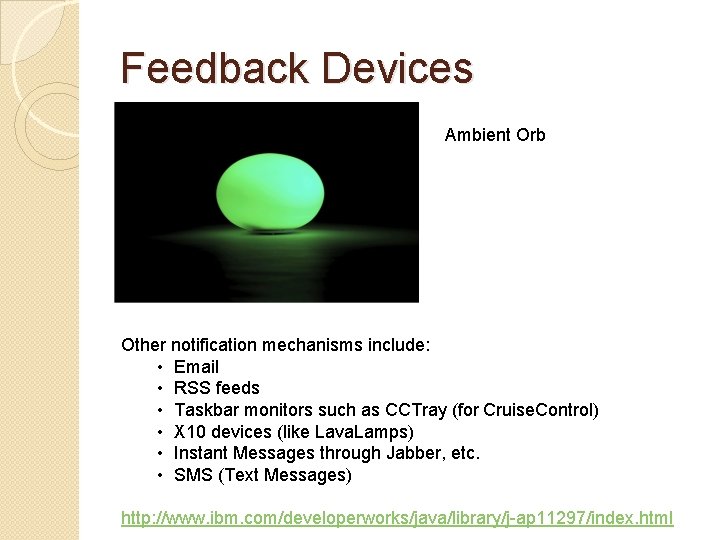
Feedback Devices Ambient Orb Other notification mechanisms include: • Email • RSS feeds • Taskbar monitors such as CCTray (for Cruise. Control) • X 10 devices (like Lava. Lamps) • Instant Messages through Jabber, etc. • SMS (Text Messages) http: //www. ibm. com/developerworks/java/library/j-ap 11297/index. html
Share Experiences? �Successful CI? �Unsuccessful? Abandoned? �Challenges? �Involvement �Enforcement of Management? policy? Reward versus punishment for adopting CI and dealing with broken builds?
Q&A
References � Continuous Integration – Paul M. Duvall, Addison Wesley, 2007 � “Continuous Integration” – Martin Fowler http: //www. martinfowler. com/articles/continuous. Integration. html � Pragmatic Project Automation – Mike Clark, Pragmatic Bookshelf, 2004 � “Continuous Integration: Patterns and Anti-patterns” – DZone Refcard http: //refcardz. dzone. com/refcardz/continuous-integration � “Continuous Integration: Servers and Tools” – DZone Refcard http: //refcardz. dzone. com/refcardz/continuous-integrationservers? oid=hom 18527 � “Drawing the Line: Continuous Integration and Build Management” http: //www. cmcrossroads. com/pdf/Drawingthe. Line. pdf � “Evolutionary Database Design” – Martin Fowler and Pramod Sadalage http: //www. martinfowler. com/articles/evodb. html � IBM developer. Works series “Automation for the people”, by Paul Duvall http: //www. ibm. com/developerworks/views/java/libraryview. jsp? search_by=automation+people