
Continuing Chapter 7 High Energy Efficient Design Lecture
- Slides: 60
Continuing Chapter 7 High Energy Efficient Design Lecture #15 HNRT 228 Spring 2016 Energy and the Environment Adapted from Murray Milne Lecture UCLA and HEED office 1
Overview of Chapter 7 • Energy Conservation – Space Heating – Thermal Insulation – Air Infiltration – Lighting – Appliances – Some considerations of agriculture and industry 2
Designing High Performance Sustainable Buildings My Objectives are: 1. To show you how to use HEED to design a Basic Residential Building 2. To show you how HEED reports Site Energy Use and CO 2 Production with each design change you make. 3. To show you six concepts of Energy Efficient Buildings using HEED’s Advanced Graphic Evaluation tools 4. To give EACH of you a chance to use HEED on your own. 5. To end by showing how well each of your designs compare. 3
What is the 2010 Imperative Ed Mazria, the AIA, the USGBC and others have jointly issued the 2030 Challenge, that asks architects to create buildings that are carbonneutral by 2030. As a first step they also ask that the fossil fuel reduction of all new buildings be reduced by 50% between now and 2010. This target is readily achievable, but to do it Mazria says we need a little “performance box” in our design tools to show close each design change gets us toward that goal. HEED now has such a little “performance box”. 4
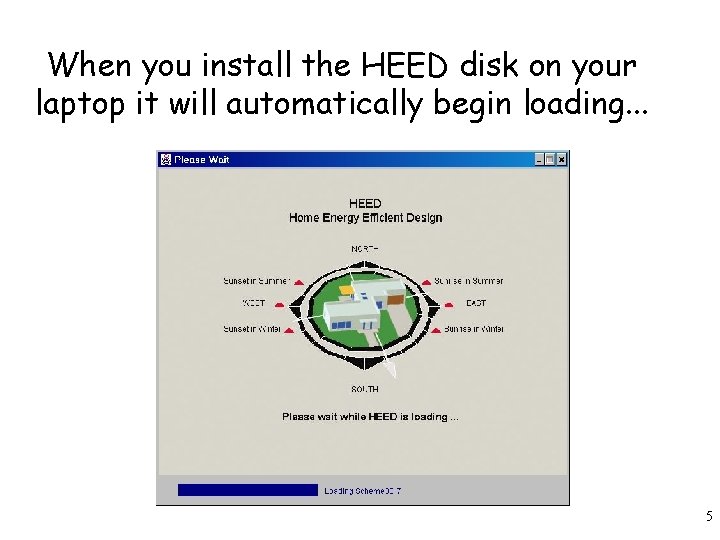
When you install the HEED disk on your laptop it will automatically begin loading. . . 5
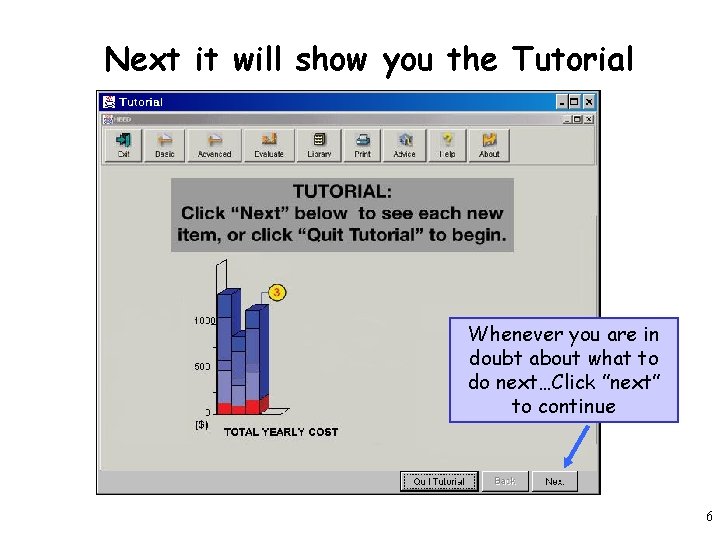
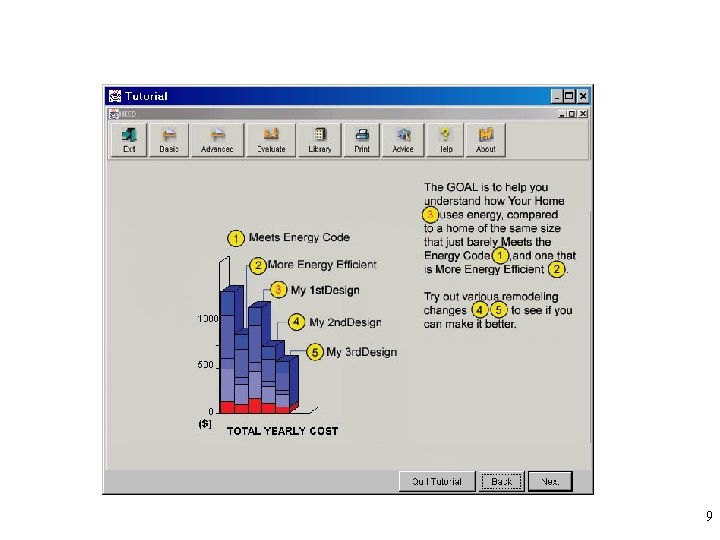
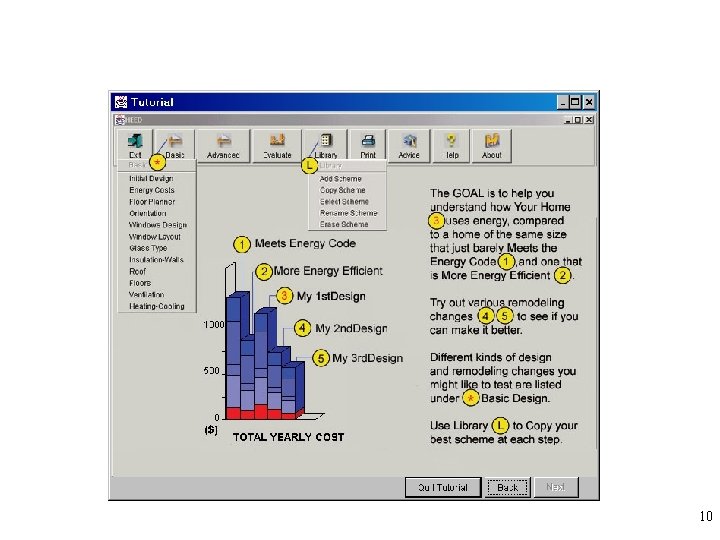
Next it will show you the Tutorial Whenever you are in doubt about what to do next…Click ”next” to continue 6
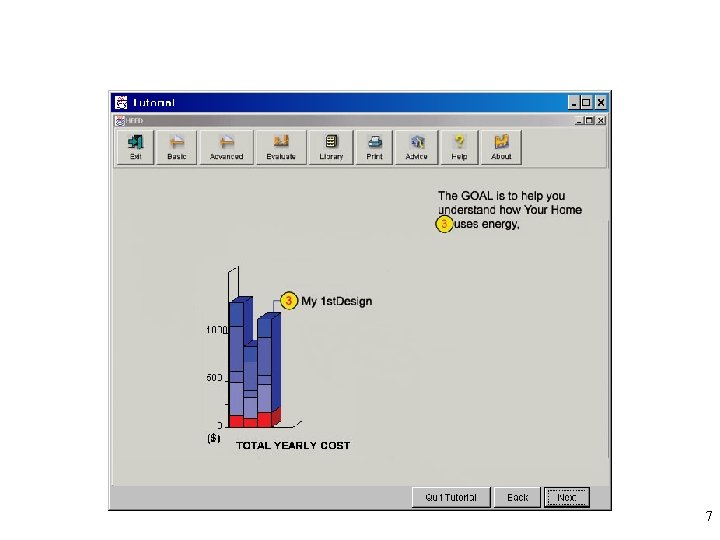
7
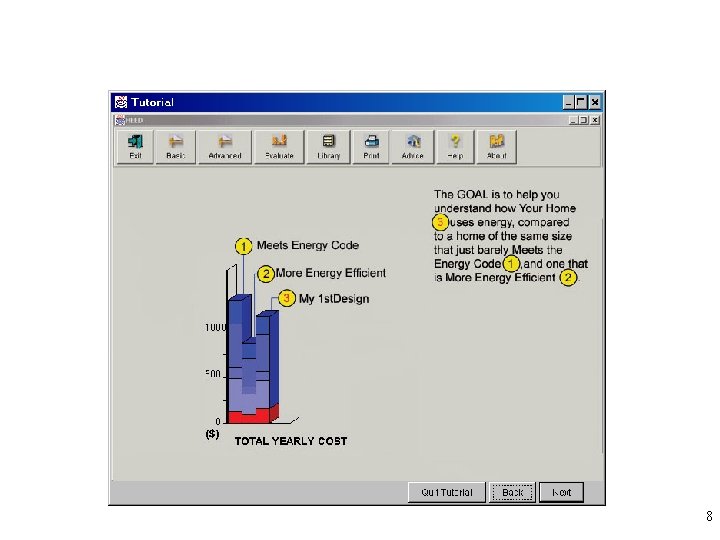
8
9
10
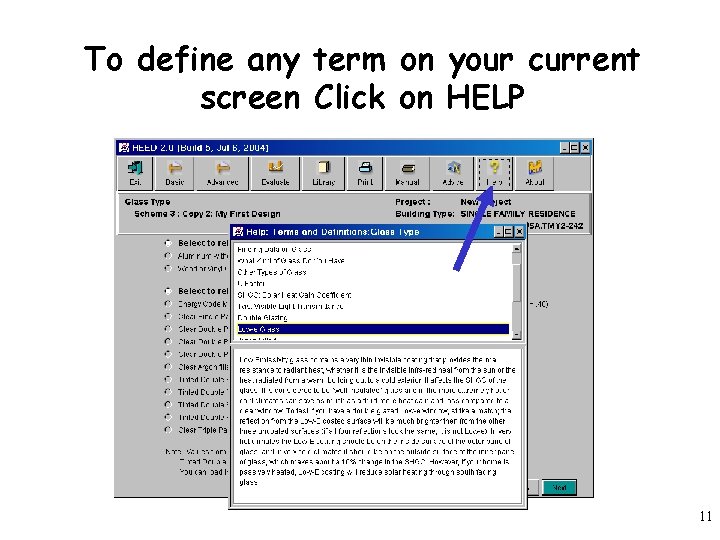
To define any term on your current screen Click on HELP 11
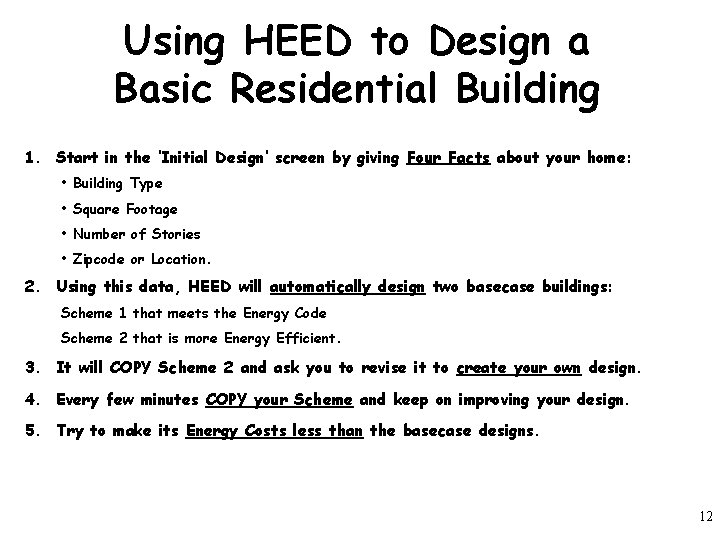
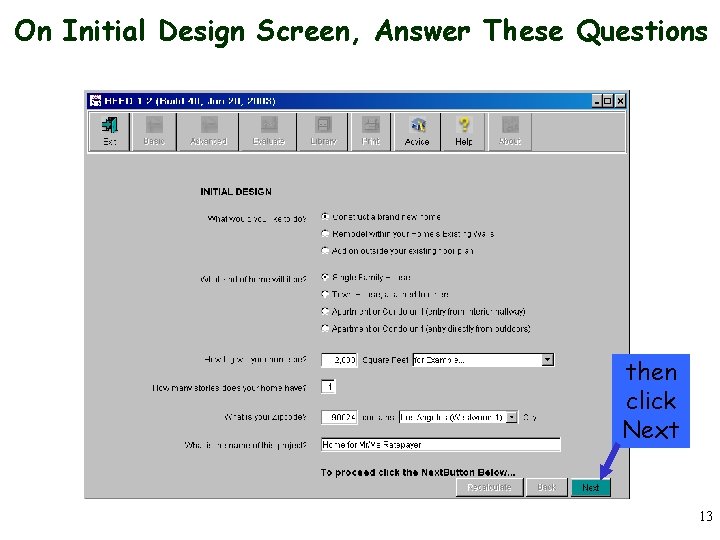
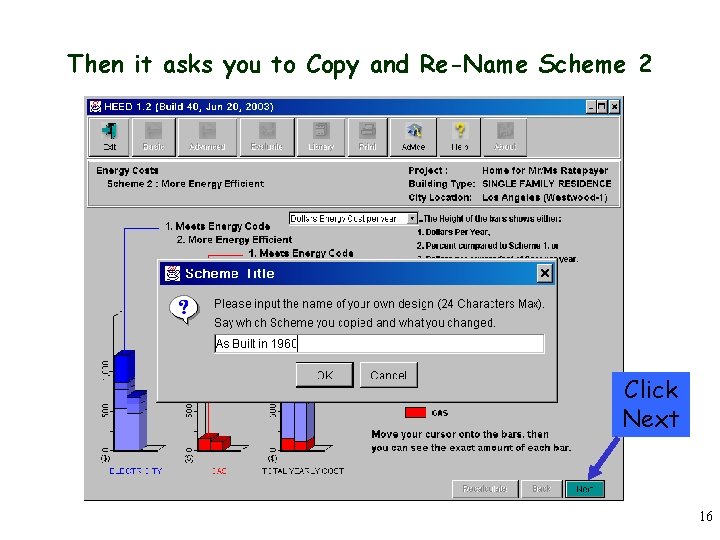
Using HEED to Design a Basic Residential Building 1. Start in the ‘Initial Design’ screen by giving Four Facts about your home: • Building Type • Square Footage • Number of Stories • Zipcode or Location. 2. Using this data, HEED will automatically design two basecase buildings: Scheme 1 that meets the Energy Code Scheme 2 that is more Energy Efficient. 3. It will COPY Scheme 2 and ask you to revise it to create your own design. 4. Every few minutes COPY your Scheme and keep on improving your design. 5. Try to make its Energy Costs less than the basecase designs. 12
On Initial Design Screen, Answer These Questions then click Next 13
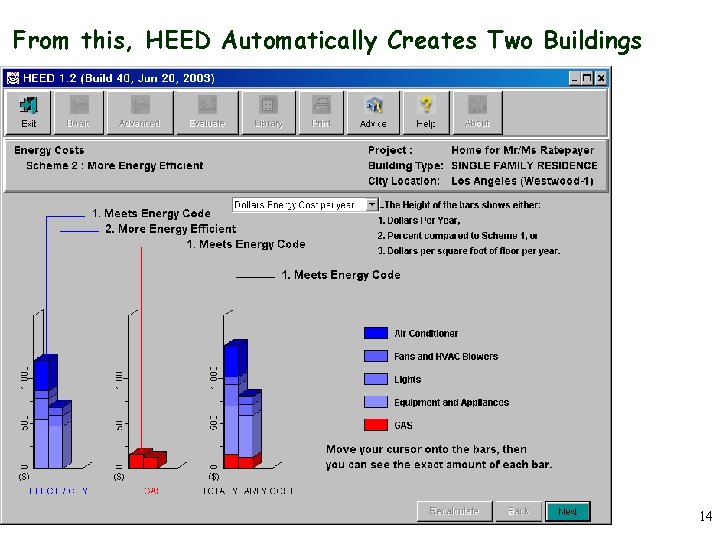
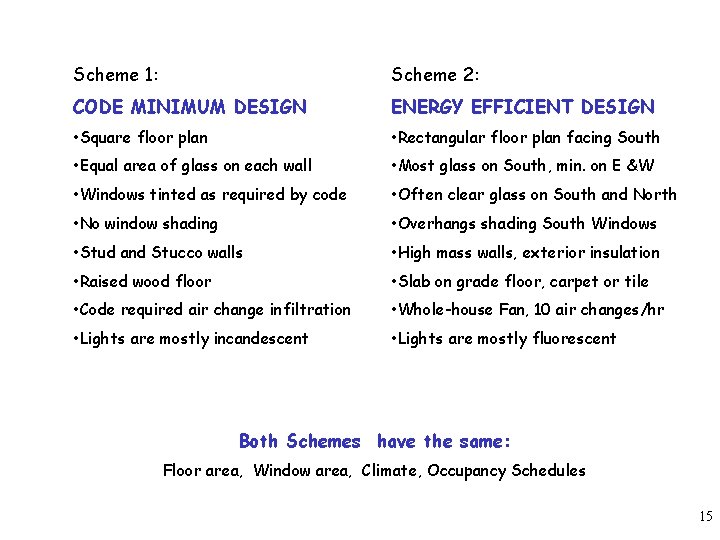
From this, HEED Automatically Creates Two Buildings 14
Scheme 1: Scheme 2: CODE MINIMUM DESIGN ENERGY EFFICIENT DESIGN • Square floor plan • Rectangular floor plan facing South • Equal area of glass on each wall • Most glass on South, min. on E &W • Windows tinted as required by code • Often clear glass on South and North • No window shading • Overhangs shading South Windows • Stud and Stucco walls • High mass walls, exterior insulation • Raised wood floor • Slab on grade floor, carpet or tile • Code required air change infiltration • Whole-house Fan, 10 air changes/hr • Lights are mostly incandescent • Lights are mostly fluorescent Both Schemes have the same: Floor area, Window area, Climate, Occupancy Schedules 15
Then it asks you to Copy and Re-Name Scheme 2 Click Next 16
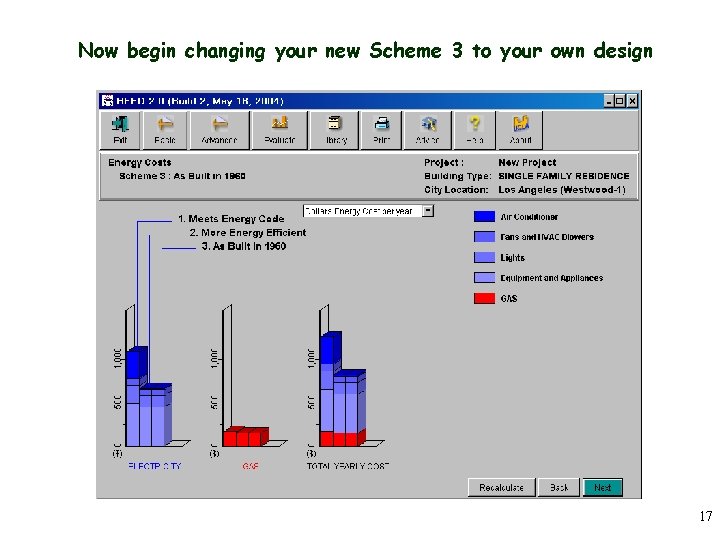
Now begin changing your new Scheme 3 to your own design 17
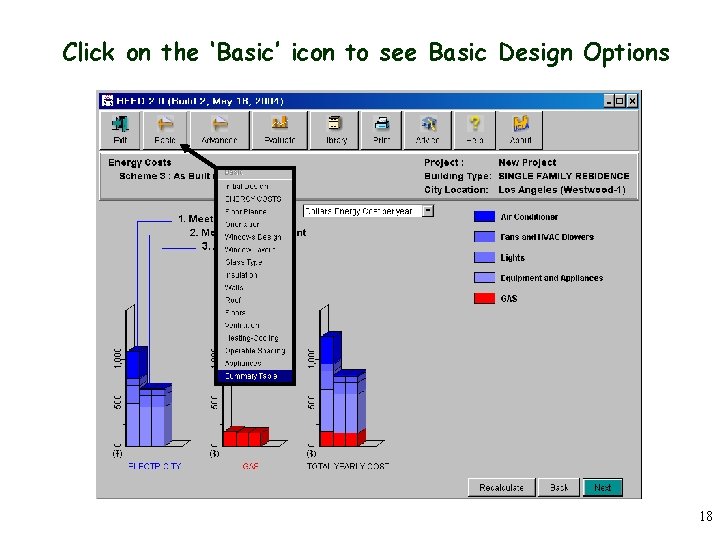
Click on the ‘Basic’ icon to see Basic Design Options 18
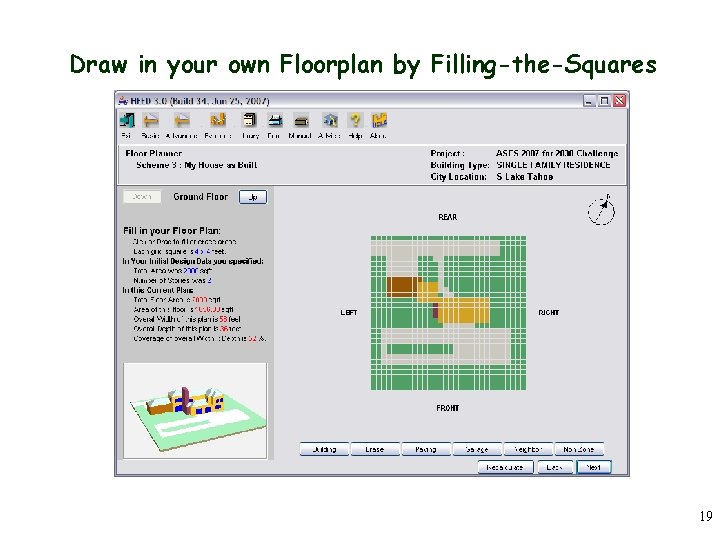
Draw in your own Floorplan by Filling-the-Squares 19
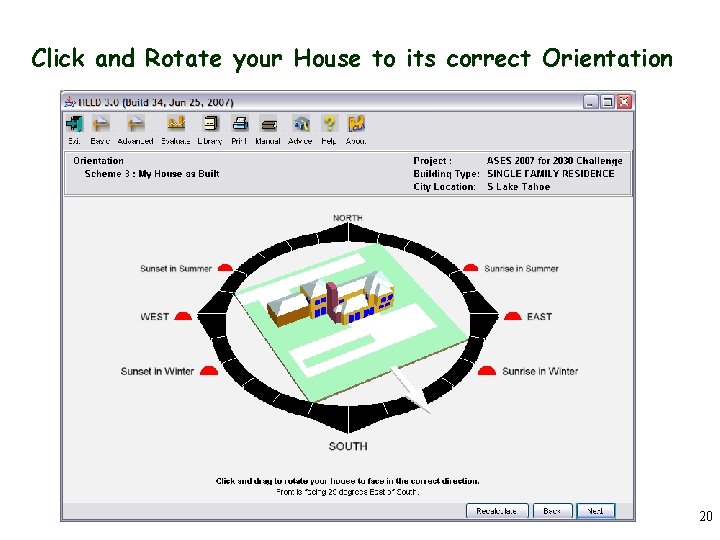
Click and Rotate your House to its correct Orientation 20
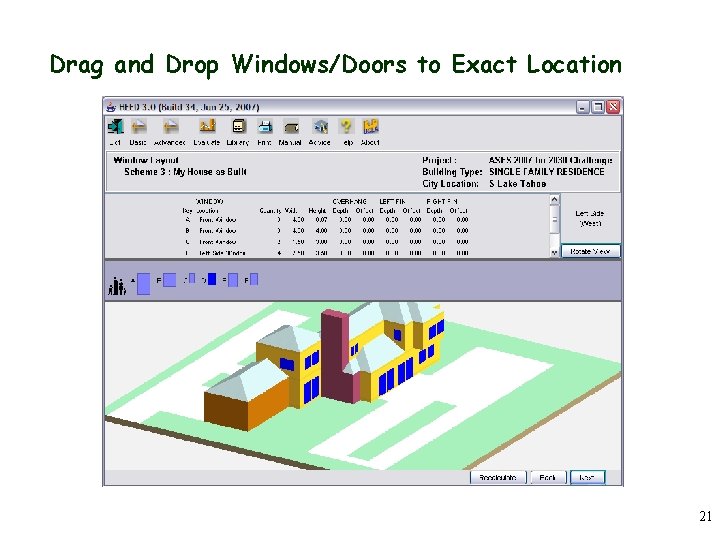
Drag and Drop Windows/Doors to Exact Location 21
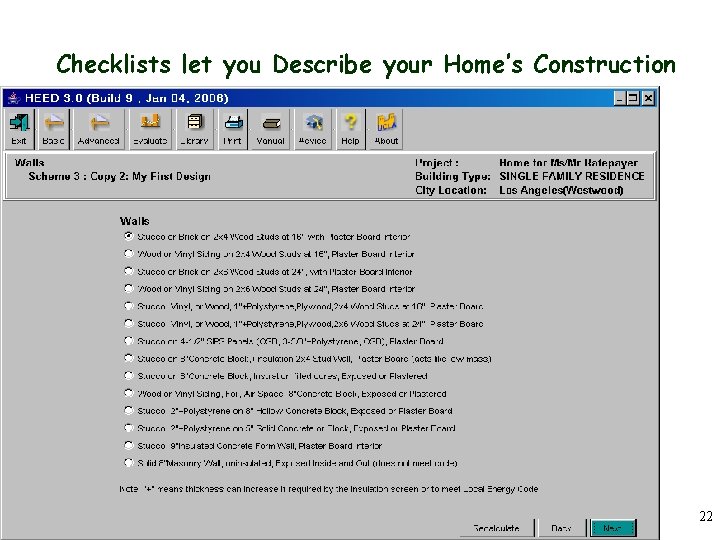
Checklists let you Describe your Home’s Construction 22
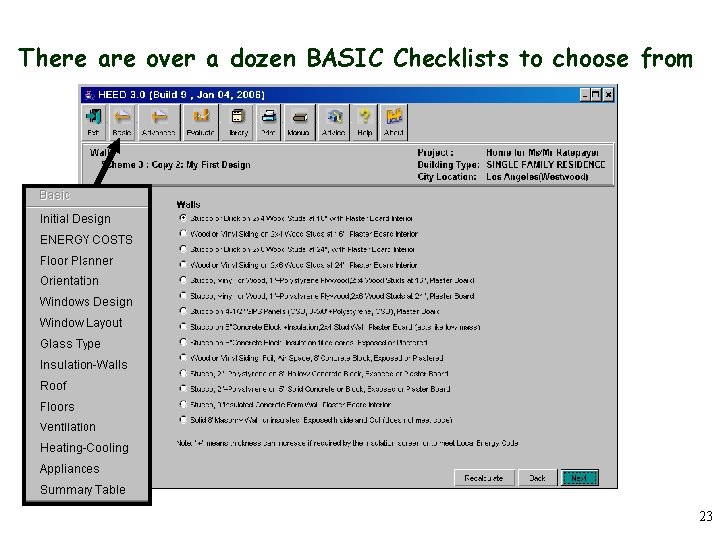
There are over a dozen BASIC Checklists to choose from 23
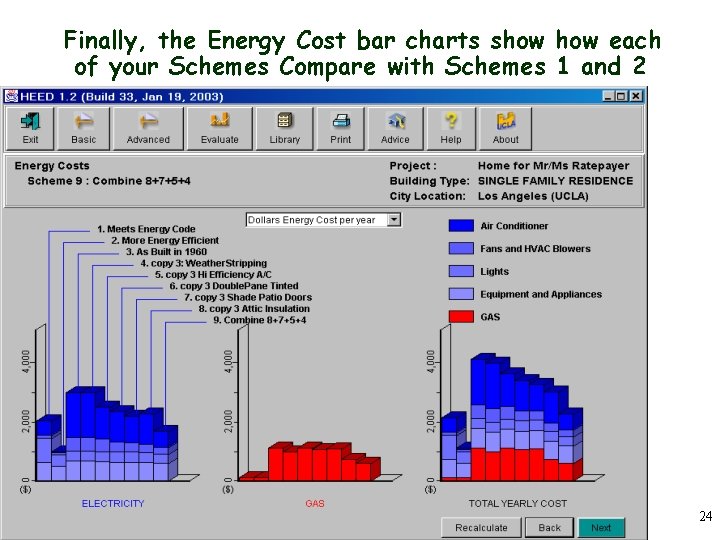
Finally, the Energy Cost bar charts show each of your Schemes Compare with Schemes 1 and 2 24
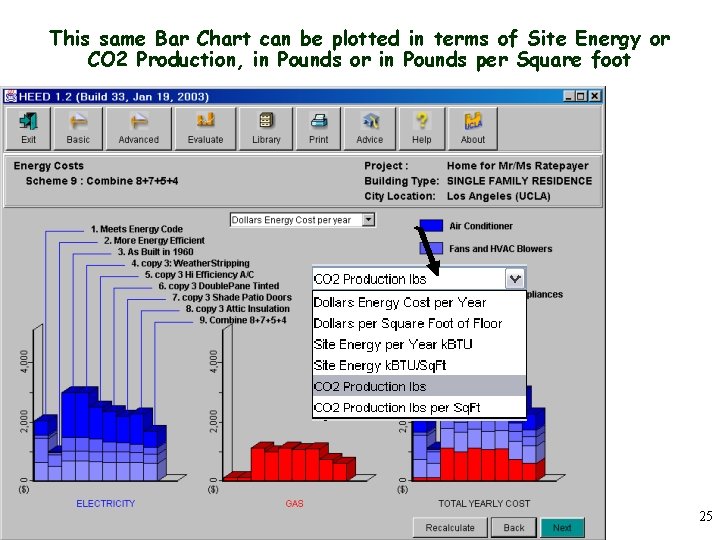
This same Bar Chart can be plotted in terms of Site Energy or CO 2 Production, in Pounds or in Pounds per Square foot 25
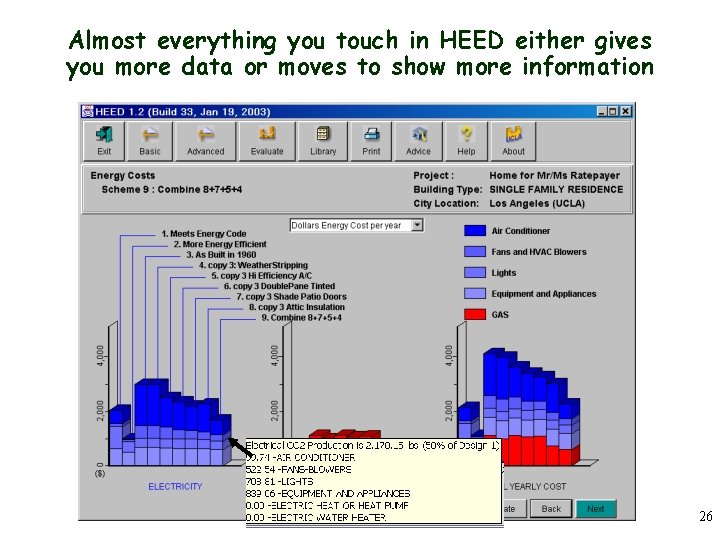
Almost everything you touch in HEED either gives you more data or moves to show more information 26
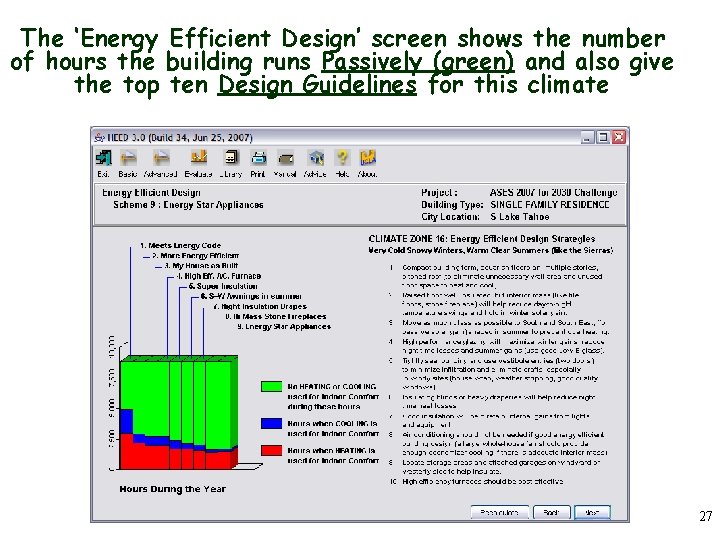
The ‘Energy Efficient Design’ screen shows the number of hours the building runs Passively (green) and also give the top ten Design Guidelines for this climate 27
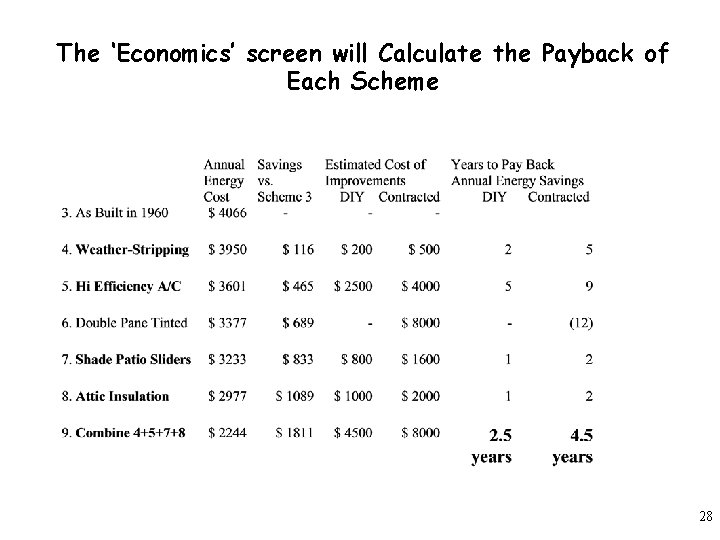
The ‘Economics’ screen will Calculate the Payback of Each Scheme 28
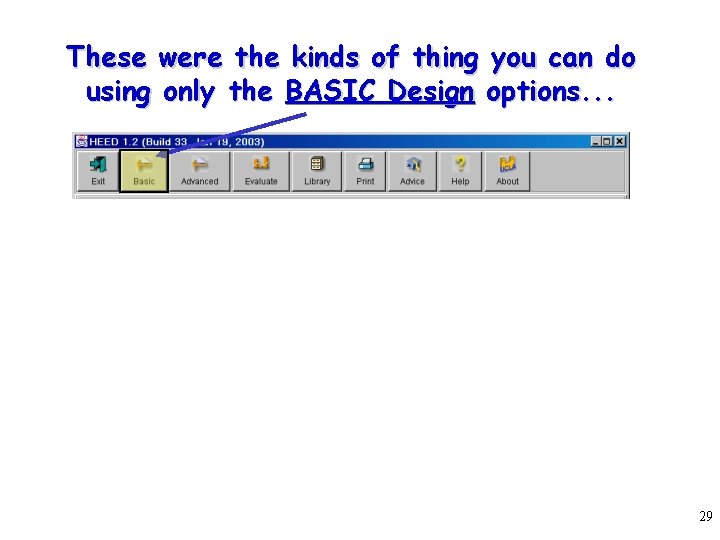
These were the kinds of thing you can do using only the BASIC Design options. . . 29
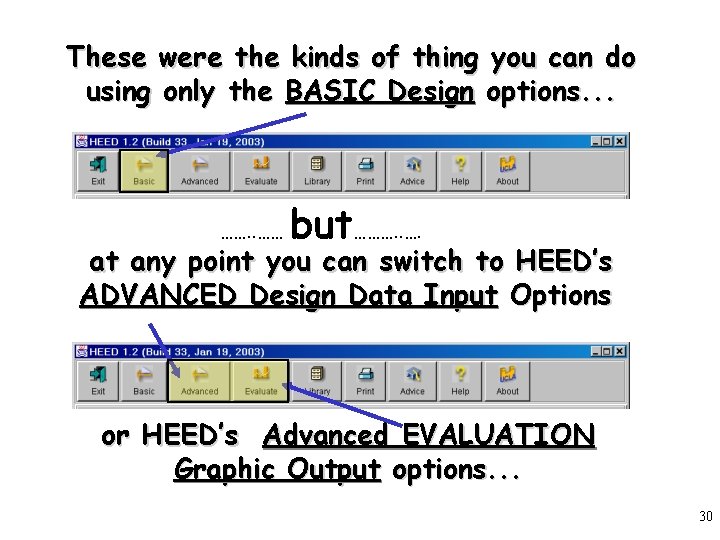
These were the kinds of thing you can do using only the BASIC Design options. . . ……. . …… but………. . …. at any point you can switch to HEED’s ADVANCED Design Data Input Options or HEED’s Advanced EVALUATION Graphic Output options. . . 30
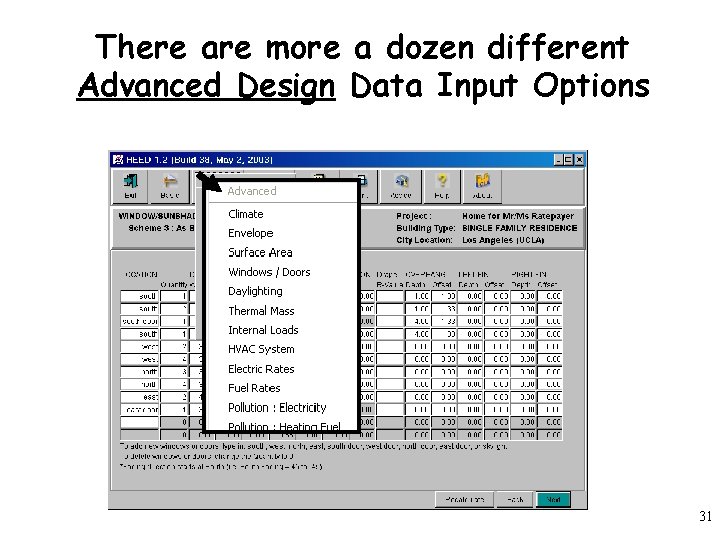
There are more a dozen different Advanced Design Data Input Options 31
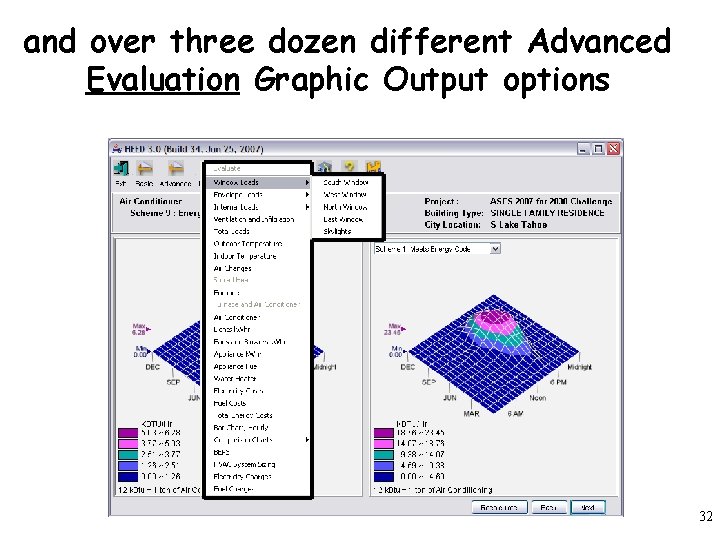
and over three dozen different Advanced Evaluation Graphic Output options 32
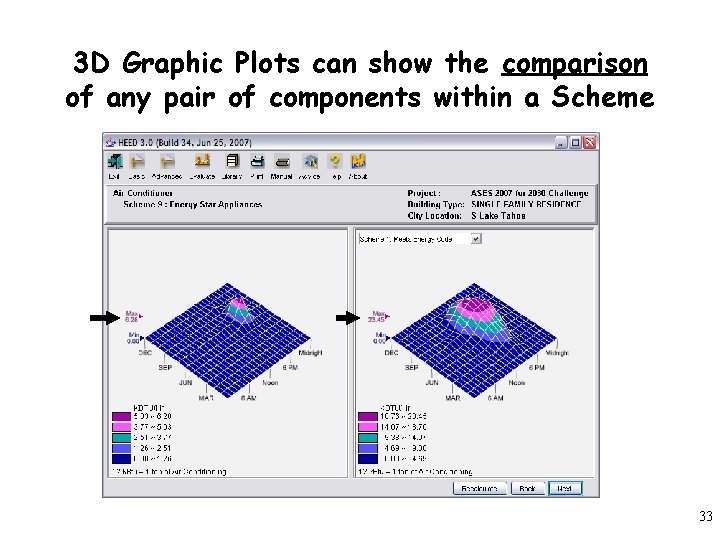
3 D Graphic Plots can show the comparison of any pair of components within a Scheme 33
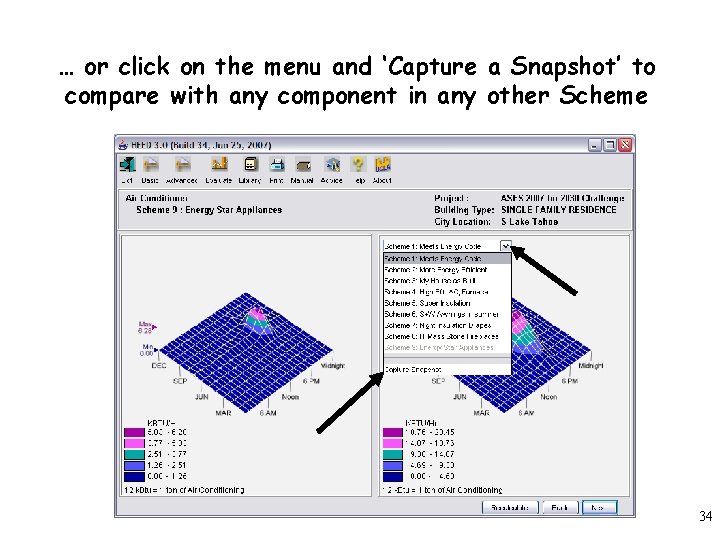
… or click on the menu and ‘Capture a Snapshot’ to compare with any component in any other Scheme 34
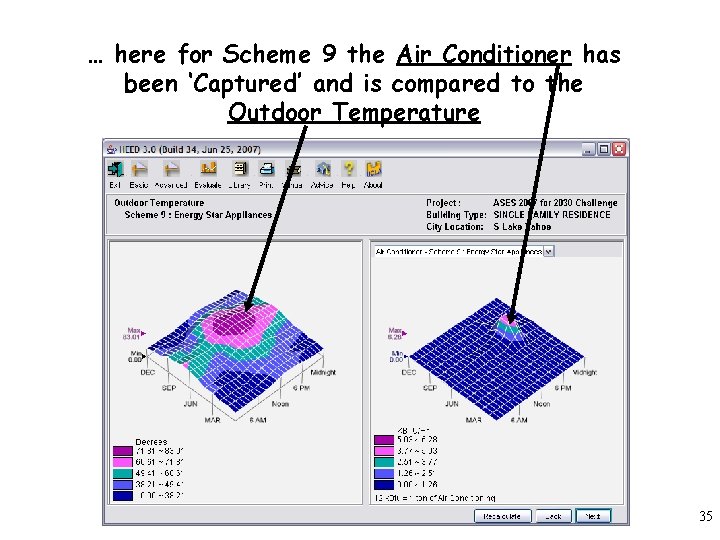
… here for Scheme 9 the Air Conditioner has been ‘Captured’ and is compared to the Outdoor Temperature 35
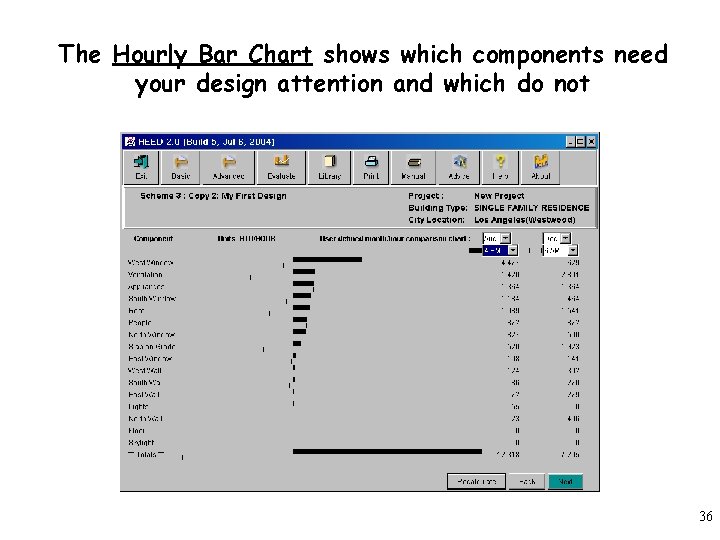
The Hourly Bar Chart shows which components need your design attention and which do not 36
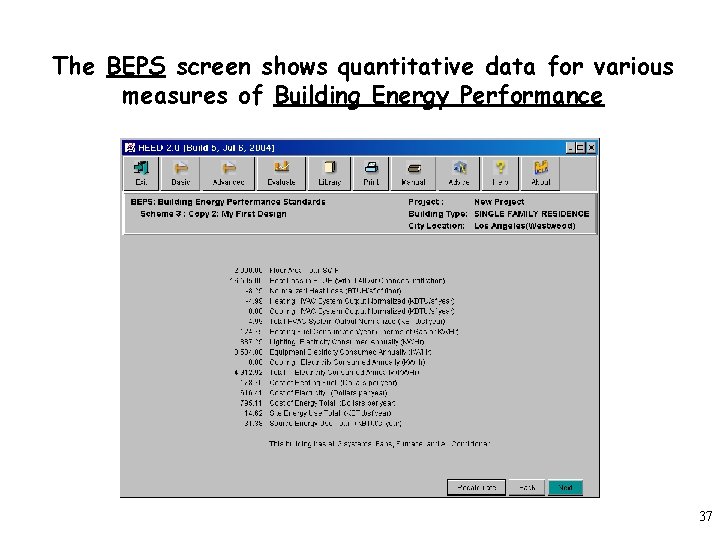
The BEPS screen shows quantitative data for various measures of Building Energy Performance 37
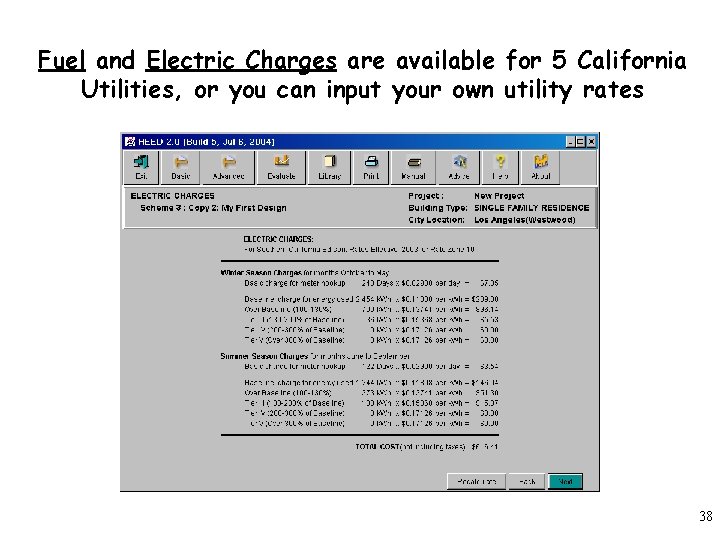
Fuel and Electric Charges are available for 5 California Utilities, or you can input your own utility rates 38
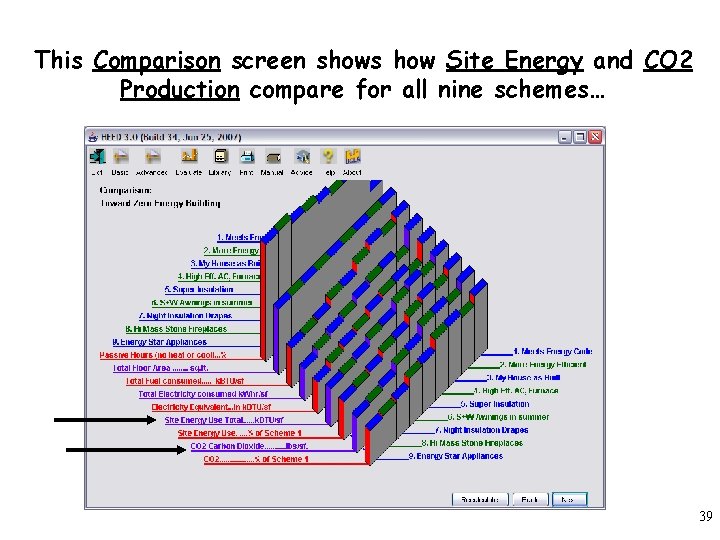
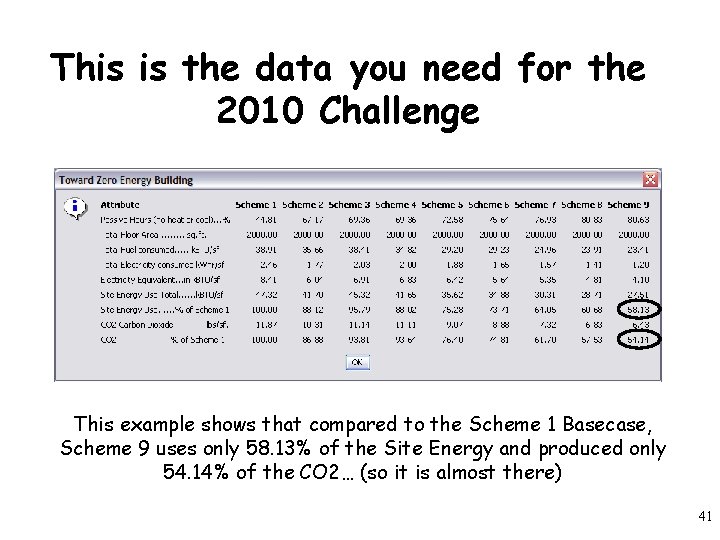
This Comparison screen shows how Site Energy and CO 2 Production compare for all nine schemes… 39
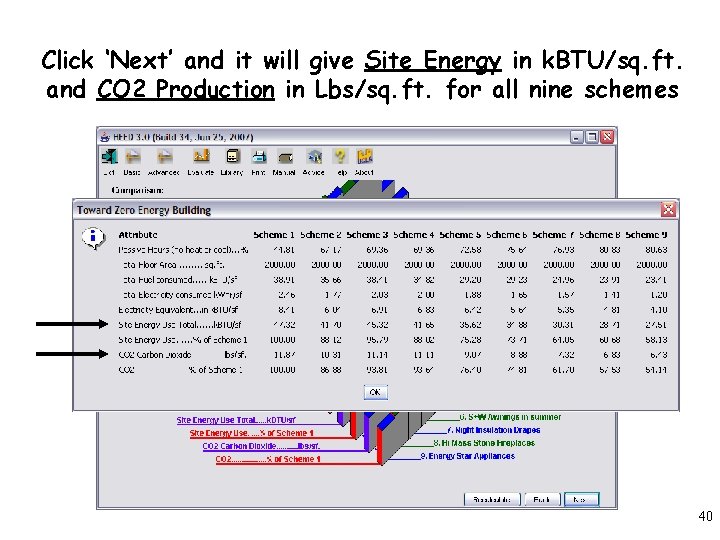
Click ‘Next’ and it will give Site Energy in k. BTU/sq. ft. and CO 2 Production in Lbs/sq. ft. for all nine schemes 40
This is the data you need for the 2010 Challenge This example shows that compared to the Scheme 1 Basecase, Scheme 9 uses only 58. 13% of the Site Energy and produced only 54. 14% of the CO 2… (so it is almost there) 41
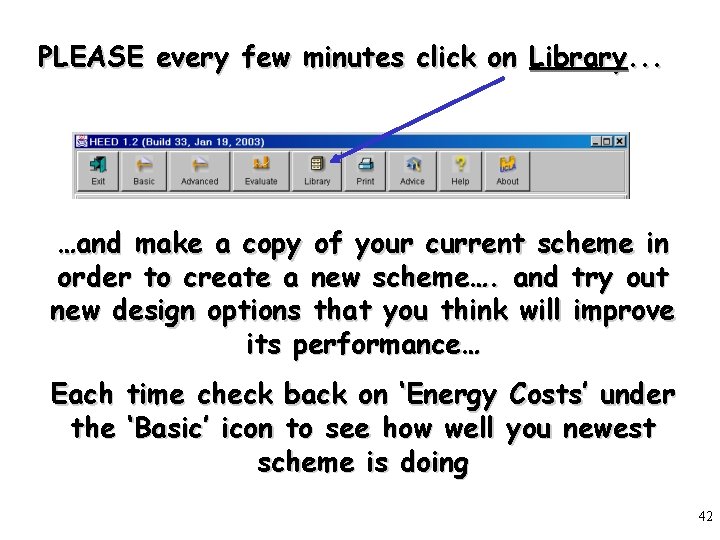
PLEASE every few minutes click on Library. . . …and make a copy of your current scheme in order to create a new scheme…. and try out new design options that you think will improve its performance… Each time check back on ‘Energy Costs’ under the ‘Basic’ icon to see how well you newest scheme is doing 42
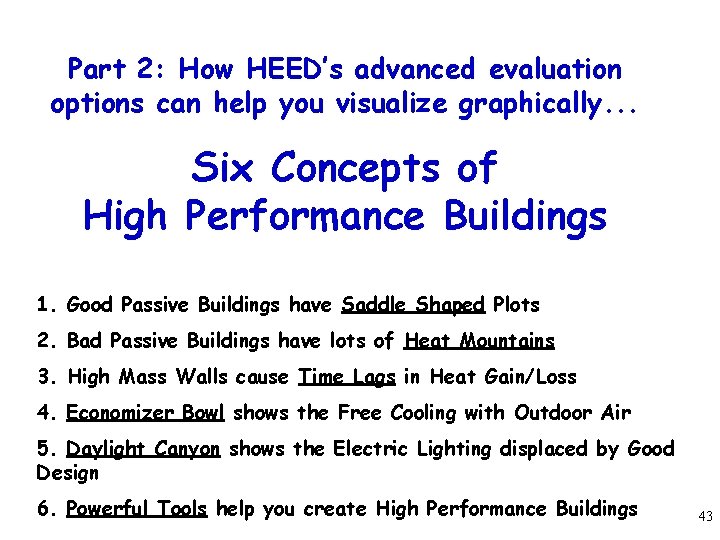
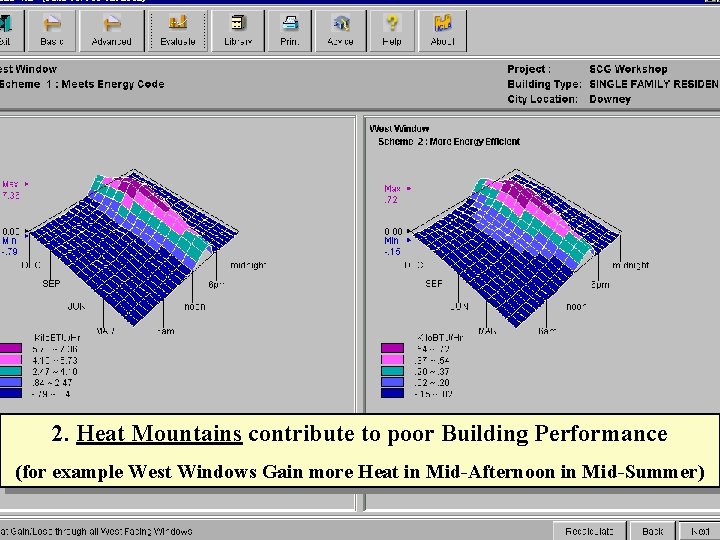
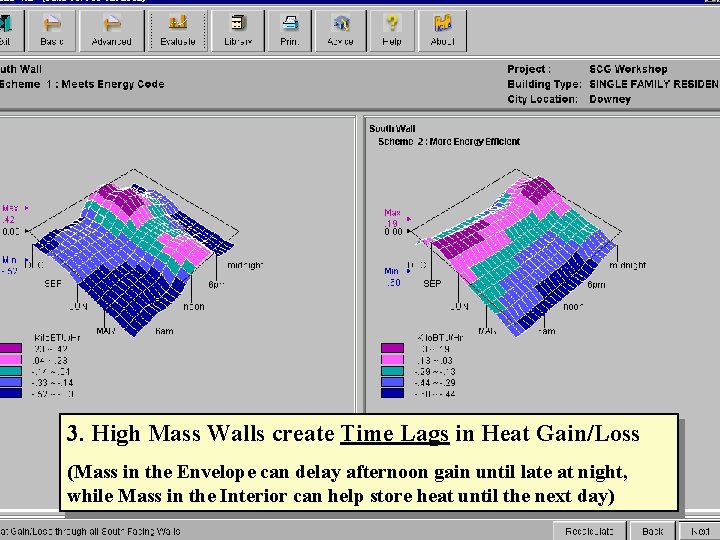
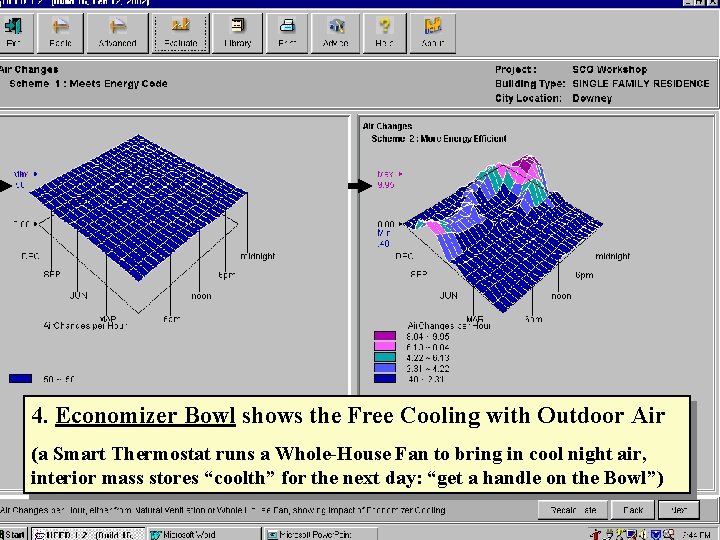
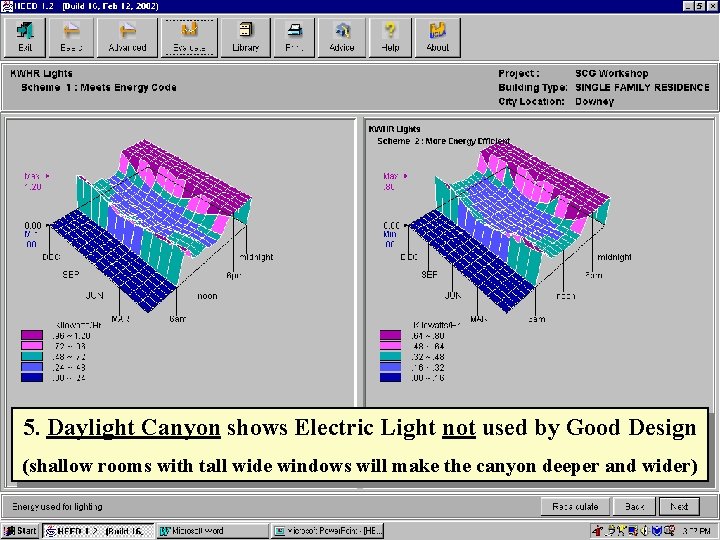
Part 2: How HEED’s advanced evaluation options can help you visualize graphically. . . Six Concepts of High Performance Buildings 1. Good Passive Buildings have Saddle Shaped Plots 2. Bad Passive Buildings have lots of Heat Mountains 3. High Mass Walls cause Time Lags in Heat Gain/Loss 4. Economizer Bowl shows the Free Cooling with Outdoor Air 5. Daylight Canyon shows the Electric Lighting displaced by Good Design 6. Powerful Tools help you create High Performance Buildings 43
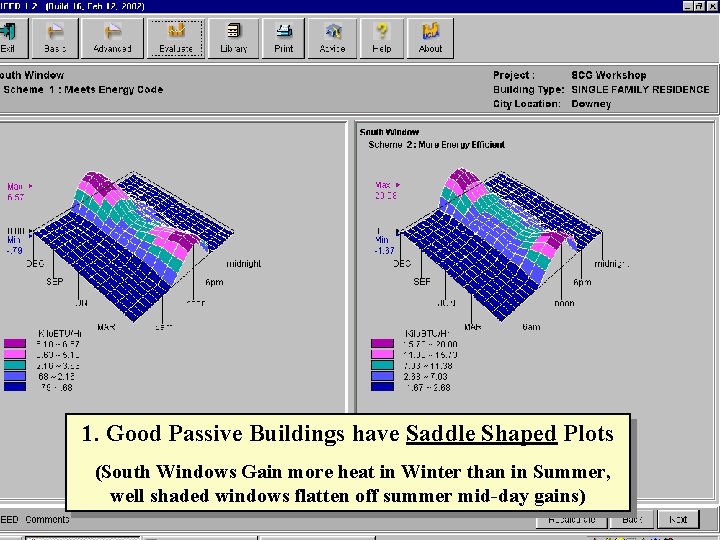
1. Good Passive Buildings have Saddle Shaped Plots (South Windows Gain more heat in Winter than in Summer, well shaded windows flatten off summer mid-day gains) 44
2. Heat Mountains contribute to poor Building Performance (for example West Windows Gain more Heat in Mid-Afternoon in Mid-Summer) 45
3. High Mass Walls create Time Lags in Heat Gain/Loss (Mass in the Envelope can delay afternoon gain until late at night, while Mass in the Interior can help store heat until the next day) 46
4. Economizer Bowl shows the Free Cooling with Outdoor Air (a Smart Thermostat runs a Whole-House Fan to bring in cool night air, interior mass stores “coolth” for the next day: “get a handle on the Bowl”) 47
5. Daylight Canyon shows Electric Light not used by Good Design (shallow rooms with tall wide windows will make the canyon deeper and wider) 48
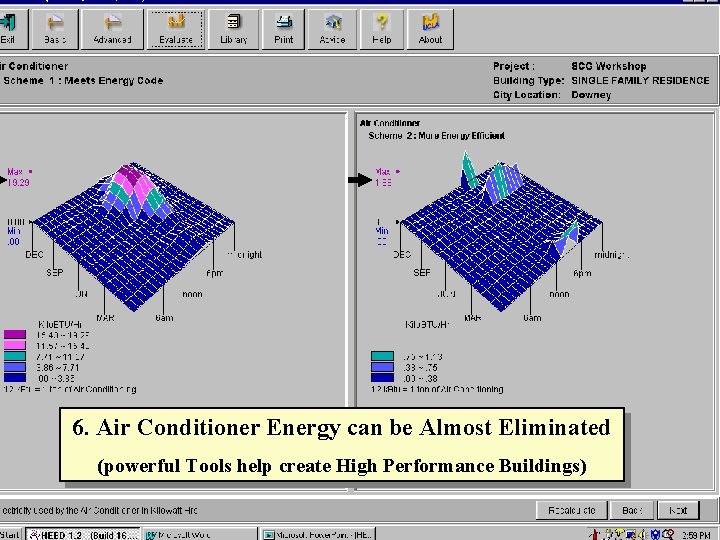
6. Air Conditioner Energy can be Almost Eliminated (powerful Tools help create High Performance Buildings) 49
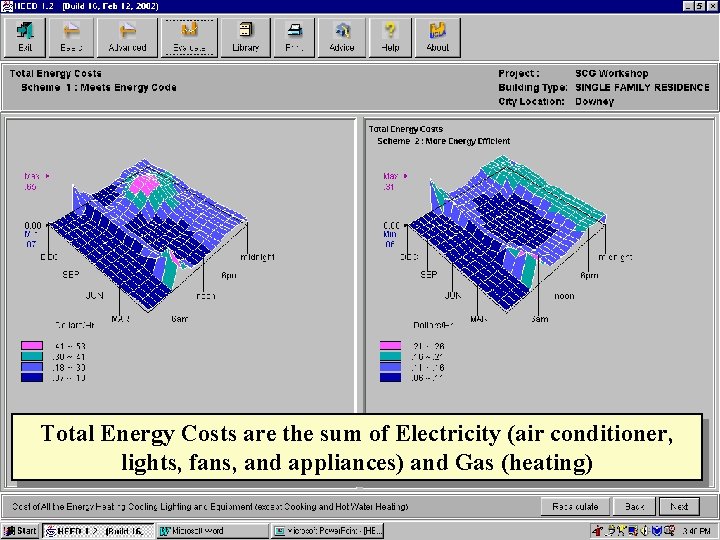
Total Energy Costs are the sum of Electricity (air conditioner, lights, fans, and appliances) and Gas (heating) 50
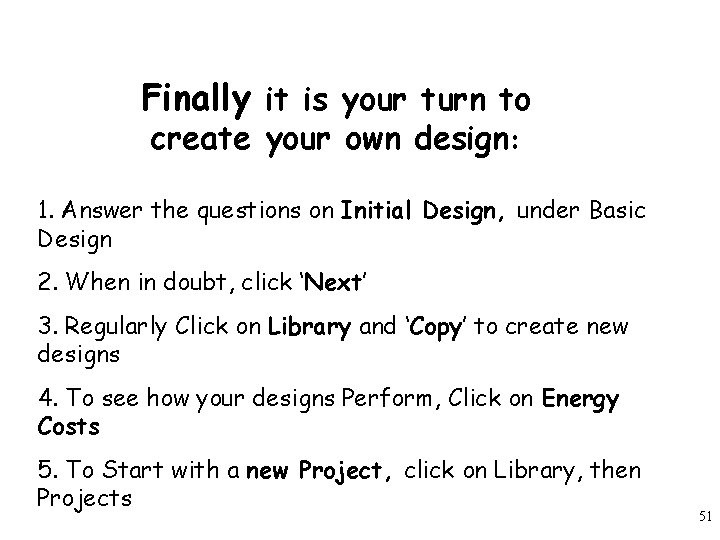
Finally it is your turn to create your own design: 1. Answer the questions on Initial Design, under Basic Design 2. When in doubt, click ‘Next’ 3. Regularly Click on Library and ‘Copy’ to create new designs 4. To see how your designs Perform, Click on Energy Costs 5. To Start with a new Project, click on Library, then Projects 51
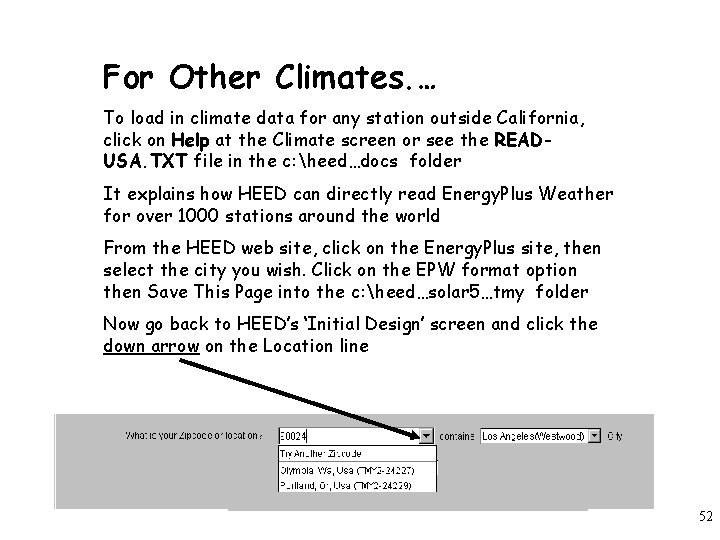
For Other Climates. … To load in climate data for any station outside California, click on Help at the Climate screen or see the READUSA. TXT file in the c: heed…docs folder It explains how HEED can directly read Energy. Plus Weather for over 1000 stations around the world From the HEED web site, click on the Energy. Plus site, then select the city you wish. Click on the EPW format option then Save This Page into the c: heed…solar 5…tmy folder Now go back to HEED’s ‘Initial Design’ screen and click the down arrow on the Location line 52
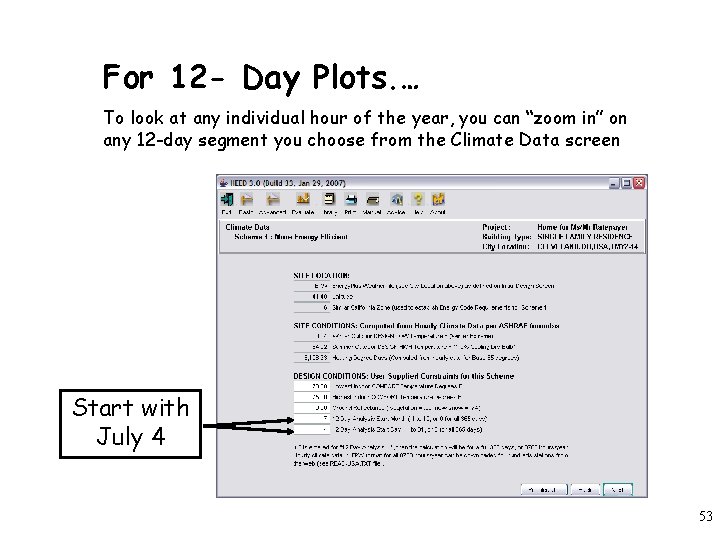
For 12 - Day Plots. … To look at any individual hour of the year, you can “zoom in” on any 12 -day segment you choose from the Climate Data screen Start with July 4 53
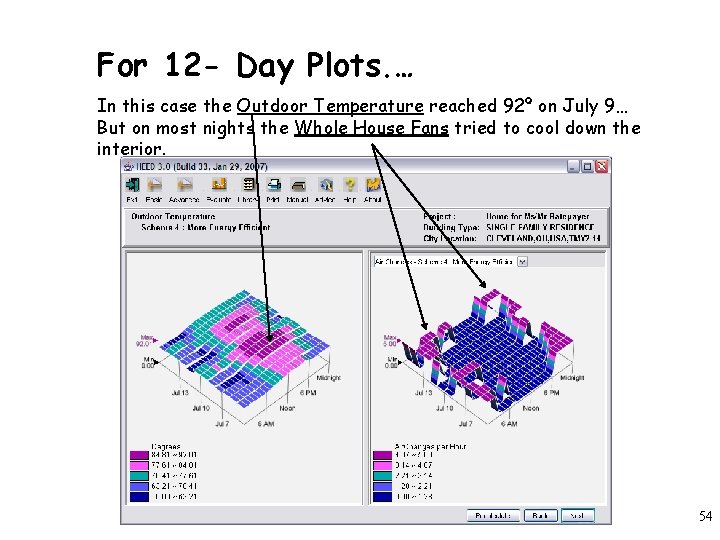
For 12 - Day Plots. … In this case the Outdoor Temperature reached 92º on July 9… But on most nights the Whole House Fans tried to cool down the interior. 54
Validation: • HEED calculates an Hourly Heat-Balance for all 8760 hours of the year (similar to the method used in DOE’s new Energy. Plus) • HEED has been validated against DOE-2 and others programs, using BESTEST (the ASHRAE Standard 140 -2001). Results are posted on web site. • HEED accommodates single zone buildings up to 4, 600 s. f. per floor • HEED accommodates energy-efficient design strategies such as: natural ventilation, daylighting, external shading, smart HVAC controls, thermal mass, passive solar heating, night flushing, economizer cycles • HEED uses electric rate structures for the four major utilities, but you can input electric, gas, oil, or propane rates for your own utility • HEED has a huge Help system to answer your questions (click the Help icon), Advice, Getting Started Tutorial, an on-line Demo, and a basic Users Manual. 55
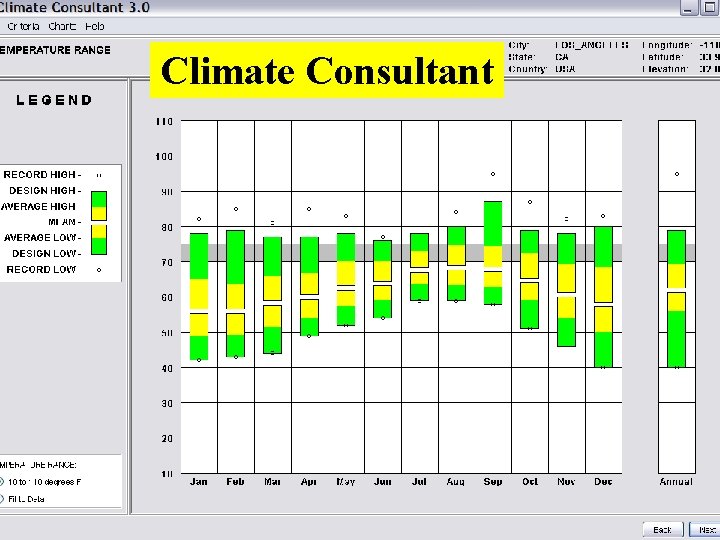
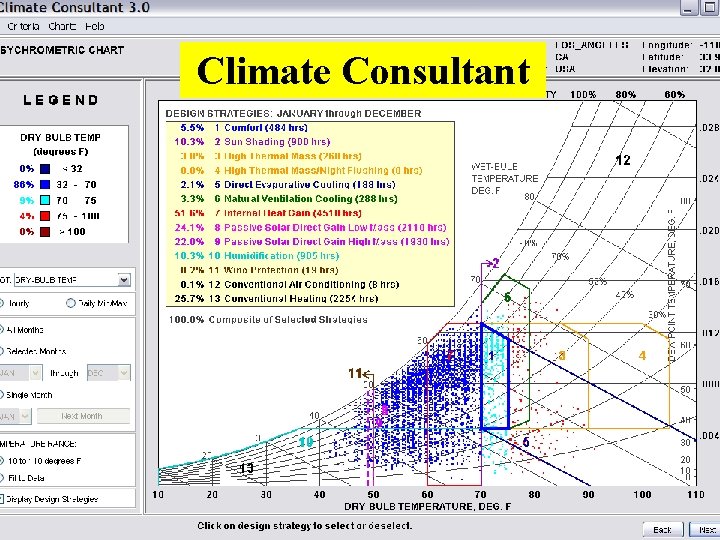
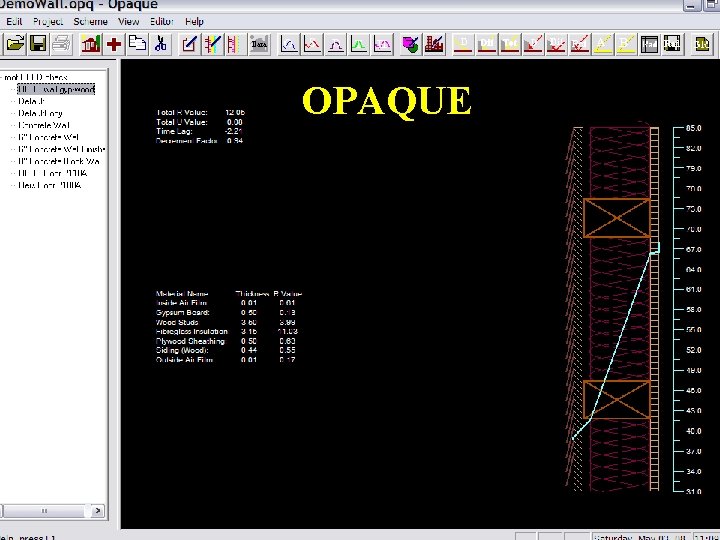
Some of Our Other Energy Design Tools You Might Find Helpful… 56
Climate Consultant 57
Climate Consultant 58
OPAQUE 59
HEED (and a copy of this Power Point) can be downloaded at no cost from: www. aud. ucla. edu/heed Our other Design Tools can be downloaded from www. aud. ucla. edu/energy-design-tools Contact Murray Milne at: milne@ucla. edu The current version of HEED was funded by the California Public Utilities Commission. It was developed by the Energy Design Tools Group at the UCLA Department of Architecture, in association with CTG Energetics, Malcolm Lewis President. 60