
CONTENTS LIST Accessing Values In lists Updating Lists
![Example: list 1, list 2 = [123, 'xyz', 'zara'], [456, 'abc'] print "First list](https://slidetodoc.com/presentation_image_h2/b202e05965bc575c9dcb10d2793bbb9c/image-10.jpg "Example: list 1, list 2 = [123, 'xyz', 'zara'], [456, 'abc'] print \"First list")
![Example: list 1, list 2 = [123, 'xyz', 'zara', 'abc'], [456, 700, 200] print](https://slidetodoc.com/presentation_image_h2/b202e05965bc575c9dcb10d2793bbb9c/image-13.jpg "Example: list 1, list 2 = [123, 'xyz', 'zara', 'abc'], [456, 700, 200] print")
![• list. pop(obj=list[-1]) Description: The method pop() removes and returns last object or](https://slidetodoc.com/presentation_image_h2/b202e05965bc575c9dcb10d2793bbb9c/image-19.jpg "• list. pop(obj=list[-1]) Description: The method pop() removes and returns last object or")
![• list. sort([func]) Description: The method reverse() reverses objects of list in place.](https://slidetodoc.com/presentation_image_h2/b202e05965bc575c9dcb10d2793bbb9c/image-21.jpg "• list. sort([func]) Description: The method reverse() reverses objects of list in place.")
- Slides: 37
CONTENTS LIST: Accessing Values In lists Updating Lists Deleting List Elements Basic List Operations
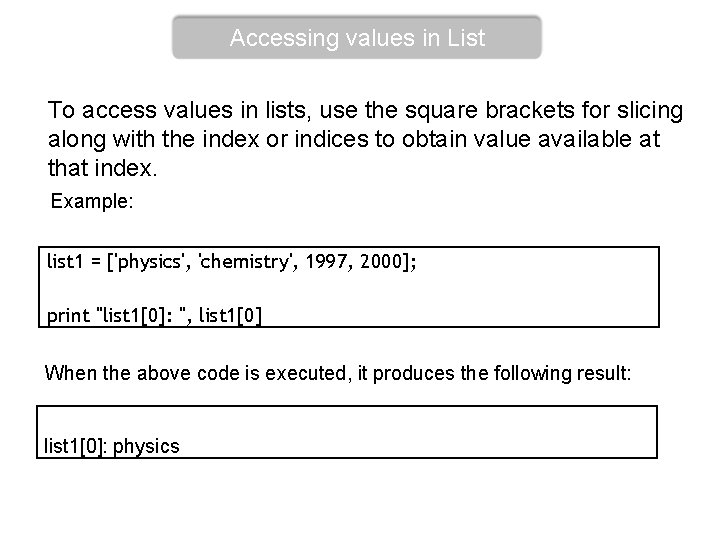
Accessing values in List To access values in lists, use the square brackets for slicing along with the index or indices to obtain value available at that index. Example: list 1 = ['physics', 'chemistry', 1997, 2000]; print "list 1[0]: ", list 1[0] When the above code is executed, it produces the following result: list 1[0]: physics
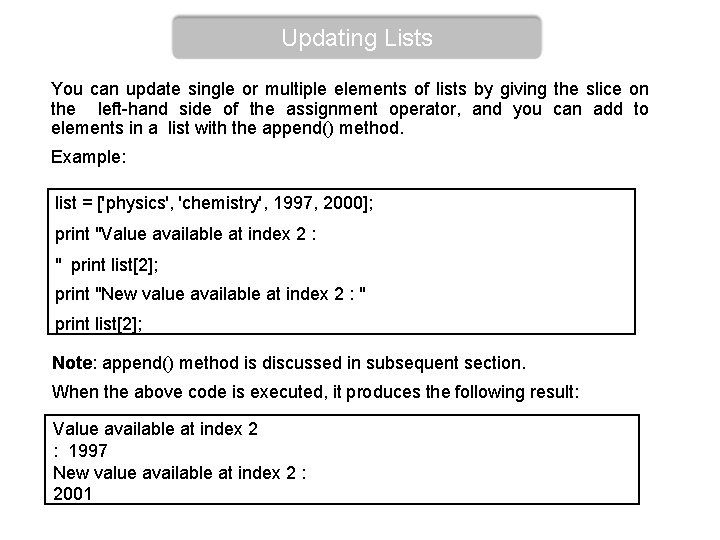
Updating Lists You can update single or multiple elements of lists by giving the slice on the left-hand side of the assignment operator, and you can add to elements in a list with the append() method. Example: list = ['physics', 'chemistry', 1997, 2000]; print "Value available at index 2 : " print list[2]; print "New value available at index 2 : " print list[2]; Note: append() method is discussed in subsequent section. When the above code is executed, it produces the following result: Value available at index 2 : 1997 New value available at index 2 : 2001
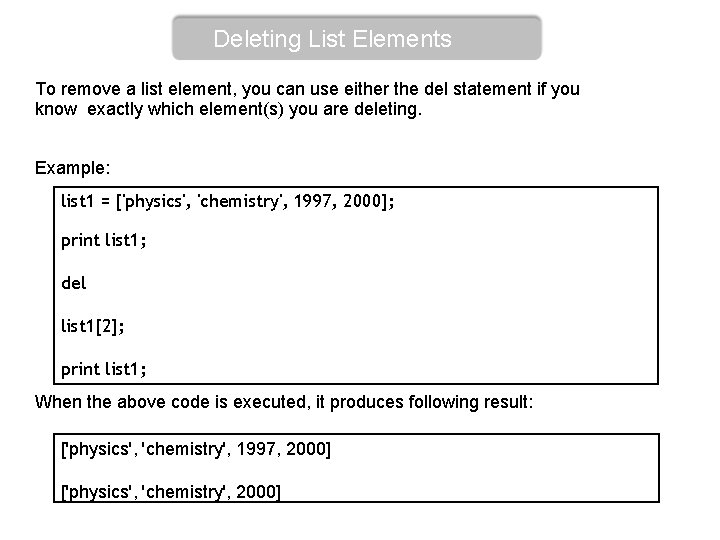
Deleting List Elements To remove a list element, you can use either the del statement if you know exactly which element(s) you are deleting. Example: list 1 = ['physics', 'chemistry', 1997, 2000]; print list 1; del list 1[2]; print list 1; When the above code is executed, it produces following result: ['physics', 'chemistry', 1997, 2000] ['physics', 'chemistry', 2000]
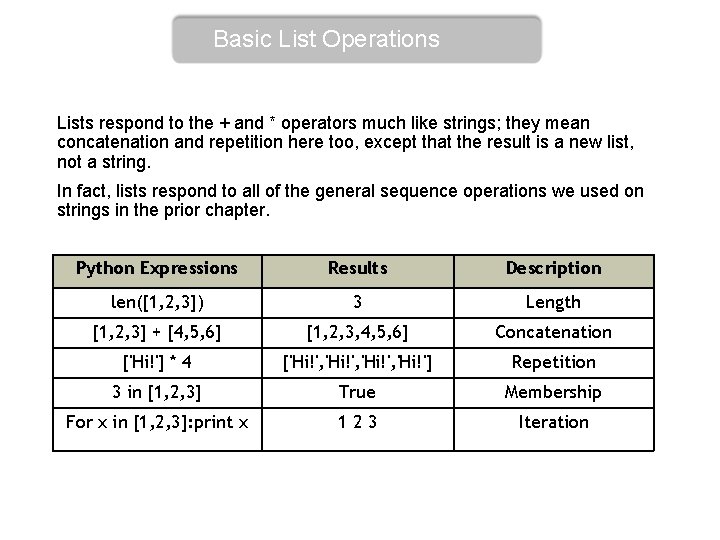
Basic List Operations Lists respond to the + and * operators much like strings; they mean concatenation and repetition here too, except that the result is a new list, not a string. In fact, lists respond to all of the general sequence operations we used on strings in the prior chapter. Python Expressions Results Description len([1, 2, 3]) 3 Length [1, 2, 3] + [4, 5, 6] [1, 2, 3, 4, 5, 6] Concatenation ['Hi!'] * 4 ['Hi!', 'Hi!'] Repetition 3 in [1, 2, 3] True Membership For x in [1, 2, 3]: print x 123 Iteration
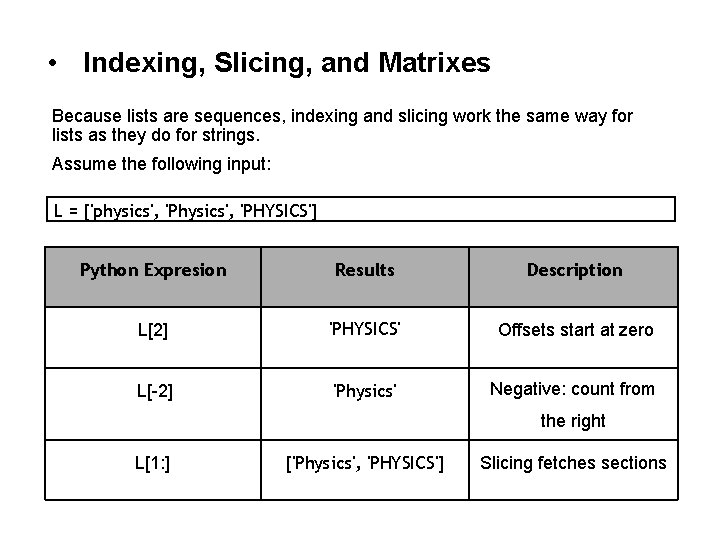
• Indexing, Slicing, and Matrixes Because lists are sequences, indexing and slicing work the same way for lists as they do for strings. Assume the following input: L = ['physics', 'PHYSICS'] Python Expresion Results Description L[2] 'PHYSICS' Offsets start at zero L[-2] 'Physics' Negative: count from the right L[1: ] ['Physics', 'PHYSICS'] Slicing fetches sections
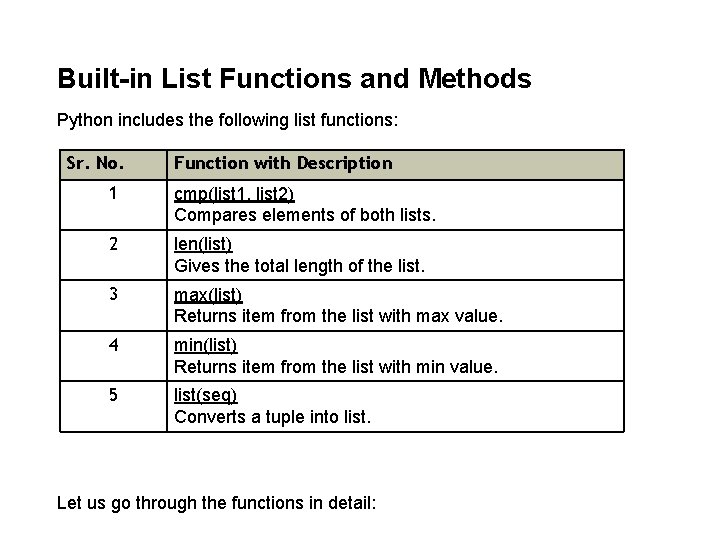
Built-in List Functions and Methods Python includes the following list functions: Sr. No. Function with Description 1 cmp(list 1, list 2) Compares elements of both lists. 2 len(list) Gives the total length of the list. 3 max(list) Returns item from the list with max value. 4 min(list) Returns item from the list with min value. 5 list(seq) Converts a tuple into list. Let us go through the functions in detail:
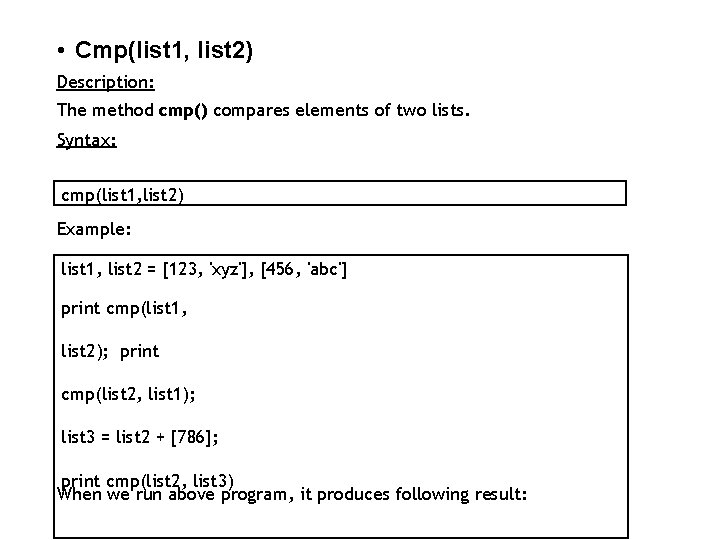
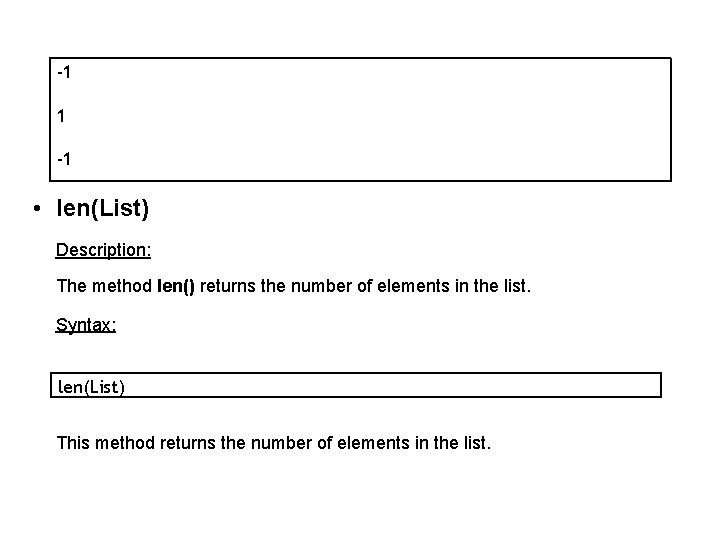
• Cmp(list 1, list 2) Description: The method cmp() compares elements of two lists. Syntax: cmp(list 1, list 2) Example: list 1, list 2 = [123, 'xyz'], [456, 'abc'] print cmp(list 1, list 2); print cmp(list 2, list 1); list 3 = list 2 + [786]; print cmp(list 2, list 3) When we run above program, it produces following result:
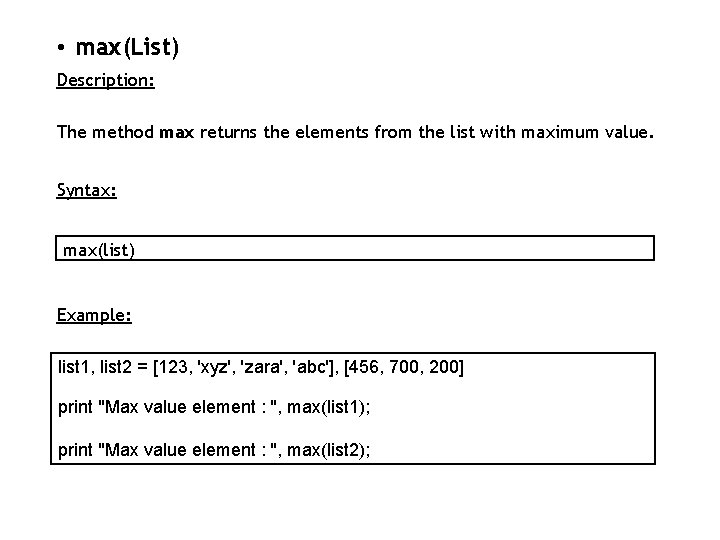
-1 1 -1 • len(List) Description: The method len() returns the number of elements in the list. Syntax: len(List) This method returns the number of elements in the list.
Example: list 1, list 2 = [123, 'xyz', 'zara'], [456, 'abc'] print "First list length : ", len(list 1); print "Second list length : ", len(list 2); When we run above program, it produces following result: First list length : 3 Second list length : 2
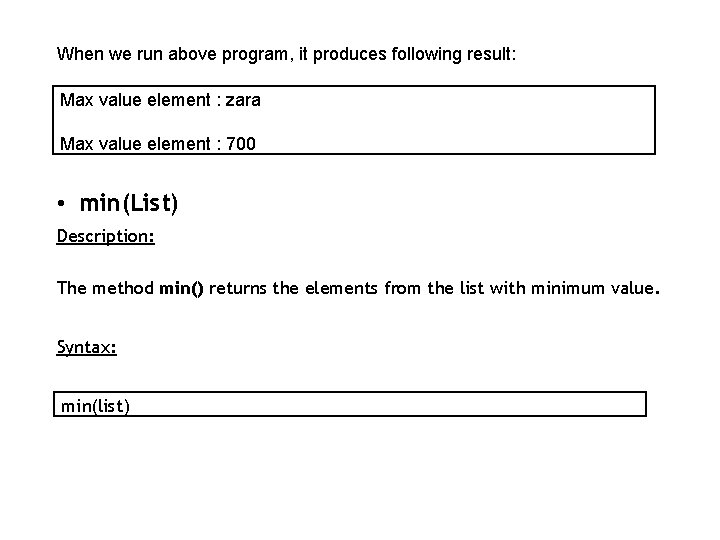
• max(List) Description: The method max returns the elements from the list with maximum value. Syntax: max(list) Example: list 1, list 2 = [123, 'xyz', 'zara', 'abc'], [456, 700, 200] print "Max value element : ", max(list 1); print "Max value element : ", max(list 2);
When we run above program, it produces following result: Max value element : zara Max value element : 700 • min(List) Description: The method min() returns the elements from the list with minimum value. Syntax: min(list)
Example: list 1, list 2 = [123, 'xyz', 'zara', 'abc'], [456, 700, 200] print "min value element : ", min(list 1); print "min value element : ", min(list 2); When we run above program, it produces following result: min value element : 123 min value element : 200
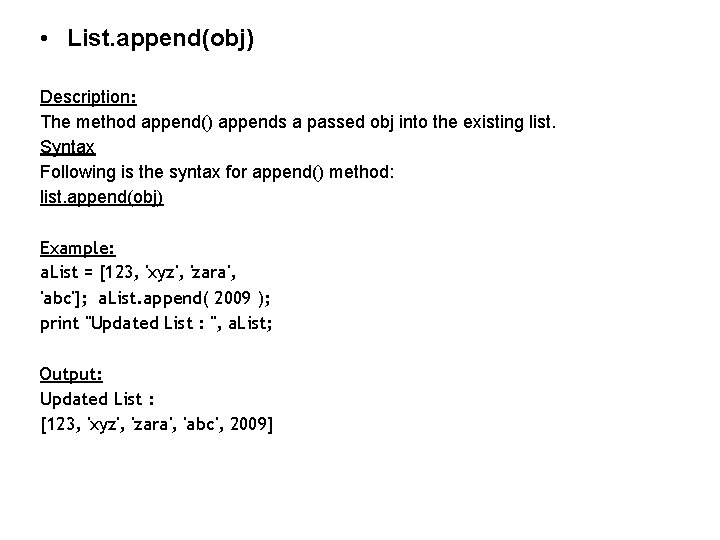
• List. append(obj) Description: The method append() appends a passed obj into the existing list. Syntax Following is the syntax for append() method: list. append(obj) Example: a. List = [123, 'xyz', 'zara', 'abc']; a. List. append( 2009 ); print "Updated List : ", a. List; Output: Updated List : [123, 'xyz', 'zara', 'abc', 2009]
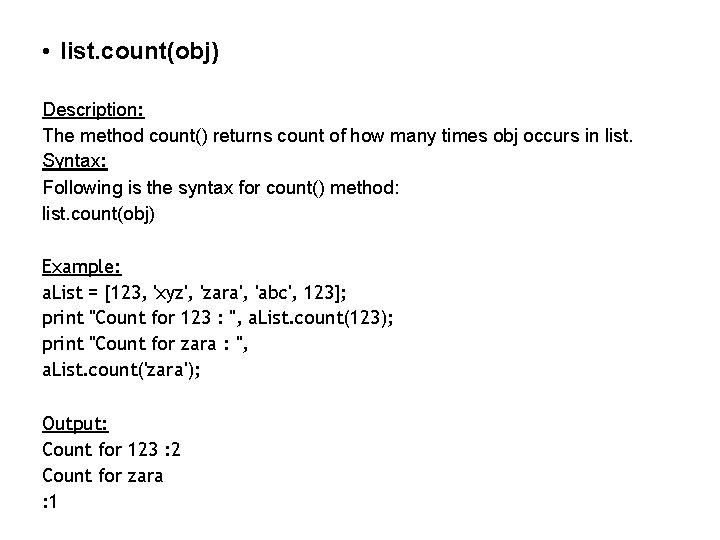
• list. count(obj) Description: The method count() returns count of how many times obj occurs in list. Syntax: Following is the syntax for count() method: list. count(obj) Example: a. List = [123, 'xyz', 'zara', 'abc', 123]; print "Count for 123 : ", a. List. count(123); print "Count for zara : ", a. List. count('zara'); Output: Count for 123 : 2 Count for zara : 1
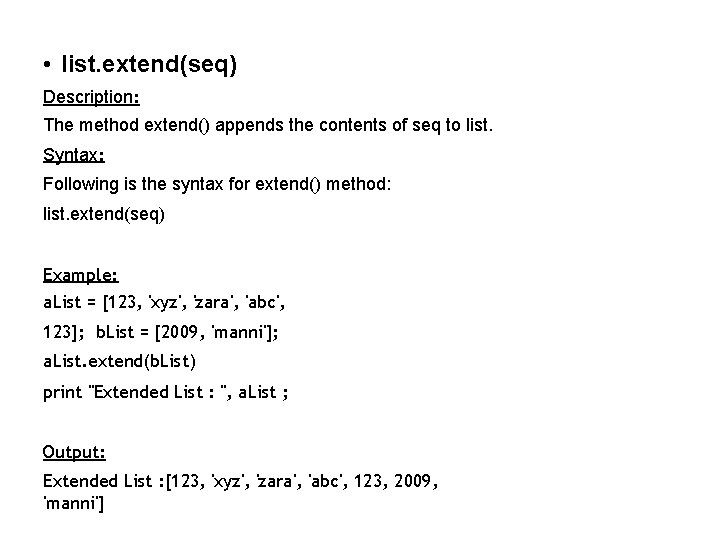
• list. extend(seq) Description: The method extend() appends the contents of seq to list. Syntax: Following is the syntax for extend() method: list. extend(seq) Example: a. List = [123, 'xyz', 'zara', 'abc', 123]; b. List = [2009, 'manni']; a. List. extend(b. List) print "Extended List : ", a. List ; Output: Extended List : [123, 'xyz', 'zara', 'abc', 123, 2009, 'manni']
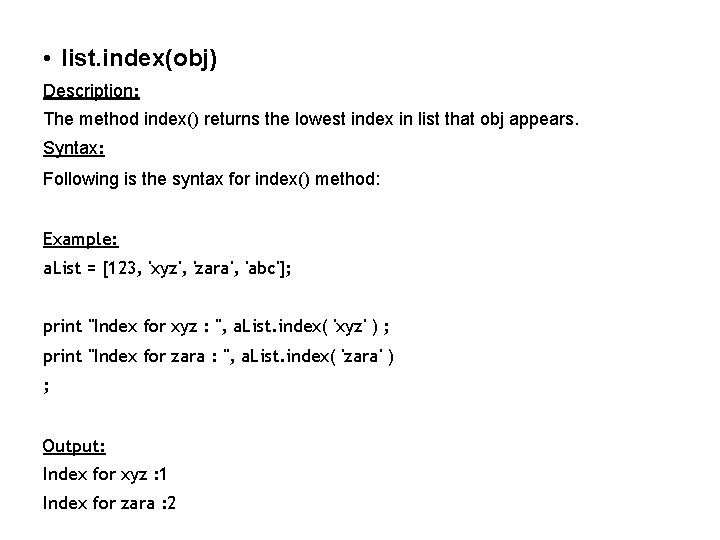
• list. index(obj) Description: The method index() returns the lowest index in list that obj appears. Syntax: Following is the syntax for index() method: Example: a. List = [123, 'xyz', 'zara', 'abc']; print "Index for xyz : ", a. List. index( 'xyz' ) ; print "Index for zara : ", a. List. index( 'zara' ) ; Output: Index for xyz : 1 Index for zara : 2
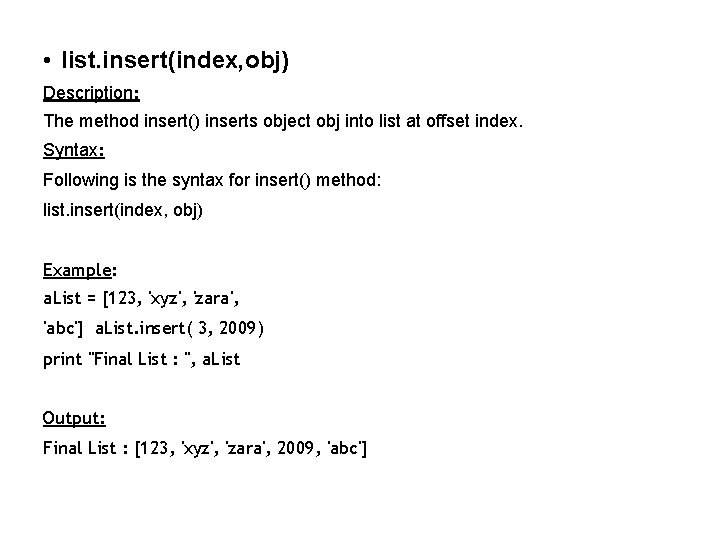
• list. insert(index, obj) Description: The method insert() inserts object obj into list at offset index. Syntax: Following is the syntax for insert() method: list. insert(index, obj) Example: a. List = [123, 'xyz', 'zara', 'abc'] a. List. insert( 3, 2009) print "Final List : ", a. List Output: Final List : [123, 'xyz', 'zara', 2009, 'abc']
• list. pop(obj=list[-1]) Description: The method pop() removes and returns last object or obj from the list. Syntax: Following is the syntax for pop() method: list. pop(obj=list[-1]) Example: a. List = [123, 'xyz', 'zara', 'abc']; print "A List : ", a. List. pop(); print "B List : ", a. List. pop(2); Output: A List : abc B List :
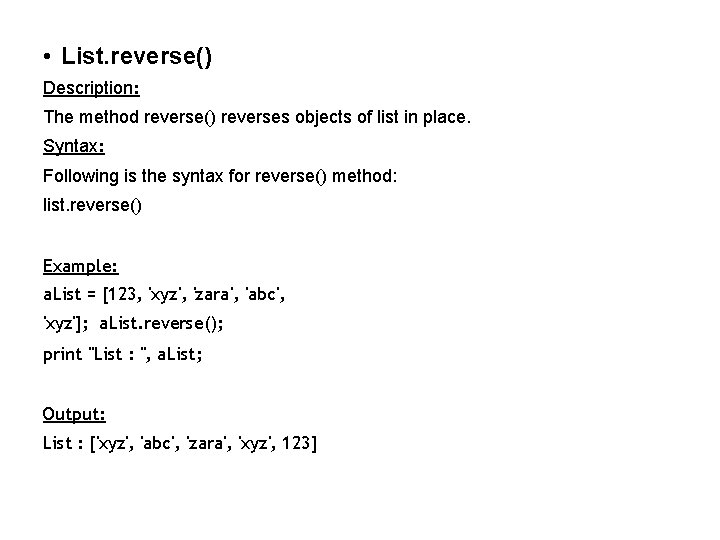
• List. reverse() Description: The method reverse() reverses objects of list in place. Syntax: Following is the syntax for reverse() method: list. reverse() Example: a. List = [123, 'xyz', 'zara', 'abc', 'xyz']; a. List. reverse(); print "List : ", a. List; Output: List : ['xyz', 'abc', 'zara', 'xyz', 123]
• list. sort([func]) Description: The method reverse() reverses objects of list in place. Syntax: Following is the syntax for reverse() method: list. reverse() Example: a. List = [123, 'xyz', 'zara', 'abc', 'xyz'] a. List. reverse() print "List : ", a. List print a. List. sort() Output: List : ['xyz', 'abc', 'zara', 'xyz', 123]
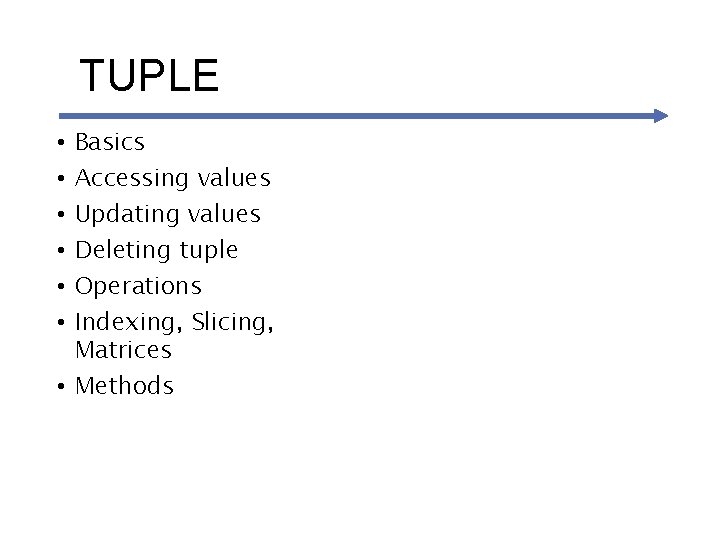
TUPLE Basics Accessing values Updating values Deleting tuple Operations Indexing, Slicing, Matrices • Methods • • •
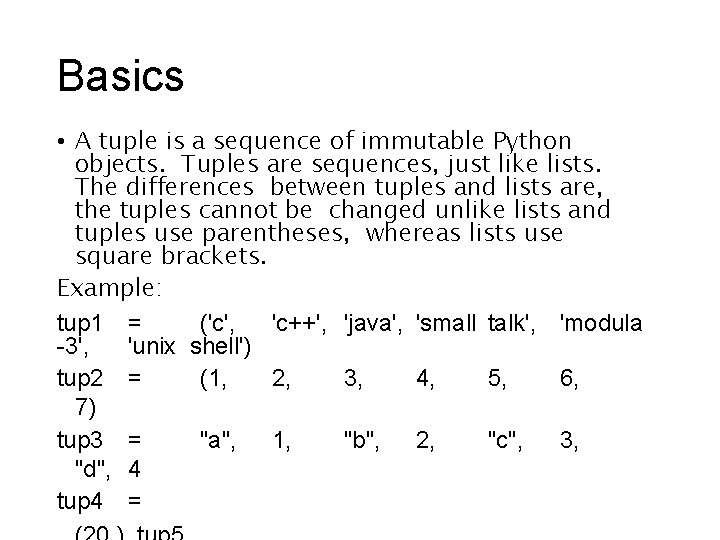
Basics • A tuple is a sequence of immutable Python objects. Tuples are sequences, just like lists. The differences between tuples and lists are, the tuples cannot be changed unlike lists and tuples use parentheses, whereas lists use square brackets. Example: tup 1 = ('c', 'c++', 'java', 'small talk', 'modula -3', 'unix shell') tup 2 = (1, 2, 3, 4, 5, 6, 7) tup 3 = "a", 1, "b", 2, "c", 3, "d", 4 tup 4 =
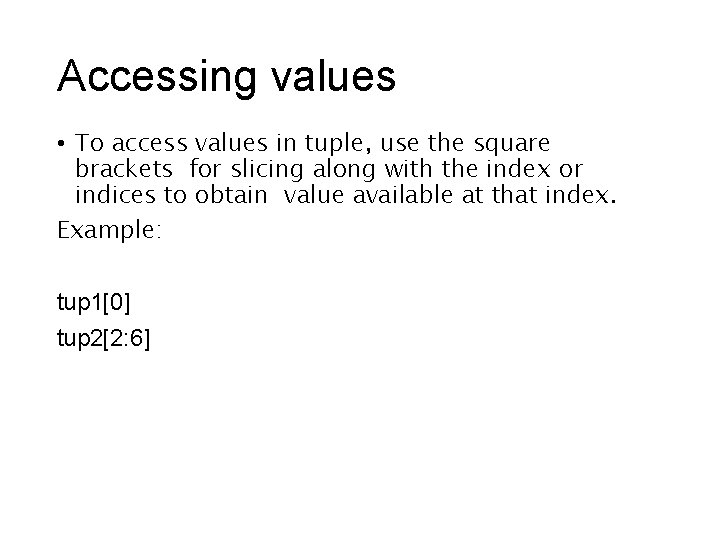
Accessing values • To access values in tuple, use the square brackets for slicing along with the index or indices to obtain value available at that index. Example: tup 1[0] tup 2[2: 6]
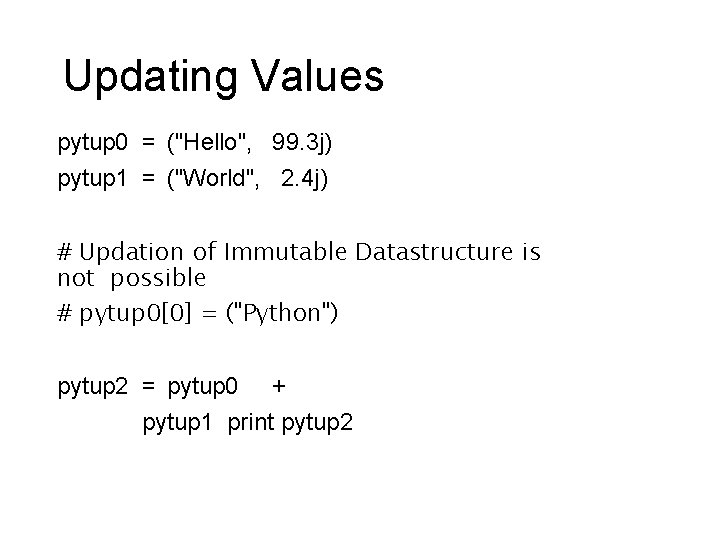
Updating Values pytup 0 = ("Hello", 99. 3 j) pytup 1 = ("World", 2. 4 j) # Updation of Immutable Datastructure is not possible # pytup 0[0] = ("Python") pytup 2 = pytup 0 + pytup 1 print pytup 2
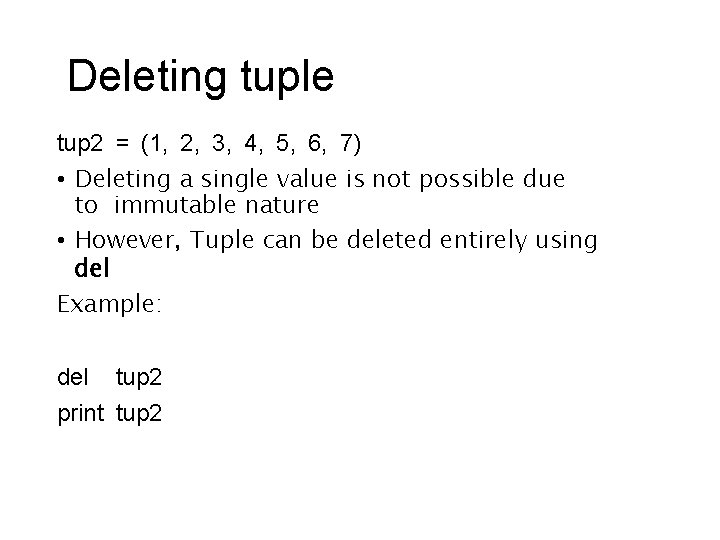
Deleting tuple tup 2 = (1, 2, 3, 4, 5, 6, 7) • Deleting a single value is not possible due to immutable nature • However, Tuple can be deleted entirely using del Example: del tup 2 print tup 2
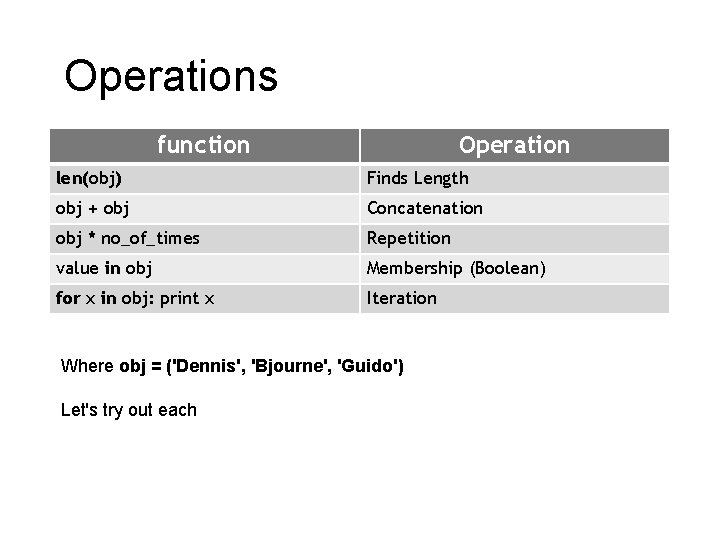
Operations function Operation len(obj) Finds Length obj + obj Concatenation obj * no_of_times Repetition value in obj Membership (Boolean) for x in obj: print x Iteration Where obj = ('Dennis', 'Bjourne', 'Guido') Let's try out each
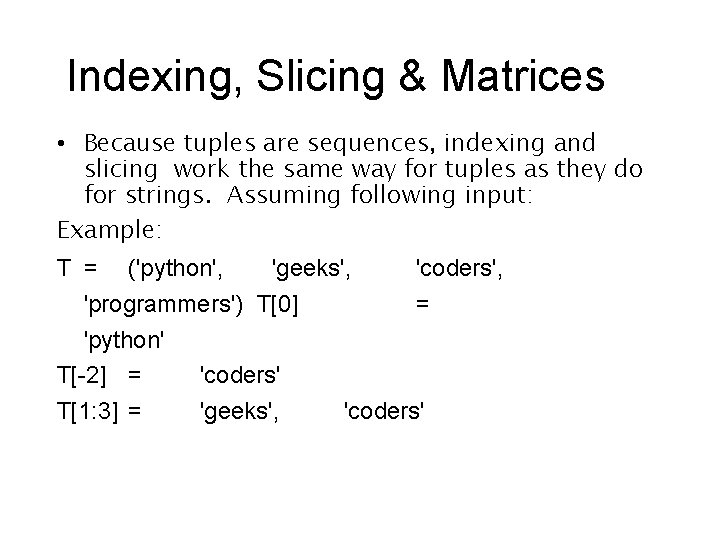
Indexing, Slicing & Matrices • Because tuples are sequences, indexing and slicing work the same way for tuples as they do for strings. Assuming following input: Example: T = ('python', 'geeks', 'coders', 'programmers') T[0] = 'python' T[-2] = 'coders' T[1: 3] = 'geeks', 'coders'
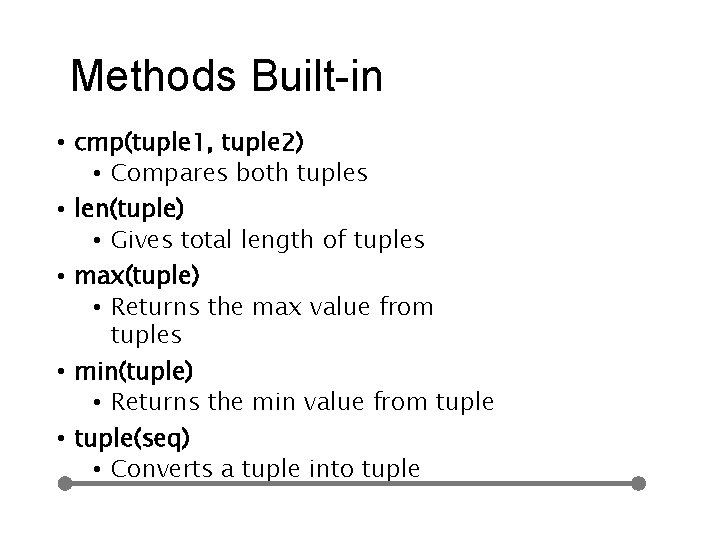
Methods Built-in • cmp(tuple 1, tuple 2) • Compares both tuples • len(tuple) • Gives total length of tuples • max(tuple) • Returns the max value from tuples • min(tuple) • Returns the min value from tuple • tuple(seq) • Converts a tuple into tuple
Dictionar y values • Accessing • • Updating dictionary Deleting elements Properties Functions & Methods • Problem Statement: Design a Game between you and your friend for your favorite things / places / movies and give a score on correct answers
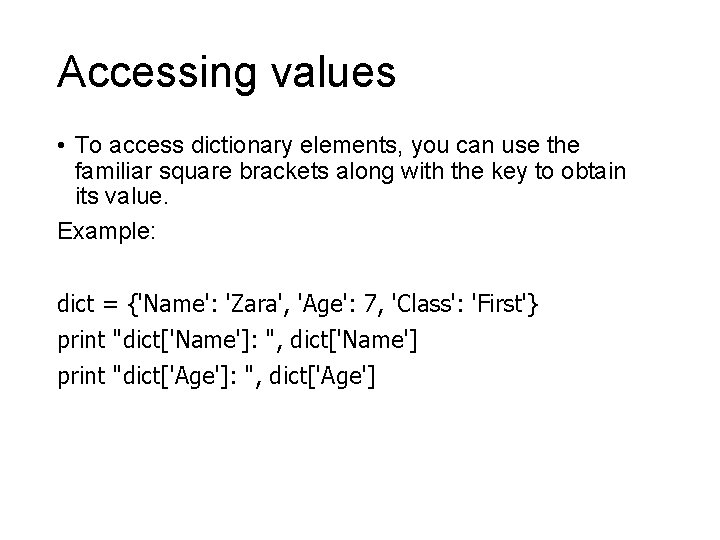
Accessing values • To access dictionary elements, you can use the familiar square brackets along with the key to obtain its value. Example: dict = {'Name': 'Zara', 'Age': 7, 'Class': 'First'} print "dict['Name']: ", dict['Name'] print "dict['Age']: ", dict['Age']
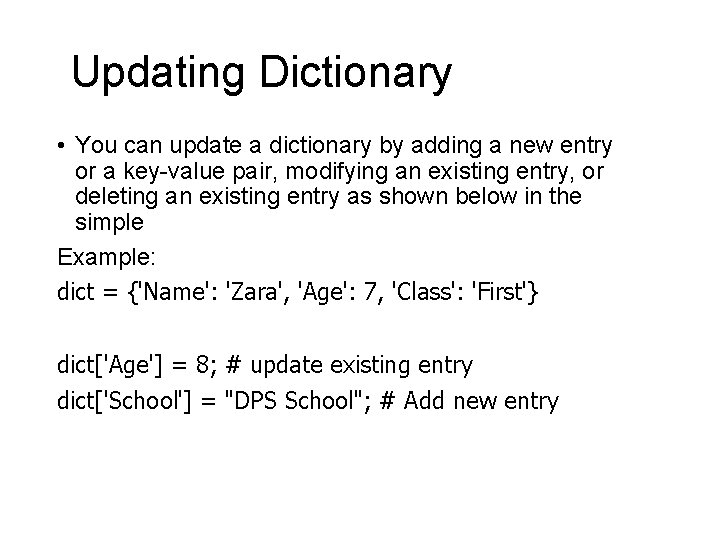
Updating Dictionary • You can update a dictionary by adding a new entry or a key-value pair, modifying an existing entry, or deleting an existing entry as shown below in the simple Example: dict = {'Name': 'Zara', 'Age': 7, 'Class': 'First'} dict['Age'] = 8; # update existing entry dict['School'] = "DPS School"; # Add new entry
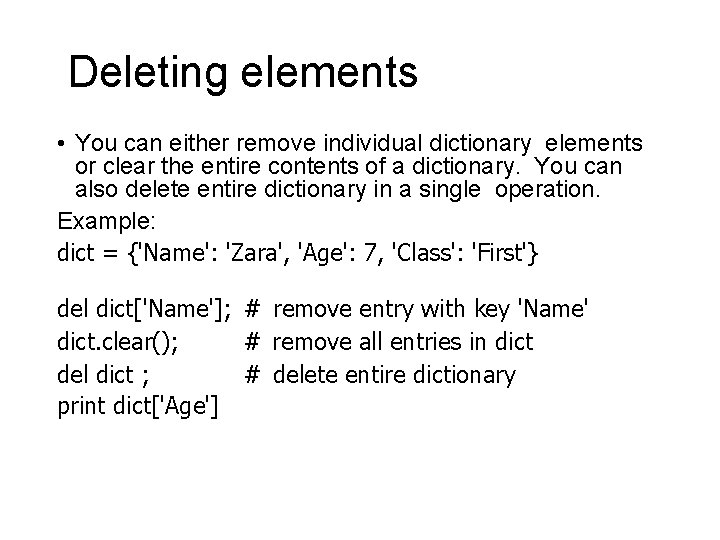
Deleting elements • You can either remove individual dictionary elements or clear the entire contents of a dictionary. You can also delete entire dictionary in a single operation. Example: dict = {'Name': 'Zara', 'Age': 7, 'Class': 'First'} del dict['Name']; # remove entry with key 'Name' dict. clear(); # remove all entries in dict del dict ; # delete entire dictionary print dict['Age']
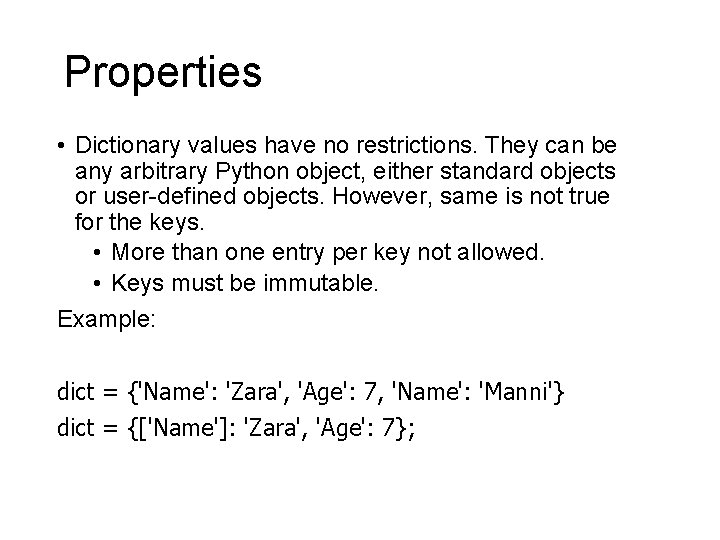
Properties • Dictionary values have no restrictions. They can be any arbitrary Python object, either standard objects or user-defined objects. However, same is not true for the keys. • More than one entry per key not allowed. • Keys must be immutable. Example: dict = {'Name': 'Zara', 'Age': 7, 'Name': 'Manni'} dict = {['Name']: 'Zara', 'Age': 7};
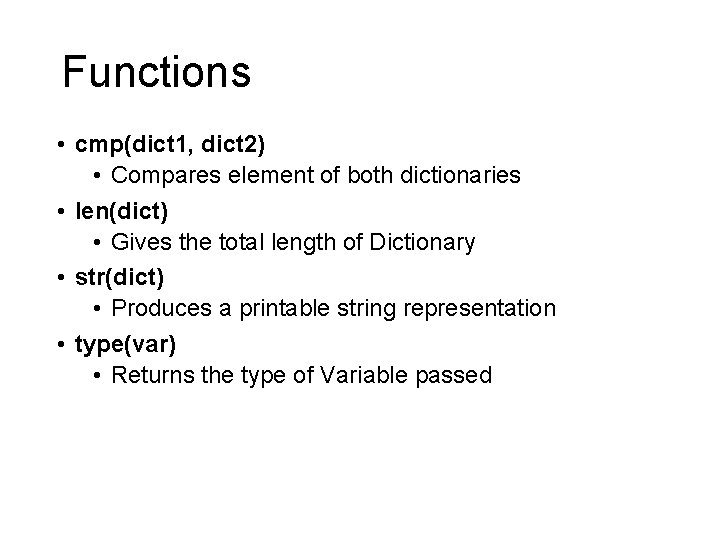
Functions • cmp(dict 1, dict 2) • Compares element of both dictionaries • len(dict) • Gives the total length of Dictionary • str(dict) • Produces a printable string representation • type(var) • Returns the type of Variable passed
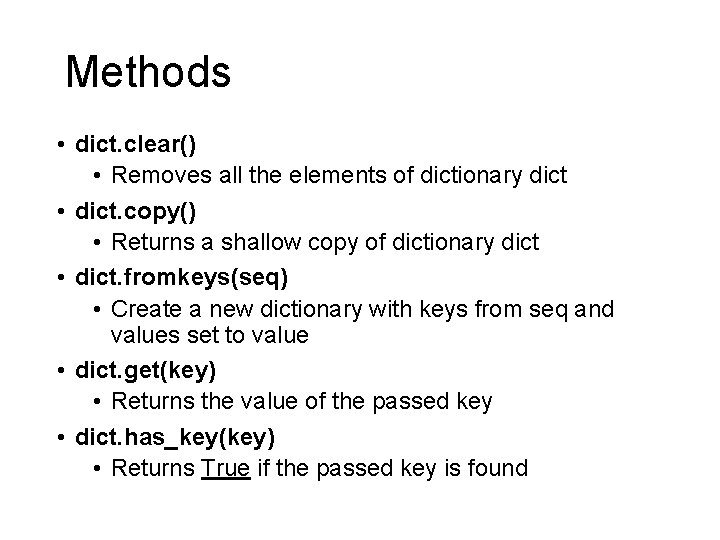
Methods • dict. clear() • Removes all the elements of dictionary dict • dict. copy() • Returns a shallow copy of dictionary dict • dict. fromkeys(seq) • Create a new dictionary with keys from seq and values set to value • dict. get(key) • Returns the value of the passed key • dict. has_key(key) • Returns True if the passed key is found
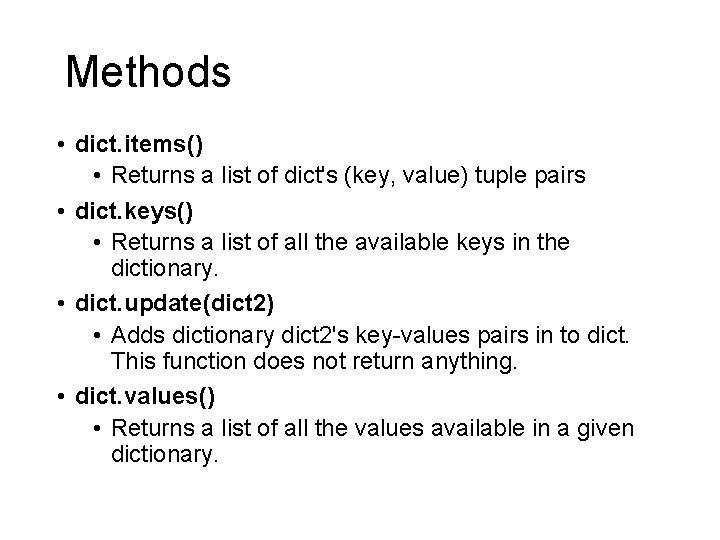
Methods • dict. items() • Returns a list of dict's (key, value) tuple pairs • dict. keys() • Returns a list of all the available keys in the dictionary. • dict. update(dict 2) • Adds dictionary dict 2's key-values pairs in to dict. This function does not return anything. • dict. values() • Returns a list of all the values available in a given dictionary.