
CONTENT PROVIDER Overview One of the four components


- Slides: 21
CONTENT PROVIDER
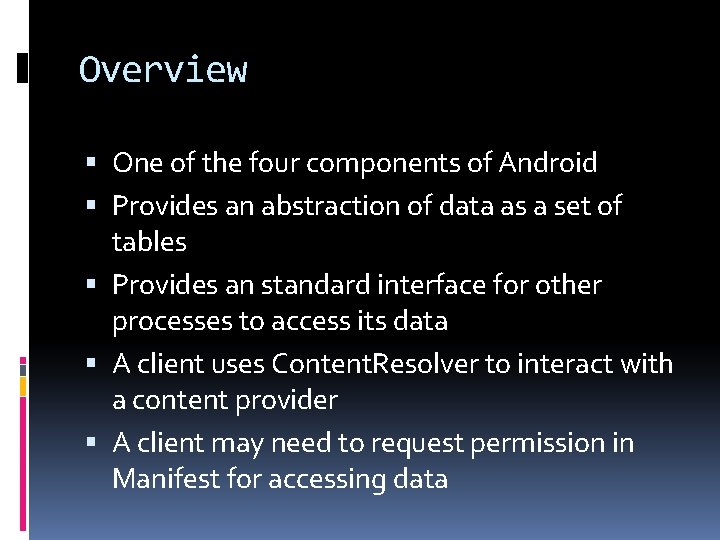
Overview One of the four components of Android Provides an abstraction of data as a set of tables Provides an standard interface for other processes to access its data A client uses Content. Resolver to interact with a content provider A client may need to request permission in Manifest for accessing data
General Topics How to interact with a content provider What content providers are available in Android Calendar, Contacts, User Dictionary, etc How to write a content provider
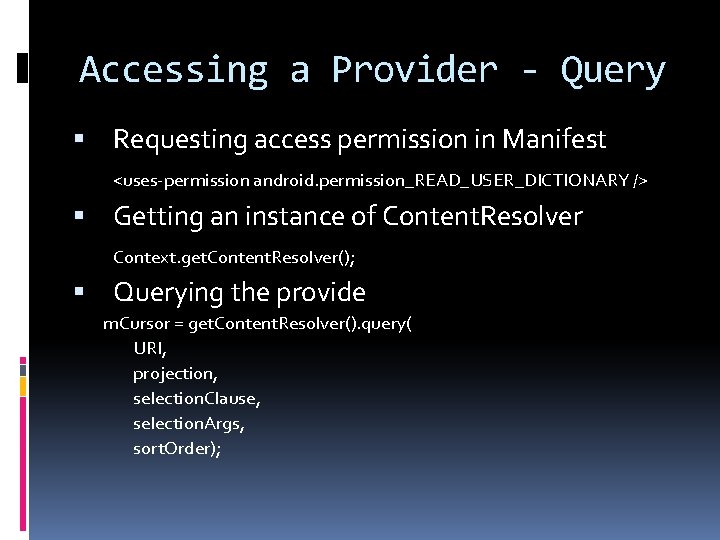
Accessing a Provider - Query Requesting access permission in Manifest <uses-permission android. permission_READ_USER_DICTIONARY /> Getting an instance of Content. Resolver Context. get. Content. Resolver(); Querying the provide m. Cursor = get. Content. Resolver(). query( URI, projection, selection. Clause, selection. Args, sort. Order);
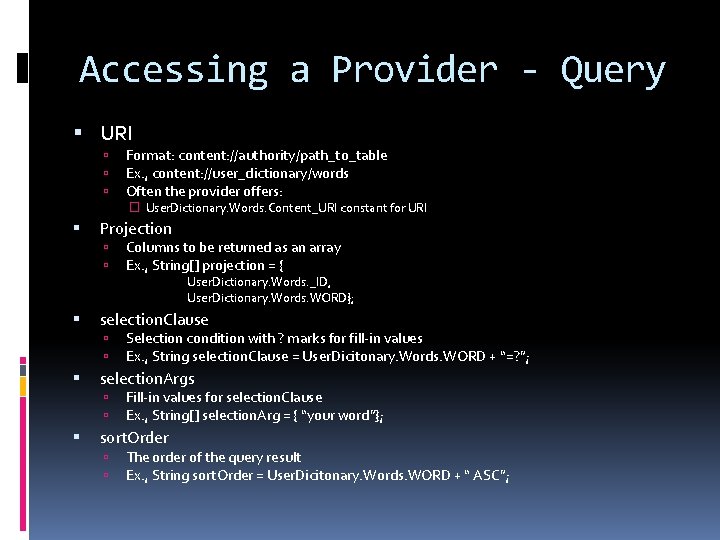
Accessing a Provider - Query URI Format: content: //authority/path_to_table Ex. , content: //user_dictionary/words Often the provider offers: � User. Dictionary. Words. Content_URI constant for URI Projection Columns to be returned as an array Ex. , String[] projection = { User. Dictionary. Words. _ID, User. Dictionary. Words. WORD}; selection. Clause selection. Args Selection condition with ? marks for fill-in values Ex. , String selection. Clause = User. Dicitonary. Words. WORD + “=? ”; Fill-in values for selection. Clause Ex. , String[] selection. Arg = { “your word”}; sort. Order The order of the query result Ex. , String sort. Order = User. Dicitonary. Words. WORD + “ ASC”;
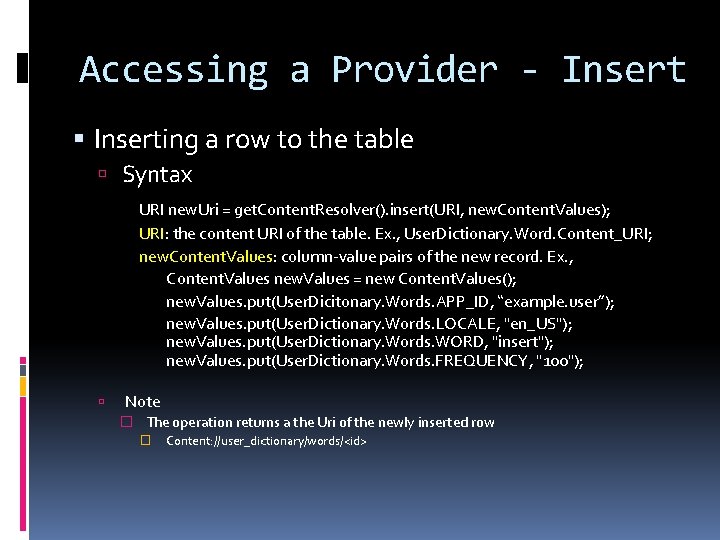
Accessing a Provider - Inserting a row to the table Syntax URI new. Uri = get. Content. Resolver(). insert(URI, new. Content. Values); URI: the content URI of the table. Ex. , User. Dictionary. Word. Content_URI; new. Content. Values: column-value pairs of the new record. Ex. , Content. Values new. Values = new Content. Values(); new. Values. put(User. Dicitonary. Words. APP_ID, “example. user”); new. Values. put(User. Dictionary. Words. LOCALE, "en_US"); new. Values. put(User. Dictionary. Words. WORD, "insert"); new. Values. put(User. Dictionary. Words. FREQUENCY, "100"); Note � The operation returns a the Uri of the newly inserted row � Content: //user_dictionary/words/<id>
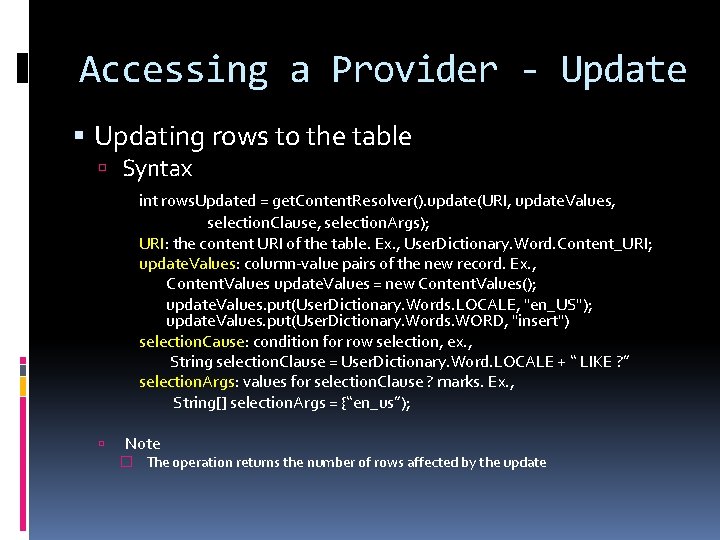
Accessing a Provider - Update Updating rows to the table Syntax int rows. Updated = get. Content. Resolver(). update(URI, update. Values, selection. Clause, selection. Args); URI: the content URI of the table. Ex. , User. Dictionary. Word. Content_URI; update. Values: column-value pairs of the new record. Ex. , Content. Values update. Values = new Content. Values(); update. Values. put(User. Dictionary. Words. LOCALE, "en_US"); update. Values. put(User. Dictionary. Words. WORD, "insert") selection. Cause: condition for row selection, ex. , String selection. Clause = User. Dictionary. Word. LOCALE + “ LIKE ? ” selection. Args: values for selection. Clause ? marks. Ex. , String[] selection. Args = {“en_us”); Note � The operation returns the number of rows affected by the update
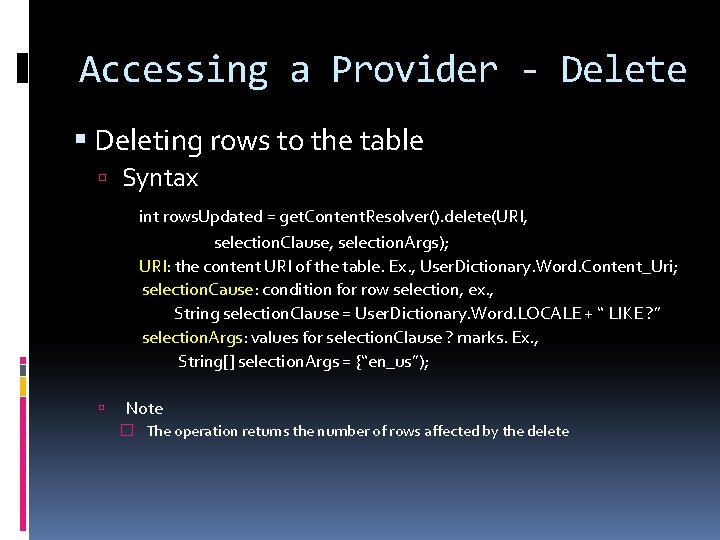
Accessing a Provider - Delete Deleting rows to the table Syntax int rows. Updated = get. Content. Resolver(). delete(URI, selection. Clause, selection. Args); URI: the content URI of the table. Ex. , User. Dictionary. Word. Content_Uri; selection. Cause: condition for row selection, ex. , String selection. Clause = User. Dictionary. Word. LOCALE + “ LIKE ? ” selection. Args: values for selection. Clause ? marks. Ex. , String[] selection. Args = {“en_us”); Note � The operation returns the number of rows affected by the delete
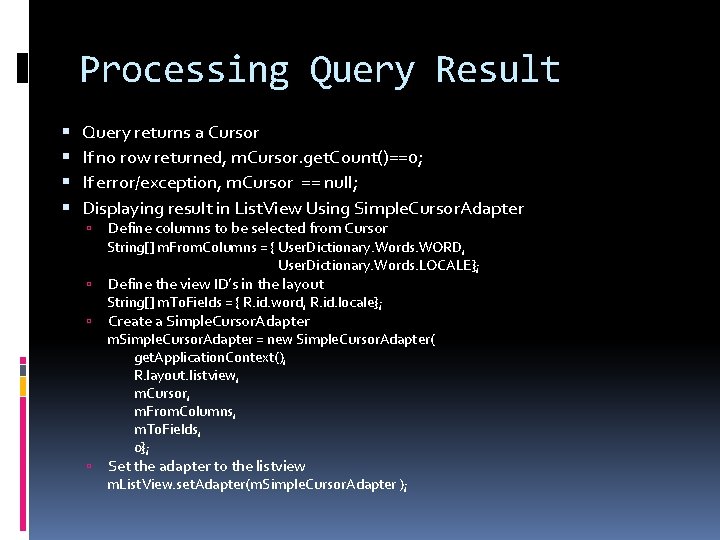
Processing Query Result Query returns a Cursor If no row returned, m. Cursor. get. Count()==0; If error/exception, m. Cursor == null; Displaying result in List. View Using Simple. Cursor. Adapter Define columns to be selected from Cursor String[] m. From. Columns = { User. Dictionary. Words. WORD, User. Dictionary. Words. LOCALE}; Define the view ID’s in the layout String[] m. To. Fields = { R. id. word, R. id. locale}; Create a Simple. Cursor. Adapter m. Simple. Cursor. Adapter = new Simple. Cursor. Adapter( get. Application. Context(), R. layout. listview, m. Cursor, m. From. Columns, m. To. Fields, 0}; Set the adapter to the listview m. List. View. set. Adapter(m. Simple. Cursor. Adapter );
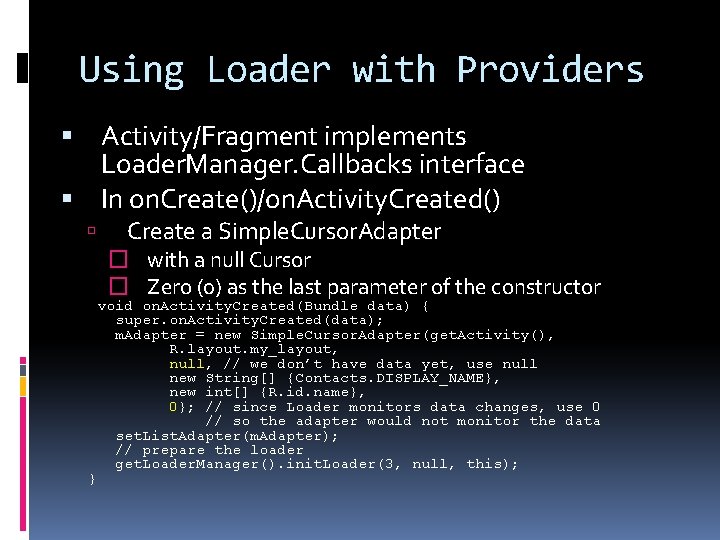
Using Loader with Providers Activity/Fragment implements Loader. Manager. Callbacks interface In on. Create()/on. Activity. Created() Create a Simple. Cursor. Adapter � with a null Cursor � Zero (0) as the last parameter of the constructor } void on. Activity. Created(Bundle data) { super. on. Activity. Created(data); m. Adapter = new Simple. Cursor. Adapter(get. Activity(), R. layout. my_layout, null, // we don’t have data yet, use null new String[] {Contacts. DISPLAY_NAME}, new int[] {R. id. name}, 0}; // since Loader monitors data changes, use 0 // so the adapter would not monitor the data set. List. Adapter(m. Adapter); // prepare the loader get. Loader. Manager(). init. Loader(3, null, this);
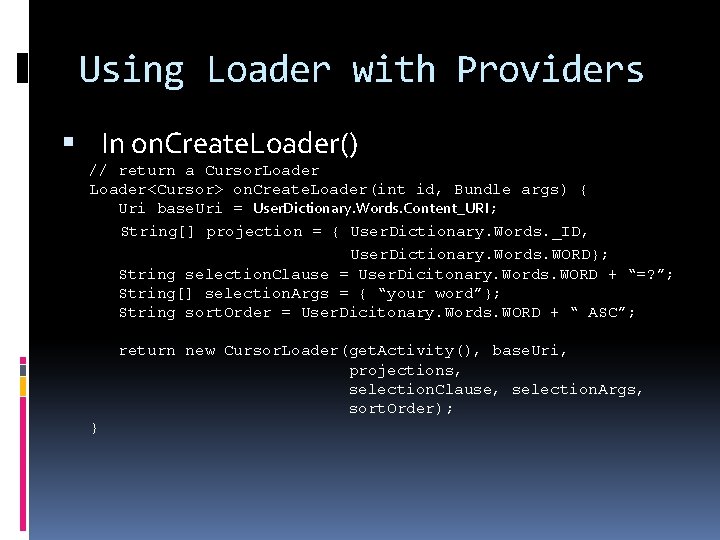
Using Loader with Providers In on. Create. Loader() // return a Cursor. Loader<Cursor> on. Create. Loader(int id, Bundle args) { Uri base. Uri = User. Dictionary. Words. Content_URI; String[] projection = { User. Dictionary. Words. _ID, User. Dictionary. Words. WORD}; String selection. Clause = User. Dicitonary. Words. WORD + “=? ”; String[] selection. Args = { “your word”}; String sort. Order = User. Dicitonary. Words. WORD + “ ASC”; return new Cursor. Loader(get. Activity(), base. Uri, projections, selection. Clause, selection. Args, sort. Order); }
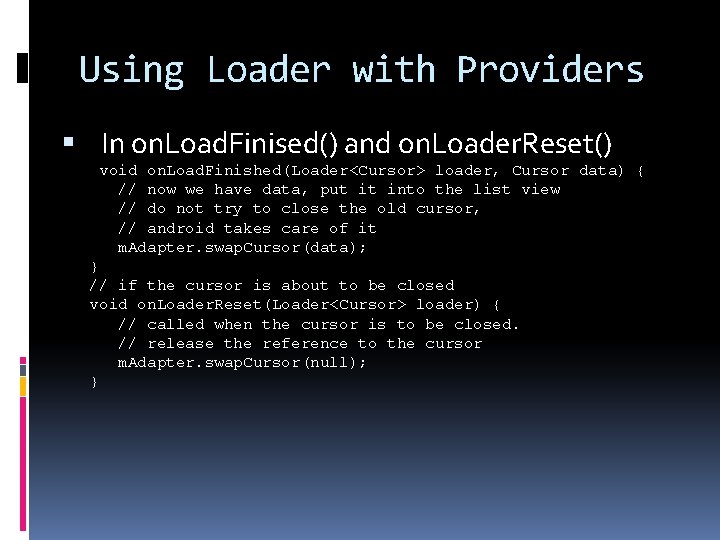
Using Loader with Providers In on. Load. Finised() and on. Loader. Reset() void on. Load. Finished(Loader<Cursor> loader, Cursor data) { // now we have data, put it into the list view // do not try to close the old cursor, // android takes care of it m. Adapter. swap. Cursor(data); } // if the cursor is about to be closed void on. Loader. Reset(Loader<Cursor> loader) { // called when the cursor is to be closed. // release the reference to the cursor m. Adapter. swap. Cursor(null); }
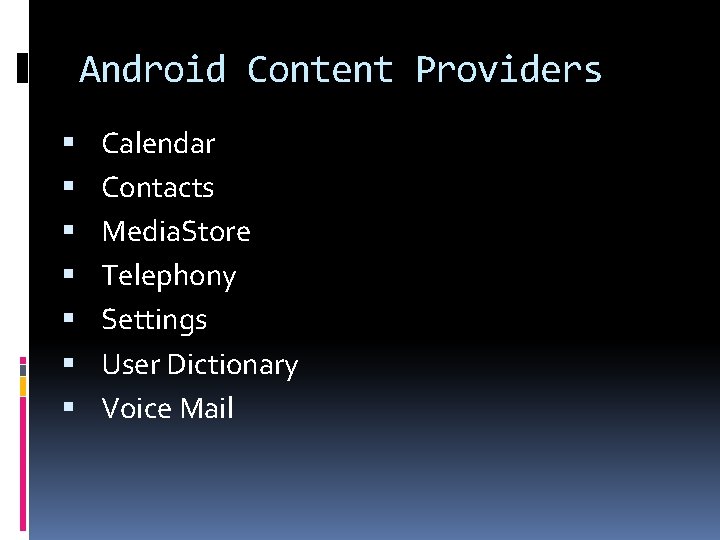
Android Content Providers Calendar Contacts Media. Store Telephony Settings User Dictionary Voice Mail
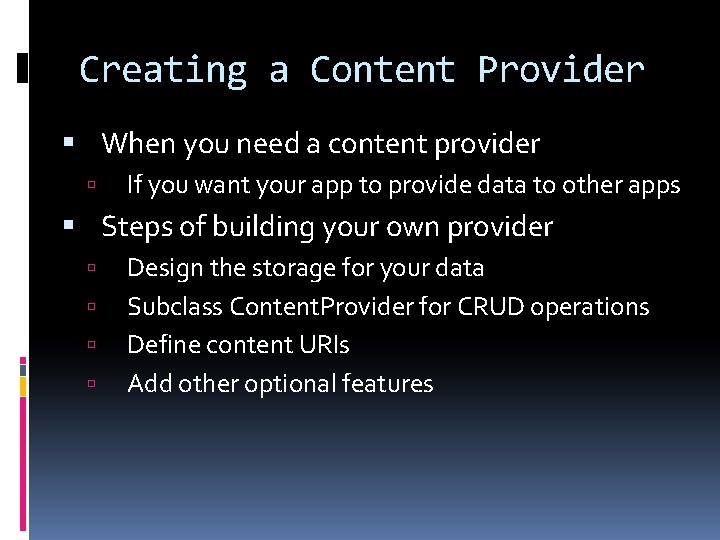
Creating a Content Provider When you need a content provider If you want your app to provide data to other apps Steps of building your own provider Design the storage for your data Subclass Content. Provider for CRUD operations Define content URIs Add other optional features
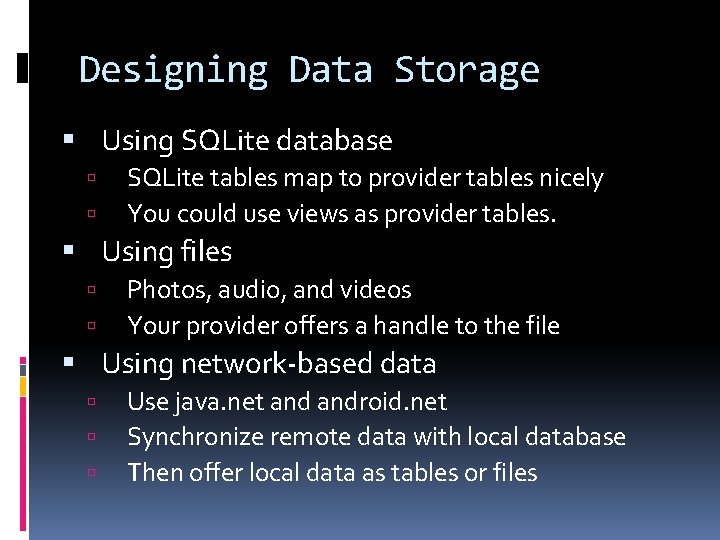
Designing Data Storage Using SQLite database SQLite tables map to provider tables nicely You could use views as provider tables. Using files Photos, audio, and videos Your provider offers a handle to the file Using network-based data Use java. net android. net Synchronize remote data with local database Then offer local data as tables or files
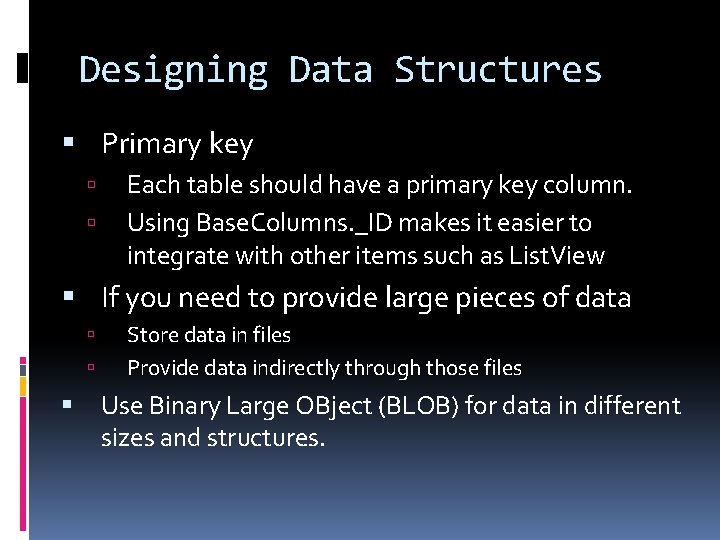
Designing Data Structures Primary key Each table should have a primary key column. Using Base. Columns. _ID makes it easier to integrate with other items such as List. View If you need to provide large pieces of data Store data in files Provide data indirectly through those files Use Binary Large OBject (BLOB) for data in different sizes and structures.
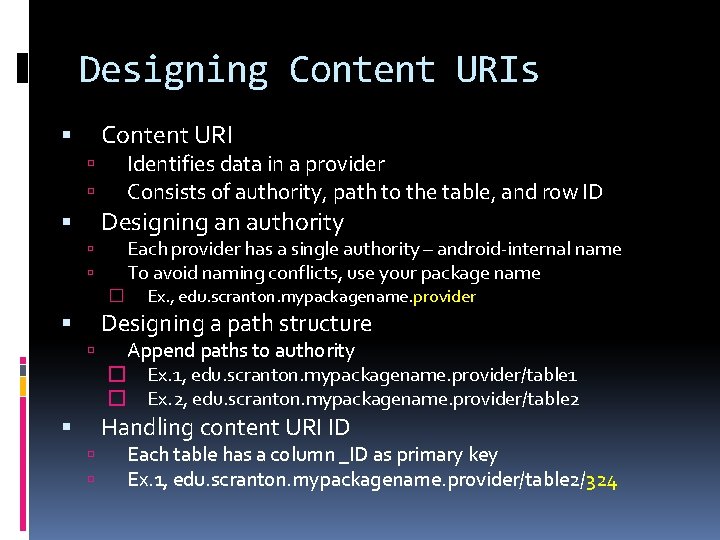
Designing Content URIs Content URI Identifies data in a provider Consists of authority, path to the table, and row ID Designing an authority Each provider has a single authority – android-internal name To avoid naming conflicts, use your package name � Ex. , edu. scranton. mypackagename. provider Designing a path structure Append paths to authority � Ex. 1, edu. scranton. mypackagename. provider/table 1 � Ex. 2, edu. scranton. mypackagename. provider/table 2 Handling content URI ID Each table has a column _ID as primary key Ex. 1, edu. scranton. mypackagename. provider/table 2/324
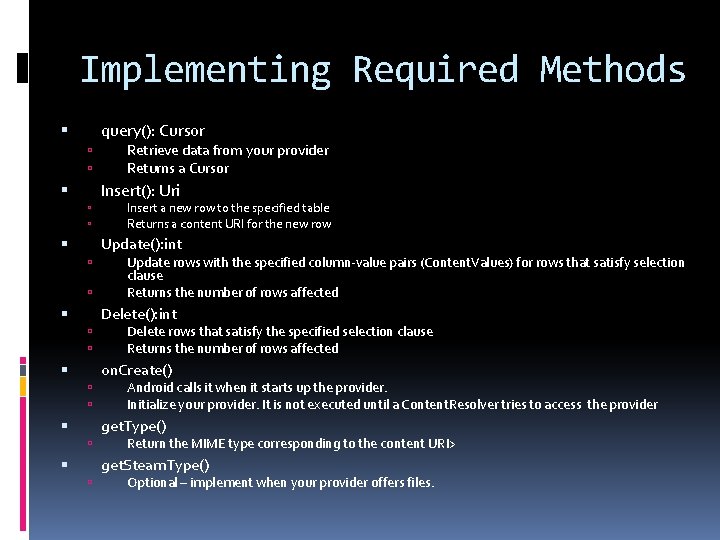
Implementing Required Methods query(): Cursor Retrieve data from your provider Returns a Cursor Insert(): Uri Insert a new row to the specified table Returns a content URI for the new row Update(): int Update rows with the specified column-value pairs (Content. Values) for rows that satisfy selection clause Returns the number of rows affected Delete(): int Delete rows that satisfy the specified selection clause Returns the number of rows affected on. Create() Android calls it when it starts up the provider. Initialize your provider. It is not executed until a Content. Resolver tries to access the provider get. Type() Return the MIME type corresponding to the content URI> get. Steam. Type() Optional – implement when your provider offers files.
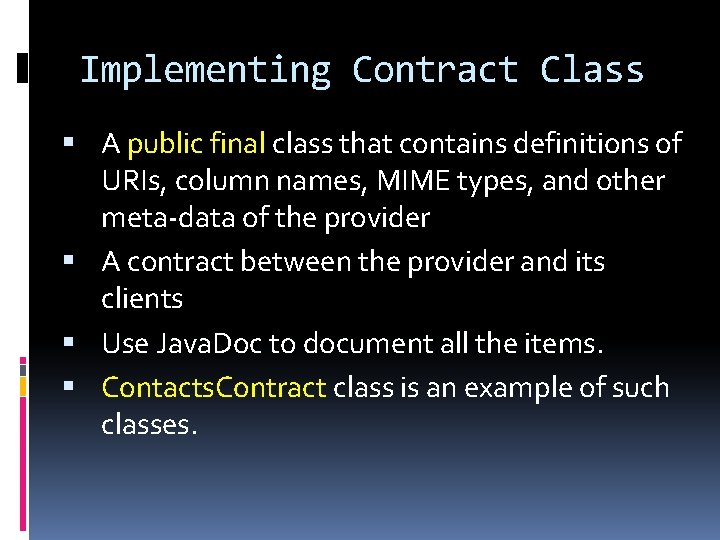
Implementing Contract Class A public final class that contains definitions of URIs, column names, MIME types, and other meta-data of the provider A contract between the provider and its clients Use Java. Doc to document all the items. Contacts. Contract class is an example of such classes.
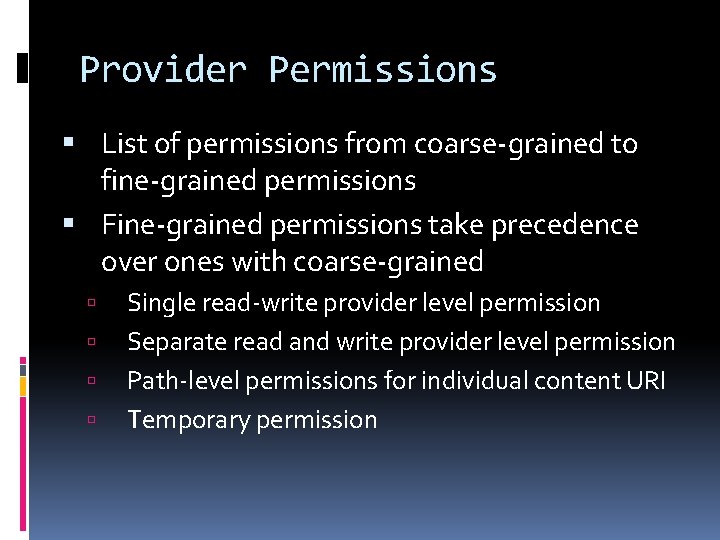
Provider Permissions List of permissions from coarse-grained to fine-grained permissions Fine-grained permissions take precedence over ones with coarse-grained Single read-write provider level permission Separate read and write provider level permission Path-level permissions for individual content URI Temporary permission
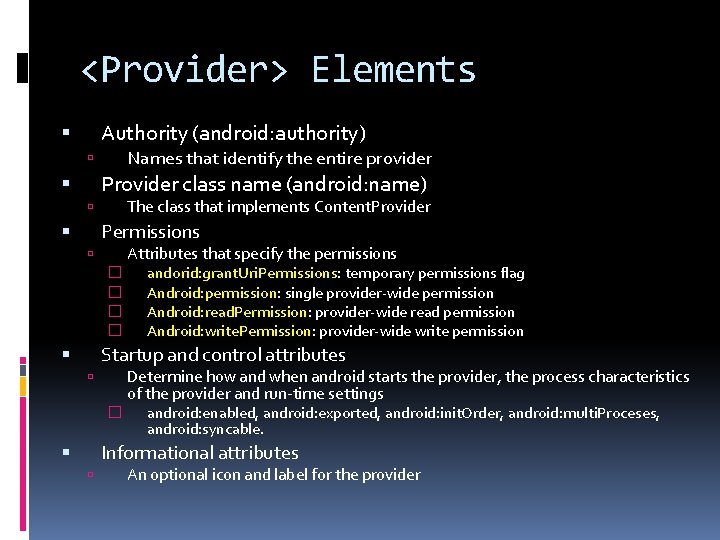
<Provider> Elements Authority (android: authority) Names that identify the entire provider Provider class name (android: name) The class that implements Content. Provider Permissions Attributes that specify the permissions � � andorid: grant. Uri. Permissions: temporary permissions flag Android: permission: single provider-wide permission Android: read. Permission: provider-wide read permission Android: write. Permission: provider-wide write permission Startup and control attributes Determine how and when android starts the provider, the process characteristics of the provider and run-time settings � android: enabled, android: exported, android: init. Order, android: multi. Proceses, android: syncable. Informational attributes An optional icon and label for the provider