
Content PHP My SQL Database PHP Connect to
Content • • PHP My. SQL Database PHP Connect to My. SQL PHP Create a My. SQL Database PHP Create My. SQL Tables PHP Insert Data Into My. SQL PHP Get ID of Last Inserted Record PHP Insert Multiple Records Into My. SQL PHP Prepared Statements 2
Content • • PHP Select Data From My. SQL PHP Delete Data From My. SQL PHP Update Data in My. SQL PHP Limit Data Selections From My. SQL 3
PHP My. SQL Database What is My. SQL? • • • My. SQL is a database system used on the web My. SQL is a database system that runs on a server My. SQL is ideal for both small and large applications My. SQL is very fast, reliable, and easy to use My. SQL uses standard SQL My. SQL compiles on a number of platforms My. SQL is free to download and use My. SQL is developed, distributed, and supported by Oracle Corporation My. SQL is named after co-founder Monty Widenius's daughter: My 4
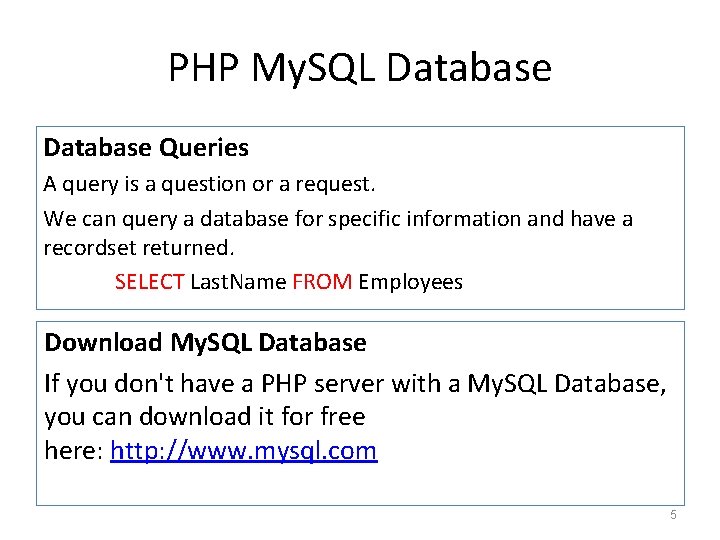
PHP My. SQL Database Queries A query is a question or a request. We can query a database for specific information and have a recordset returned. SELECT Last. Name FROM Employees Download My. SQL Database If you don't have a PHP server with a My. SQL Database, you can download it for free here: http: //www. mysql. com 5
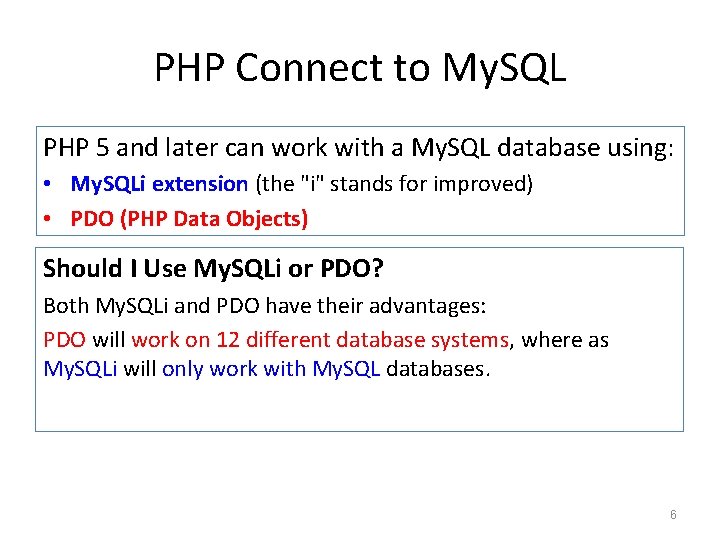
PHP Connect to My. SQL PHP 5 and later can work with a My. SQL database using: • My. SQLi extension (the "i" stands for improved) • PDO (PHP Data Objects) Should I Use My. SQLi or PDO? Both My. SQLi and PDO have their advantages: PDO will work on 12 different database systems, where as My. SQLi will only work with My. SQL databases. 6
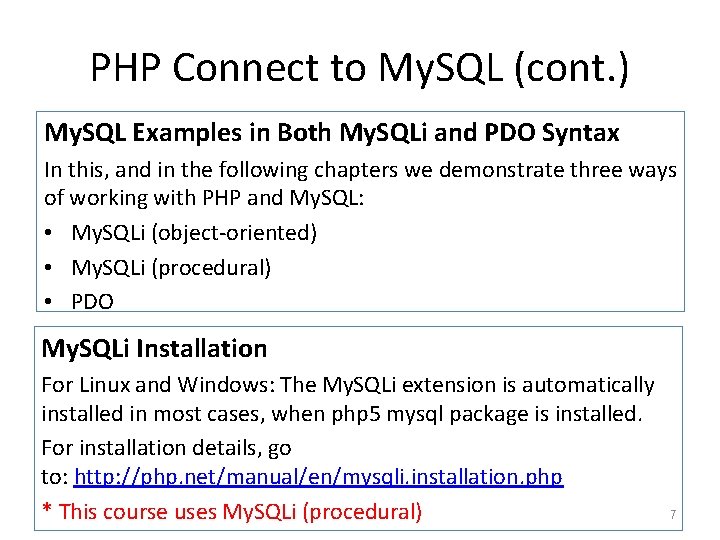
PHP Connect to My. SQL (cont. ) My. SQL Examples in Both My. SQLi and PDO Syntax In this, and in the following chapters we demonstrate three ways of working with PHP and My. SQL: • My. SQLi (object-oriented) • My. SQLi (procedural) • PDO My. SQLi Installation For Linux and Windows: The My. SQLi extension is automatically installed in most cases, when php 5 mysql package is installed. For installation details, go to: http: //php. net/manual/en/mysqli. installation. php * This course uses My. SQLi (procedural) 7
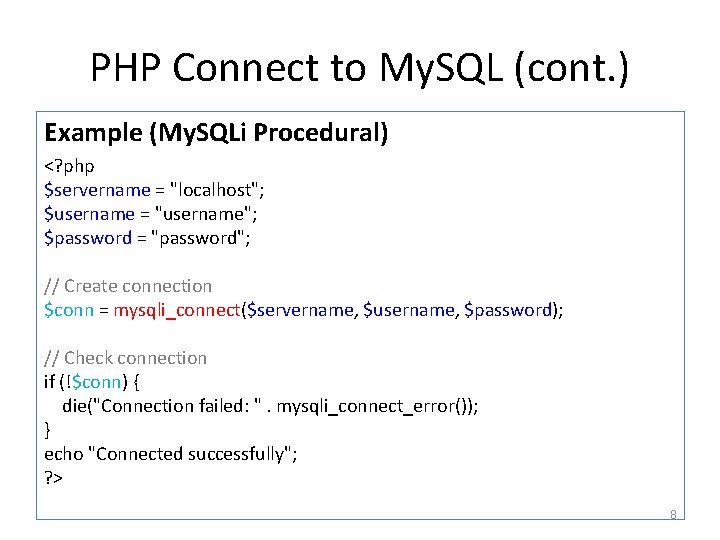
PHP Connect to My. SQL (cont. ) Example (My. SQLi Procedural) <? php $servername = "localhost"; $username = "username"; $password = "password"; // Create connection $conn = mysqli_connect($servername, $username, $password); // Check connection if (!$conn) { die("Connection failed: ". mysqli_connect_error()); } echo "Connected successfully"; ? > 8
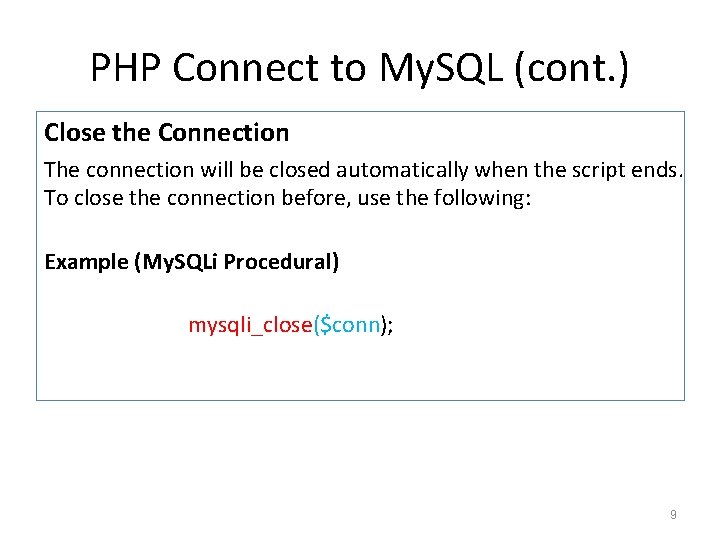
PHP Connect to My. SQL (cont. ) Close the Connection The connection will be closed automatically when the script ends. To close the connection before, use the following: Example (My. SQLi Procedural) mysqli_close($conn); 9
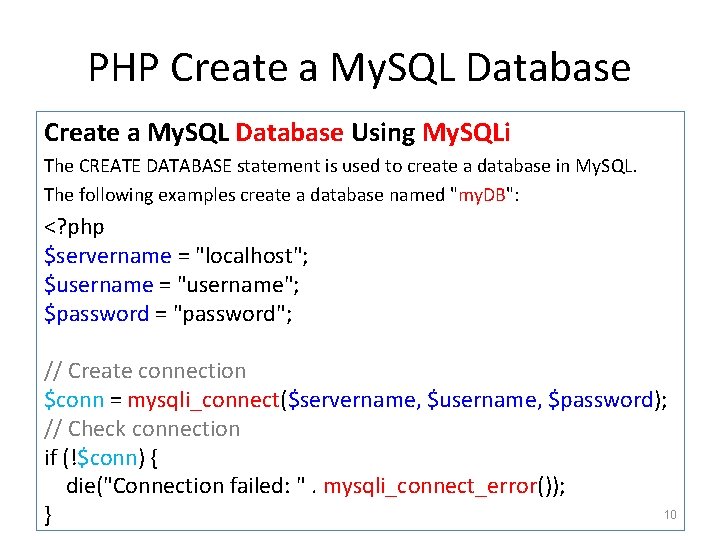
PHP Create a My. SQL Database Using My. SQLi The CREATE DATABASE statement is used to create a database in My. SQL. The following examples create a database named "my. DB": <? php $servername = "localhost"; $username = "username"; $password = "password"; // Create connection $conn = mysqli_connect($servername, $username, $password); // Check connection if (!$conn) { die("Connection failed: ". mysqli_connect_error()); 10 }
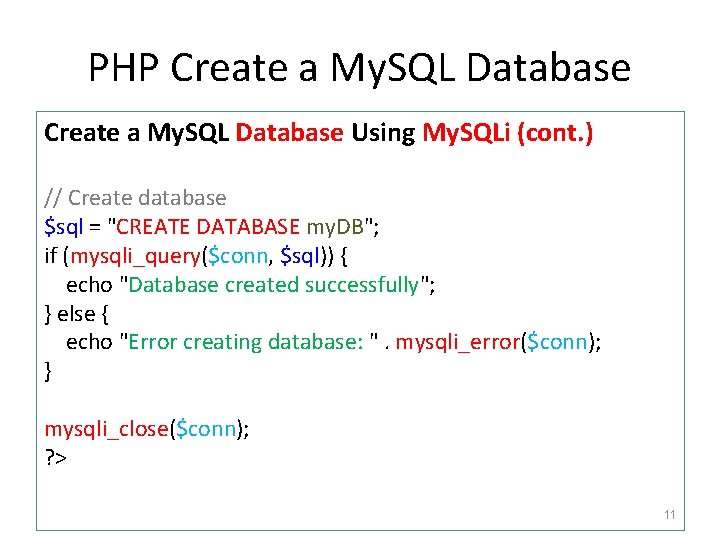
PHP Create a My. SQL Database Using My. SQLi (cont. ) // Create database $sql = "CREATE DATABASE my. DB"; if (mysqli_query($conn, $sql)) { echo "Database created successfully"; } else { echo "Error creating database: ". mysqli_error($conn); } mysqli_close($conn); ? > 11
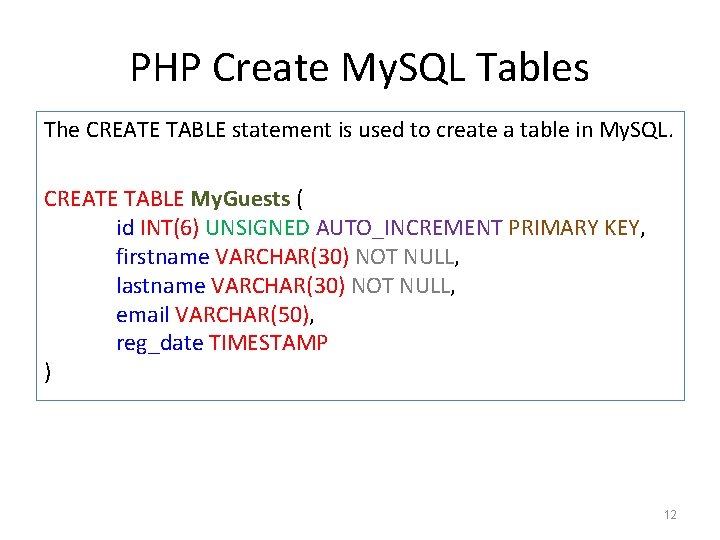
PHP Create My. SQL Tables The CREATE TABLE statement is used to create a table in My. SQL. CREATE TABLE My. Guests ( id INT(6) UNSIGNED AUTO_INCREMENT PRIMARY KEY, firstname VARCHAR(30) NOT NULL, lastname VARCHAR(30) NOT NULL, email VARCHAR(50), reg_date TIMESTAMP ) 12
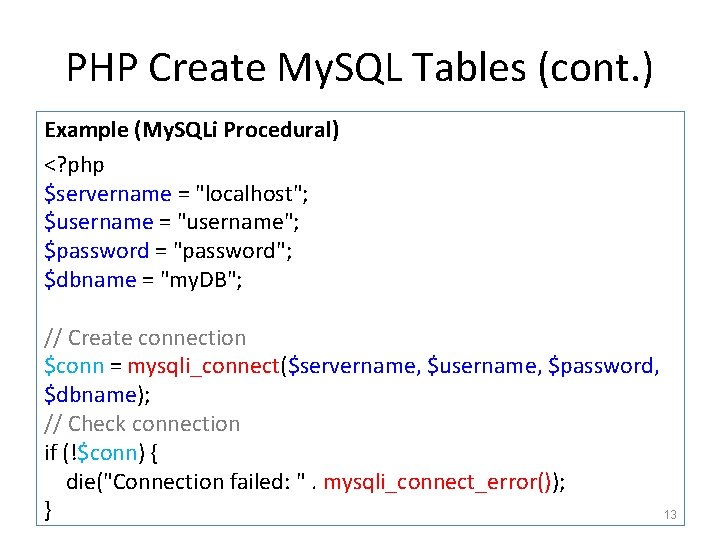
PHP Create My. SQL Tables (cont. ) Example (My. SQLi Procedural) <? php $servername = "localhost"; $username = "username"; $password = "password"; $dbname = "my. DB"; // Create connection $conn = mysqli_connect($servername, $username, $password, $dbname); // Check connection if (!$conn) { die("Connection failed: ". mysqli_connect_error()); } 13
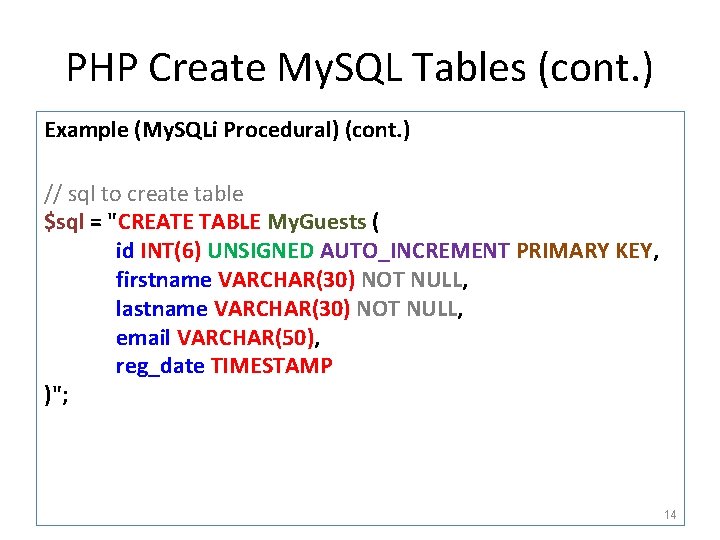
PHP Create My. SQL Tables (cont. ) Example (My. SQLi Procedural) (cont. ) // sql to create table $sql = "CREATE TABLE My. Guests ( id INT(6) UNSIGNED AUTO_INCREMENT PRIMARY KEY, firstname VARCHAR(30) NOT NULL, lastname VARCHAR(30) NOT NULL, email VARCHAR(50), reg_date TIMESTAMP )"; 14
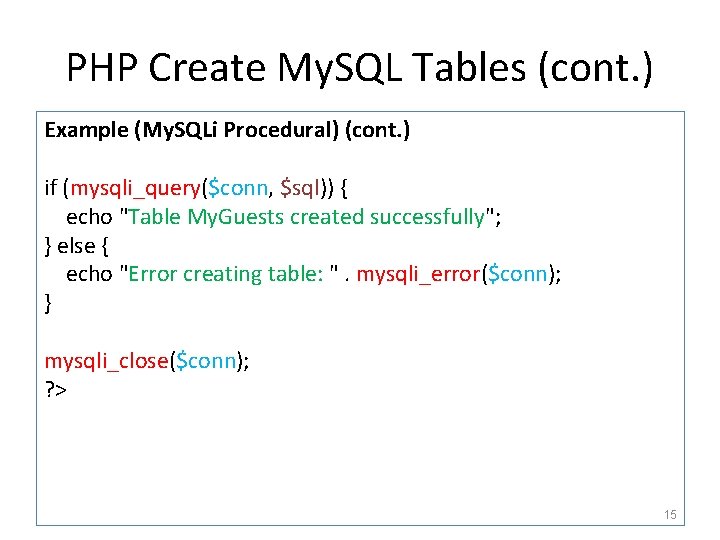
PHP Create My. SQL Tables (cont. ) Example (My. SQLi Procedural) (cont. ) if (mysqli_query($conn, $sql)) { echo "Table My. Guests created successfully"; } else { echo "Error creating table: ". mysqli_error($conn); } mysqli_close($conn); ? > 15
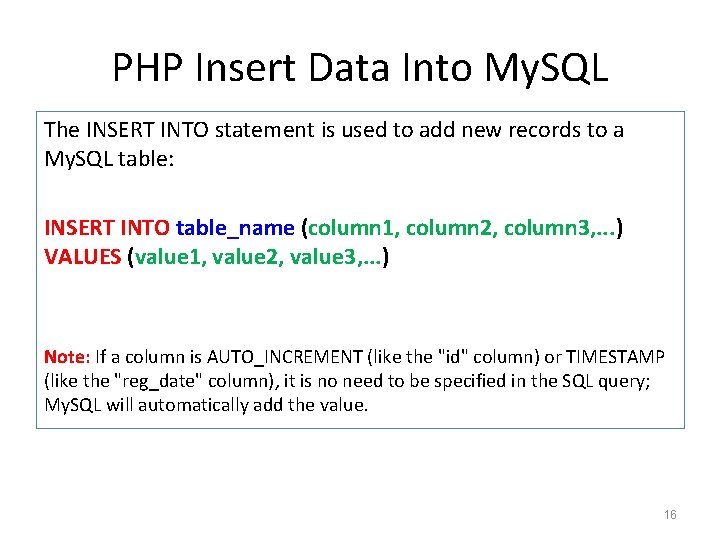
PHP Insert Data Into My. SQL The INSERT INTO statement is used to add new records to a My. SQL table: INSERT INTO table_name (column 1, column 2, column 3, . . . ) VALUES (value 1, value 2, value 3, . . . ) Note: If a column is AUTO_INCREMENT (like the "id" column) or TIMESTAMP (like the "reg_date" column), it is no need to be specified in the SQL query; My. SQL will automatically add the value. 16
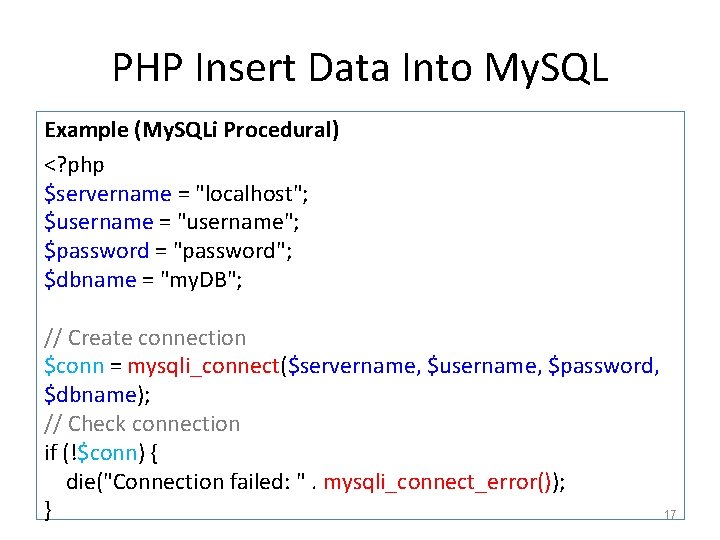
PHP Insert Data Into My. SQL Example (My. SQLi Procedural) <? php $servername = "localhost"; $username = "username"; $password = "password"; $dbname = "my. DB"; // Create connection $conn = mysqli_connect($servername, $username, $password, $dbname); // Check connection if (!$conn) { die("Connection failed: ". mysqli_connect_error()); } 17
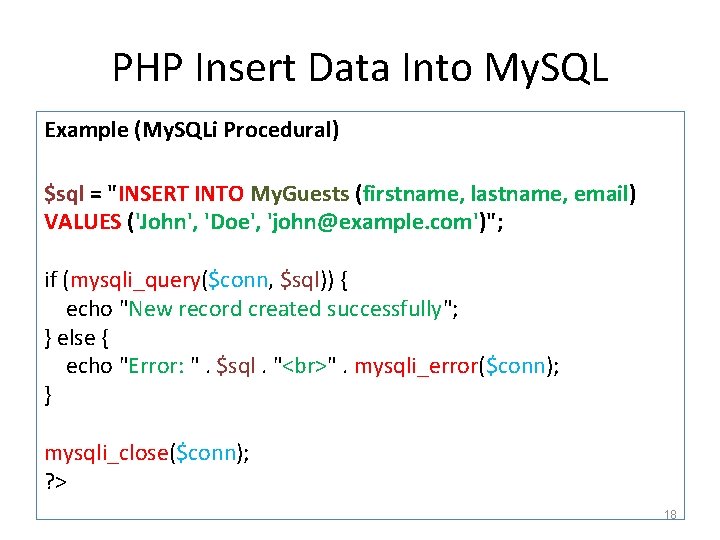
PHP Insert Data Into My. SQL Example (My. SQLi Procedural) $sql = "INSERT INTO My. Guests (firstname, lastname, email) VALUES ('John', 'Doe', 'john@example. com')"; if (mysqli_query($conn, $sql)) { echo "New record created successfully"; } else { echo "Error: ". $sql. " ". mysqli_error($conn); } mysqli_close($conn); ? > 18
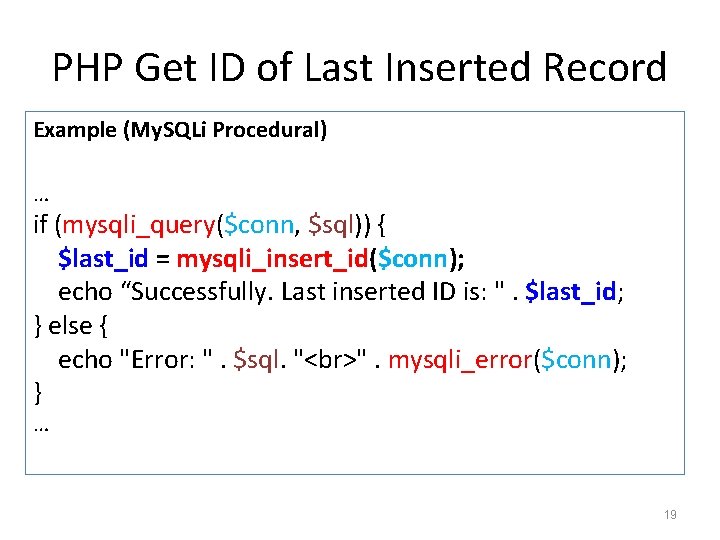
PHP Get ID of Last Inserted Record Example (My. SQLi Procedural) … if (mysqli_query($conn, $sql)) { $last_id = mysqli_insert_id($conn); echo “Successfully. Last inserted ID is: ". $last_id; } else { echo "Error: ". $sql. " ". mysqli_error($conn); } … 19
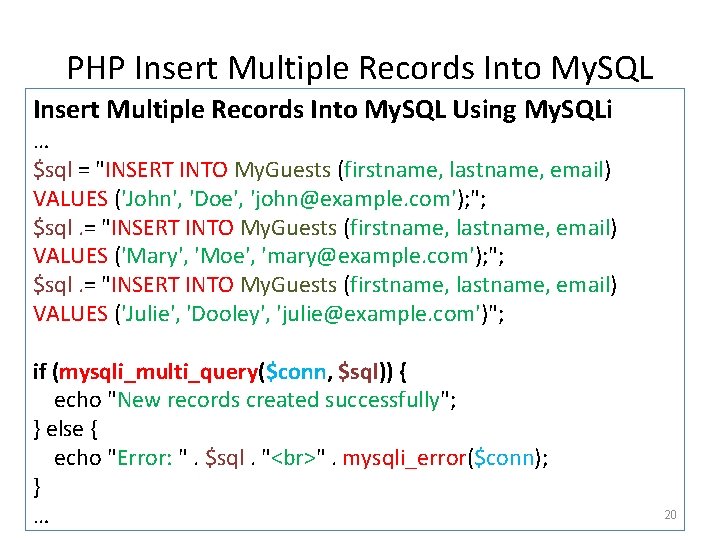
PHP Insert Multiple Records Into My. SQL Using My. SQLi … $sql = "INSERT INTO My. Guests (firstname, lastname, email) VALUES ('John', 'Doe', 'john@example. com'); "; $sql. = "INSERT INTO My. Guests (firstname, lastname, email) VALUES ('Mary', 'Moe', 'mary@example. com'); "; $sql. = "INSERT INTO My. Guests (firstname, lastname, email) VALUES ('Julie', 'Dooley', 'julie@example. com')"; if (mysqli_multi_query($conn, $sql)) { echo "New records created successfully"; } else { echo "Error: ". $sql. " ". mysqli_error($conn); } … 20
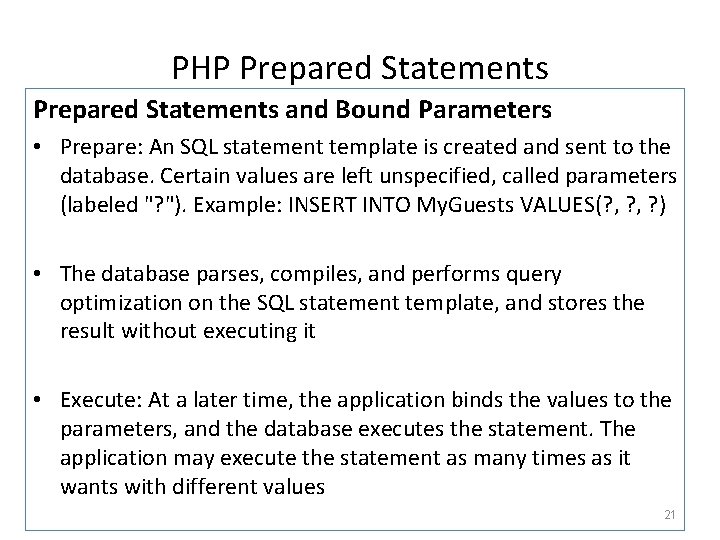
PHP Prepared Statements and Bound Parameters • Prepare: An SQL statement template is created and sent to the database. Certain values are left unspecified, called parameters (labeled "? "). Example: INSERT INTO My. Guests VALUES(? , ? ) • The database parses, compiles, and performs query optimization on the SQL statement template, and stores the result without executing it • Execute: At a later time, the application binds the values to the parameters, and the database executes the statement. The application may execute the statement as many times as it wants with different values 21
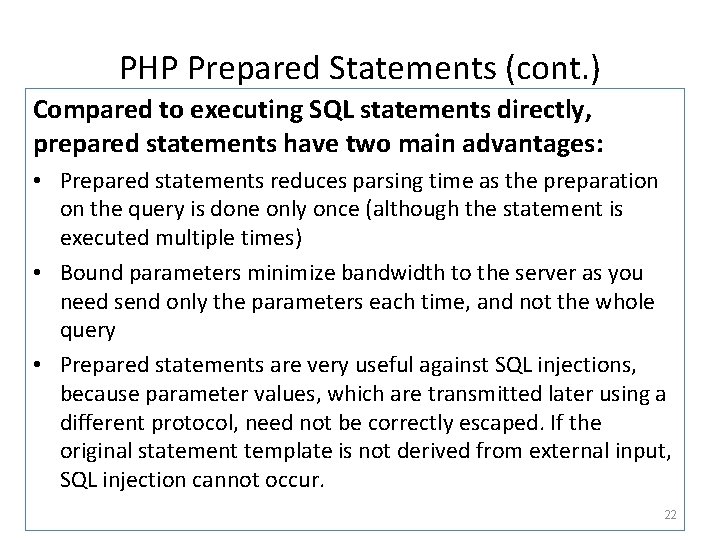
PHP Prepared Statements (cont. ) Compared to executing SQL statements directly, prepared statements have two main advantages: • Prepared statements reduces parsing time as the preparation on the query is done only once (although the statement is executed multiple times) • Bound parameters minimize bandwidth to the server as you need send only the parameters each time, and not the whole query • Prepared statements are very useful against SQL injections, because parameter values, which are transmitted later using a different protocol, need not be correctly escaped. If the original statement template is not derived from external input, SQL injection cannot occur. 22
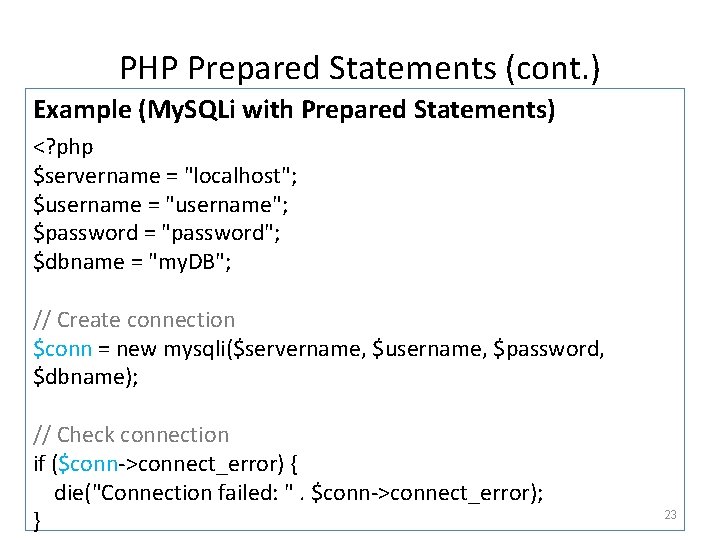
PHP Prepared Statements (cont. ) Example (My. SQLi with Prepared Statements) <? php $servername = "localhost"; $username = "username"; $password = "password"; $dbname = "my. DB"; // Create connection $conn = new mysqli($servername, $username, $password, $dbname); // Check connection if ($conn->connect_error) { die("Connection failed: ". $conn->connect_error); } 23
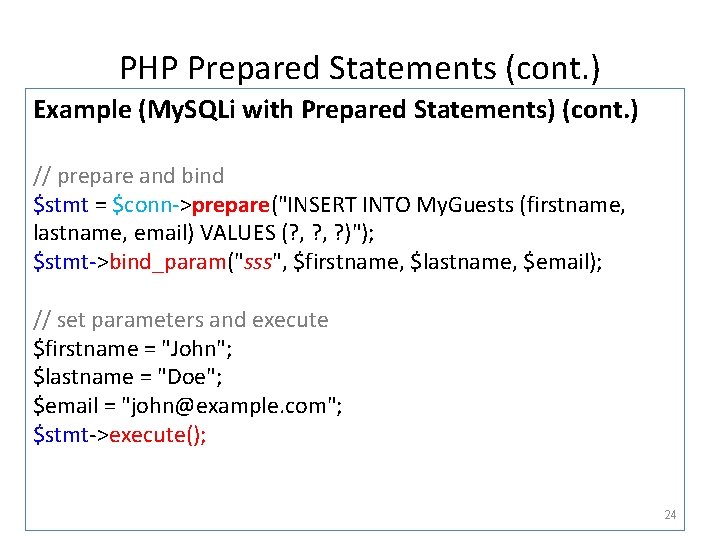
PHP Prepared Statements (cont. ) Example (My. SQLi with Prepared Statements) (cont. ) // prepare and bind $stmt = $conn->prepare("INSERT INTO My. Guests (firstname, lastname, email) VALUES (? , ? )"); $stmt->bind_param("sss", $firstname, $lastname, $email); // set parameters and execute $firstname = "John"; $lastname = "Doe"; $email = "john@example. com"; $stmt->execute(); 24
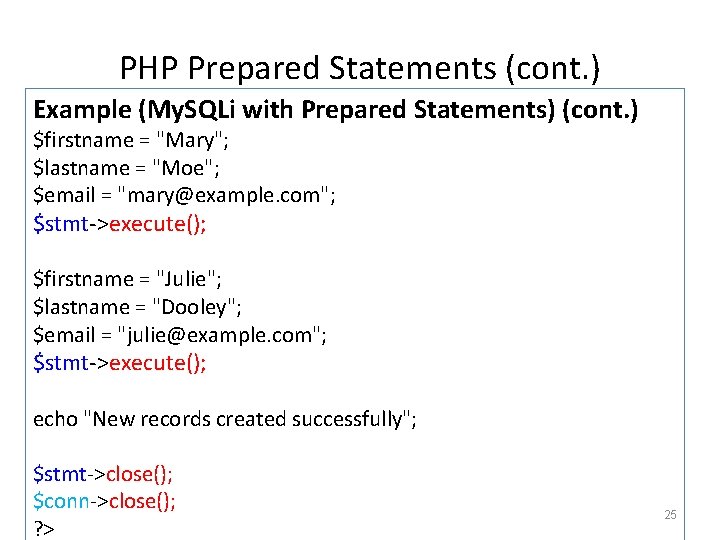
PHP Prepared Statements (cont. ) Example (My. SQLi with Prepared Statements) (cont. ) $firstname = "Mary"; $lastname = "Moe"; $email = "mary@example. com"; $stmt->execute(); $firstname = "Julie"; $lastname = "Dooley"; $email = "julie@example. com"; $stmt->execute(); echo "New records created successfully"; $stmt->close(); $conn->close(); ? > 25
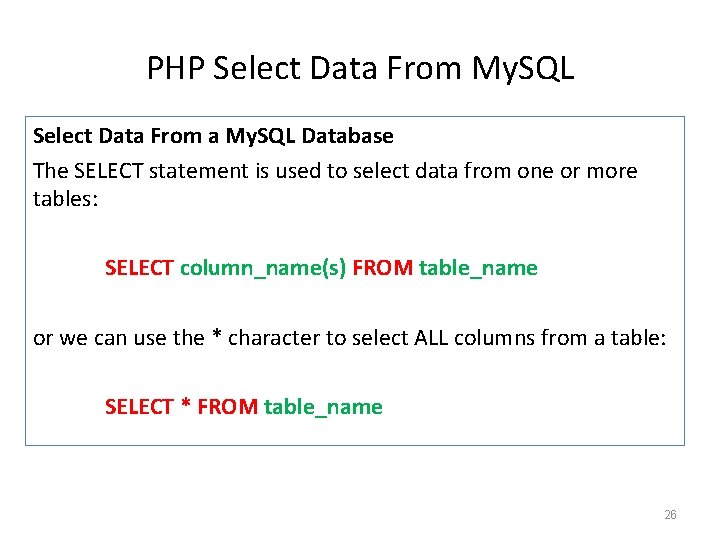
PHP Select Data From My. SQL Select Data From a My. SQL Database The SELECT statement is used to select data from one or more tables: SELECT column_name(s) FROM table_name or we can use the * character to select ALL columns from a table: SELECT * FROM table_name 26
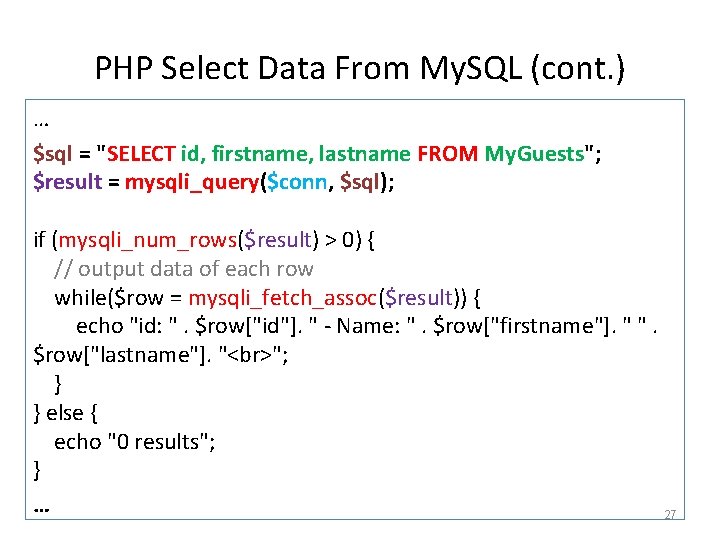
PHP Select Data From My. SQL (cont. ) … $sql = "SELECT id, firstname, lastname FROM My. Guests"; $result = mysqli_query($conn, $sql); if (mysqli_num_rows($result) > 0) { // output data of each row while($row = mysqli_fetch_assoc($result)) { echo "id: ". $row["id"]. " - Name: ". $row["firstname"]. " ". $row["lastname"]. " "; } } else { echo "0 results"; } … 27
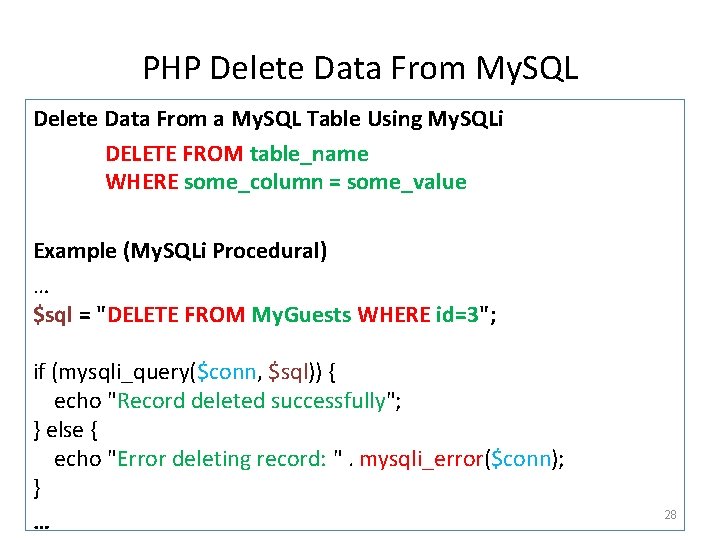
PHP Delete Data From My. SQL Delete Data From a My. SQL Table Using My. SQLi DELETE FROM table_name WHERE some_column = some_value Example (My. SQLi Procedural) … $sql = "DELETE FROM My. Guests WHERE id=3"; if (mysqli_query($conn, $sql)) { echo "Record deleted successfully"; } else { echo "Error deleting record: ". mysqli_error($conn); } … 28
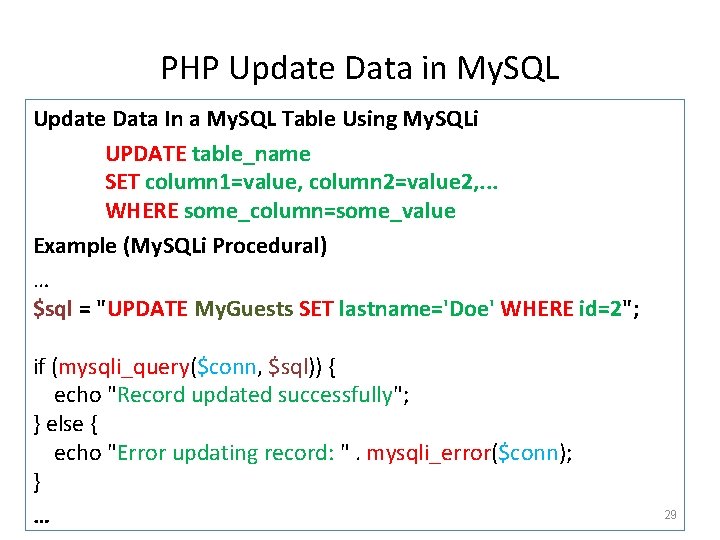
PHP Update Data in My. SQL Update Data In a My. SQL Table Using My. SQLi UPDATE table_name SET column 1=value, column 2=value 2, . . . WHERE some_column=some_value Example (My. SQLi Procedural) … $sql = "UPDATE My. Guests SET lastname='Doe' WHERE id=2"; if (mysqli_query($conn, $sql)) { echo "Record updated successfully"; } else { echo "Error updating record: ". mysqli_error($conn); } … 29
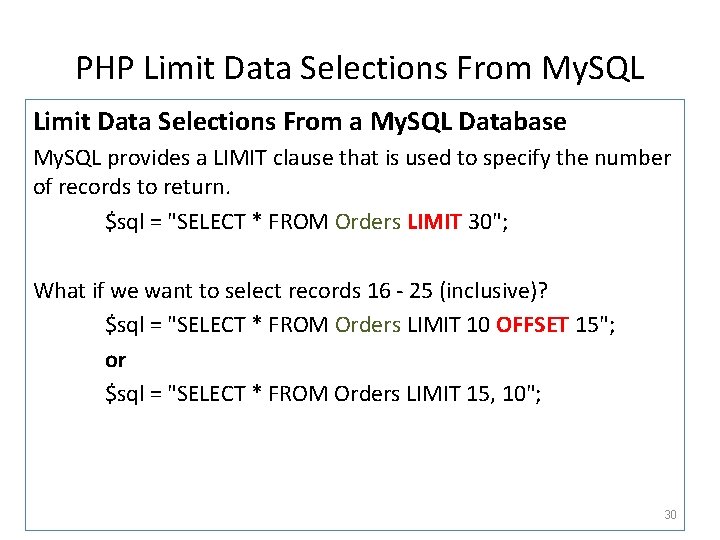
PHP Limit Data Selections From My. SQL Limit Data Selections From a My. SQL Database My. SQL provides a LIMIT clause that is used to specify the number of records to return. $sql = "SELECT * FROM Orders LIMIT 30"; What if we want to select records 16 - 25 (inclusive)? $sql = "SELECT * FROM Orders LIMIT 10 OFFSET 15"; or $sql = "SELECT * FROM Orders LIMIT 15, 10"; 30

THE END 31
- Slides: 31