
Cont Draw Person java Draw Person java import
![라디오 버튼의 배열 (Cont. ) - Color. Options. Panel. java color[0] color[1] color[2] color[3]](https://slidetodoc.com/presentation_image_h2/5f881a9306868e6c6e19807ad331918a/image-12.jpg "라디오 버튼의 배열 (Cont. ) - Color. Options. Panel. java color[0] color[1] color[2] color[3]")
- Slides: 31
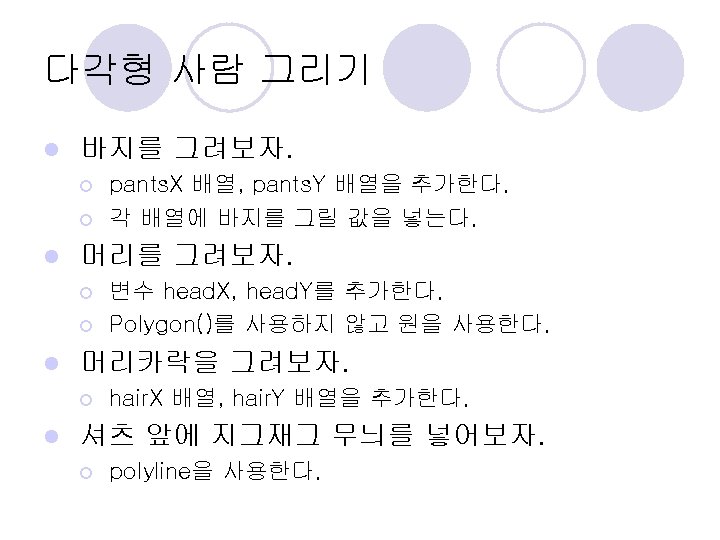
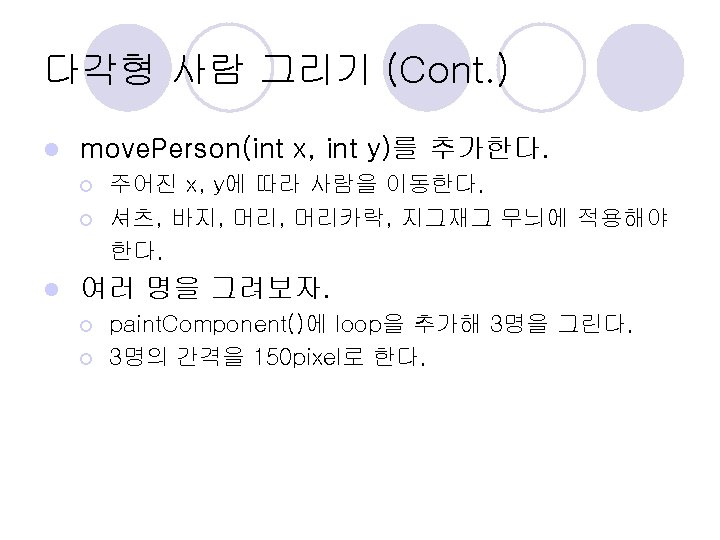
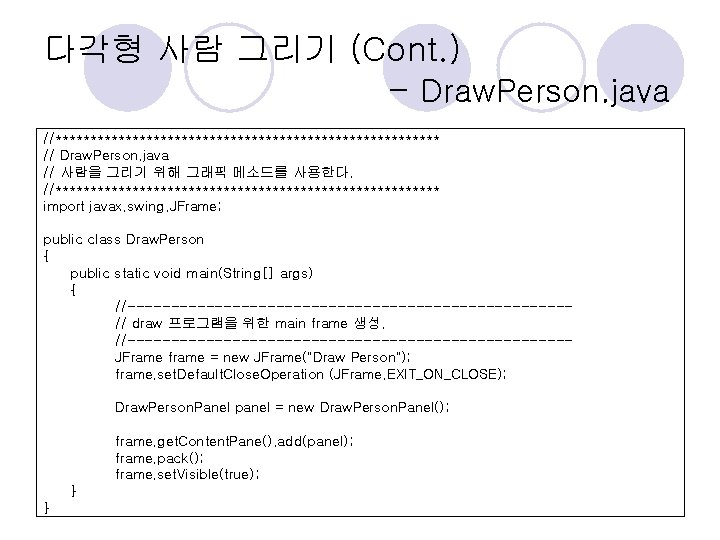
다각형 사람 그리기 (Cont. ) - Draw. Person. java //**************************** // Draw. Person. java // 사람을 그리기 위해 그래픽 메소드를 사용한다. //**************************** import javax. swing. JFrame; public class Draw. Person { public static void main(String[] args) { //-------------------------// draw 프로그램을 위한 main frame 생성. //-------------------------JFrame frame = new JFrame("Draw Person"); frame. set. Default. Close. Operation (JFrame. EXIT_ON_CLOSE); Draw. Person. Panel panel = new Draw. Person. Panel(); frame. get. Content. Pane(). add(panel); frame. pack(); frame. set. Visible(true); } }
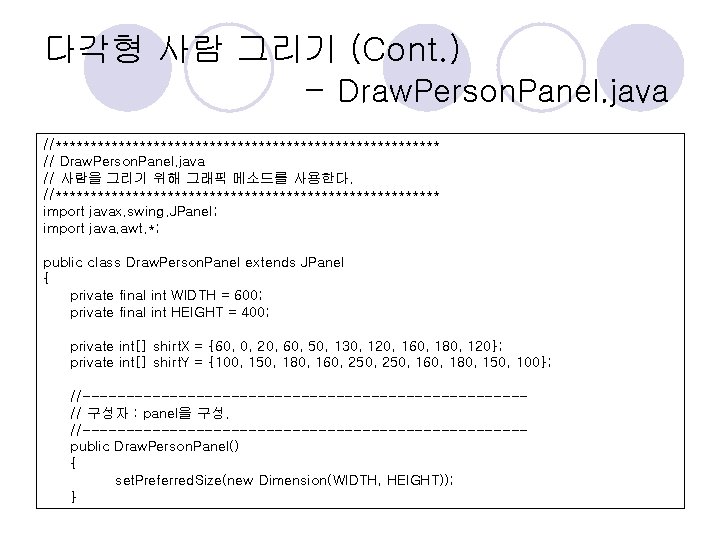
다각형 사람 그리기 (Cont. ) - Draw. Person. Panel. java //**************************** // Draw. Person. Panel. java // 사람을 그리기 위해 그래픽 메소드를 사용한다. //**************************** import javax. swing. JPanel; import java. awt. *; public class Draw. Person. Panel extends JPanel { private final int WIDTH = 600; private final int HEIGHT = 400; private int[] shirt. X = {60, 0, 20, 60, 50, 130, 120, 160, 180, 120}; private int[] shirt. Y = {100, 150, 180, 160, 250, 160, 180, 150, 100}; //-------------------------// 구성자 : panel을 구성. //-------------------------public Draw. Person. Panel() { set. Preferred. Size(new Dimension(WIDTH, HEIGHT)); }
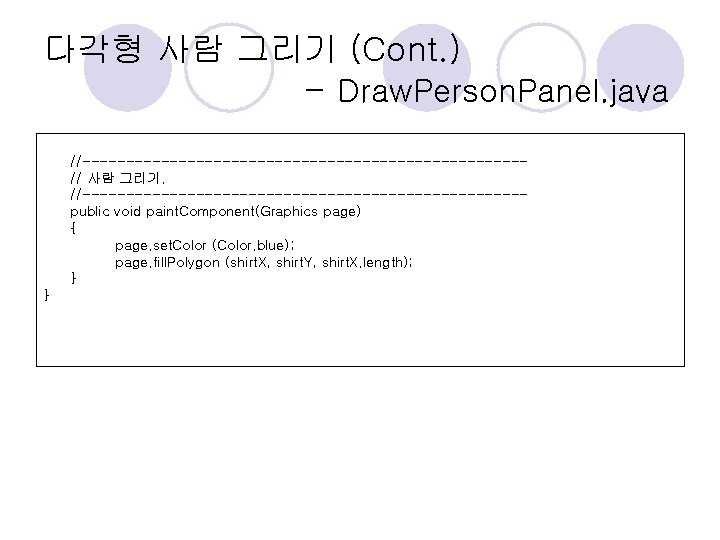
다각형 사람 그리기 (Cont. ) - Draw. Person. Panel. java //-------------------------// 사람 그리기. //-------------------------public void paint. Component(Graphics page) { page. set. Color (Color. blue); page. fill. Polygon (shirt. X, shirt. Y, shirt. X. length); } }
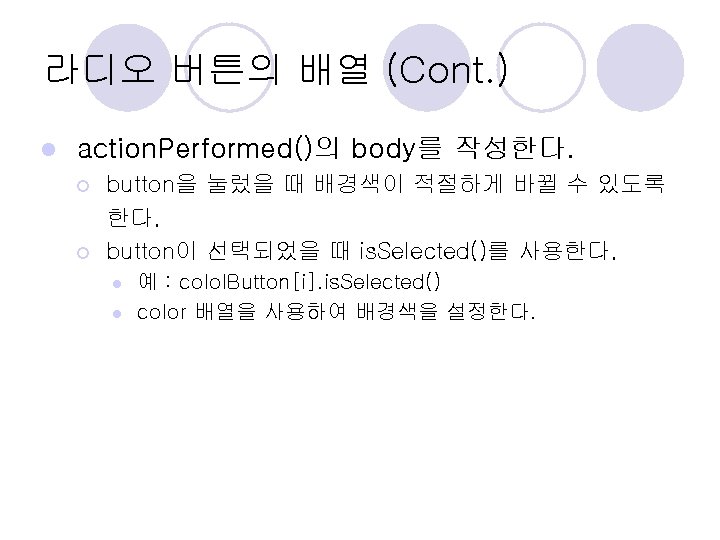
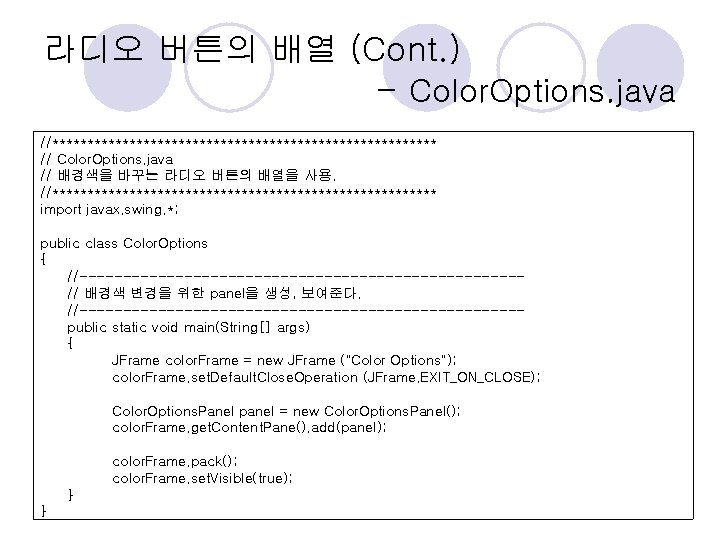
라디오 버튼의 배열 (Cont. ) - Color. Options. java //**************************** // Color. Options. java // 배경색을 바꾸는 라디오 버튼의 배열을 사용. //**************************** import javax. swing. *; public class Color. Options { //-------------------------// 배경색 변경을 위한 panel을 생성, 보여준다. //-------------------------public static void main(String[] args) { JFrame color. Frame = new JFrame ("Color Options"); color. Frame. set. Default. Close. Operation (JFrame. EXIT_ON_CLOSE); Color. Options. Panel panel = new Color. Options. Panel(); color. Frame. get. Content. Pane(). add(panel); color. Frame. pack(); color. Frame. set. Visible(true); } }
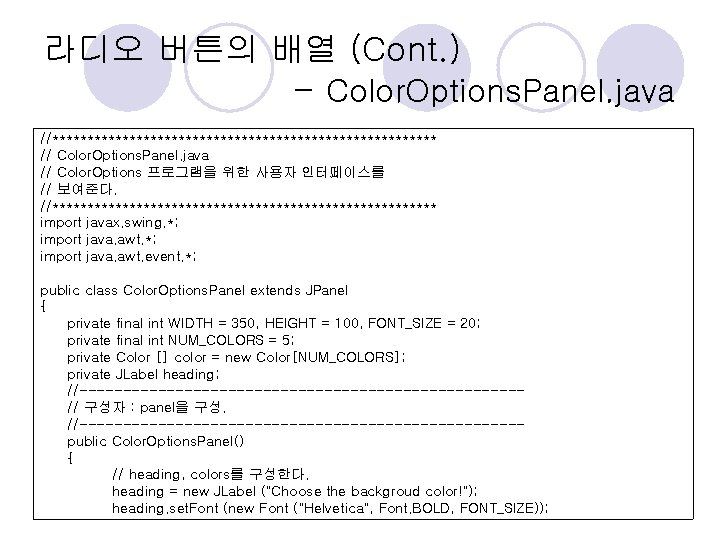
라디오 버튼의 배열 (Cont. ) - Color. Options. Panel. java //**************************** // Color. Options. Panel. java // Color. Options 프로그램을 위한 사용자 인터페이스를 // 보여준다. //**************************** import javax. swing. *; import java. awt. event. *; public class Color. Options. Panel extends JPanel { private final int WIDTH = 350, HEIGHT = 100, FONT_SIZE = 20; private final int NUM_COLORS = 5; private Color [] color = new Color[NUM_COLORS]; private JLabel heading; //-------------------------// 구성자 : panel을 구성. //-------------------------public Color. Options. Panel() { // heading, colors를 구성한다. heading = new JLabel ("Choose the backgroud color!"); heading. set. Font (new Font ("Helvetica", Font. BOLD, FONT_SIZE));
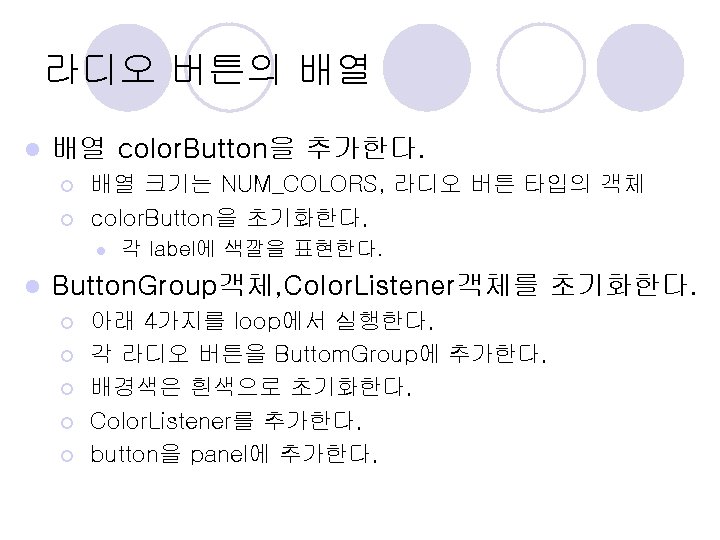
라디오 버튼의 배열 (Cont. ) - Color. Options. Panel. java color[0] color[1] color[2] color[3] color[4] = = = Color. yellow; Color. cyan; Color. red; Color. green; Color. magenta; // Button. Group 객체와 Color. Listener 객체를 초기화한다. // panel을 구성한다. add (heading); set. Background (Color. yellow); set. Preferred. Size (new Dimension (WIDTH, HEIGHT)); // 라디오 버튼을 group하고, Color. Listener를 추가하고, // 각각의 배경색을 구성하고, panel에 추가한다. } //**************************** // 라디오 버튼의 감청자 //**************************** private class Color. Listener implements Action. Listener { //-------------------------// 선택된 라디오 버튼에 따라 배경색이 바뀐다. //-------------------------public void action. Performed (Action. Event event) { } } }
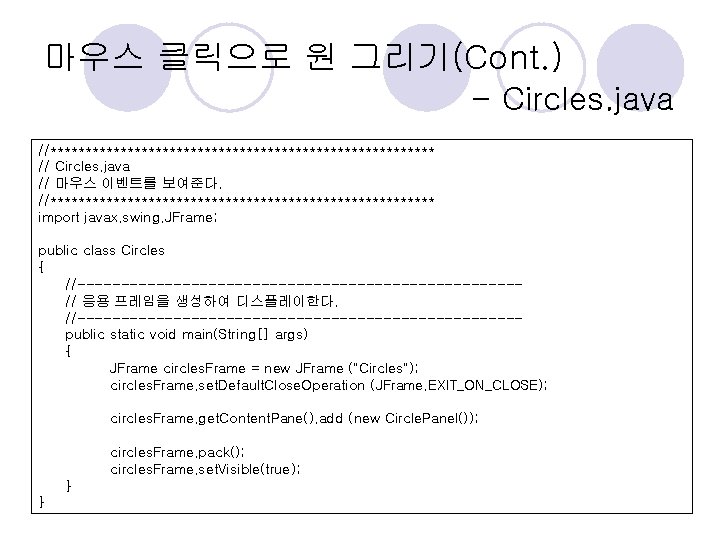
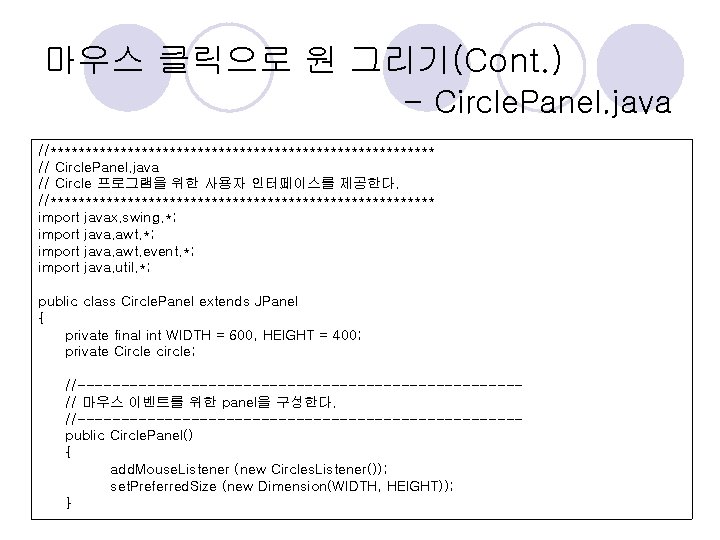
마우스 클릭으로 원 그리기(Cont. ) - Circles. java //**************************** // Circles. java // 마우스 이벤트를 보여준다. //**************************** import javax. swing. JFrame; public class Circles { //-------------------------// 응용 프레임을 생성하여 디스플레이한다. //-------------------------public static void main(String[] args) { JFrame circles. Frame = new JFrame ("Circles"); circles. Frame. set. Default. Close. Operation (JFrame. EXIT_ON_CLOSE); circles. Frame. get. Content. Pane(). add (new Circle. Panel()); circles. Frame. pack(); circles. Frame. set. Visible(true); } }
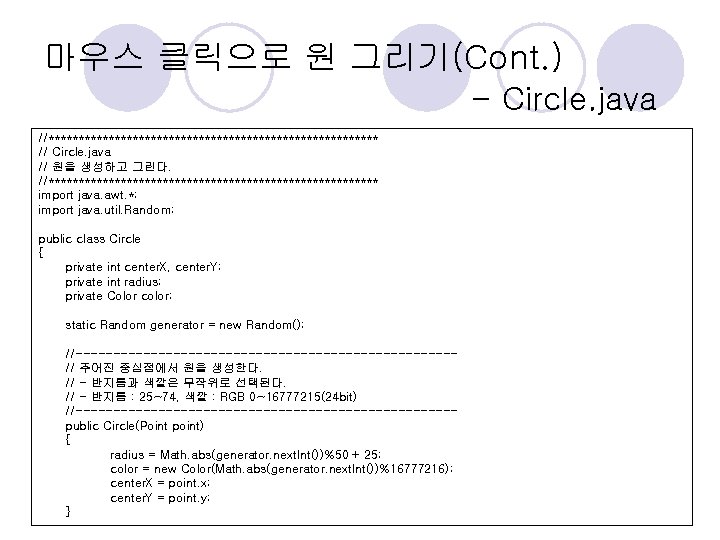
마우스 클릭으로 원 그리기(Cont. ) - Circle. java //**************************** // Circle. java // 원을 생성하고 그린다. //**************************** import java. awt. *; import java. util. Random; public class Circle { private int center. X, center. Y; private int radius; private Color color; static Random generator = new Random(); //-------------------------// 주어진 중심점에서 원을 생성한다. // - 반지름과 색깔은 무작위로 선택된다. // - 반지름 : 25~74, 색깔 : RGB 0~16777215(24 bit) //-------------------------public Circle(Point point) { radius = Math. abs(generator. next. Int())%50 + 25; color = new Color(Math. abs(generator. next. Int())%16777216); center. X = point. x; center. Y = point. y; }
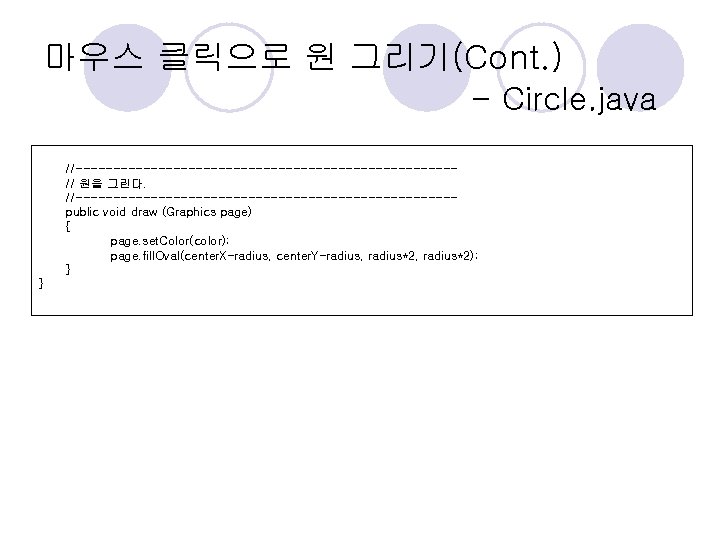
마우스 클릭으로 원 그리기(Cont. ) - Circle. java //-------------------------// 원을 그린다. //-------------------------public void draw (Graphics page) { page. set. Color(color); page. fill. Oval(center. X-radius, center. Y-radius, radius*2); } }
마우스 클릭으로 원 그리기(Cont. ) - Circle. Panel. java //**************************** // Circle. Panel. java // Circle 프로그램을 위한 사용자 인터페이스를 제공한다. //**************************** import javax. swing. *; import java. awt. event. *; import java. util. *; public class Circle. Panel extends JPanel { private final int WIDTH = 600, HEIGHT = 400; private Circle circle; //-------------------------// 마우스 이벤트를 위한 panel을 구성한다. //-------------------------public Circle. Panel() { add. Mouse. Listener (new Circles. Listener()); set. Preferred. Size (new Dimension(WIDTH, HEIGHT)); }
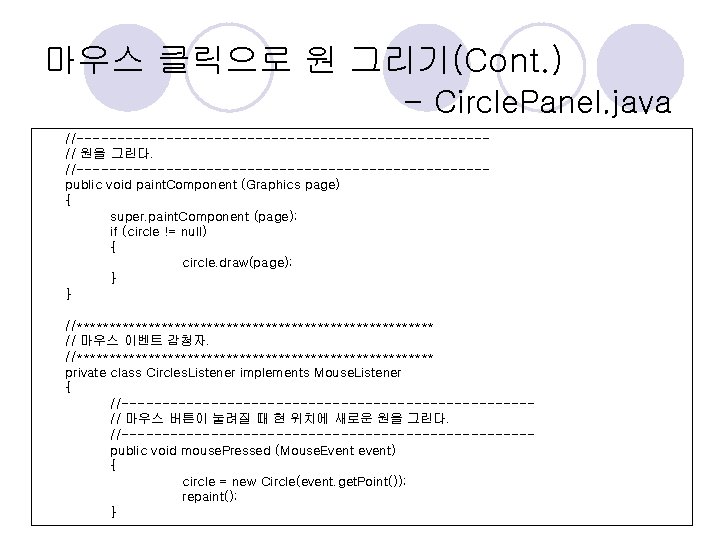
마우스 클릭으로 원 그리기(Cont. ) - Circle. Panel. java //-------------------------// 원을 그린다. //-------------------------public void paint. Component (Graphics page) { super. paint. Component (page); if (circle != null) { circle. draw(page); } } //**************************** // 마우스 이벤트 감청자. //**************************** private class Circles. Listener implements Mouse. Listener { //-------------------------// 마우스 버튼이 눌려질 때 현 위치에 새로운 원을 그린다. //-------------------------public void mouse. Pressed (Mouse. Event event) { circle = new Circle(event. get. Point()); repaint(); }
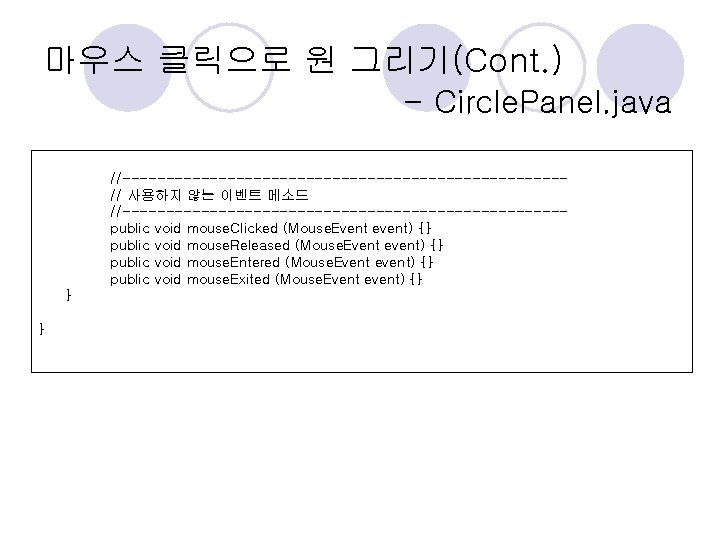
마우스 클릭으로 원 그리기(Cont. ) - Circle. Panel. java //-------------------------// 사용하지 않는 이벤트 메소드 //-------------------------public void mouse. Clicked (Mouse. Event event) {} public void mouse. Released (Mouse. Event event) {} public void mouse. Entered (Mouse. Event event) {} public void mouse. Exited (Mouse. Event event) {} } }
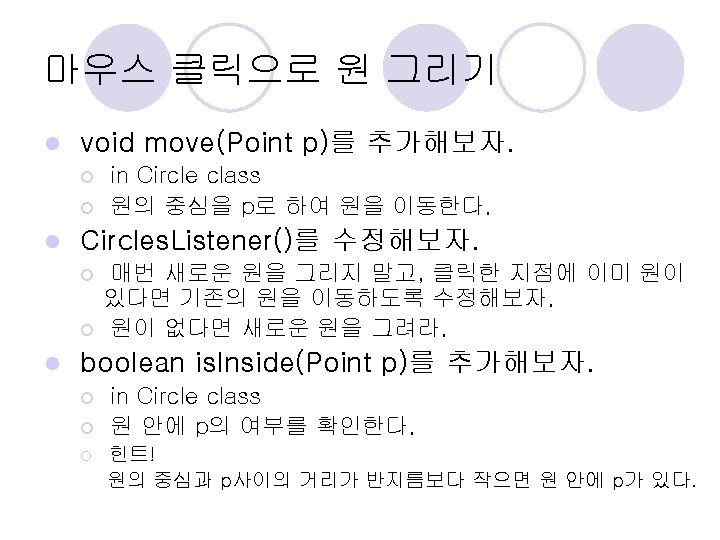
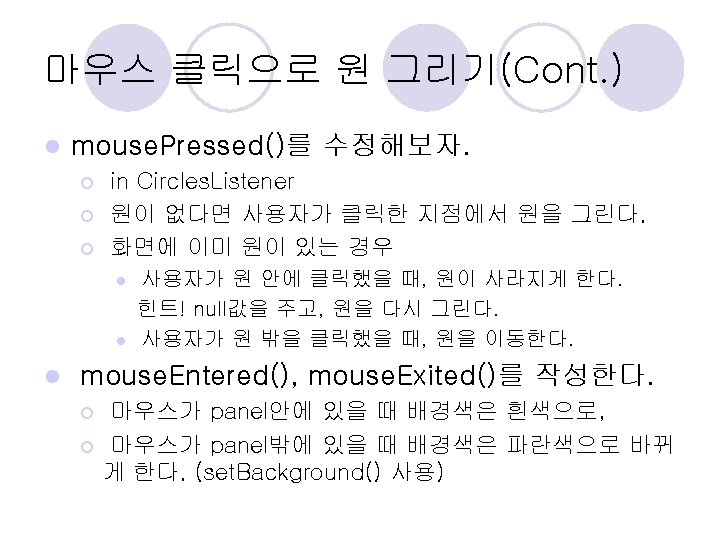
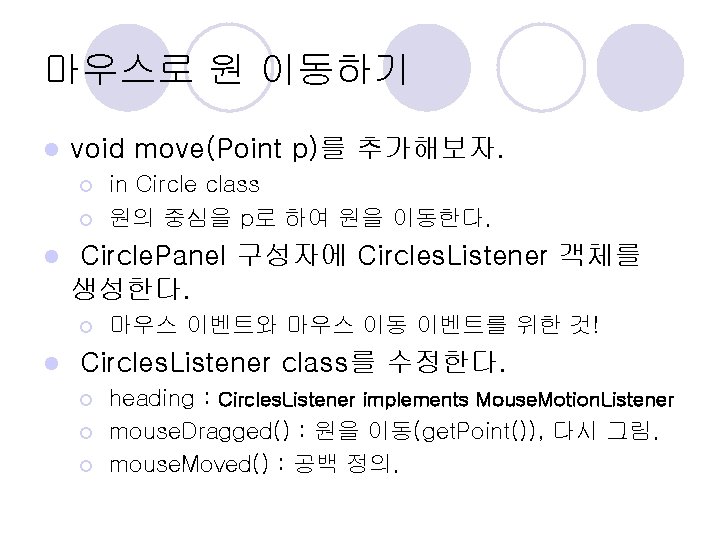
마우스로 원 이동하기 l void move(Point p)를 추가해보자. ¡ ¡ l Circle. Panel 구성자에 Circles. Listener 객체를 생성한다. ¡ l in Circle class 원의 중심을 p로 하여 원을 이동한다. 마우스 이벤트와 마우스 이동 이벤트를 위한 것! Circles. Listener class를 수정한다. ¡ ¡ ¡ heading : Circles. Listener implements Mouse. Motion. Listener mouse. Dragged() : 원을 이동(get. Point()), 다시 그림. mouse. Moved() : 공백 정의.
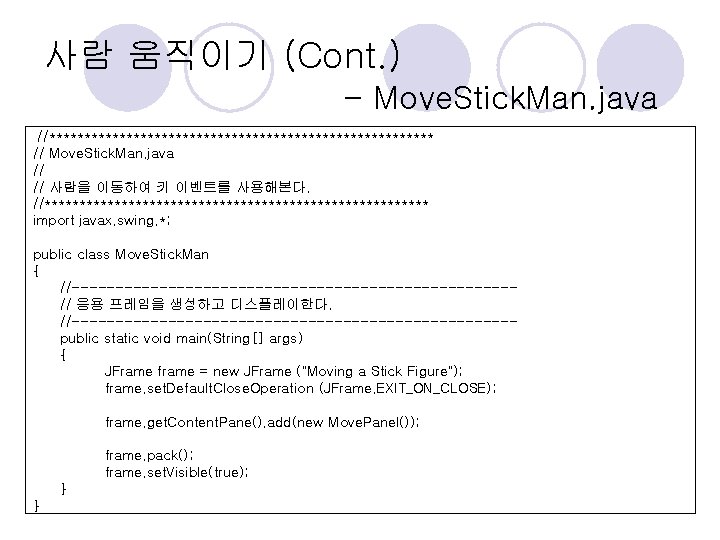
사람 움직이기 (Cont. ) - Move. Stick. Man. java //**************************** // Move. Stick. Man. java // // 사람을 이동하여 키 이벤트를 사용해본다. //**************************** import javax. swing. *; public class Move. Stick. Man { //-------------------------// 응용 프레임을 생성하고 디스플레이한다. //-------------------------public static void main(String[] args) { JFrame frame = new JFrame ("Moving a Stick Figure"); frame. set. Default. Close. Operation (JFrame. EXIT_ON_CLOSE); frame. get. Content. Pane(). add(new Move. Panel()); frame. pack(); frame. set. Visible(true); } }
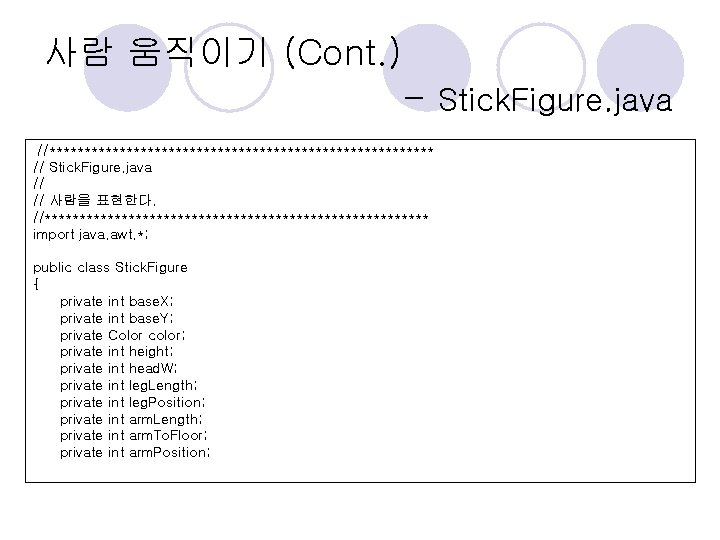
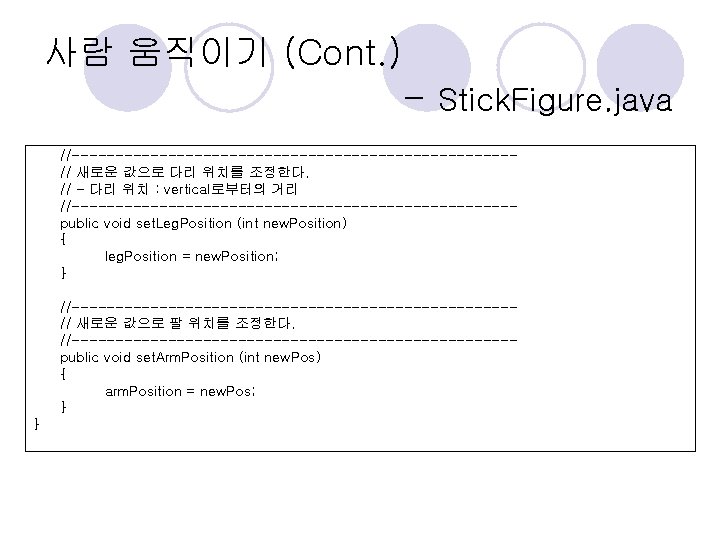
사람 움직이기 (Cont. ) - Stick. Figure. java //**************************** // Stick. Figure. java // // 사람을 표현한다. //**************************** import java. awt. *; public class Stick. Figure { private int base. X; private int base. Y; private Color color; private int height; private int head. W; private int leg. Length; private int leg. Position; private int arm. Length; private int arm. To. Floor; private int arm. Position;
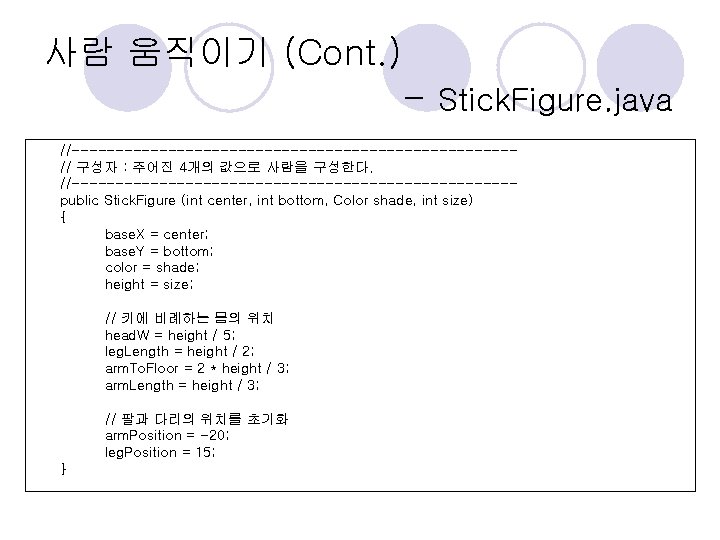
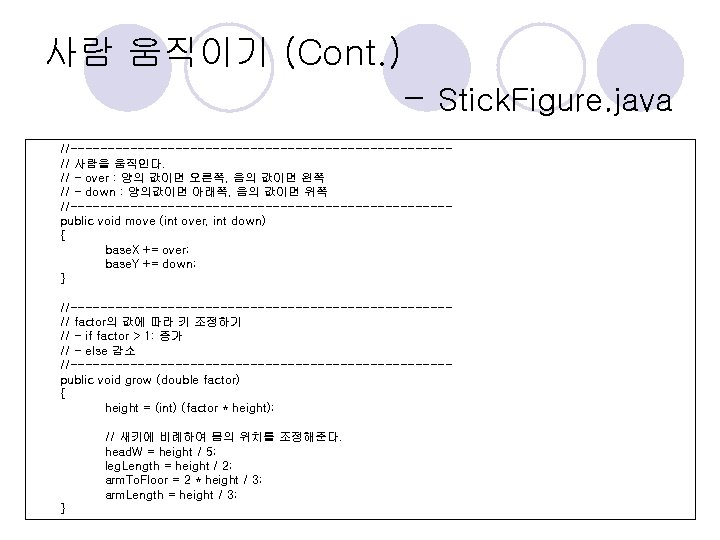
사람 움직이기 (Cont. ) - Stick. Figure. java //-------------------------// 구성자 : 주어진 4개의 값으로 사람을 구성한다. //-------------------------public Stick. Figure (int center, int bottom, Color shade, int size) { base. X = center; base. Y = bottom; color = shade; height = size; // 키에 비례하는 몸의 위치 head. W = height / 5; leg. Length = height / 2; arm. To. Floor = 2 * height / 3; arm. Length = height / 3; // 팔과 다리의 위치를 초기화 arm. Position = -20; leg. Position = 15; }
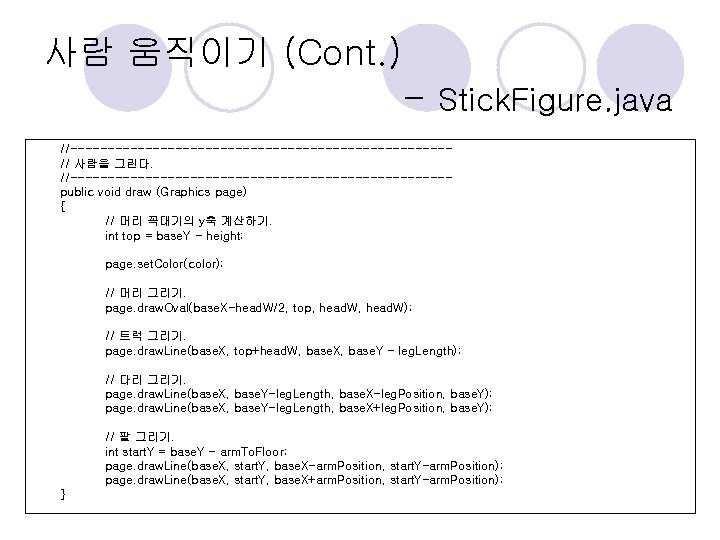
사람 움직이기 (Cont. ) - Stick. Figure. java //-------------------------// 사람을 그린다. //-------------------------public void draw (Graphics page) { // 머리 꼭대기의 y축 계산하기. int top = base. Y - height; page. set. Color(color); // 머리 그리기. page. draw. Oval(base. X-head. W/2, top, head. W); // 트럭 그리기. page. draw. Line(base. X, top+head. W, base. X, base. Y - leg. Length); // 다리 그리기. page. draw. Line(base. X, base. Y-leg. Length, base. X-leg. Position, base. Y); page. draw. Line(base. X, base. Y-leg. Length, base. X+leg. Position, base. Y); // 팔 그리기. int start. Y = base. Y - arm. To. Floor; page. draw. Line(base. X, start. Y, base. X-arm. Position, start. Y-arm. Position); page. draw. Line(base. X, start. Y, base. X+arm. Position, start. Y-arm. Position); }
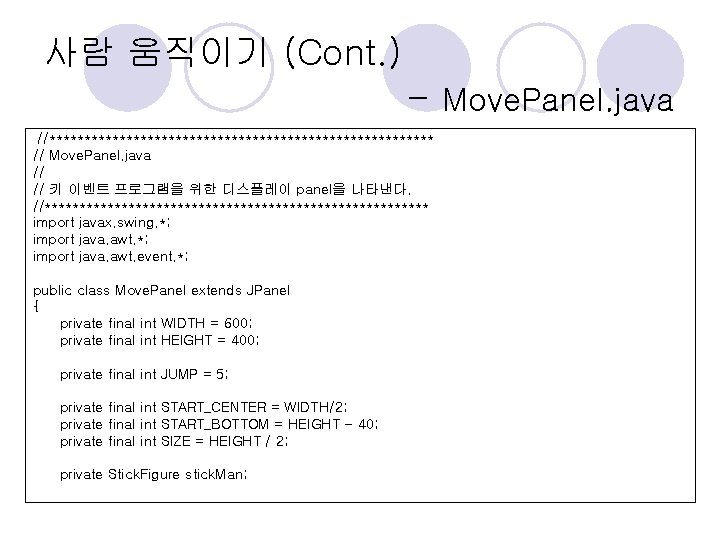
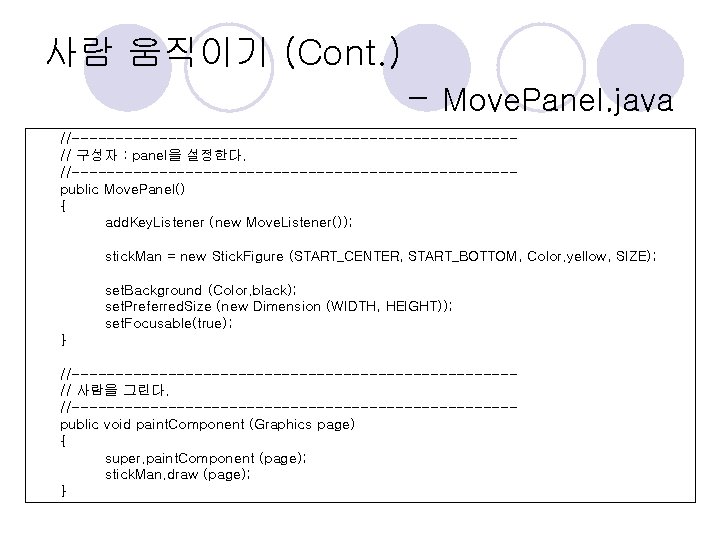
사람 움직이기 (Cont. ) - Move. Panel. java //**************************** // Move. Panel. java // // 키 이벤트 프로그램을 위한 디스플레이 panel을 나타낸다. //**************************** import javax. swing. *; import java. awt. event. *; public class Move. Panel extends JPanel { private final int WIDTH = 600; private final int HEIGHT = 400; private final int JUMP = 5; private final int START_CENTER = WIDTH/2; private final int START_BOTTOM = HEIGHT - 40; private final int SIZE = HEIGHT / 2; private Stick. Figure stick. Man;
사람 움직이기 (Cont. ) - Move. Panel. java //-------------------------// 구성자 : panel을 설정한다. //-------------------------public Move. Panel() { add. Key. Listener (new Move. Listener()); stick. Man = new Stick. Figure (START_CENTER, START_BOTTOM, Color. yellow, SIZE); set. Background (Color. black); set. Preferred. Size (new Dimension (WIDTH, HEIGHT)); set. Focusable(true); } //-------------------------// 사람을 그린다. //-------------------------public void paint. Component (Graphics page) { super. paint. Component (page); stick. Man. draw (page); }
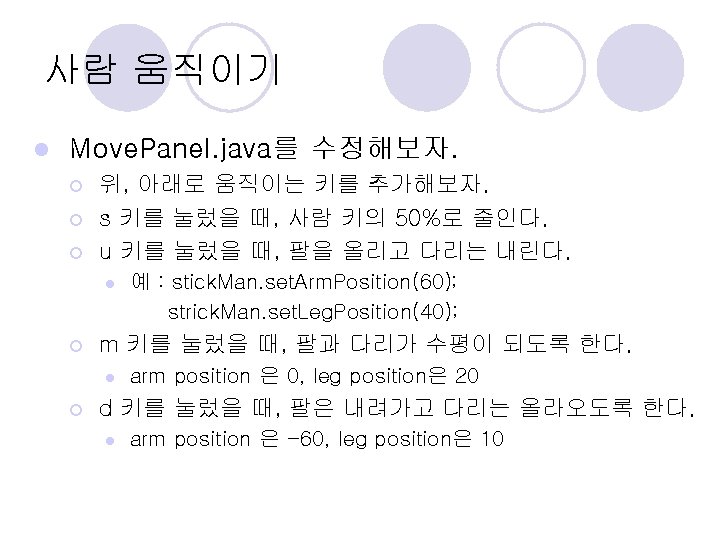
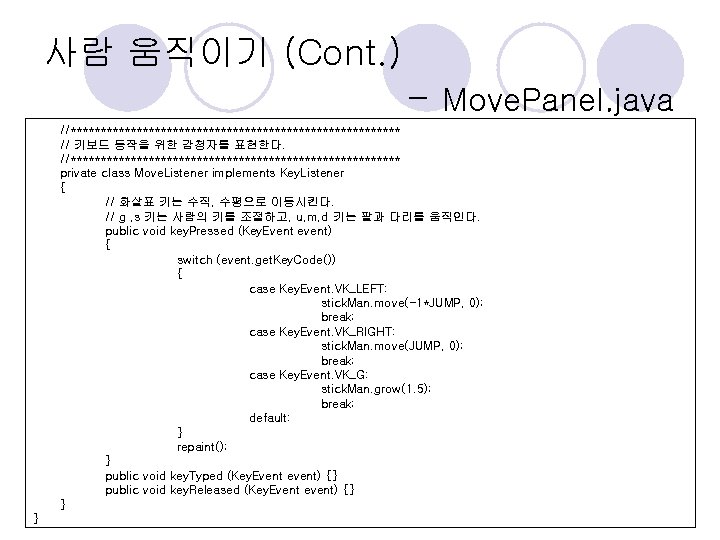
사람 움직이기 (Cont. ) - Move. Panel. java //**************************** // 키보드 동작을 위한 감청자를 표현한다. //**************************** private class Move. Listener implements Key. Listener { // 화살표 키는 수직, 수평으로 이동시킨다. // g , s 키는 사람의 키를 조절하고, u, m, d 키는 팔과 다리를 움직인다. public void key. Pressed (Key. Event event) { switch (event. get. Key. Code()) { case Key. Event. VK_LEFT: stick. Man. move(-1*JUMP, 0); break; case Key. Event. VK_RIGHT: stick. Man. move(JUMP, 0); break; case Key. Event. VK_G: stick. Man. grow(1. 5); break; default: } repaint(); } public void key. Typed (Key. Event event) {} public void key. Released (Key. Event event) {} } }