
Consumer Directed Module CDM US DHHSOASPE Government and
- Slides: 25
Consumer Directed Module (CDM) US DHHS/OASPE Government and Vendor F/EA Workshop November 2, 2007 10: 15 -11: 15 am
Agenda p Introductions p Consumer Directed Module Overview n Definition, History, and Characteristics n Project Timeline n State Involvement p Consumer Directed Module (CDM) User Overviews n Participant Users n Government or Vendor F/EA (FMSA) Users 1 n State Users 1 The Government or Vendor F/EA may delegate tasks to a reporting agent or subagent, as IRS allows.
Agenda (continued) p Next Steps: Future of the CDM n Current & Future Priorities p Panel Discussion n Jean Stone, Alabama Department of Senior Services n David Horvath, West Virginia, Public Private Partnerships
What is the CDM? p The Consumer Directed Module (CDM) is a web based software application developed to support a new approach to managing personal care services for Medicaid beneficiaries. p Goals & Objectives n Make communication among the participant (and or representative), his or her support broker, financial management services agency and state administrator simple and efficient. n Permit ongoing, timely, and efficient monitoring. n Provide data to support improvement the quality of service of the program.
History of the CDM p Three state Cash & Counseling Demonstrations implemented in 1995 - AR, FL and NJ - offering choice and control to Medicaid beneficiaries over their home and community-based support services and the individuals who provide them: n n Individualized spending plans were developed; Each participant hires his/her own worker (including family, friends, and relatives); Ability to purchase goods or services including home or vehicle modifications; and Participants can designate a representative to help them or act on their behalf.
History of the CDM (continued) p Partnerships n Robert Wood Johnson Foundation n US Department of Health & Human Services n The National Program Office at the Boston College Graduate School of Social Work p Since the Demonstration, the Cash & Counseling Program has been expanded to include 12 additional states (AL, IA, KY, MI, MN, NM, PA, RI, VT, WA, WV). p For this expansion effort, the Cash & Counseling National Program Office developed the CDM.
Characteristics of the CDM p p p p It is a web-based application. The CDM resides on only one computer in each state. The software & source code are given to states. It allows for customization by the states; such customization will be at the expense of the state. It has the ability to generate monthly reports and ad hoc reports. It is separate from other state systems and services such as: n The Medicaid Management Information System (MMIS) n Provision of Fiscal Management Services including F/EA States are expected to create interfaces as needed. The module meets with all applicable HIPAA regulations.
Project Timeline January 2006 February 2006 May 19, 2006 June – August 2006 September 21 -22, 2006 October 2006 November 2006 March 2007 April 2007 + Vendor Contract Signed Project Kickoff Third Prototype Iteration User Acceptance Testing Train the Trainer Implementation Software Support & Enhancements
State Involvement p Alabama New Mexico Rhode Island West Virginia p CDM Steering Committee p p p n n Comprised of: State Representatives, State Liaison Mentors, C&C National Program Office and Funders) Continues to meet weekly
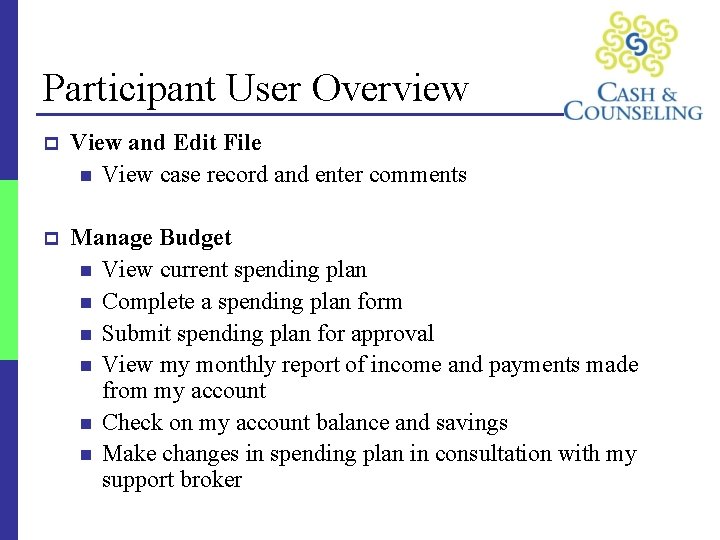
Participant User Overview p View and Edit File n View case record and enter comments p Manage Budget n View current spending plan n Complete a spending plan form n Submit spending plan for approval n View my monthly report of income and payments made from my account n Check on my account balance and savings n Make changes in spending plan in consultation with my support broker
Participant User Overview (continued) p Get Information from the State n Download blank employment forms n Download other necessary forms
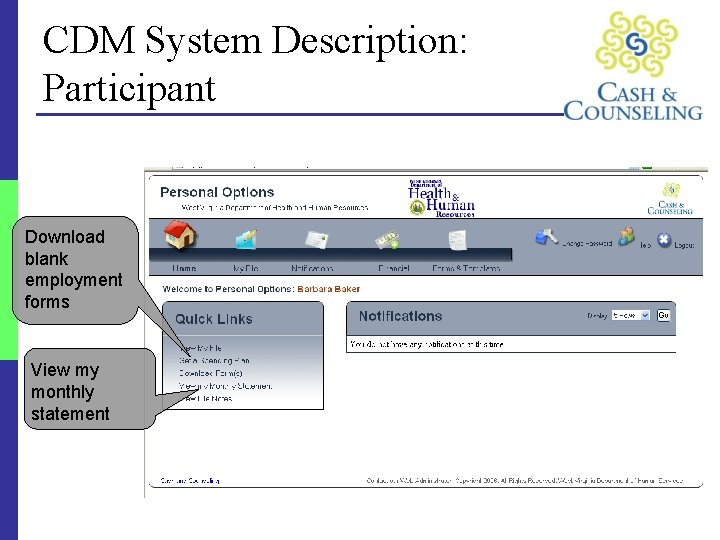
CDM System Description: Participant Download blank employment forms View my monthly statement
F/EA (FMSA) User Overview p General Government or Vendor F/EA or its Reporting Agent or Subagent Staff User n Receives the participant spending plan and revisions; n Sends the participant’s monthly report of income and payments made n Enters employee information in participant files; n Receives changes in participant, support broker, and worker information; and n Generates reports.
F/EA (FMSA) User Overview (continued) p Authorized Government or Vendor F/EA or Reporting Agent or Subagent Staff User n n n Performs all of the above tasks; Creates FMSA (F/EA) Users in the CDM (see earlier slide); and Determines and inputs the tax rate on spending plans.
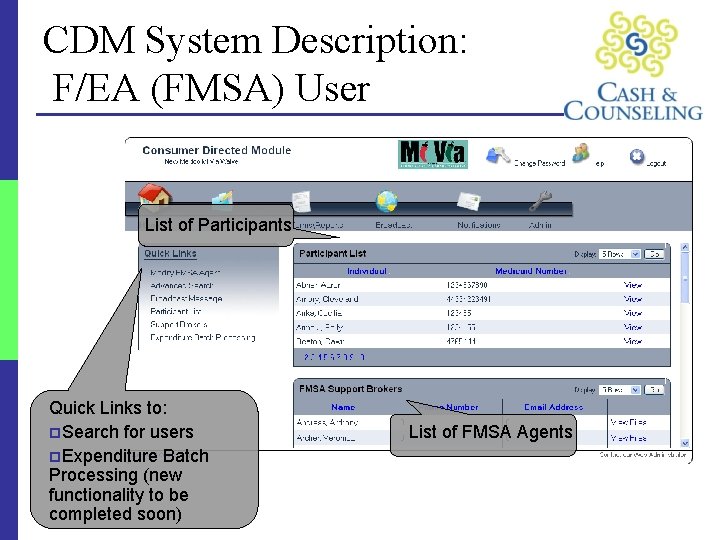
CDM System Description: F/EA (FMSA) User List of Participants Quick Links to: p. Search for users p. Expenditure Batch Processing (new functionality to be completed soon) List of FMSA Agents
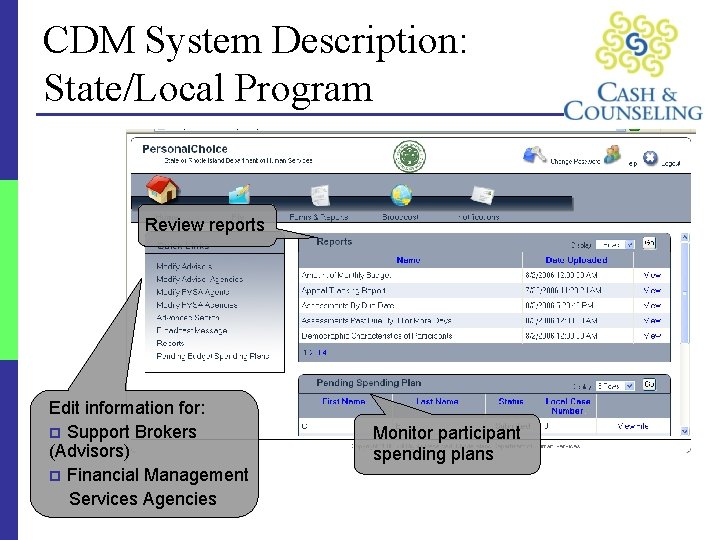
State/Local User Overview p p p p p Creates an entry for a new participant Assigns support broker or financial management services agency Approves spending plans (responsibility may vary by state) Monitors spending plans and changes and participant spending Reviews support broker case records Review reports from financial management agent Edits participant/support broker/financial management services agency information Sends messages to other user groups Closes case Generates reports
CDM System Description: State/Local Program Review reports Edit information for: p Support Brokers (Advisors) p Financial Management Services Agencies Monitor participant spending plans
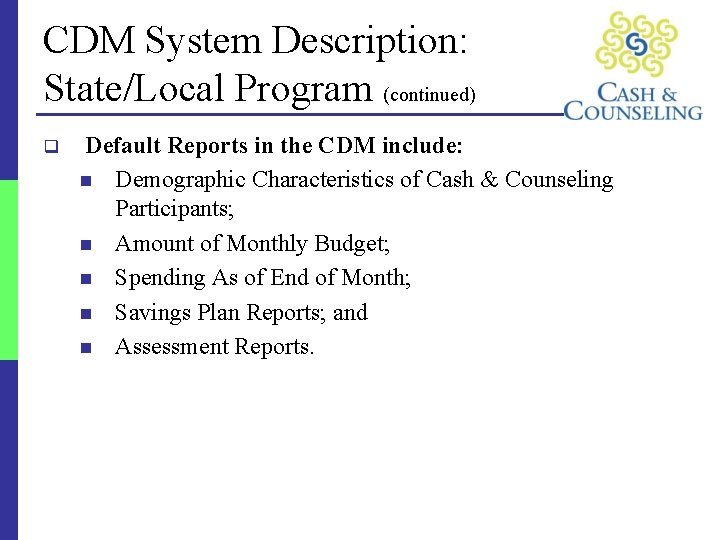
CDM System Description: State/Local Program (continued) q Default Reports in the CDM include: n Demographic Characteristics of Cash & Counseling Participants; n Amount of Monthly Budget; n Spending As of End of Month; n Savings Plan Reports; and n Assessment Reports.
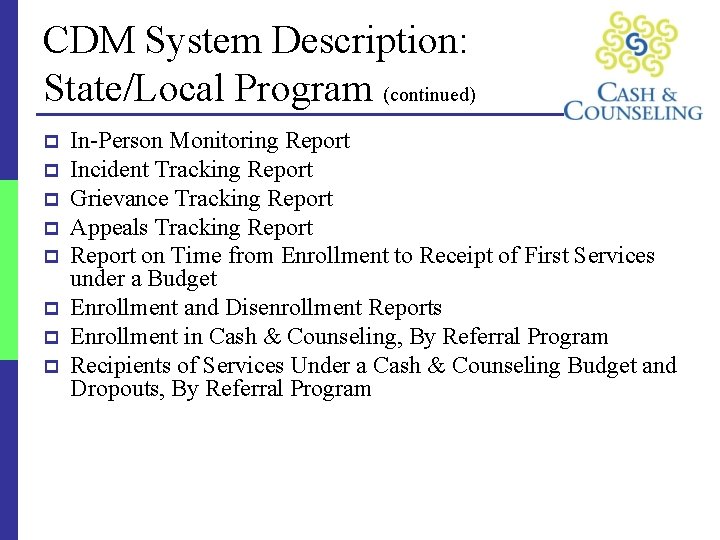
CDM System Description: State/Local Program (continued) p p p p In-Person Monitoring Report Incident Tracking Report Grievance Tracking Report Appeals Tracking Report on Time from Enrollment to Receipt of First Services under a Budget Enrollment and Disenrollment Reports Enrollment in Cash & Counseling, By Referral Program Recipients of Services Under a Cash & Counseling Budget and Dropouts, By Referral Program
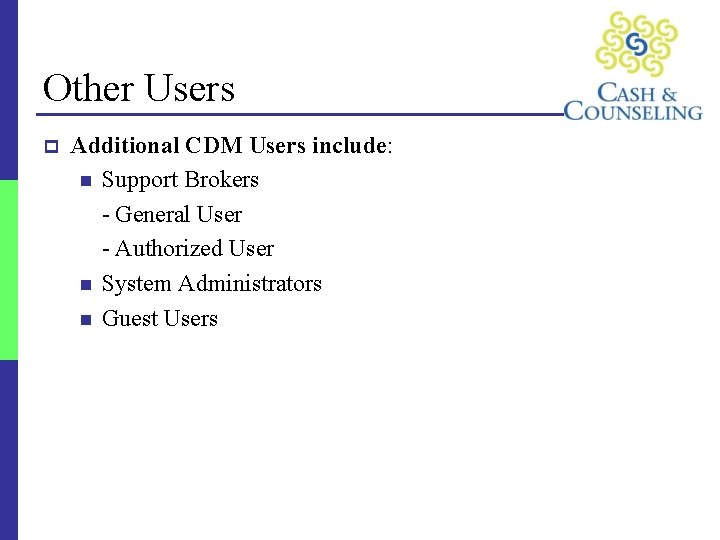
Other Users p Additional CDM Users include: n Support Brokers - General User - Authorized User n System Administrators n Guest Users
Cost to States p The CDM system software and source code will be given to states. p States will: n Create their own interfaces as needed n Incur cost of initial installation on their own hardware n Be expected to maintain and support the system as they would any other business system p The Vendor will: n Provide documentation and help materials
Cost to States (continued) p Potential costs to states that implement the CDM in the future: n Implementation: $5, 000 - Includes source code, installation manual and five (5) days of phone support. Price guaranteed through June 2007. n One-time data load (optional): $5, 000 - Price guaranteed through June 2007.
CDM Enhancements p FMSA (F/EA) Data Connector n CDM to F/EAs: Bulk download (retrieval) of spending plan information from the CDM to F/EAs n F/EAs to CDM: Bulk upload of expenditure data into the CDM from F/EAs p Additional Enhancements n The steering committee has compiled a list of other possible enhancements to the CDM. The top priorities of the states will be addressed during this fiscal year.
Panel Discussion 1. Please provide some background information on your state’s C&C program. 2. Describe what benefits your state sees/has experienced in implementing the CDM now and in the future (i. e. benefits as a project management, participant transparency and tracking tool). 3. How have you prepared, or how are you preparing, for the CDM implementation? What plans are being made on the program side? Technical side? If you have implemented the CDM, what efforts required for the management of the system? 4. How have you, or will you, handle training in your states? How much time was, or will be, allotted to train each role? 5. What are the benefits of working with the other states and the National Program Office?
Contact Information p For more information about the Consumer Direction Module, please contact: n Angela Sutkaitis Cash & Counseling National Program Office Phone: 650 -386 -6537 Email: sutkaiti@bc. edu