
Consolidated Planning First step in formula grant management








- Slides: 69
Consolidated Planning • First step in formula grant management process: – – – Plan Implement/Manage Report Evaluate Repeat cycle
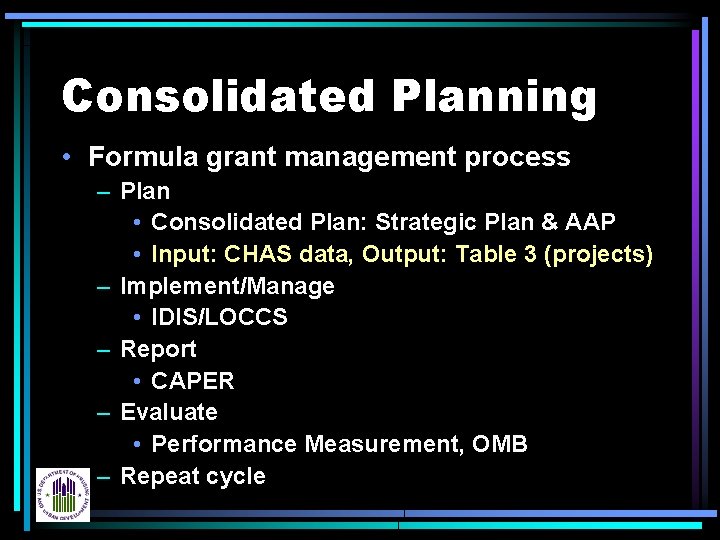
Consolidated Planning • Formula grant management process – Plan • Consolidated Plan: Strategic Plan & AAP • Input: CHAS data, Output: Table 3 (projects) – Implement/Manage • IDIS/LOCCS – Report • CAPER – Evaluate • Performance Measurement, OMB – Repeat cycle
Consolidated Planning • Memo – Dated July 29, 2005 from General Deputy Secretary Bregon – Guidance – Instruction on CP completion – Optional tools & techniques
Consolidated Planning • Memo – Part I: Current requirements & instructions – Part II: Guidance on HUD goals, current program emphases, performance measurement – Part III: Lessons learned from CPII – DOES NOT cover CAPER, but has links to info
Consolidated Planning • Memo – Part I: Current requirements & instructions • • • Regulations Current approved guidelines for submission Q & A of 11/02 Required forms/certifications Completeness checklist
Consolidated Planning • Memo – Part I: Current requirements & instructions • Submission using C 2020 still allowed (must have Windows 95 or 98 OS; not compatible with Windows 2000 or XP) • Use 2000 census data
Consolidated Planning • Memo – Part II: Guidance on HUD goals, current program emphases, performance measurement • Consider national priorities in Conplan – End chronic homelessness by 2012 – Increase minority homeownership
Consolidated Planning • Memo – Part II: Guidance on HUD goals, current program emphases, performance measurement • CPD Notice 03 -09 “Development of State and Local Performance Measurement Systems for Community Planning and Development Formula Grant Programs” • Grantee status on developing performance measurement system
Consolidated Planning • Memo – Part II: Guidance on HUD goals, current program emphases, performance measurement • http: //www. hud. gov/offices/cpd/lawsregs/ notices/2003/03 -09. pdf • Performance measurement accuracy depends on quality of data entered into IDIS
Consolidated Planning • Memo – Part II: Guidance on HUD goals, current program emphases, performance measurement • Reporting results/outcomes at end of PY depends on how activities presented in Conplan • Memo assists in performance measurement for all four formula grants • Data (especially geocoded), performance indicators, & surveys important • Where are we now, and where do we want to be?
Consolidated Planning • Memo – Part III: Lessons learned from CPII – Pilots: Test different methods of developing, submitting, and reporting on Consolidated Plan – Four options
Consolidated Planning • Memo – Part III: Lessons learned from CPII – Four options • Status quo: same as in past, C 2020 if still have it • Combination from CPII pilots • Create a format locally (discuss with local CPD office) • Consolidated Planning Management Process Tool (CPMP)
CPMP Tool: Overview • Assists formula grantees • Meets minimum statutory/regulatory requirements • Incorporates: – Strategic Plan – Up to five AAPs – Up to five CAPERS
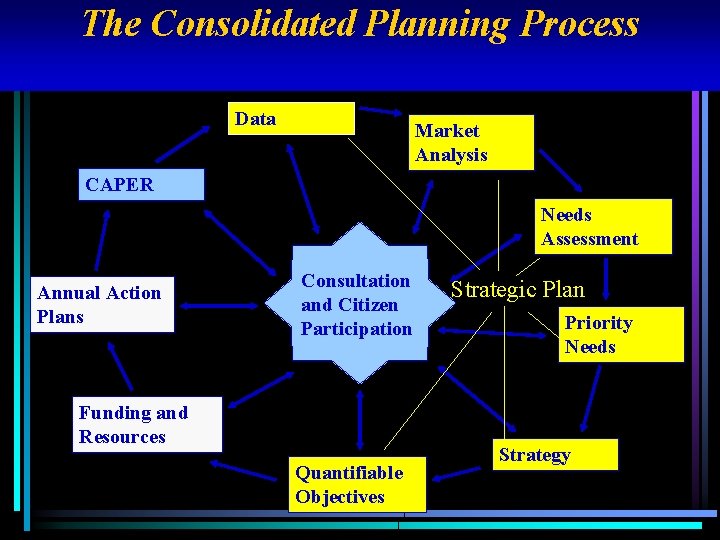
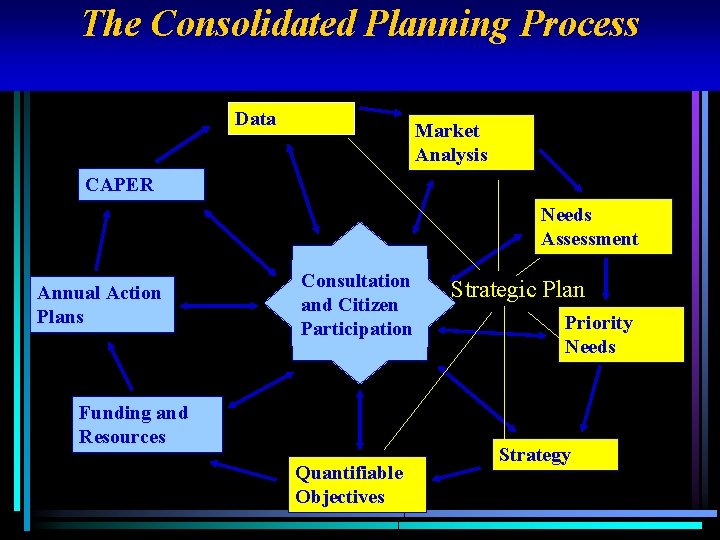
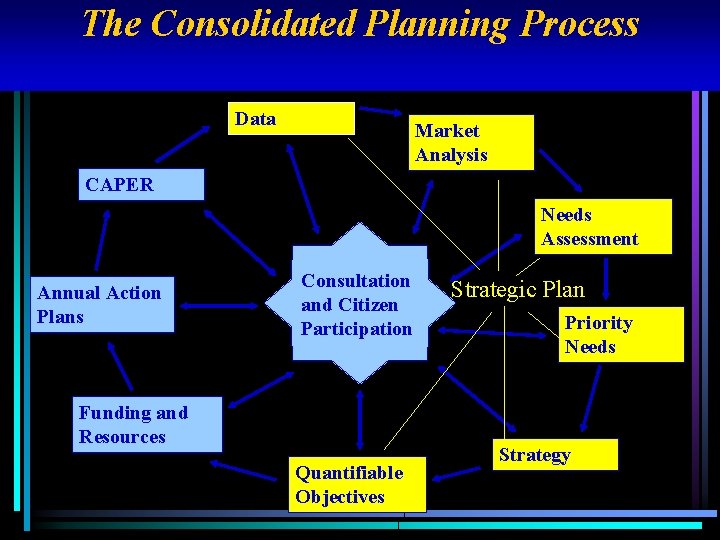
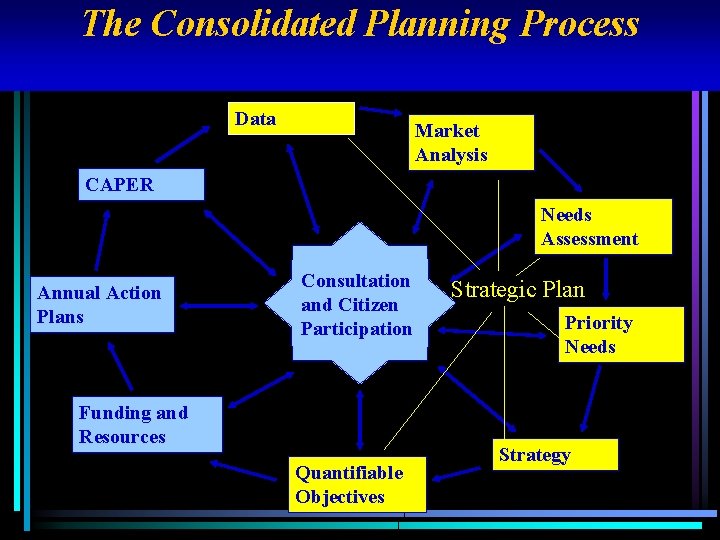
The Consolidated Planning Process Data Market Analysis CAPER Needs Assessment Annual Action Plans Consultation and Citizen Participation Funding and Resources Quantifiable Objectives Strategic Plan Priority Needs Strategy
CPMP Tool: Overview • Use of Tool is still optional • Content set, format is not • Submission options: – Pre-CPMP formats – CPMP in its entirety – Part CPMP/part other
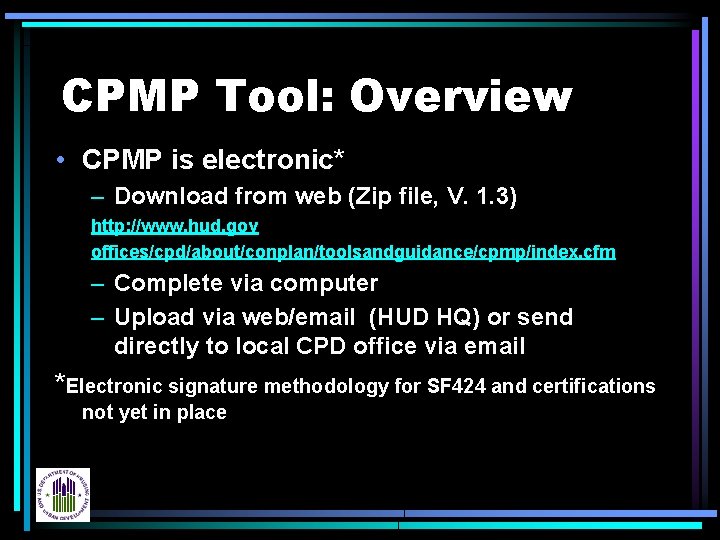
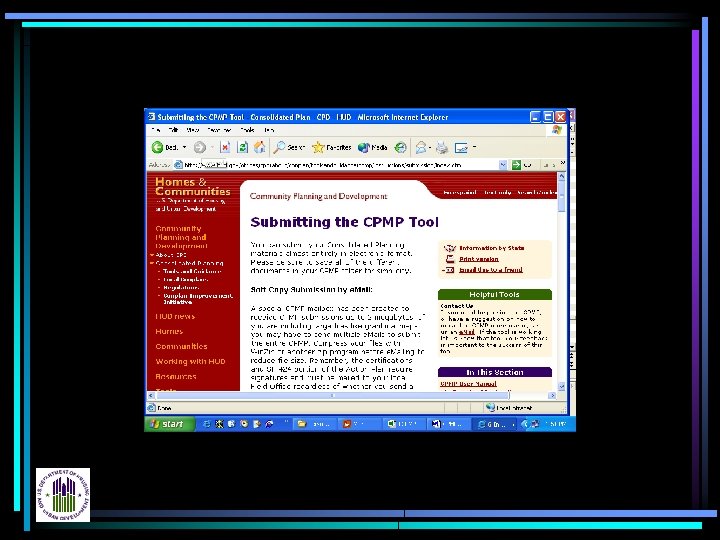
CPMP Tool: Overview • CPMP is electronic* – Download from web (Zip file, V. 1. 3) http: //www. hud. gov offices/cpd/about/conplan/toolsandguidance/cpmp/index. cfm – Complete via computer – Upload via web/email (HUD HQ) or send directly to local CPD office via email *Electronic signature methodology for SF 424 and certifications not yet in place
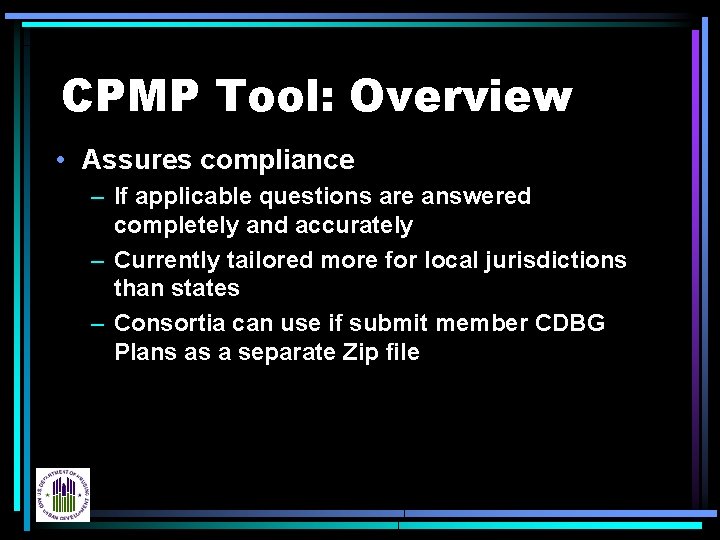
CPMP Tool: Overview • Assures compliance – If applicable questions are answered completely and accurately – Currently tailored more for local jurisdictions than states – Consortia can use if submit member CDBG Plans as a separate Zip file
CPMP Tool: Overview • HUD developed – It’s free – Public domain
CPMP Tool: Accessing It • Create a directory (on C drive) dedicated to CPMP Tool (CPMP 2005 -2009) • Go to Hud. gov address
CPMP Tool: Accessing It • • Look for “Download the CPMP Tool” Click ZIP File (version 1. 3, updated 11/8/04) When Win. Zip Box opens, click “Extract” Extract the files to “CPMP 2005 -2009” directory from the archive in the Win. Zip box
CPMP Tool: Accessing It • In “CPMP 2005 -2009” directory – 117 hidden files – 23 visible working files • Must have all files in same directory (or links will NOT work)
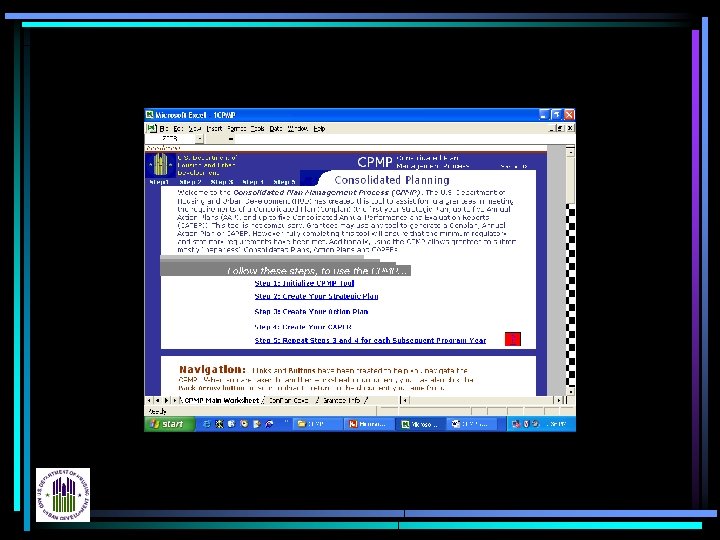
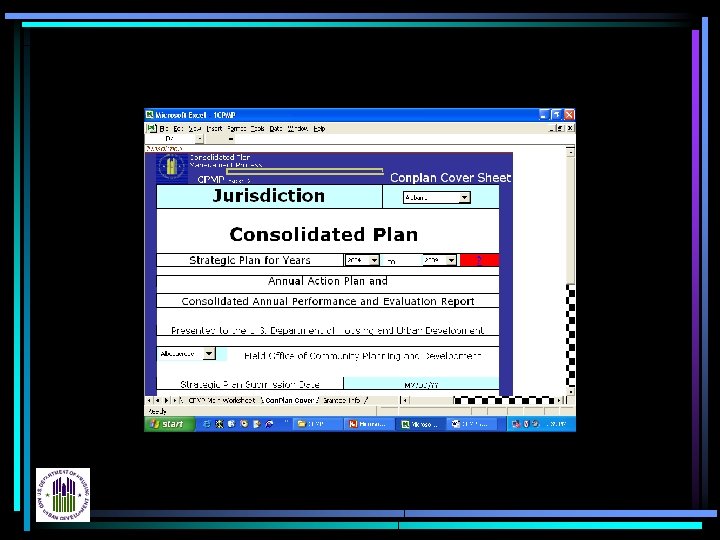
CPMP Tool: Using It • • • Start with 1 CPMP. xls All other files linked from here Do NOT open files from Windows Explorer Use buttons to navigate Follow steps in order
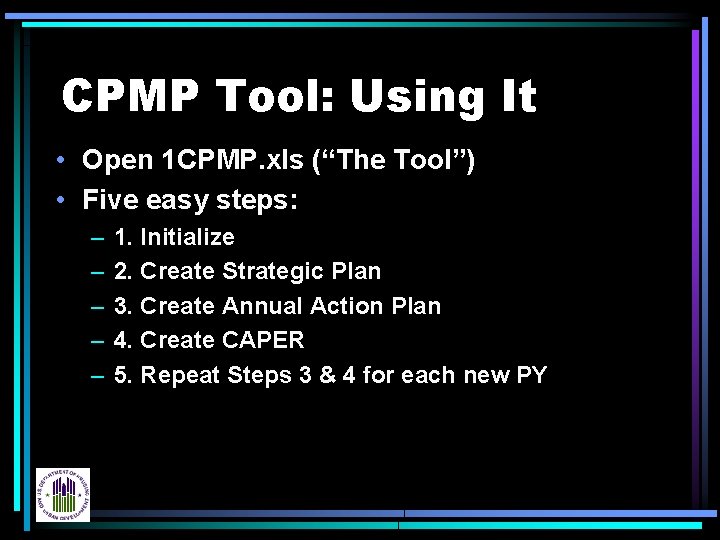
CPMP Tool: Using It • Open 1 CPMP. xls (“The Tool”) • Five easy steps: – – – 1. Initialize 2. Create Strategic Plan 3. Create Annual Action Plan 4. Create CAPER 5. Repeat Steps 3 & 4 for each new PY
The Consolidated Planning Process Data Market Analysis CAPER Needs Assessment Annual Action Plans Consultation and Citizen Participation Funding and Resources Quantifiable Objectives Strategic Plan Priority Needs Strategy
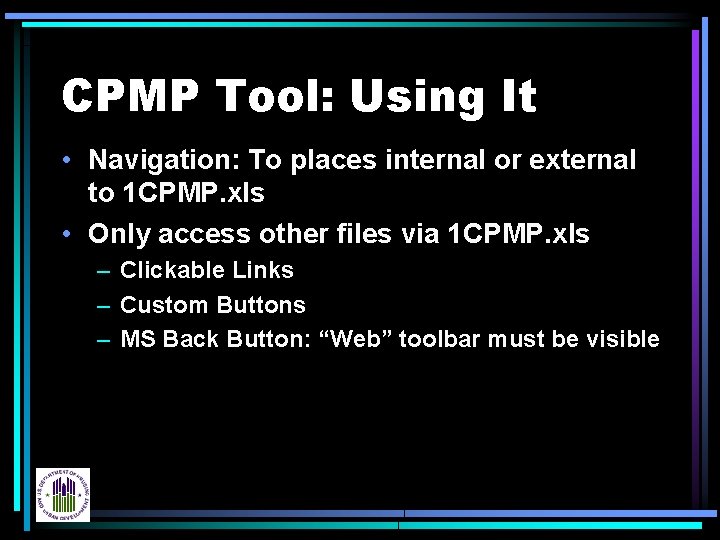
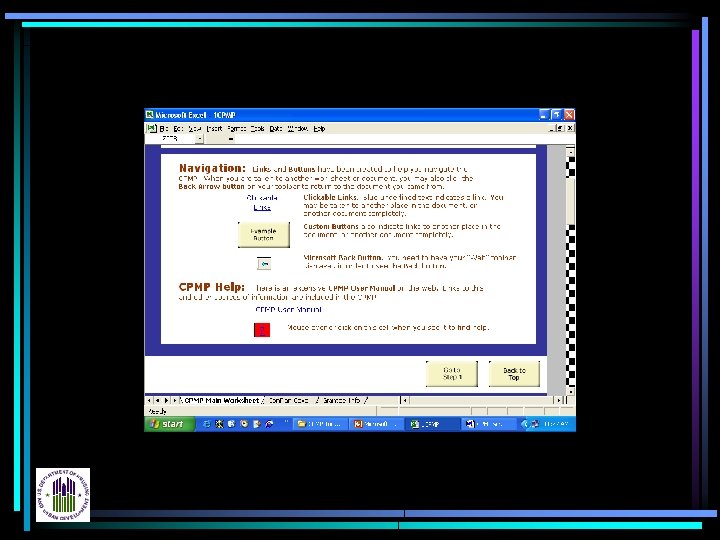
CPMP Tool: Using It • Navigation: To places internal or external to 1 CPMP. xls • Only access other files via 1 CPMP. xls – Clickable Links – Custom Buttons – MS Back Button: “Web” toolbar must be visible
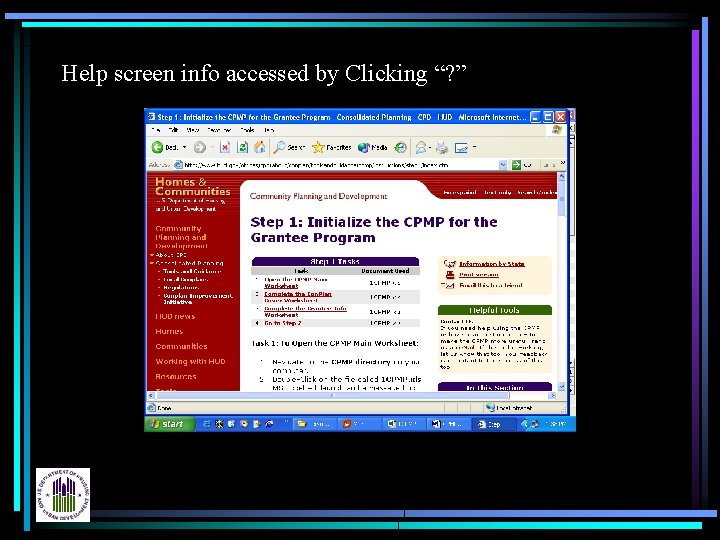
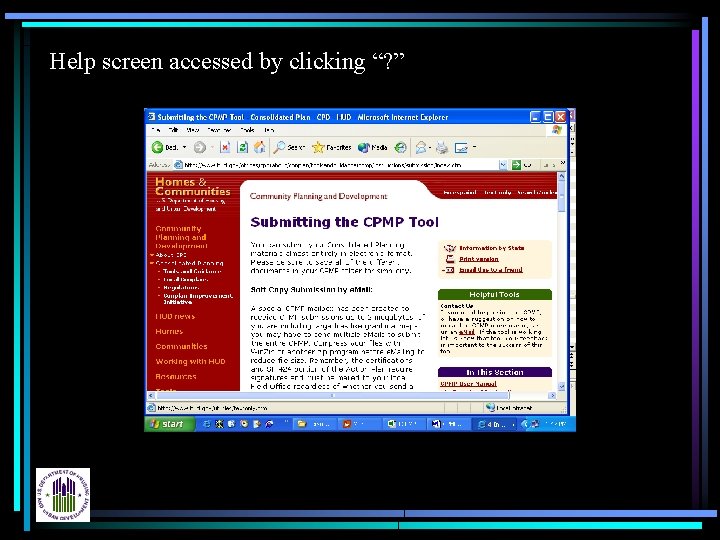
CPMP Tool: Using It • CPMP Help link from Tool • Takes you to User Manual on web • User manual has further links to helpful Conplan resources
Help screen info accessed by clicking “? ”
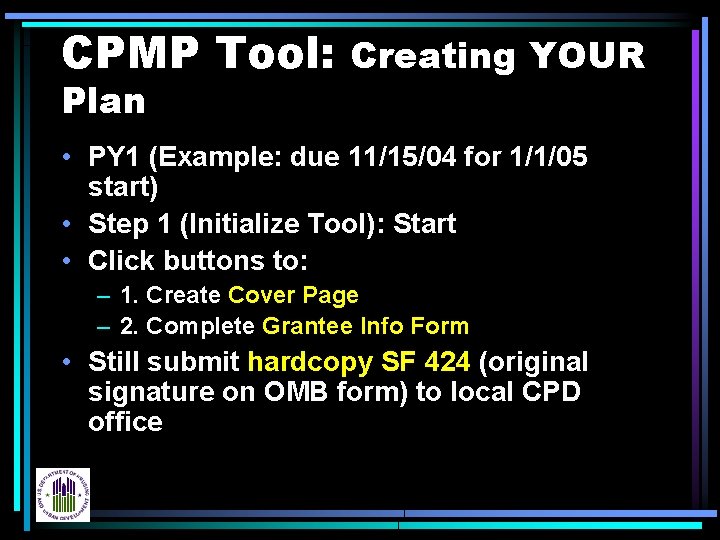
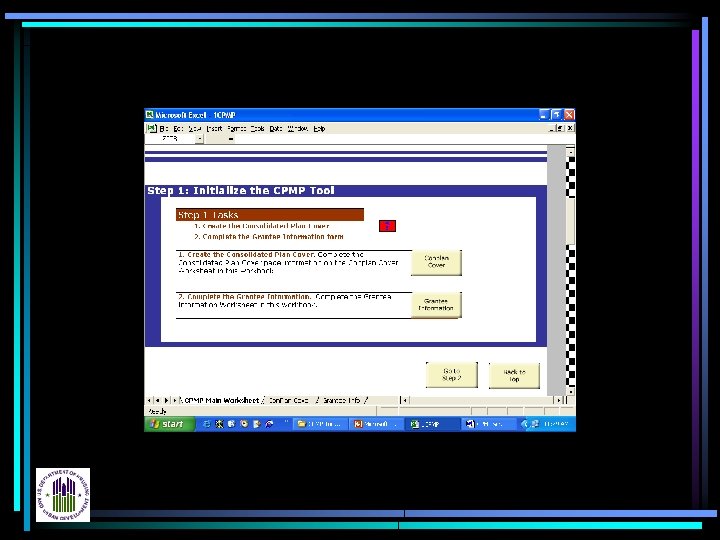
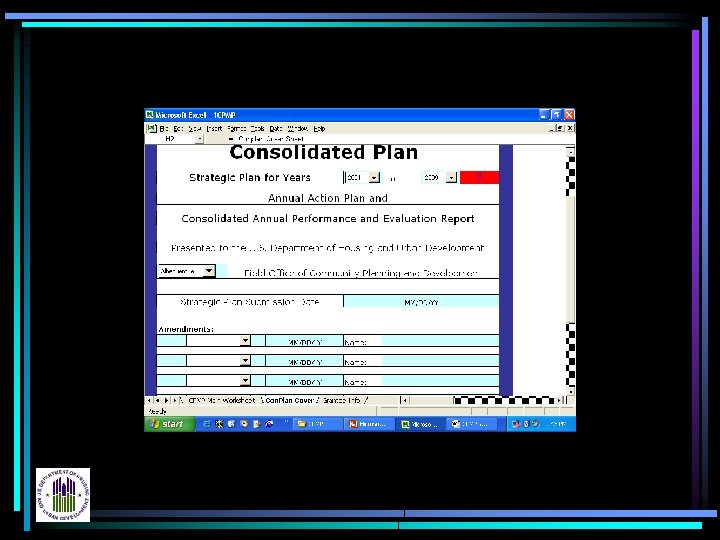
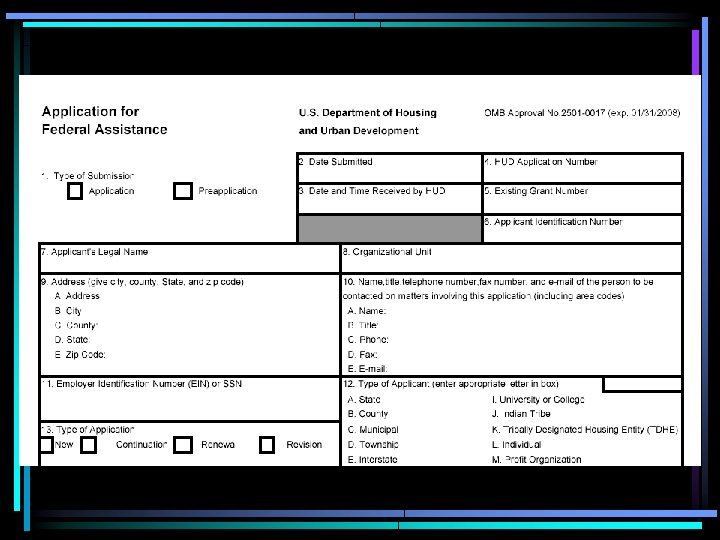
CPMP Tool: Creating YOUR Plan • PY 1 (Example: due 11/15/04 for 1/1/05 start) • Step 1 (Initialize Tool): Start • Click buttons to: – 1. Create Cover Page – 2. Complete Grantee Info Form • Still submit hardcopy SF 424 (original signature on OMB form) to local CPD office
Help screen info accessed by Clicking “? ”
CPMP Tool: Creating YOUR Plan • Step 1 (Initialize Tool): Complete • Click buttons to: – Go to Step 2 (Create Strategic Plan), or – Go back to Top
The Consolidated Planning Process Data Market Analysis CAPER Needs Assessment Annual Action Plans Consultation and Citizen Participation Funding and Resources Quantifiable Objectives Strategic Plan Priority Needs Strategy
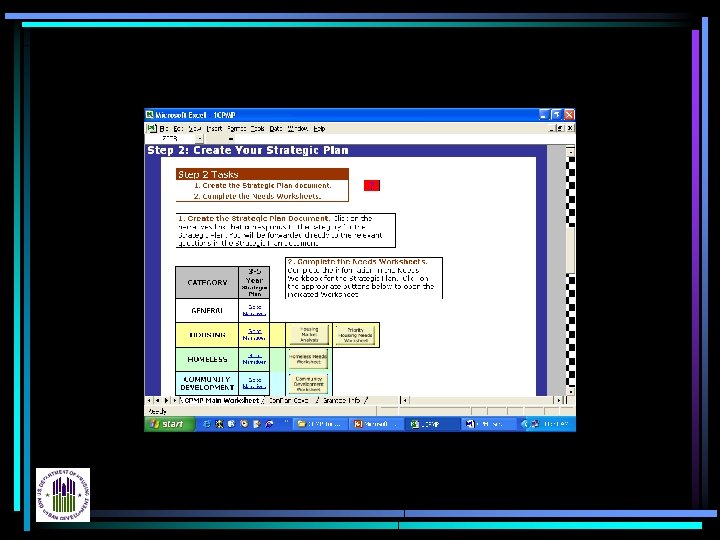
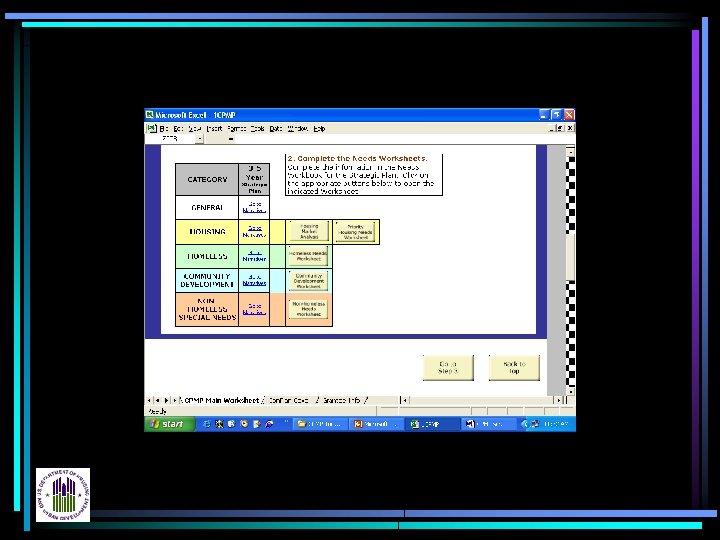
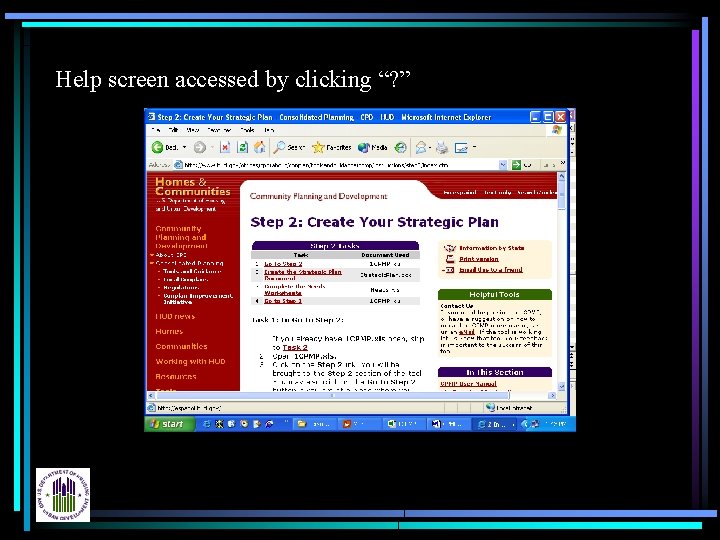
CPMP Tool: Creating YOUR Plan • Step 2 (Create Strategic Plan): Start • Click buttons to: – 1. Create Strategic Plan – 2. Complete Needs Work Sheets
Help screen accessed by clicking “? ”
CPMP Tool: Creating YOUR Plan • Step 2 (Create Strategic Plan): Complete • Click buttons to: – Go to Step 3 (Create Action Plan), or – Go back to Top
The Consolidated Planning Process Data Market Analysis CAPER Needs Assessment Annual Action Plans Consultation and Citizen Participation Funding and Resources Quantifiable Objectives Strategic Plan Priority Needs Strategy
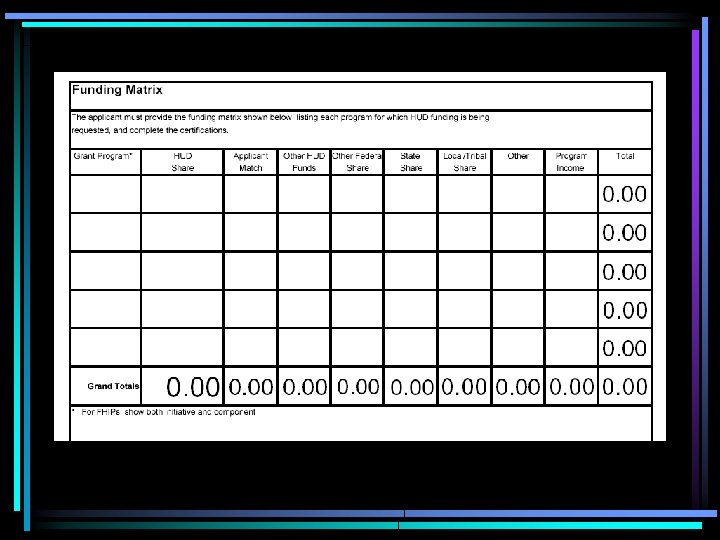
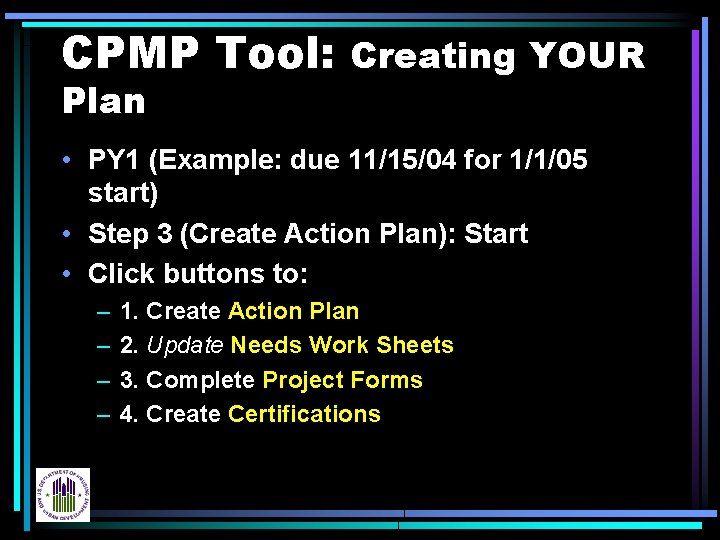
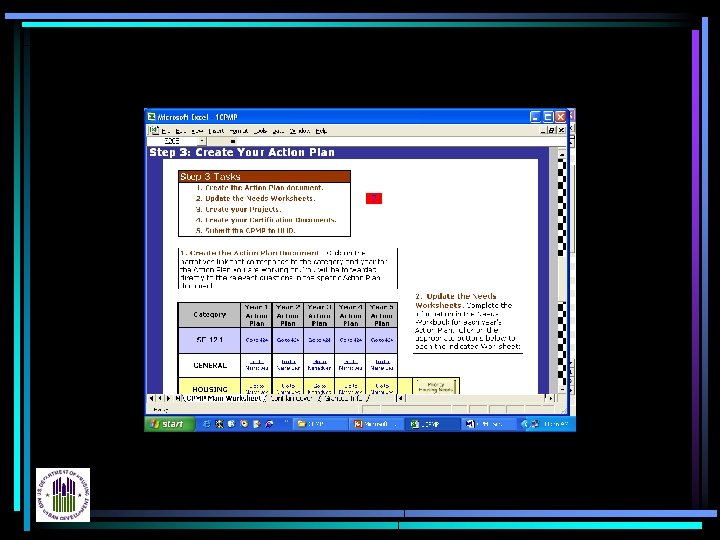
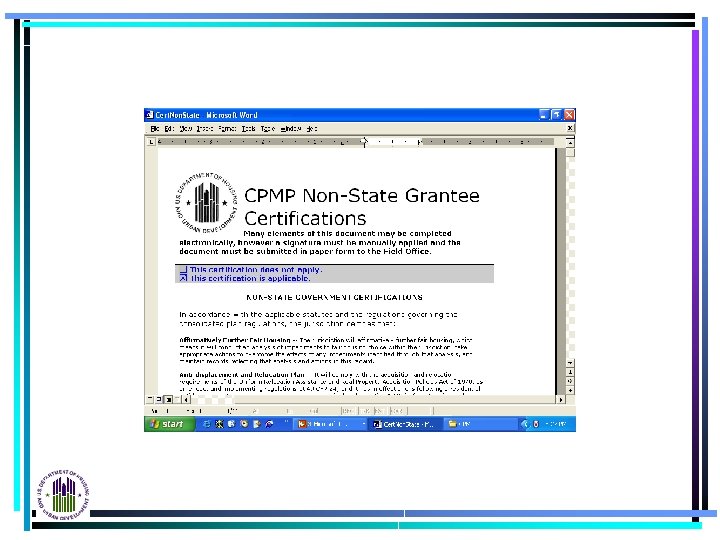
CPMP Tool: Creating YOUR Plan • PY 1 (Example: due 11/15/04 for 1/1/05 start) • Step 3 (Create Action Plan): Start • Click buttons to: – – 1. Create Action Plan 2. Update Needs Work Sheets 3. Complete Project Forms 4. Create Certifications
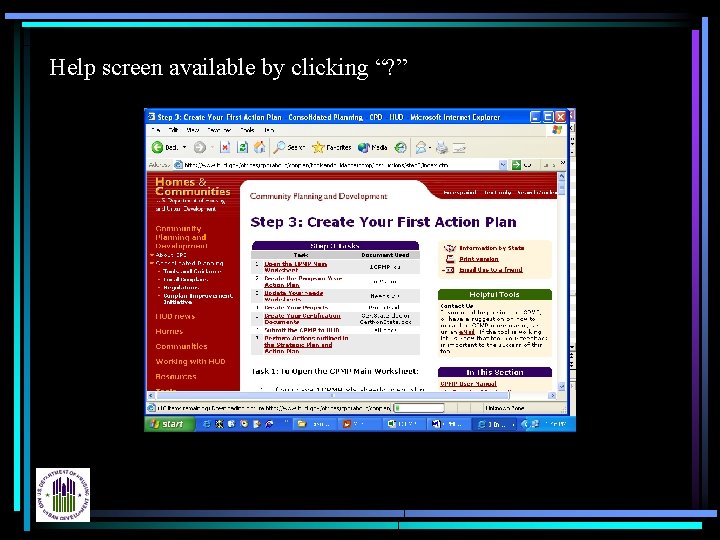
Help screen available by clicking “? ”
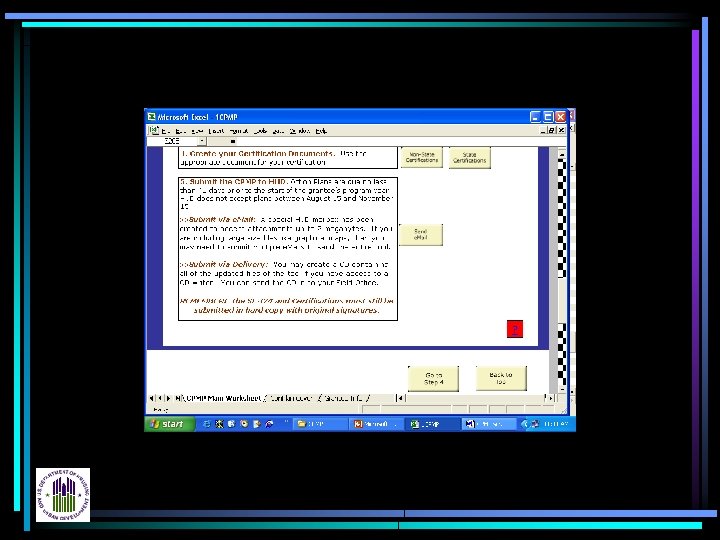
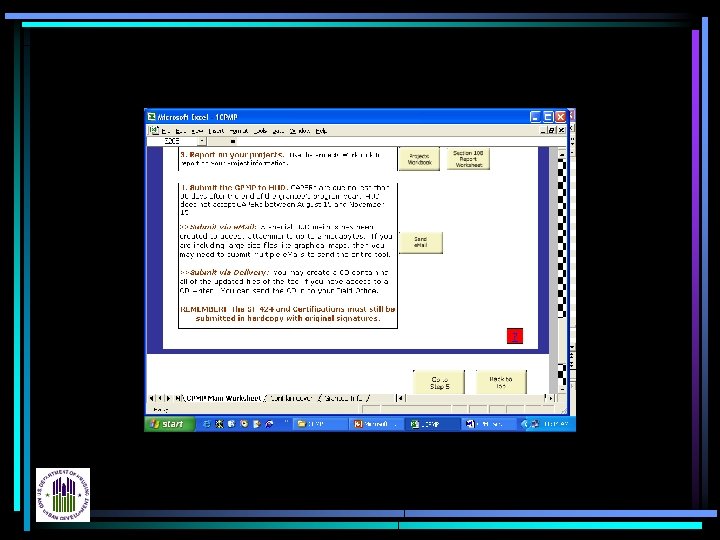
CPMP Tool: Submitting YOUR Plan – 5. Submit CPMP to HUD – Via email • HUD mailbox for up to 2 meg (or to local office if small) • Multiple emails if adding other large files (maps, photos, etc. ) • Via CD to local CPD office – Still submit hardcopy certifications (original signature) to local CPD office
Help screen accessed by clicking “? ”
CPMP Tool: Reporting on YOUR Plan • Step 3 (Create Action Plan): Complete • Click buttons to: – Go to Step 4 (Create CAPER), or – Go back to Top
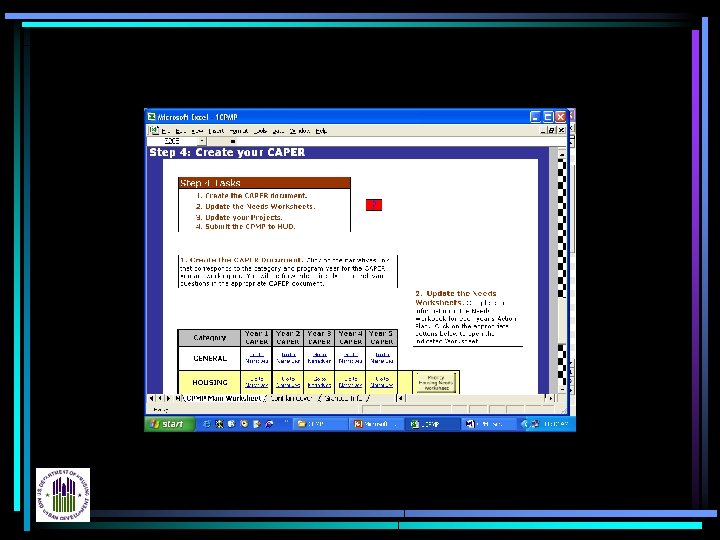
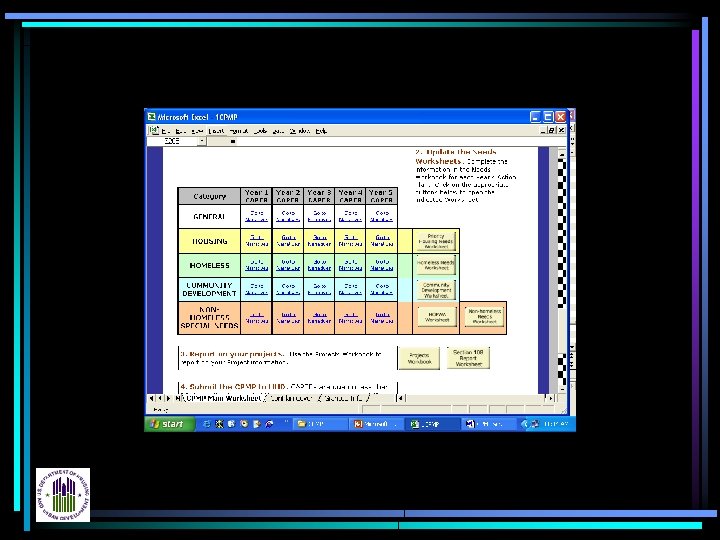
CPMP Tool: Reporting on YOUR Plan • PY 1: (Example: Due 3/31/06 for Plan due 11/15/04) • Step 4 (Create CAPER): Start • Click buttons to: – 1. Create CAPER – 2. Update Needs Work Sheets – 3. Update Projects
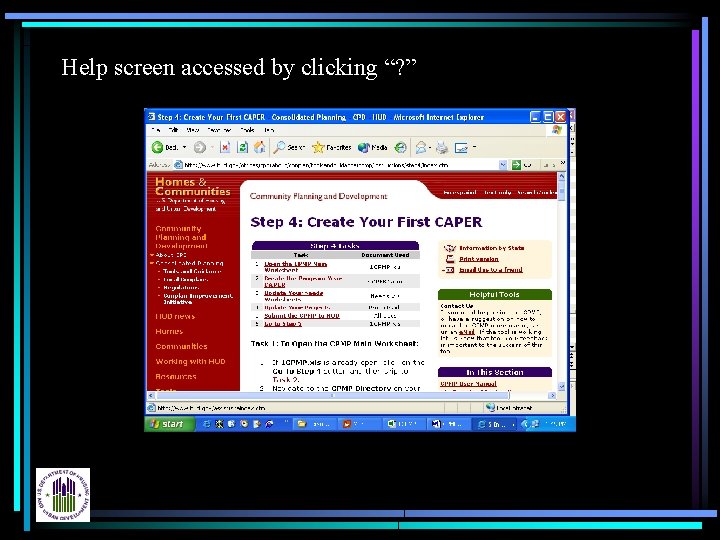
Help screen accessed by clicking “? ”
CPMP Tool: Submitting Your Report – 5. Submit CPMP to HUD – Via email • HUD mailbox for up to 2 meg (or to local office if small) • Multiple emails if adding other large files (maps, photos, etc. ) • Via CD to local CPD office
The Consolidated Planning Process Data Market Analysis CAPER Needs Assessment Annual Action Plans Consultation and Citizen Participation Funding and Resources Quantifiable Objectives Strategic Plan Priority Needs Strategy
CPMP Tool: Submitting Your Report • Step 4 (Create CAPER): Complete • Click buttons to: – Go to Step 5 (Create Next Action Plan or CAPER), or – Go back to Top
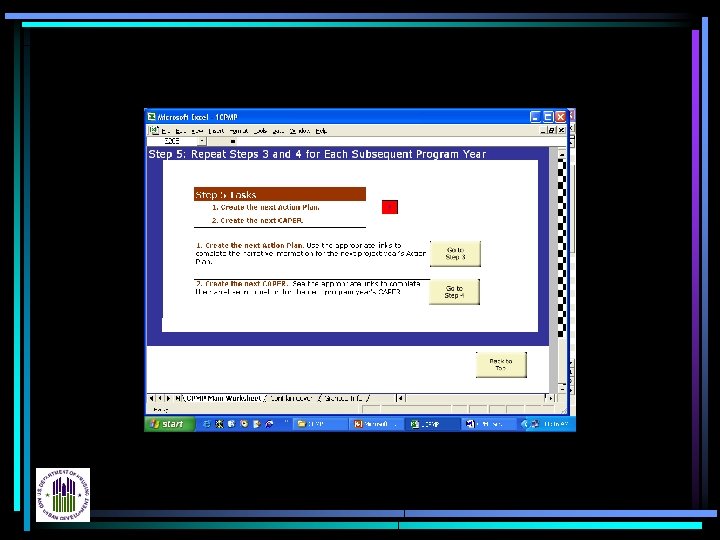
CPMP Tool: PY 2 and Beyond • Step 5 (Create Next Action Plan or CAPER): Start • Click buttons to: – 1. Create Next Action Plan – 2. Create Next CAPER
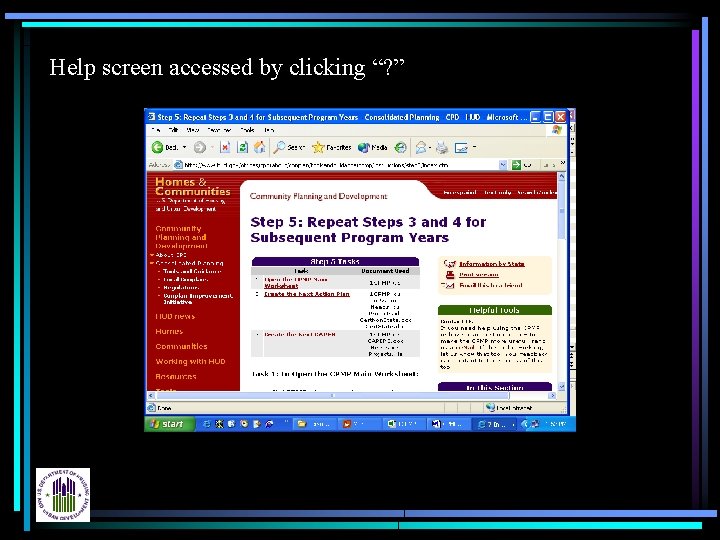
Help screen accessed by clicking “? ”
CPMP Tool: PY 2 and Beyond • CPMP is like a diary…constant real-time updates are important • Could submit CAPER one day after end of PY!
CPMP Tool: Coming Features • Beginning of process: CHAS automatically populates tables in CPMP • End of process: CPMP automatically populates project records in IDIS (as C 2020 has in past via zipped disk with Table 3 “Listing of Proposed Projects” forms) • Goal: By 2007, seamless with all parts rolled into the new IDIS (Plan, Implement/manage, Report, Evaluate)
CPMP Tool: Linkages • CHAS data • IDIS Conplan (via CPMP) IDIS – Plan Implementation (drawdowns) – Reporting • Performance: Budget/actual compared to outputs/outcomes • Compliance: Compared to regulations/statutes • Aggregation of data (expenditures, outputs, outcomes) by Congressional district, CPD office, state, grantee, region, nation – Analysis
Dee Ann Ducote Office of Community Planning and Development U. S. Department Of Housing & Urban Development St. Louis, MO (314) 539 -6567 dee_a. _ducote@hud. gov