
Connecting to Microsoft SQL Server Tuc Goodwin Introduction
![Example of a File DSN (Standard) [ODBC] DRIVER=SQL Server UID=sa DATABASE=State. U WSID=DALGOODWIN 3](https://slidetodoc.com/presentation_image_h/9941ada94c85a889c654fc70c860ce19/image-13.jpg "Example of a File DSN (Standard) [ODBC] DRIVER=SQL Server UID=sa DATABASE=State. U WSID=DALGOODWIN 3")
![Example of a File DSN (Integrated) [ODBC] DRIVER=SQL Server UID=tgoodwin Trusted_Connection=Yes DATABASE=pubs WSID=DALGOODWIN 3](https://slidetodoc.com/presentation_image_h/9941ada94c85a889c654fc70c860ce19/image-14.jpg "Example of a File DSN (Integrated) [ODBC] DRIVER=SQL Server UID=tgoodwin Trusted_Connection=Yes DATABASE=pubs WSID=DALGOODWIN 3")
![Examine the UDL [oledb] ; Everything after this line is an OLE DB initstring](https://slidetodoc.com/presentation_image_h/9941ada94c85a889c654fc70c860ce19/image-20.jpg "Examine the UDL [oledb] ; Everything after this line is an OLE DB initstring")
- Slides: 25
Connecting to Microsoft SQL Server Tuc Goodwin
Introduction n n We are going to discuss establishing an connection to a SQL Server Database. You will learn that there is an easy way and a hard way.
Agenda n n Overview – What do you have to know… Security Modes Database Interfaces Connecting to a SQL Server Data Source
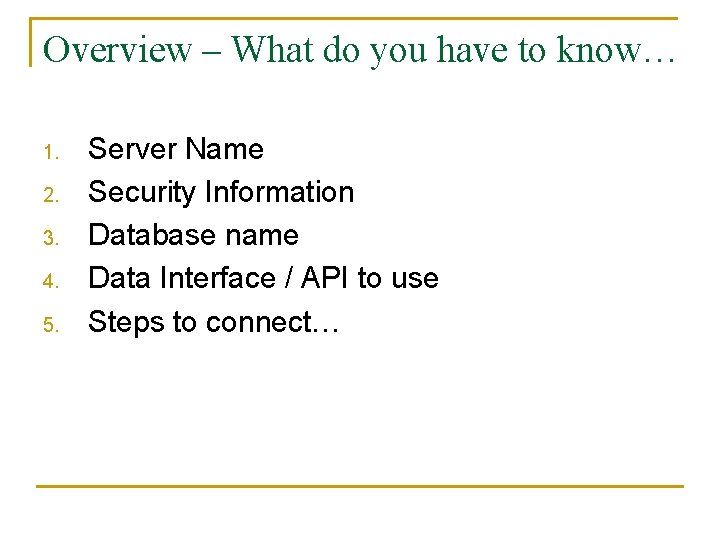
Overview – What do you have to know… 1. 2. 3. 4. 5. Server Name Security Information Database name Data Interface / API to use Steps to connect…
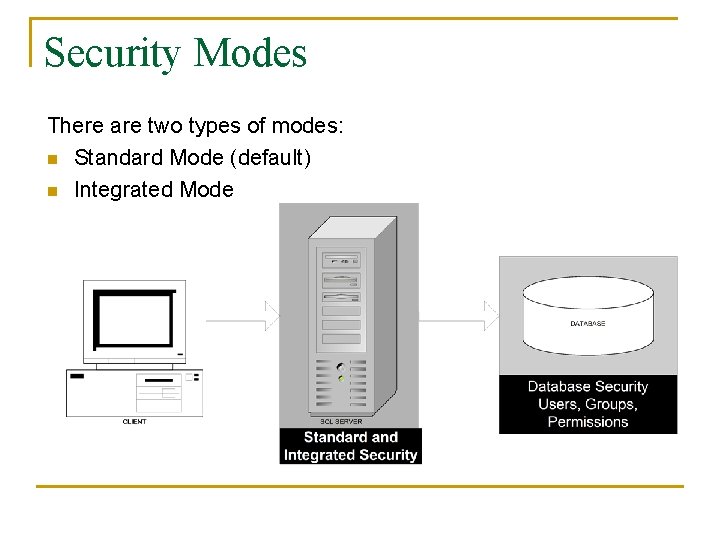
Security Modes There are two types of modes: n Standard Mode (default) n Integrated Mode
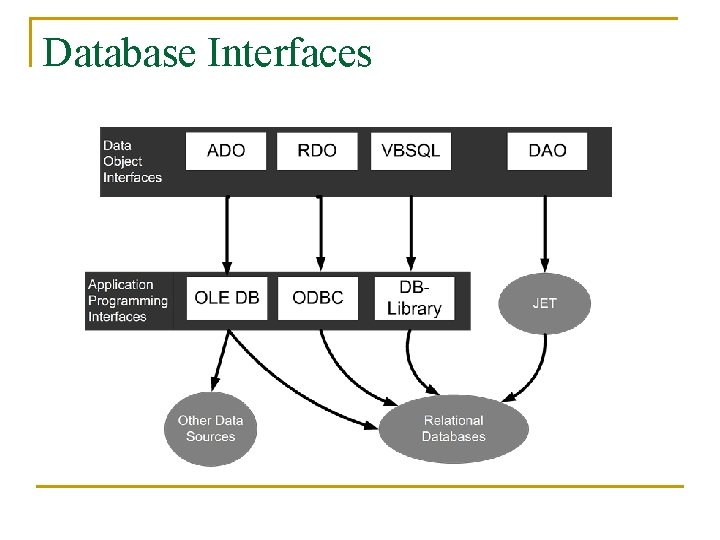
Database Interfaces
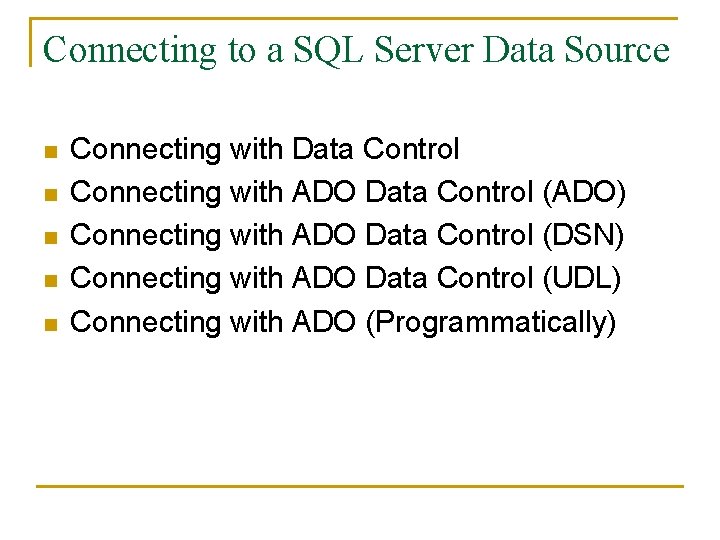
Connecting to a SQL Server Data Source n n n Connecting with Data Control Connecting with ADO Data Control (ADO) Connecting with ADO Data Control (DSN) Connecting with ADO Data Control (UDL) Connecting with ADO (Programmatically)
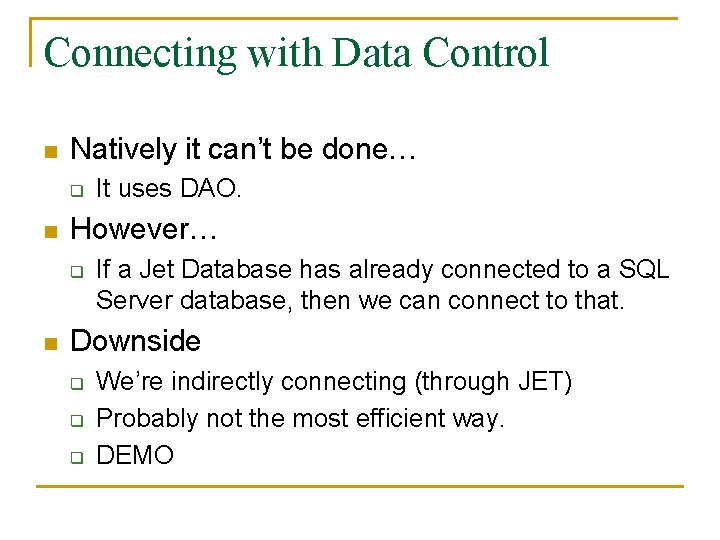
Connecting with Data Control n Natively it can’t be done… q n However… q n It uses DAO. If a Jet Database has already connected to a SQL Server database, then we can connect to that. Downside q q q We’re indirectly connecting (through JET) Probably not the most efficient way. DEMO
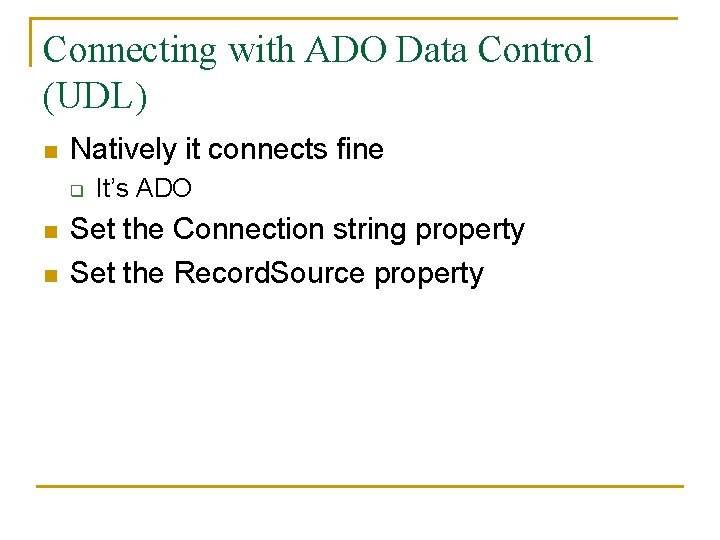
Connecting with ADO Data Control (ADO) n Natively it connects fine q n n n It’s ADO Set the Connection string property Set the Record. Source property DEMO
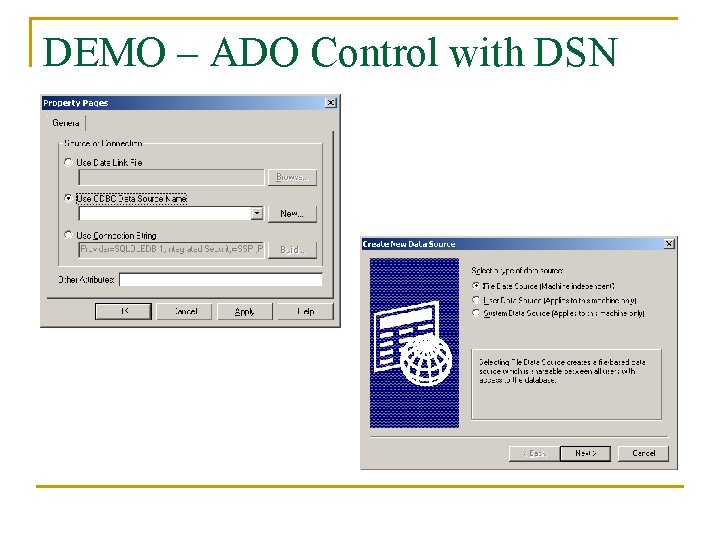
Connecting with ADO Data Control (DSN) n Natively it connects fine q n n It’s ODBC Set the Connection string property Set the Record. Source property
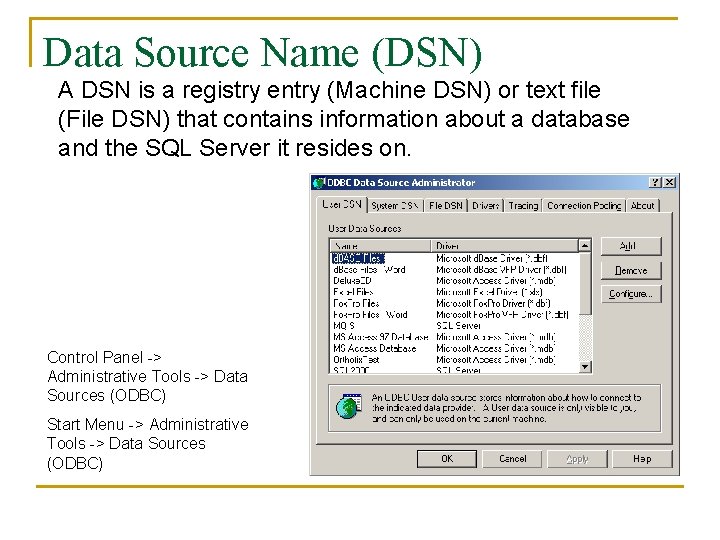
Data Source Name (DSN) A DSN is a registry entry (Machine DSN) or text file (File DSN) that contains information about a database and the SQL Server it resides on. Control Panel -> Administrative Tools -> Data Sources (ODBC) Start Menu -> Administrative Tools -> Data Sources (ODBC)
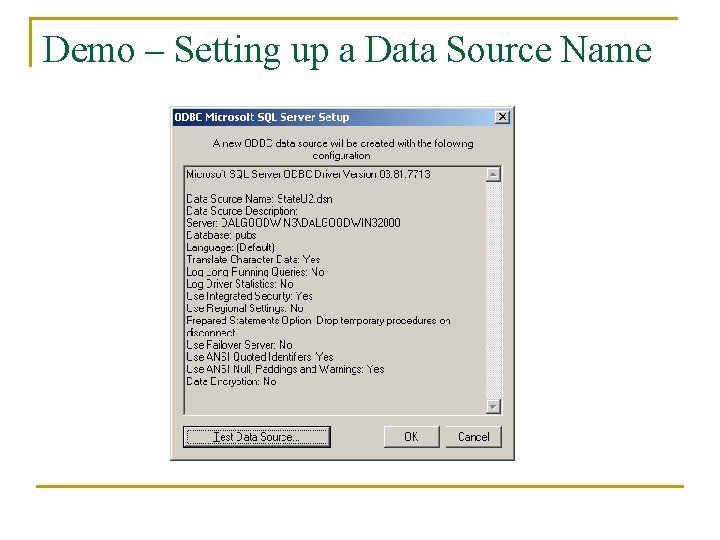
Demo – Setting up a Data Source Name
Example of a File DSN (Standard) [ODBC] DRIVER=SQL Server UID=sa DATABASE=State. U WSID=DALGOODWIN 3 APP=Microsoft® Access SERVER=dalgoodwin 3
Example of a File DSN (Integrated) [ODBC] DRIVER=SQL Server UID=tgoodwin Trusted_Connection=Yes DATABASE=pubs WSID=DALGOODWIN 3 APP=Microsoft Open Database Connectivity SERVER=DALGOODWIN 3DALGOODWIN 32000
DEMO – ADO Control with DSN
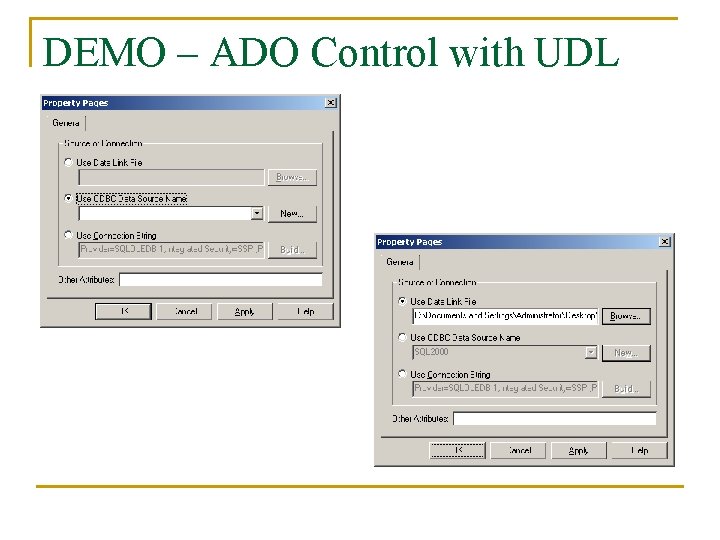
Connecting with ADO Data Control (UDL) n Natively it connects fine q n n It’s ADO Set the Connection string property Set the Record. Source property
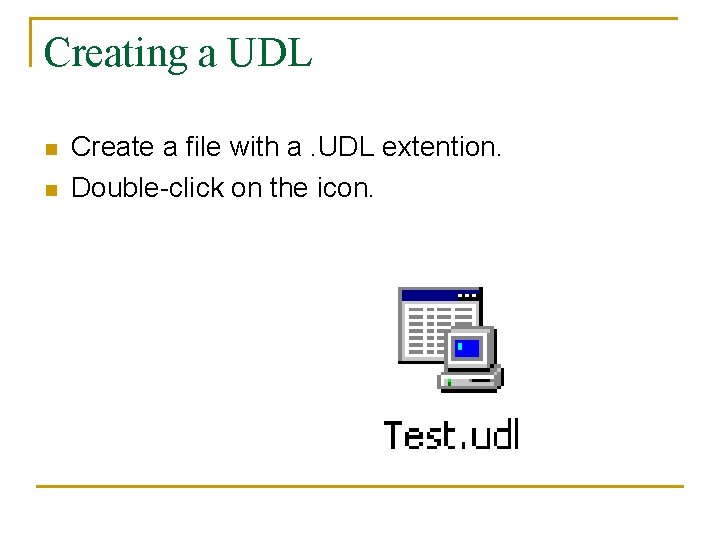
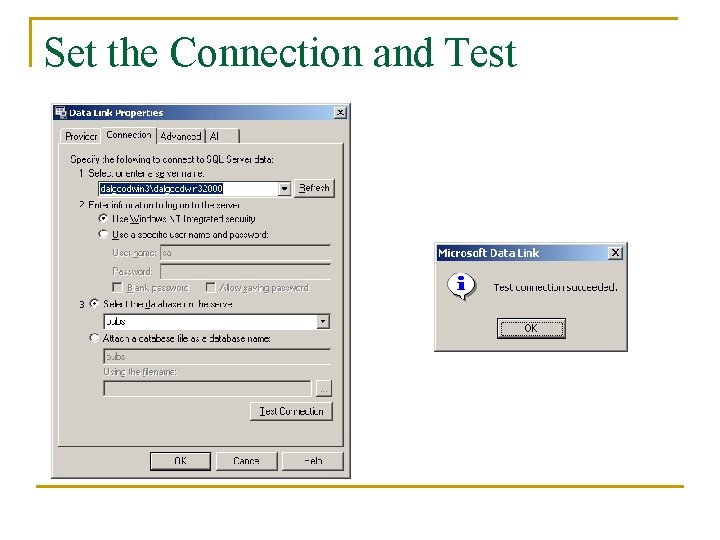
Creating a UDL n n Create a file with a. UDL extention. Double-click on the icon.
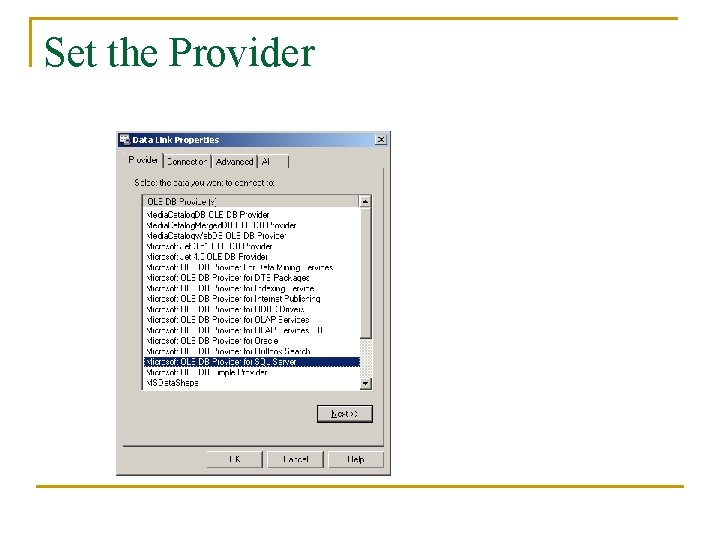
Set the Provider
Set the Connection and Test
Examine the UDL [oledb] ; Everything after this line is an OLE DB initstring Provider=SQLOLEDB. 1; Integrated Security=SSPI; Persist Security Info=False; User ID=sa; Initial Catalog=pubs; Data Source=dalgoodwin 3dalgoodwin 32000 Look familiar? Can you say “Connection string”
DEMO – ADO Control with UDL
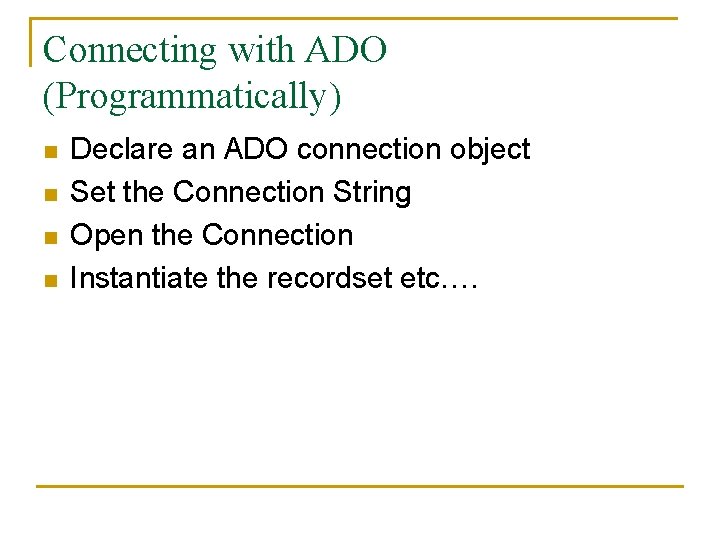
Connecting with ADO (Programmatically) n n Declare an ADO connection object Set the Connection String Open the Connection Instantiate the recordset etc….
DEMO – Connect with ADO
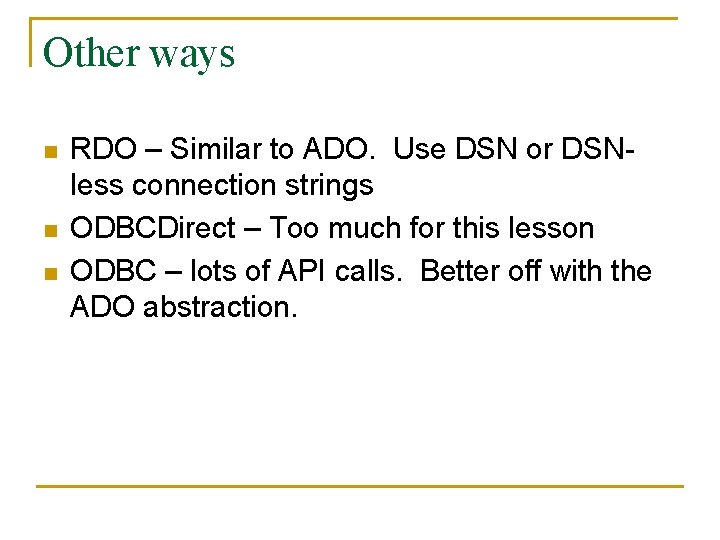
Other ways n n n RDO – Similar to ADO. Use DSN or DSNless connection strings ODBCDirect – Too much for this lesson ODBC – lots of API calls. Better off with the ADO abstraction.
Summary n n n We discussed establishing an connection to a SQL Server Database. We learned that there is an easy way and a hard way Questions?