
Configuring Routers Ive got to program a router

- Slides: 27
Configuring Routers
I’ve got to program a router! What do I have to do
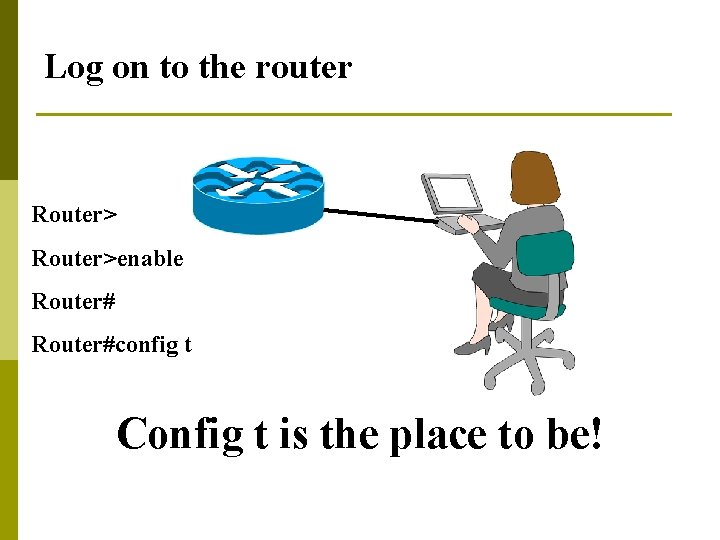
Log on to the router Router>enable Router#config t Config t is the place to be!
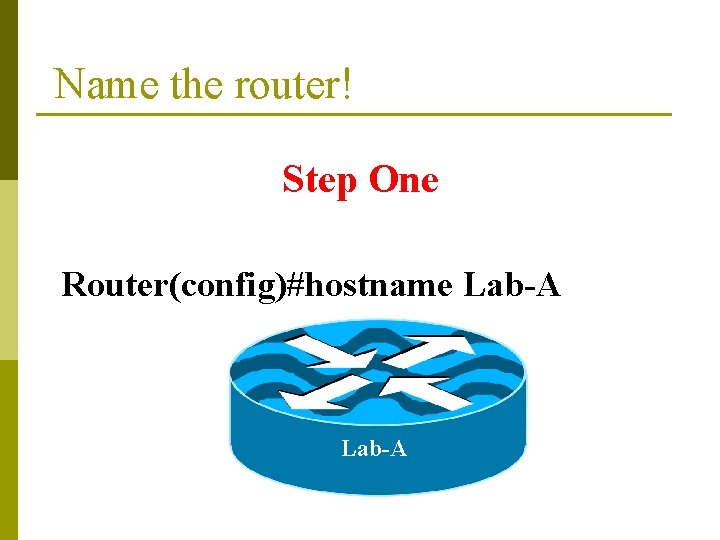
Name the router! Step One Router(config)#hostname Lab-A
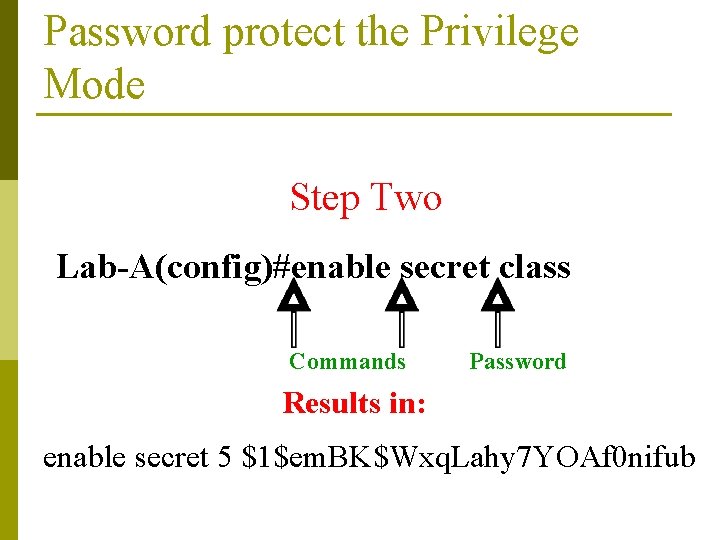
Password protect the Privilege Mode Step Two Lab-A(config)#enable secret class Commands Password Results in: enable secret 5 $1$em. BK$Wxq. Lahy 7 YOAf 0 nifub
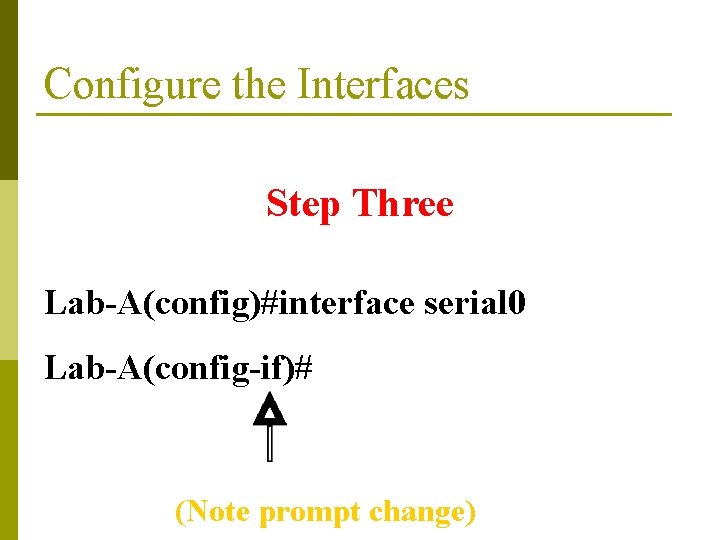
Configure the Interfaces Step Three Lab-A(config)#interface serial 0 Lab-A(config-if)# (Note prompt change)
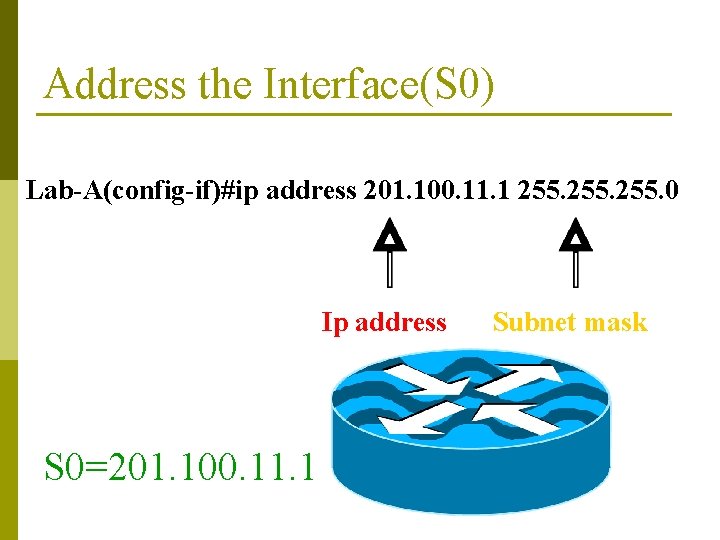
Address the Interface(S 0) Lab-A(config-if)#ip address 201. 100. 11. 1 255. 0 Ip address S 0=201. 100. 11. 1 Subnet mask
Clock ticks MUST be set between routers on the interface with the serial cable DCE end. Serial 0 is where the DCE connects in our lab.
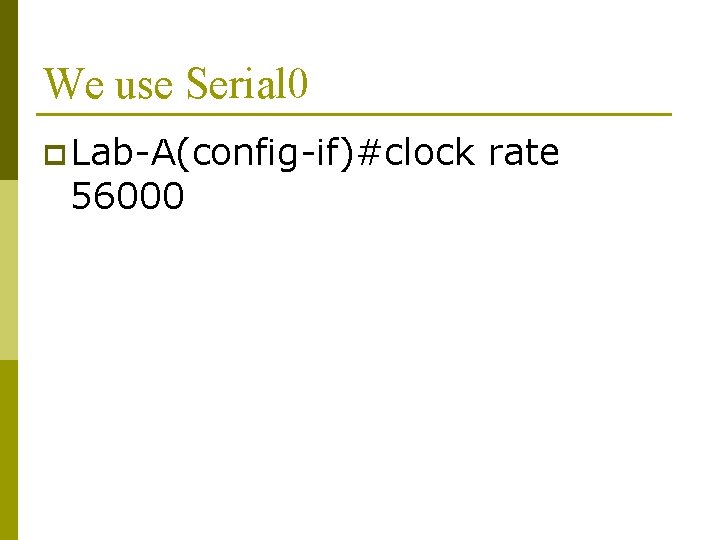
We use Serial 0 p Lab-A(config-if)#clock 56000 rate
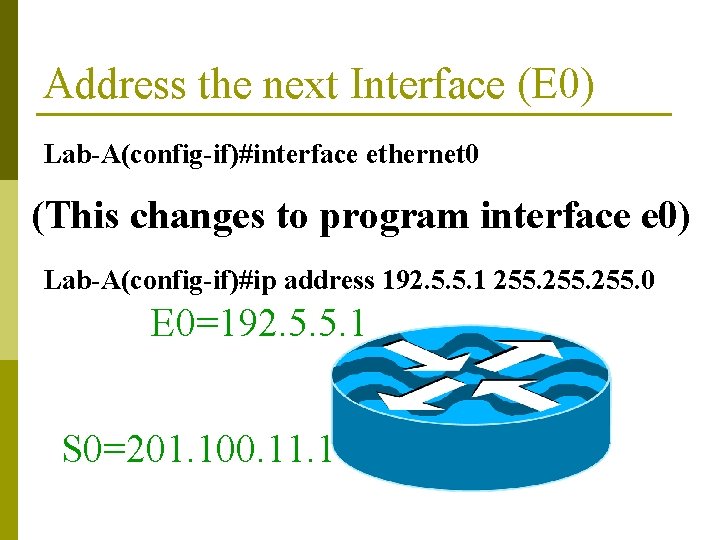
Address the next Interface (E 0) Lab-A(config-if)#interface ethernet 0 (This changes to program interface e 0) Lab-A(config-if)#ip address 192. 5. 5. 1 255. 0 E 0=192. 5. 5. 1 S 0=201. 100. 11. 1
Control z Lab-A#show running-config
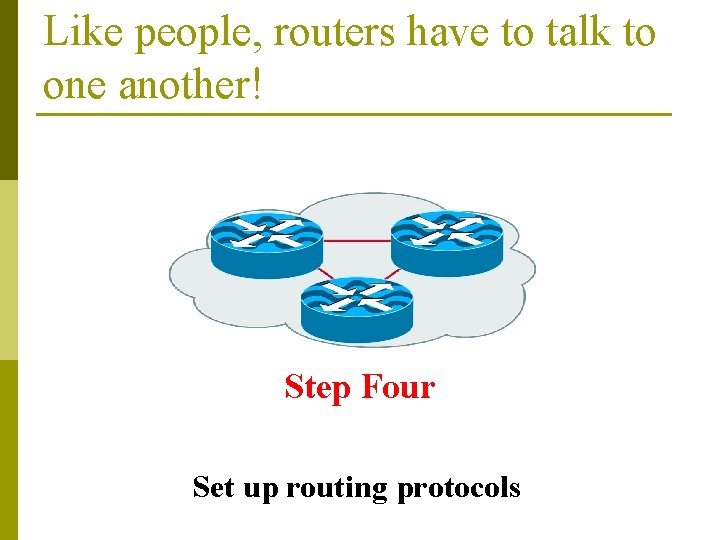
Like people, routers have to talk to one another!
Like people, routers have to talk to one another! Step Four Set up routing protocols
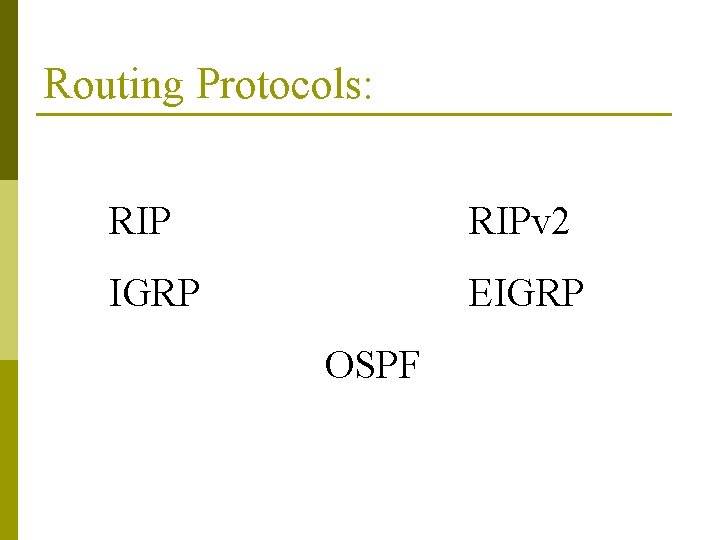
Routing Protocols: RIPv 2 IGRP EIGRP OSPF
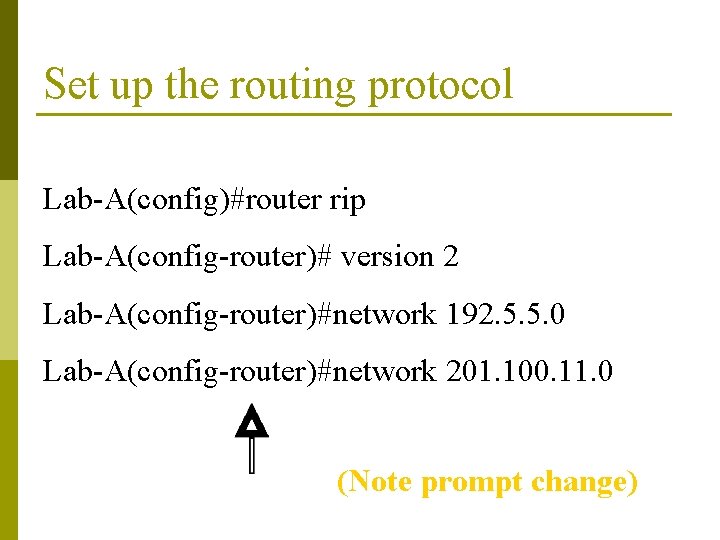
Set up the routing protocol Lab-A(config)#router rip Lab-A(config-router)# version 2 Lab-A(config-router)#network 192. 5. 5. 0 Lab-A(config-router)#network 201. 100. 11. 0 (Note prompt change)
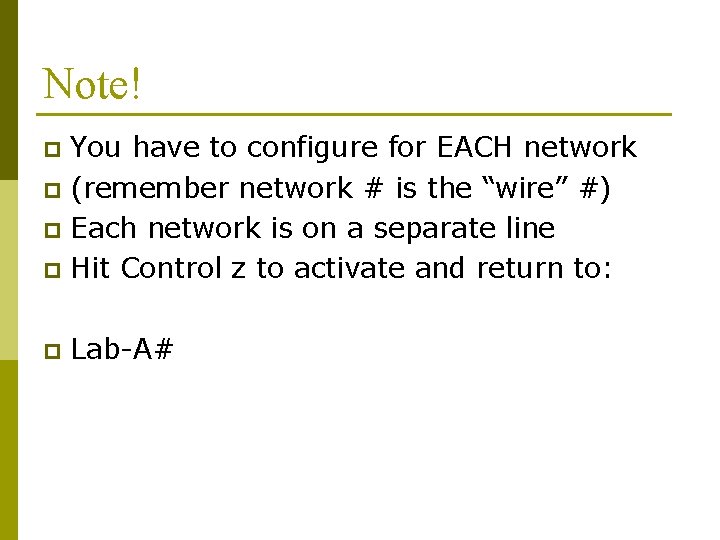
Note! You have to configure for EACH network p (remember network # is the “wire” #) p Each network is on a separate line p Hit Control z to activate and return to: p p Lab-A#
Control Access Control and secure access from: CONSOLE VTY (telnet) AUX (modem)
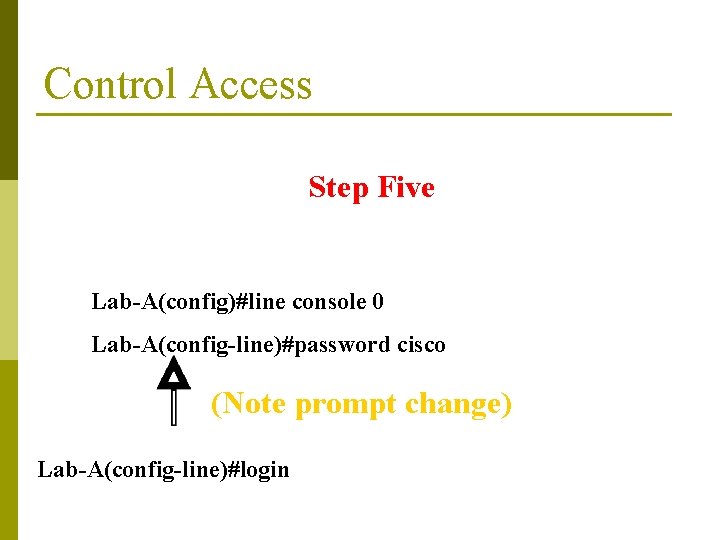
Control Access Step Five Lab-A(config)#line console 0 Lab-A(config-line)#password cisco (Note prompt change) Lab-A(config-line)#login
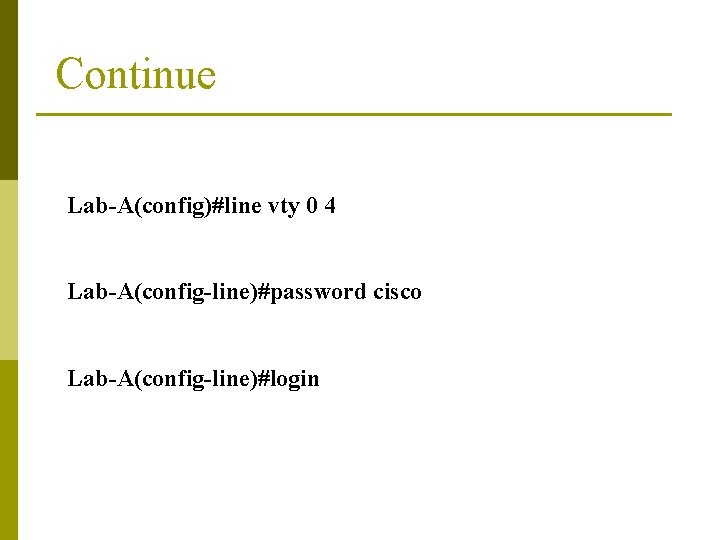
Continue Lab-A(config)#line vty 0 4 Lab-A(config-line)#password cisco Lab-A(config-line)#login
Want to save time and move fast between routers? Step Six
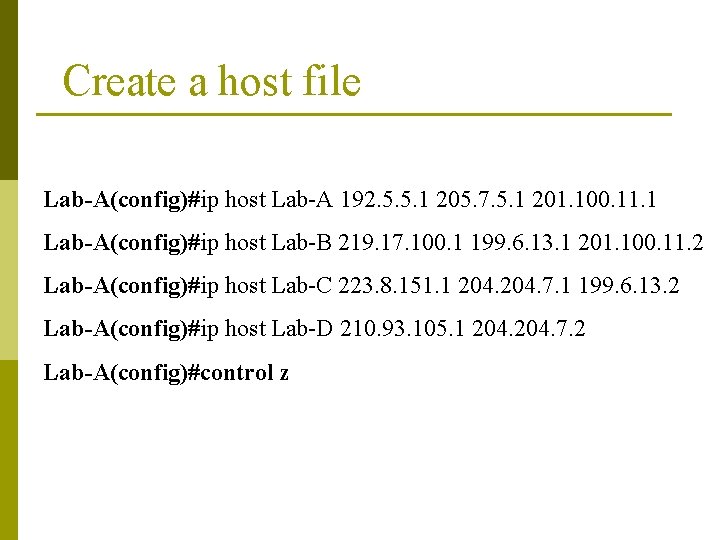
Create a host file Lab-A(config)#ip host Lab-A 192. 5. 5. 1 205. 7. 5. 1 201. 100. 11. 1 Lab-A(config)#ip host Lab-B 219. 17. 100. 1 199. 6. 13. 1 201. 100. 11. 2 Lab-A(config)#ip host Lab-C 223. 8. 151. 1 204. 7. 1 199. 6. 13. 2 Lab-A(config)#ip host Lab-D 210. 93. 105. 1 204. 7. 2 Lab-A(config)#control z
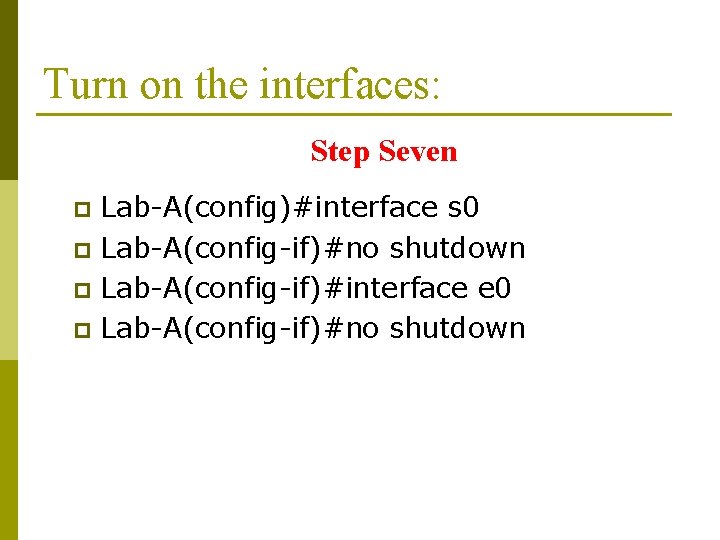
Turn on the interfaces: Step Seven Lab-A(config)#interface s 0 p Lab-A(config-if)#no shutdown p Lab-A(config-if)#interface e 0 p Lab-A(config-if)#no shutdown p
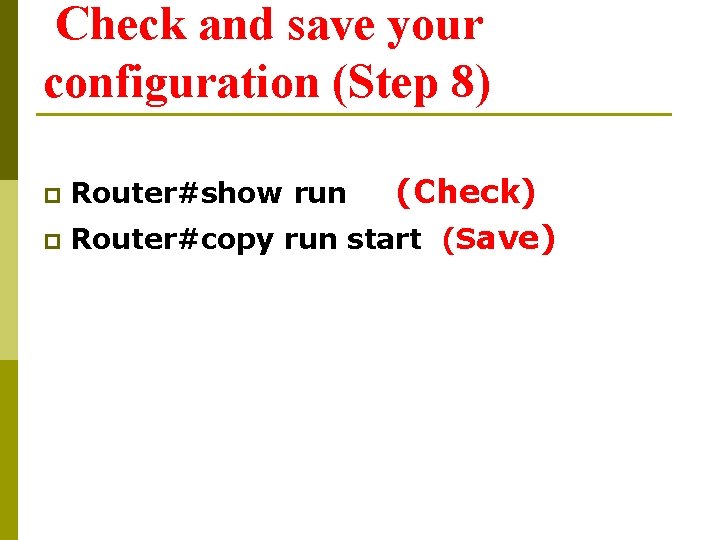
Check and save your configuration (Step 8) (Check) p Router#copy run start (Save) p Router#show run
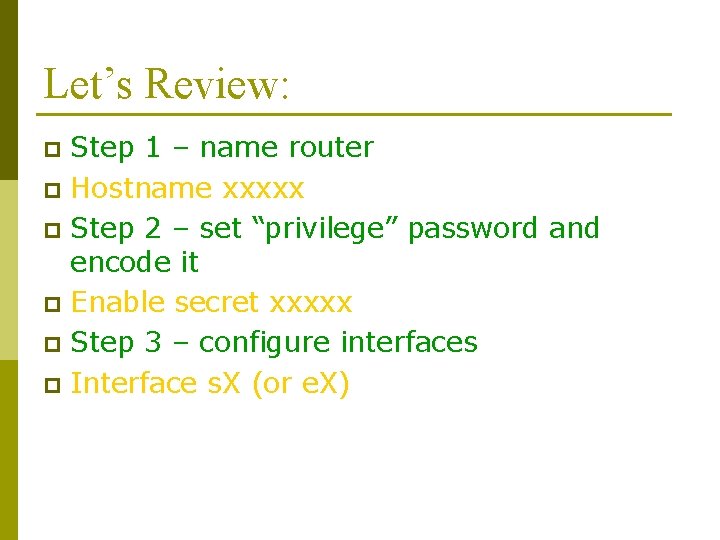
Let’s Review: Step 1 – name router p Hostname xxxxx p Step 2 – set “privilege” password and encode it p Enable secret xxxxx p Step 3 – configure interfaces p Interface s. X (or e. X) p
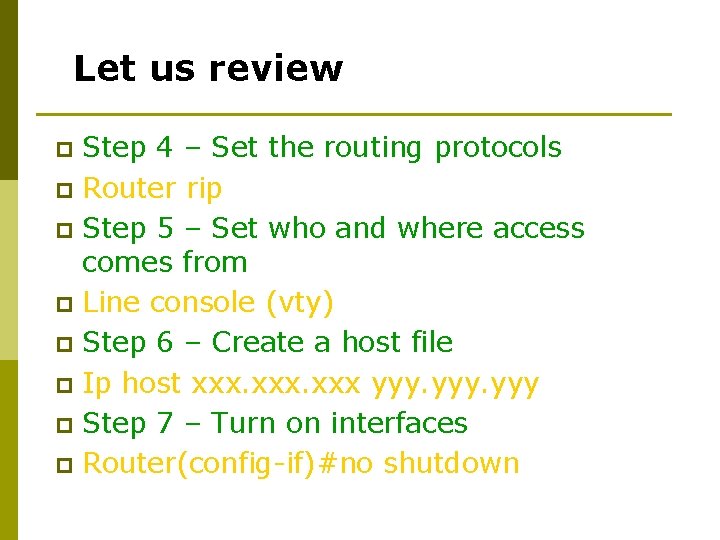
Let us review Step 4 – Set the routing protocols p Router rip p Step 5 – Set who and where access comes from p Line console (vty) p Step 6 – Create a host file p Ip host xxx yyy p Step 7 – Turn on interfaces p Router(config-if)#no shutdown p
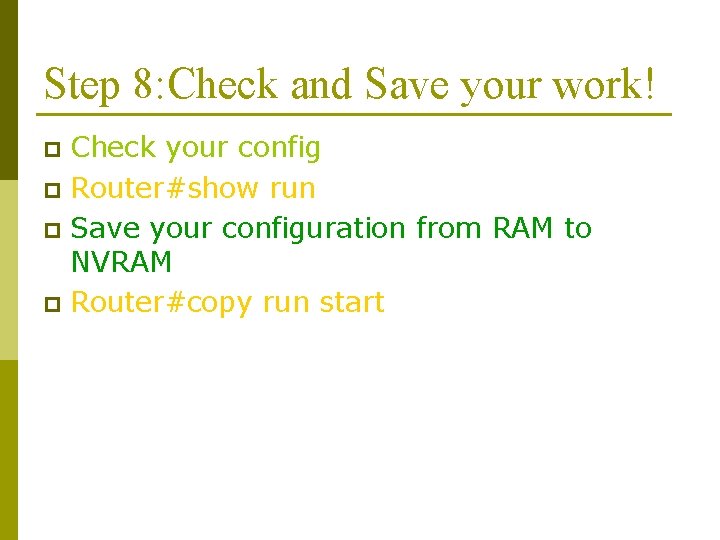
Step 8: Check and Save your work! Check your config p Router#show run p Save your configuration from RAM to NVRAM p Router#copy run start p
You’re Through!