
Conference Training Powered by Televic Agenda DCerno Confidea
Conference Training Powered by Televic
Agenda • • • D-Cerno Confidea Wireless Confidea Wired Co. Con Software uni. COS
D-Cerno Powered by Televic
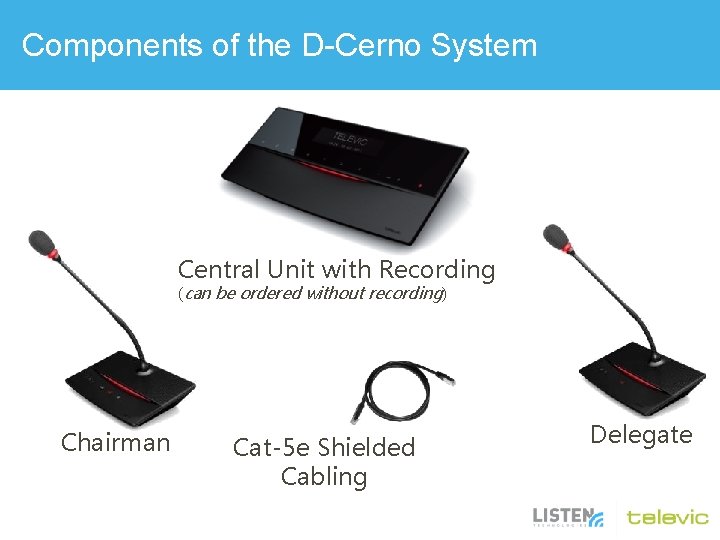
Components of the D-Cerno System Central Unit with Recording (can be ordered without recording) Chairman Cat-5 e Shielded Cabling Delegate
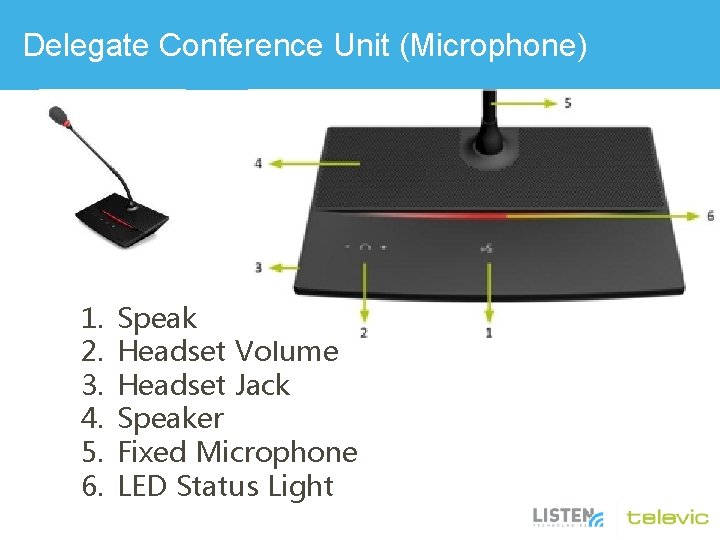
Delegate Conference Unit (Microphone) 1. 2. 3. 4. 5. 6. Speak Headset Volume Headset Jack Speaker Fixed Microphone LED Status Light
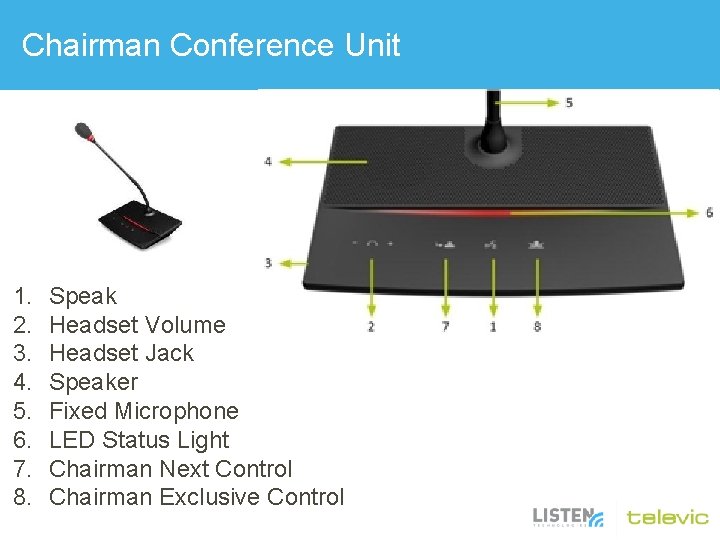
Chairman Conference Unit 1. 2. 3. 4. 5. 6. 7. 8. Speak Headset Volume Headset Jack Speaker Fixed Microphone LED Status Light Chairman Next Control Chairman Exclusive Control
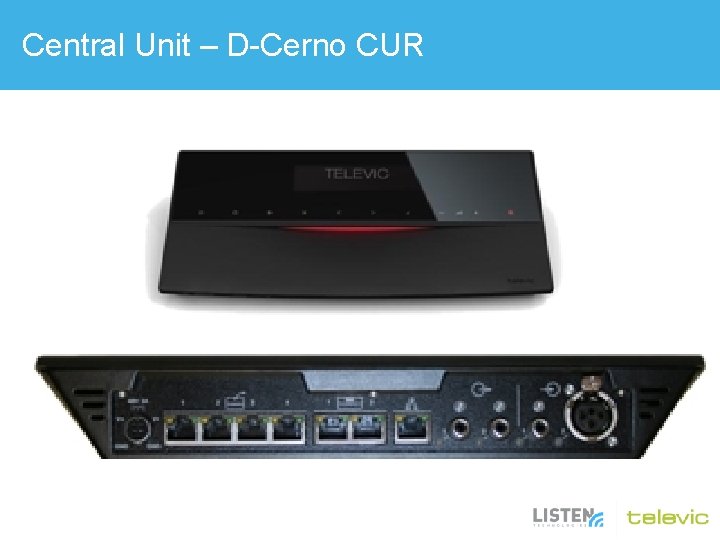
Central Unit – D-Cerno CUR
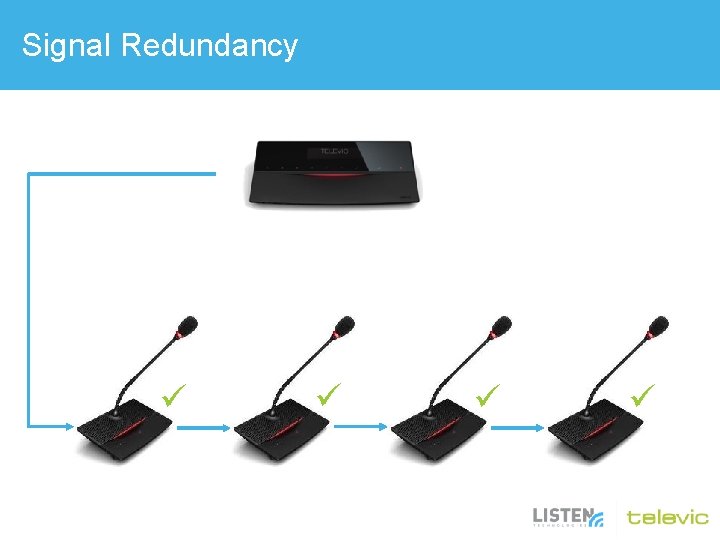
Signal Redundancy
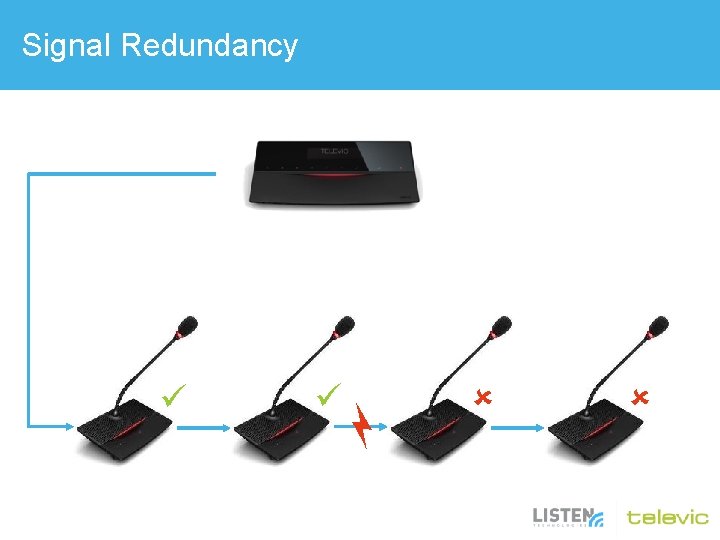
Signal Redundancy
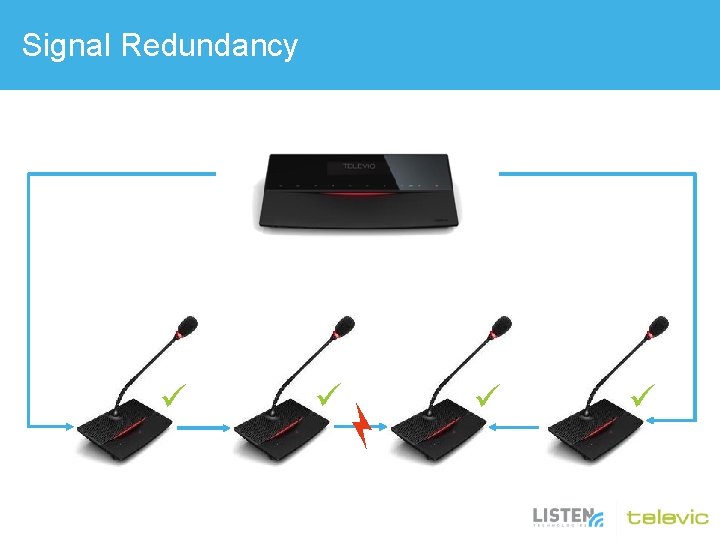
Signal Redundancy
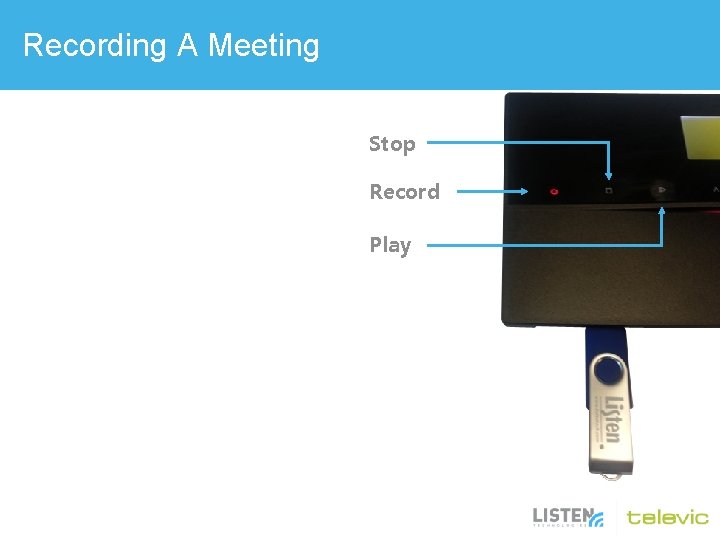
Recording A Meeting Stop Record Play
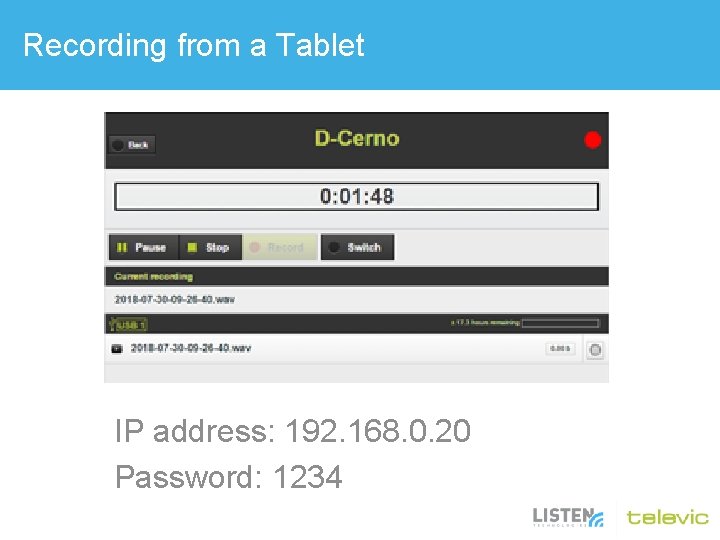
Recording from a Tablet IP address: 192. 168. 0. 20 Password: 1234
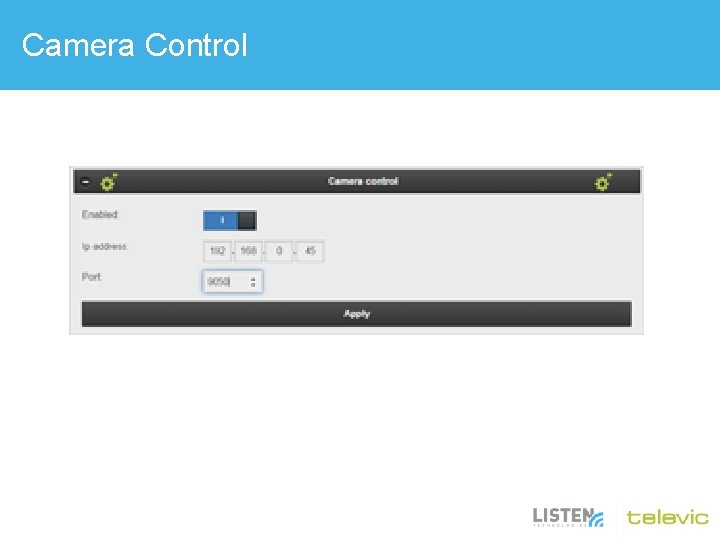
Camera Control
Teleconferencing
Confidea Wireless Powered by Televic
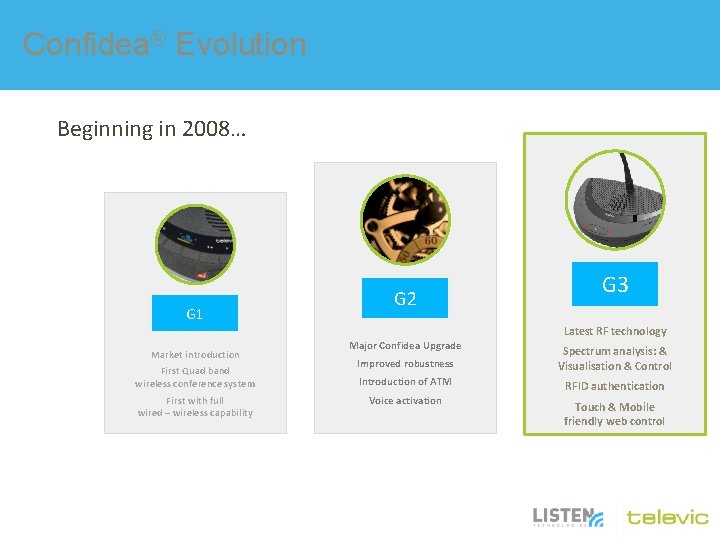
Confidea® Evolution Beginning in 2008… G 1 G 2 G 3 Latest RF technology Market introduction First Quad band wireless conference system First with full wired – wireless capability Major Confidea Upgrade Improved robustness Spectrum analysis: & Visualisation & Control Introduction of ATM RFID authentication Voice activation Touch & Mobile friendly web control
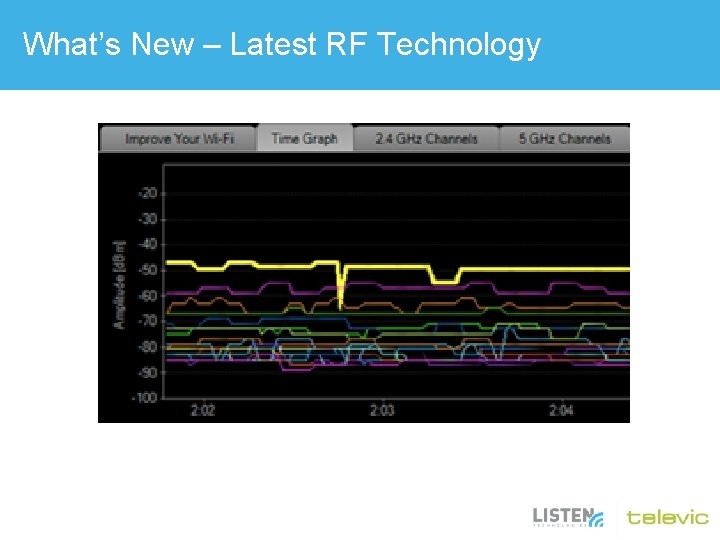
What’s New – Latest RF Technology
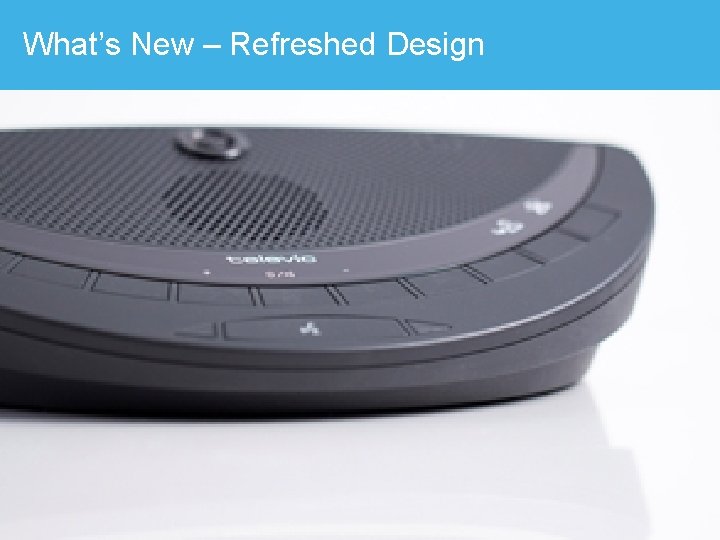
What’s New – Refreshed Design
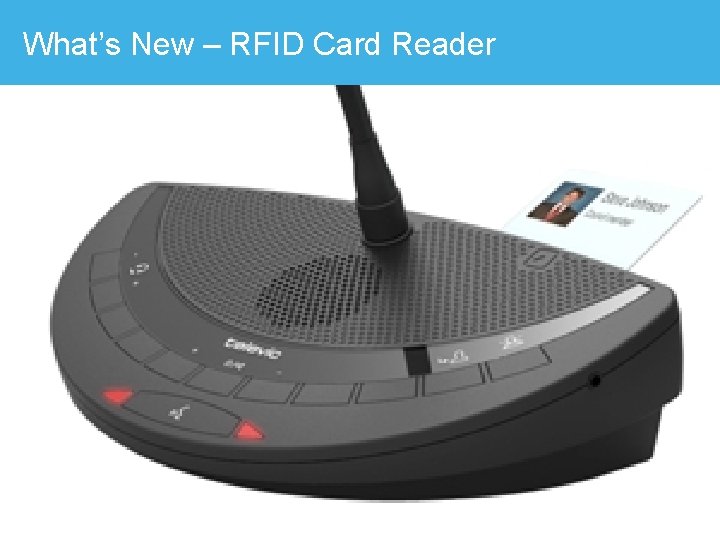
What’s New – RFID Card Reader
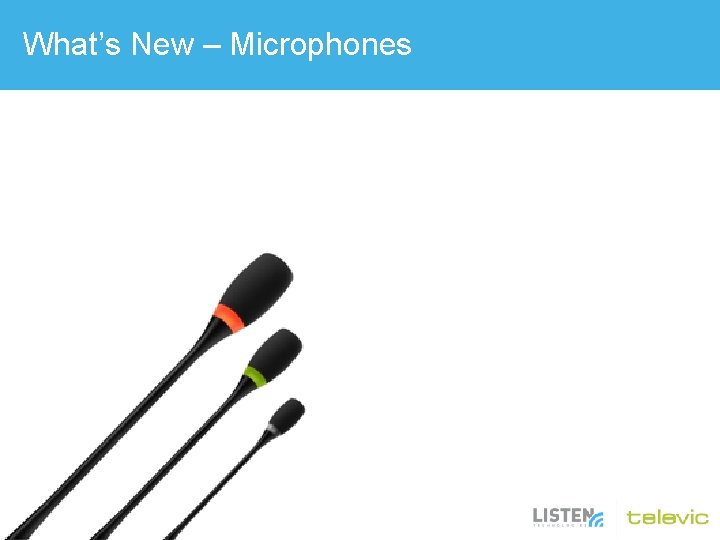
What’s New – Microphones
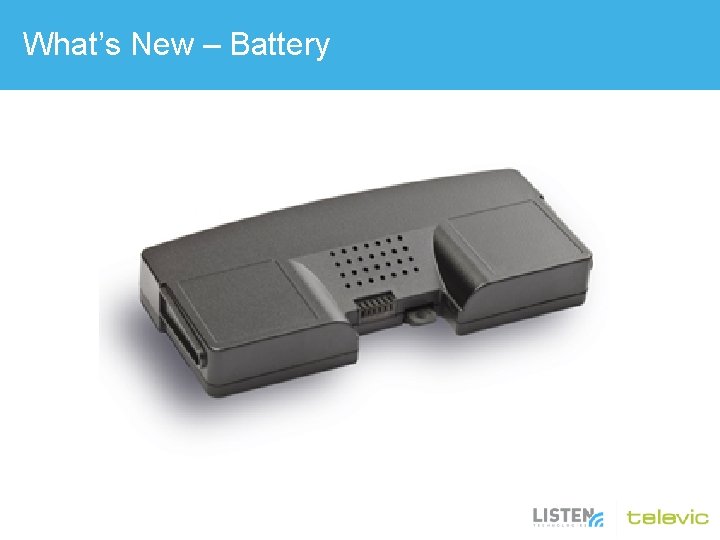
What’s New – Battery
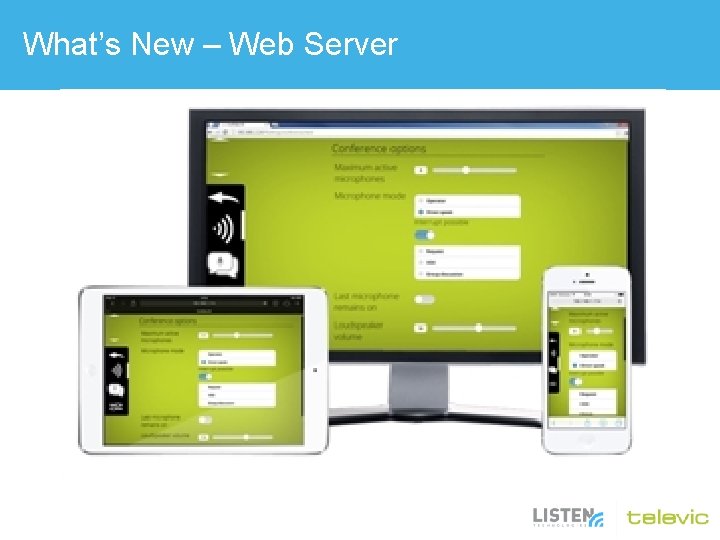
What’s New – Web Server
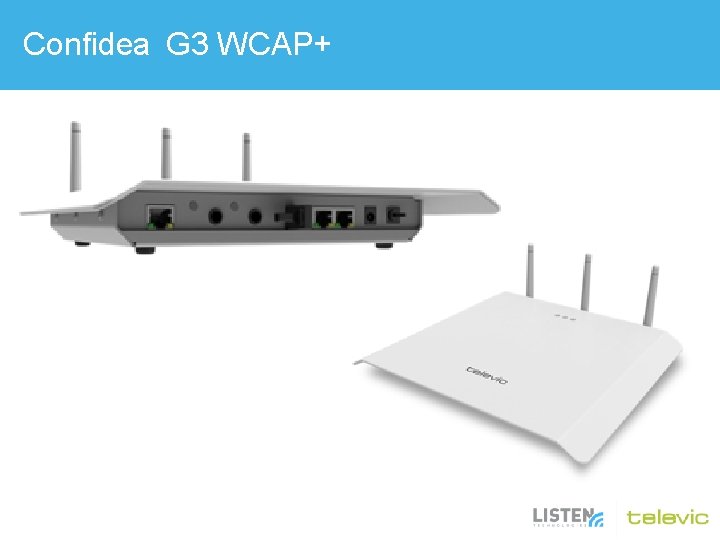
Confidea G 3 WCAP+
Browser • 192. 168. 1. 110 (Default) – You’ll need to change your PC. – Use a crossover cable (orange, if provided) – Google Chrome is recommended • Username: admin • Password: admin
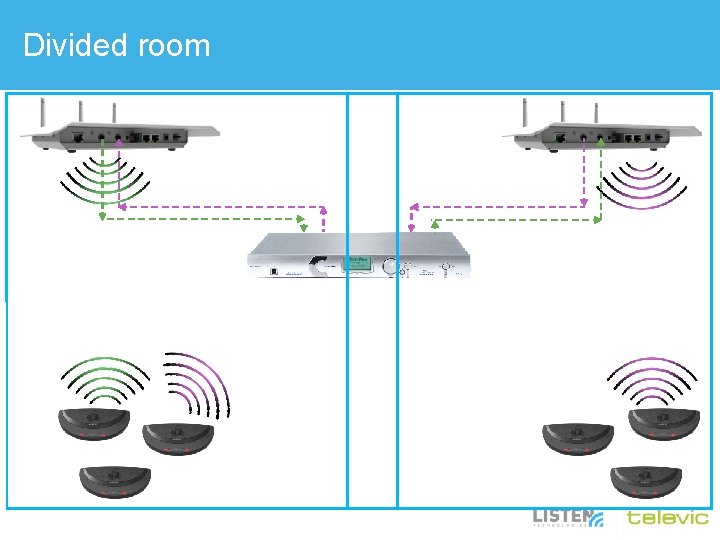
Divided room
Confidea Wired Powered by Televic
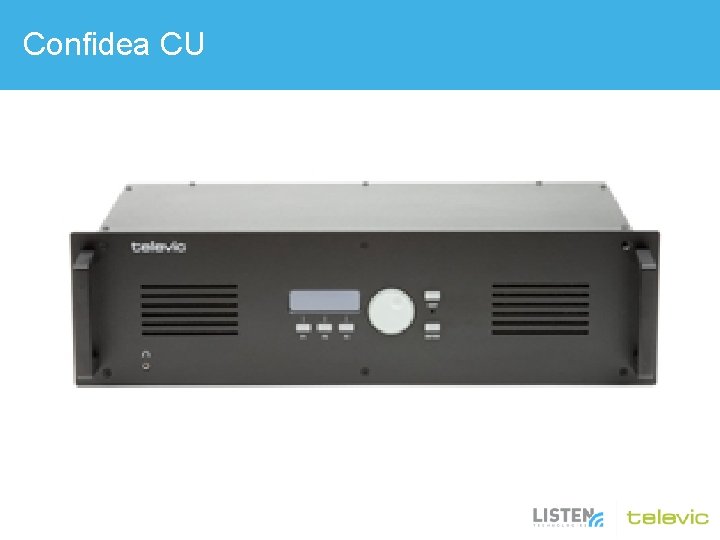
Confidea CU
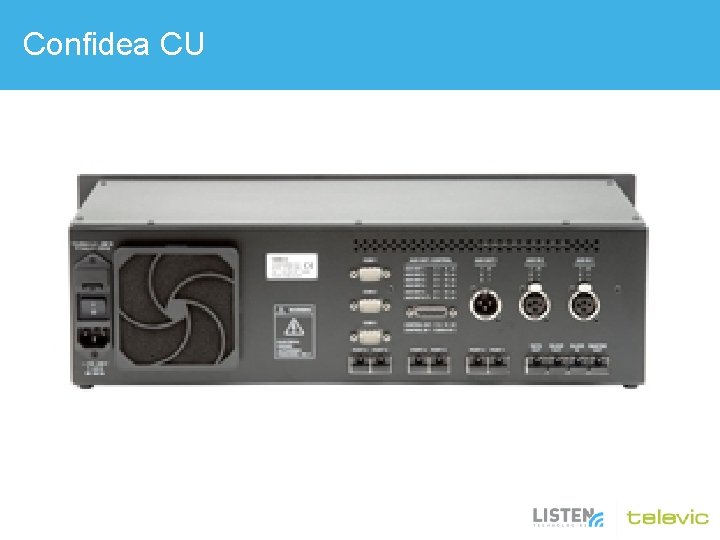
Confidea CU
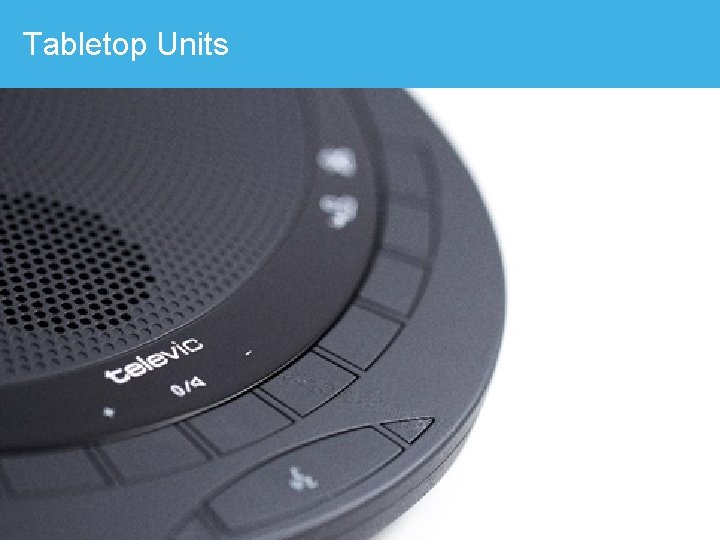
Tabletop Units
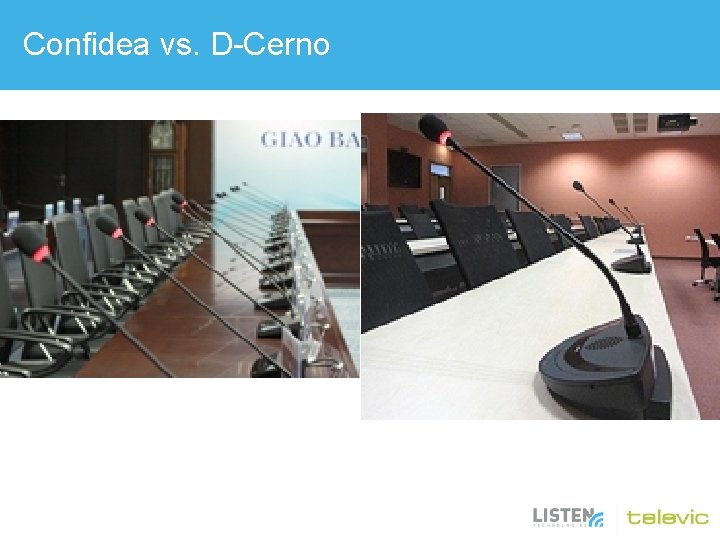
Confidea vs. D-Cerno
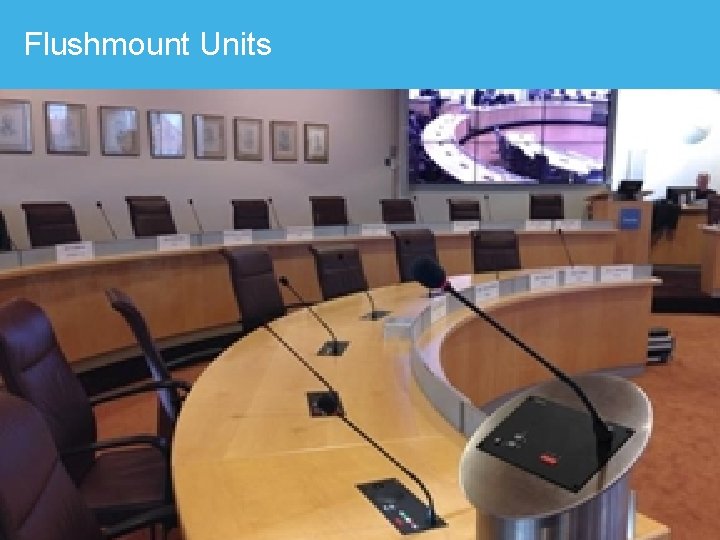
Flushmount Units
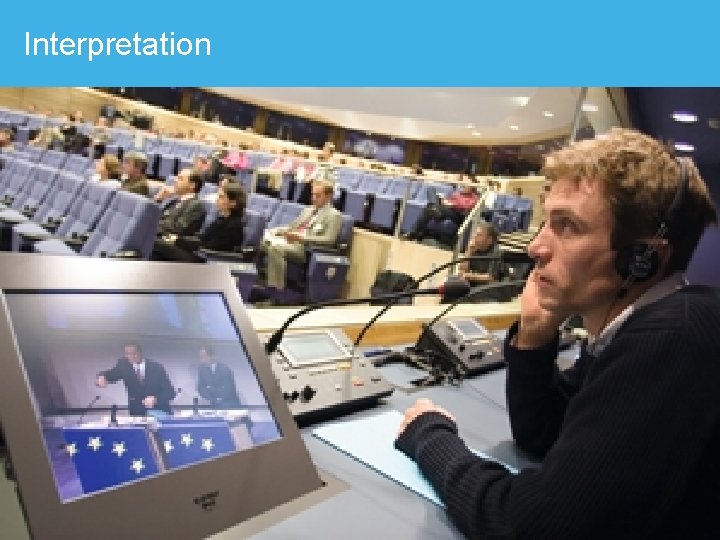
Interpretation
Co. Control Software Powered by Televic
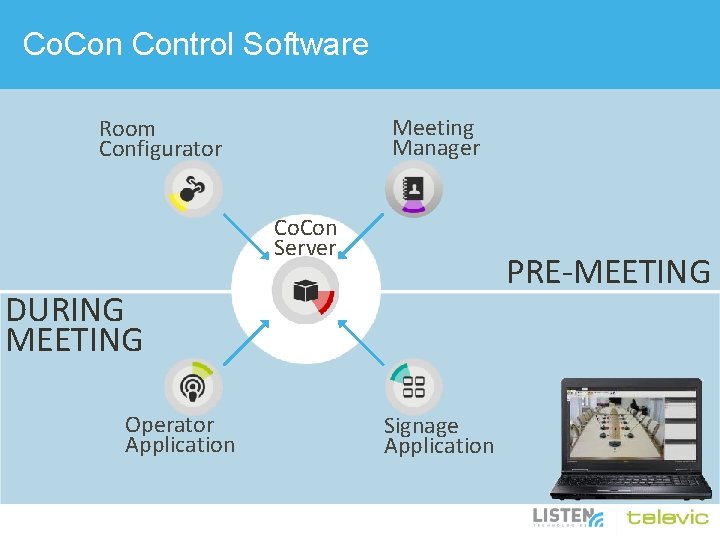
Co. Control Software Meeting Manager Room Configurator Co. Con Server PRE-MEETING DURING MEETING Operator Application Signage Application
Co. Control Software
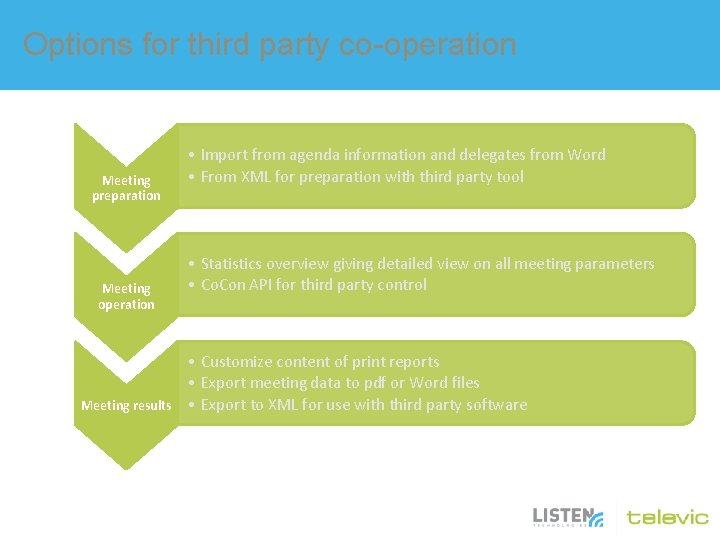
Options for third party co-operation Meeting preparation Meeting operation Meeting results • Import from agenda information and delegates from Word • From XML for preparation with third party tool • Statistics overview giving detailed view on all meeting parameters • Co. Con API for third party control • Customize content of print reports • Export meeting data to pdf or Word files • Export to XML for use with third party software
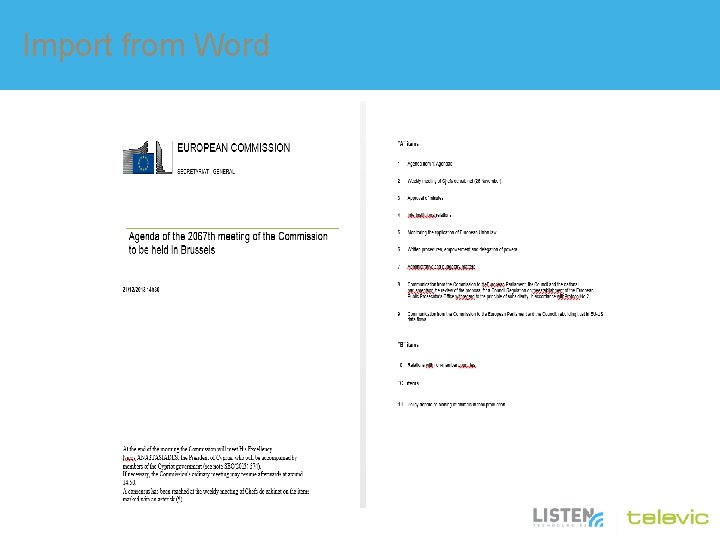
Import from Word
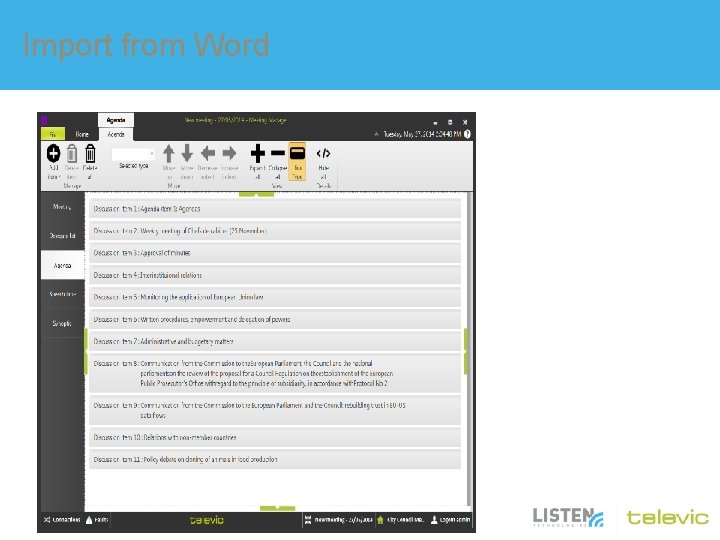
Import from Word
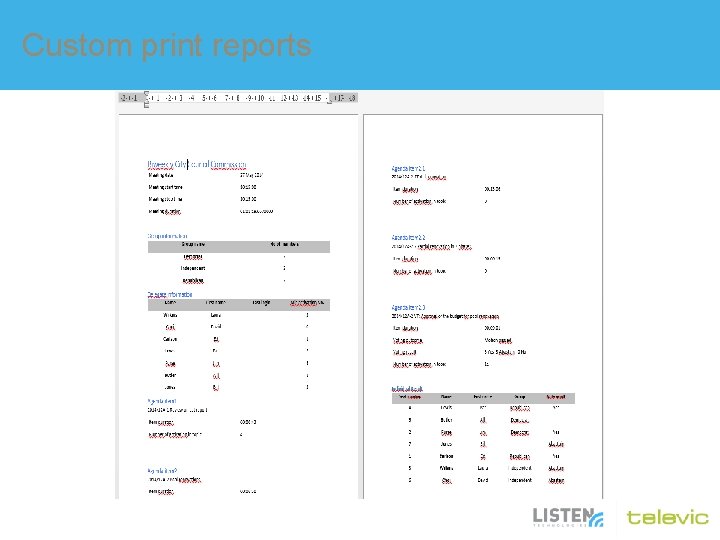
Custom print reports • Choose which data you want to export with a simple wizard • Select how you want to export it – Export to Word, generate a. docx file – Export all meeting data to xml for third party integration – Make a print report and send it directly to a printer
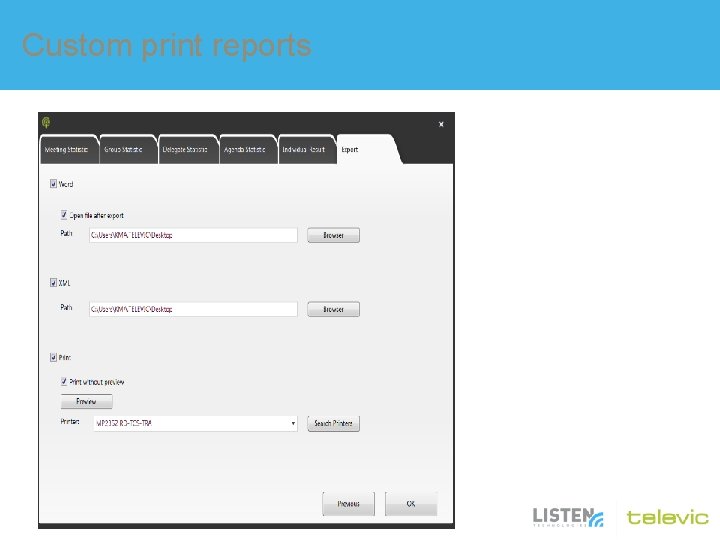
Custom print reports
Custom print reports
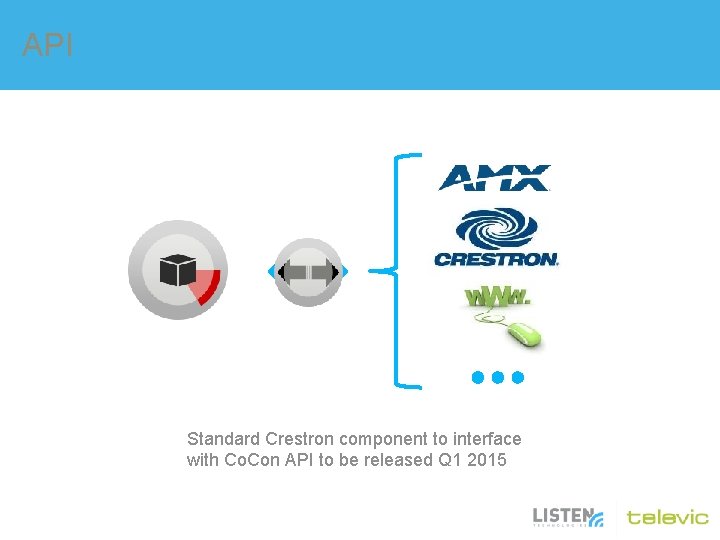
API Standard Crestron component to interface with Co. Con API to be released Q 1 2015
uni. COS Multimedia Conferencing Powered by Televic
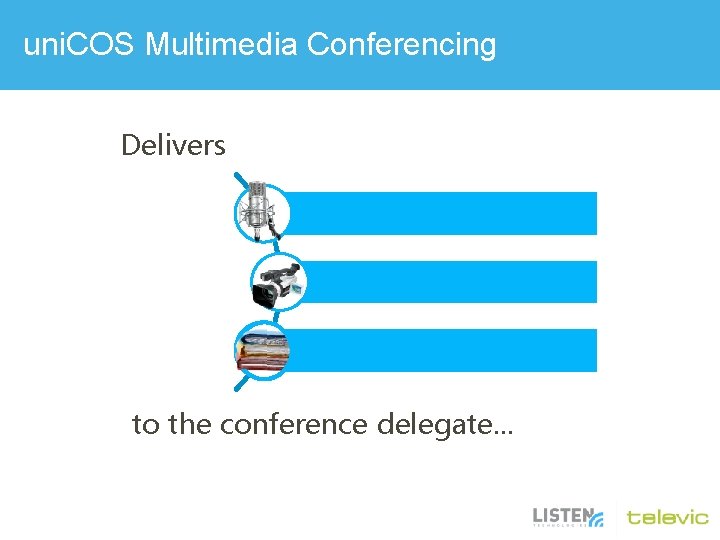
uni. COS Multimedia Conferencing Delivers High quality audio High definition video Documents and data to the conference delegate. . .
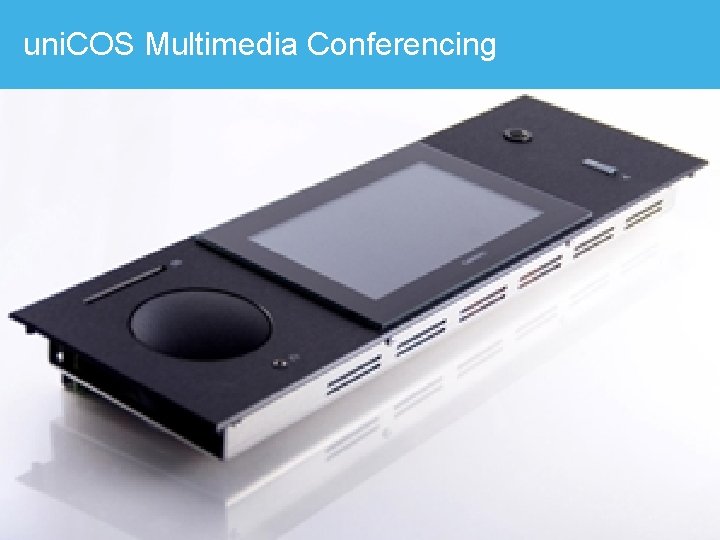
uni. COS Multimedia Conferencing
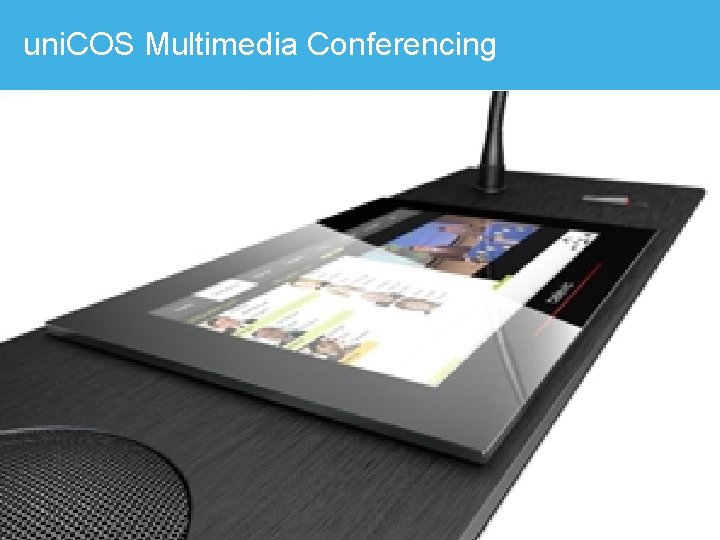
uni. COS Multimedia Conferencing
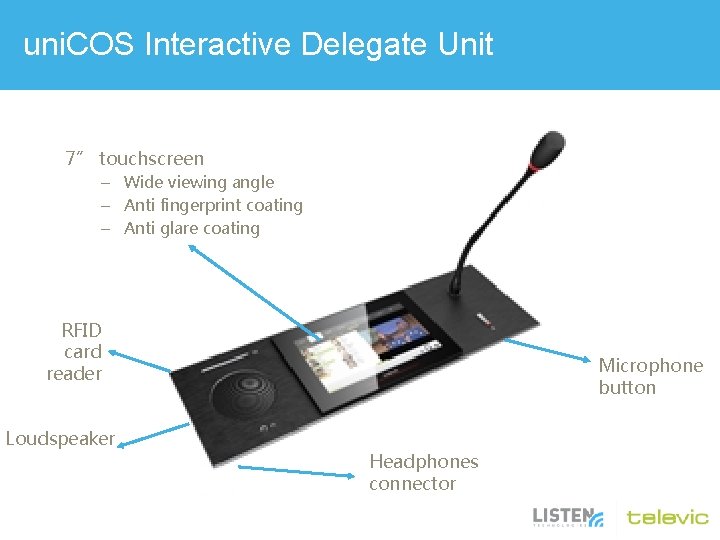
uni. COS Interactive Delegate Unit 7” touchscreen – Wide viewing angle – Anti fingerprint coating – Anti glare coating RFID card reader Loudspeaker Microphone button Headphones connector
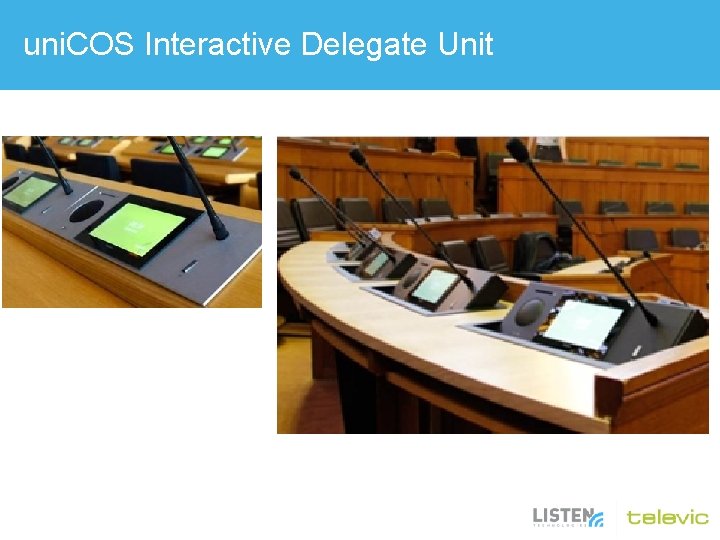
uni. COS Interactive Delegate Unit
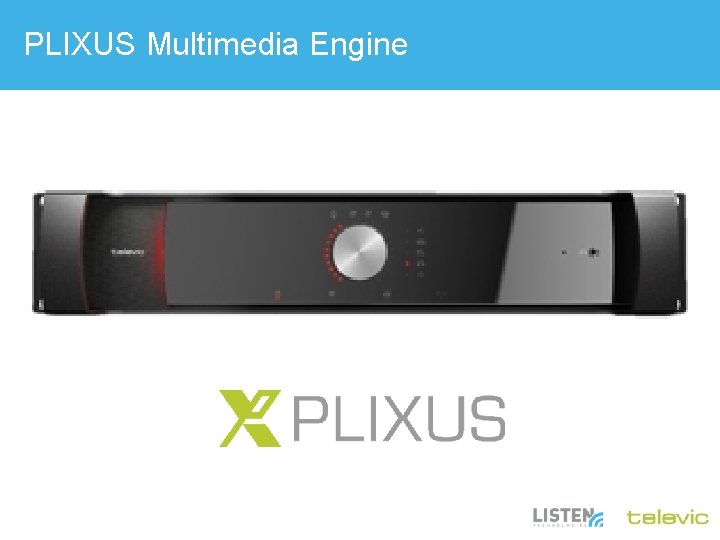
PLIXUS Multimedia Engine
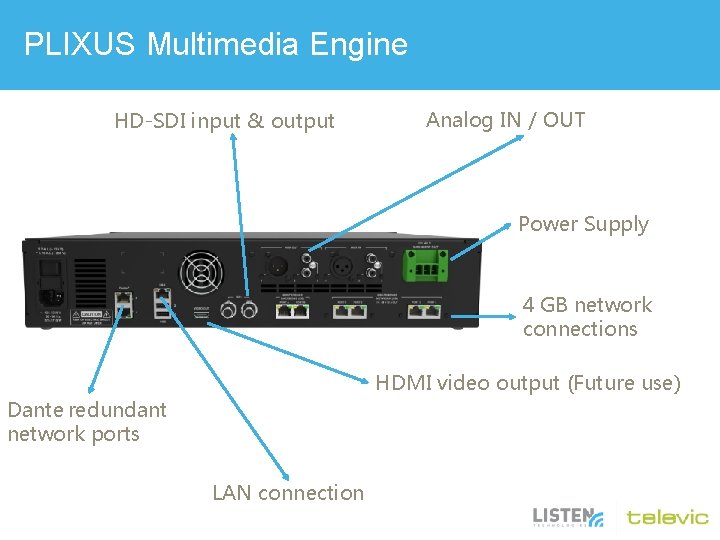
PLIXUS Multimedia Engine HD-SDI input & output Analog IN / OUT Power Supply 4 GB network connections HDMI video output (Future use) Dante redundant network ports LAN connection
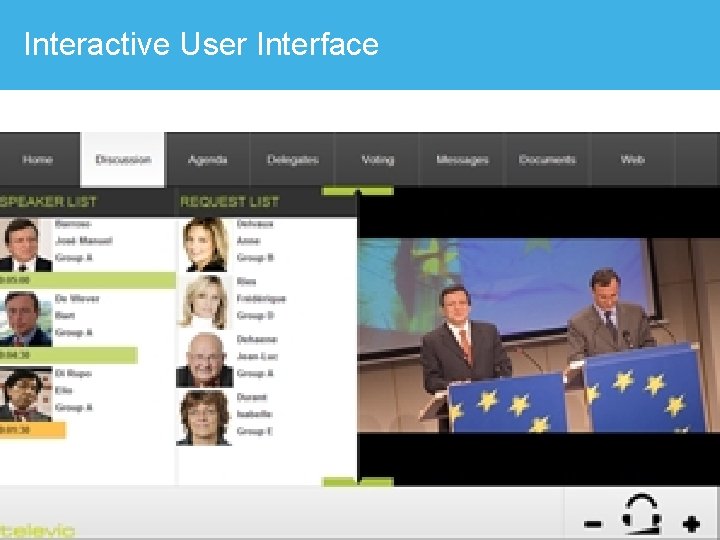
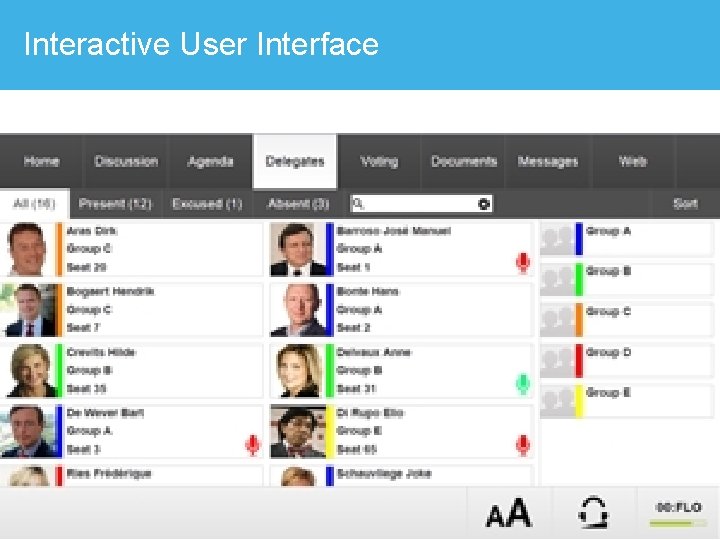
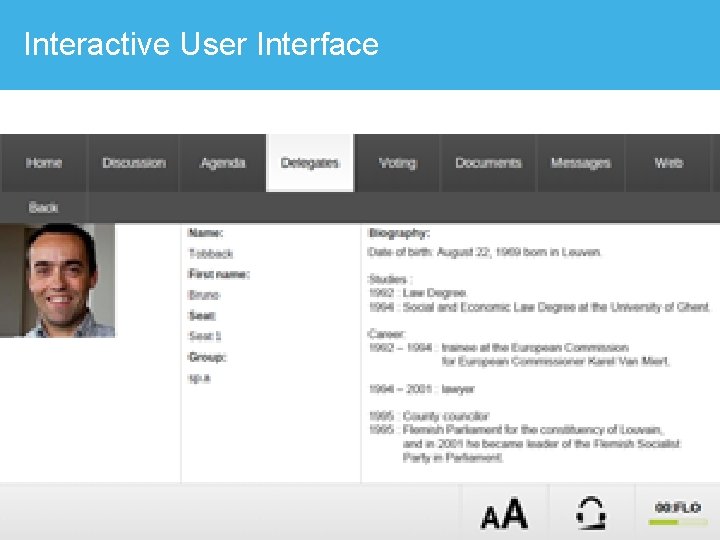
Interactive User Interface
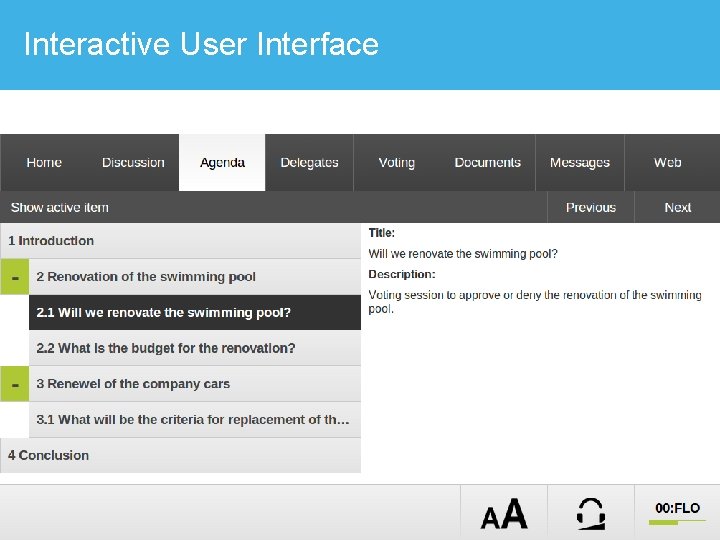
Interactive User Interface
Interactive User Interface
Interactive User Interface
Interactive User Interface
Interactive User Interface
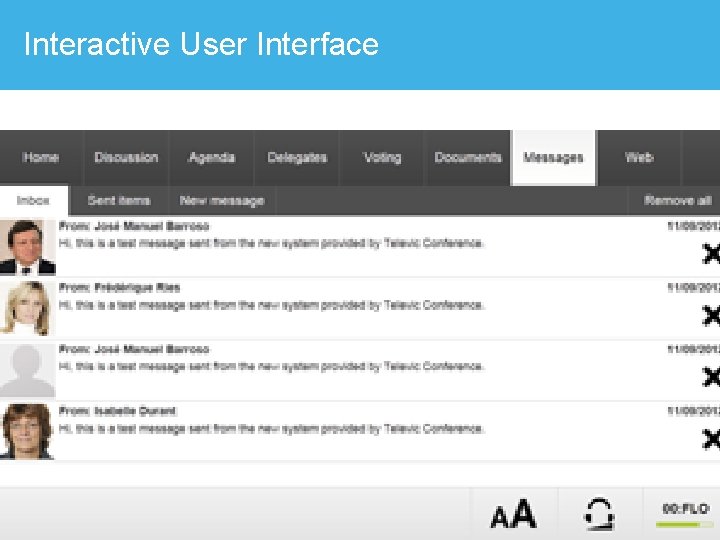
Interactive User Interface
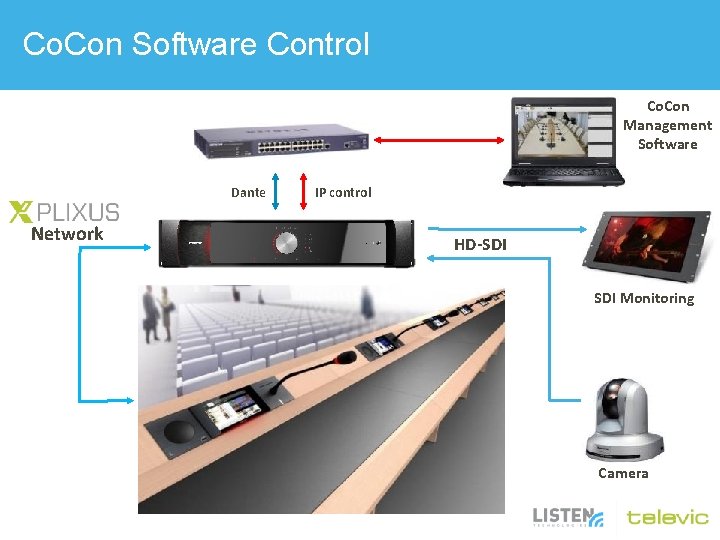
Co. Con Software Control Co. Con Management Software Dante Network IP control HD-SDI Monitoring Camera
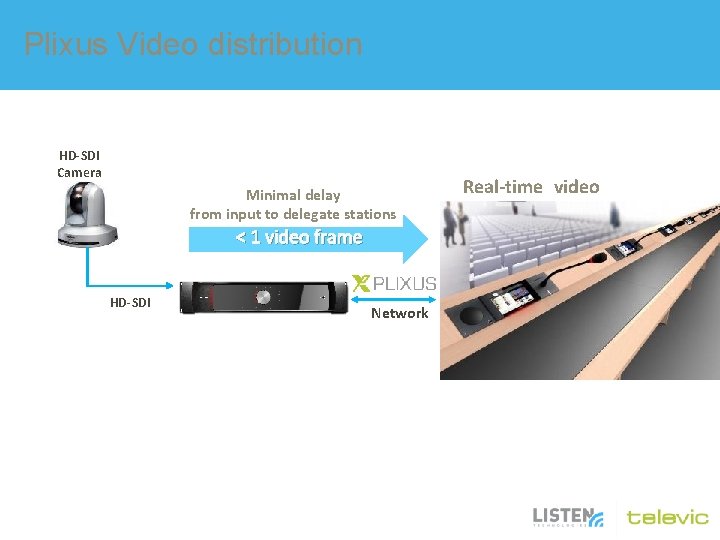
Plixus Video distribution HD-SDI Camera Minimal delay from input to delegate stations < 1 video frame HD-SDI Network Real-time video
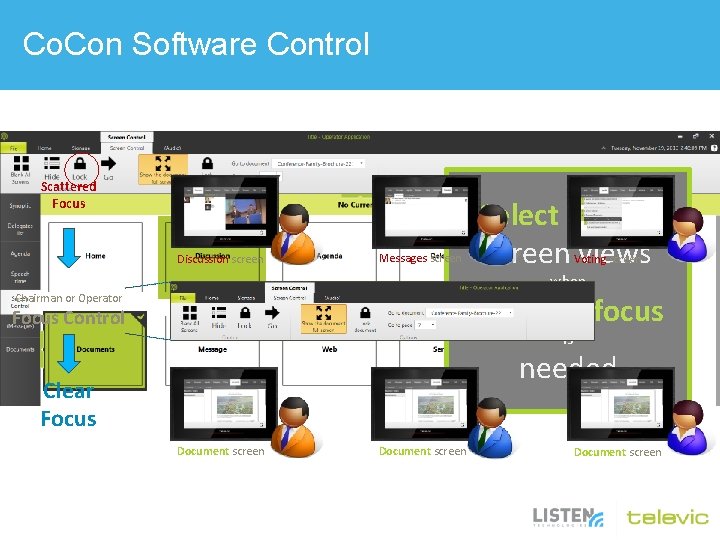
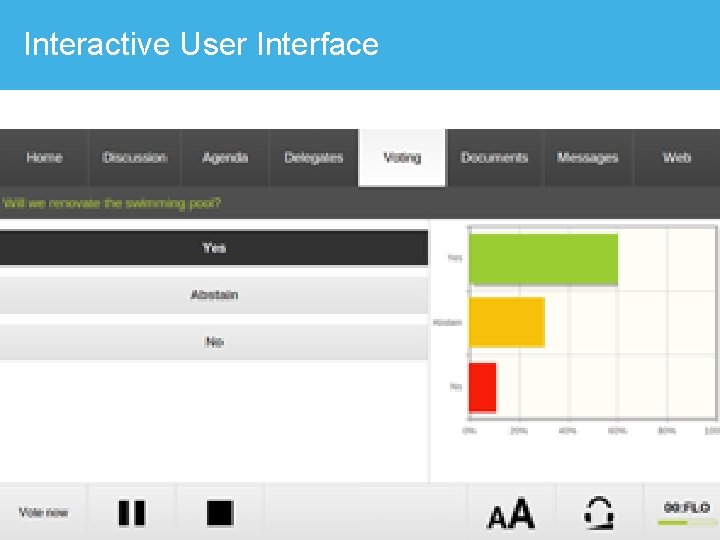
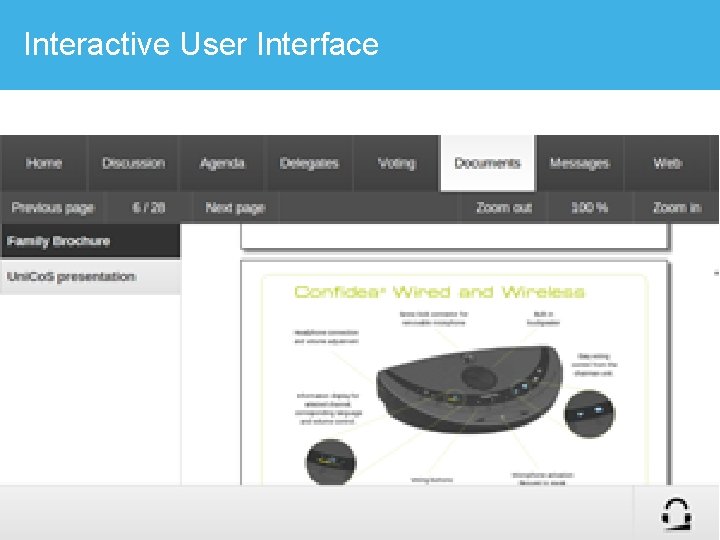
Co. Con Software Control Scattered Focus Discussion screen Messages screen Select and Lock screen views Voting screen when delegate focus Chairman or Operator Focus Control is needed Clear Focus Document screen
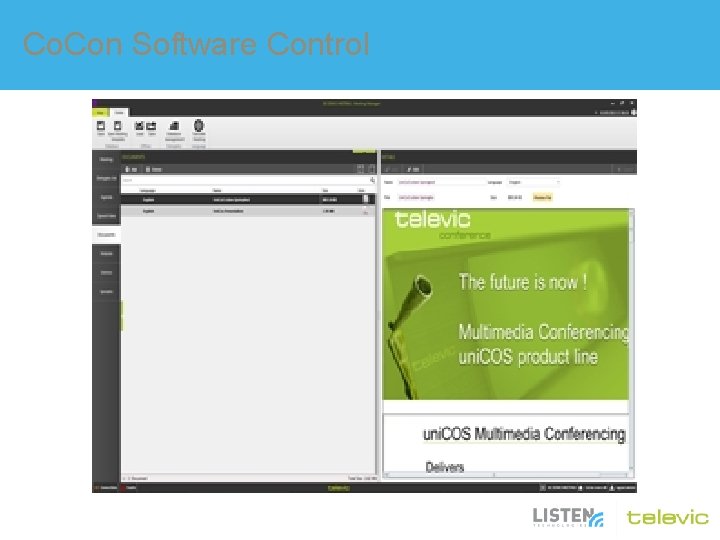
Co. Con Software Control
Dante™ Interface
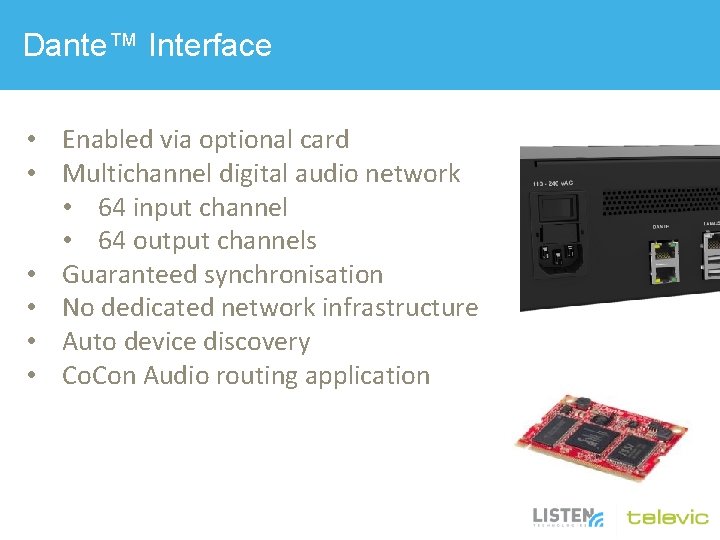
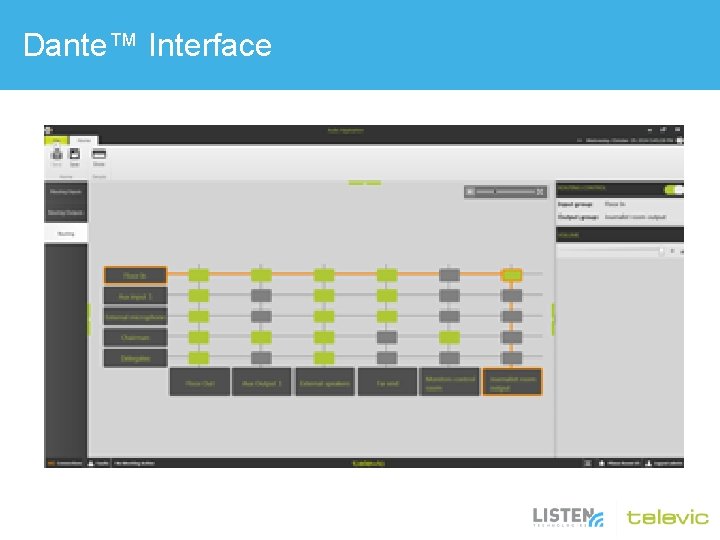
Dante™ Interface • Enabled via optional card • Multichannel digital audio network • 64 input channel • 64 output channels • Guaranteed synchronisation • No dedicated network infrastructure • Auto device discovery • Co. Con Audio routing application
Dante™ Interface • • • Break-in / Breakout boxes DSP Mixers Recording Distribution to break-out rooms Distribution to broadcast
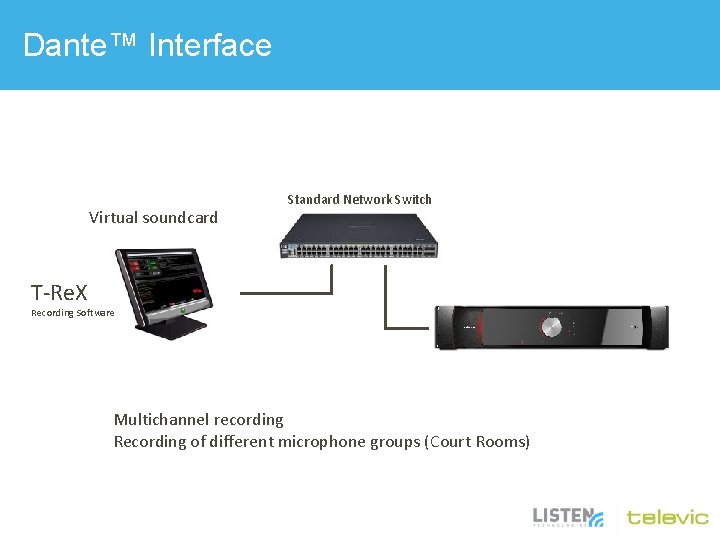
Dante™ Interface Virtual soundcard Standard Network Switch T-Re. X Recording Software Multichannel recording Recording of different microphone groups (Court Rooms)
Dante™ Interface • Create input groups consisting of – Microphones – Dante inputs – Auxiliary inputs • Create output groups – Auxiliary outputs – Dante outputs • Connection matrix for input/output routing
Dante™ Interface
PLIXUS Audio Possibilities • • • Individual sensitivity of all microphones Grouping and zoning of audio 5 band equalizer Advanced AGC/limiting Dante. TM (uni. COS Dante. ANC) – $1, 033. 50
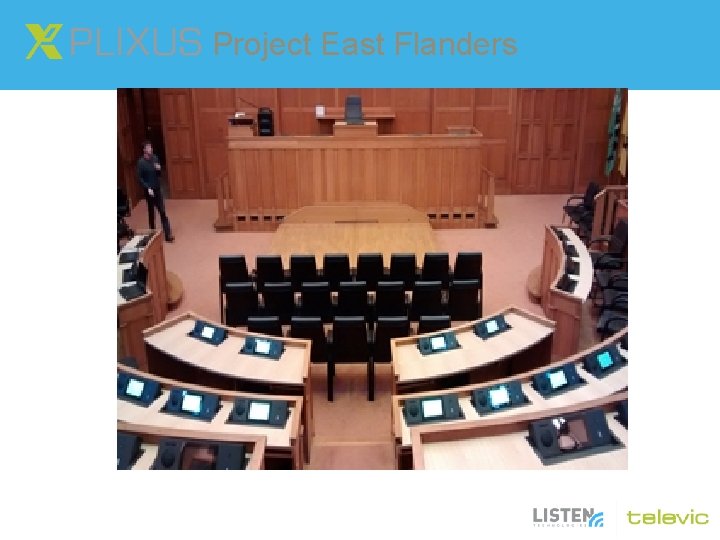
Project East Flanders
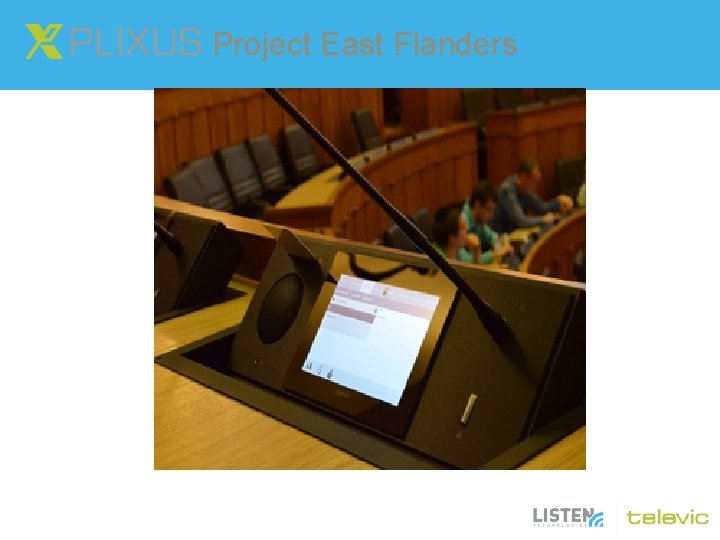
Project East Flanders
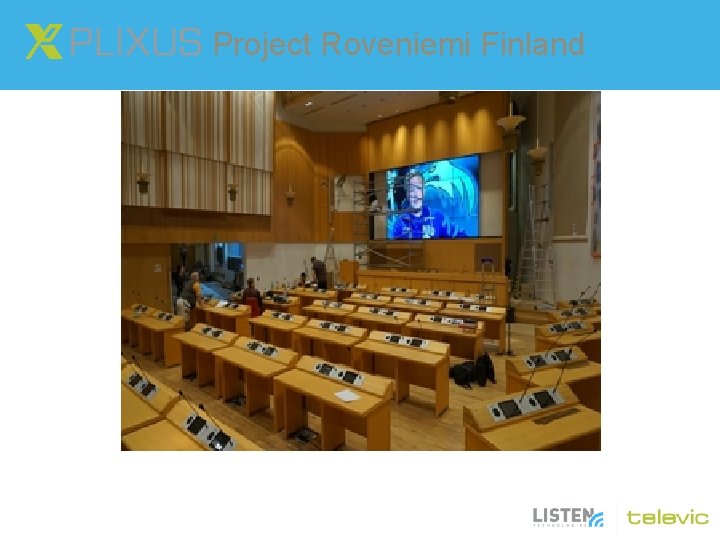
Project Roveniemi Finland
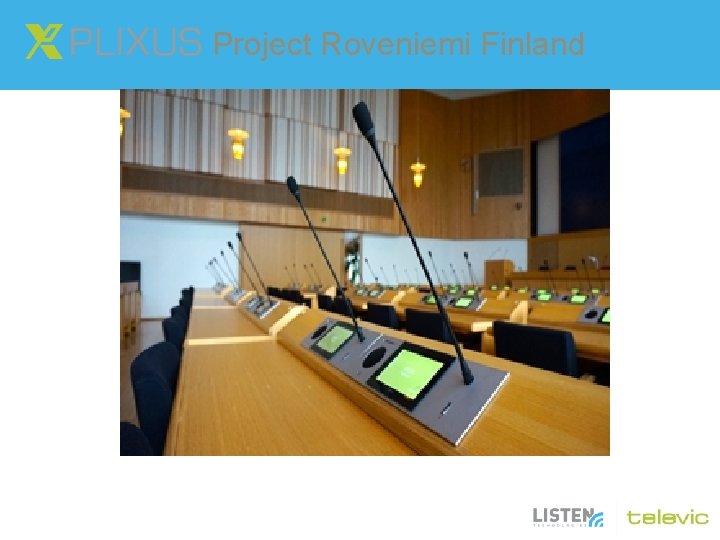
Project Roveniemi Finland
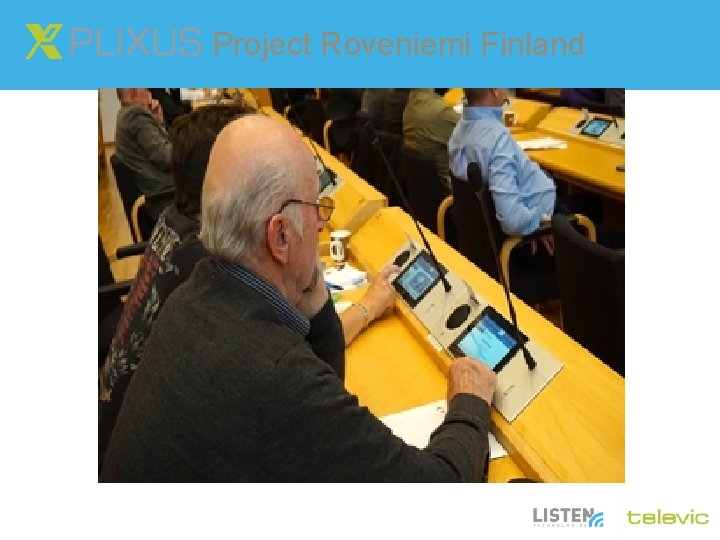
Project Roveniemi Finland
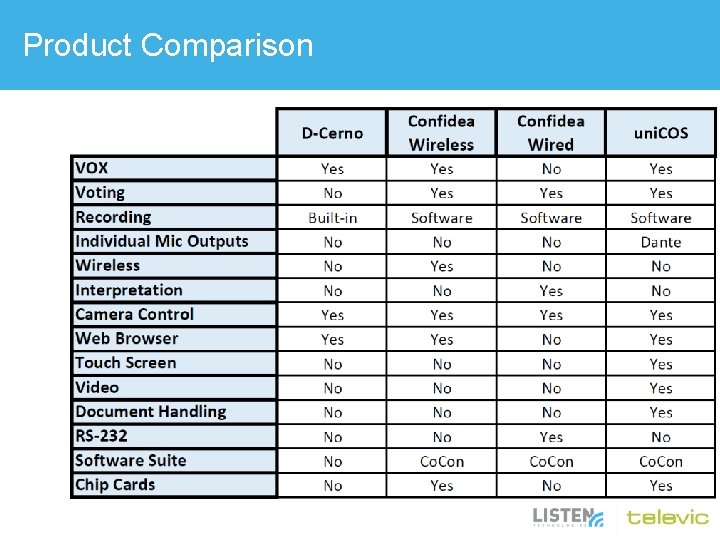
Product Comparison
Questions
Thank you
- Slides: 76