
Conducting a Training Program Preparing z Contact trainers

- Slides: 36
Conducting a Training Program
Preparing……… z Contact trainers in advance, give them topics with which they are familiar with. z Inform participants well in advance – 10 days z Keep training materials ready at least before 2 days z Printing should be clear and not blurred. z Make a good kit, with writing pad, pencils, eraser and sharpner- not necessarily costly z While preparing delegate jobs to your staff, explain clearly what you expect at the end of the day. Check whether things have been done.
Preparing…. z Fix the menu. Keep food simple, preferably at the venue z Keep role play topics ready. z Inform the places to be visited during field visits to ensure complete attendance z Stick to the financial guidelines for training TA / DA to participant (ensure mechanism of distribution) TA / DA & Honorarium to Resource person Honorarium for Class IV & supportive staff z If residential training then facility for stay & internal transportation z Certificate (Participant & Resource Person)
Venue z Check the venue at least the day before. z Lighting: adequate z No Distractions: external noise - close doors and windows internal noise - participants, telephones, fans visual - people outside, posters etc inside z Temperature, humidity, ventilation, cleanliness z Furniture; comfortable chairs, firm writing surfaces, arrangement of chairs to encourage discussion z Equipment: power, spares, focus, screen.
During Training……. . z Make sure you are present before trainees or trainers are z Avoid doing official jobs while training. Minimise usage of mobile phones z Make small batches. z Keep time. z Conduct pre and post test z Participants feedback for presenter (Scoring) at the end of each class z During introduction tell the contents of the training for the day. z Revise the previous day training course.
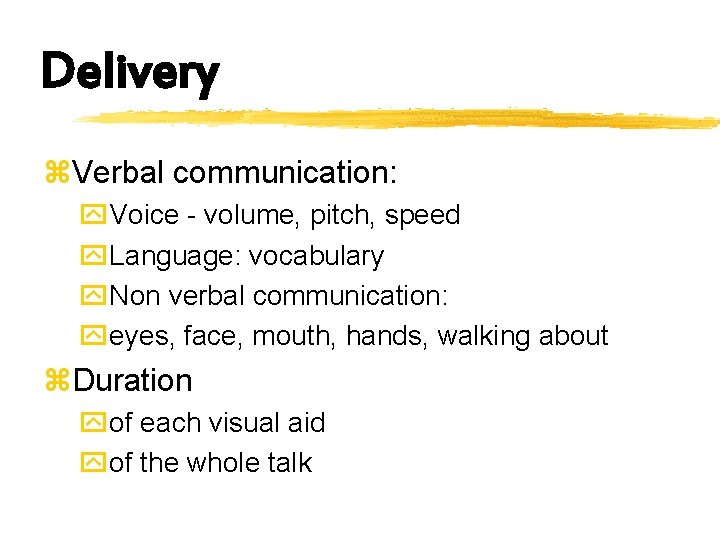
During Training……. . z. Avoid one way communication. z. Make sessions interactive by asking questions. z. Verbal communication: Voice - volume, pitch, speed Language: vocabulary z. Non verbal communication: eyes, face, mouth, hands, walking about
During Training……. . z Keep a small 10 – 15 slides PP presentation in the middle of the day to avoid monotony z Stick to the course content in the modules. z Do not skip the question answer section after each chapter. z Conduct field visits. Brief trainees on what they should expect how they should interact at the places visited. z Discuss observations made during field visits z Conduct Role Plays to enhance IPC, enhance communication skills.
Role Plays z Good IPC skills improves interactions with patients. z Helps RNTCP staff obtain participation from officials, laboratory personnel, public sector physicians, treatment observers z Counseling is a process of empowering clients to make their own decisions through defining feelings and providing objective information. z To help people change their behaviour, good IPC, or “counseling” skills will work toward providing information, motivating, helping people to overcome obstacles, and providing support to try to change z During the role plays, observe each group but avoid interrupting them; interrupt only if the participants are having extreme difficulty or are going totally out of bounds
Qualities of good trainer z. Try to listen. z. Repeat important points that must be learnt. z. Always speak clearly. z. Interest must be created. z. Never use one way communication while training. z. Equals be it a Trainers or trainee while training. z. Respect participant's viewpoint. z. Self evaluation by trainers
Power Point Tips
Purpose of doing a presentation i. To communicate i. To persuade
Doing a Presentation -Be Prepared Be Brief JBe Interesting
Be Prepared! -Check the Equipment -Prepare Visual Aids -Know your Materials -Practice
Be Brief! Stick to the time limit Stick to the point
Be Interesting!: Delivery JBelieve! JMove! JSimple language JTalk to the audience
Be Interesting!: Visual Aids JSummary not text JSimple - graphics and bullets JAttractive
Preparing for a Presentation Things to do!
Environment z Lighting: adequate, NOT from behind speaker z Distractions: yexternal noise - close doors and windows yinternal noise - participants, telephones, fans yvisual - people outside, posters etc inside z Temperature, humidity, ventilation, cleanliness z Furniture; comfortable chairs, firm writing surfaces, arrangement of chairs to encourage discussion z Equipment: power, spares, focus, screen
Each Slide should have a single focus üFor multiple points, use multiple slides üMaterial divided into two slides takes no longer to read
Avoid distraction Too much color Too much information Too many symbols Science takes precedence over Art
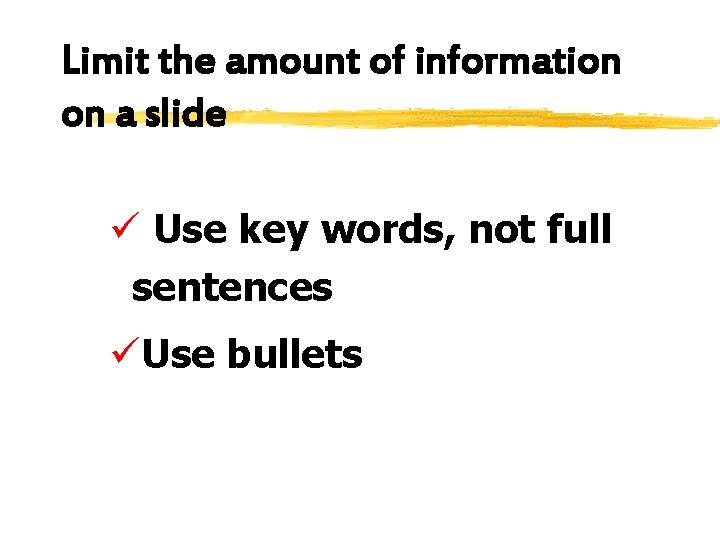
Limit the amount of information on a slide ü Use key words, not full sentences üUse bullets
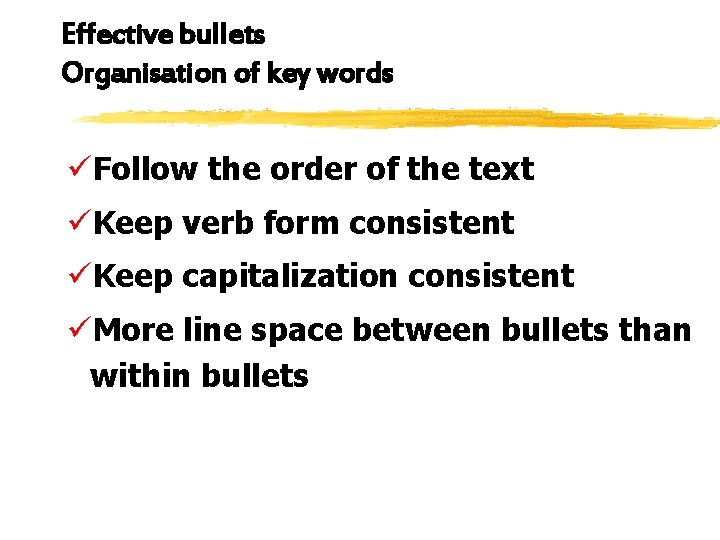
Effective bullets Organisation of key words üFollow the order of the text üKeep verb form consistent üKeep capitalization consistent üMore line space between bullets than within bullets
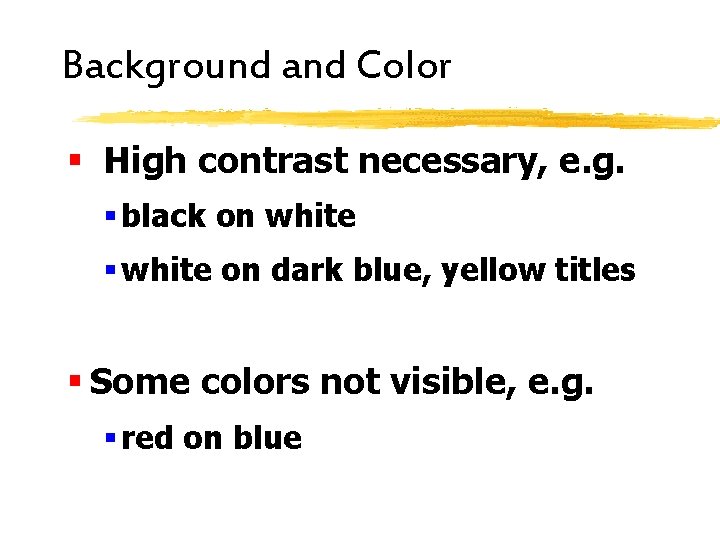
Background and Color § High contrast necessary, e. g. § black on white § white on dark blue, yellow titles § Some colors not visible, e. g. § red on blue
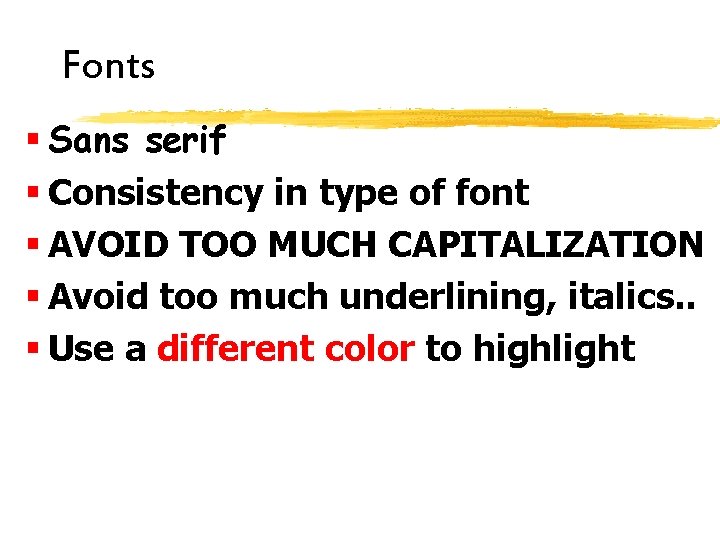
Fonts § Sans serif § Consistency in type of font § AVOID TOO MUCH CAPITALIZATION § Avoid too much underlining, italics. . § Use a different color to highlight
Miscellaneous • Avoid using abbreviations • Check space between words, lines, paragraphs • Check spellings
Animation üMany people don’t like it üUse only if you are comfortable
Graphic presentation of Data
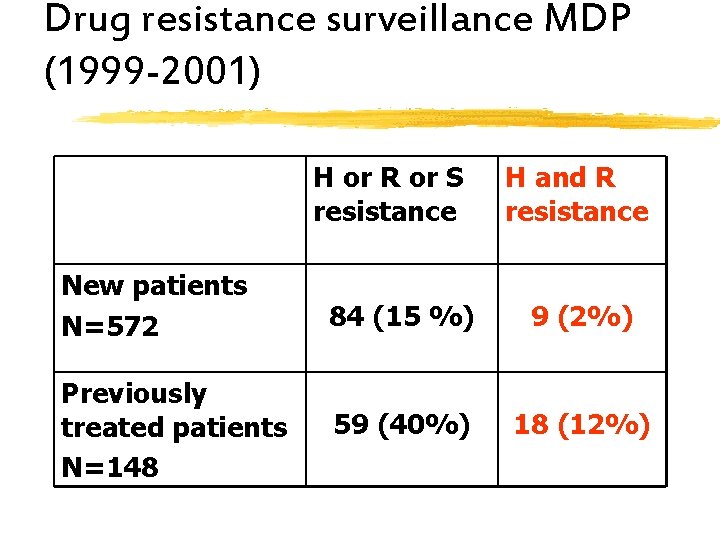
Drug resistance surveillance MDP (1999 -2001) H or R or S resistance H and R resistance New patients N=572 84 (15 %) 9 (2%) Previously treated patients N=148 59 (40%) 18 (12%)
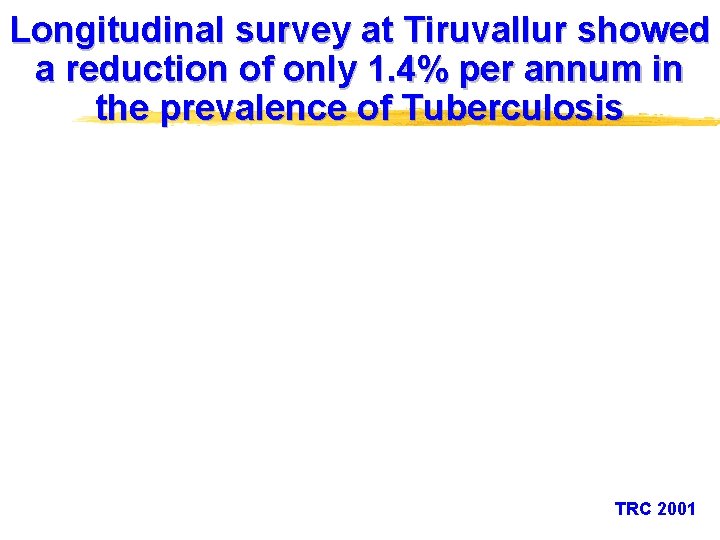
Longitudinal survey at Tiruvallur showed a reduction of only 1. 4% per annum in the prevalence of Tuberculosis TRC 2001
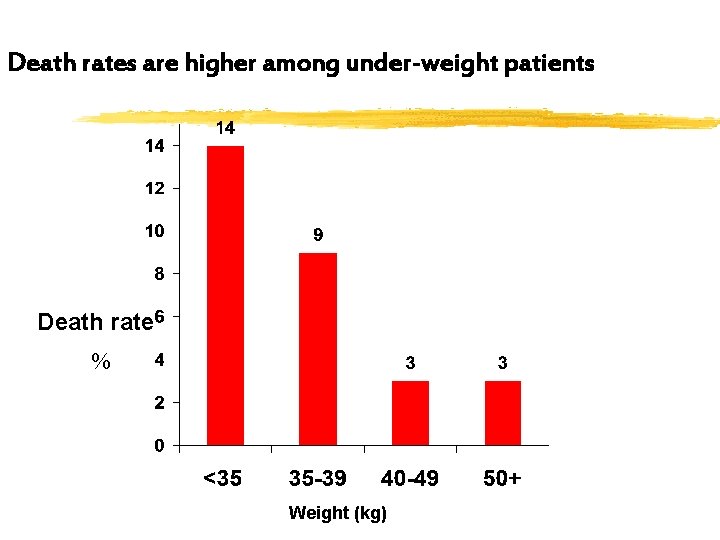
Death rates are higher among under-weight patients Death rate % Weight (kg)
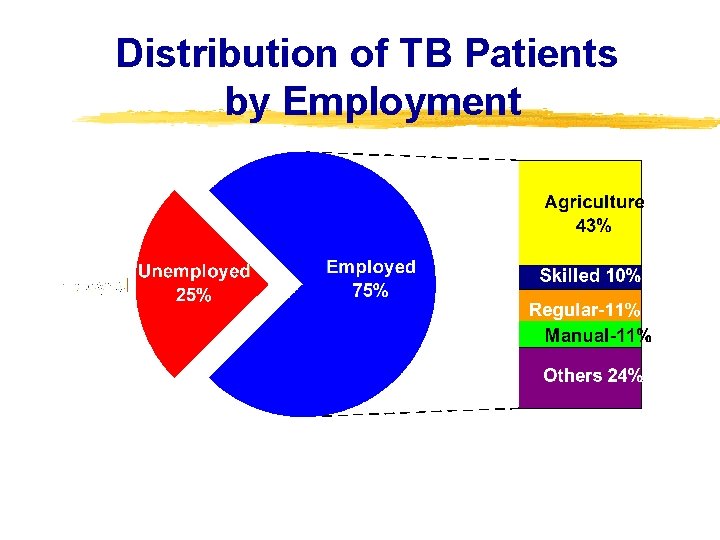
Distribution of TB Patients by Employment
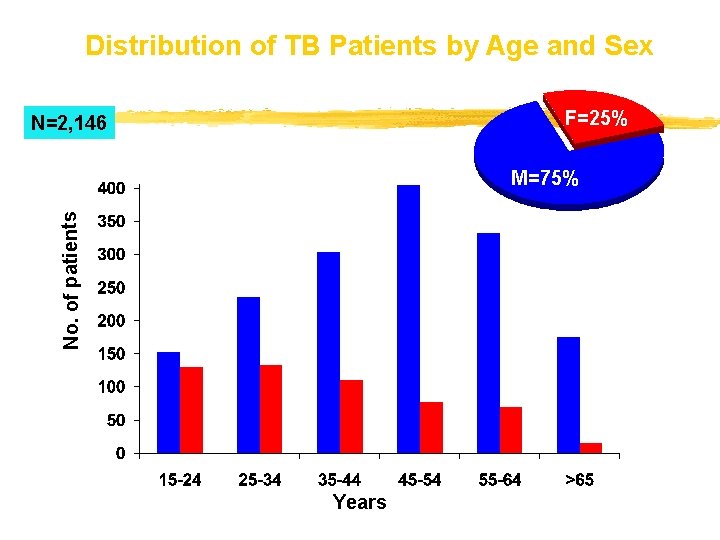
Distribution of TB Patients by Age and Sex F=25% N=2, 146 No. of patients M=75% Years
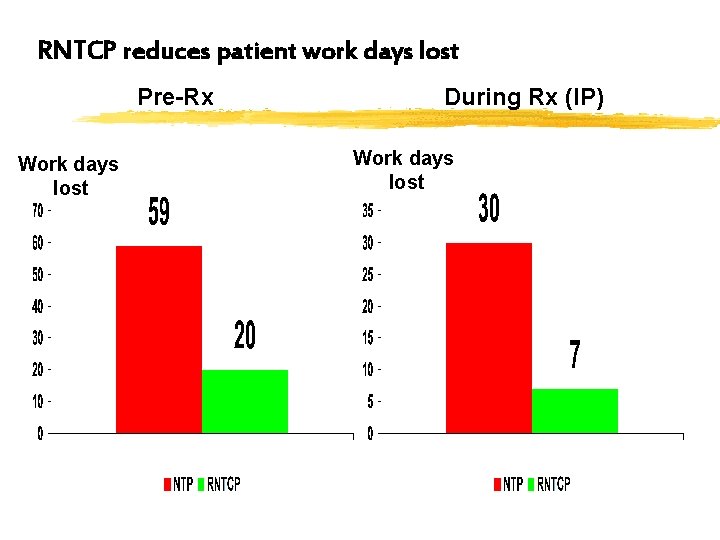
RNTCP reduces patient work days lost Pre-Rx Work days lost During Rx (IP) Work days lost
Delivery z. Verbal communication: y. Voice - volume, pitch, speed y. Language: vocabulary y. Non verbal communication: yeyes, face, mouth, hands, walking about z. Duration yof each visual aid yof the whole talk
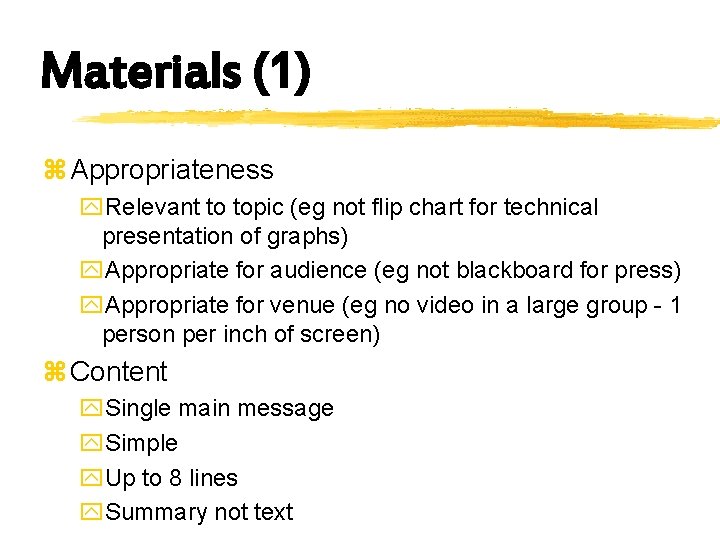
Materials (1) z Appropriateness y. Relevant to topic (eg not flip chart for technical presentation of graphs) y. Appropriate for audience (eg not blackboard for press) y. Appropriate for venue (eg no video in a large group - 1 person per inch of screen) z Content y. Single main message y. Simple y. Up to 8 lines y. Summary not text
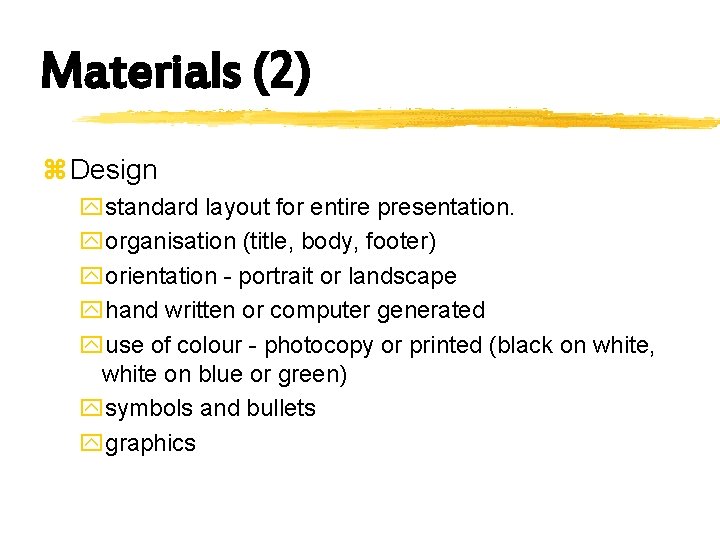
Materials (2) z Design ystandard layout for entire presentation. yorganisation (title, body, footer) yorientation - portrait or landscape yhand written or computer generated yuse of colour - photocopy or printed (black on white, white on blue or green) ysymbols and bullets ygraphics