
Conditional Statements with Java Script MIS 2402 Department
- Slides: 20
Conditional Statements with Java. Script MIS 2402 Department of MIS Fox School of Business Temple University
Today’s topic Conditional Statements: • A conditional statement is a rule or idea that can be expressed using the word “if” • Business rules almost always need to be expressed as conditional statements. 2
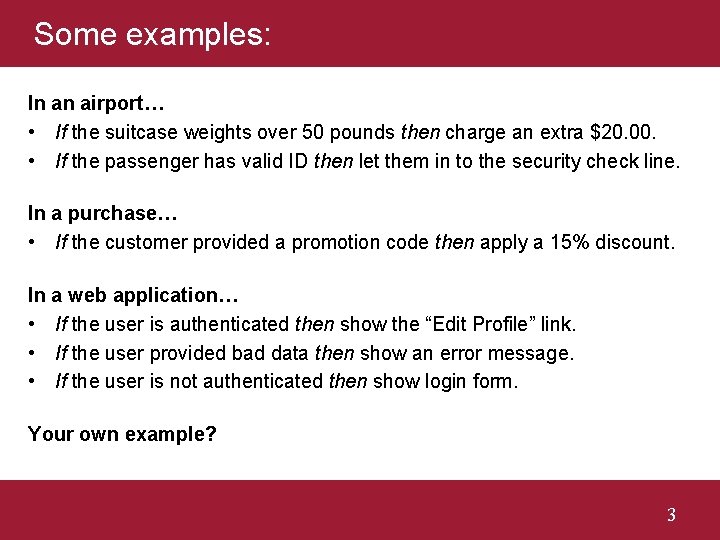
Some examples: In an airport… • If the suitcase weights over 50 pounds then charge an extra $20. 00. • If the passenger has valid ID then let them in to the security check line. In a purchase… • If the customer provided a promotion code then apply a 15% discount. In a web application… • If the user is authenticated then show the “Edit Profile” link. • If the user provided bad data then show an error message. • If the user is not authenticated then show login form. Your own example? 3
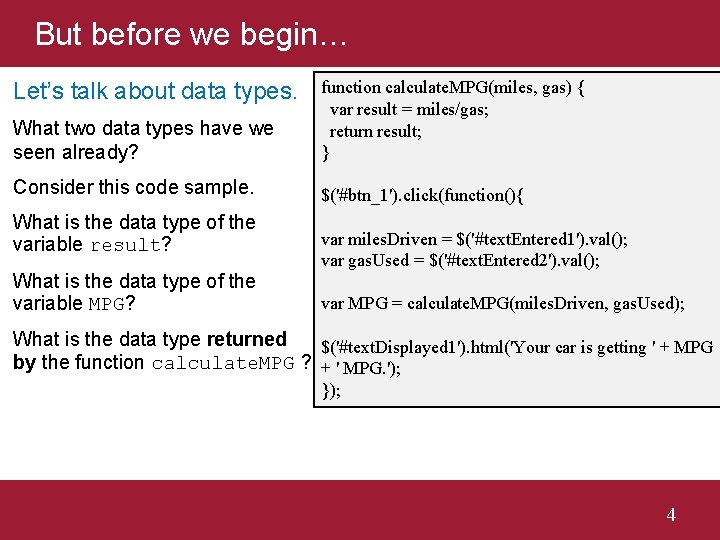
But before we begin… What two data types have we seen already? function calculate. MPG(miles, gas) { var result = miles/gas; return result; } Consider this code sample. $('#btn_1'). click(function(){ Let’s talk about data types. What is the data type of the variable result? What is the data type of the variable MPG? var miles. Driven = $('#text. Entered 1'). val(); var gas. Used = $('#text. Entered 2'). val(); var MPG = calculate. MPG(miles. Driven, gas. Used); What is the data type returned $('#text. Displayed 1'). html('Your car is getting ' + MPG by the function calculate. MPG ? + ' MPG. '); }); 4
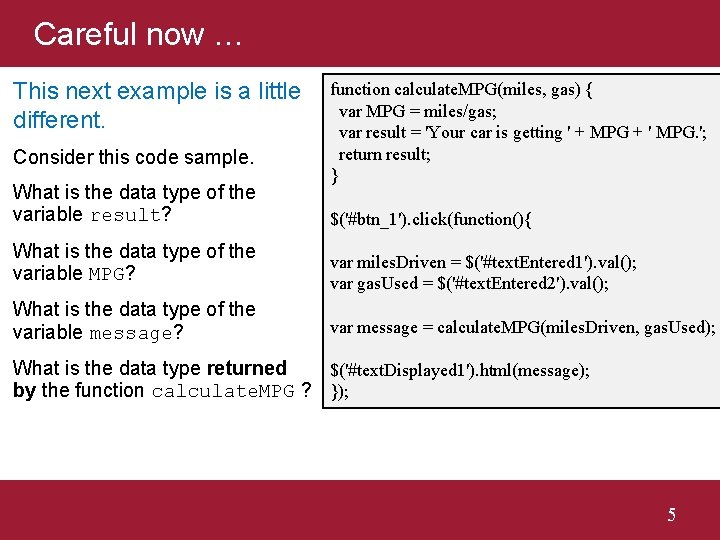
Careful now … This next example is a little different. Consider this code sample. What is the data type of the variable result? function calculate. MPG(miles, gas) { var MPG = miles/gas; var result = 'Your car is getting ' + MPG + ' MPG. '; return result; } $('#btn_1'). click(function(){ What is the data type of the variable MPG? var miles. Driven = $('#text. Entered 1'). val(); var gas. Used = $('#text. Entered 2'). val(); What is the data type of the variable message? var message = calculate. MPG(miles. Driven, gas. Used); What is the data type returned $('#text. Displayed 1'). html(message); by the function calculate. MPG ? }); 5
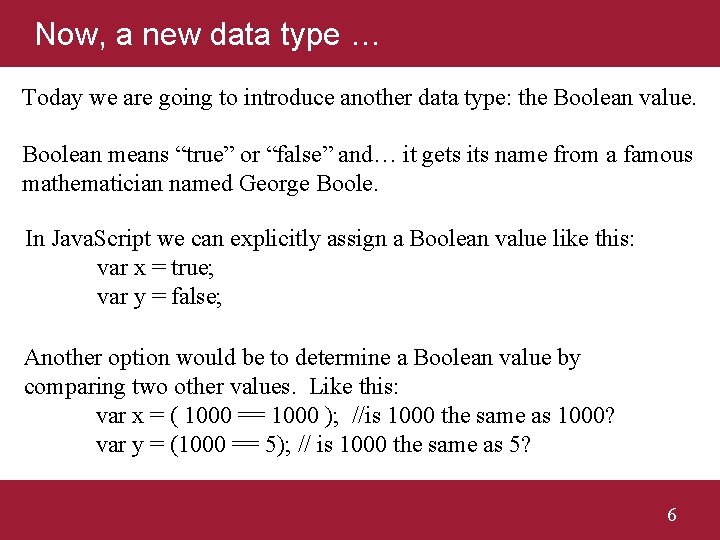
Now, a new data type … Today we are going to introduce another data type: the Boolean value. Boolean means “true” or “false” and… it gets its name from a famous mathematician named George Boole. In Java. Script we can explicitly assign a Boolean value like this: var x = true; var y = false; Another option would be to determine a Boolean value by comparing two other values. Like this: var x = ( 1000 == 1000 ); //is 1000 the same as 1000? var y = (1000 == 5); // is 1000 the same as 5? 6
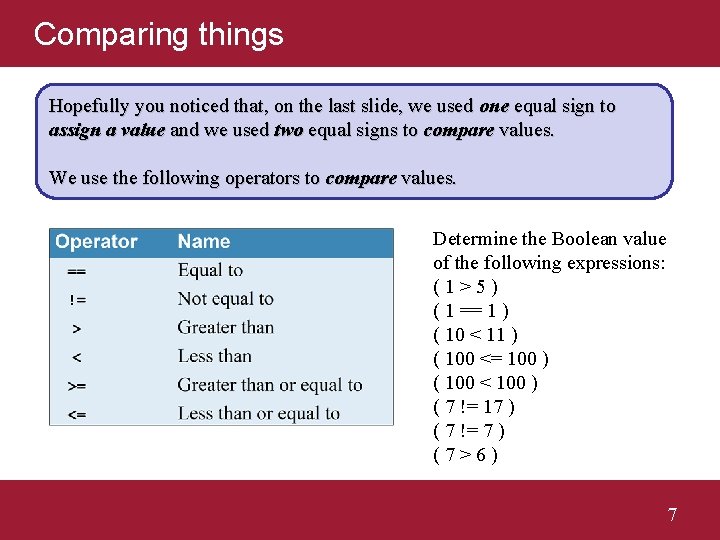
Comparing things Hopefully you noticed that, on the last slide, we used one equal sign to assign a value and we used two equal signs to compare values. We use the following operators to compare values. Determine the Boolean value of the following expressions: (1>5) ( 1 == 1 ) ( 10 < 11 ) ( 100 <= 100 ) ( 100 < 100 ) ( 7 != 17 ) ( 7 != 7 ) (7>6) 7
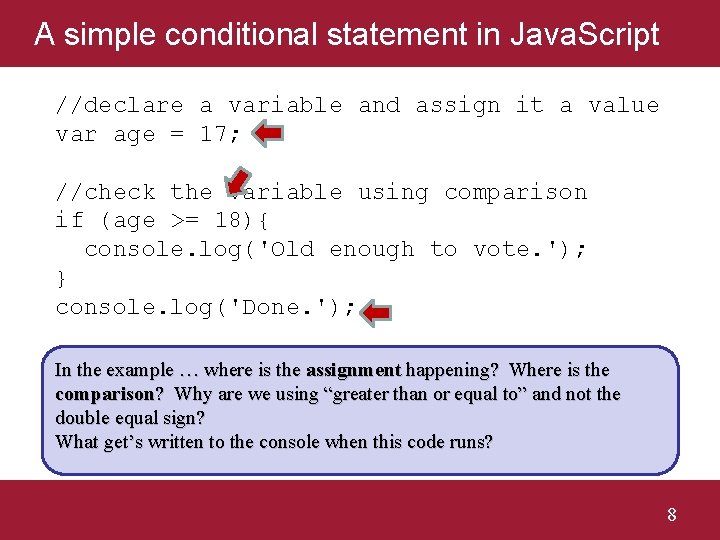
A simple conditional statement in Java. Script //declare a variable and assign it a value var age = 17; //check the variable using comparison if (age >= 18){ console. log('Old enough to vote. '); } console. log('Done. '); In the example … where is the assignment happening? Where is the comparison? Why are we using “greater than or equal to” and not the double equal sign? What get’s written to the console when this code runs? 8
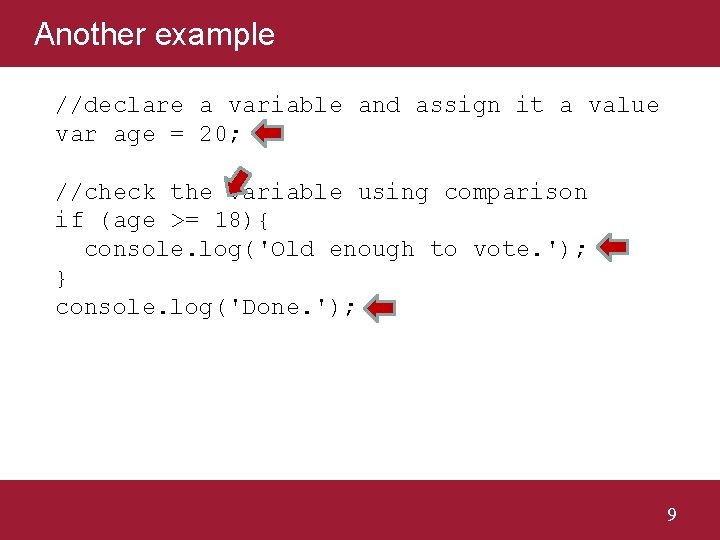
Another example //declare a variable and assign it a value var age = 20; //check the variable using comparison if (age >= 18){ console. log('Old enough to vote. '); } console. log('Done. '); 9
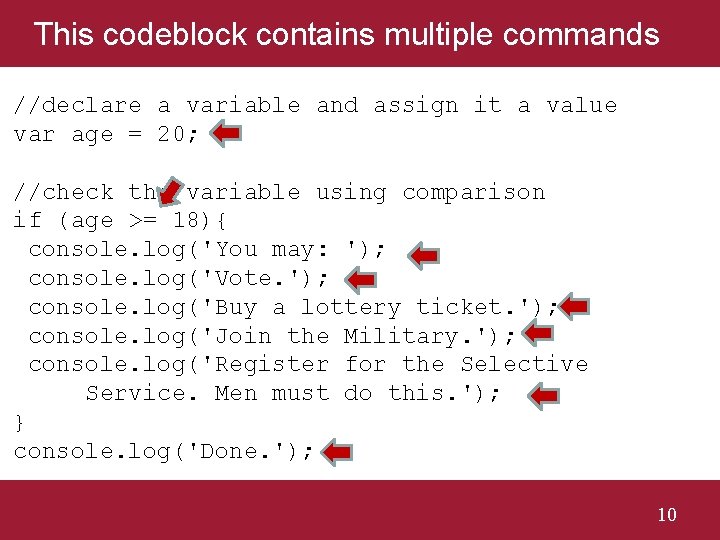
This codeblock contains multiple commands //declare a variable and assign it a value var age = 20; //check the variable using comparison if (age >= 18){ console. log('You may: '); console. log('Vote. '); console. log('Buy a lottery ticket. '); console. log('Join the Military. '); console. log('Register for the Selective Service. Men must do this. '); } console. log('Done. '); 10
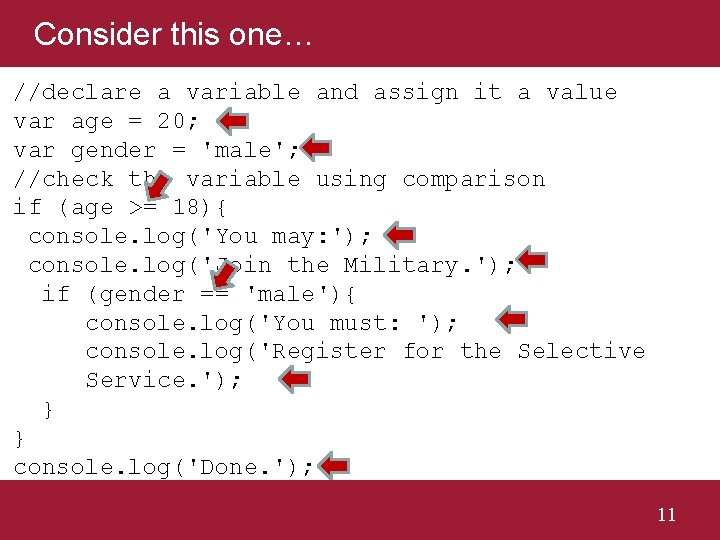
Consider this one… //declare a variable and assign it a value var age = 20; var gender = 'male'; //check the variable using comparison if (age >= 18){ console. log('You may: '); console. log('Join the Military. '); if (gender == 'male'){ console. log('You must: '); console. log('Register for the Selective Service. '); } } console. log('Done. '); 11
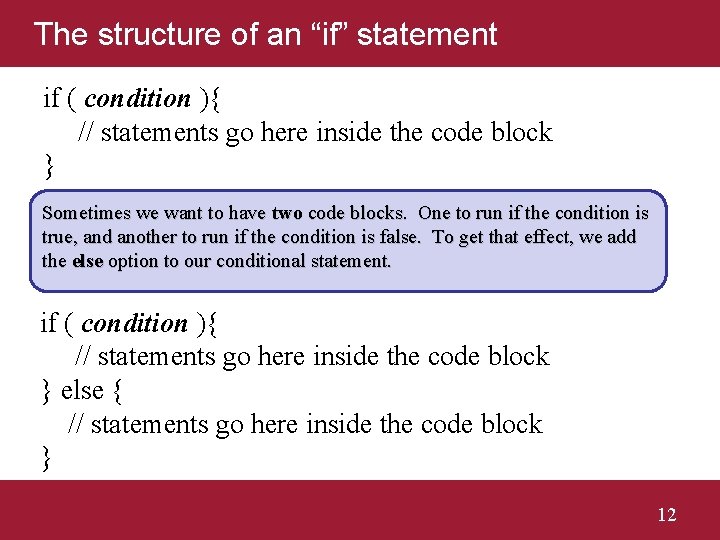
The structure of an “if” statement if ( condition ){ // statements go here inside the code block } Sometimes we want to have two code blocks. One to run if the condition is true, and another to run if the condition is false. To get that effect, we add the else option to our conditional statement. if ( condition ){ // statements go here inside the code block } else { // statements go here inside the code block } 12
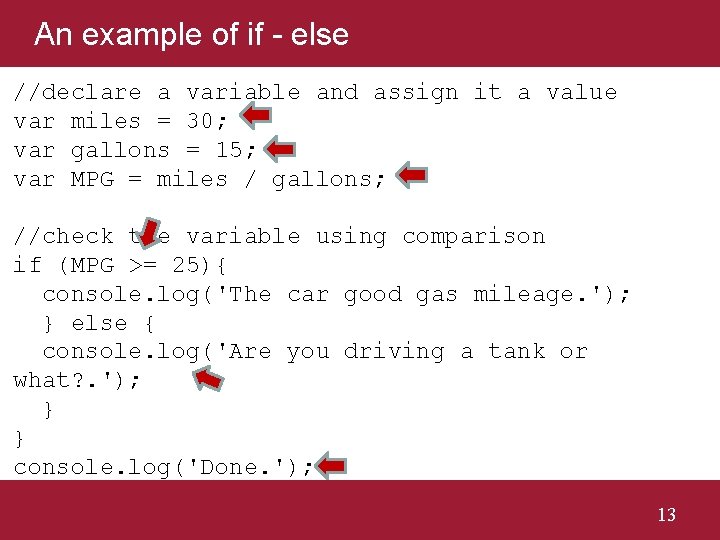
An example of if - else //declare a variable and assign it a value var miles = 30; var gallons = 15; var MPG = miles / gallons; //check the variable using comparison if (MPG >= 25){ console. log('The car good gas mileage. '); } else { console. log('Are you driving a tank or what? . '); } } console. log('Done. '); 13
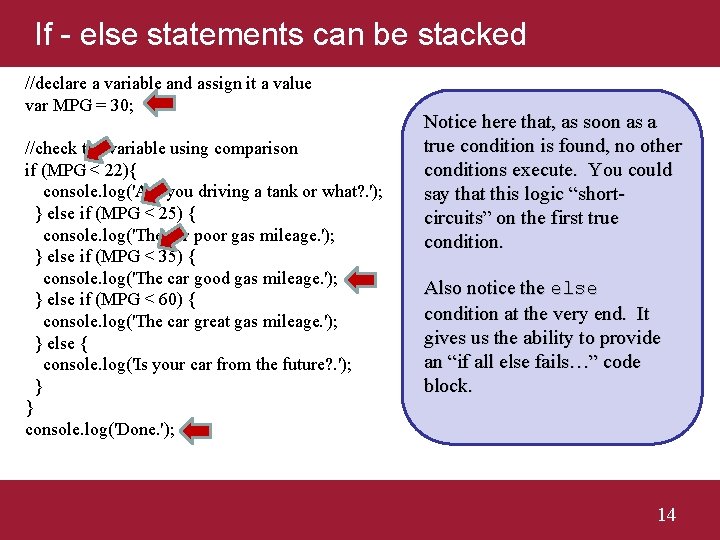
If - else statements can be stacked //declare a variable and assign it a value var MPG = 30; //check the variable using comparison if (MPG < 22){ console. log('Are you driving a tank or what? . '); } else if (MPG < 25) { console. log('The car poor gas mileage. '); } else if (MPG < 35) { console. log('The car good gas mileage. '); } else if (MPG < 60) { console. log('The car great gas mileage. '); } else { console. log('Is your car from the future? . '); } } console. log('Done. '); Notice here that, as soon as a true condition is found, no other conditions execute. You could say that this logic “shortcircuits” on the first true condition. Also notice the else condition at the very end. It gives us the ability to provide an “if all else fails…” code block. 14
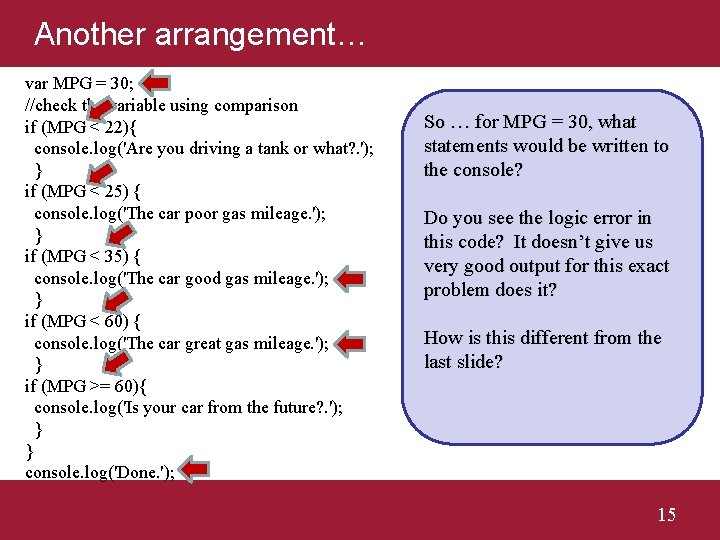
Another arrangement… var MPG = 30; //check the variable using comparison if (MPG < 22){ console. log('Are you driving a tank or what? . '); } if (MPG < 25) { console. log('The car poor gas mileage. '); } if (MPG < 35) { console. log('The car good gas mileage. '); } if (MPG < 60) { console. log('The car great gas mileage. '); } if (MPG >= 60){ console. log('Is your car from the future? . '); } } console. log('Done. '); So … for MPG = 30, what statements would be written to the console? Do you see the logic error in this code? It doesn’t give us very good output for this exact problem does it? How is this different from the last slide? 15
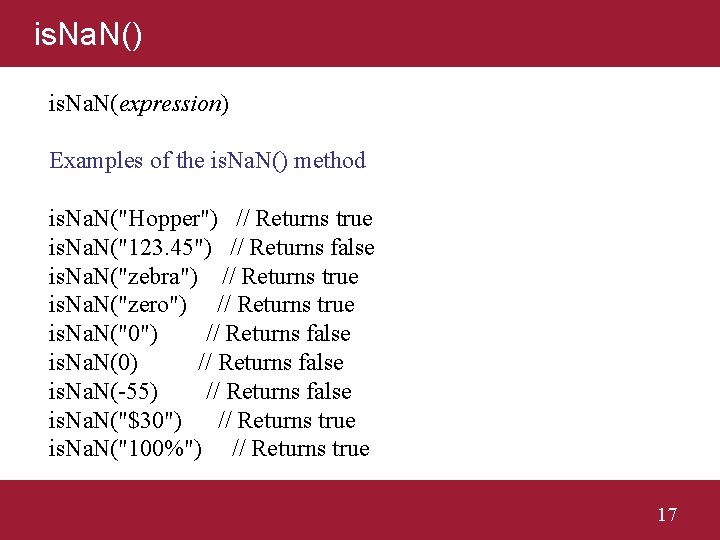
More about the condition if ( condition ){ // statements go here inside the code block } So far we have seen that condition can be a single Boolean expression … the comparison of two values. But the condition can be *any* expression that results in a value that is true or false. Most notably, the condition can be a function that returns true or false. Java. Script gives us a built-in function called is. Na. N(). The is. Na. N() function tests to see if it’s argument is a “not a number”. 16
is. Na. N() is. Na. N(expression) Examples of the is. Na. N() method is. Na. N("Hopper") // Returns true is. Na. N("123. 45") // Returns false is. Na. N("zebra") // Returns true is. Na. N("zero") // Returns true is. Na. N("0") // Returns false is. Na. N(0) // Returns false is. Na. N(-55) // Returns false is. Na. N("$30") // Returns true is. Na. N("100%") // Returns true 17
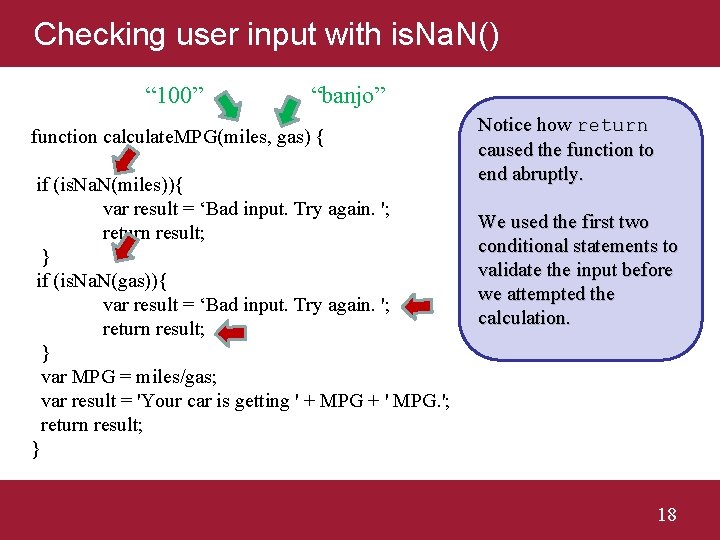
Checking user input with is. Na. N() “ 100” “banjo” function calculate. MPG(miles, gas) { if (is. Na. N(miles)){ var result = ‘Bad input. Try again. '; return result; } if (is. Na. N(gas)){ var result = ‘Bad input. Try again. '; return result; } var MPG = miles/gas; var result = 'Your car is getting ' + MPG + ' MPG. '; return result; } Notice how return caused the function to end abruptly. We used the first two conditional statements to validate the input before we attempted the calculation. 18
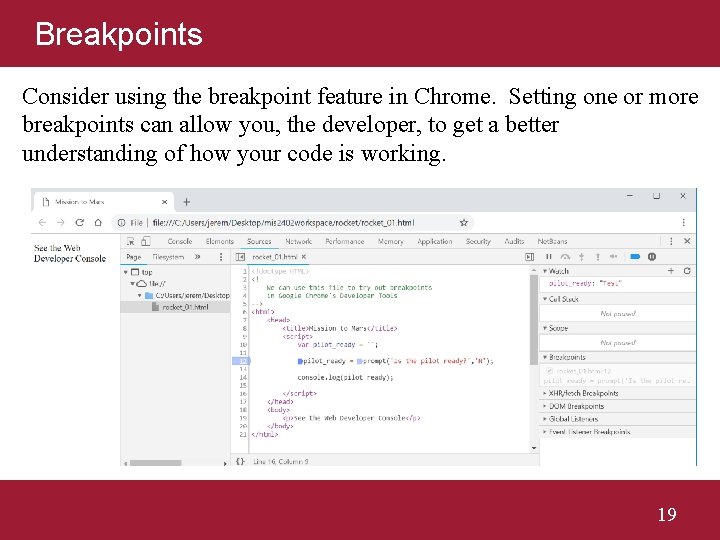
Breakpoints Consider using the breakpoint feature in Chrome. Setting one or more breakpoints can allow you, the developer, to get a better understanding of how your code is working. 19
Let’s give this a try… 20