
Conditional Assembly and Macro Processing Part 1 Reference
Conditional Assembly and Macro Processing Part 1
Reference A++: Using the World's Most Powerful Macro Facility With High Level Assembler Parts 1 and 2 SHARE 119, Anaheim CA, Summer 2012 • https: //share. confex. com/share/119/webprog ram/Session 11195. html
What is That? • Think of the Conditional Assembly and Macro Processor as a meta-language that sits over the assembler • The assembler interprets this language and uses it to control how code is generated • As a programming language, it has its own data types, global (shared) and local variables, expressions and operators, assignments, conditional and unconditional branches
Variable Symbols • • Begin with an ampersand (&) Letters and digits Mixed case but treated as uppercase Examples: &AMOUNT &X &TARGET
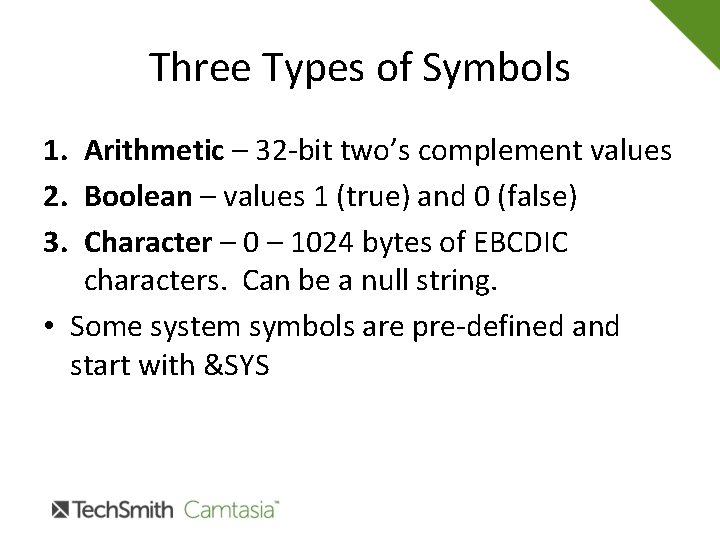
Three Types of Symbols 1. Arithmetic – 32 -bit two’s complement values 2. Boolean – values 1 (true) and 0 (false) 3. Character – 0 – 1024 bytes of EBCDIC characters. Can be a null string. • Some system symbols are pre-defined and start with &SYS
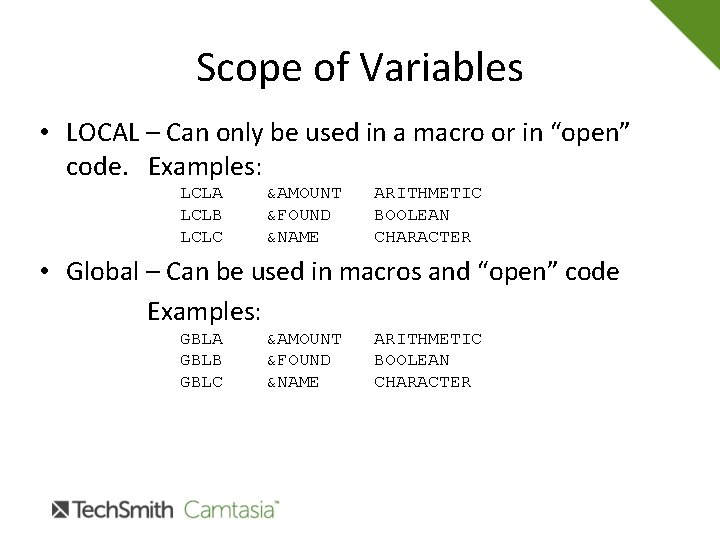
Scope of Variables • LOCAL – Can only be used in a macro or in “open” code. Examples: LCLA LCLB LCLC &AMOUNT &FOUND &NAME ARITHMETIC BOOLEAN CHARACTER • Global – Can be used in macros and “open” code Examples: GBLA GBLB GBLC &AMOUNT &FOUND &NAME ARITHMETIC BOOLEAN CHARACTER
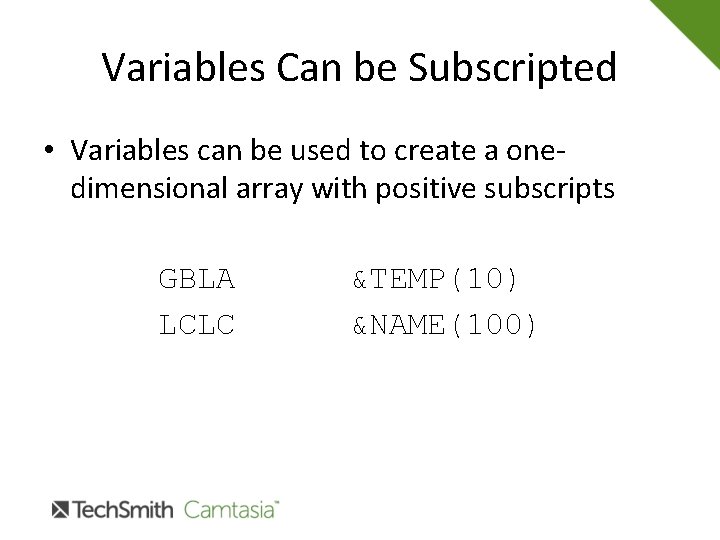
Variables Can be Subscripted • Variables can be used to create a onedimensional array with positive subscripts GBLA LCLC &TEMP(10) &NAME(100)
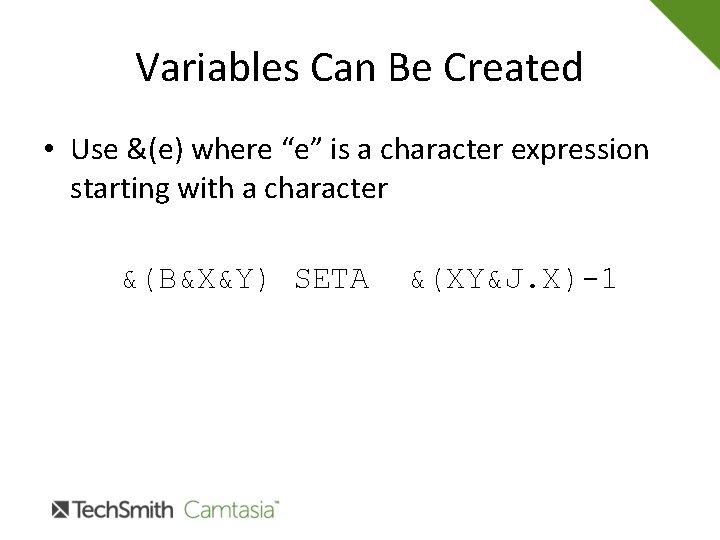
Variables Can Be Created • Use &(e) where “e” is a character expression starting with a character &(B&X&Y) SETA &(XY&J. X)-1
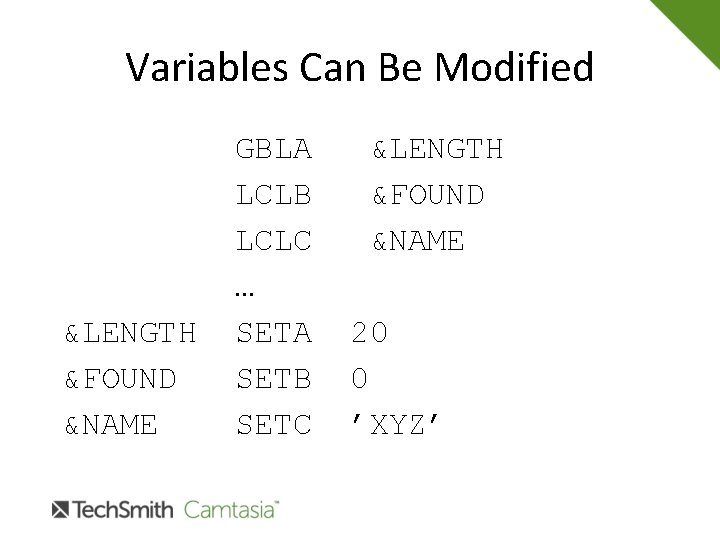
Variables Can Be Modified &LENGTH &FOUND &NAME GBLA LCLB LCLC … SETA SETB SETC &LENGTH &FOUND &NAME 20 0 ’XYZ’
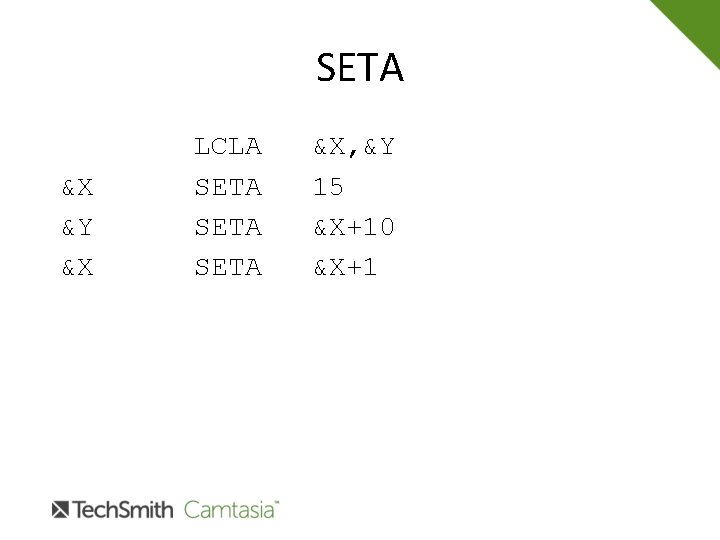
SETA &X &Y &X LCLA SETA &X, &Y 15 &X+10 &X+1
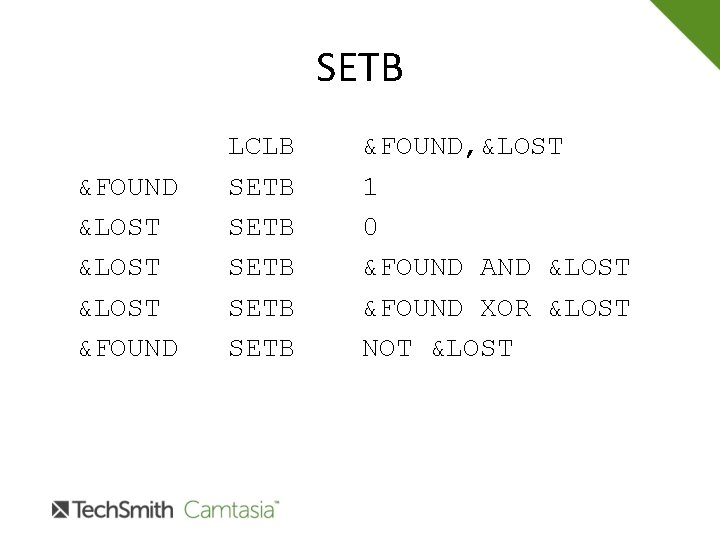
SETB &FOUND &LOST &FOUND LCLB SETB SETB &FOUND, &LOST 1 0 &FOUND AND &LOST &FOUND XOR &LOST NOT &LOST
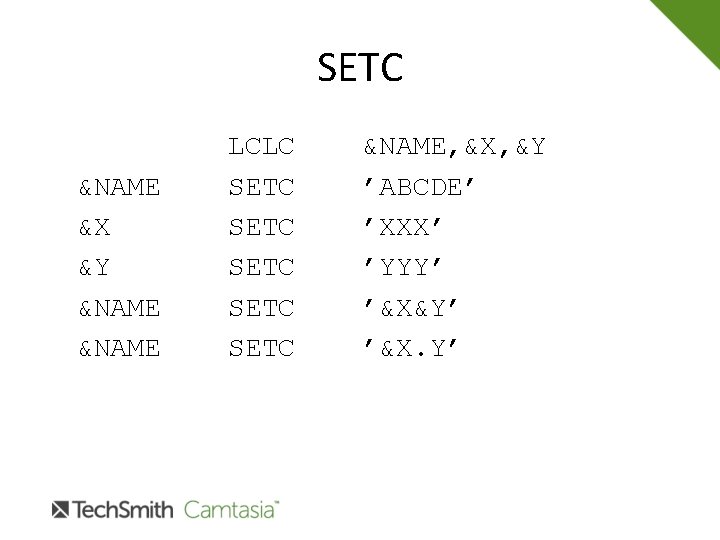
SETC &NAME &X &Y &NAME LCLC SETC SETC &NAME, &X, &Y ’ABCDE’ ’XXX’ ’YYY’ ’&X&Y’ ’&X. Y’
Conditional Assembly • Used to control which statements are assembled in your source and in what sequence • Four instructions: AGO, ANOP, AIF, ACTR • AGO – used to transfer control • ANOP – used to denote a symbolic position with a sequence symbol • AIF – test and branch • ACTR – loop counter
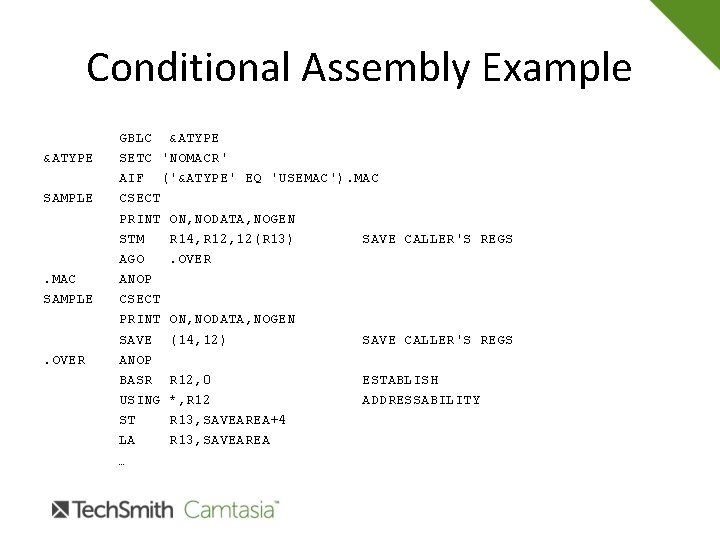
Conditional Assembly Example &ATYPE SAMPLE . MAC SAMPLE . OVER GBLC &ATYPE SETC 'NOMACR' AIF ('&ATYPE' EQ 'USEMAC'). MAC CSECT PRINT ON, NODATA, NOGEN STM R 14, R 12, 12(R 13) SAVE CALLER'S REGS AGO. OVER ANOP CSECT PRINT ON, NODATA, NOGEN SAVE (14, 12) SAVE CALLER'S REGS ANOP BASR R 12, 0 ESTABLISH USING *, R 12 ADDRESSABILITY ST R 13, SAVEAREA+4 LA R 13, SAVEAREA …
Three Types of Macros • Positional – parameters are coded in a predetermined sequence PUT FILEOUT, BUFFER • Keyword – parameters are coded in any sequence, Keyword = parm FILEIN DCB MACRF=(GM), … • Mixed – positional parameters are followed by keyword parms
Defining a Macro • Header - MACRO • Prototype – Names the macro and parms • Model statements – the statements that define the macro • Trailer - MEND
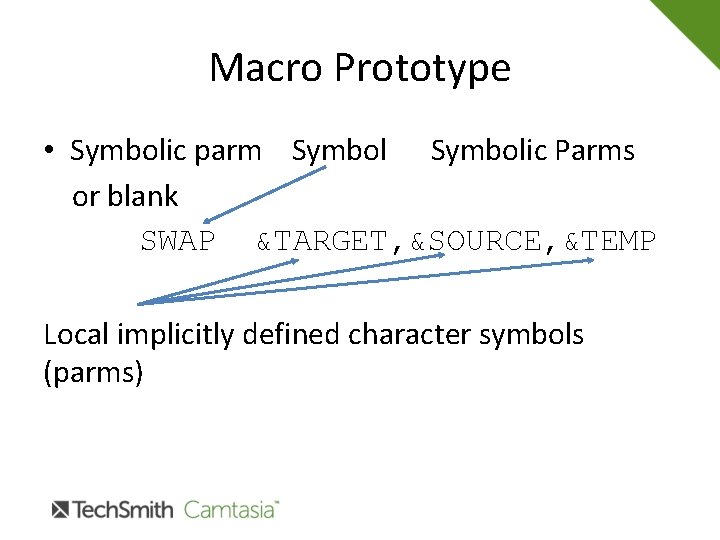
Macro Prototype • Symbolic parm Symbolic Parms or blank SWAP &TARGET, &SOURCE, &TEMP Local implicitly defined character symbols (parms)
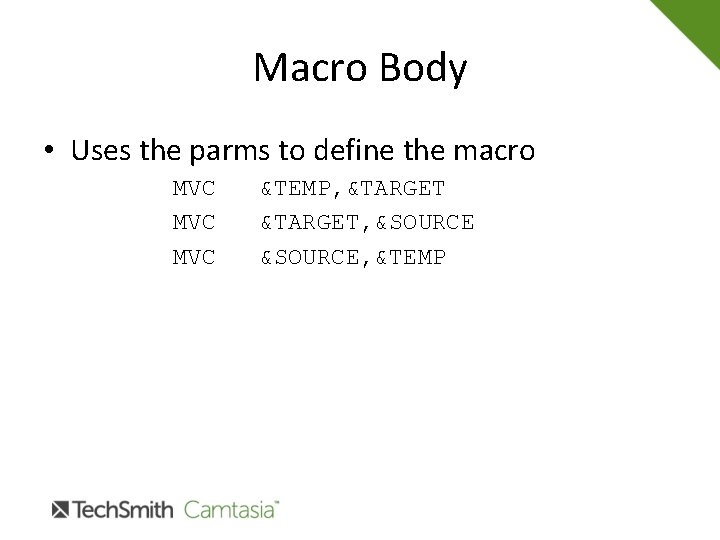
Macro Body • Uses the parms to define the macro MVC MVC &TEMP, &TARGET, &SOURCE, &TEMP
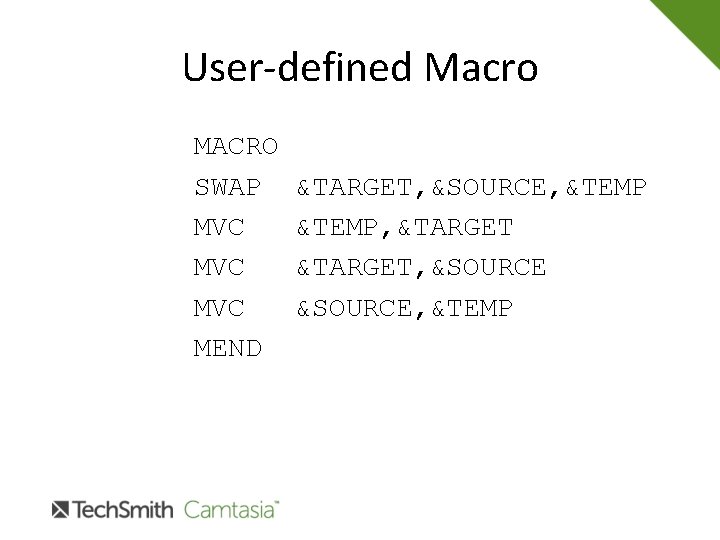
User-defined Macro MACRO SWAP MVC MVC MEND &TARGET, &SOURCE, &TEMP, &TARGET, &SOURCE, &TEMP
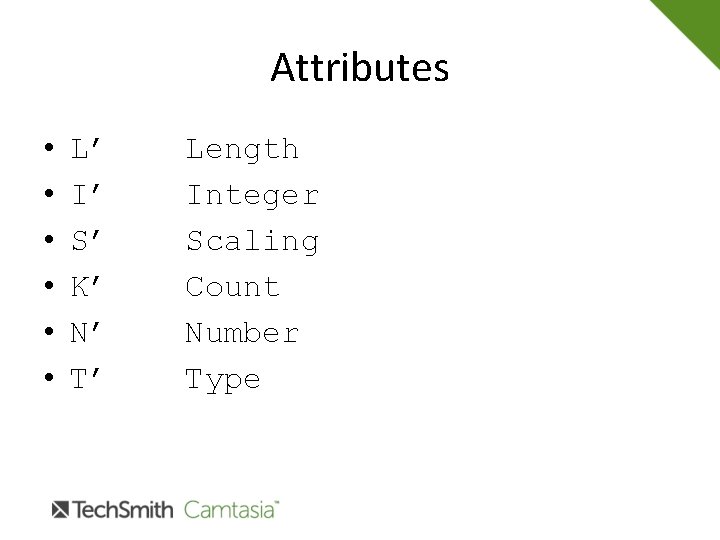
Attributes • • • L’ I’ S’ K’ N’ T’ Length Integer Scaling Count Number Type
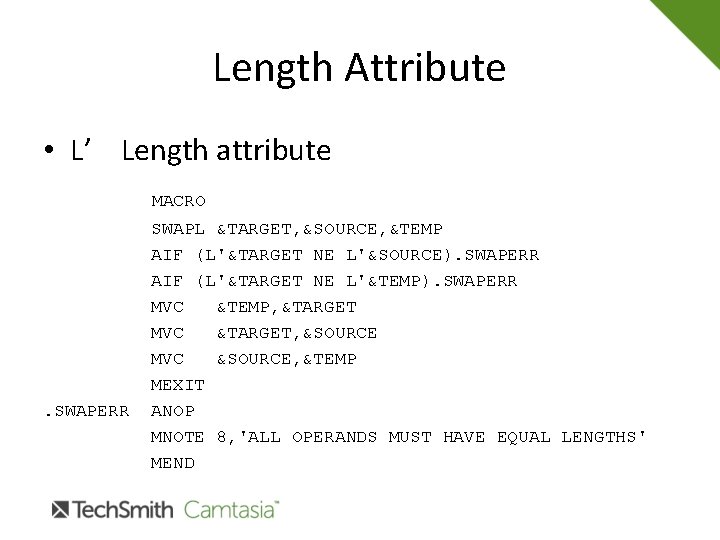
Length Attribute • L’ Length attribute MACRO . SWAPERR SWAPL &TARGET, &SOURCE, &TEMP AIF (L'&TARGET NE L'&SOURCE). SWAPERR AIF (L'&TARGET NE L'&TEMP). SWAPERR MVC &TEMP, &TARGET MVC &TARGET, &SOURCE MVC &SOURCE, &TEMP MEXIT ANOP MNOTE 8, 'ALL OPERANDS MUST HAVE EQUAL LENGTHS' MEND
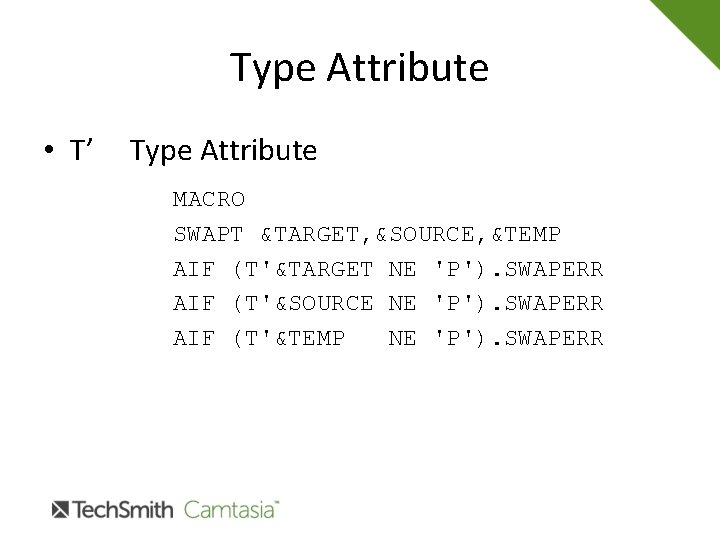
Type Attribute • T’ Type Attribute MACRO SWAPT &TARGET, &SOURCE, &TEMP AIF (T'&TARGET NE 'P'). SWAPERR AIF (T'&SOURCE NE 'P'). SWAPERR AIF (T'&TEMP NE 'P'). SWAPERR
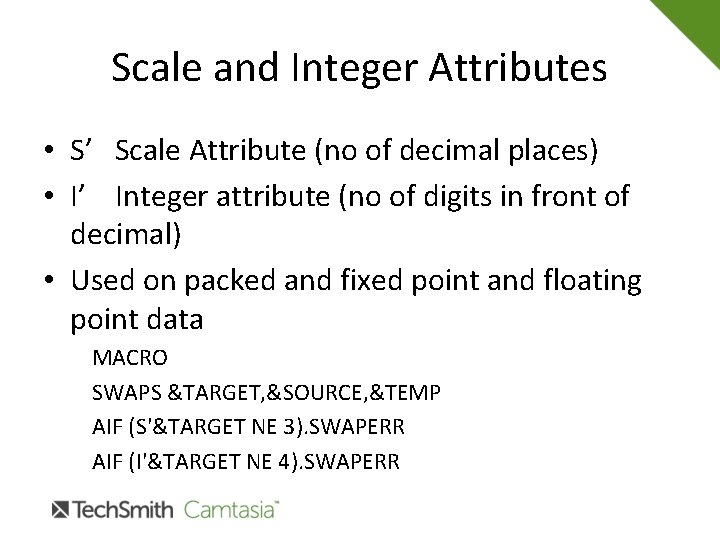
Scale and Integer Attributes • S’ Scale Attribute (no of decimal places) • I’ Integer attribute (no of digits in front of decimal) • Used on packed and fixed point and floating point data MACRO SWAPS &TARGET, &SOURCE, &TEMP AIF (S'&TARGET NE 3). SWAPERR AIF (I'&TARGET NE 4). SWAPERR
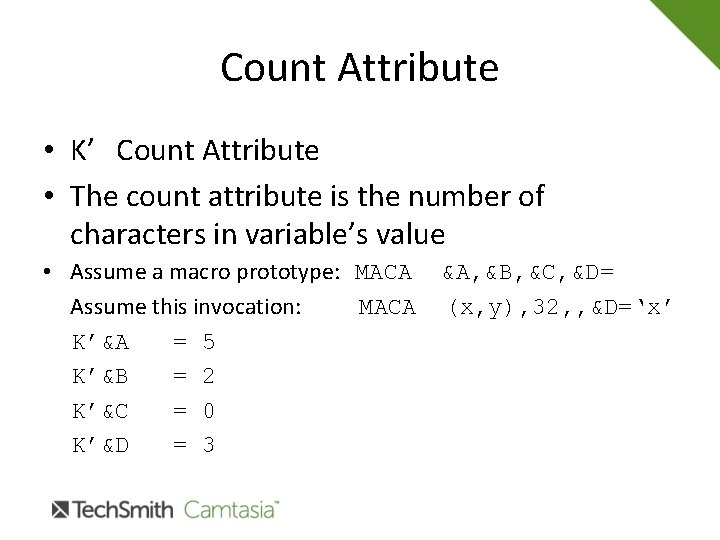
Count Attribute • K’ Count Attribute • The count attribute is the number of characters in variable’s value • Assume a macro prototype: MACA &A, &B, &C, &D= Assume this invocation: MACA (x, y), 32, , &D=‘x’ K’&A = 5 K’&B = 2 K’&C = 0 K’&D = 3
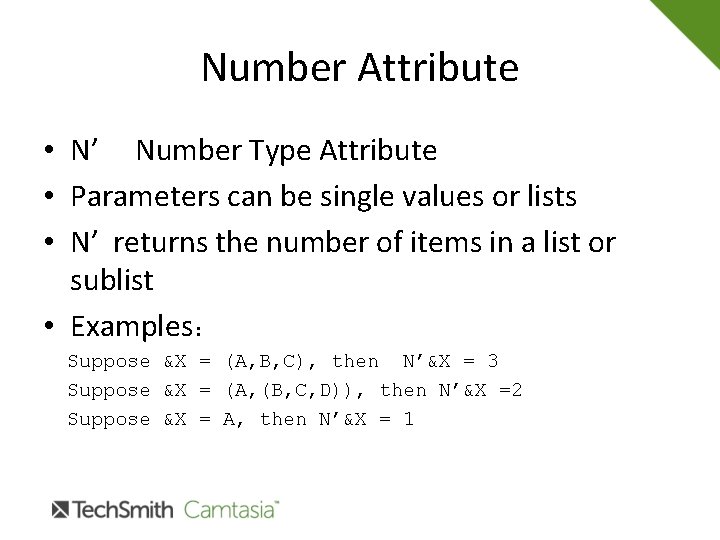
Number Attribute • N’ Number Type Attribute • Parameters can be single values or lists • N’ returns the number of items in a list or sublist • Examples: Suppose &X = (A, B, C), then N’&X = 3 Suppose &X = (A, (B, C, D)), then N’&X =2 Suppose &X = A, then N’&X = 1
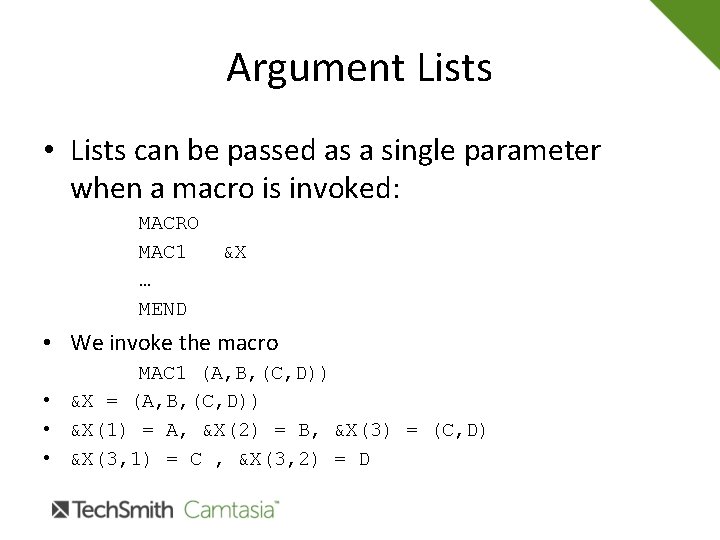
Argument Lists • Lists can be passed as a single parameter when a macro is invoked: MACRO MAC 1 … MEND &X • We invoke the macro MAC 1 (A, B, (C, D)) • &X = (A, B, (C, D)) • &X(1) = A, &X(2) = B, &X(3) = (C, D) • &X(3, 1) = C , &X(3, 2) = D
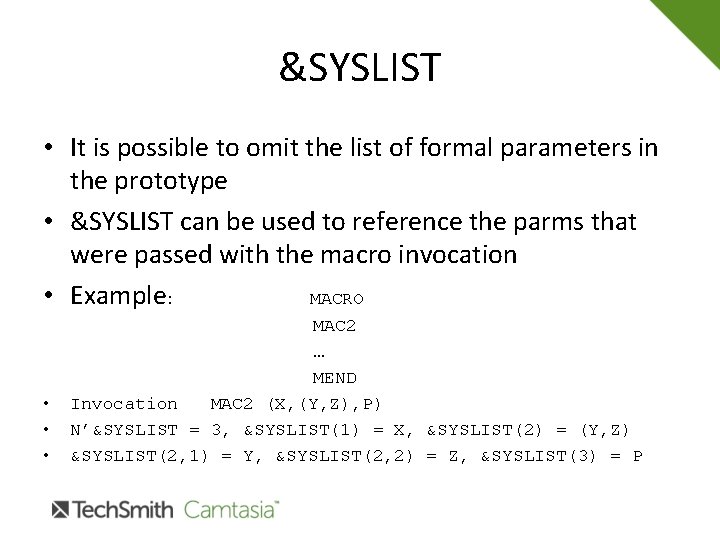
&SYSLIST • It is possible to omit the list of formal parameters in the prototype • &SYSLIST can be used to reference the parms that were passed with the macro invocation • Example: MACRO • • • MAC 2 … MEND Invocation MAC 2 (X, (Y, Z), P) N’&SYSLIST = 3, &SYSLIST(1) = X, &SYSLIST(2) = (Y, Z) &SYSLIST(2, 1) = Y, &SYSLIST(2, 2) = Z, &SYSLIST(3) = P
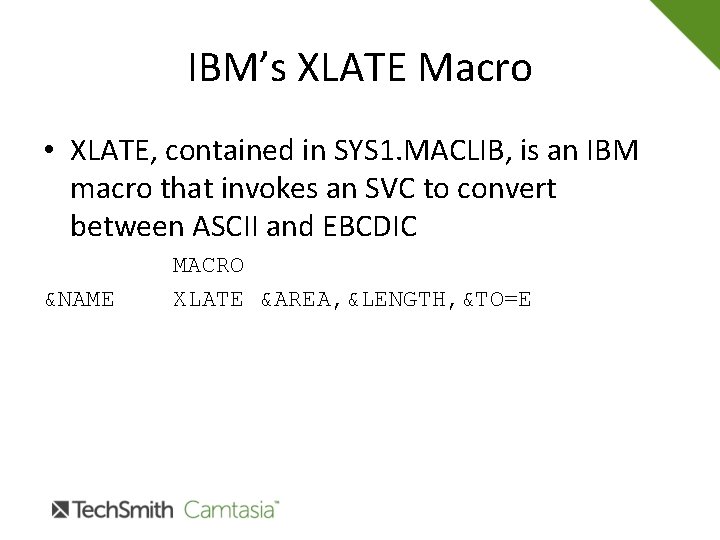
IBM’s XLATE Macro • XLATE, contained in SYS 1. MACLIB, is an IBM macro that invokes an SVC to convert between ASCII and EBCDIC &NAME MACRO XLATE &AREA, &LENGTH, &TO=E
Macro Exercise • Write a macro with the following prototype: COBMVC &X, &Y • The macro tests &X and &Y to make sure they are character fields • The macro generates code so that field &Y is moved to &X • The move behaves like a Cobol MOVE: If L’&X > L’&Y, &X is padded with blanks on the right If L’&X < L’&Y, &X is truncated
- Slides: 29