
CONCURRENCY IN ANDROID Process and Thread When a


- Slides: 21
CONCURRENCY IN ANDROID
Process and Thread When a component of an app starts, the Android starts a process with a single thread in it. When another component needs to start, it is executed on the same thread in the same process. By default all components of the same app run in the same process.
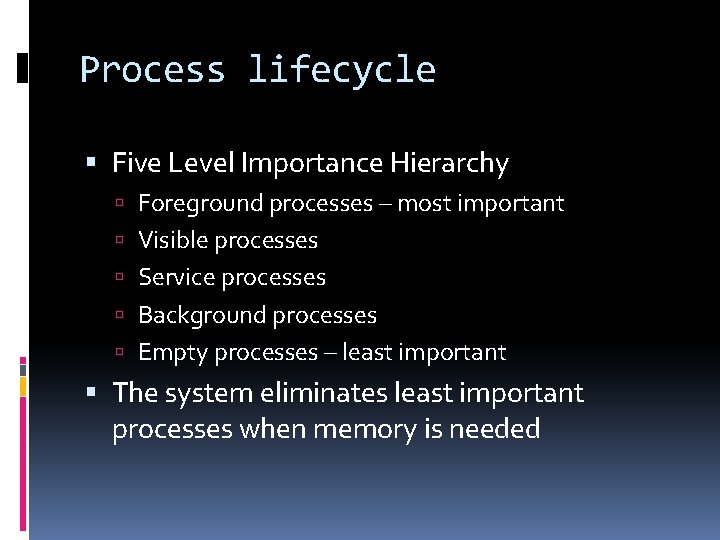
Process lifecycle Five Level Importance Hierarchy Foreground processes – most important Visible processes Service processes Background processes Empty processes – least important The system eliminates least important processes when memory is needed
Foreground Processes A process that is required for what the user is doing. One of the following conditions must be true: It hosts an activity that is in Resumed state It hosts a service that’s bound to the Resumed activity It hosts a service that is running in the foreground Service#start. Foreground() It hosts a service that is executing its lifecycle callbacks Such as on. Create(), on. Start() It hosts a broadcast. Receiver that’s running its on. Receive() The system would not try to kill foreground processes only when the memory is too low for normal operations
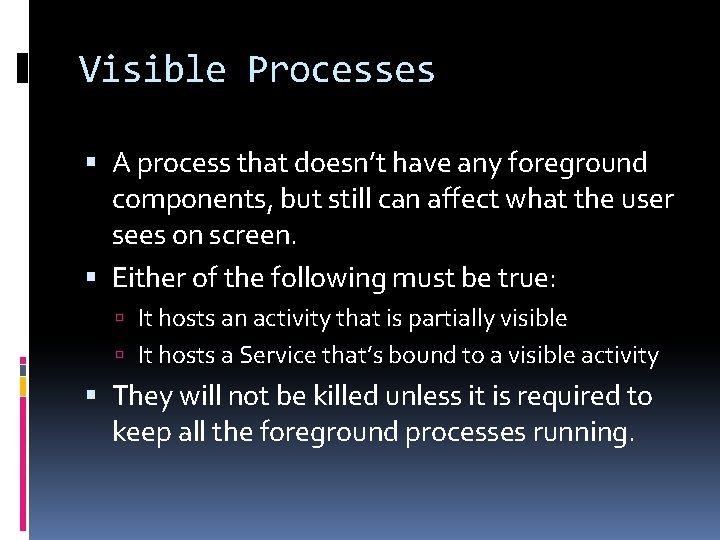
Visible Processes A process that doesn’t have any foreground components, but still can affect what the user sees on screen. Either of the following must be true: It hosts an activity that is partially visible It hosts a Service that’s bound to a visible activity They will not be killed unless it is required to keep all the foreground processes running.
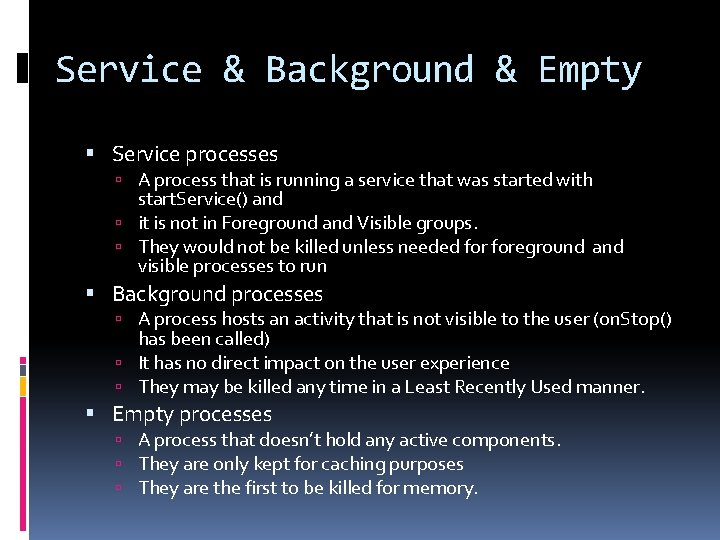
Service & Background & Empty Service processes A process that is running a service that was started with start. Service() and it is not in Foreground and Visible groups. They would not be killed unless needed foreground and visible processes to run Background processes A process hosts an activity that is not visible to the user (on. Stop() has been called) It has no direct impact on the user experience They may be killed any time in a Least Recently Used manner. Empty processes A process that doesn’t hold any active components. They are only kept for caching purposes They are the first to be killed for memory.
Threads Main Thread or UI Thread when an app is launched, the system creates a thread, Main Thread, for the app. It is in charge of dispatching events to the user interface widgets. and It also interacts with UI components such as Views All components are instantiated in the UI thread System calls to each components are dispatched from this thread such as activity lifecylce callbacks. Thus called, Android Single Thread Model
ANR Exception ANR: Application Not Responding Since the UI thread handles all events, long operations such as network access may block it from dispatching/handling events. If UI thread is blocked for a long period of time (5 secs), An ANR dialog will be shown to the user who may quit your app The Android UI toolkit is not thread-safe, so you must not access UI from other threads. Android. widget. * android. view. * Simple Two Rules: Do not block the UI thread Do not access the UI toolkit from outside the UI thread
Worker/Background Threads Java Threads Looper and Handler Async. Task Loader Async. Task. Loader Cursor. Loader
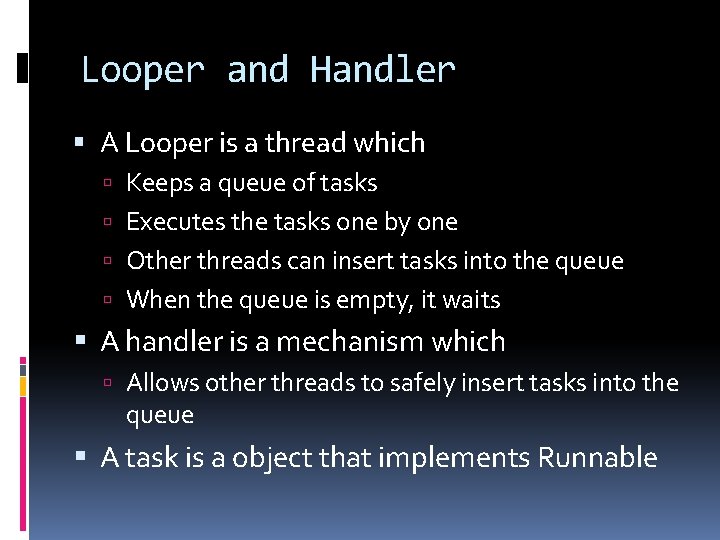
Looper and Handler A Looper is a thread which Keeps a queue of tasks Executes the tasks one by one Other threads can insert tasks into the queue When the queue is empty, it waits A handler is a mechanism which Allows other threads to safely insert tasks into the queue A task is a object that implements Runnable
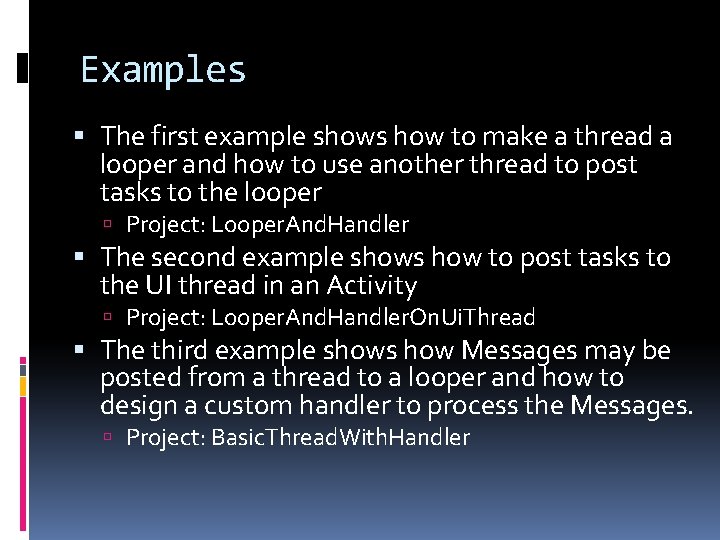
Examples The first example shows how to make a thread a looper and how to use another thread to post tasks to the looper Project: Looper. And. Handler The second example shows how to post tasks to the UI thread in an Activity Project: Looper. And. Handler. On. Ui. Thread The third example shows how Messages may be posted from a thread to a looper and how to design a custom handler to process the Messages. Project: Basic. Thread. With. Handler
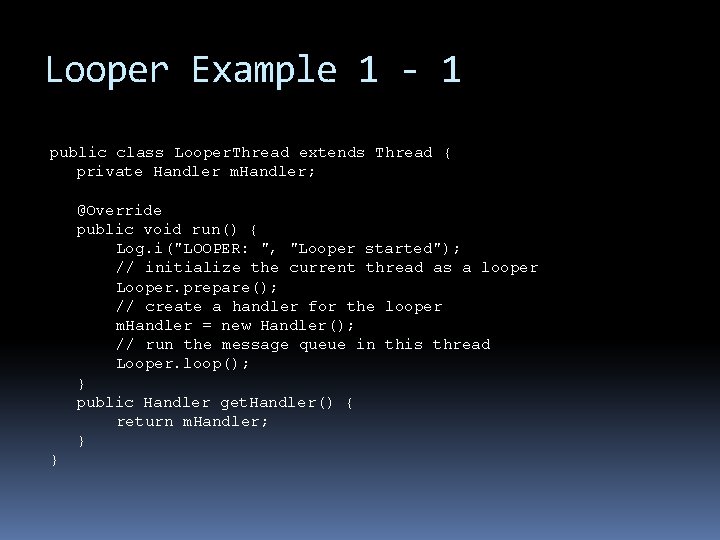
Looper Example 1 - 1 public class Looper. Thread extends Thread { private Handler m. Handler; @Override public void run() { Log. i("LOOPER: ", "Looper started"); // initialize the current thread as a looper Looper. prepare(); // create a handler for the looper m. Handler = new Handler(); // run the message queue in this thread Looper. loop(); } public Handler get. Handler() { return m. Handler; } }
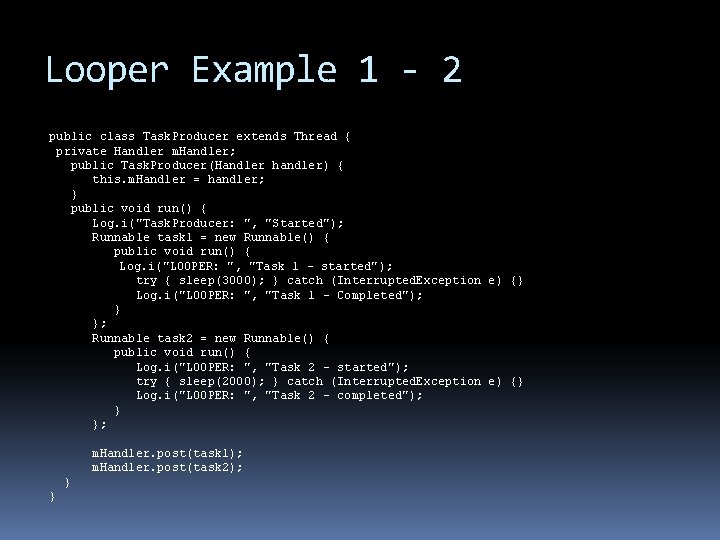
Looper Example 1 - 2 public class Task. Producer extends Thread { private Handler m. Handler; public Task. Producer(Handler handler) { this. m. Handler = handler; } public void run() { Log. i("Task. Producer: ", "Started"); Runnable task 1 = new Runnable() { public void run() { Log. i("LOOPER: ", "Task 1 - started"); try { sleep(3000); } catch (Interrupted. Exception e) {} Log. i("LOOPER: ", "Task 1 - Completed"); } }; Runnable task 2 = new Runnable() { public void run() { Log. i("LOOPER: ", "Task 2 - started"); try { sleep(2000); } catch (Interrupted. Exception e) {} Log. i("LOOPER: ", "Task 2 - completed"); } }; m. Handler. post(task 1); m. Handler. post(task 2); } }
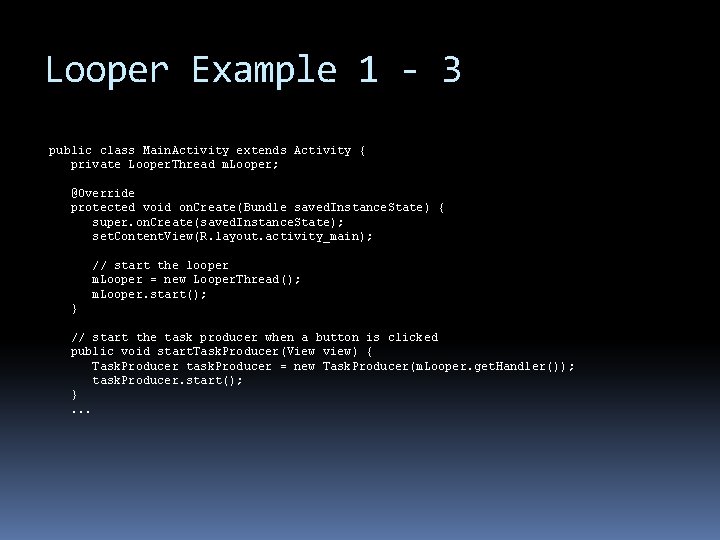
Looper Example 1 - 3 public class Main. Activity extends Activity { private Looper. Thread m. Looper; @Override protected void on. Create(Bundle saved. Instance. State) { super. on. Create(saved. Instance. State); set. Content. View(R. layout. activity_main); // start the looper m. Looper = new Looper. Thread(); m. Looper. start(); } // start the task producer when a button is clicked public void start. Task. Producer(View view) { Task. Producer task. Producer = new Task. Producer(m. Looper. get. Handler()); task. Producer. start(); }. . .
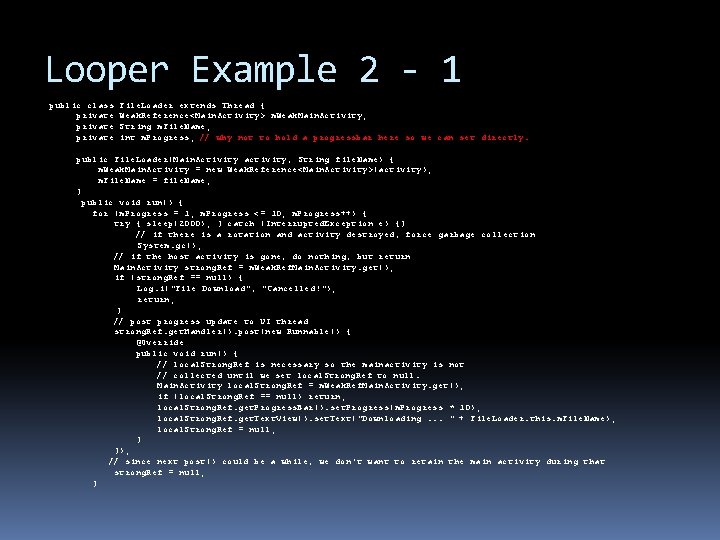
Looper Example 2 - 1 public class private File. Loader extends Thread { Weak. Reference<Main. Activity> m. Weak. Main. Activity; String m. File. Name; int m. Progress; // why not to hold a progressbar here so we can set directly. public File. Loader(Main. Activity activity, String file. Name) { m. Weak. Main. Activity = new Weak. Reference<Main. Activity>(activity); m. File. Name = file. Name; } public void run() { for (m. Progress = 1; m. Progress <= 10; m. Progress++) { try { sleep(2000); } catch (Interrupted. Exception e) {} // if there is a rotation and activity destroyed, force garbage collection System. gc(); // if the host activity is gone, do nothing, but return Main. Activity strong. Ref = m. Weak. Ref. Main. Activity. get(); if (strong. Ref == null) { Log. i("File Download", "Cancelled!"); return; } // post progress update to UI thread strong. Ref. get. Handler(). post(new Runnable() { @Override public void run() { // local. Strong. Ref is necessary so the mainactivity is not // collected until we set local. Strong. Ref to null. Main. Activity local. Strong. Ref = m. Weak. Ref. Main. Activity. get(); if (local. Strong. Ref == null) return; local. Strong. Ref. get. Progress. Bar(). set. Progress(m. Progress * 10); local. Strong. Ref. get. Text. View(). set. Text("Downloading. . . " + File. Loader. this. m. File. Name); local. Strong. Ref = null; } }); // since next post() could be a while, we don't want to retain the main activity during that strong. Ref = null; }
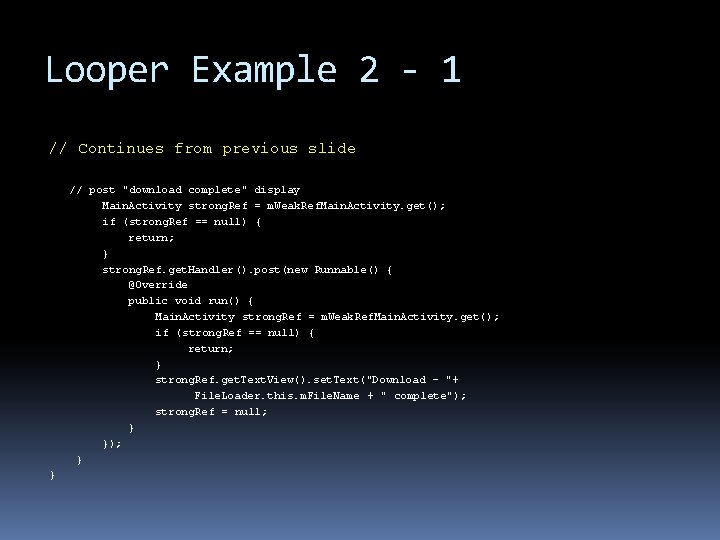
Looper Example 2 - 1 // Continues from previous slide // post "download complete" display Main. Activity strong. Ref = m. Weak. Ref. Main. Activity. get(); if (strong. Ref == null) { return; } strong. Ref. get. Handler(). post(new Runnable() { @Override public void run() { Main. Activity strong. Ref = m. Weak. Ref. Main. Activity. get(); if (strong. Ref == null) { return; } strong. Ref. get. Text. View(). set. Text("Download - "+ File. Loader. this. m. File. Name + " complete"); strong. Ref = null; } }); } }
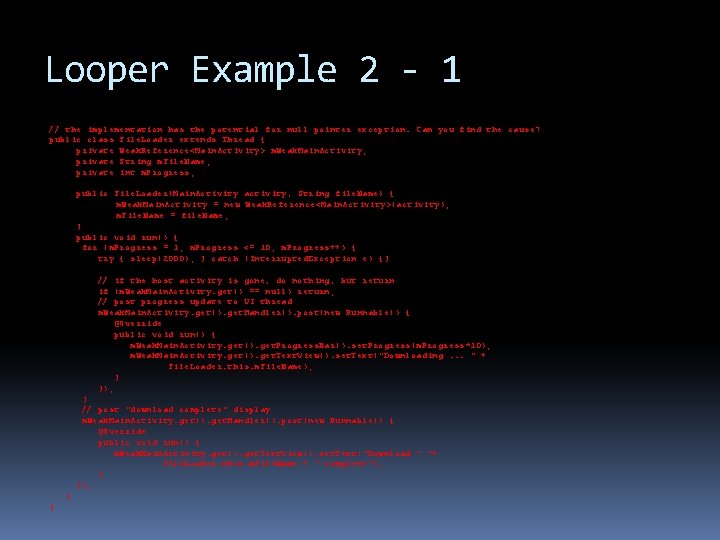
Looper Example 2 - 1 // the implementation has the potential for null pointer exception. Can you find the cause? public class File. Loader extends Thread { private Weak. Reference<Main. Activity> m. Weak. Main. Activity; private String m. File. Name; private int m. Progress; public File. Loader(Main. Activity m. Weak. Main. Activity = new m. File. Name = file. Name; } public void run() { for (m. Progress = 1; m. Progress try { sleep(2000); } catch activity, String file. Name) { Weak. Reference<Main. Activity>(activity); <= 10; m. Progress++) { (Interrupted. Exception e) {} // if the host activity is gone, do nothing, but return if (m. Weak. Main. Activity. get() == null) return; // post progress update to UI thread m. Weak. Main. Activity. get(). get. Handler(). post(new Runnable() { @Override public void run() { m. Weak. Main. Activity. get(). get. Progress. Bar(). set. Progress(m. Progress*10); m. Weak. Main. Activity. get(). get. Text. View(). set. Text("Downloading. . . " + File. Loader. this. m. File. Name); } }); } // post "download complete" display m. Weak. Main. Activity. get(). get. Handler(). post(new Runnable() { @Override public void run() { m. Weak. Main. Activity. get(). get. Text. View(). set. Text("Download - "+ File. Loader. this. m. File. Name + " complete"); } }
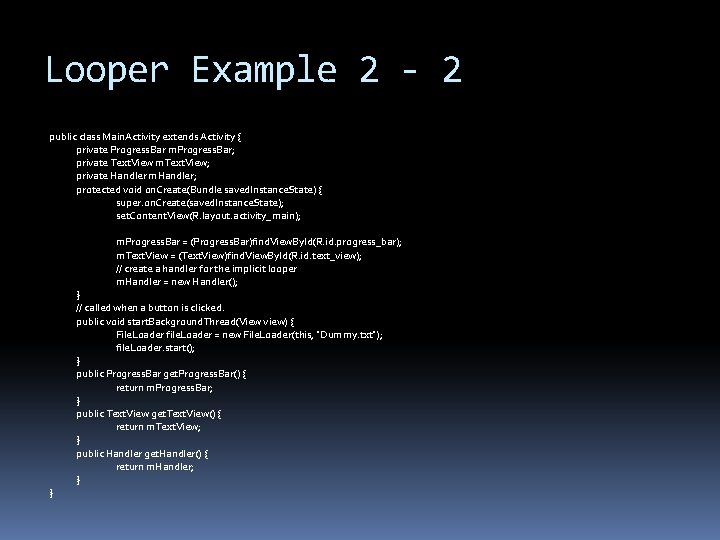
Looper Example 2 - 2 public class Main. Activity extends Activity { private Progress. Bar m. Progress. Bar; private Text. View m. Text. View; private Handler m. Handler; protected void on. Create(Bundle saved. Instance. State) { super. on. Create(saved. Instance. State); set. Content. View(R. layout. activity_main); m. Progress. Bar = (Progress. Bar)find. View. By. Id(R. id. progress_bar); m. Text. View = (Text. View)find. View. By. Id(R. id. text_view); // create a handler for the implicit looper m. Handler = new Handler(); } } // called when a button is clicked. public void start. Background. Thread(View view) { File. Loader file. Loader = new File. Loader(this, "Dummy. txt"); file. Loader. start(); } public Progress. Bar get. Progress. Bar() { return m. Progress. Bar; } public Text. View get. Text. View() { return m. Text. View; } public Handler get. Handler() { return m. Handler; }
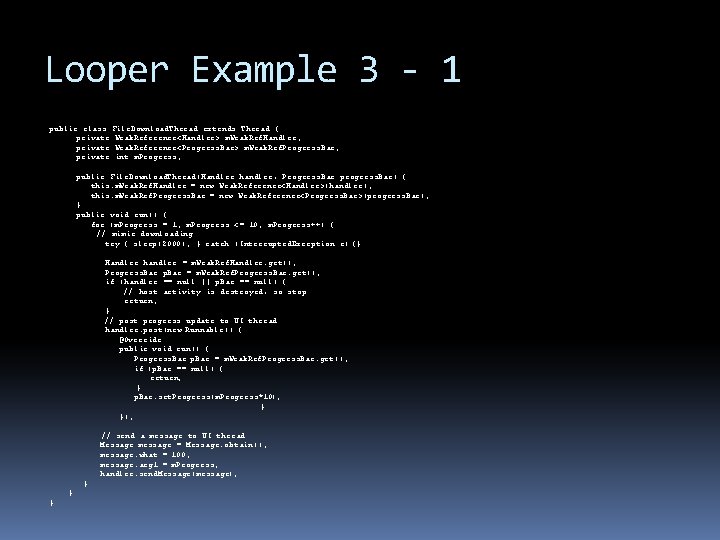
Looper Example 3 - 1 public class File. Download. Thread extends Thread { private Weak. Reference<Handler> m. Weak. Ref. Handler; private Weak. Reference<Progress. Bar> m. Weak. Ref. Progress. Bar; private int m. Progress; public File. Download. Thread(Handler handler, Progress. Bar progress. Bar) { this. m. Weak. Ref. Handler = new Weak. Reference<Handler>(handler); this. m. Weak. Ref. Progress. Bar = new Weak. Reference<Progress. Bar>(progress. Bar); } public void run() { for (m. Progress = 1; m. Progress <= 10; m. Progress++) { // mimic downloading try { sleep(2000); } catch (Interrupted. Exception e) {} Handler handler = m. Weak. Ref. Handler. get(); Progress. Bar p. Bar = m. Weak. Ref. Progress. Bar. get(); if (handler == null || p. Bar == null) { // host activity is destroyed, so stop return; } // post progress update to UI thread handler. post(new Runnable() { @Override public void run() { Progress. Bar p. Bar = m. Weak. Ref. Progress. Bar. get(); if (p. Bar == null) { return; } p. Bar. set. Progress(m. Progress*10); } }); // send a message to UI thread Message message = Message. obtain(); message. what = 100; message. arg 1 = m. Progress; handler. send. Message(message); } } }
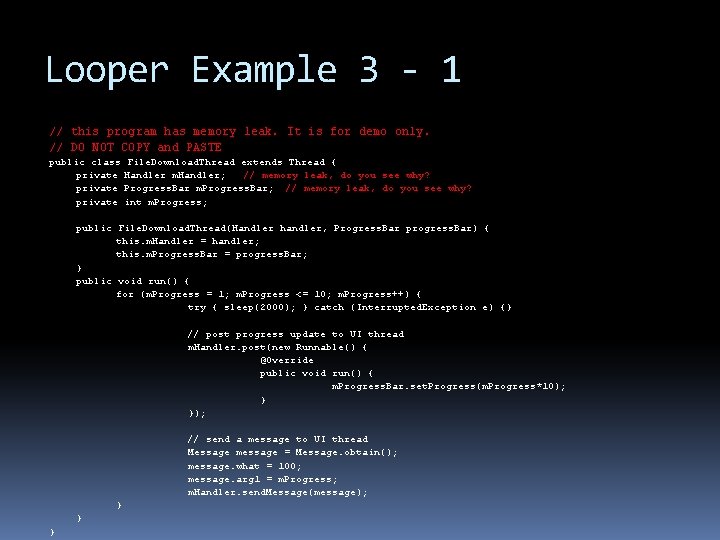
Looper Example 3 - 1 // this program has memory leak. It is for demo only. // DO NOT COPY and PASTE public class private File. Download. Thread extends Thread { Handler m. Handler; // memory leak, do you see why? Progress. Bar m. Progress. Bar; // memory leak, do you see why? int m. Progress; public File. Download. Thread(Handler handler, Progress. Bar progress. Bar) { this. m. Handler = handler; this. m. Progress. Bar = progress. Bar; } public void run() { for (m. Progress = 1; m. Progress <= 10; m. Progress++) { try { sleep(2000); } catch (Interrupted. Exception e) {} // post progress update to UI thread m. Handler. post(new Runnable() { @Override public void run() { m. Progress. Bar. set. Progress(m. Progress*10); } }); // send a message to UI thread Message message = Message. obtain(); message. what = 100; message. arg 1 = m. Progress; m. Handler. send. Message(message); } } }
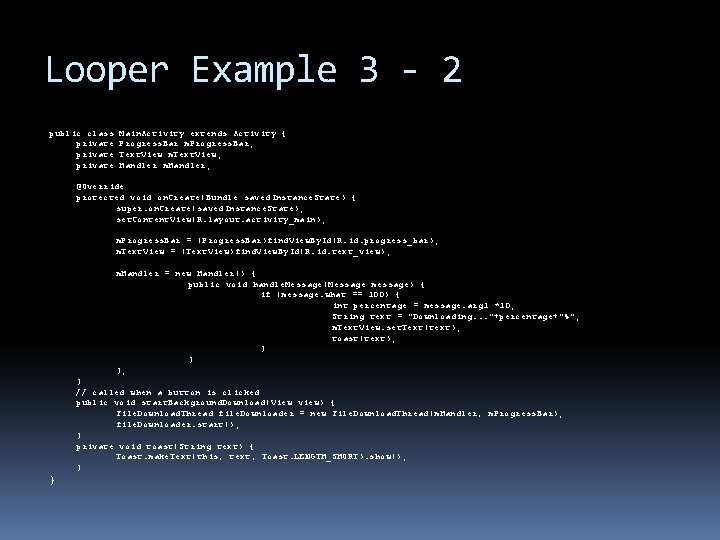
Looper Example 3 - 2 public class private Main. Activity extends Activity { Progress. Bar m. Progress. Bar; Text. View m. Text. View; Handler m. Handler; @Override protected void on. Create(Bundle saved. Instance. State) { super. on. Create(saved. Instance. State); set. Content. View(R. layout. activity_main); m. Progress. Bar = (Progress. Bar)find. View. By. Id(R. id. progress_bar); m. Text. View = (Text. View)find. View. By. Id(R. id. text_view); m. Handler = new Handler() { public void handle. Message(Message message) { if (message. what == 100) { int percentage = message. arg 1 *10; String text = "Downloading. . . "+percentage+"%"; m. Text. View. set. Text(text); toast(text); } } }; } // called when a button is clicked public void start. Background. Download(View view) { File. Download. Thread file. Downloader = new File. Download. Thread(m. Handler, m. Progress. Bar); file. Downloader. start(); } private void toast(String text) { Toast. make. Text(this, text, Toast. LENGTH_SHORT). show(); } }