
Computing Lesson 4 Selection Challenge Programming Part 2
- Slides: 10
Computing Lesson 4: Selection Challenge Programming Part 2: Selection Rebecca Franks 1 Materials from the Teach Computing Curriculum created by the National Centre for Computing Education
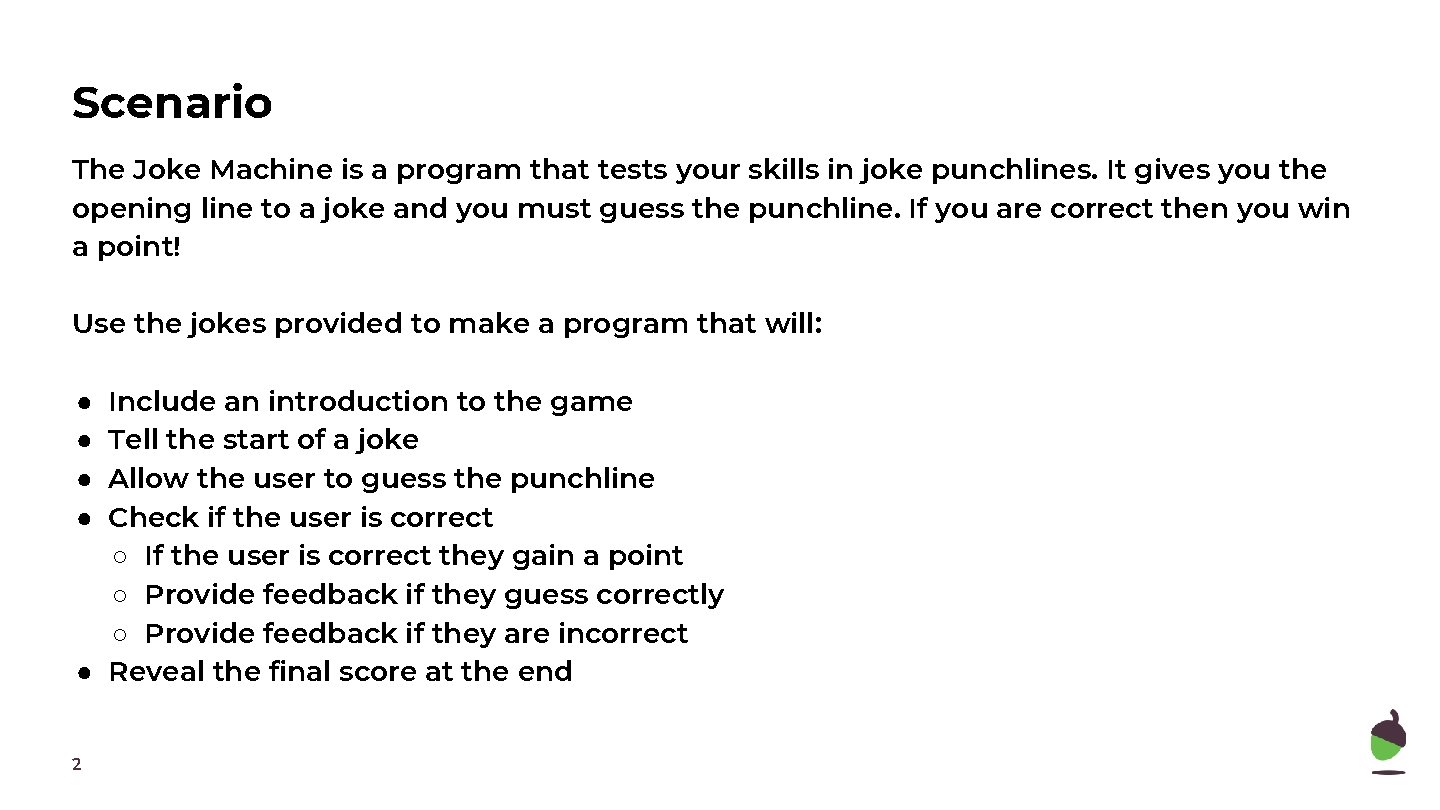
Scenario The Joke Machine is a program that tests your skills in joke punchlines. It gives you the opening line to a joke and you must guess the punchline. If you are correct then you win a point! Use the jokes provided to make a program that will: Include an introduction to the game Tell the start of a joke Allow the user to guess the punchline Check if the user is correct ○ If the user is correct they gain a point ○ Provide feedback if they guess correctly ○ Provide feedback if they are incorrect ● Reveal the final score at the end ● ● 2
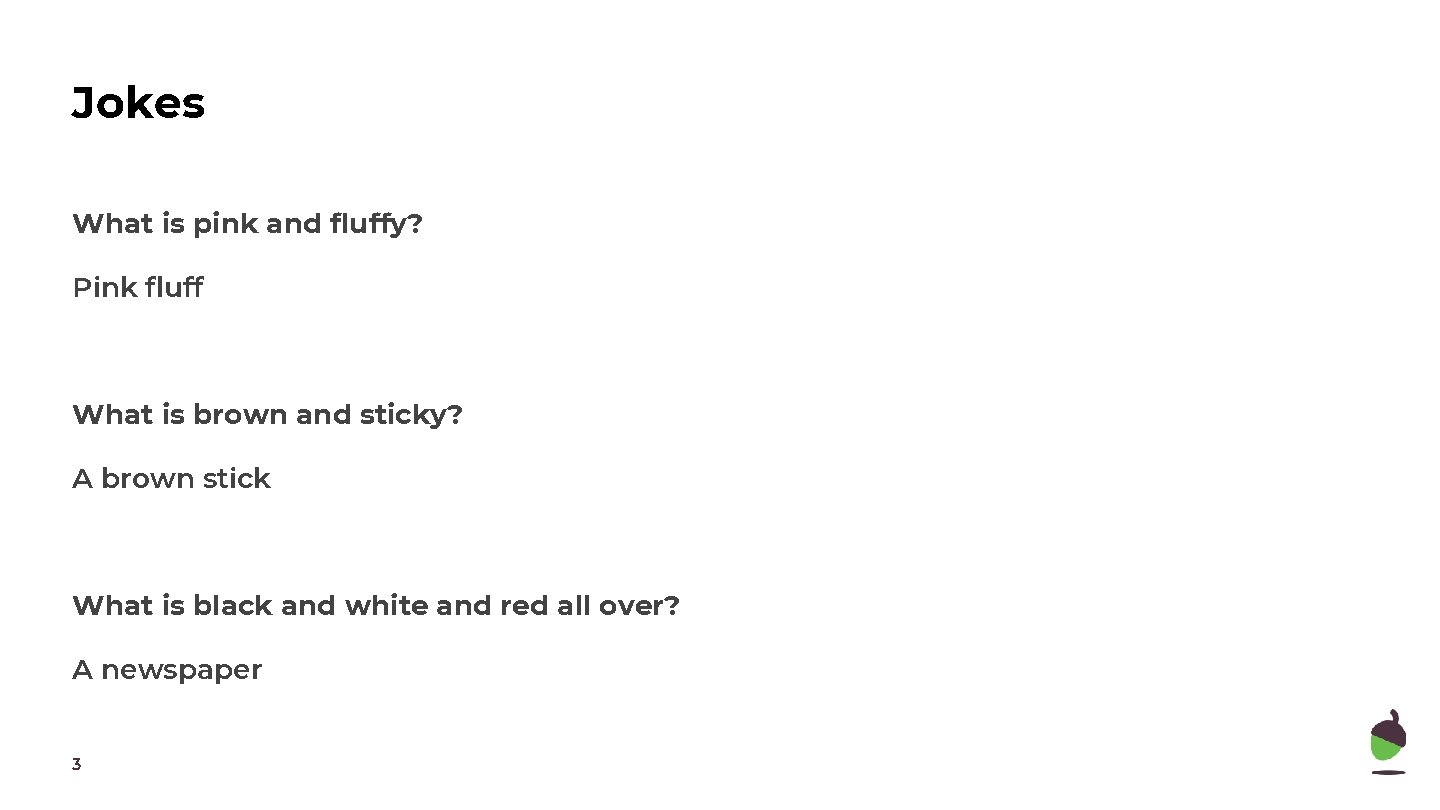
Jokes What is pink and fluffy? Pink fluff What is brown and sticky? A brown stick What is black and white and red all over? A newspaper 3
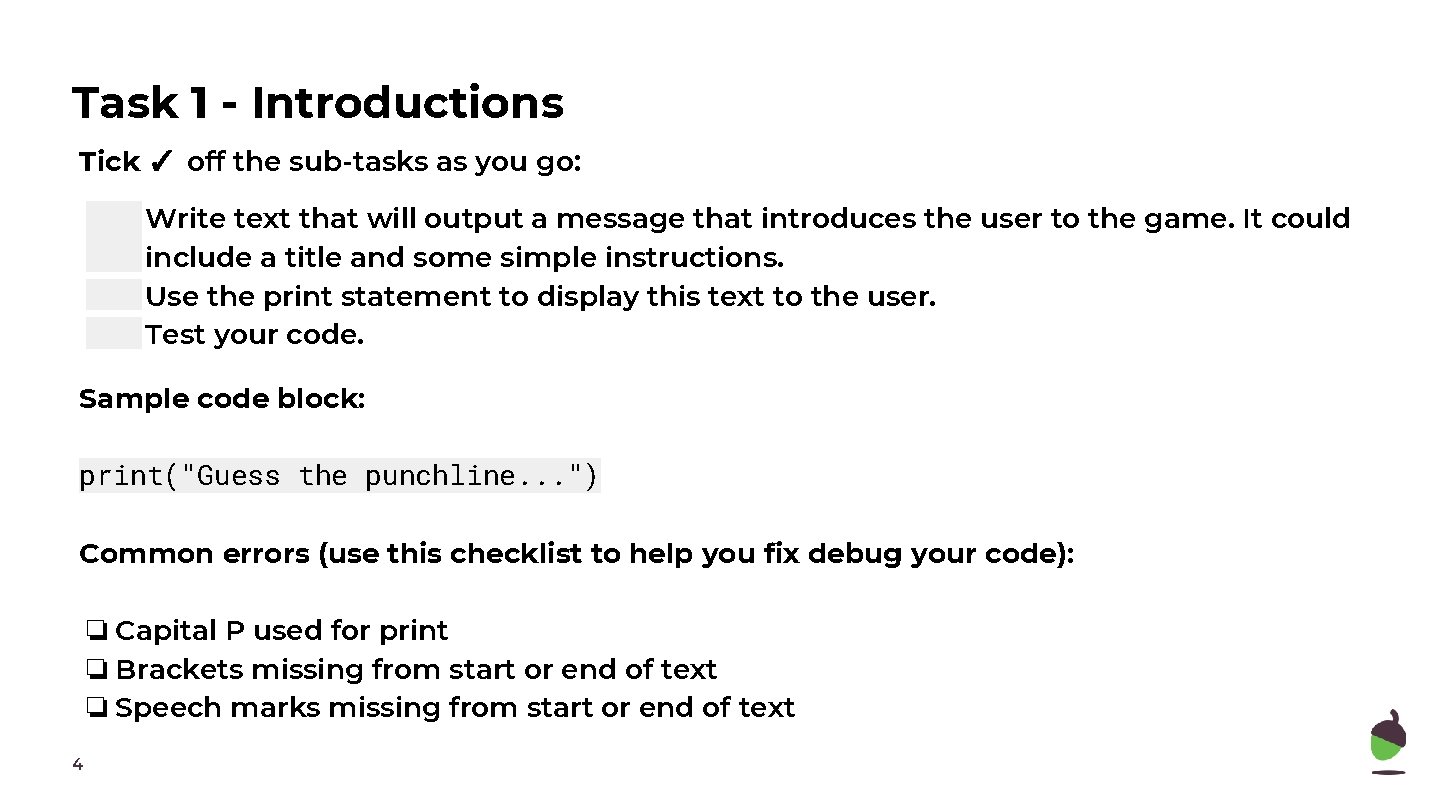
Task 1 - Introductions Tick ✓ off the sub-tasks as you go: Write text that will output a message that introduces the user to the game. It could include a title and some simple instructions. Use the print statement to display this text to the user. Test your code. Sample code block: print("Guess the punchline. . . ") Common errors (use this checklist to help you fix debug your code): ❏ Capital P used for print ❏ Brackets missing from start or end of text ❏ Speech marks missing from start or end of text 4
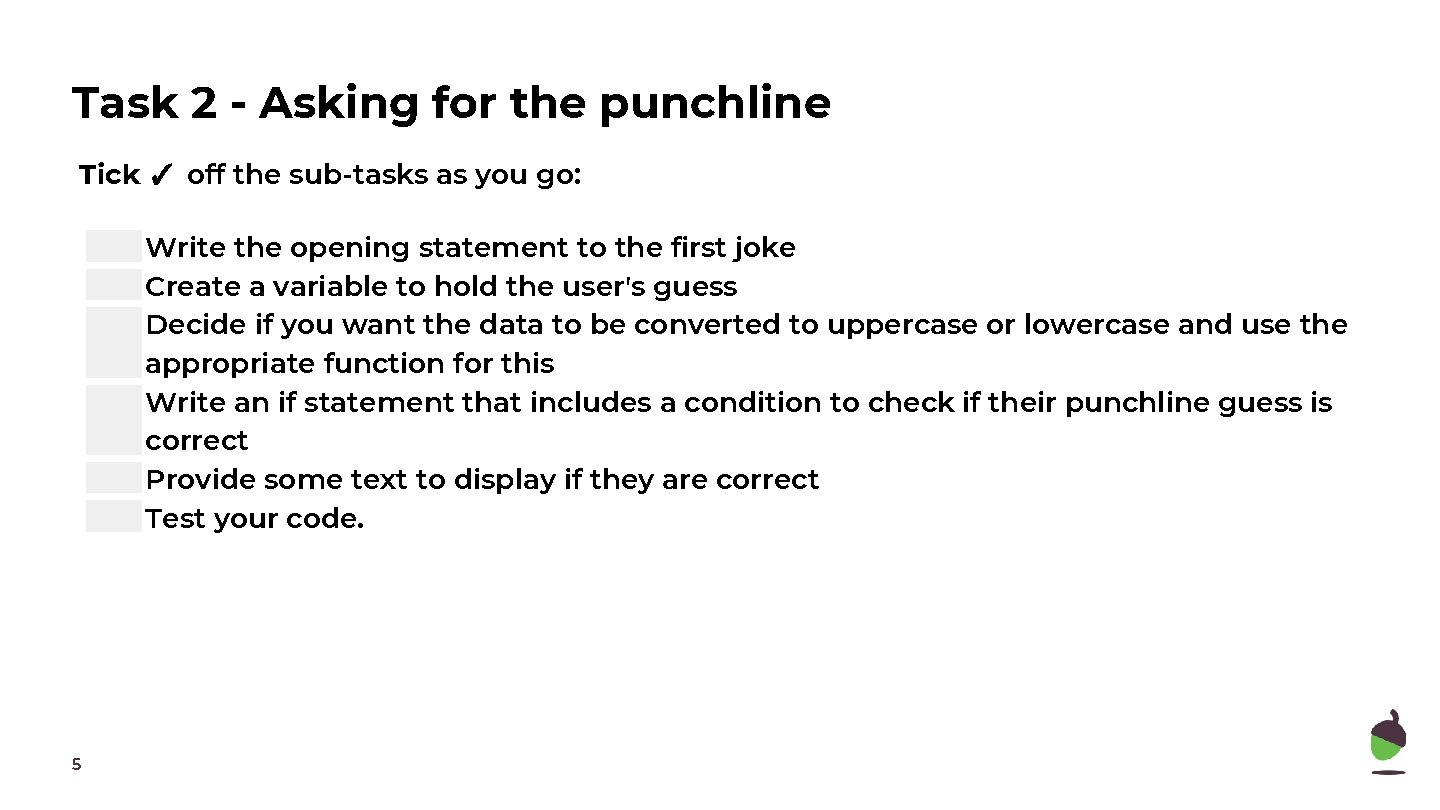
Task 2 - Asking for the punchline Tick ✓ off the sub-tasks as you go: Write the opening statement to the first joke Create a variable to hold the user's guess Decide if you want the data to be converted to uppercase or lowercase and use the appropriate function for this Write an if statement that includes a condition to check if their punchline guess is correct Provide some text to display if they are correct Test your code. 5
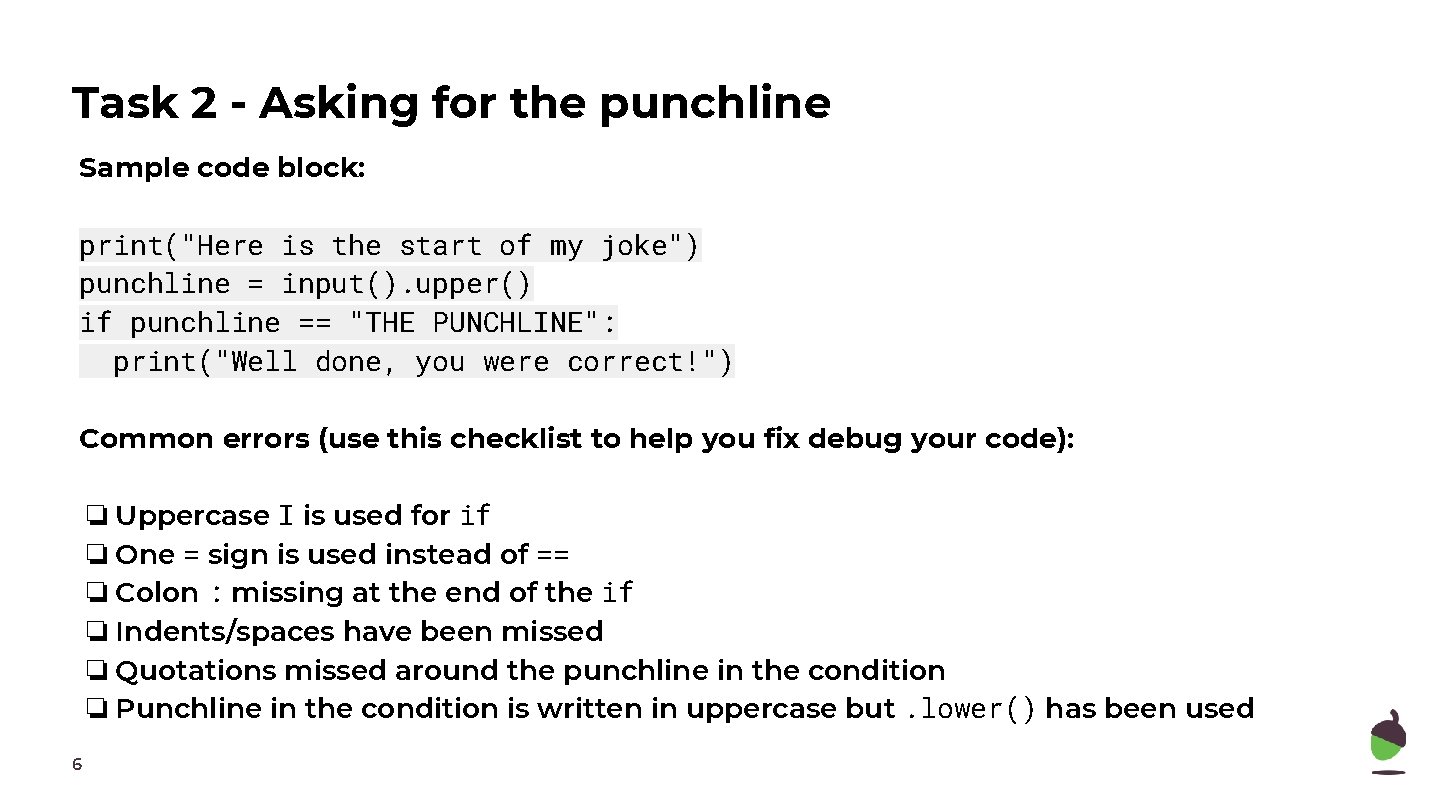
Task 2 - Asking for the punchline Sample code block: print("Here is the start of my joke") punchline = input(). upper() if punchline == "THE PUNCHLINE": print("Well done, you were correct!") Common errors (use this checklist to help you fix debug your code): ❏ Uppercase I is used for if ❏ One = sign is used instead of == ❏ Colon : missing at the end of the if ❏ Indents/spaces have been missed ❏ Quotations missed around the punchline in the condition ❏ Punchline in the condition is written in uppercase but. lower() has been used 6
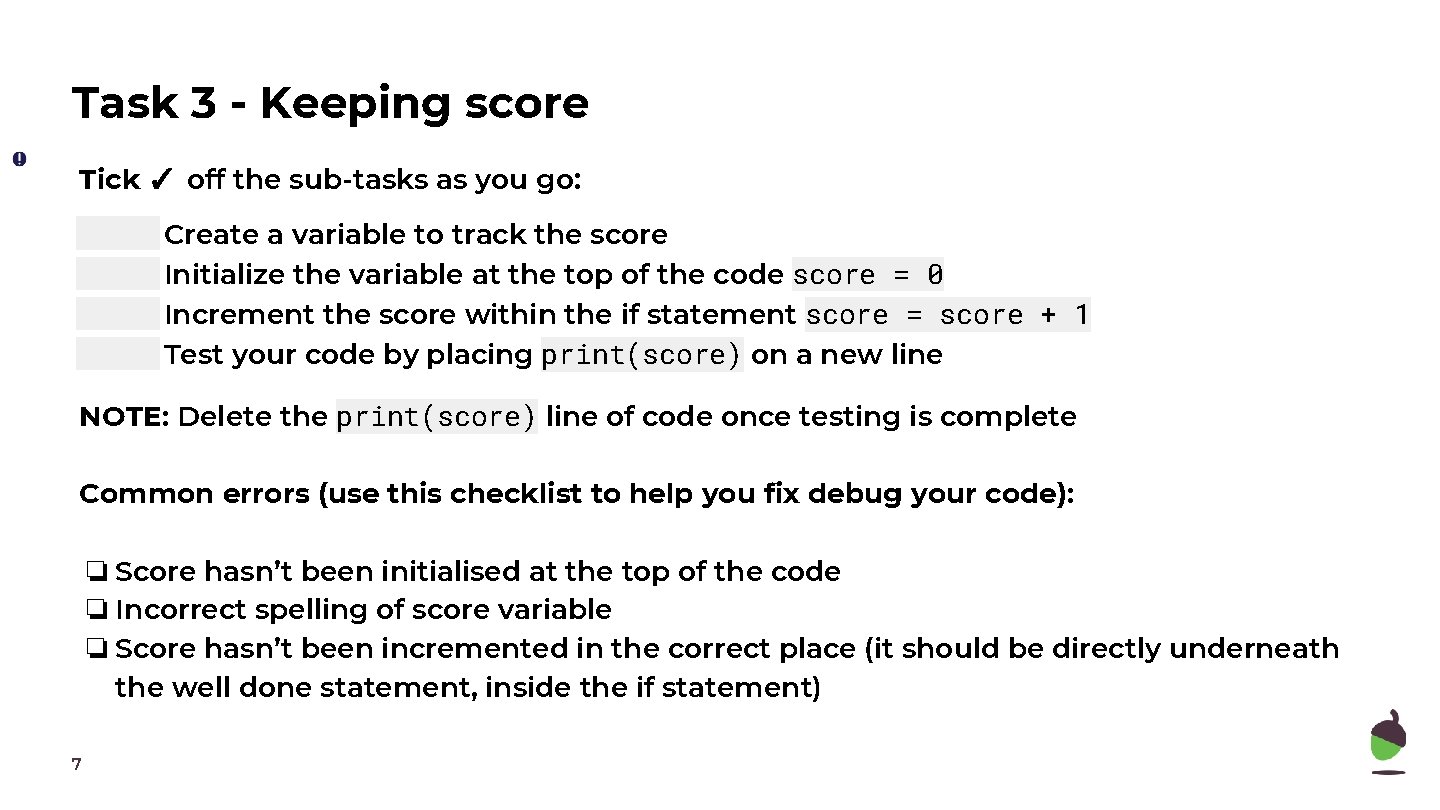
Task 3 - Keeping score Tick ✓ off the sub-tasks as you go: Create a variable to track the score Initialize the variable at the top of the code score = 0 Increment the score within the if statement score = score + 1 Test your code by placing print(score) on a new line NOTE: Delete the print(score) line of code once testing is complete Common errors (use this checklist to help you fix debug your code): ❏ Score hasn’t been initialised at the top of the code ❏ Incorrect spelling of score variable ❏ Score hasn’t been incremented in the correct place (it should be directly underneath the well done statement, inside the if statement) 7
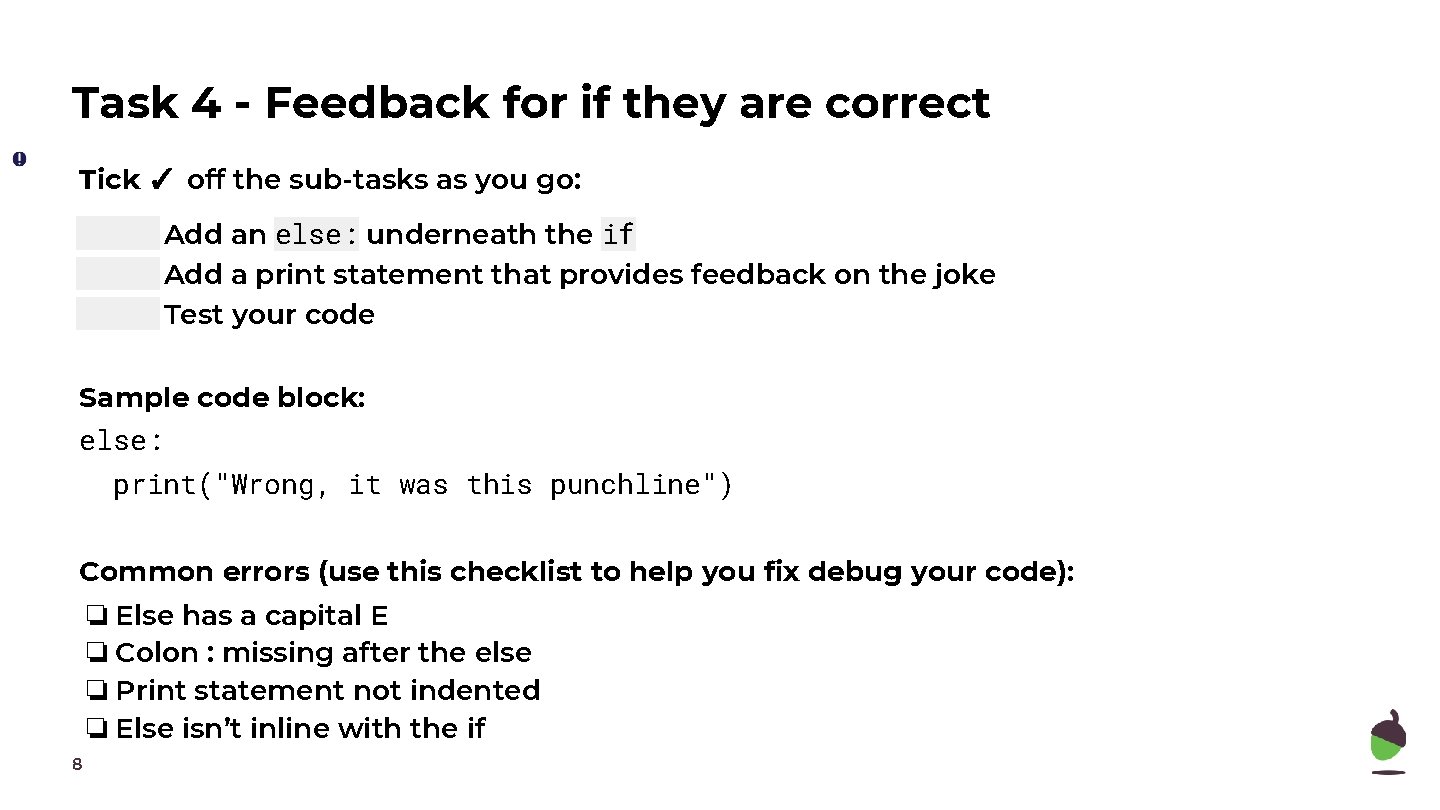
Task 4 - Feedback for if they are correct Tick ✓ off the sub-tasks as you go: Add an else: underneath the if Add a print statement that provides feedback on the joke Test your code Sample code block: else: print("Wrong, it was this punchline") Common errors (use this checklist to help you fix debug your code): ❏ Else has a capital E ❏ Colon : missing after the else ❏ Print statement not indented ❏ Else isn’t inline with the if 8
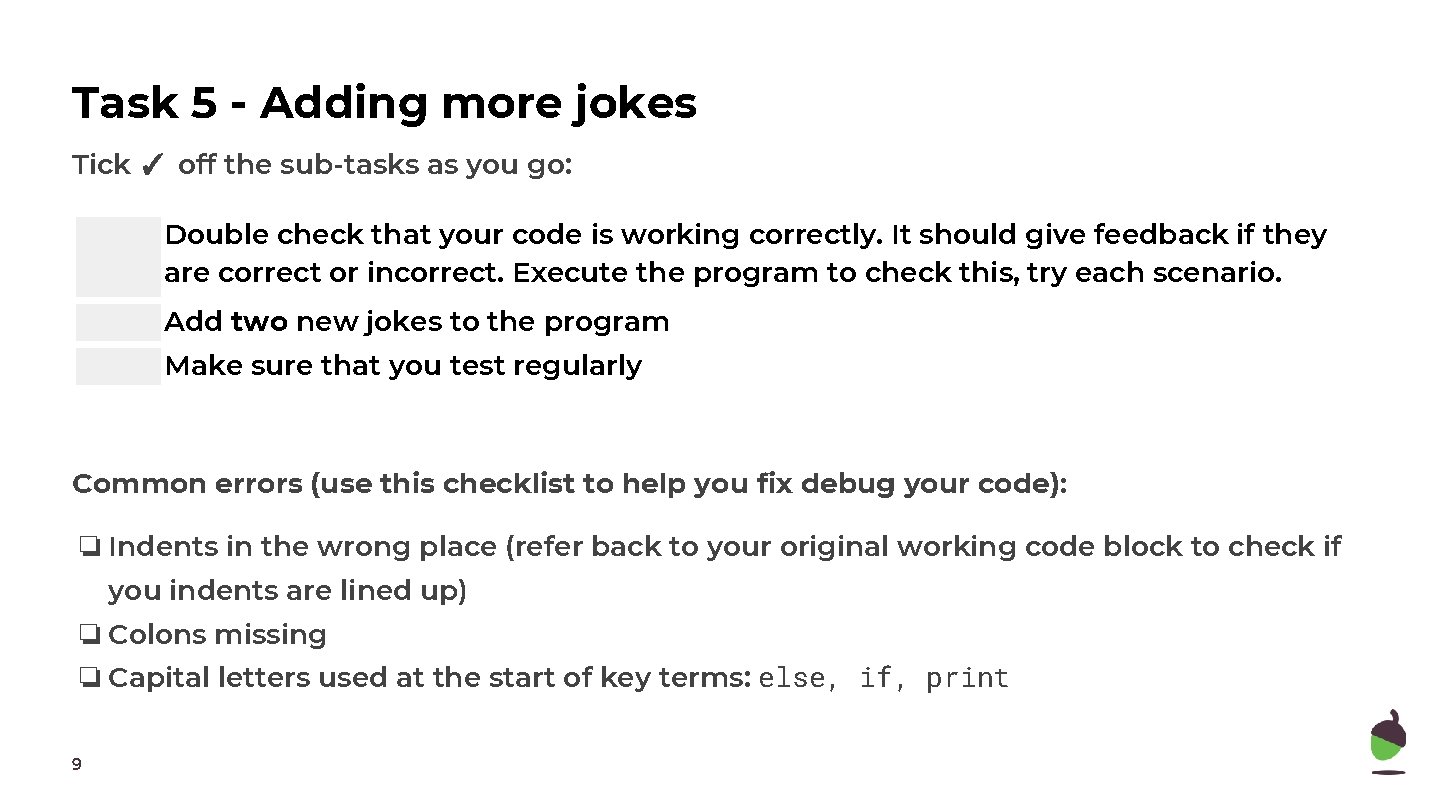
Task 5 - Adding more jokes Tick ✓ off the sub-tasks as you go: Double check that your code is working correctly. It should give feedback if they are correct or incorrect. Execute the program to check this, try each scenario. Add two new jokes to the program Make sure that you test regularly Common errors (use this checklist to help you fix debug your code): ❏ Indents in the wrong place (refer back to your original working code block to check if you indents are lined up) ❏ Colons missing ❏ Capital letters used at the start of key terms: else, if, print 9
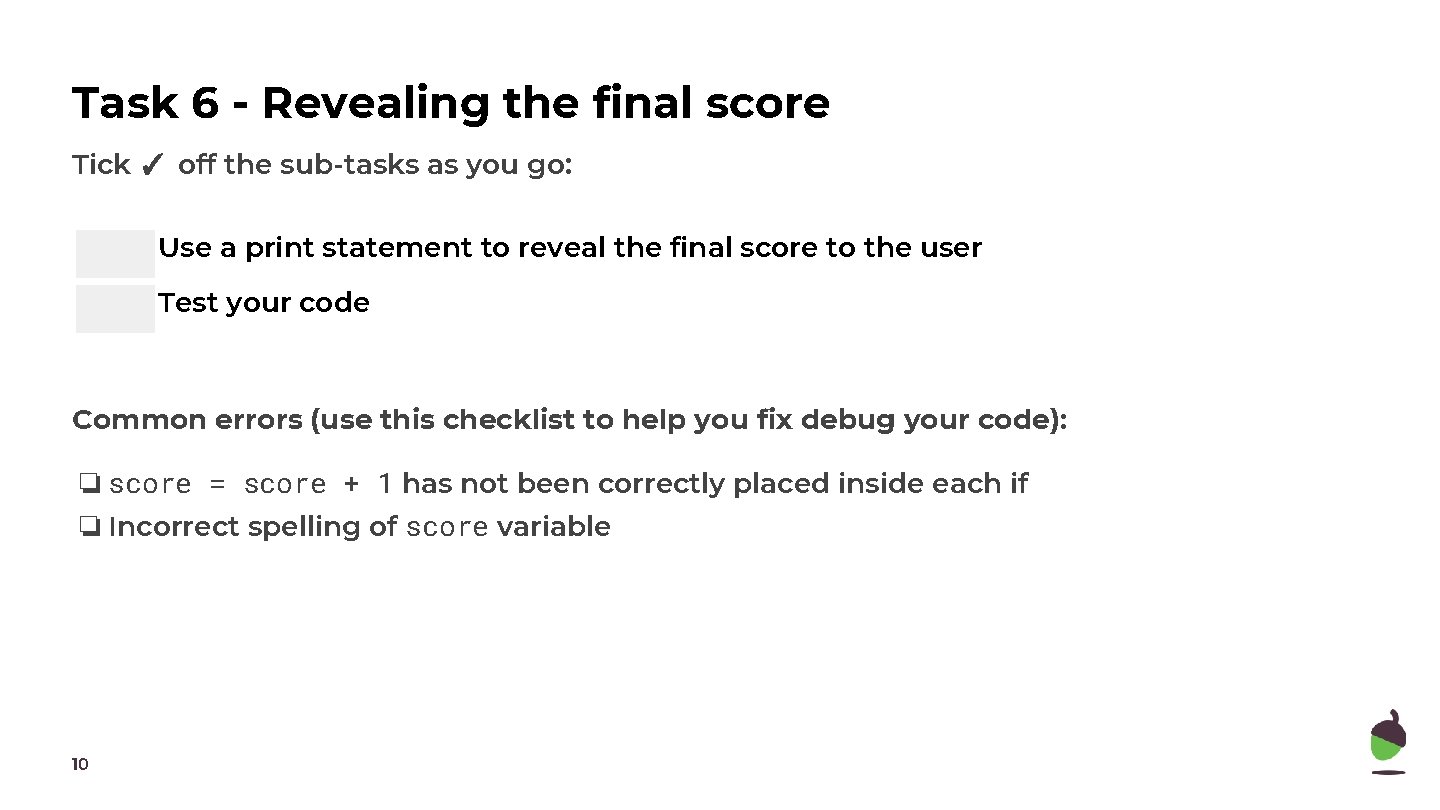
Task 6 - Revealing the final score Tick ✓ off the sub-tasks as you go: Use a print statement to reveal the final score to the user Test your code Common errors (use this checklist to help you fix debug your code): ❏ score = score + 1 has not been correctly placed inside each if ❏ Incorrect spelling of score variable 10