
Computing Lesson 2 Crunching numbers Introduction to Python
Computing Lesson 2: Crunching numbers Introduction to Python programming Rebecca Franks Materials from the Teach Computing Curriculum created by the National Centre for Computing Education 1
Order matters 2

Step 1 Investigate the program 1 print(secs, "seconds is", mins, "whole minutes") 2 mins = secs // 60 3 secs = 2567 For each of the sentences below, write down which line(s) of code it applies to: A. assigns a value to the secs variable B. assigns a value to the mins variable C. refers to the value of the secs variable D. refers to the value of the mins variable 3

Step 2 Find and run the program A. Access the original file using this link: oaknat. uk/comp-py-order-20 B. Run the program. You will be faced with an error message on line 1: Name. Error: name 'secs' is not defined The statement on line 1 is executed first, and that statement refers to the secs variable. However, no value has been assigned to secs, hence the Name. Error. 4

Step 3 Rearrange the program code Rearrange (change the order of) the statements, so that the program runs to completion and displays the following message: 2567 seconds is 42 whole minutes There are three things that you will need to remember: ● The program is supposed to convert a length of time from seconds to minutes. ● Program statements are executed in sequence, one after the other. ● When a variable is referred to in a statement, it must have previously been assigned a value, otherwise a Name. Error will arise. 5
What do we weigh on the moon? 6
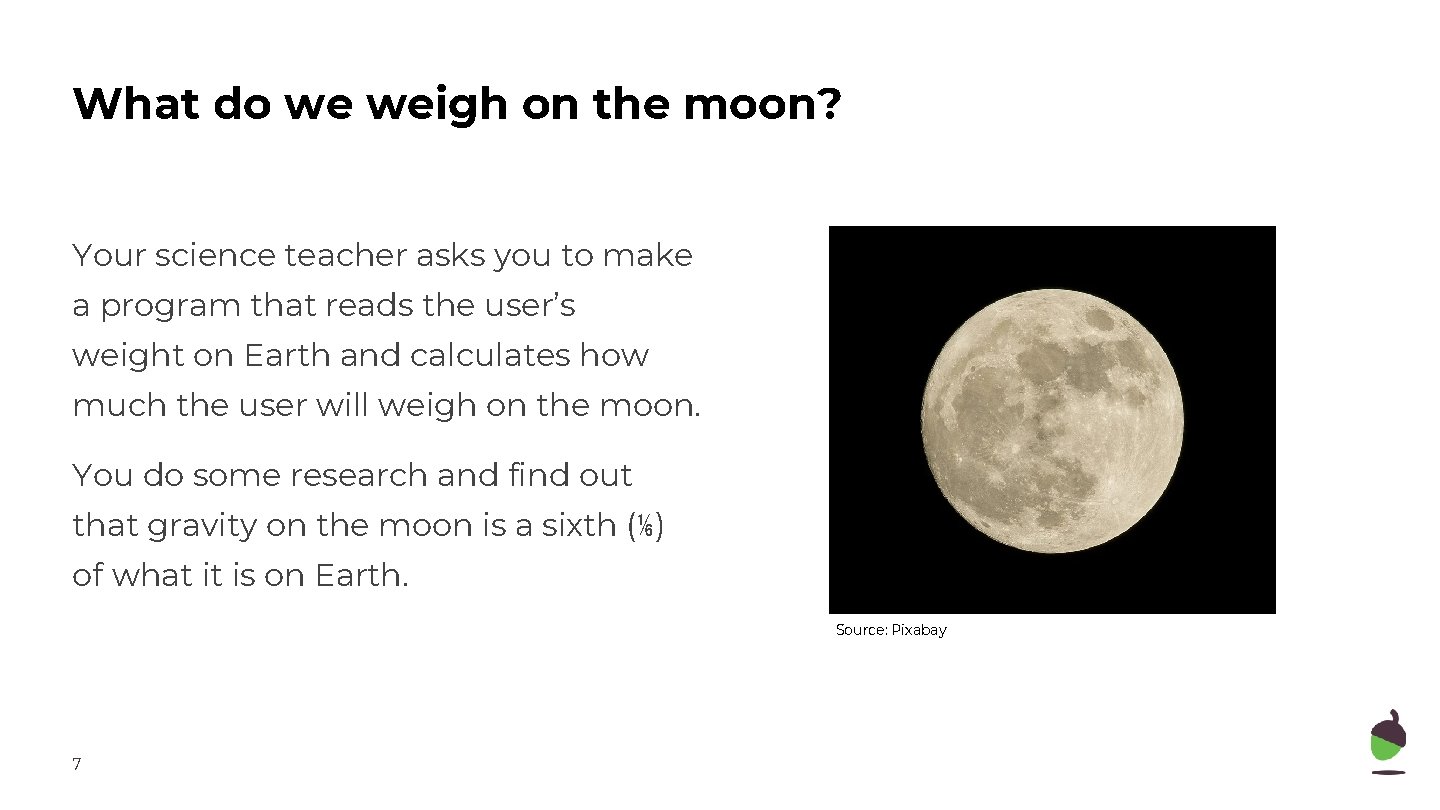
What do we weigh on the moon? Your science teacher asks you to make a program that reads the user’s weight on Earth and calculates how much the user will weigh on the moon. You do some research and find out that gravity on the moon is a sixth (⅙) of what it is on Earth. Source: Pixabay 7
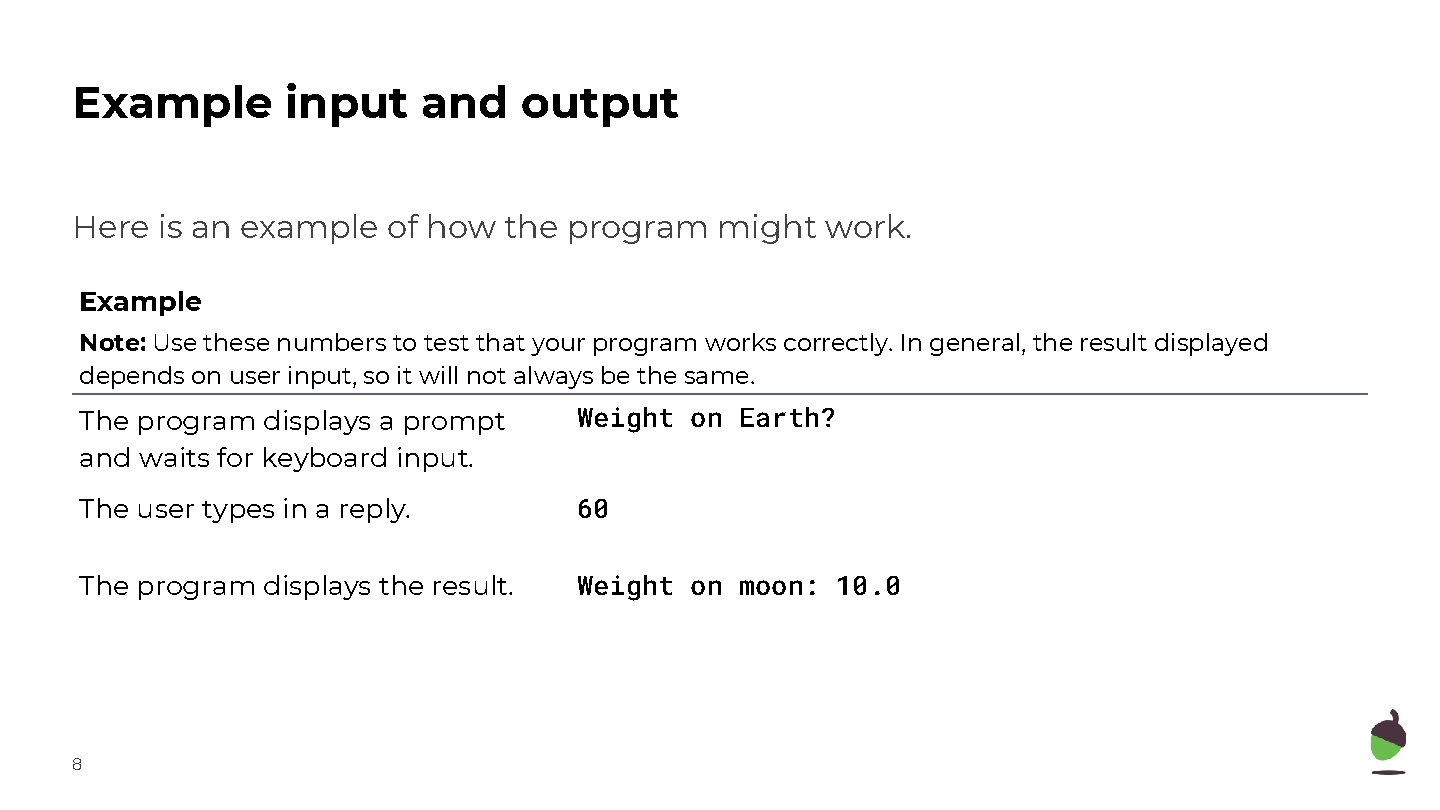
Example input and output Here is an example of how the program might work. Example Note: Use these numbers to test that your program works correctly. In general, the result displayed depends on user input, so it will not always be the same. The program displays a prompt and waits for keyboard input. Weight on Earth? The user types in a reply. 60 The program displays the result. Weight on moon: 10. 0 8
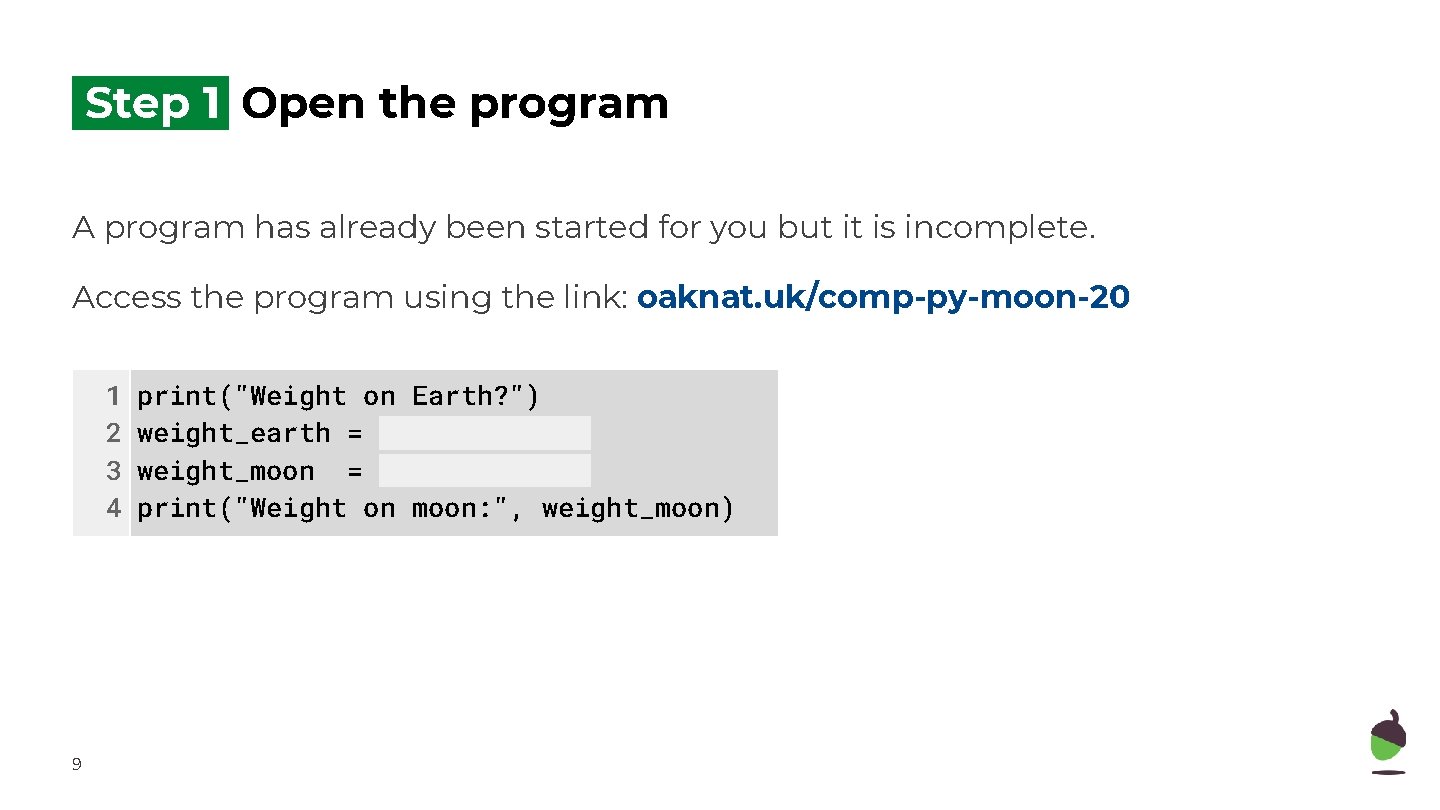
Step 1 Open the program A program has already been started for you but it is incomplete. Access the program using the link: oaknat. uk/comp-py-moon-20 1 2 3 4 9 print("Weight on Earth? ") weight_earth =. weight_moon =. print("Weight on moon: ", weight_moon)
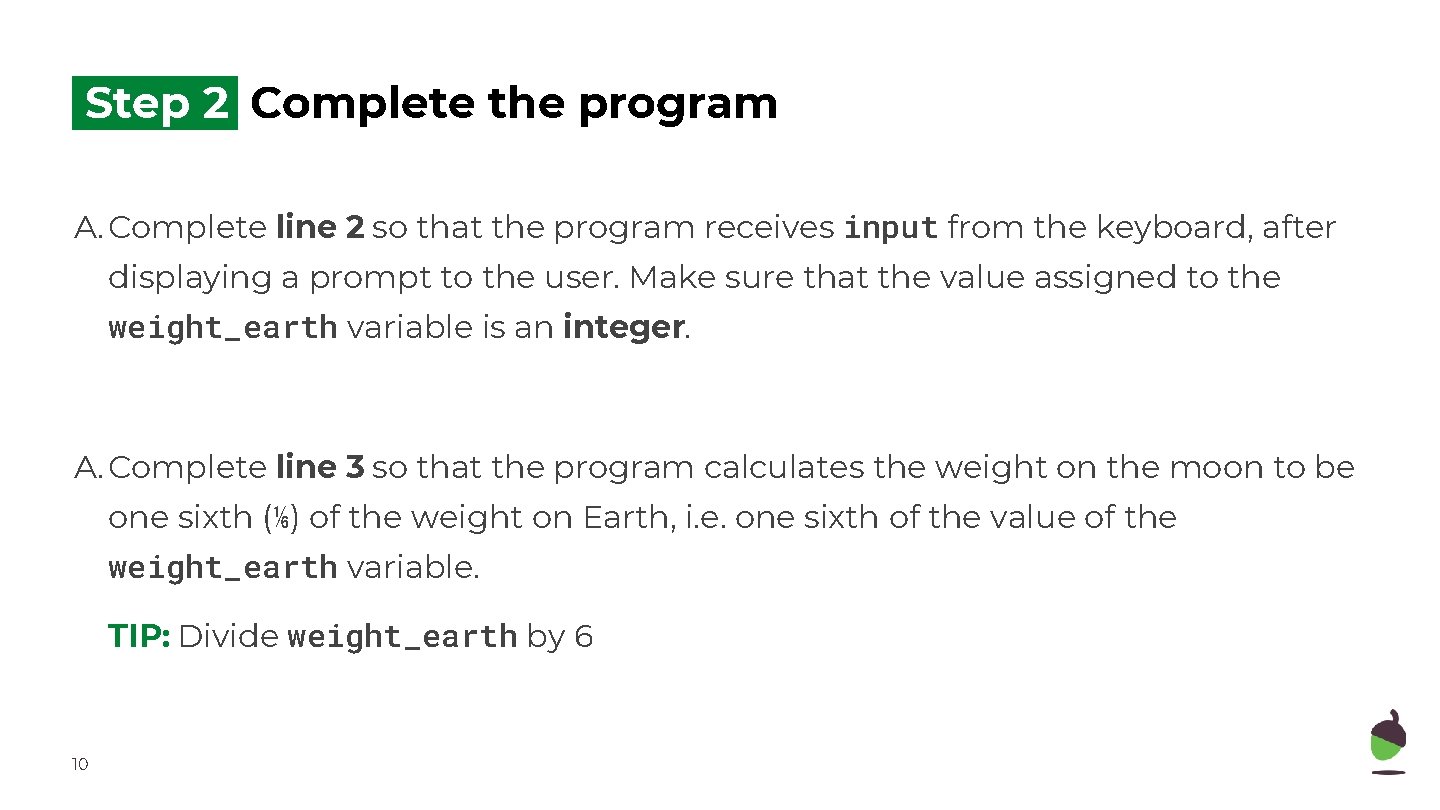
Step 2 Complete the program A. Complete line 2 so that the program receives input from the keyboard, after displaying a prompt to the user. Make sure that the value assigned to the weight_earth variable is an integer. A. Complete line 3 so that the program calculates the weight on the moon to be one sixth (⅙) of the weight on Earth, i. e. one sixth of the value of the weight_earth variable. TIP: Divide weight_earth by 6 10
Your age in dog years 11
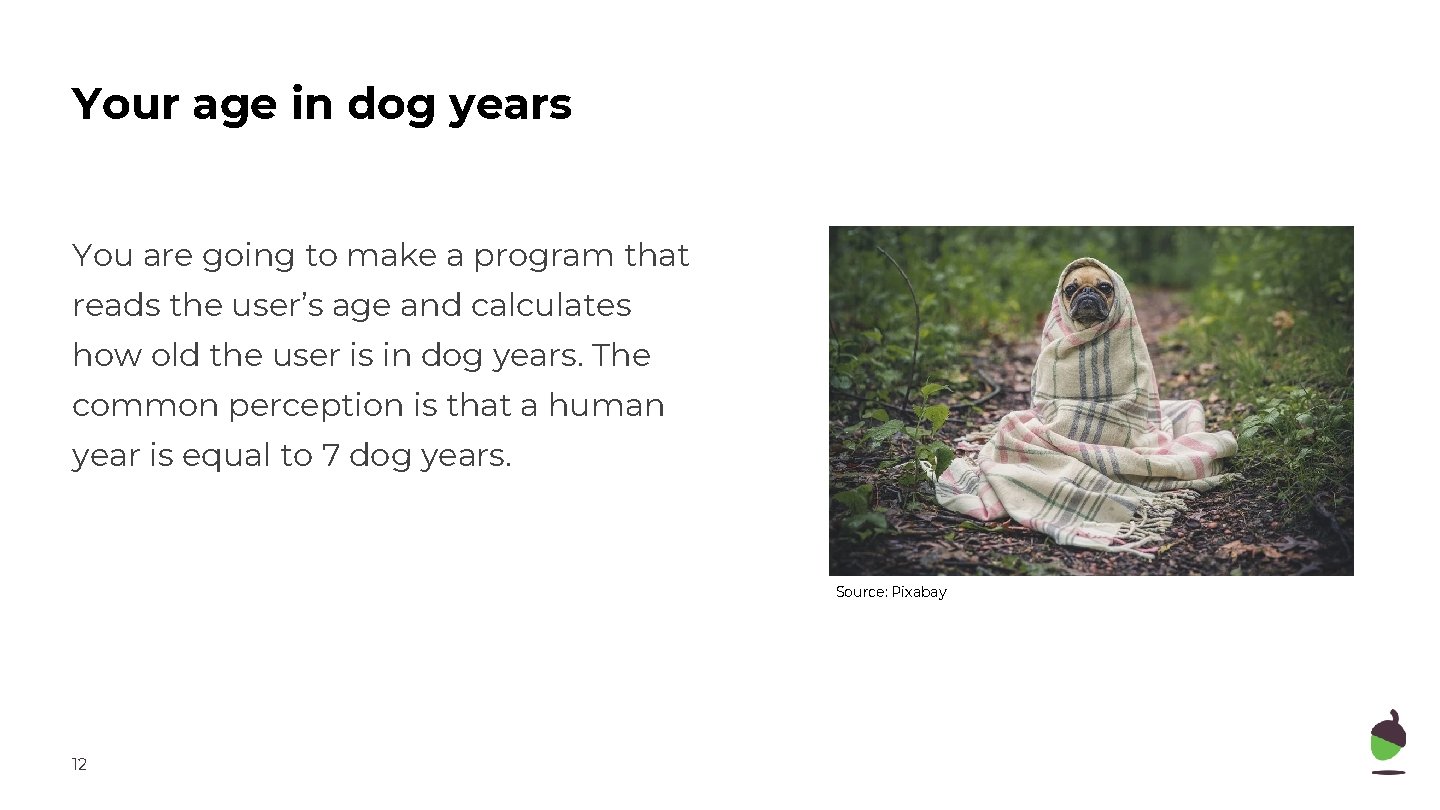
Your age in dog years You are going to make a program that reads the user’s age and calculates how old the user is in dog years. The common perception is that a human year is equal to 7 dog years. Source: Pixabay 12
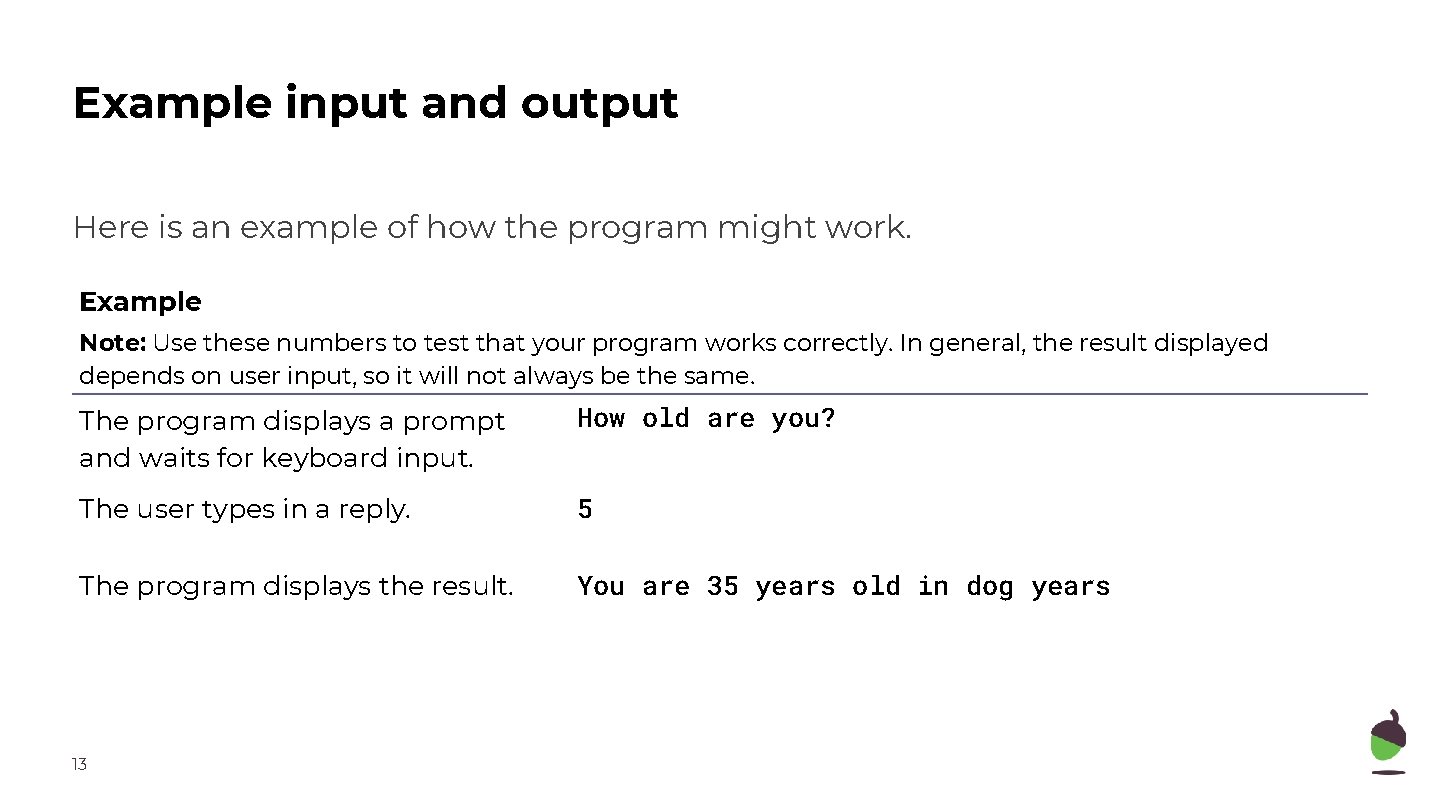
Example input and output Here is an example of how the program might work. Example Note: Use these numbers to test that your program works correctly. In general, the result displayed depends on user input, so it will not always be the same. The program displays a prompt and waits for keyboard input. How old are you? The user types in a reply. 5 The program displays the result. You are 35 years old in dog years 13
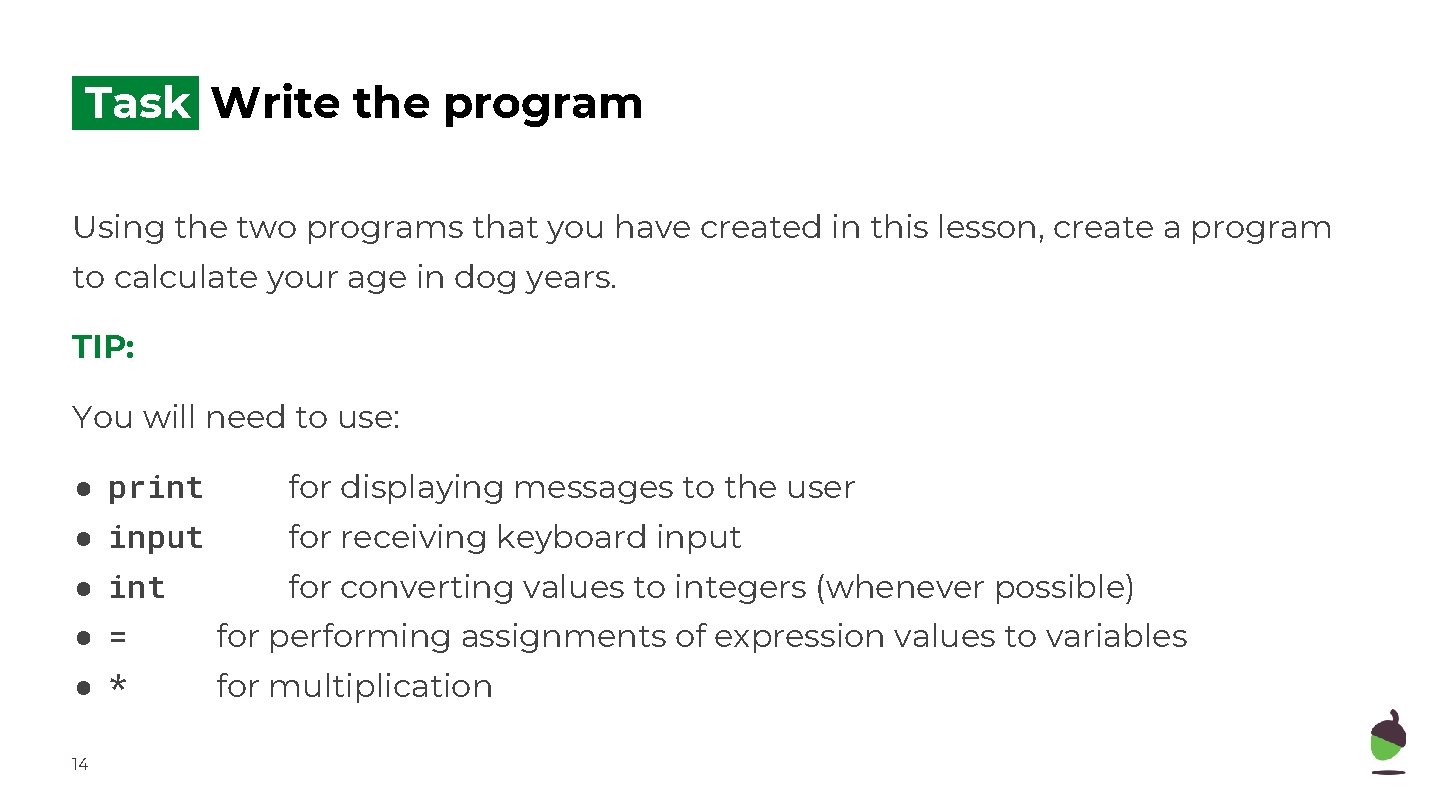
Task Write the program Using the two programs that you have created in this lesson, create a program to calculate your age in dog years. TIP: You will need to use: ● print for displaying messages to the user ● input for receiving keyboard input ● int for converting values to integers (whenever possible) ● = for performing assignments of expression values to variables ● * for multiplication 14
- Slides: 14