
Computing Lesson 1 What makes a good website
Computing Lesson 1: What makes a good website? Web Page Creation This DLD contains images necessary for the teaching of the subject, but are very demanding for a printer, please feel free to print in black and white if necessary. Jordan Bickel 1 Materials from the Teach Computing Curriculum created by the National Centre for Computing Education
Task 1: Explore and navigate a website Go to: oaknat. uk/comp-san-diego-zoo Navigate through the website to answer the following questions: 1) What is special about a tiger’s night vision? 2) In the story, ‘A Flamingo Leg Up’, what is the flamingo’s name? 3) What habitat does an arctic fox live in? 2
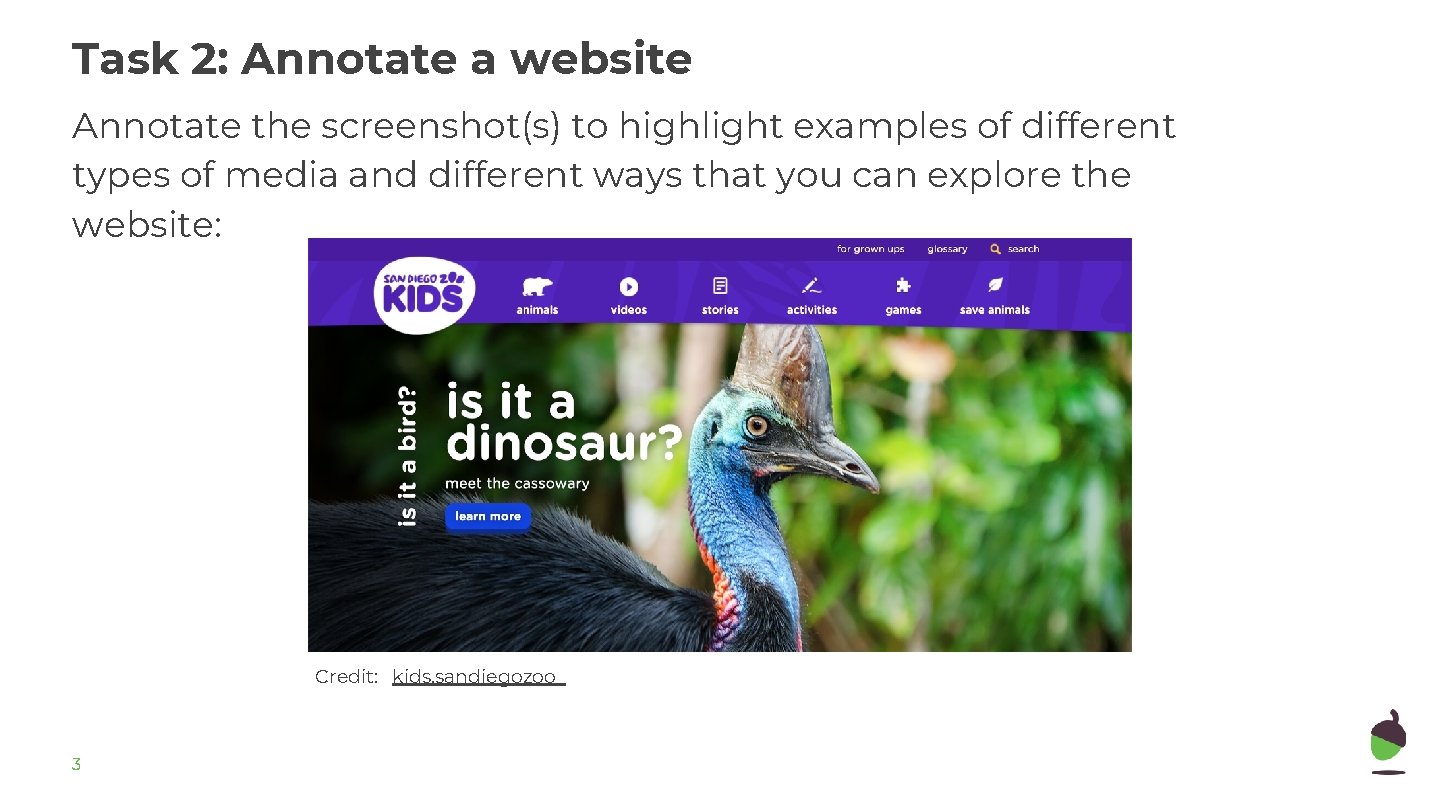
Task 2: Annotate a website Annotate the screenshot(s) to highlight examples of different types of media and different ways that you can explore the website: Credit: kids. sandiegozoo 3
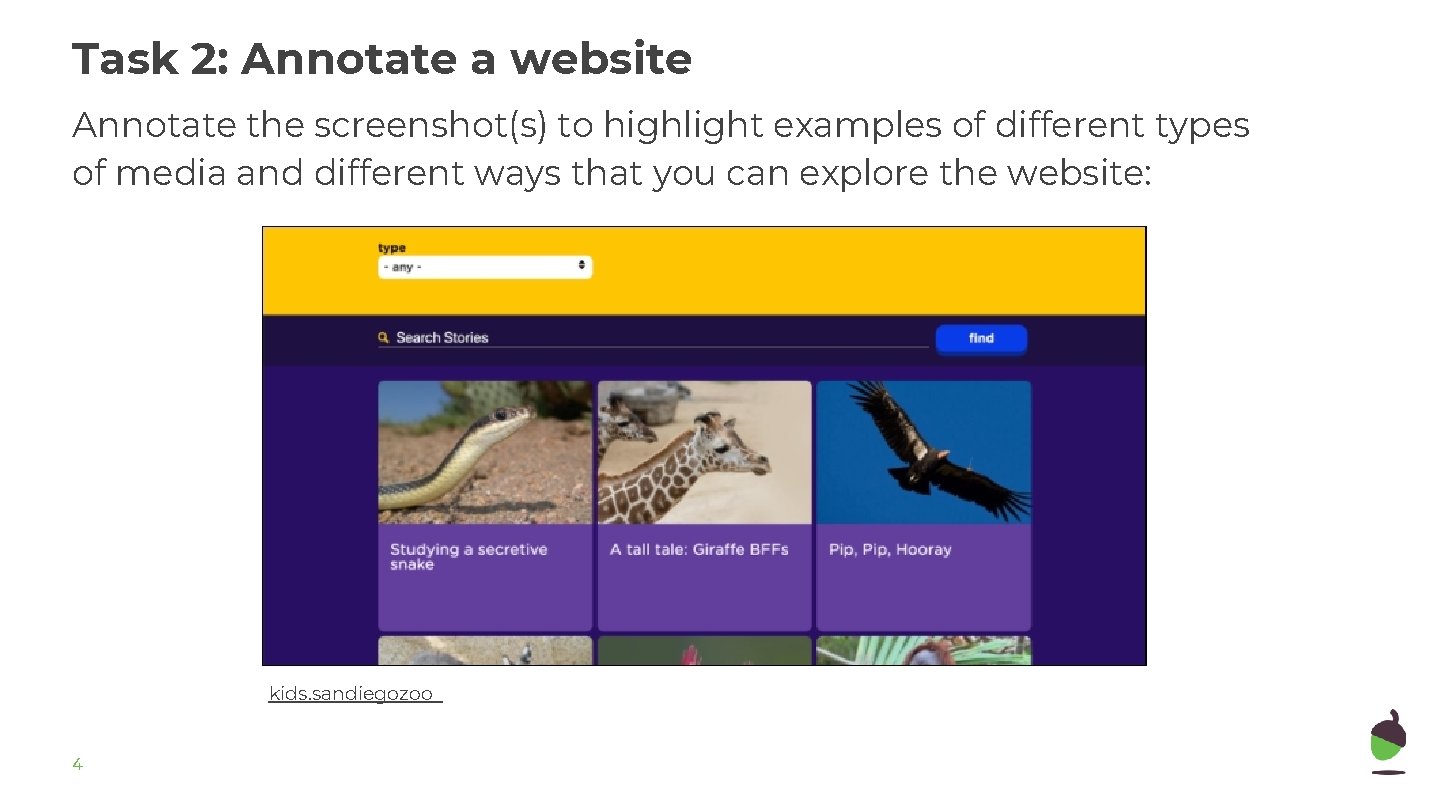
Task 2: Annotate a website Annotate the screenshot(s) to highlight examples of different types of media and different ways that you can explore the website: kids. sandiegozoo 4
Task 3: Access HTML on a website You can see the code for any website by following these easy steps in Google Chrome: ● Go back to: oaknat. uk/comp-san-diego-zoo ● Right-click on a section of the website e. g. an image ● Click Inspect Now you can see the HTML code. This defines what the website will look like. 5
- Slides: 5