
Computing Fundamentals Unit 1 Recognizing Computers Objectives Understand
Computing Fundamentals Unit 1 - Recognizing Computers
Objectives � Understand the importance of computers � Identify significant times in computer history � Understand how computers developed into what they are today � Describe how data is represented � Define computers & computer systems � Classify different types of computers
What is IT? � Deals with all aspects of managing and processing data with computerized systems � In our daily activities ◦ Drives the systems we use to learn, solve problems, and communicate ◦ We’re dependant on technology � IT affects all fields of work & organizations � No matter what career path you choose, a solid IT background will be at your advantage!

What is a Computer? �A computer is a person, instrument, or machine that gathers, processes, and stores information.
Where Are Computers Used?

Computer History � In groups of 2, make a computer history timeline of events � Use an online timeline maker � Mark at least 10 significant events ◦ At least 2 event from the following decades: � 2000’s, 90’s, 80’s, 70’s � 1 significant tech event from your life ◦ Include a picture of the device for each ◦ Use your own words to describe each

The Father of Computing � Charles Babbage ◦ Designed a steampowered calculator called the Difference Engine in 1821. ◦ His next idea was the Analytical Engine (1856), designed to perform any kind of mathematical calculation.
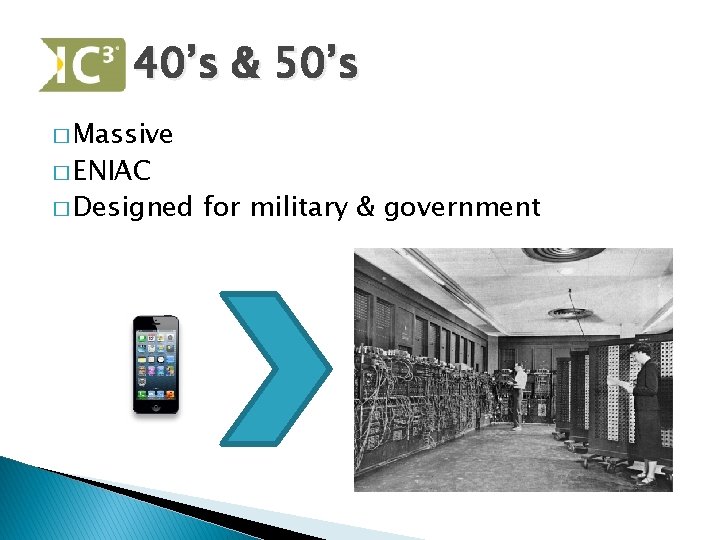
40’s & 50’s � Massive � ENIAC � Designed for military & government

World War II � In 1943, the British built the first “Colossus” computer. � Used to decipher encrypted teleprinter messages sent by the Germans during World War II.
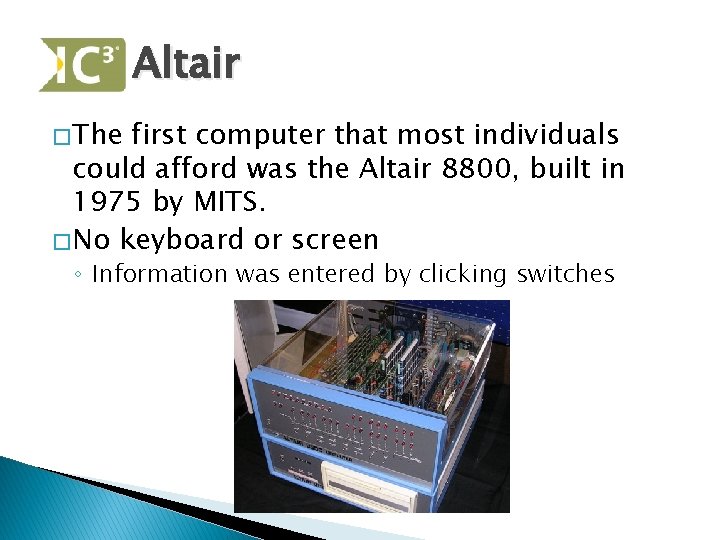
Altair � The first computer that most individuals could afford was the Altair 8800, built in 1975 by MITS. � No keyboard or screen ◦ Information was entered by clicking switches
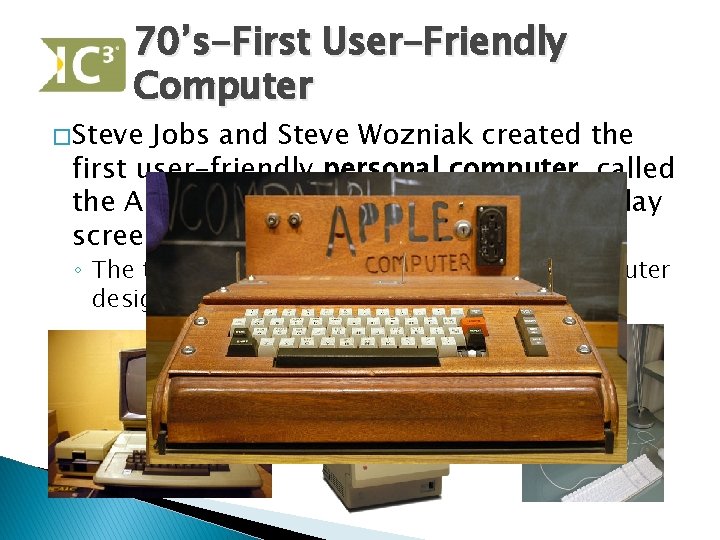
70’s-First User-Friendly Computer � Steve Jobs and Steve Wozniak created the first user-friendly personal computer, called the Apple, with a built-in keyboard, display screen, and storage unit. ◦ The term personal computer refers to a computer designed to be used by one person at a time.
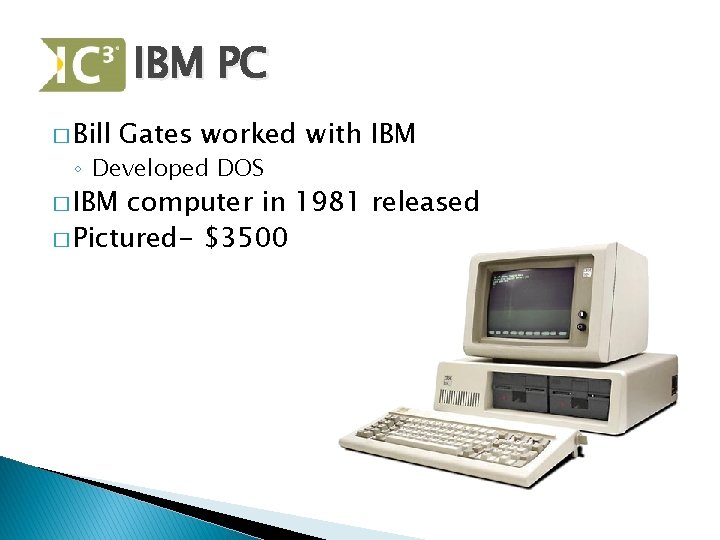
IBM PC � Bill Gates worked with IBM ◦ Developed DOS � IBM computer in 1981 released � Pictured- $3500
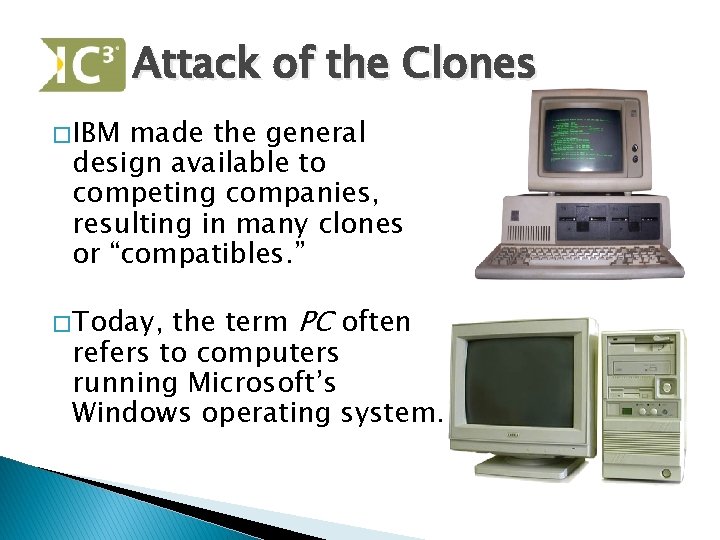
Attack of the Clones � IBM made the general design available to competing companies, resulting in many clones or “compatibles. ” the term PC often refers to computers running Microsoft’s Windows operating system. � Today,
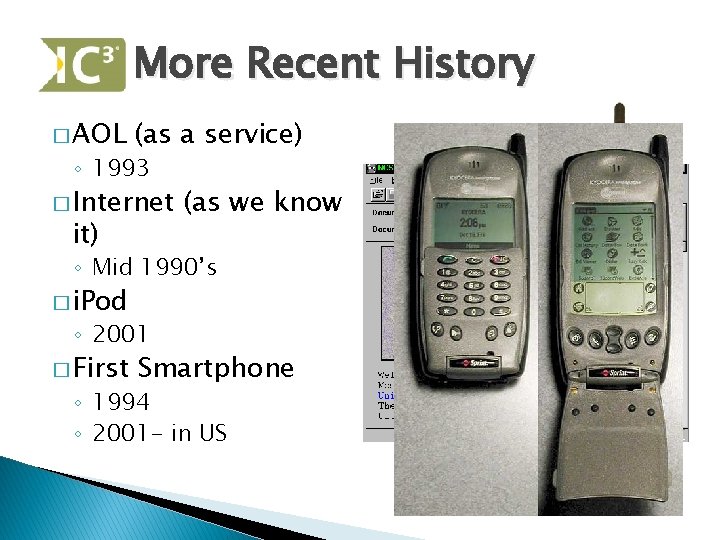
More Recent History � AOL (as a service) ◦ 1993 � Internet it) (as we know ◦ Mid 1990’s � i. Pod ◦ 2001 � First Smartphone ◦ 1994 ◦ 2001 - in US

90’s-2000’s: Change for better � Computers and their parts have gotten smaller & more powerful � Other devices are now considered computers ◦ Phones, gaming systems, Tablets, etc. � Work is more efficient, communication has changed/grown, entertainment changed
Review � Who created the first user-friendly computer? ◦ Steve Jobs & Steve Wozniak � What term describes a computer design made available to other manufacturers? ◦ Compatible or clone
Where are Computers Used?
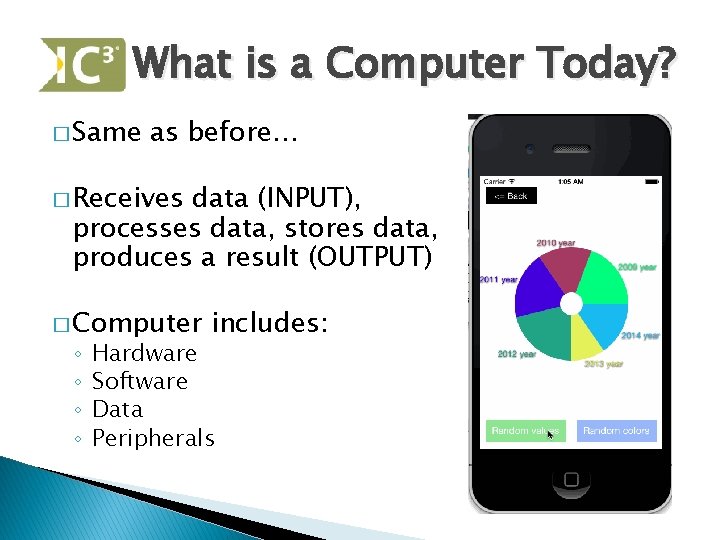
What is a Computer Today? � Same as before… � Receives data (INPUT), processes data, stores data, produces a result (OUTPUT) � Computer ◦ ◦ includes: Hardware Software Data Peripherals

Computer System

Binary �The use of the binary number system with two values: 0 and 1. � 1= ON (electricity) � 0= OFF (no electricity) What Counting to Ten Looks Like Decimal: 0, 1, 2, 3, 4, 5, 6, 7, 8, 9, 10 Binary: 0, 1, 10, 11, 100, 101, 110, 111, 1000, 1001, 1010
Review- 4 Q � Who created the first user-friendly computer? ◦ Steve Jobs & Steve Wozniak � What term describes a computer design made available to other manufacturers? ◦ Compatible or clone � What computer took up the size of a city block back in the 40’s & 50’s? ◦ ENIAC � What four function does ever computer perform? ◦ Input data, process data, output data, store data
Review- 4 Q � What does PC stand for? ◦ Personal computer � In binary, what does a 1 mean? ◦ Voltage/electricity/On � Who is known as the father of computing? ◦ Charles Babbage � What are the four things any computer does? ◦ Receives data, processes data, outputs info, stores data
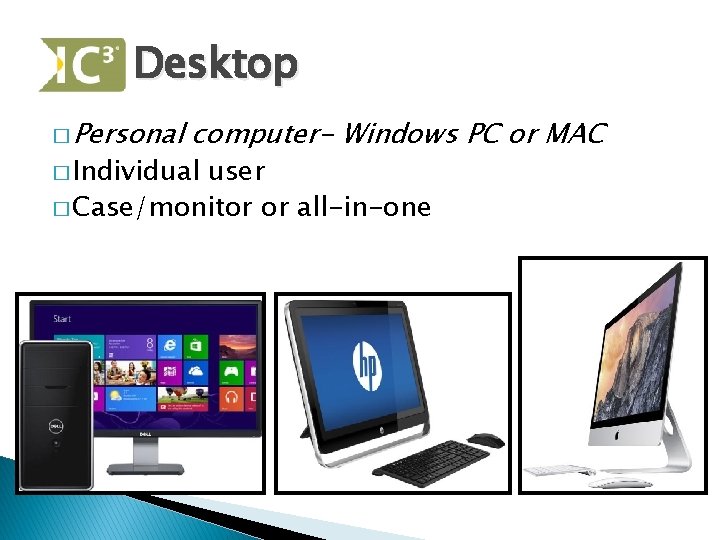
Desktop � Personal computer- Windows PC or MAC � Individual user � Case/monitor or all-in-one
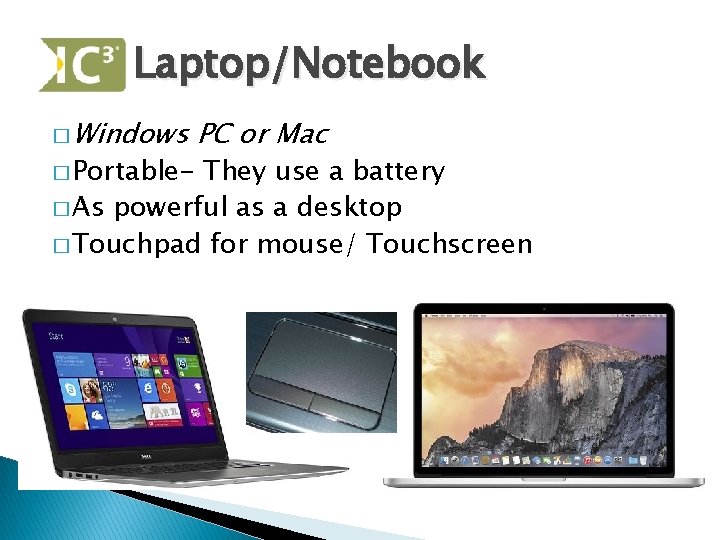
Laptop/Notebook � Windows � Portable- PC or Mac They use a battery � As powerful as a desktop � Touchpad for mouse/ Touchscreen
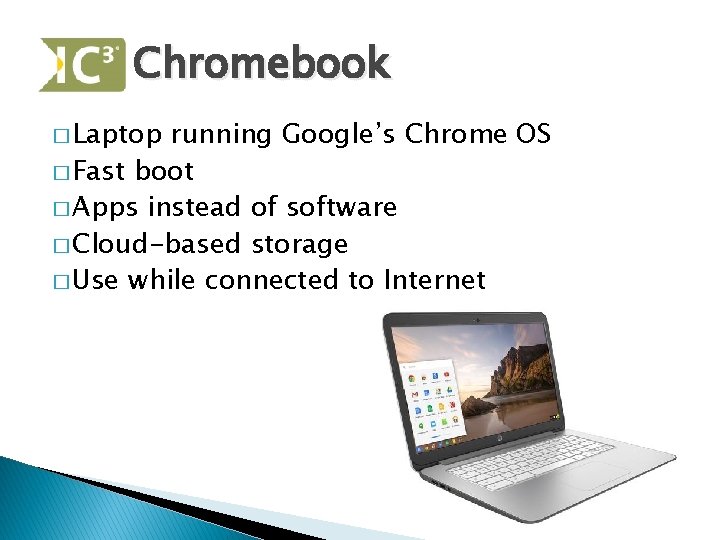
Chromebook � Laptop running Google’s Chrome OS � Fast boot � Apps instead of software � Cloud-based storage � Use while connected to Internet
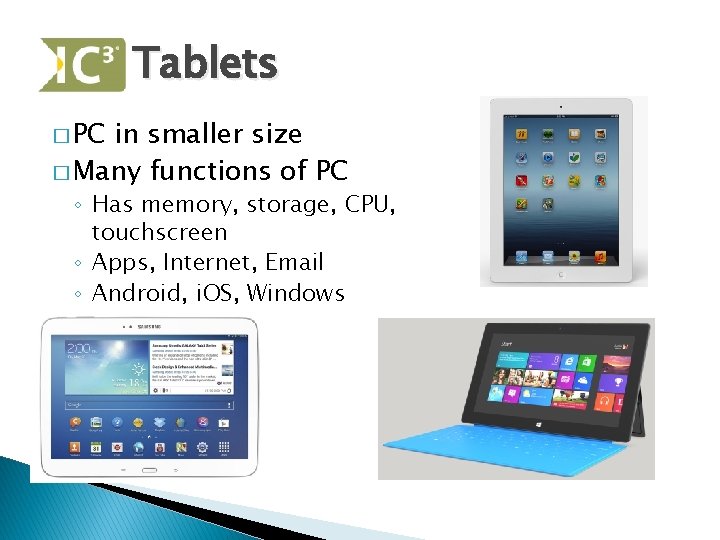
Tablets � PC in smaller size � Many functions of PC ◦ Has memory, storage, CPU, touchscreen ◦ Apps, Internet, Email ◦ Android, i. OS, Windows
Project � Using ◦ ◦ ◦ ◦ store ads, find the lowest price of each: Desktop with monitor i. Mac Laptop Mac. Book Chromebook Android Tablet (low & high price) i. Pad Windows Tablet � Report the brand & model # with the price
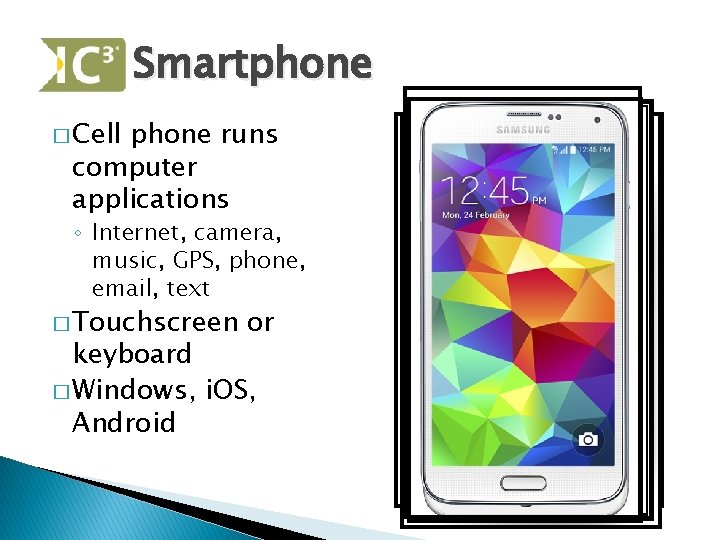
Smartphone � Cell phone runs computer applications ◦ Internet, camera, music, GPS, phone, email, text � Touchscreen or keyboard � Windows, i. OS, Android
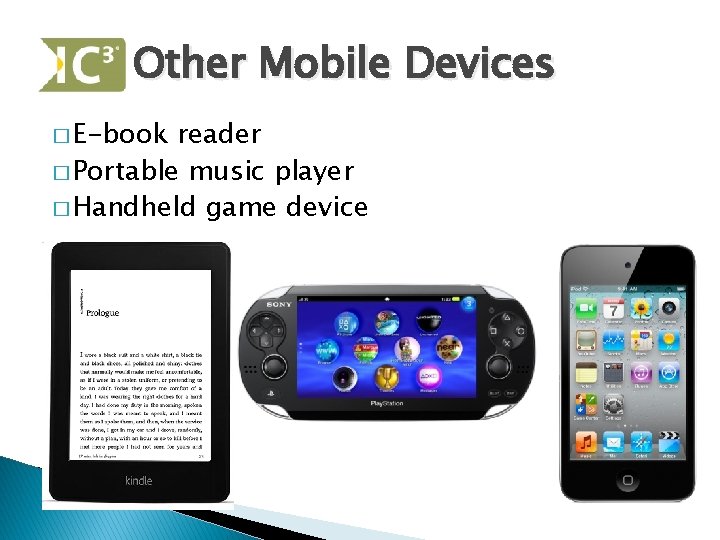
Other Mobile Devices � E-book reader � Portable music player � Handheld game device
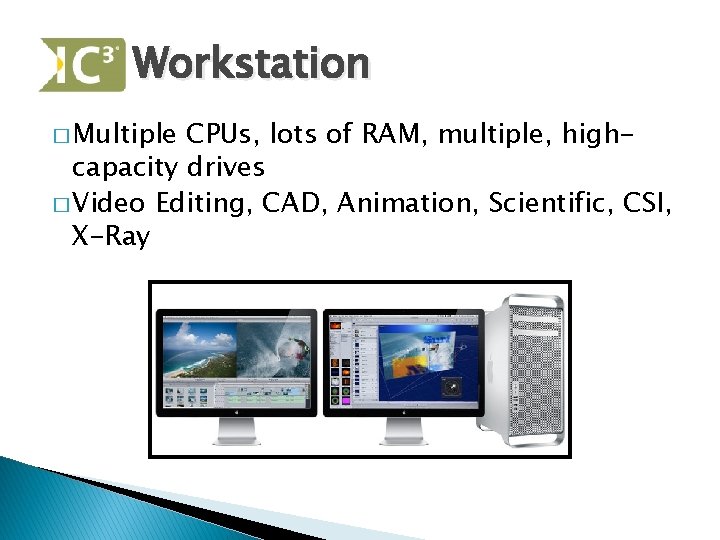
Workstation � Multiple CPUs, lots of RAM, multiple, highcapacity drives � Video Editing, CAD, Animation, Scientific, CSI, X-Ray
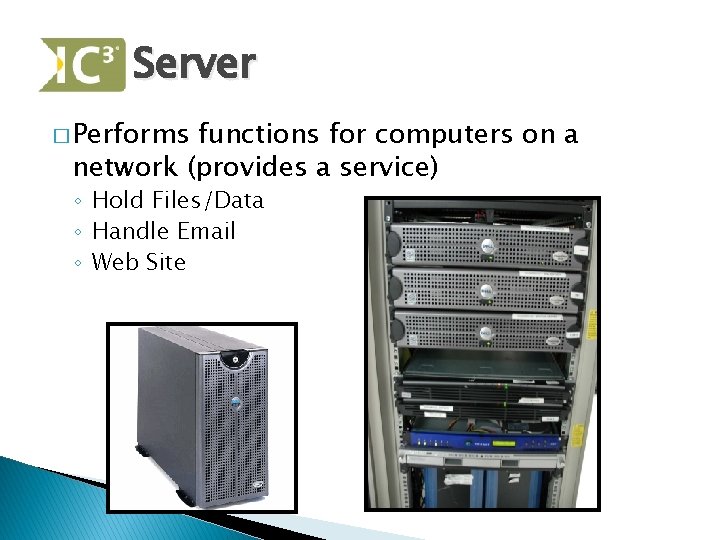
Server � Performs functions for computers on a network (provides a service) ◦ Hold Files/Data ◦ Handle Email ◦ Web Site

Mainframe � PC connects to it � Huge amounts of data processing � Hundreds of thousands $ � Large institutions, hospitals & govt.
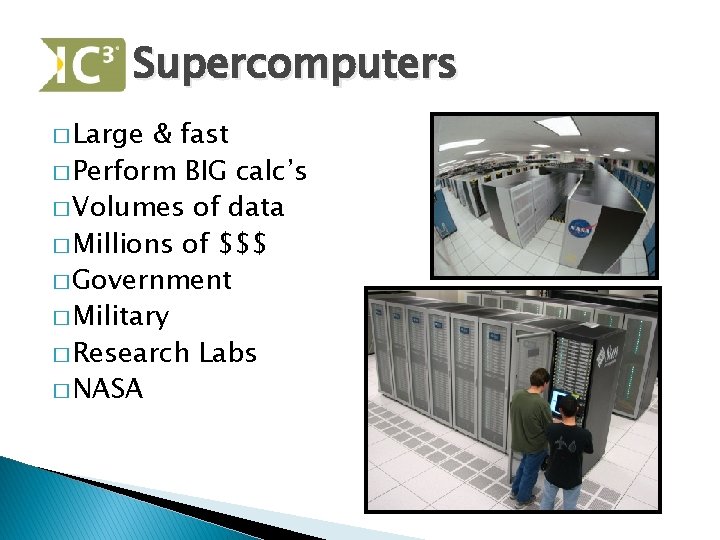
Supercomputers � Large & fast � Perform BIG calc’s � Volumes of data � Millions of $$$ � Government � Military � Research Labs � NASA
Other Types of Computers? � Name some…
Review- 4 Q � Managing an airline reservation & ticketing system or patient records would be best performed by which class of computer? ◦ Mainframe � Which device would animators use to make CG effects for a movie? ◦ Workstation � What is the fastest type of computer? ◦ Supercomputer � Appliances ◦ Embedded have what kind of computer?
Review- 4 Q � What’s the biggest advantage of using a notebook? ◦ Portability � T/F. A server is dedicated to sharing resources & data. ◦ True � Which type of computer provides services to other PCs, such as providing a website? ◦ Servers � What device would have Android OS on it? ◦ Smartphone or Tablet

Computing Fundamentals Unit 1 - Recognizing Computers
- Slides: 37