
Computing Fundamentals Module Lesson 1 What Is A
- Slides: 27
Computing Fundamentals Module Lesson 1 — What Is A Computer? Computer Literacy BASICS Microsoft Office XP: Advanced Course
Objectives l l l 2 Define a computer. Identify how computers are used in our daily lives. Compare and classify types of computers. List the parts of a computer system. Explain how computers are integrated into larger systems through networks. Computing Fundamentals BASICS
Vocabulary l l l 3 Channel Computer system Data communications Hardware l l l Internet Local area network (LAN) Mainframe computers Microcomputer Microprocessors Computing Fundamentals BASICS
Vocabulary (cont. ) l l l 4 Minicomputers Network Notebook computer People Protocol Receiver l l Sender Software Supercomputers Wide area networks (WANs) Computing Fundamentals BASICS
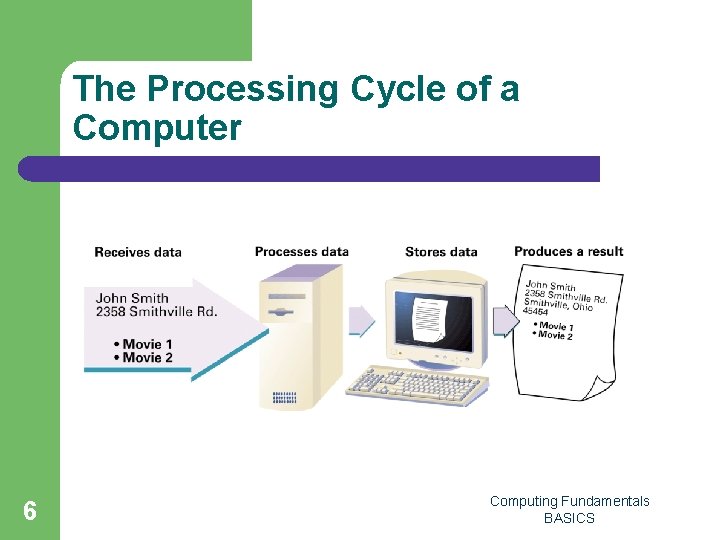
What Makes a Computer A computer is an electronic device that l l 5 Receives data: Information, such as text, numbers, or graphic images, is entered into the computer. Processes data: The computer will change the data from what was entered into the result the user wants. Stores data: The information is stored in the computer’s memory. Produces a result: A final display of the information that was entered can be printed or displayed on a monitor. Computing Fundamentals BASICS
The Processing Cycle of a Computer 6 Computing Fundamentals BASICS
Computers Perform Three Operations l Arithmetic operations – l Logical comparisons – l 7 Adding, subtracting, multiplying, and dividing Equal to, greater than or less than, etc. Storage and retrieval operations Computing Fundamentals BASICS
Why Are Computers So Popular? l l l 8 Computers perform functions very quickly. Computers produce accurate and reliable results. Computers store large amounts of data. Computers are versatile and cost-effective. Computers are becoming more powerful and more useful every day. Computing Fundamentals BASICS
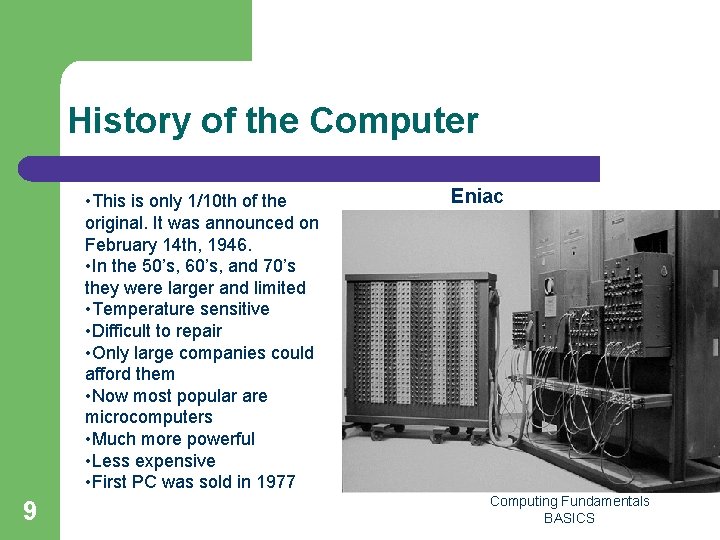
History of the Computer • This is only 1/10 th of the original. It was announced on February 14 th, 1946. • In the 50’s, 60’s, and 70’s they were larger and limited • Temperature sensitive • Difficult to repair • Only large companies could afford them • Now most popular are microcomputers • Much more powerful • Less expensive • First PC was sold in 1977 9 Eniac Computing Fundamentals BASICS
How Computers Are Used Today Computers are used every day for 10 l News: Newspapers and television news stations post breaking news, and weather can be accessed on demand on the Internet. l Shopping: Millions of people use the Internet every day to purchase goods and services. Computing Fundamentals BASICS
How Computers Are Used Today (cont. ) l l 11 Homework: Students have instant access to research and information and use wordprocessing and other software applications for assignments. Managing businesses: Businesses use computers to maintain inventory records, print invoices, track financial information and personnel records, advertise online, and many other tasks. Computing Fundamentals BASICS
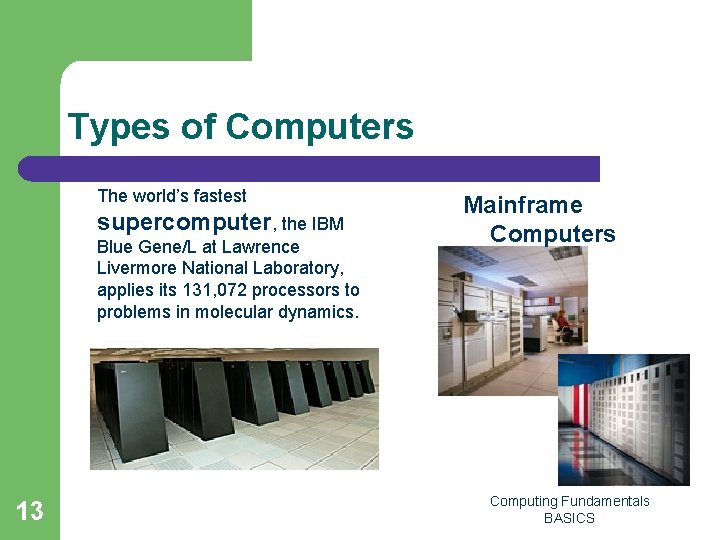
Types of Computers l Supercomputers: – – – l Mainframes: – – 12 The largest and fastest computers Used by government agencies and large corporations to process tremendous volumes of data Costs several million dollars Large, very expensive machines that can support thousands of users Used by large corporations Computing Fundamentals BASICS
Types of Computers The world’s fastest supercomputer, the IBM Blue Gene/L at Lawrence Livermore National Laboratory, applies its 131, 072 processors to problems in molecular dynamics. 13 Mainframe Computers Computing Fundamentals BASICS
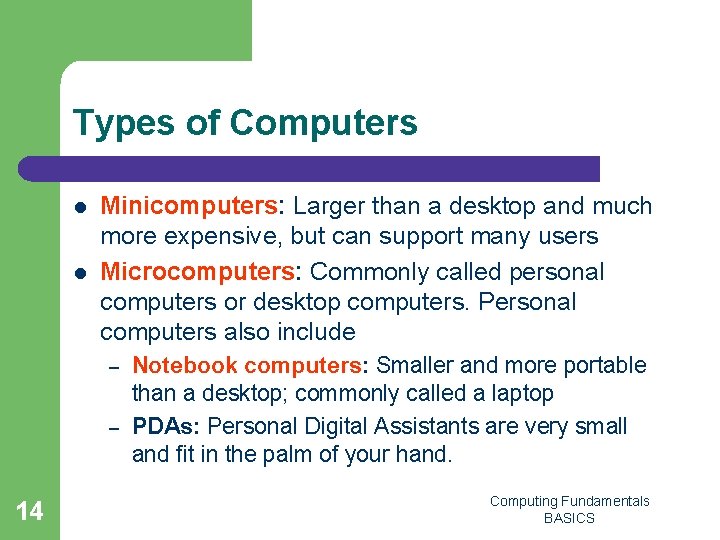
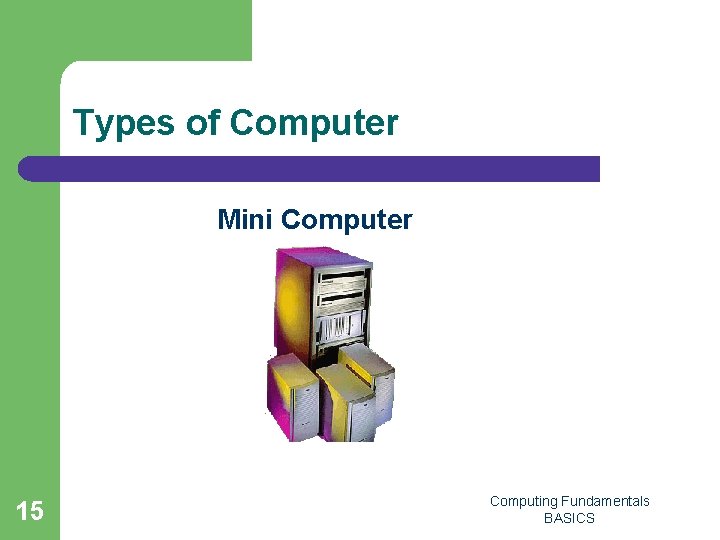
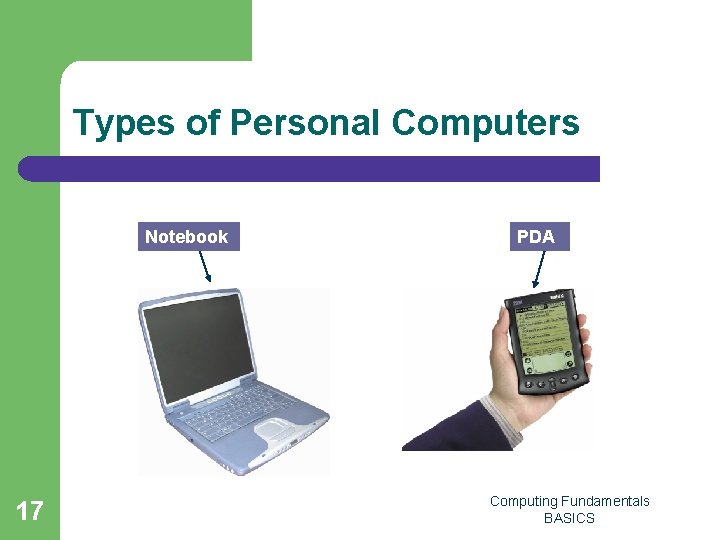
Types of Computers l l Minicomputers: Larger than a desktop and much more expensive, but can support many users Microcomputers: Commonly called personal computers or desktop computers. Personal computers also include – – 14 Notebook computers: Smaller and more portable than a desktop; commonly called a laptop PDAs: Personal Digital Assistants are very small and fit in the palm of your hand. Computing Fundamentals BASICS
Types of Computer Mini Computer 15 Computing Fundamentals BASICS
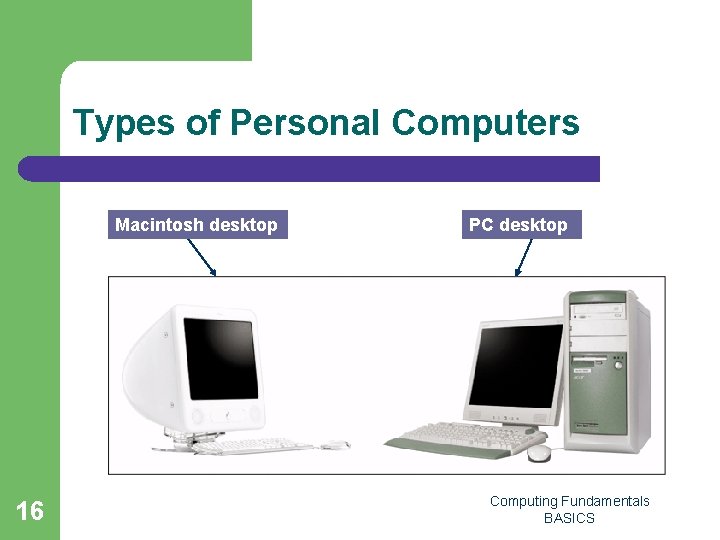
Types of Personal Computers Macintosh desktop 16 PC desktop Computing Fundamentals BASICS
Types of Personal Computers Notebook 17 PDA Computing Fundamentals BASICS
Other Computing Devices l l Microprocessors are computer chips that perform special functions to process information. These computer chips help many kinds of equipment perform more efficiently and effectively: – – – 18 Household appliances Calculators, cellular telephones, and digital cameras Game systems Automobiles Industrial equipment Computing Fundamentals BASICS
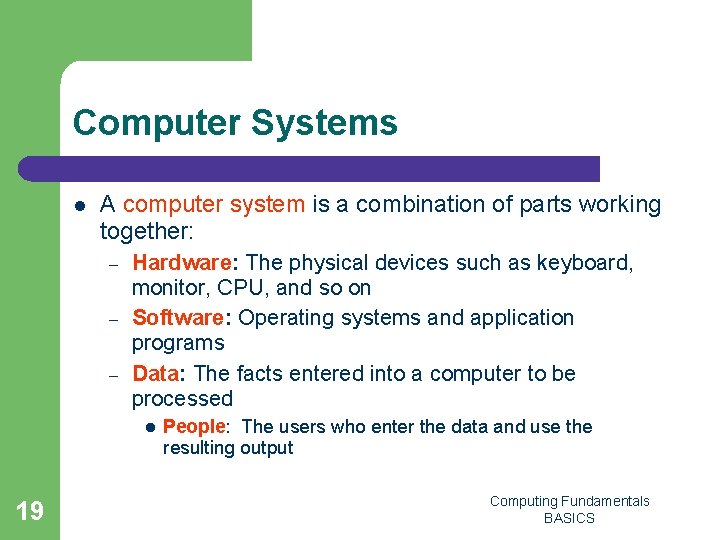
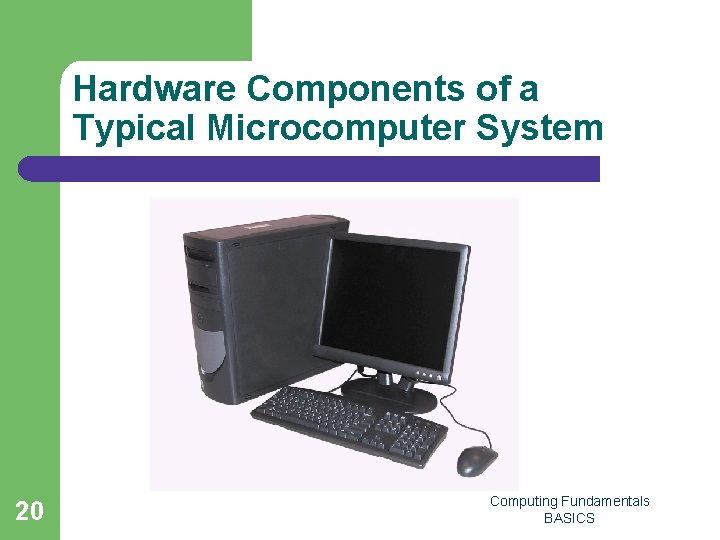
Computer Systems l A computer system is a combination of parts working together: – – – Hardware: The physical devices such as keyboard, monitor, CPU, and so on Software: Operating systems and application programs Data: The facts entered into a computer to be processed l 19 People: The users who enter the data and use the resulting output Computing Fundamentals BASICS
Hardware Components of a Typical Microcomputer System 20 Computing Fundamentals BASICS
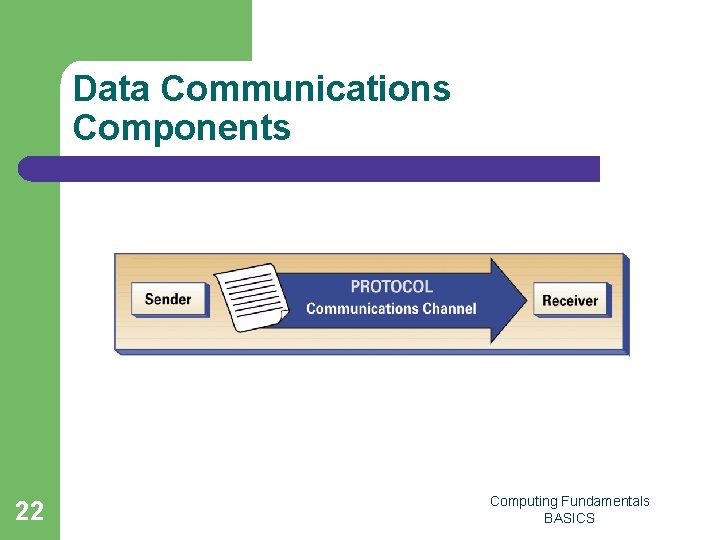
Data Communications l l Data communications is the technology that enables computers to communicate. The four components of data communications are – – – 21 Sender: The computer that is sending the message Receiver: The computer receiving the message Channel: The media that carries or transports the message. This could be telephone wire, coaxial cable, microwave signal, or fiber optic. Protocol: The rules that govern the orderly transfer of the data sent Computing Fundamentals BASICS
Data Communications Components 22 Computing Fundamentals BASICS
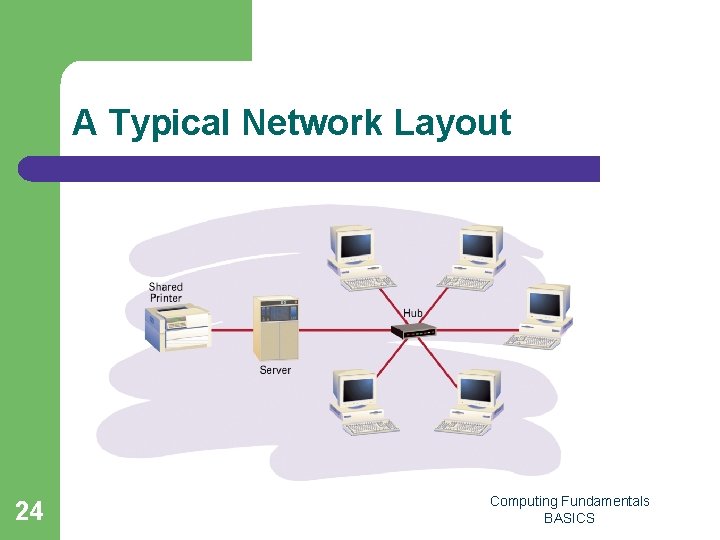
Computer Networks l l 23 Businesses utilize a type of data communications called a network. A network consists of multiple computers connected to each other to share data and resources. A computer network located in a small geographical area, such as one building or department, is called a local area network or LAN. A network made up of several local networks in a city, region, or across the world is called a wide area network or WAN. Computing Fundamentals BASICS
A Typical Network Layout 24 Computing Fundamentals BASICS
Intranets l l 25 An intranet is used exclusively within an organization and contains company information such as handbooks, forms, and newsletters. The major advantages of using an intranet include reliability and security because the organization can control access to this kind of network. Computing Fundamentals BASICS
Extranets l l 26 Extranets are computer networks that allow outside organizations to access a business’s internal information systems. Access is controlled tightly and is usually reserved for suppliers or customers. Computing Fundamentals BASICS
The Internet l l l 27 The Internet was developed for government research projects to share information quickly and easily. Today it is the largest network in the world. It is used daily by millions of computer users. It has become a critical and valuable business tool used by businesses of all sizes. The most commonly used feature of the Internet is electronic mail, or e-mail. Computing Fundamentals BASICS