
Computing ESafety Password Protection Learning Objective To understand
Computing E-Safety: Password Protection
Learning Objective • To understand how to protect your online identity and privacy. Success Criteria • To know why we use passwords. • To be able to recognise weak and strong passwords. • To know how to create a strong password that is easy to remember.
How Good Is Your Password? According to The Telegraph – here’s a list of the top 5 most commonly used passwords of 2017: 1. 123456 2. 123456789 3. qwerty 4. 12345678 5. 111111 Source: http: //www. telegraph. co. uk/technology/2017/01/16/worlds-common-passwords-revealed-using/ Can you see any patterns here? (most are numbers – but why qwerty? ) Are any of these the same or similar to your password?

How Good Is Your Password? How good is your password? Is it easy to hack or crack? Let’s see how good your password is! Warning: do not reveal your password to anyone just yet. Visit this website, and carefully enter your password: howsecureismypassword. net If you don’t want to enter your password, then type in something that is similar to your password but not exactly the same!

Why Passwords? Discuss the following in pairs – and be prepared to share your answers with the class in a few minutes: 1. How long would it take to crack your password? 2. Look again at the Top 5 Most Used Passwords from 2017 (below). • Do these passwords have anything in common? • Why are these passwords weak? • Do any of these passwords surprise you? Why? 1. 2. 3. 4. 5. 123456789 qwerty 12345678 111111 The Telegraph’s list of the top 5 most commonly used passwords of 2017.

Why Passwords? We use computer systems for almost every part of our lives, such as social networking and online banking. Can you think of any other everyday things that people use computers for? • • Email Video conferencing ATMs (cash machines) Entertainment Shopping Gaming House hunting Anything else?

Why Passwords? We need passwords to keep our personal and private information safe. Without passwords, anyone could access our private information!
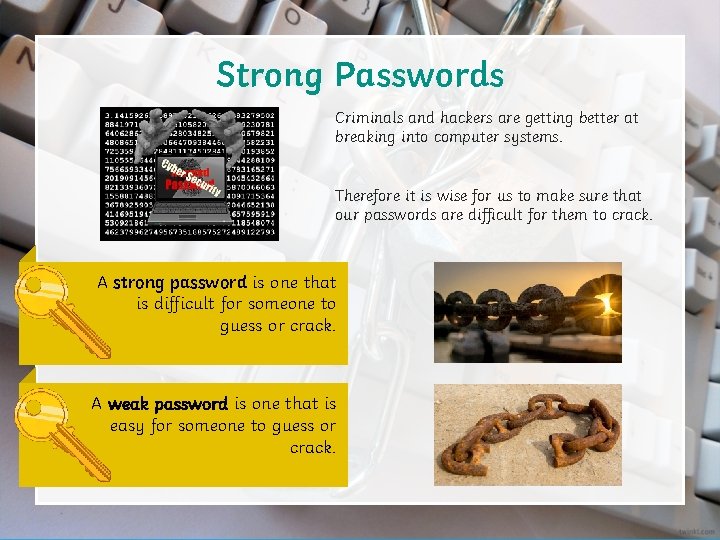
Strong Passwords Criminals and hackers are getting better at breaking into computer systems. Therefore it is wise for us to make sure that our passwords are difficult for them to crack. A strong password is one that is difficult for someone to guess or crack. A weak password is one that is easy for someone to guess or crack.
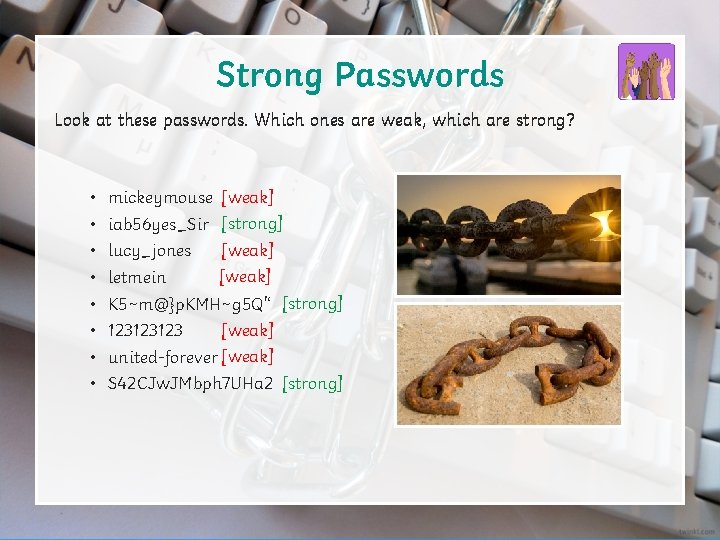
Strong Passwords Look at these passwords. Which ones are weak, which are strong? • • mickeymouse [weak] iab 56 yes_Sir [strong] [weak] lucy_jones [weak] letmein K 5~m@}p. KMH~g 5 Q'‘ [strong] [weak] 123123123 united-forever [weak] S 42 CJw. JMbph 7 UHa 2 [strong]

Choosing a Password Imagine that your grandmother has recently bought a new laptop. She wants to contact her friends using social media, but she needs to think of a suitable and strong password for her account. She decides to use this password: granny-password 123

Choosing a Password Discuss in pairs… granny-password 123 1. Why is this a weak password? 2. Come up with a checklist of at least three suggestions that would help her choose a strong password.
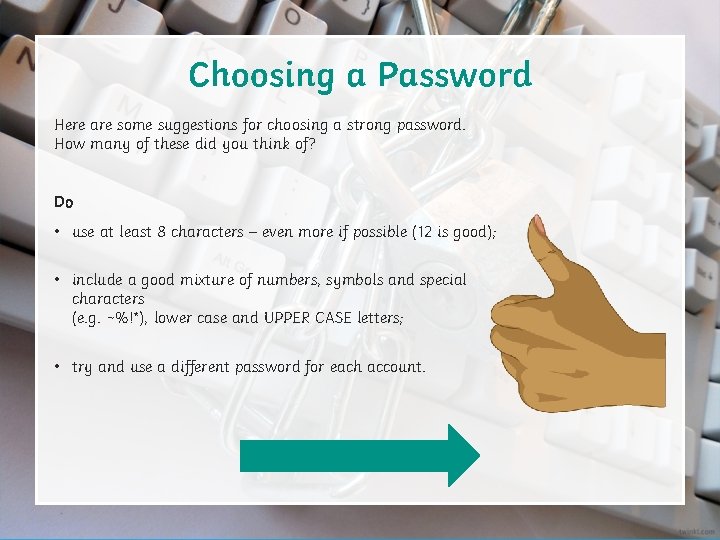
Choosing a Password Here are some suggestions for choosing a strong password. How many of these did you think of? Do • use at least 8 characters – even more if possible (12 is good); • include a good mixture of numbers, symbols and special characters (e. g. ~%!*), lower case and UPPER CASE letters; • try and use a different password for each account.
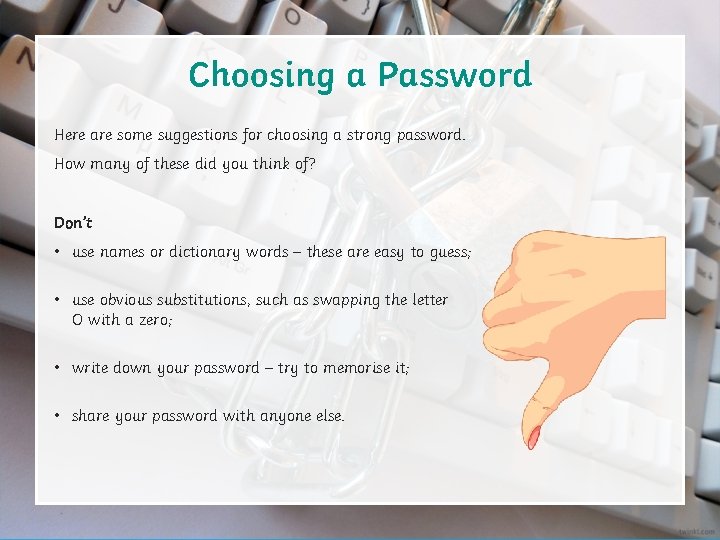
Choosing a Password Here are some suggestions for choosing a strong password. How many of these did you think of? Don’t • use names or dictionary words – these are easy to guess; • use obvious substitutions, such as swapping the letter O with a zero; • write down your password – try to memorise it; • share your password with anyone else.
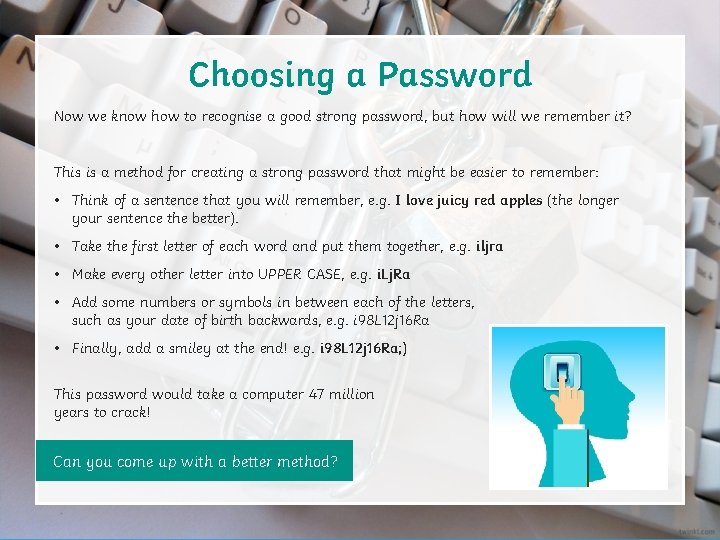
Choosing a Password Now we know how to recognise a good strong password, but how will we remember it? This is a method for creating a strong password that might be easier to remember: • Think of a sentence that you will remember, e. g. I love juicy red apples (the longer your sentence the better). • Take the first letter of each word and put them together, e. g. iljra • Make every other letter into UPPER CASE, e. g. i. Lj. Ra • Add some numbers or symbols in between each of the letters, such as your date of birth backwards, e. g. i 98 L 12 j 16 Ra • Finally, add a smiley at the end! e. g. i 98 L 12 j 16 Ra; ) This password would take a computer 47 million years to crack! Can you come up with a better method?
Choosing a Password Pause for Thought How strong is your usual password? Thinking about what you have learned today – can you come up with a new strong and memorable password?
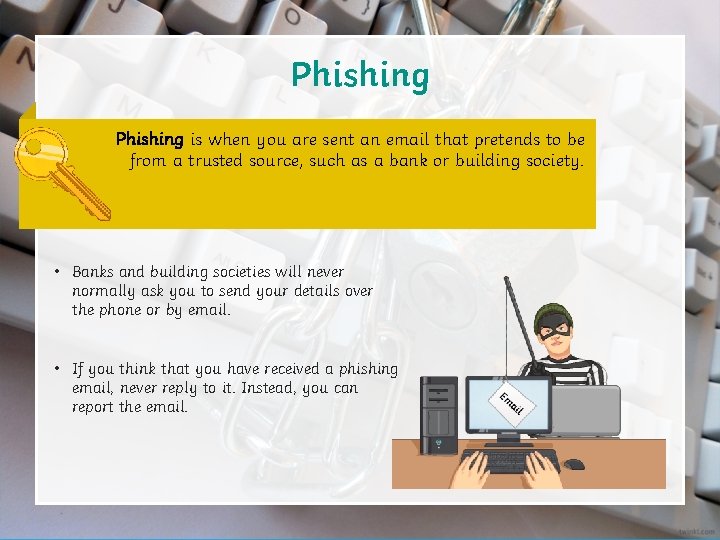
Phishing is when you are sent an email that pretends to be from a trusted source, such as a bank or building society. • Banks and building societies will never normally ask you to send your details over the phone or by email. • If you think that you have received a phishing email, never reply to it. Instead, you can report the email.
Phishing • Phishing emails are often cleverly designed to look as if they came from a real bank or other trusted organisation. • Criminals or hackers use phishing emails to try and get you to reveal your personal details and passwords, so that they can access your online accounts. • Would you be able to recognise a phishing email?
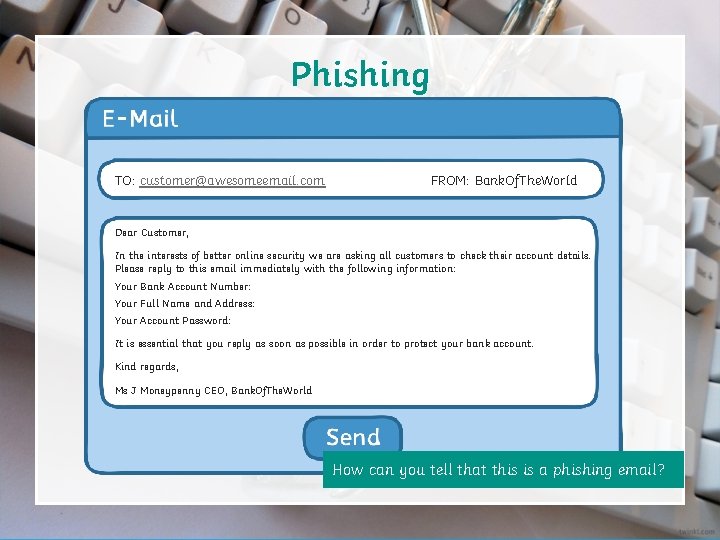
Phishing TO: customer@awesomeemail. com FROM: Bank. Of. The. World Dear Customer, In the interests of better online security we are asking all customers to check their account details. Please reply to this email immediately with the following information: Your Bank Account Number: Your Full Name and Address: Your Account Password: It is essential that you reply as soon as possible in order to protect your bank account. Kind regards, Ms J Moneypenny CEO, Bank. Of. The. World How can you tell that this is a phishing email?
Two Factor Authentication Sometimes even having a strong password is not enough. Criminals and hackers are getting better all the time at breaking into private accounts and cracking passwords. Two Factor Authentication (also known as 2 FA or TFA) is another level of protection that requires more than just a strong password. Let’s see how it works…
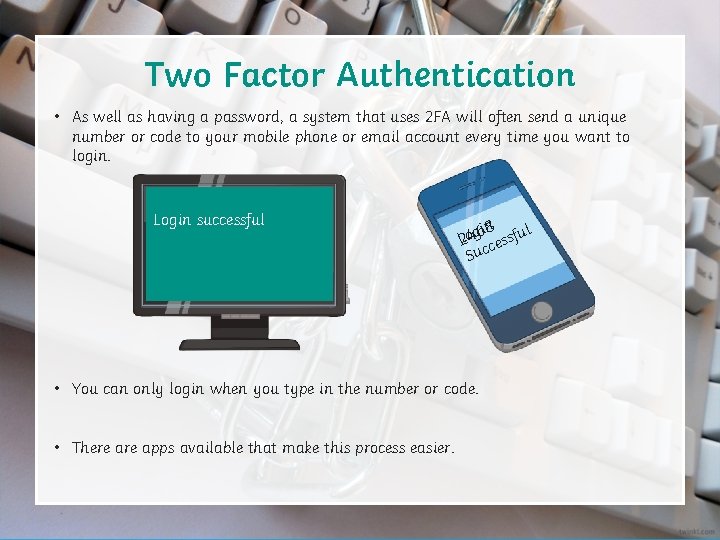
Two Factor Authentication • As well as having a password, a system that uses 2 FA will often send a unique number or code to your mobile phone or email account every time you want to login. 1234 Login successful Please enter TFA Code sent to your mobile phone: 2 4 6 8 in 8 l L 2 o 4 g 6 cessfu Suc • You can only login when you type in the number or code. • There apps available that make this process easier.
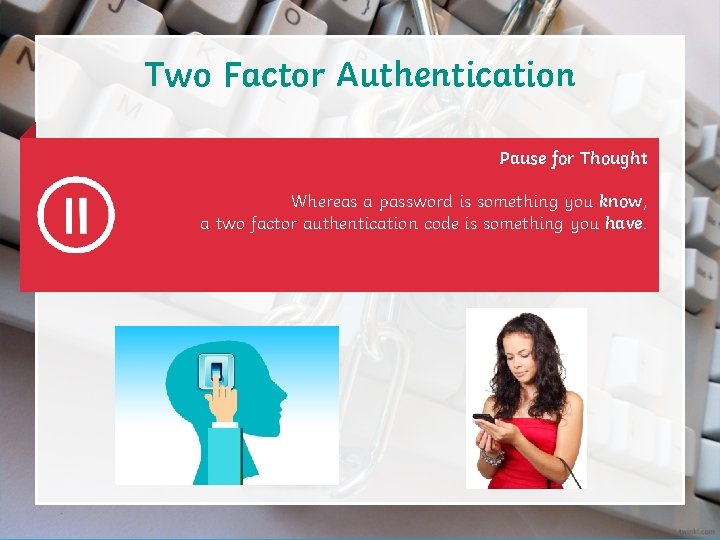
Two Factor Authentication Pause for Thought Whereas a password is something you know, a two factor authentication code is something you have.

Let’s Bring It All Together A strong password is one that is difficult for someone to guess or crack. Phishing is when you are sent an email that pretends to be from a trusted source, such as a bank or building society. Two Factor Authentication (also known as 2 FA or TFA) is another level of protection that requires more than just a strong password.
Rate Your Progress Green light: you feel fully confident with this objective and you understand it well. Amber light: you have understood most of the objective and you are happy with your progress. Red light: you have understood some of the objective and you will think about it some more later on, perhaps asking a friend or teacher for help. Learning Objective: To understand how to protect your online identity and privacy. Success Criteria: • To know why we use passwords. • To be able to recognise weak and strong passwords. • To know how to create a strong password that is easy to remember.
Nailing It Down We have learned a lot today about passwords. Use the following website to help you create a new strong password: http: //passwordsgenerator. net/ Use the following websites to test the strength of your passwords: https: //howsecureismypassword. net/ https: //password. kaspersky. com/ If a friend asked your advice about creating a good password, what advice would you give to them?
- Slides: 25