
Computers Tools for an Information Age Chapter 1
- Slides: 15
Computers: Tools for an Information Age Chapter 1 Computers: Tools for an Information Age
Objectives Describe three fundamental characteristics of computers Describe at least four areas of society in which computers are used Identify the basic components of a computer system: input, processing, output, and storage Copyright © 2003 by Prentice Hall 2
Objectives List some common input, output, and storage media Distinguish data from information Describe the significance of networking Explain the significance of the Internet Explain the various classifications of computers Copyright © 2003 by Prentice Hall 3
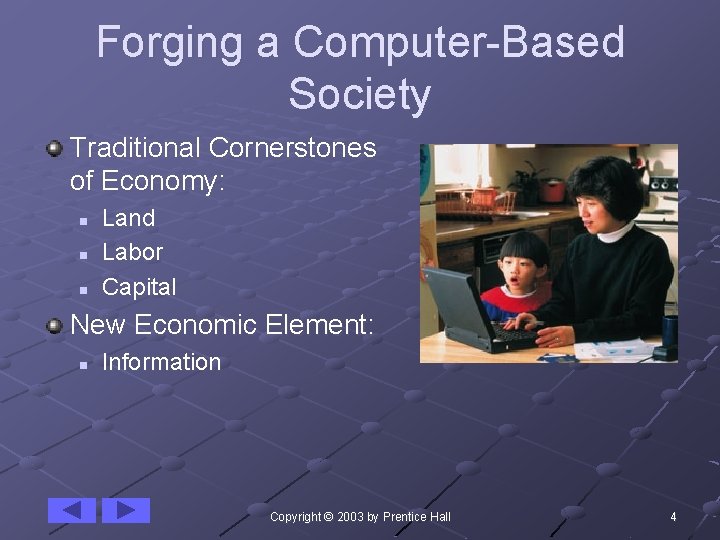
Forging a Computer-Based Society Traditional Cornerstones of Economy: n n n Land Labor Capital New Economic Element: n Information Copyright © 2003 by Prentice Hall 4
What Is Computer Literacy? Awareness Knowledge Interaction Copyright © 2003 by Prentice Hall 5
Fundamental Characteristics Speed Reliability Storage Capability By-products Copyright © 2003 by Prentice Hall 9
Computer System Components Hardware n Equipment associated with the system Software n Instructions that tell the hardware what to do People n n Computer programmer: writes software User: purchases and uses software Often called end-user Copyright © 2003 by Prentice Hall 11
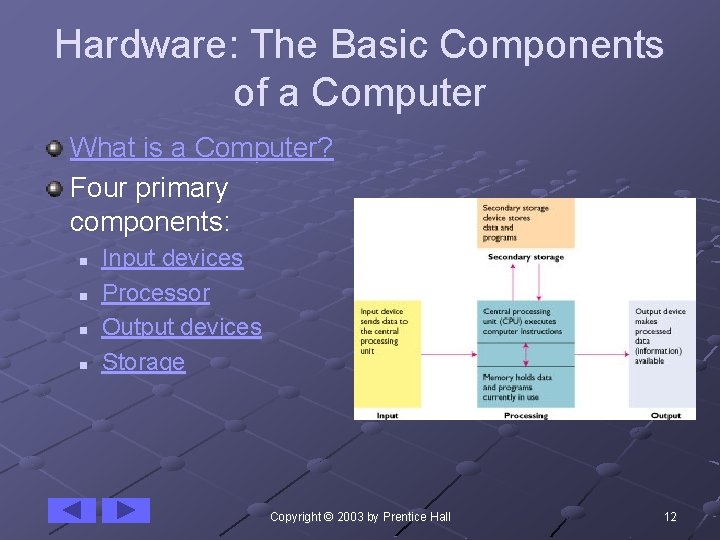
Hardware: The Basic Components of a Computer What is a Computer? Four primary components: n n Input devices Processor Output devices Storage Copyright © 2003 by Prentice Hall 12
Peripheral Devices All hardware devices attached to the computer n Includes all input, output, and storage devices Copyright © 2003 by Prentice Hall 26
Networking Network: a system that uses communications equipment to connect computers and their resources Common network tools: n n n Local Area Network (LAN) Modem Electronic mail Copyright © 2003 by Prentice Hall 27
The Internet The largest and most far-flung network n n Connects users worldwide Not actually a network, but a collection of thousands of networks Copyright © 2003 by Prentice Hall 31
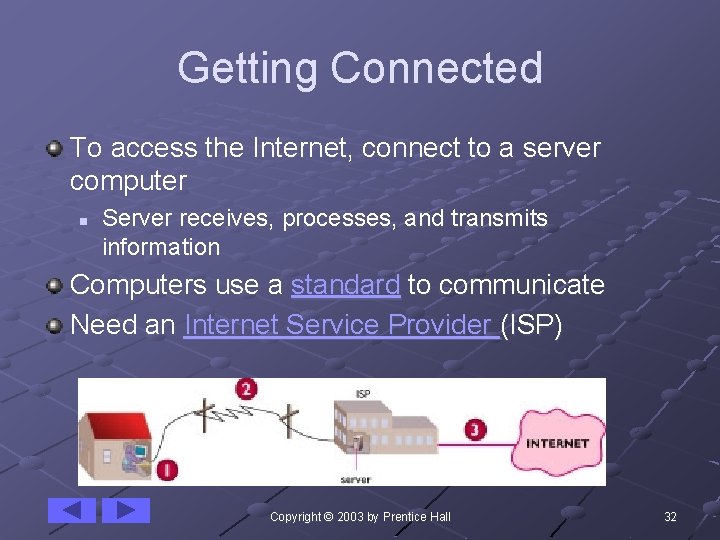
Getting Connected To access the Internet, connect to a server computer n Server receives, processes, and transmits information Computers use a standard to communicate Need an Internet Service Provider (ISP) Copyright © 2003 by Prentice Hall 32
Getting Around the Internet Began as a means for Department of Defense and its research institutions to share information n n Information was text-only Commands to navigate were obscure Now, much more visually based n n Use browser to explore the Internet World Wide Web Copyright © 2003 by Prentice Hall 35
Classification of Computers Personal Computers Notebook Computers Handheld Computers Midrange Computers Mainframes Supercomputers Copyright © 2003 by Prentice Hall 38
Personal Computer System Copyright © 2003 by Prentice Hall 46