
COMPUTERS INSIDE AND OUT Lesson 3 Grade 4
- Slides: 26
COMPUTERS INSIDE AND OUT Lesson 3 – Grade 4 Prepared by: Mr. Caezar S. Sombrito Computer Teacher
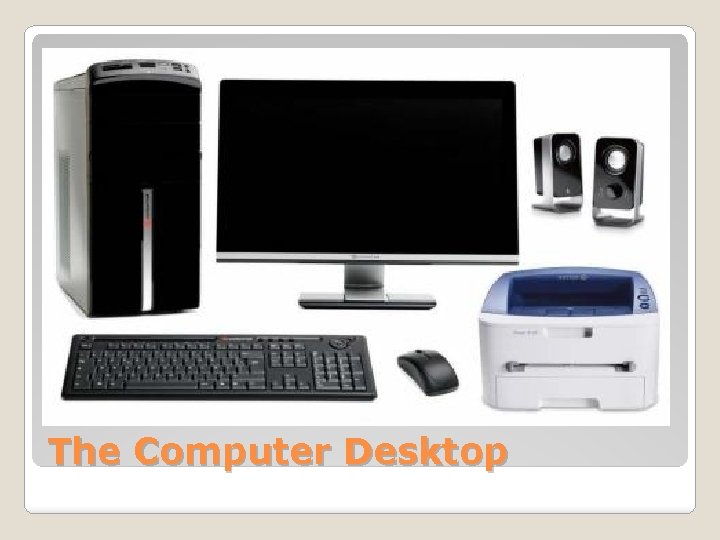
The Computer Desktop
◦ These are the devices used to enter data into a computer. ◦ The most common ways are through the keyboard and the mouse. INPUT Devices
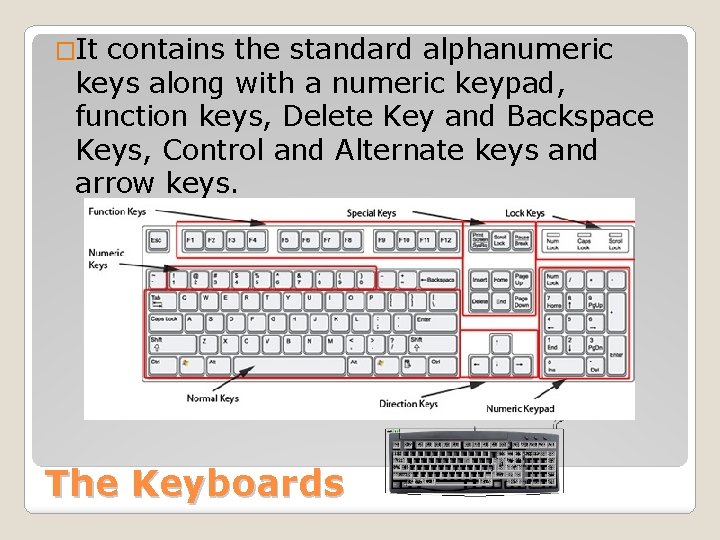
�It contains the standard alphanumeric keys along with a numeric keypad, function keys, Delete Key and Backspace Keys, Control and Alternate keys and arrow keys. The Keyboards
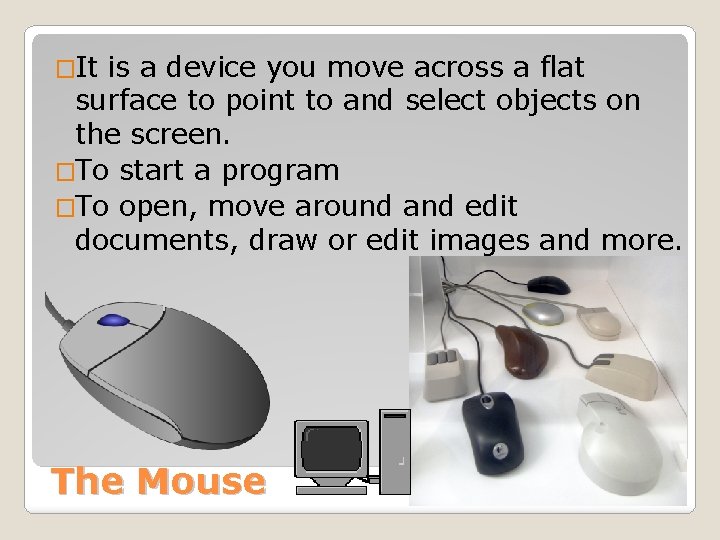
�It is a device you move across a flat surface to point to and select objects on the screen. �To start a program �To open, move around and edit documents, draw or edit images and more. The Mouse
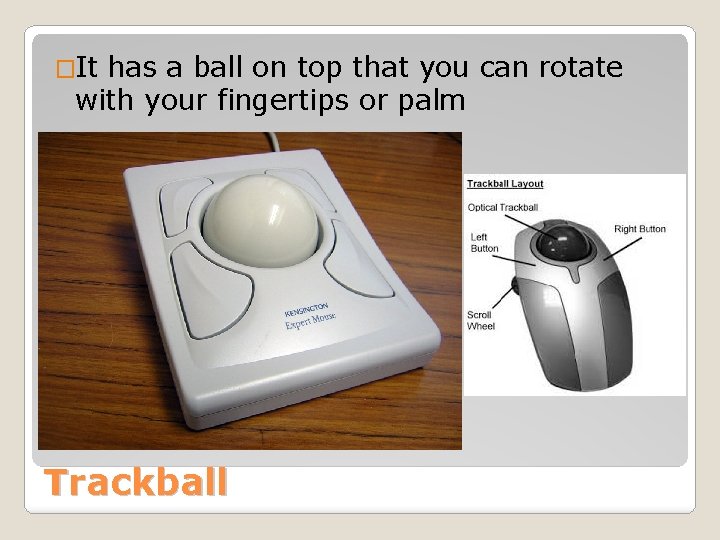
�It has a ball on top that you can rotate with your fingertips or palm Trackball
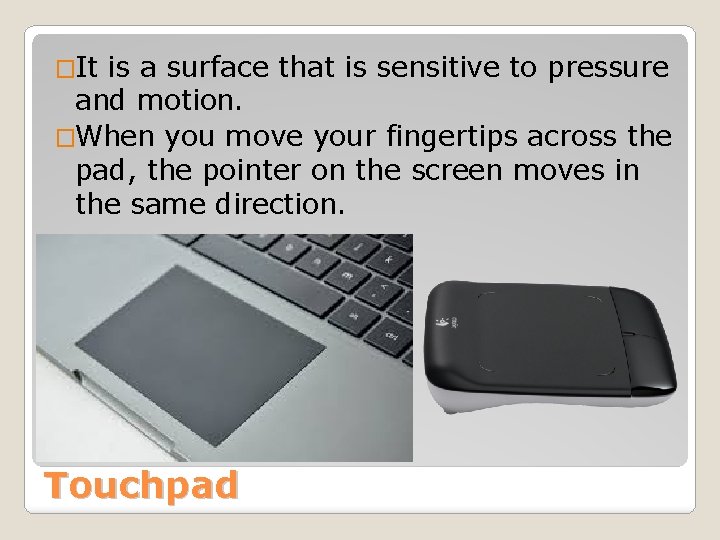
�It is a surface that is sensitive to pressure and motion. �When you move your fingertips across the pad, the pointer on the screen moves in the same direction. Touchpad
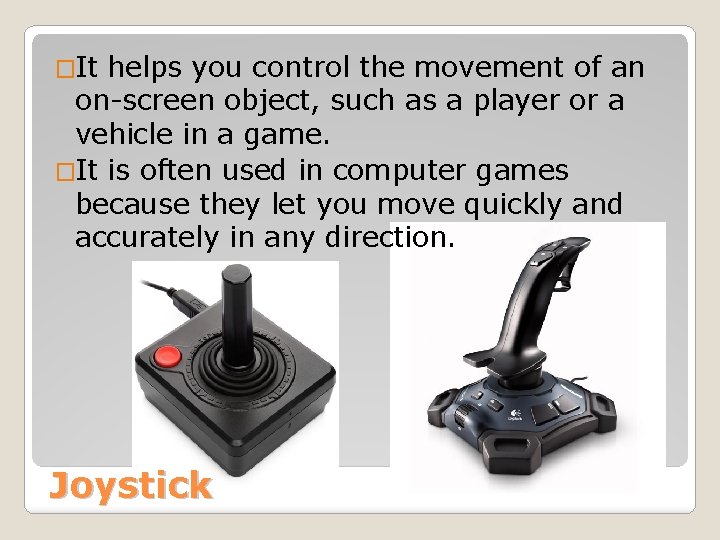
�It helps you control the movement of an on-screen object, such as a player or a vehicle in a game. �It is often used in computer games because they let you move quickly and accurately in any direction. Joystick
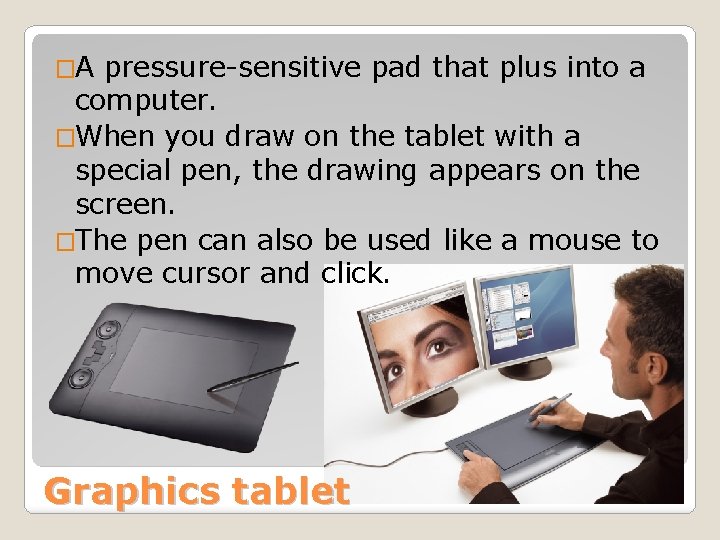
�A pressure-sensitive pad that plus into a computer. �When you draw on the tablet with a special pen, the drawing appears on the screen. �The pen can also be used like a mouse to move cursor and click. Graphics tablet
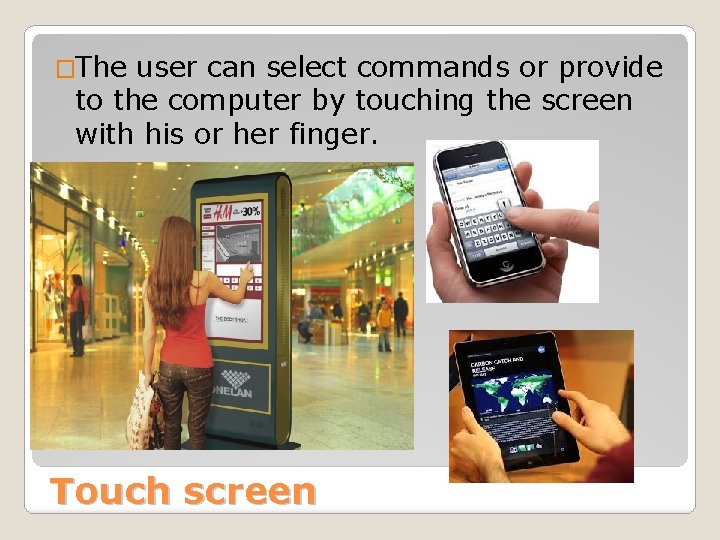
�The user can select commands or provide to the computer by touching the screen with his or her finger. Touch screen
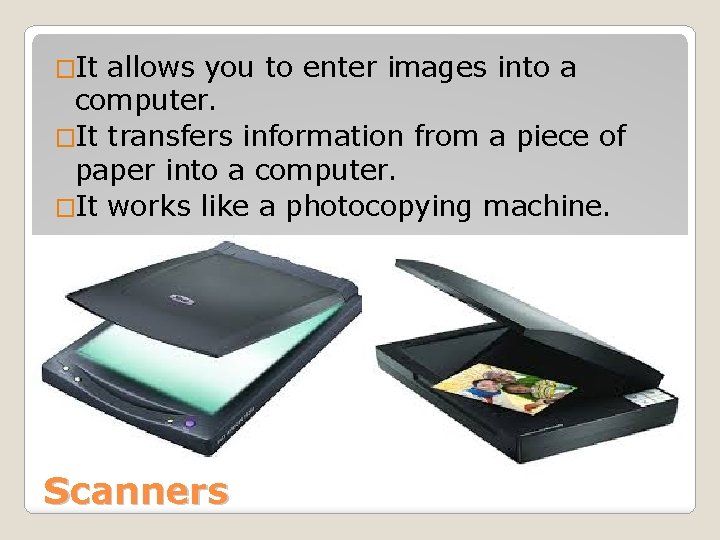
�It allows you to enter images into a computer. �It transfers information from a piece of paper into a computer. �It works like a photocopying machine. Scanners
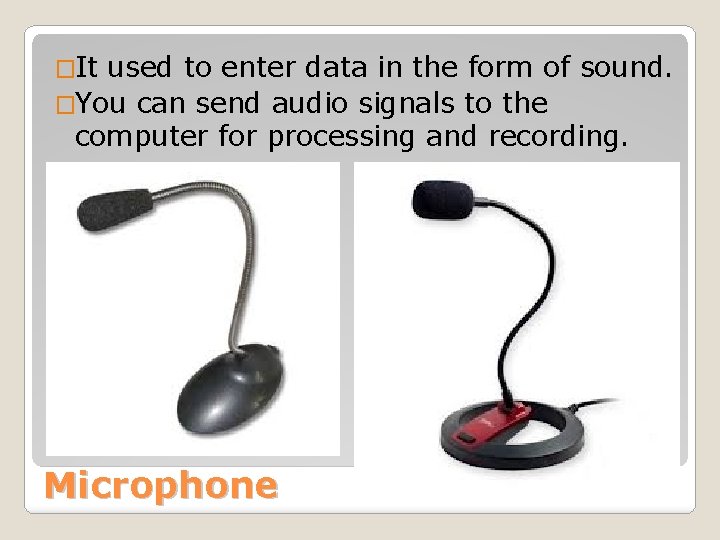
�It used to enter data in the form of sound. �You can send audio signals to the computer for processing and recording. Microphone
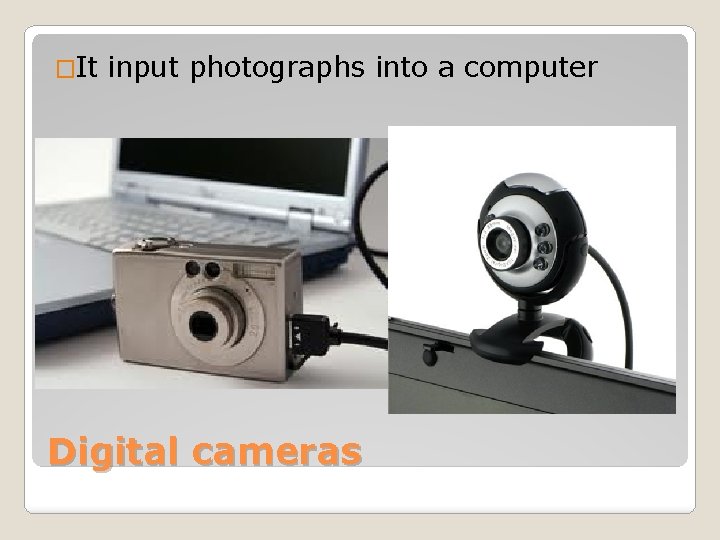
�It input photographs into a computer Digital cameras
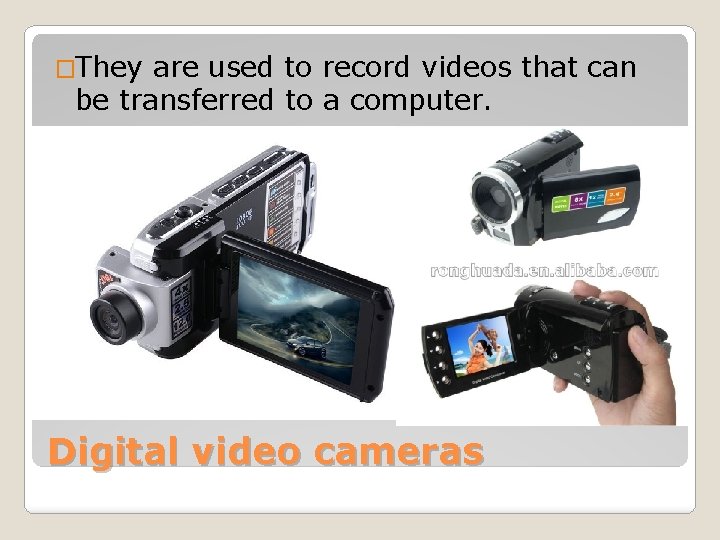
�They are used to record videos that can be transferred to a computer. Digital video cameras
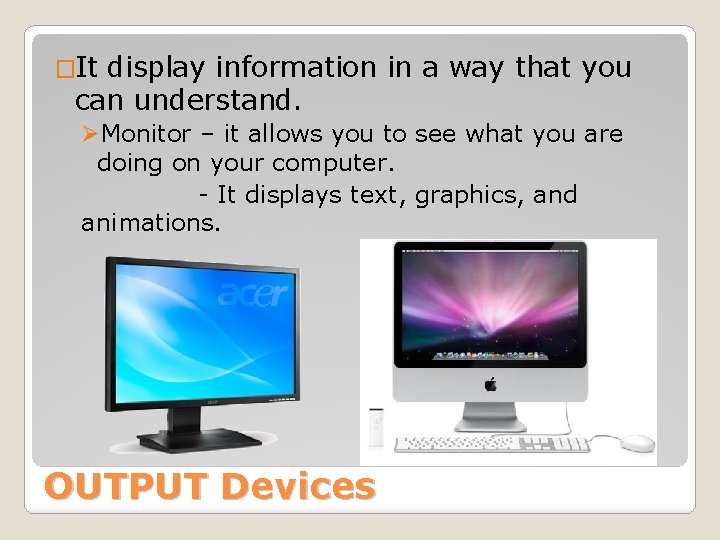
�It display information in a way that you can understand. ØMonitor – it allows you to see what you are doing on your computer. - It displays text, graphics, and animations. OUTPUT Devices
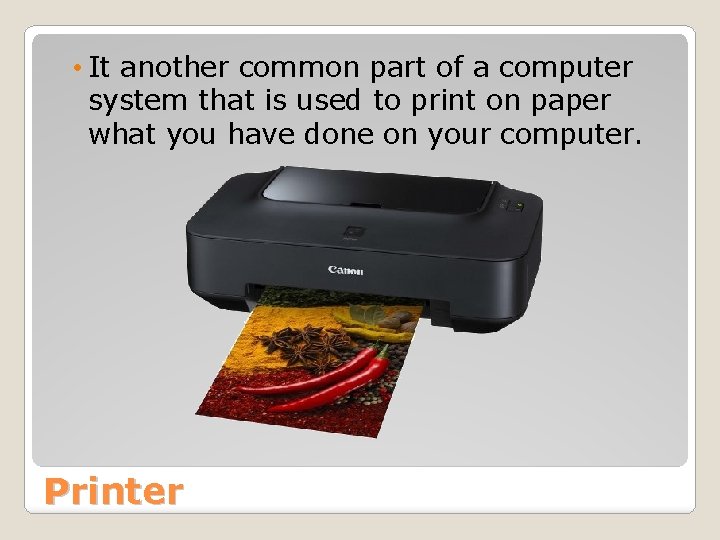
• It another common part of a computer system that is used to print on paper what you have done on your computer. Printer
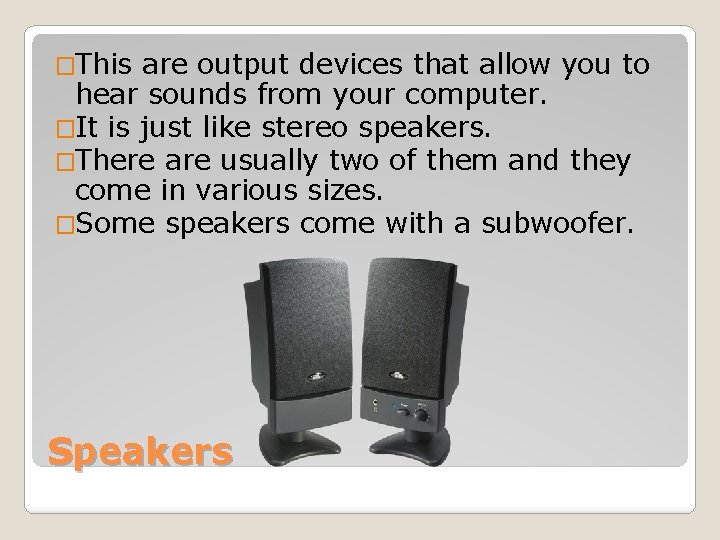
�This are output devices that allow you to hear sounds from your computer. �It is just like stereo speakers. �There are usually two of them and they come in various sizes. �Some speakers come with a subwoofer. Speakers
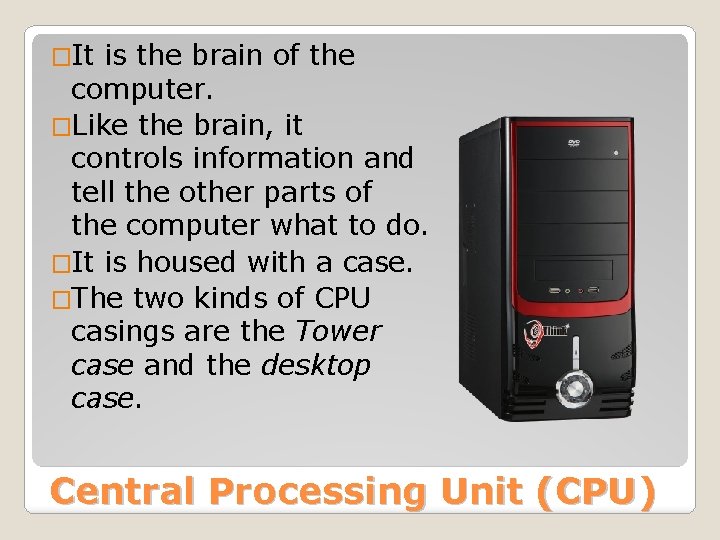
�It is the brain of the computer. �Like the brain, it controls information and tell the other parts of the computer what to do. �It is housed with a case. �The two kinds of CPU casings are the Tower case and the desktop case. Central Processing Unit (CPU)
Arithmetic/Logic Unit – this is where arithmetic and logical operation are carried out. 2. Control Unit – this is the part that directs the step-by-step operation of all parts of the computer. 3. Memory Unit – this is a part of the CPU that remembers the information you enter into it. 1. Three Parts of a CPU
�RAM (Random Access Memory) – it remember what you tell them but when the computer is turned off RAM forgets everything you told it. �ROM (Read-Only Memory) – it is good at remembering, but it cannot change its mind. It holds information built into it. RAM and ROM
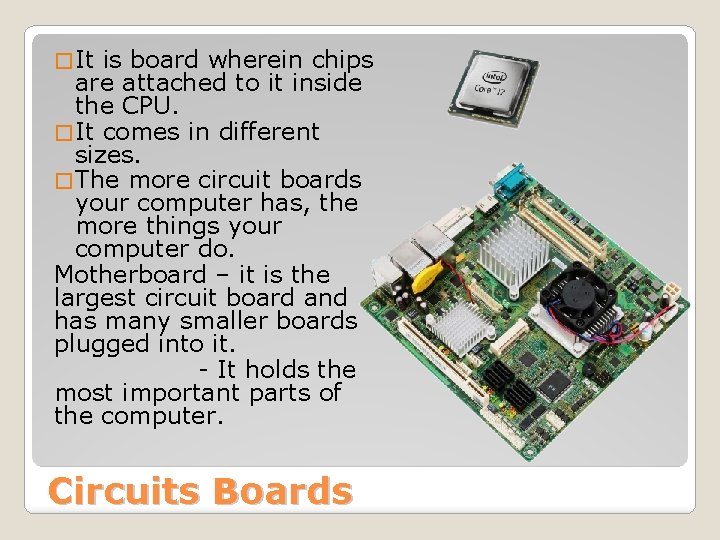
� It is board wherein chips are attached to it inside the CPU. � It comes in different sizes. � The more circuit boards your computer has, the more things your computer do. Motherboard – it is the largest circuit board and has many smaller boards plugged into it. - It holds the most important parts of the computer. Circuits Boards
Expansion Cards attached on the motherboard. 1. Sound card – it contains special circuits for operating the sound of the computer. 2. The Video Card – it handles the graphics that are displayed on the monitor. 3. The Modem – is an expansion card that allows computers to communicate with one another.
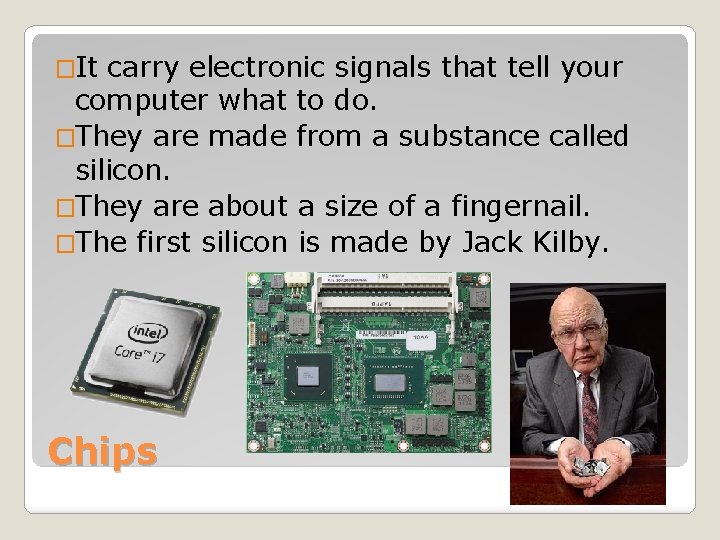
�It carry electronic signals that tell your computer what to do. �They are made from a substance called silicon. �They are about a size of a fingernail. �The first silicon is made by Jack Kilby. Chips
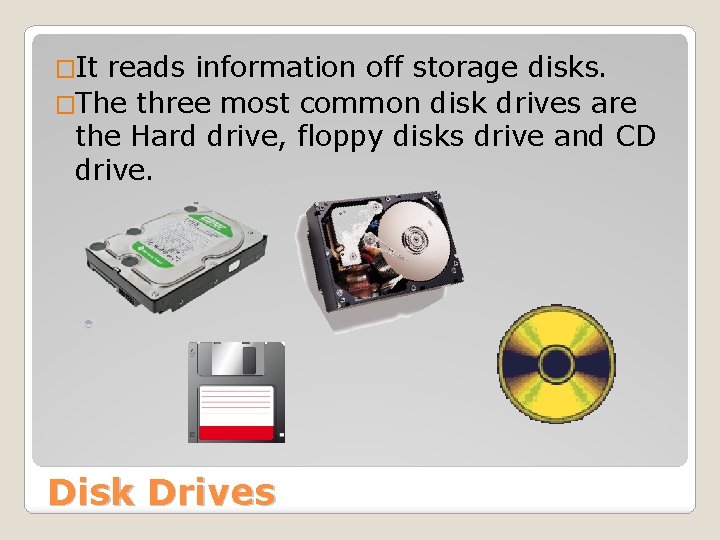
�It reads information off storage disks. �The three most common disk drives are the Hard drive, floppy disks drive and CD drive. Disk Drives
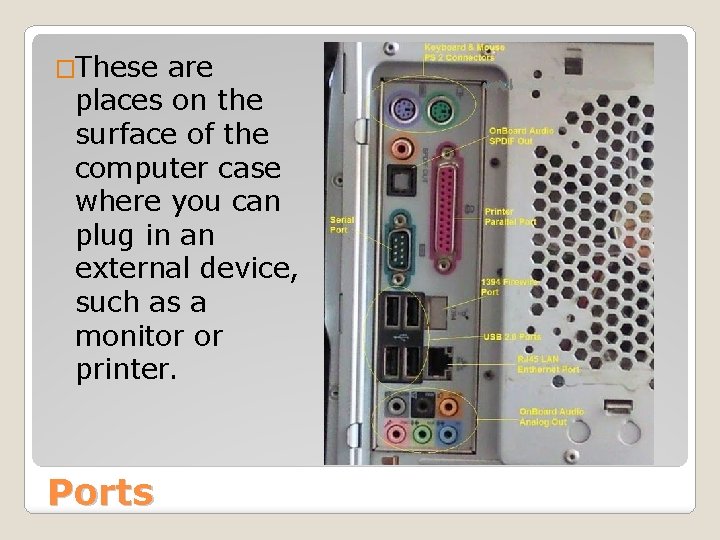
�These are places on the surface of the computer case where you can plug in an external device, such as a monitor or printer. Ports
1. 2. 3. 4. 5. 6. 7. 8. 9. 10. 11. 12. 13. 14. 15. These are devices that display information in a way that you can understand. These are devices that is used to enter data into a computer. It is a surface that is sensitive to pressure and motion. It is a device you move across a flat surface to point to and select objects on the screen. It is used to print on paper what you have done on your computer. It allows you to hear sounds from your computer. He made the first silicon chip. it allows you to see what you are doing on your computer It allows you to enter images into a computer. Give three Parts of a CPU Give one example of a Disk Drive RAM ROM Quiz #1 2 nd QTR