
Computers Information Technology in Perspective Larry Long Nancy
- Slides: 24
Computers: Information Technology in Perspective Larry Long & Nancy Long Computers: Information Technology in Perspective By Long and Long Copyright 2002 Prentice Hall, Inc.
Storing & Retrieving Information Chapter 4 Computers: Information Technology in Perspective By Long and Long Copyright 2002 Prentice Hall, Inc.
See What’s New 3 Monthly Technolo gy Update Quit
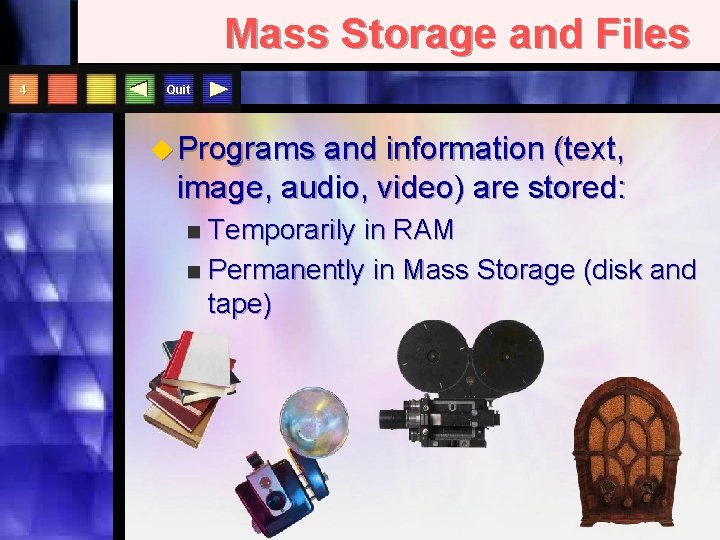
Mass Storage and Files 4 Quit u Programs and information (text, image, audio, video) are stored: Temporarily in RAM n Permanently in Mass Storage (disk and tape) n
Quit . jp g. tif . m ov
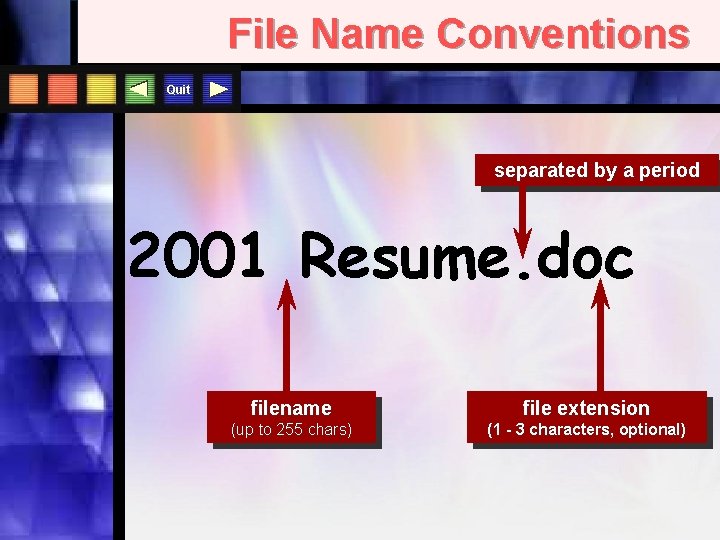
File Name Conventions Quit separated by a period 2001 Resume. doc filename file extension (up to 255 chars) (1 - 3 characters, optional)
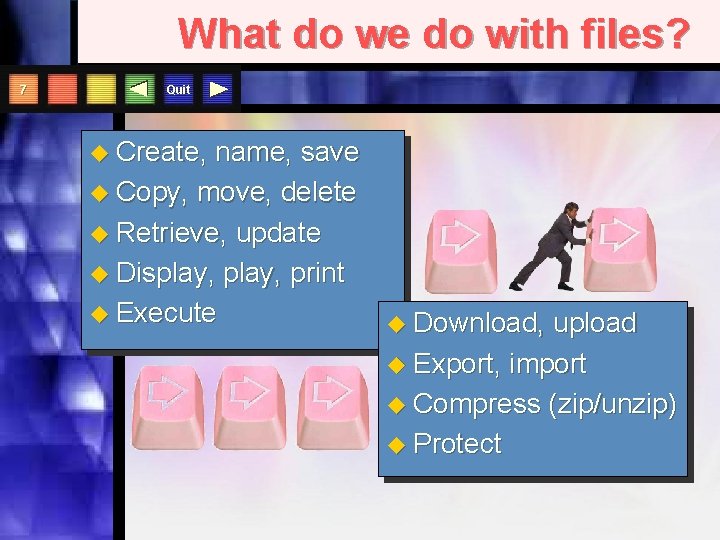
What do we do with files? 7 Quit u Create, name, save u Copy, move, delete u Retrieve, update u Display, print u Execute u Download, upload u Export, import u Compress (zip/unzip) u Protect
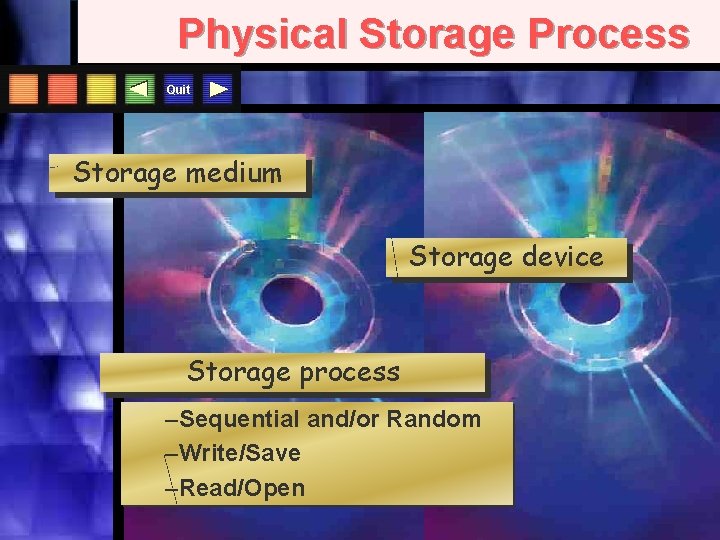
Physical Storage Process Quit Storage medium Storage device Storage process –Sequential and/or Random –Write/Save –Read/Open
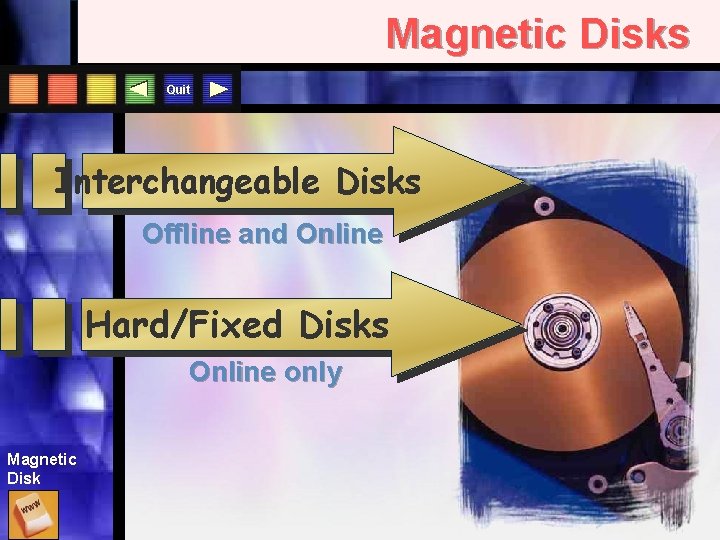
Magnetic Disks Quit Interchangeable Disks Offline and Online Hard/Fixed Disks Online only Magnetic Disk
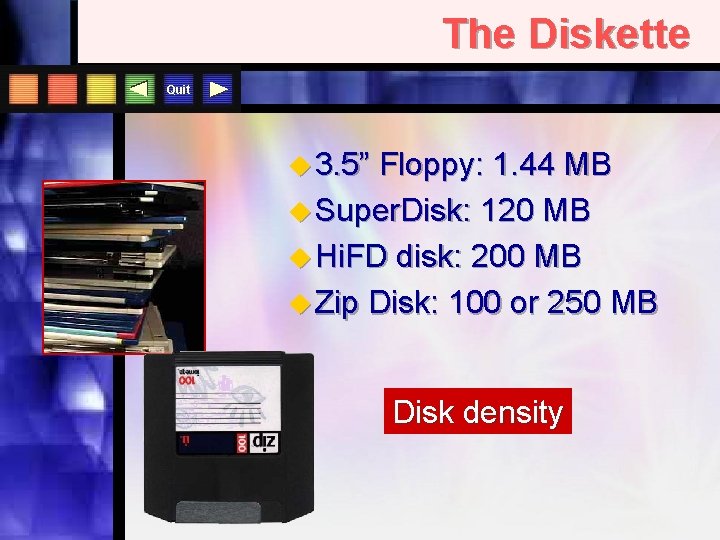
The Diskette Quit u 3. 5” Floppy: 1. 44 MB u Super. Disk: 120 MB u Hi. FD disk: 200 MB u Zip Disk: 100 or 250 MB Disk density
Diskette Care 12 Quit u Do store in protected spot, away from sun and magnets u Do remove before turning off computer u Do clean them periodically u Don’t expose to extreme temperatures u Don’t touch surface u Don’t remove if drive light is on u Don’t force it in/out of the drive
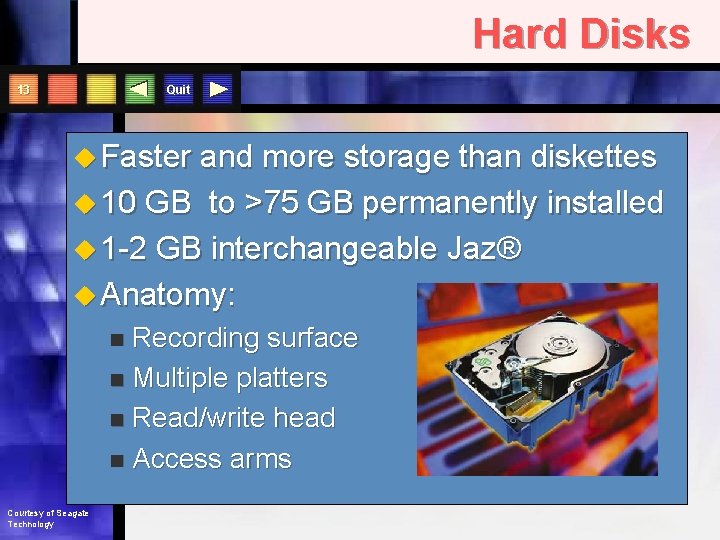
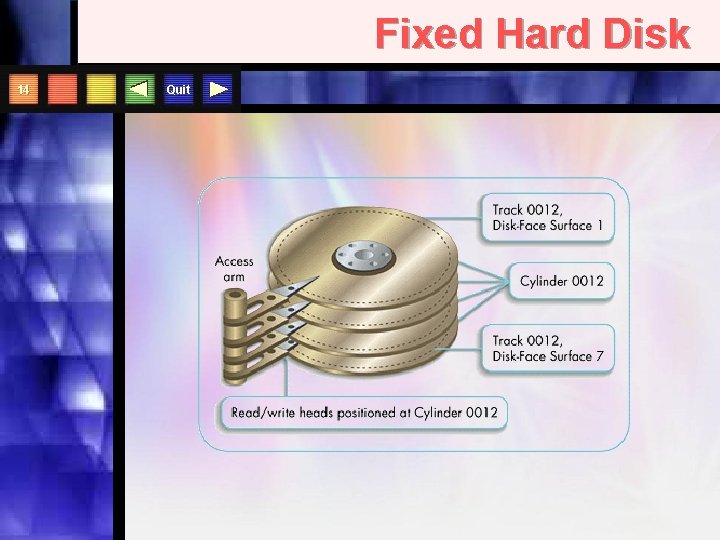
Hard Disks Quit 13 u Faster and more storage than diskettes u 10 GB to >75 GB permanently installed u 1 -2 GB interchangeable Jaz® u Anatomy: Recording surface n Multiple platters n Read/write head n Access arms n Courtesy of Seagate Technology
Fixed Hard Disk 14 Quit
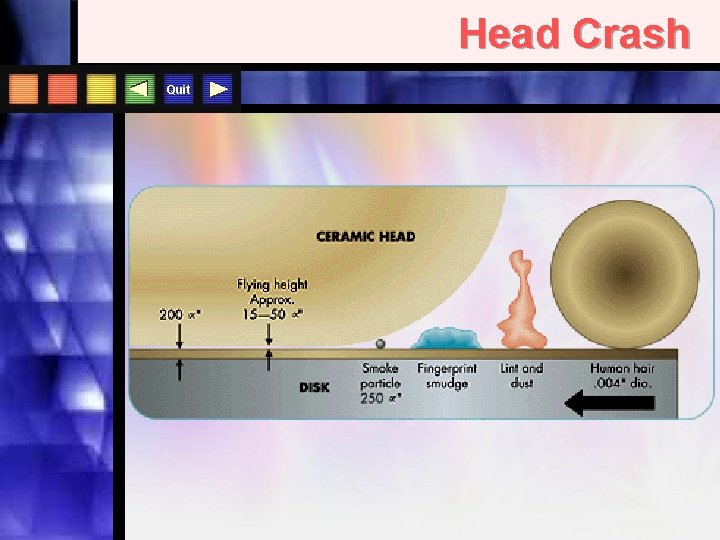
Head Crash Quit
Magnetic Disk Organization 17 Quit u VFAT: Virtual File Allocation Table u Scan. Disk clusters for lost u Defragmentation u Formatting u Disk Speed n Access time n Data transfer rate n Disk caching
Computer Viruses 18 Quit u Via Internet when downloading files u Via e-mail as attachments u Via diskette u Via computer networks u Use anti-viral program for your hard disks and UPDATE IT often!
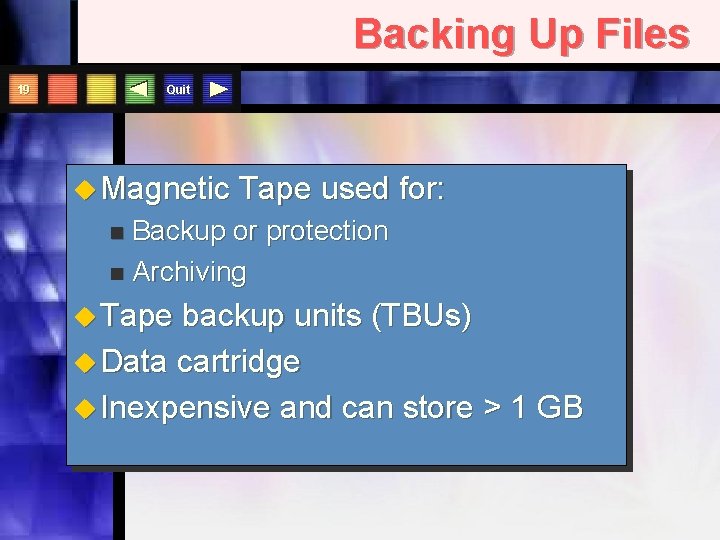
Backing Up Files Quit 19 u Magnetic Tape used for: Backup or protection n Archiving n u Tape backup units (TBUs) u Data cartridge u Inexpensive and can store > 1 GB
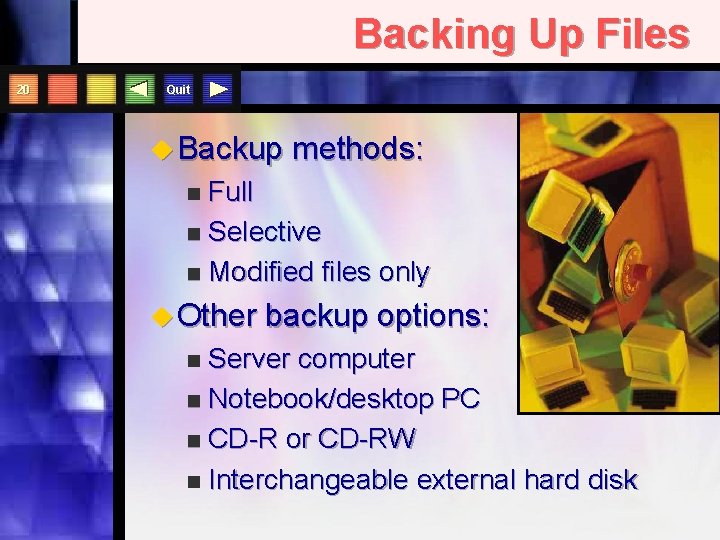
Backing Up Files 20 Quit u Backup methods: Full n Selective n Modified files only n u Other backup options: Server computer n Notebook/desktop PC n CD-R or CD-RW n Interchangeable external hard disk n
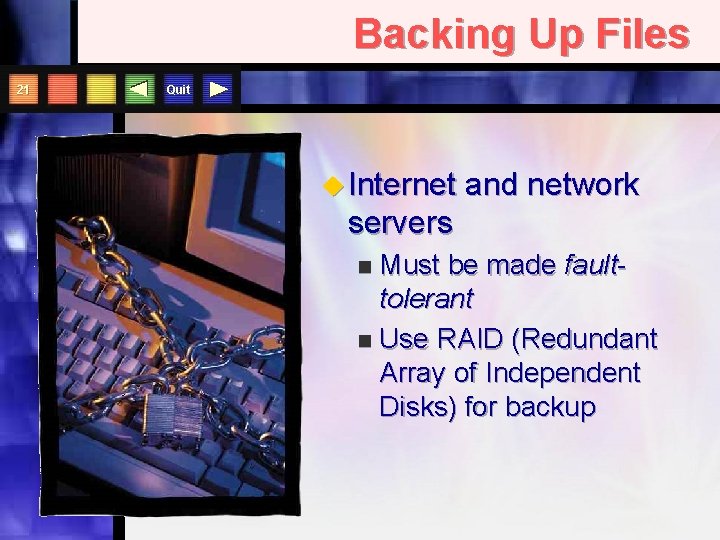
Backing Up Files 21 Quit u Internet and network servers Must be made faulttolerant n Use RAID (Redundant Array of Independent Disks) for backup n
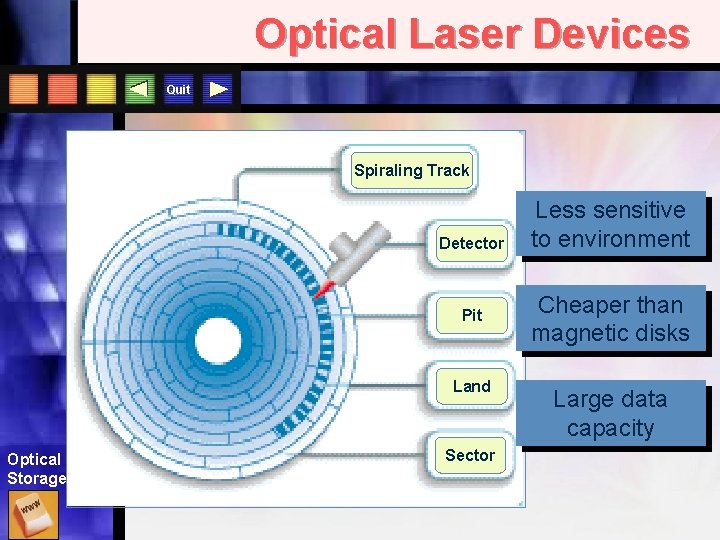
Optical Laser Devices Quit Spiraling Track Detector Pit Land Optical Storage Sector Less sensitive to environment Cheaper than magnetic disks Large data capacity
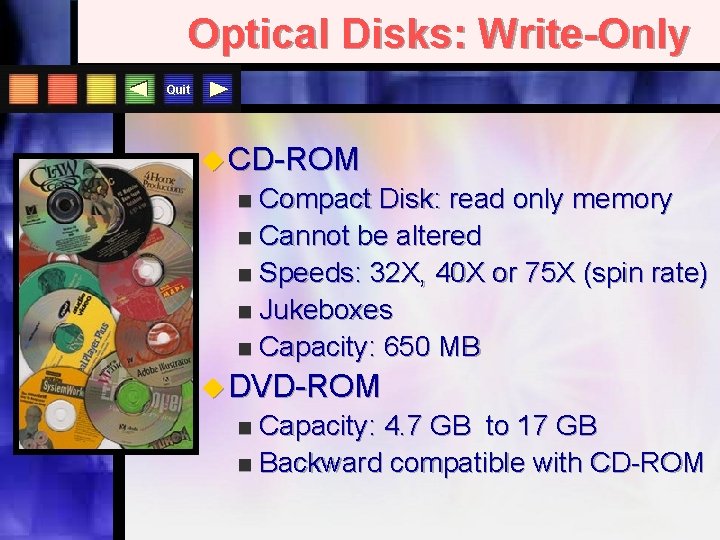
Optical Disks: Write-Only Quit u CD-ROM Compact Disk: read only memory n Cannot be altered n Speeds: 32 X, 40 X or 75 X (spin rate) n Jukeboxes n Capacity: 650 MB n u DVD-ROM Capacity: 4. 7 GB to 17 GB n Backward compatible with CD-ROM n
Optical Disks: Read/Write Quit u CD-R n Compact diskrecordable u CD-RW n n Compact diskrewritable Will not work with older CD-ROM drives u DVD-RAM n Rewritable u FMD-ROM n Capacity up to 140 GB and backward compatible
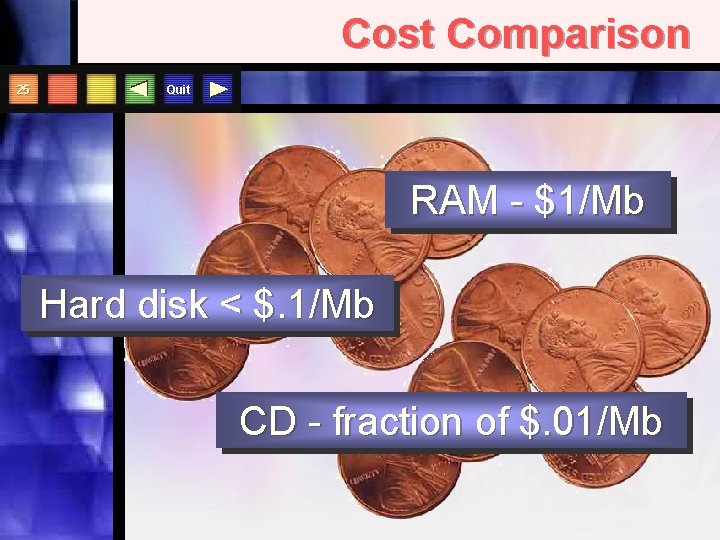
Cost Comparison 25 Quit RAM - $1/Mb Hard disk < $. 1/Mb CD - fraction of $. 01/Mb
Storing & Retrieving Information The End Computers: Information Technology in Perspective By Long and Long Copyright 2002 Prentice Hall, Inc.