
Computers Information Technology in Perspective 11 e Larry
- Slides: 32
Computers: Information Technology in Perspective, 11 e Larry Long and Nancy Long Chapter 1 The Technology Revolution Copyright Prentice Hall, Inc. 1
Objectives n Once you have read and studied this chapter, you will have learned: ¨ ¨ ¨ ¨ How information technology influences our society and you at work, at home, and at play. What it means to achieve IT competency and become an active participant in our information society. How local and worldwide computer networks impact businesses and society. Essential hardware, software, and computer system terminology that will enable you to begin your information technology learning adventure with confidence. The relative size, scope, uses, and variety of available computer systems. The fundamental components and capabilities of an IT system. A variety of enterprise computing and personal computing applications. Copyright Prentice Hall, Inc. 2
Why this chapter is important to you! n n Computers and technology are a part of everything we do Computers and new technologies will continue to play an even greater role in the future Computers help make work tasks easier The more you know about computers the more money you are capable of earning Copyright Prentice Hall, Inc. 3
Our Information Society n n Ask yourself what it will be like in the year 2010 Most adults are considered knowledge workers n n IT changes how we work, learn, and communicate Knowing computers will help you cope with IT Copyright Prentice Hall, Inc. 4
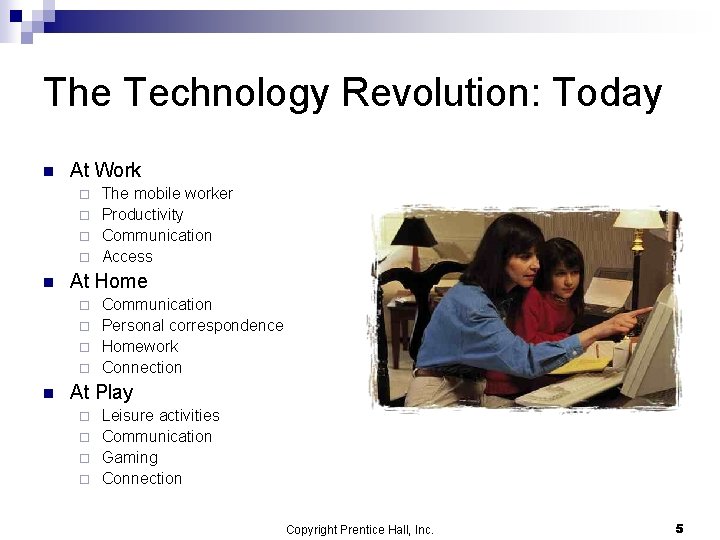
The Technology Revolution: Today n At Work The mobile worker ¨ Productivity ¨ Communication ¨ Access ¨ n At Home Communication ¨ Personal correspondence ¨ Homework ¨ Connection ¨ n At Play Leisure activities ¨ Communication ¨ Gaming ¨ Connection ¨ Copyright Prentice Hall, Inc. 5
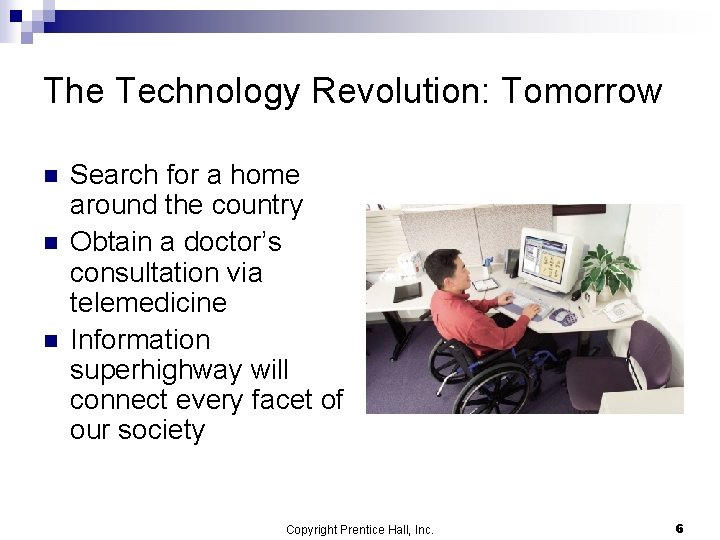
The Technology Revolution: Tomorrow n n n Search for a home around the country Obtain a doctor’s consultation via telemedicine Information superhighway will connect every facet of our society Copyright Prentice Hall, Inc. 6
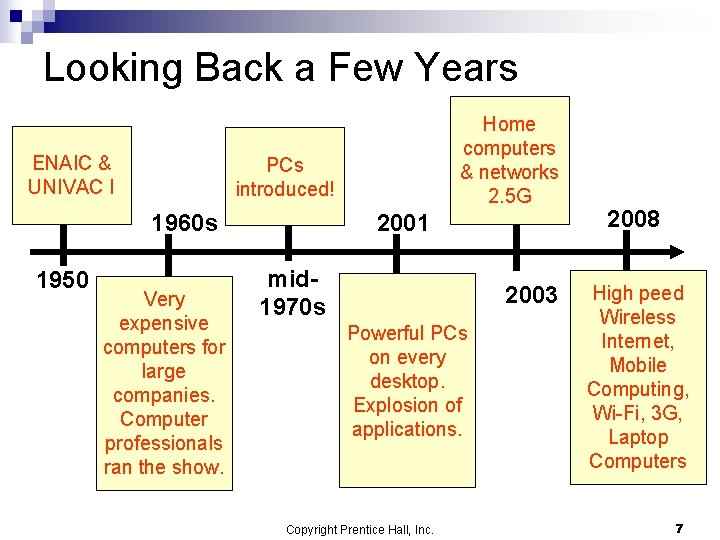
Looking Back a Few Years ENAIC & UNIVAC I PCs introduced! 2001 1960 s 1950 Home computers & networks 2. 5 G Very expensive computers for large companies. Computer professionals ran the show. mid 1970 s 2003 Powerful PCs on every desktop. Explosion of applications. Copyright Prentice Hall, Inc. 2008 High peed Wireless Internet, Mobile Computing, Wi-Fi, 3 G, Laptop Computers 7
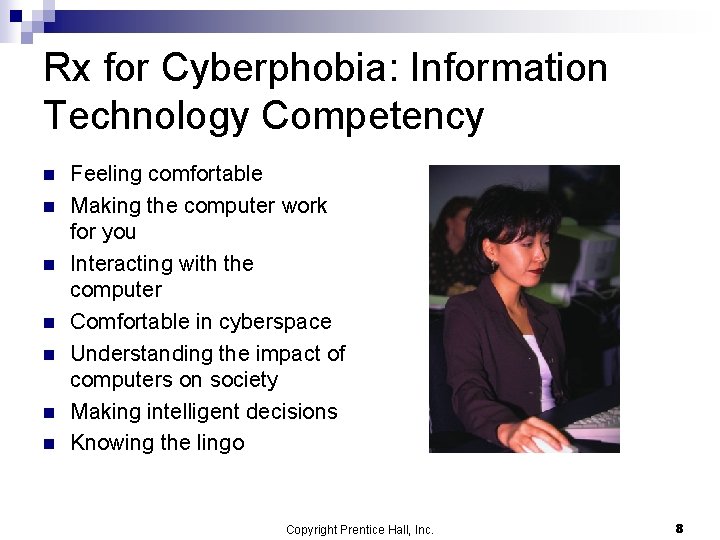
Rx for Cyberphobia: Information Technology Competency n n n n Feeling comfortable Making the computer work for you Interacting with the computer Comfortable in cyberspace Understanding the impact of computers on society Making intelligent decisions Knowing the lingo Copyright Prentice Hall, Inc. 8
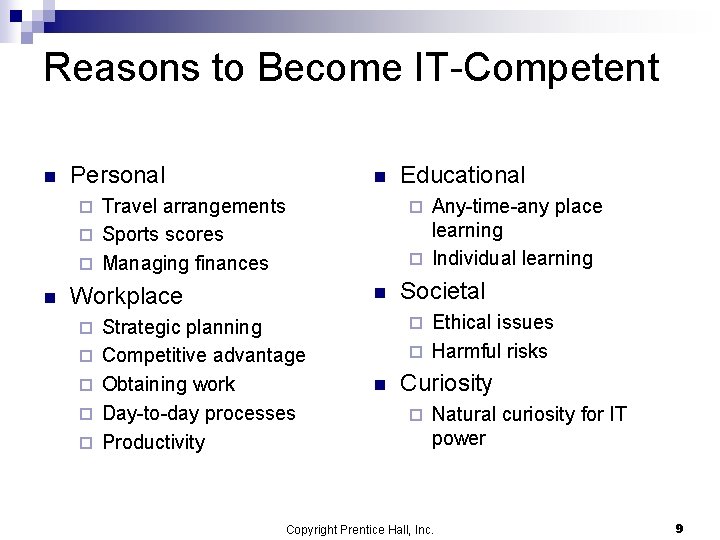
Reasons to Become IT-Competent n Personal n Travel arrangements ¨ Sports scores ¨ Managing finances Any-time-any place learning ¨ Individual learning ¨ n Workplace ¨ ¨ ¨ n Strategic planning Competitive advantage Obtaining work Day-to-day processes Productivity Educational Societal Ethical issues ¨ Harmful risks ¨ n Curiosity ¨ Natural curiosity for IT power Copyright Prentice Hall, Inc. 9
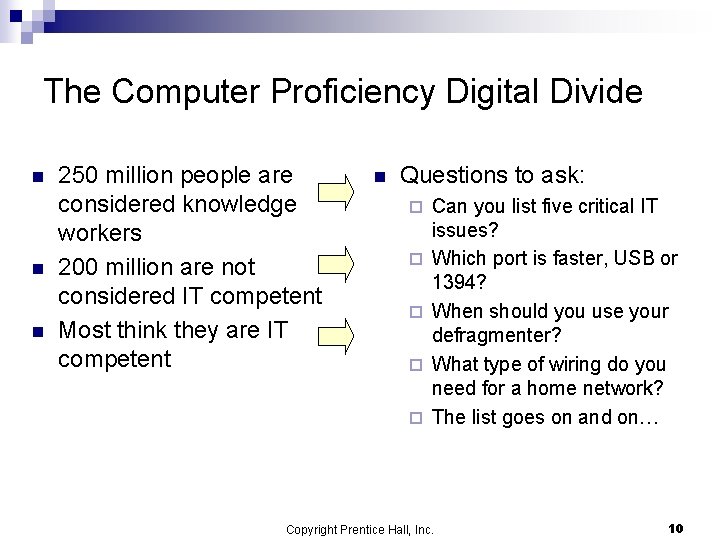
The Computer Proficiency Digital Divide n n n 250 million people are considered knowledge workers 200 million are not considered IT competent Most think they are IT competent n Questions to ask: ¨ ¨ ¨ Can you list five critical IT issues? Which port is faster, USB or 1394? When should you use your defragmenter? What type of wiring do you need for a home network? The list goes on and on… Copyright Prentice Hall, Inc. 10
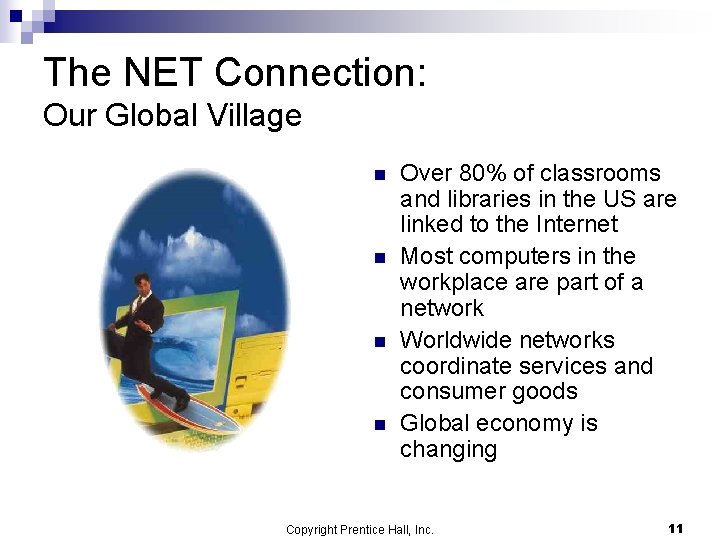
The NET Connection: Our Global Village n n Over 80% of classrooms and libraries in the US are linked to the Internet Most computers in the workplace are part of a network Worldwide networks coordinate services and consumer goods Global economy is changing Copyright Prentice Hall, Inc. 11
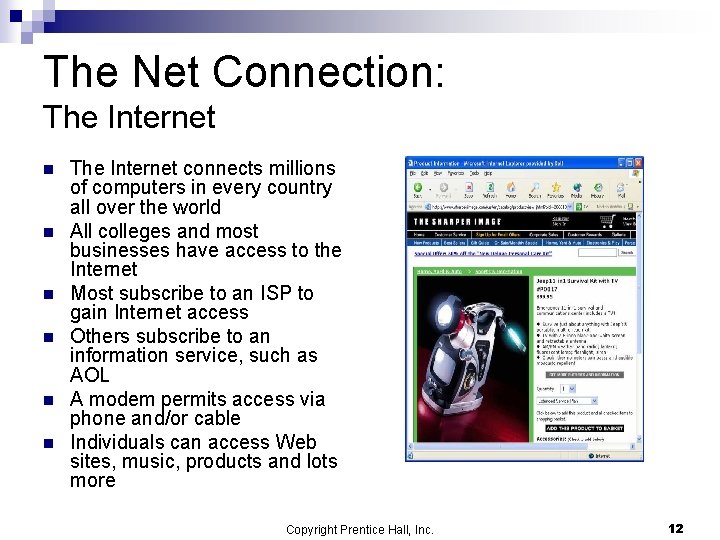
The Net Connection: The Internet n n n The Internet connects millions of computers in every country all over the world All colleges and most businesses have access to the Internet Most subscribe to an ISP to gain Internet access Others subscribe to an information service, such as AOL A modem permits access via phone and/or cable Individuals can access Web sites, music, products and lots more Copyright Prentice Hall, Inc. 12
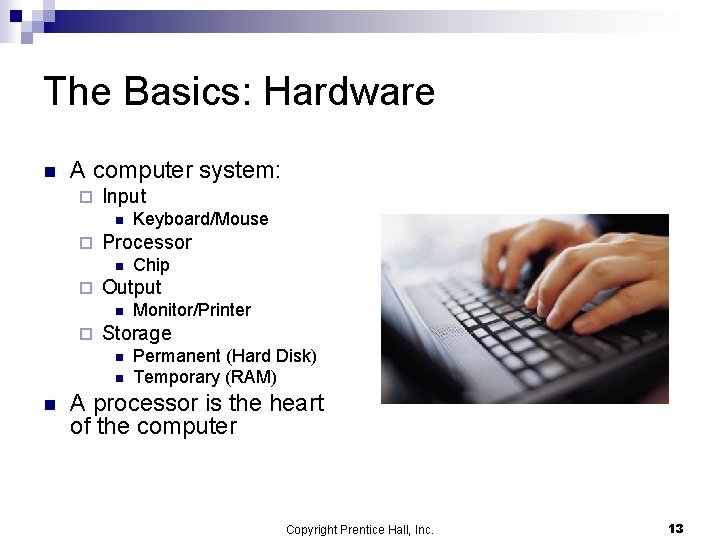
The Basics: Hardware n A computer system: ¨ Input n ¨ Processor n ¨ Monitor/Printer Storage n n n Chip Output n ¨ Keyboard/Mouse Permanent (Hard Disk) Temporary (RAM) A processor is the heart of the computer Copyright Prentice Hall, Inc. 13
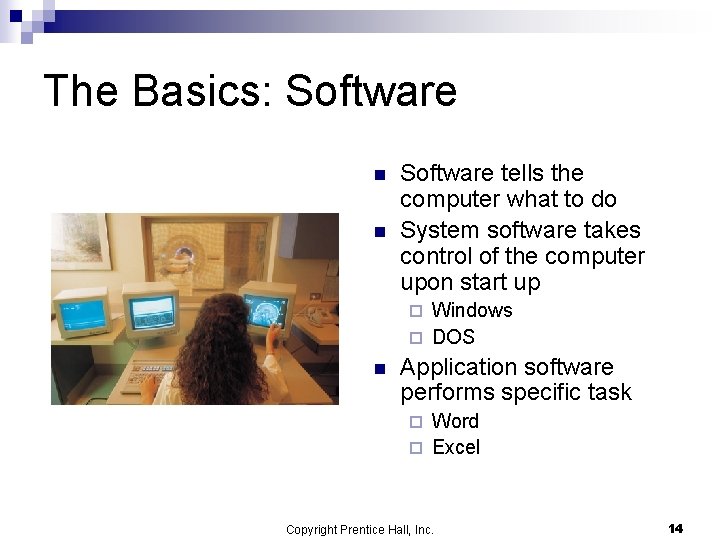
The Basics: Software n n Software tells the computer what to do System software takes control of the computer upon start up Windows ¨ DOS ¨ n Application software performs specific task Word ¨ Excel ¨ Copyright Prentice Hall, Inc. 14
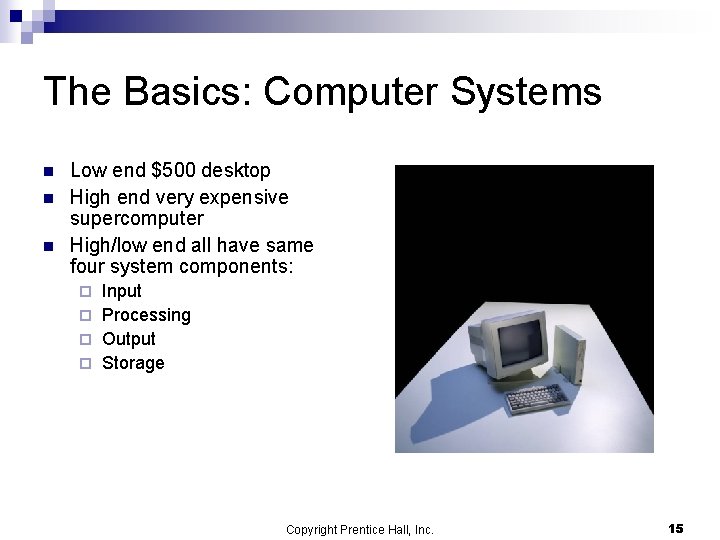
The Basics: Computer Systems n n n Low end $500 desktop High end very expensive supercomputer High/low end all have same four system components: Input ¨ Processing ¨ Output ¨ Storage ¨ Copyright Prentice Hall, Inc. 15
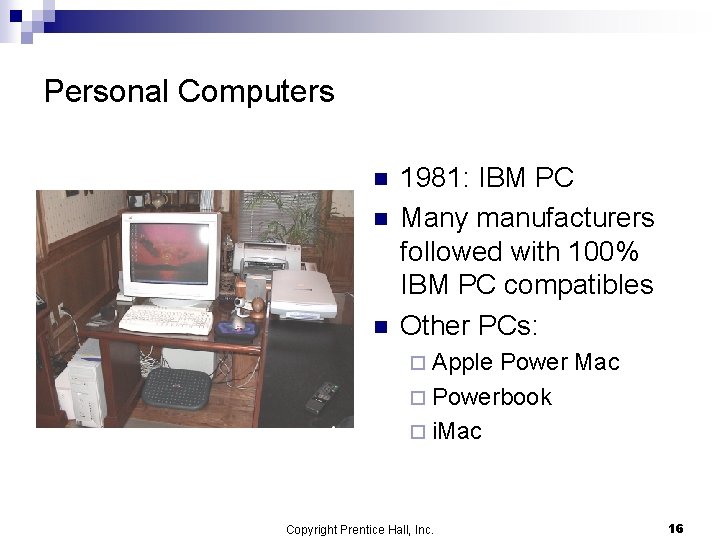
Personal Computers n n n 1981: IBM PC Many manufacturers followed with 100% IBM PC compatibles Other PCs: ¨ Apple Power Mac ¨ Powerbook ¨ i. Mac Copyright Prentice Hall, Inc. 16
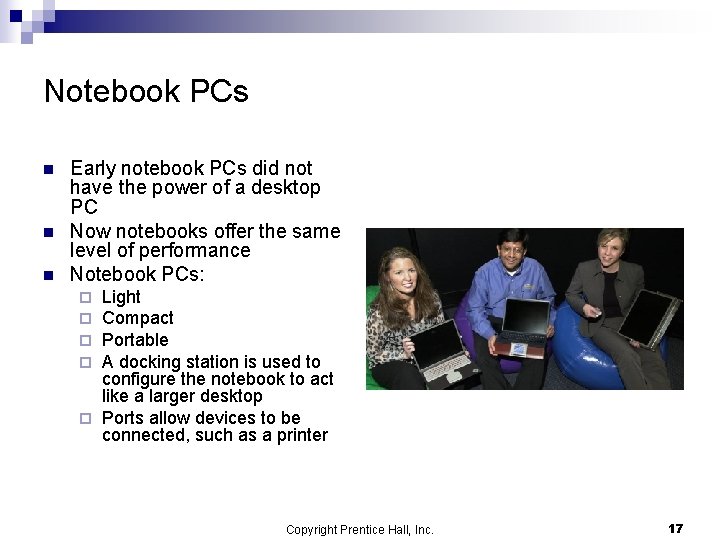
Notebook PCs n n n Early notebook PCs did not have the power of a desktop PC Now notebooks offer the same level of performance Notebook PCs: Light Compact Portable A docking station is used to configure the notebook to act like a larger desktop ¨ Ports allow devices to be connected, such as a printer ¨ ¨ Copyright Prentice Hall, Inc. 17
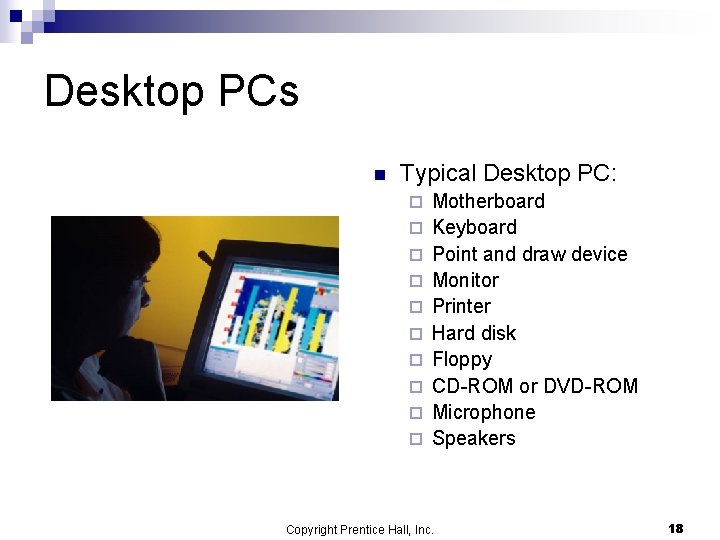
Desktop PCs n Typical Desktop PC: ¨ ¨ ¨ ¨ ¨ Motherboard Keyboard Point and draw device Monitor Printer Hard disk Floppy CD-ROM or DVD-ROM Microphone Speakers Copyright Prentice Hall, Inc. 18
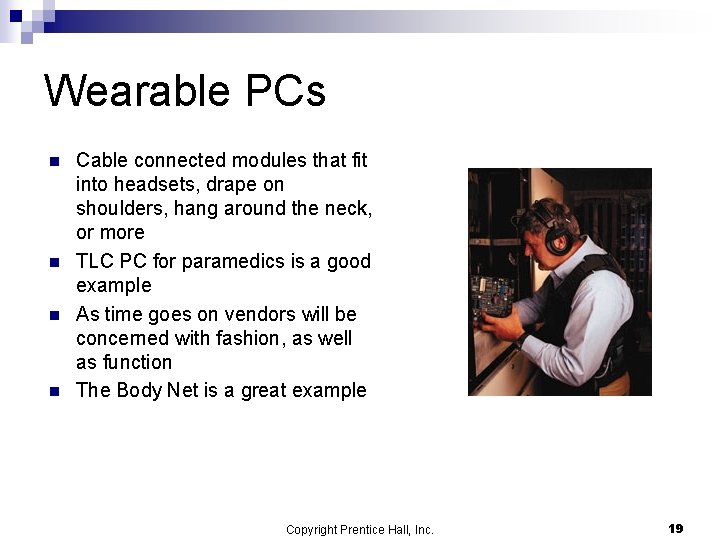
Wearable PCs n n Cable connected modules that fit into headsets, drape on shoulders, hang around the neck, or more TLC PC for paramedics is a good example As time goes on vendors will be concerned with fashion, as well as function The Body Net is a great example Copyright Prentice Hall, Inc. 19
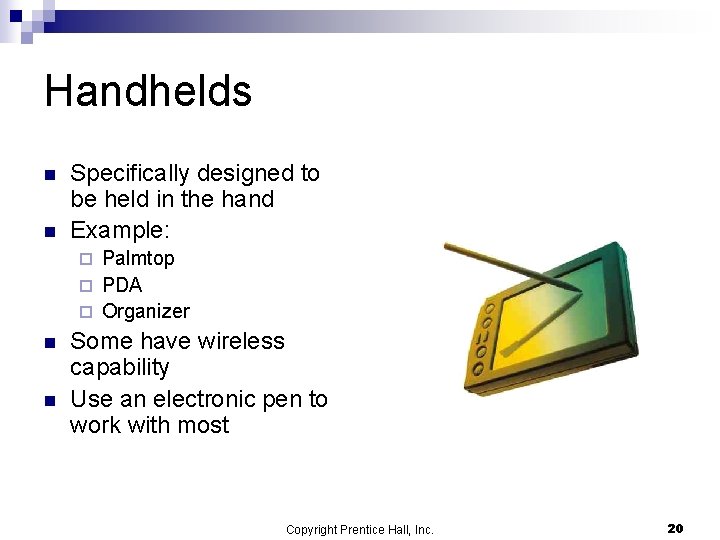
Handhelds n n Specifically designed to be held in the hand Example: Palmtop ¨ PDA ¨ Organizer ¨ n n Some have wireless capability Use an electronic pen to work with most Copyright Prentice Hall, Inc. 20
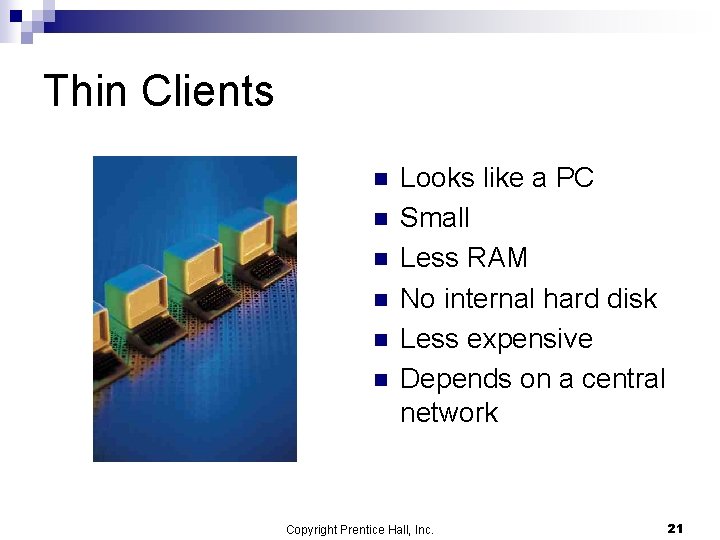
Thin Clients n n n Looks like a PC Small Less RAM No internal hard disk Less expensive Depends on a central network Copyright Prentice Hall, Inc. 21
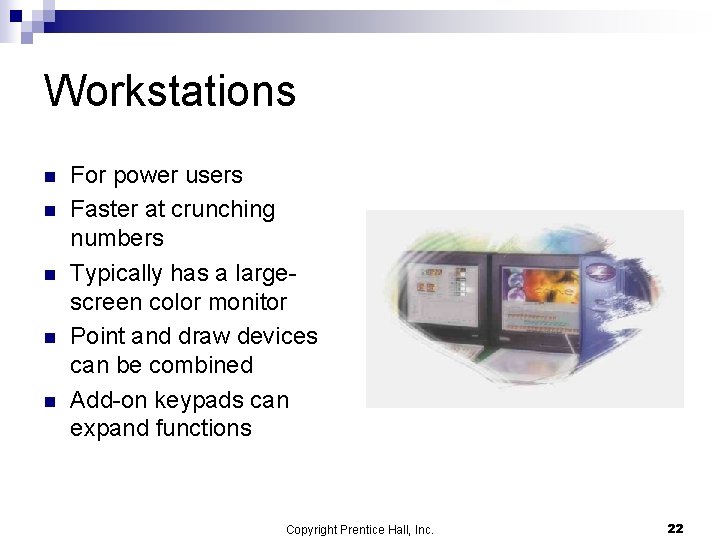
Workstations n n n For power users Faster at crunching numbers Typically has a largescreen color monitor Point and draw devices can be combined Add-on keypads can expand functions Copyright Prentice Hall, Inc. 22
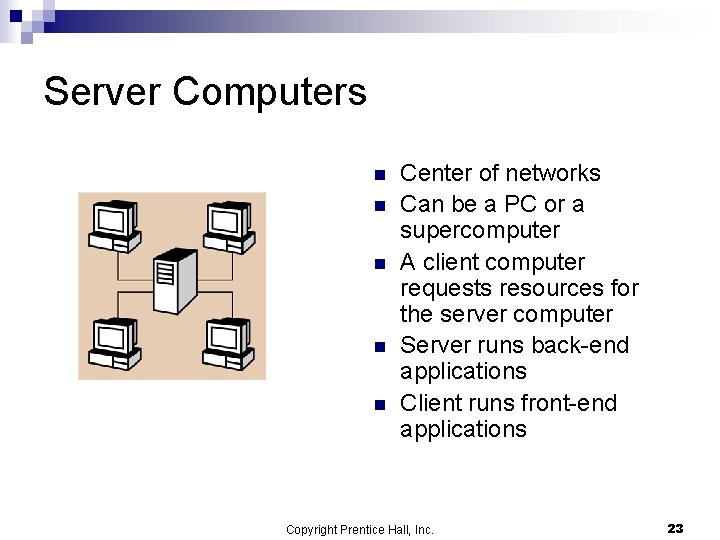
Server Computers n n n Center of networks Can be a PC or a supercomputer A client computer requests resources for the server computer Server runs back-end applications Client runs front-end applications Copyright Prentice Hall, Inc. 23
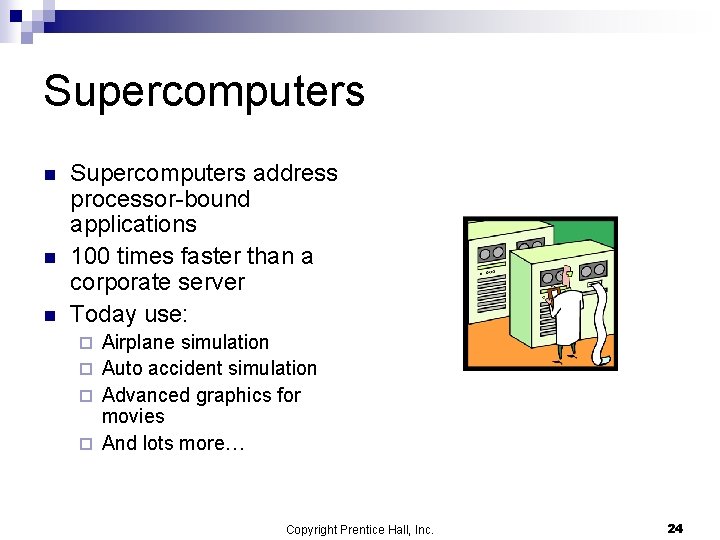
Supercomputers n n n Supercomputers address processor-bound applications 100 times faster than a corporate server Today use: Airplane simulation ¨ Auto accident simulation ¨ Advanced graphics for movies ¨ And lots more… ¨ Copyright Prentice Hall, Inc. 24
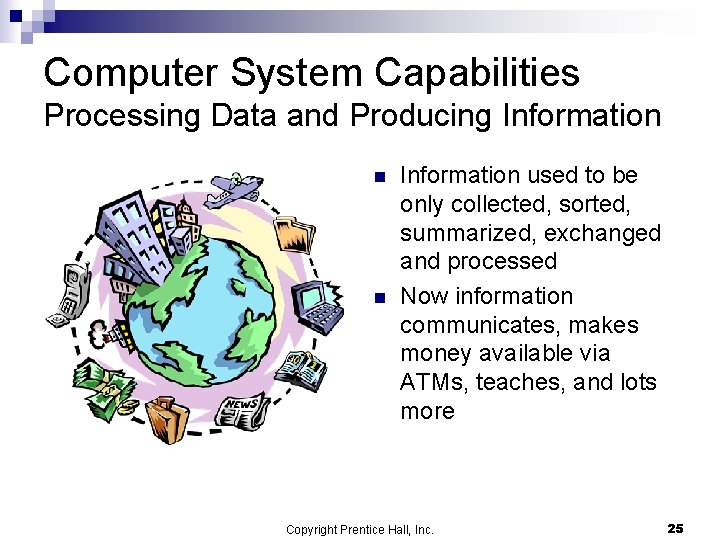
Computer System Capabilities Processing Data and Producing Information n n Information used to be only collected, sorted, summarized, exchanged and processed Now information communicates, makes money available via ATMs, teaches, and lots more Copyright Prentice Hall, Inc. 25
Computers in Action: A Payroll System n n n Most organizations use a payroll system The system enables input and processes the checks The system also processes reports and stores information Copyright Prentice Hall, Inc. 26
What Can a Computer Do? Computation Operations n Computers can: ¨ Add ¨ Subtract ¨ Multiply ¨ Divide ¨ Do Copyright Prentice Hall, Inc. exponentiation 27
What Can a Computer Do? Logic Operations n Computers have the logical capability to compare between numbers and between words Copyright Prentice Hall, Inc. 28
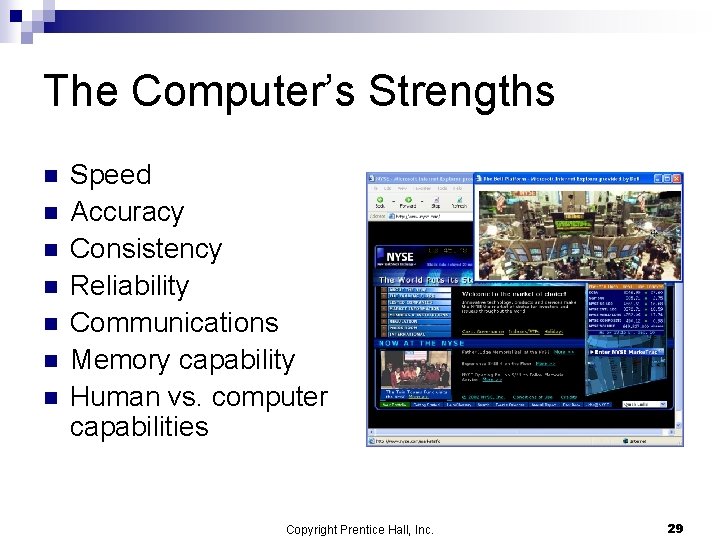
The Computer’s Strengths n n n n Speed Accuracy Consistency Reliability Communications Memory capability Human vs. computer capabilities Copyright Prentice Hall, Inc. 29
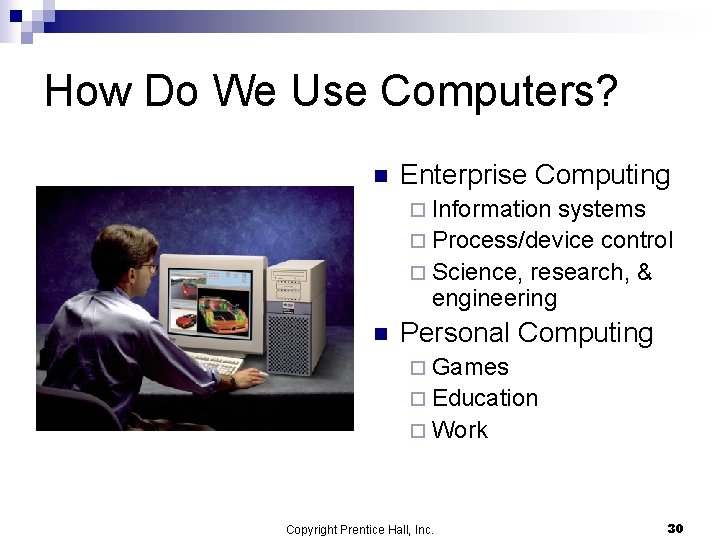
How Do We Use Computers? n Enterprise Computing ¨ Information systems ¨ Process/device control ¨ Science, research, & engineering n Personal Computing ¨ Games ¨ Education ¨ Work Copyright Prentice Hall, Inc. 30
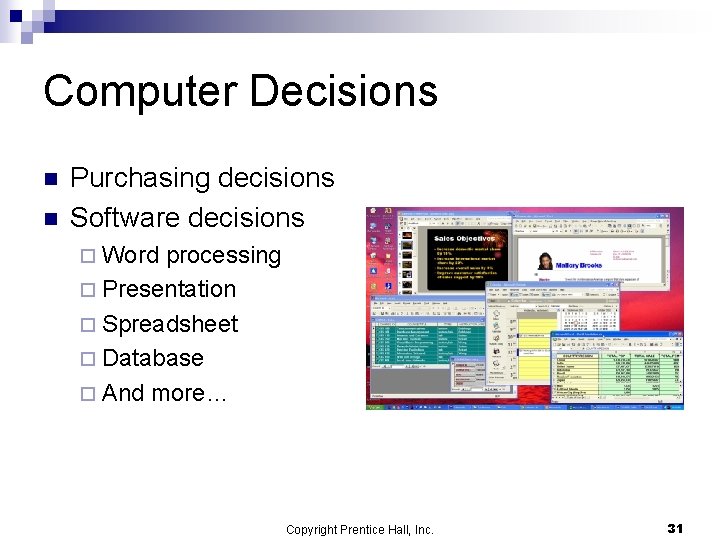
Computer Decisions n n Purchasing decisions Software decisions ¨ Word processing ¨ Presentation ¨ Spreadsheet ¨ Database ¨ And more… Copyright Prentice Hall, Inc. 31
Summary n Our Information Society ¨ IT competency ¨ Getting connected ¨ Knowing the hardware basics ¨ Personal computers to supercomputers ¨ Computer system capabilities ¨ Using computers Copyright Prentice Hall, Inc. 32