
Computers in the Learning Environment Chapter 3 Teaching
- Slides: 30
Computers in the Learning Environment Chapter 3 Teaching and Learning With Technology 3 e
Chapter 3 Rationale To overcome teacher reluctance it is best for you, as education students, to become familiar with computers.
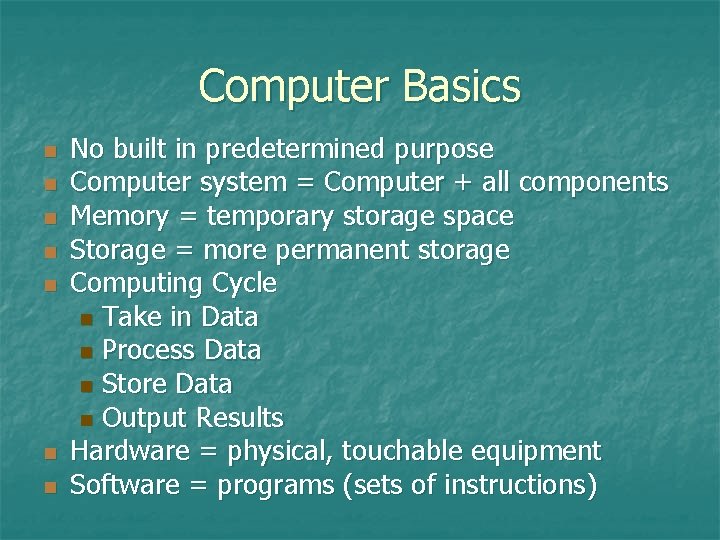
Computer Basics n n n n No built in predetermined purpose Computer system = Computer + all components Memory = temporary storage space Storage = more permanent storage Computing Cycle n Take in Data n Process Data n Store Data n Output Results Hardware = physical, touchable equipment Software = programs (sets of instructions)
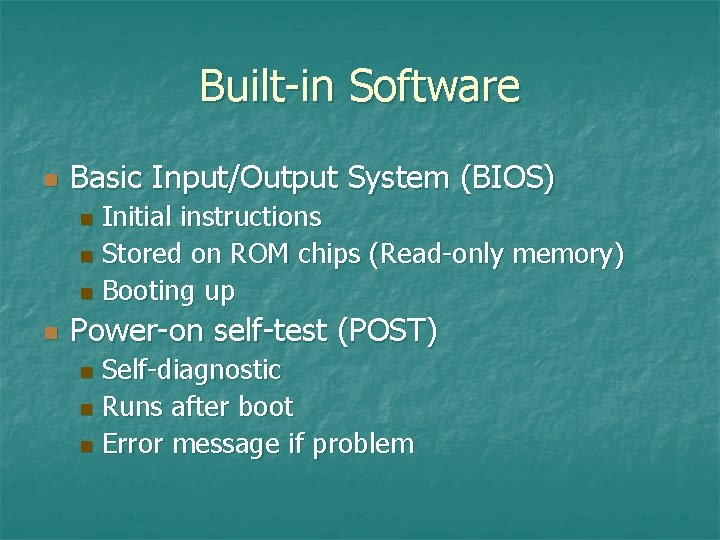
Built-in Software n Basic Input/Output System (BIOS) Initial instructions n Stored on ROM chips (Read-only memory) n Booting up n n Power-on self-test (POST) Self-diagnostic n Runs after boot n Error message if problem n
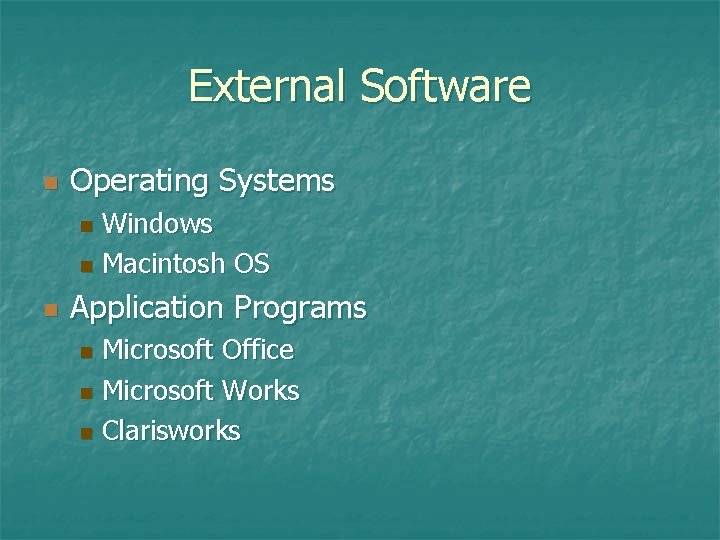
External Software n Operating Systems Windows n Macintosh OS n n Application Programs Microsoft Office n Microsoft Works n Clarisworks n
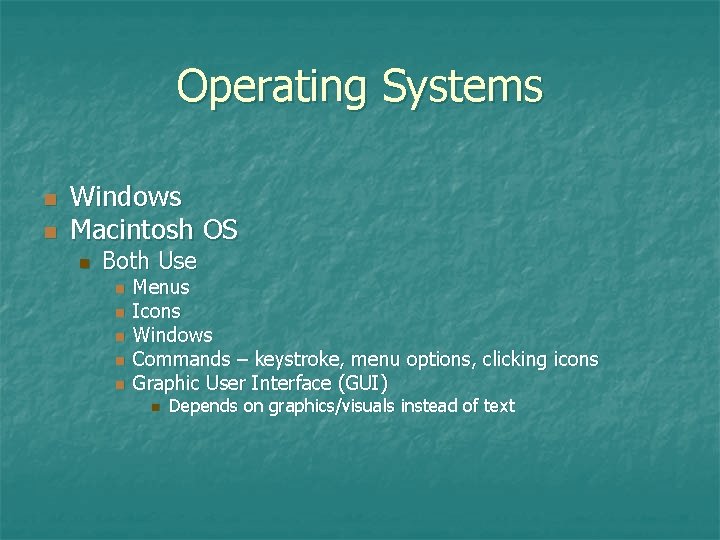
Operating Systems n n Windows Macintosh OS n Both Use n n n Menus Icons Windows Commands – keystroke, menu options, clicking icons Graphic User Interface (GUI) n Depends on graphics/visuals instead of text
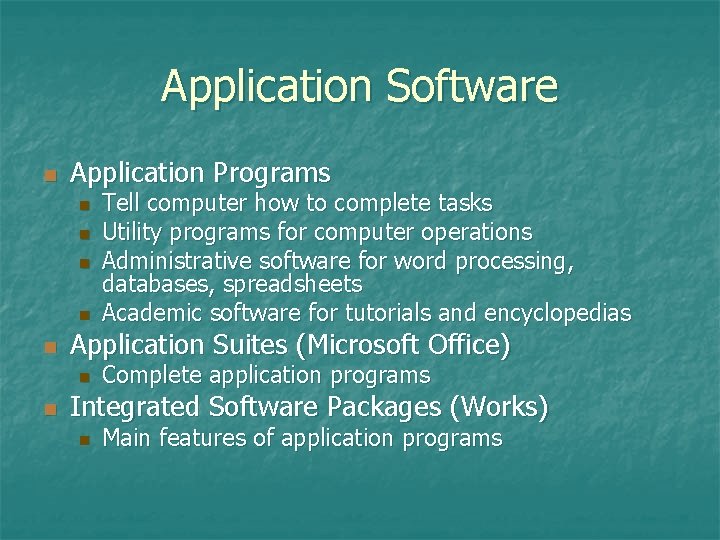
Application Software n Application Programs n n n Application Suites (Microsoft Office) n n Tell computer how to complete tasks Utility programs for computer operations Administrative software for word processing, databases, spreadsheets Academic software for tutorials and encyclopedias Complete application programs Integrated Software Packages (Works) n Main features of application programs
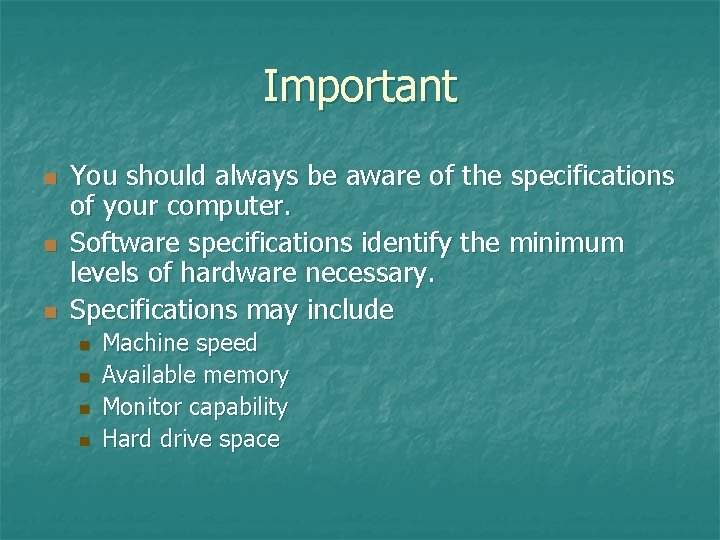
Important n n n You should always be aware of the specifications of your computer. Software specifications identify the minimum levels of hardware necessary. Specifications may include n n Machine speed Available memory Monitor capability Hard drive space
Hardware (Input Devices) n Input Device n n Peripheral n n Used to enter data Device that can be connected to computer Types of Input Devices Keyboard n Mouse n Trackball, joystick, touchpad n
Hardware (Output Devices) n Output Devices n n Move information out of computer Types of Output Devices n Monitor n n Electronic soft copy Printer n Printed hard copy
Monitors n Resolution Clarity of images n Measured by number of pixels n Pixel (picture element) – single colored dot n Measured both vertically and horizontally (800 x 600) n n Larger screen size requires higher resolution LCD (liquid crystal display) – thin monitor Display temporary soft copy
Printers n Resolution n n Dots per inch (dpi) Hard copy results Paper n Transparencies n T-shirt transfers n Digital photos n Stickers n
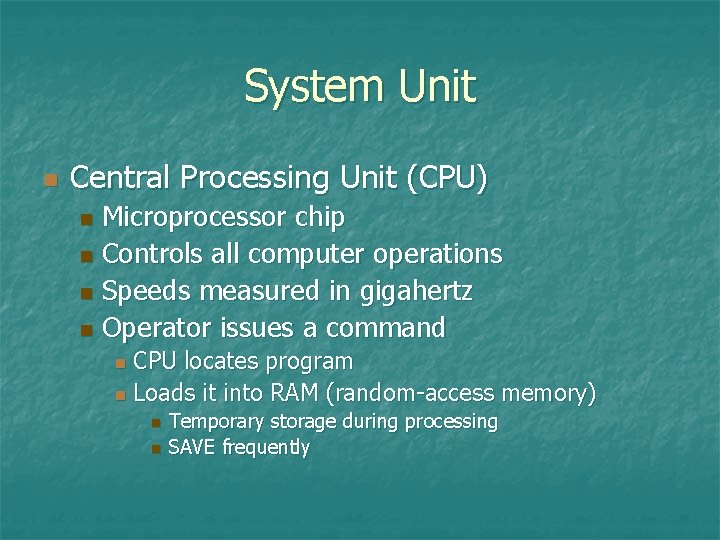
System Unit n Central Processing Unit (CPU) Microprocessor chip n Controls all computer operations n Speeds measured in gigahertz n Operator issues a command n CPU locates program n Loads it into RAM (random-access memory) n n n Temporary storage during processing SAVE frequently
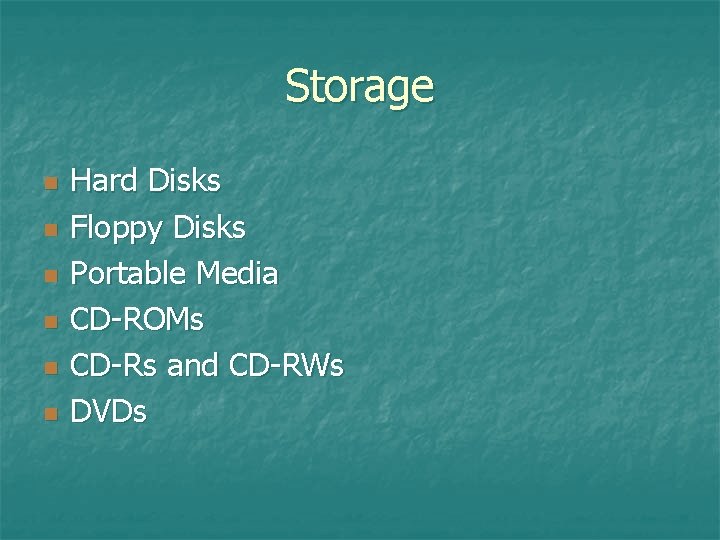
Storage n n n Hard Disks Floppy Disks Portable Media CD-ROMs CD-Rs and CD-RWs DVDs
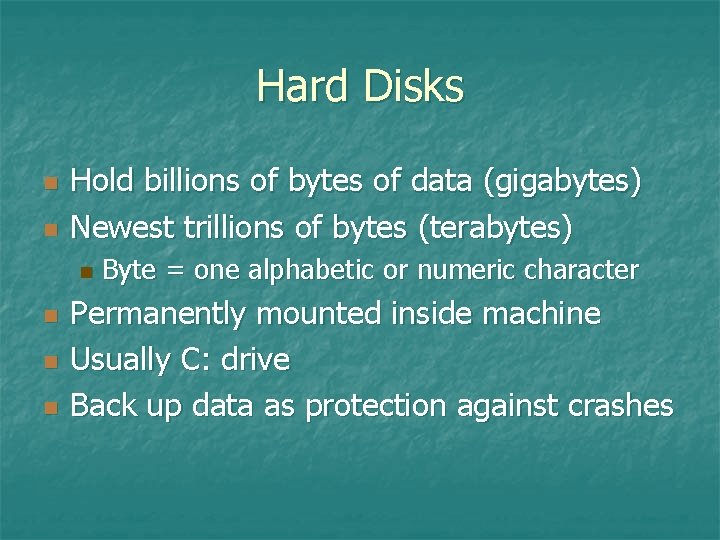
Hard Disks n n Hold billions of bytes of data (gigabytes) Newest trillions of bytes (terabytes) n n Byte = one alphabetic or numeric character Permanently mounted inside machine Usually C: drive Back up data as protection against crashes
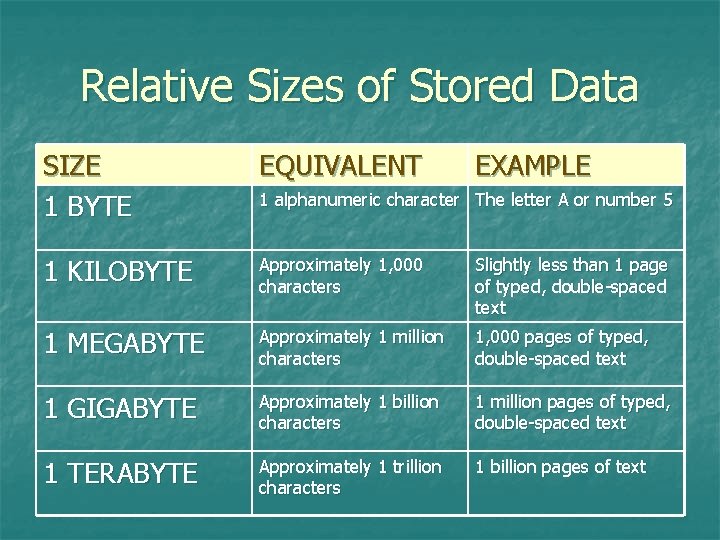
Relative Sizes of Stored Data SIZE 1 BYTE EQUIVALENT EXAMPLE 1 KILOBYTE Approximately 1, 000 characters Slightly less than 1 page of typed, double-spaced text 1 MEGABYTE Approximately 1 million characters 1, 000 pages of typed, double-spaced text 1 GIGABYTE Approximately 1 billion characters 1 million pages of typed, double-spaced text 1 TERABYTE Approximately 1 trillion characters 1 billion pages of text 1 alphanumeric character The letter A or number 5
Floppy Disks n n Made of flexible Mylar-type material 1. 44 megabytes Portable file box Data storage units n n File – collection of related data Folder – digital organizer for related files Virus danger Install antivirus programs
Portable Media n n n Transportable 100 megabytes to several gigabytes Ideal for large multimedia files Flash drive, Thumb drive Typically plugged into USB port
CD-ROMs n n n n Compact disc-read-only memory Get information only No storage capability Recorded and read by laser beams 650 megabytes Programs to install Large self-contained programs
CD-Rs and CD-RWs n CD-R (compact disc-recordable) Record data n Once recorded, not changeable n 650 megabytes or 75 minutes audio n n CD-RW (compact disc-rewritable) Record and change stored data n Same capacity as CD-Rs n Good for large multimedia files n
DVDs n n Digital versatile discs Can store on both sides in two layers Store up to 17 gigabytes of data DVD drives can read n n n DVDs, CD-ROMs, CD-RWs and musical CDs DVD-Rs and DVD+Rs are recordable only DVD-RWs and DVD+RWs are rewritable
Networking Computers n n n Switch - offers series of centralized connections Node – connected workstation or peripheral Wired n n Network cards and cables Wireless n Wireless cards and wireless channel
Networking Computers n LANs – Local area networks n n Connect machines in a classroom/school WANs – Wide area networks n Connect machines in a school district or all school districts in the state
Using a School Network n n n Packet – small units of data sent through the network one at a time by the server Bandwidth – carrying capacity of the transmission media Privacy and security – logins and passwords, firewalls
Shared Programs n Advantages Resource sharing n Cost-saving site licenses n Software upgrades for server only n n Disadvantages Problems with server - workstations down n Network or shared programs not accessible n
Shared Data n n Network server with large storage area User given small network storage area Login and password protected n Use on any networked workstation n Access files from any workstation n n Disadvantage n Quantity of hard disk storage needed
Shared Administrative Tools n Groupware n Common calendar n Address book n Facilities reservation list n Electronic Mail
Shared Administrative Tools Monitor student workstations n Take control of student workstations n Broadcast images from one workstation to all others to share student work n Common in lab settings n
Shared Hardware Stand-alone computers each need own printers n Networked computers share single printer n
Hardware Evaluation Rubric Table 3. 6 on page 124 n Lists evaluation criteria n Helpful when considering hardware purchases both for yourself and for the classroom n See also Interchapter 3, page 130 n