
Computers in our everyday lives Module 1 1


- Slides: 20
Computers in our everyday lives Module 1. 1 1
Content (1) Why we use computers Efficiency, accuracy and reliability Communication Types of computer systems Non‑portable Portable computers 2
Content (2) Categories of users Personal SOHO users Power users Mobile users Convergence Test and improve Written module activity 3
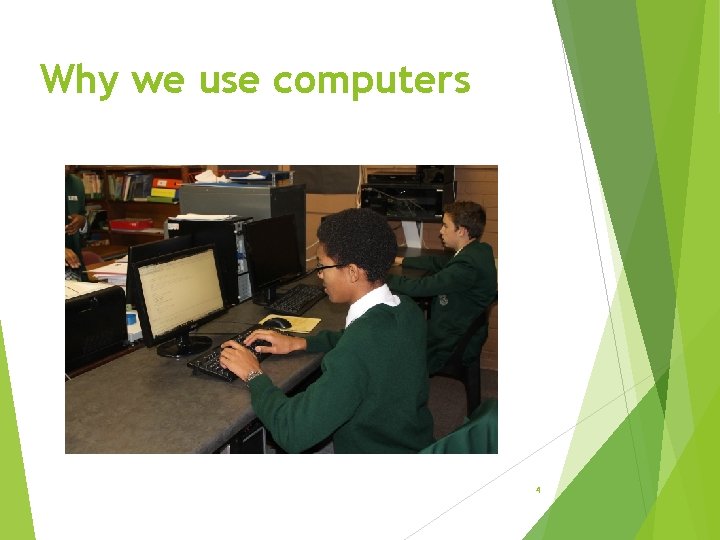
Why we use computers 4
Efficiency, accuracy and reliability Efficiency – computers save the following: Time Labour Resources Accuracy – ensured by quality programs and quality data mass production on assembly lines performing same tasks over and over with 100% accuracy Reliability – Computers can be relied on to do tasks accurately without tiring without getting bored, etc. 5
Communication Efficiency, accuracy and reliability of computers combined with ability to communicate, enable us to. . . virtually eliminate time and distance as business constraints communicate and share information in many different ways globally save on communication costs interact socially on a world-wide scale 6
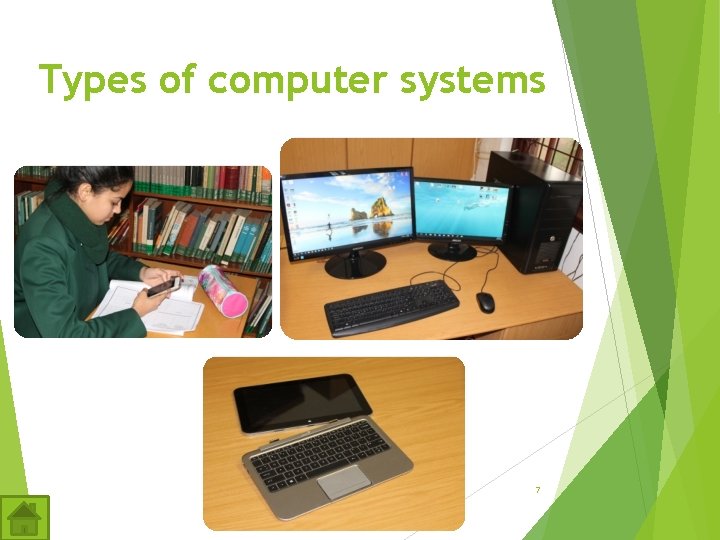
Types of computer systems 7
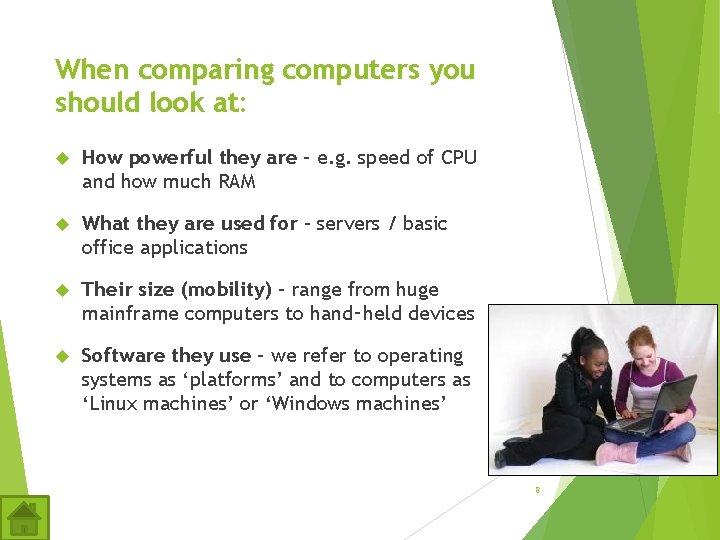
When comparing computers you should look at: How powerful they are – e. g. speed of CPU and how much RAM What they are used for – servers / basic office applications Their size (mobility) – range from huge mainframe computers to hand‑held devices Software they use – we refer to operating systems as ‘platforms’ and to computers as ‘Linux machines’ or ‘Windows machines’ 8
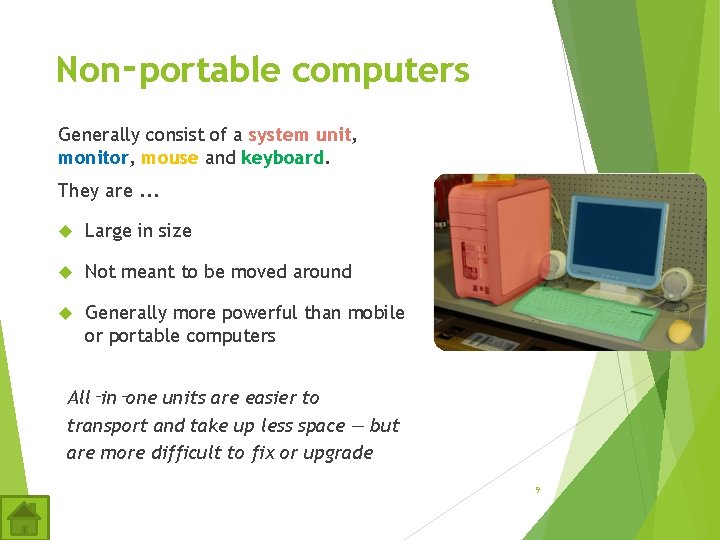
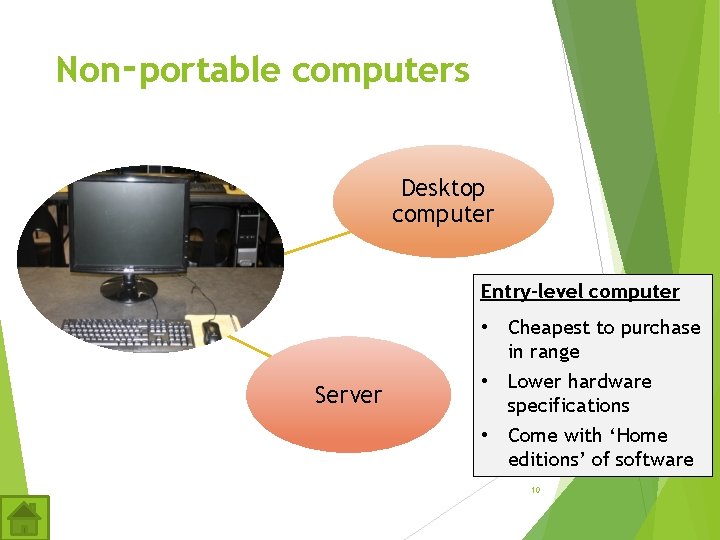
Non‑portable computers Generally consist of a system unit, monitor, mouse and keyboard. They are. . . Large in size Not meant to be moved around Generally more powerful than mobile or portable computers All‑in‑one units are easier to transport and take up less space — but are more difficult to fix or upgrade 9
Non‑portable computers Desktop computer Entry-level computer Server • Cheapest to purchase in range • Lower hardware specifications • Come with ‘Home editions’ of software 10
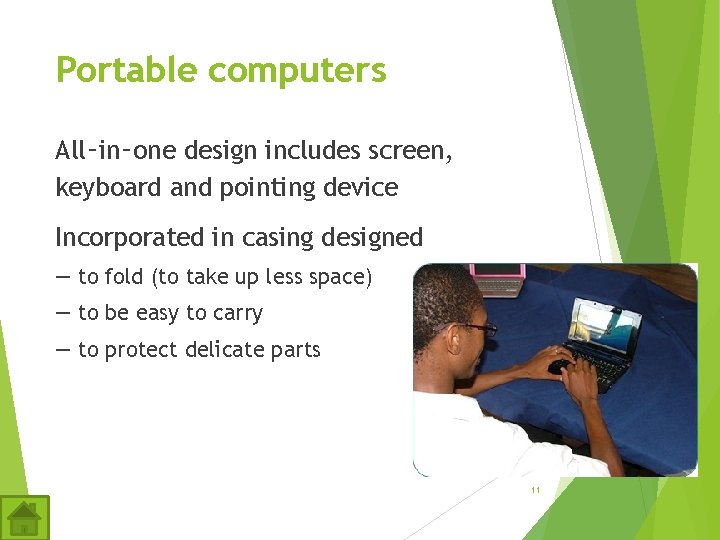
Portable computers All‑in‑one design includes screen, keyboard and pointing device Incorporated in casing designed — to fold (to take up less space) — to be easy to carry — to protect delicate parts 11
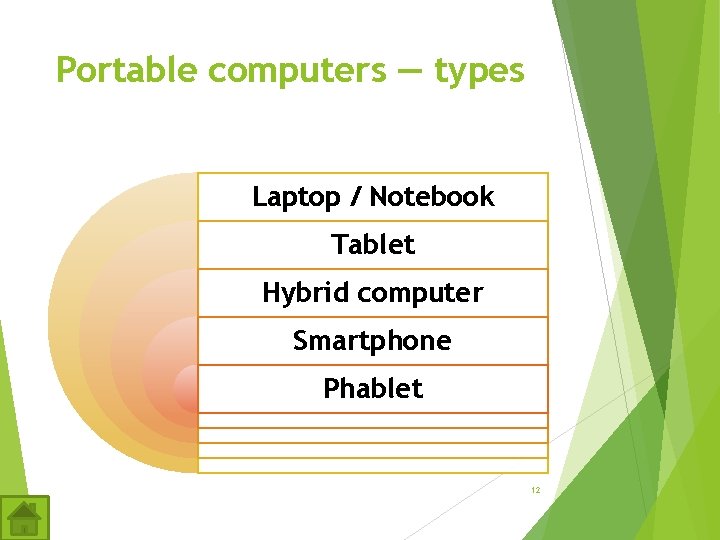
Portable computers — types Laptop / Notebook Tablet Hybrid computer Smartphone Phablet 12
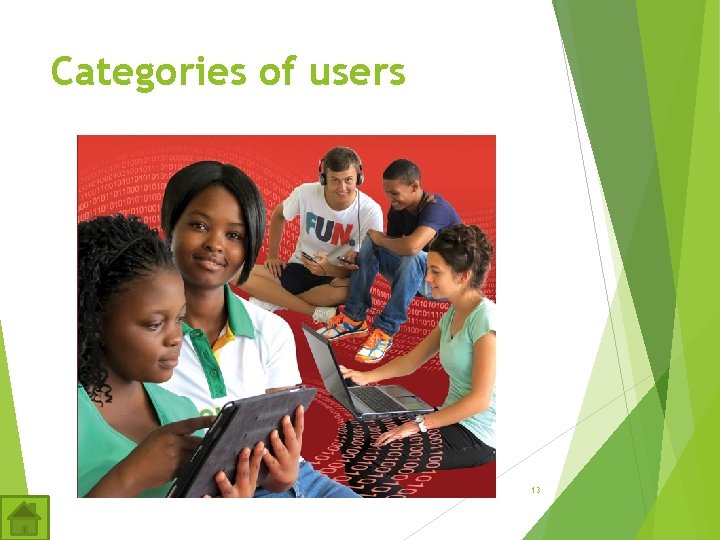
Categories of users 13
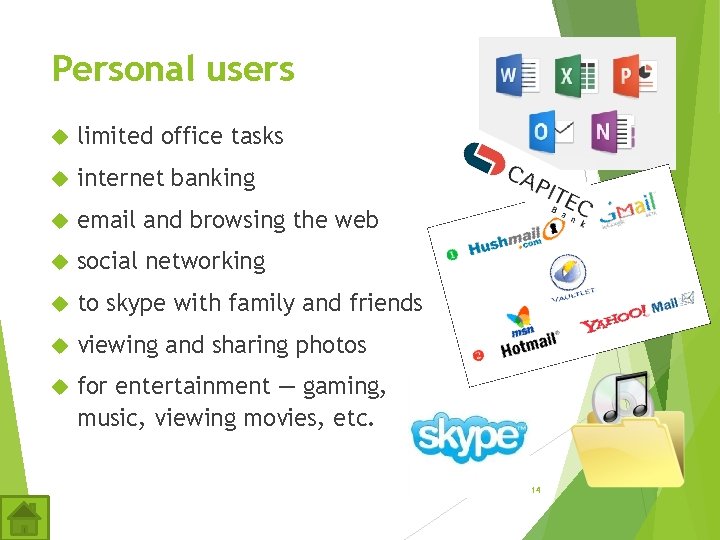
Personal users limited office tasks internet banking email and browsing the web social networking to skype with family and friends viewing and sharing photos for entertainment — gaming, music, viewing movies, etc. 14
SOHO users (Small Office Home Office) Depends on type of business the user runs General entry-level computer for administrative functions: accounting or billing databases with clients, suppliers, stock, etc. electronic planning document archiving and scheduling, etc. 15
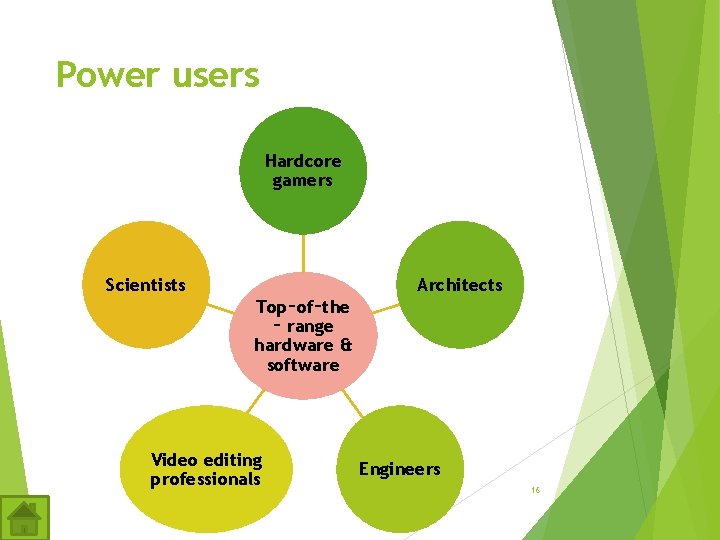
Power users Hardcore gamers Scientists Architects Top‑of‑the ‑ range hardware & software Video editing professionals Engineers 16
Mobile users Want and need to have their technology with them wherever they are. They use a smartphone or tablet for. . . browsing the internet and using email playing games reading books navigating with GPS taking quick notes taking photos/video and recording sound 17
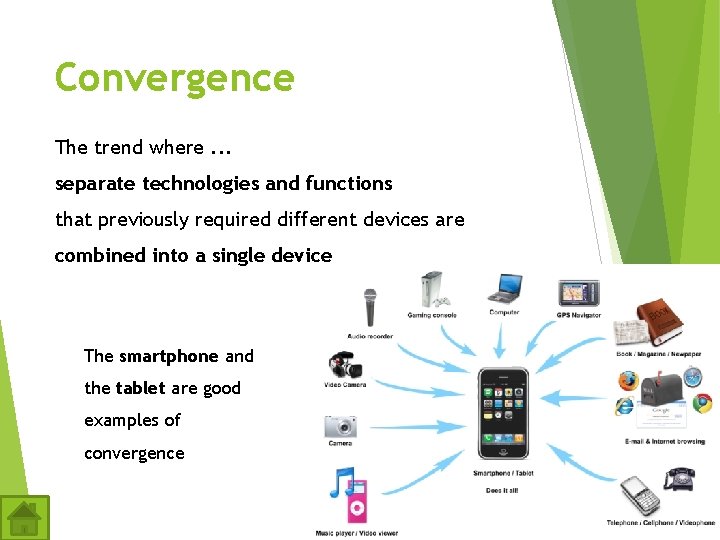
Convergence The trend where. . . separate technologies and functions that previously required different devices are combined into a single device The smartphone and the tablet are good examples of convergence 18
Test and improve 19
Written module activity 20