
COMPUTERS CODING Computer Talk Module 6 1 Proudly

- Slides: 20
COMPUTERS & CODING Computer Talk Module 6. 1 Proudly developed by SMART with funding from Inspiring Australia
Fantastic Computer Facts… True or False? Image sources: www. pixabay. com http: //cliparts. co/cartoon-computer-pictures
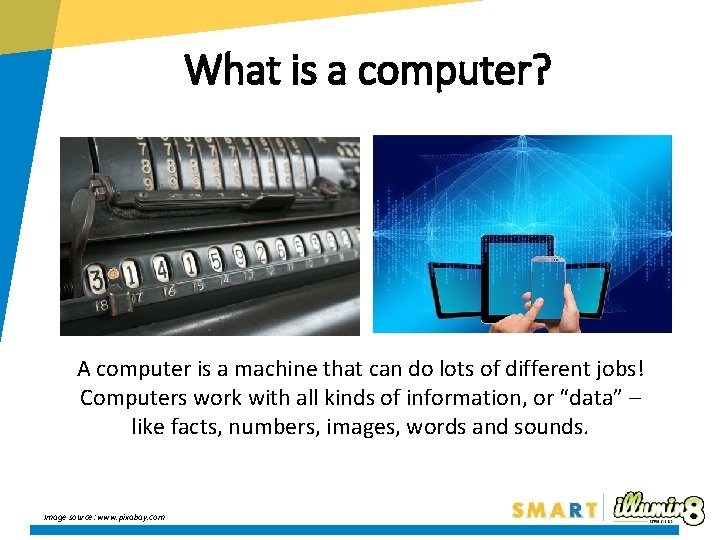
What is a computer? A computer is a machine that can do lots of different jobs! Computers work with all kinds of information, or “data” – like facts, numbers, images, words and sounds. Image source: www. pixabay. com
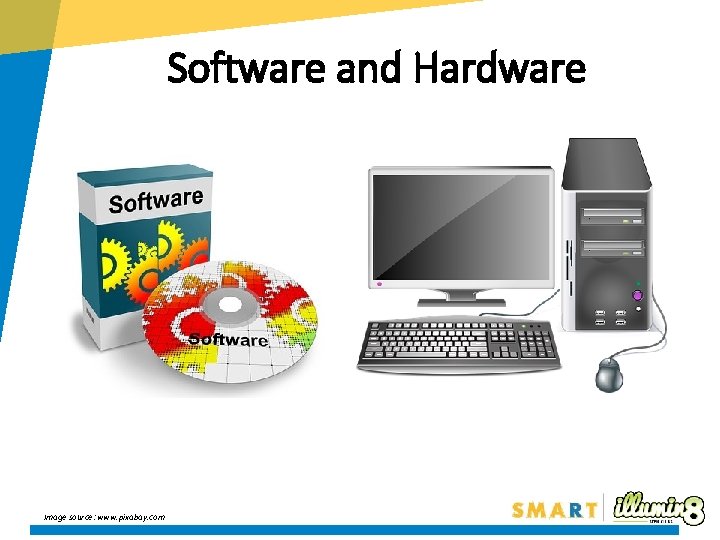
Software and Hardware Image source: www. pixabay. com
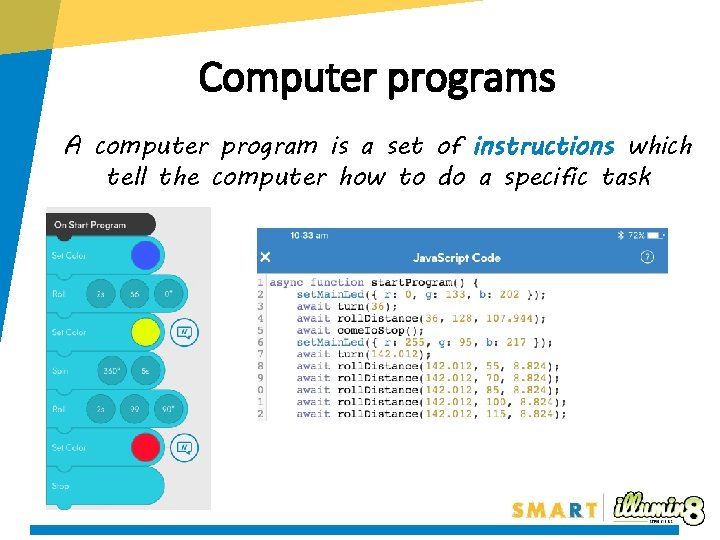
Computer programs A computer program is a set of instructions which tell the computer how to do a specific task
Binary Code To pass on information to a computer we often use a mathematical language called binary
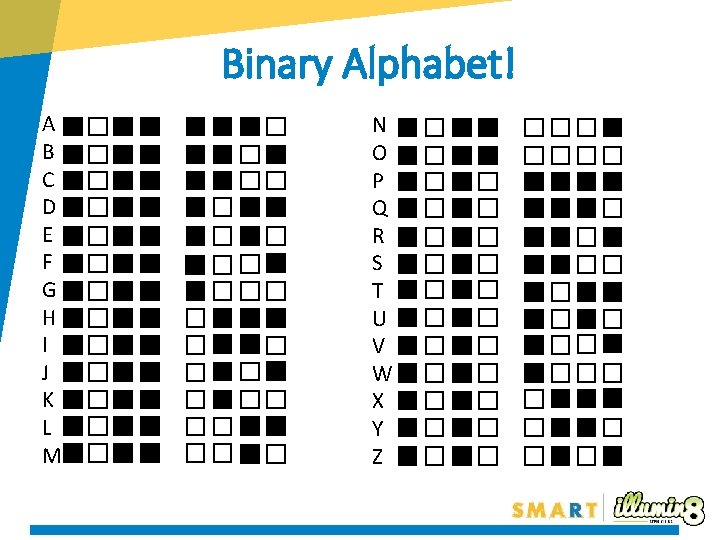
Binary ‘Computer Talk’: Code! Each binary digit, a zero or one, is called a bit. A combination of 8 bits together, are called a byte. For example: 0101 1100 is a byte! Let’s look at how these zeros and ones can be used to make letters! All letters can be represented by a combination of 8 bits! Image Source: https: //www. thinglink. com/scene/482541017224970242
Binary Alphabet! A B C D E F G H I J K L M N O P Q R S T U V W X Y Z
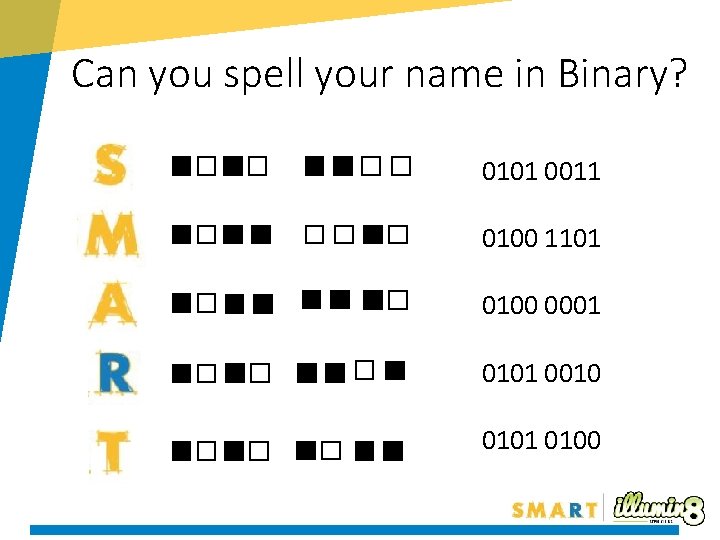
Can you spell your name in Binary? 0101 0011 0100 1101 0100 0001 0101 0010 0101 0100
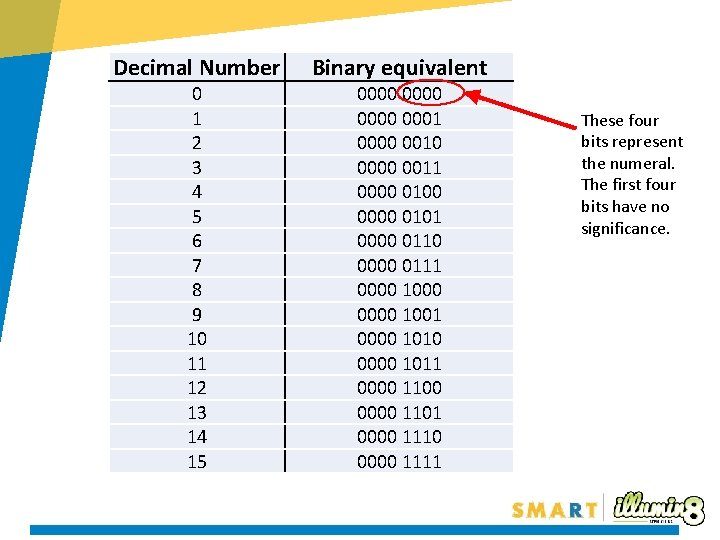
Decimal Number Binary equivalent 0 1 2 3 4 5 6 7 8 9 10 11 12 13 14 15 0000 0001 0000 0010 0000 0011 0000 0100 0000 0101 0000 0110 0000 0111 0000 1000 0000 1001 0000 1010 0000 1011 0000 1100 0000 1101 0000 1110 0000 1111 These four bits represent the numeral. The first four bits have no significance.
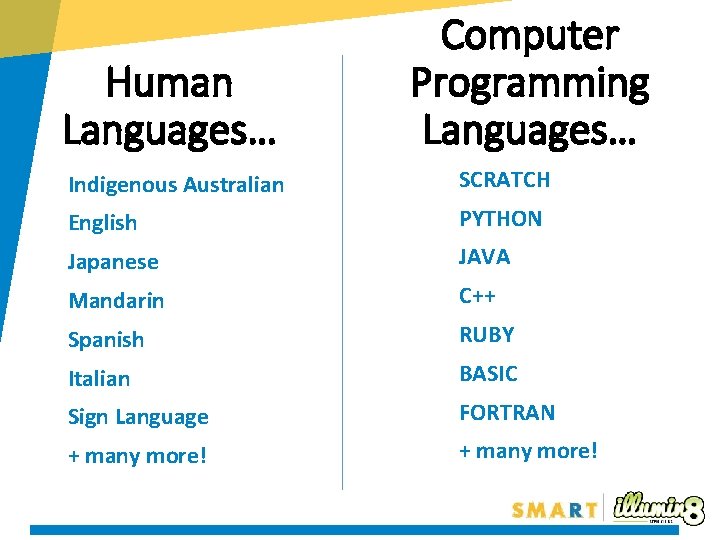
Human Languages… Computer Programming Languages… Indigenous Australian SCRATCH English PYTHON Japanese JAVA Mandarin C++ Spanish RUBY Italian BASIC Sign Language FORTRAN + many more!
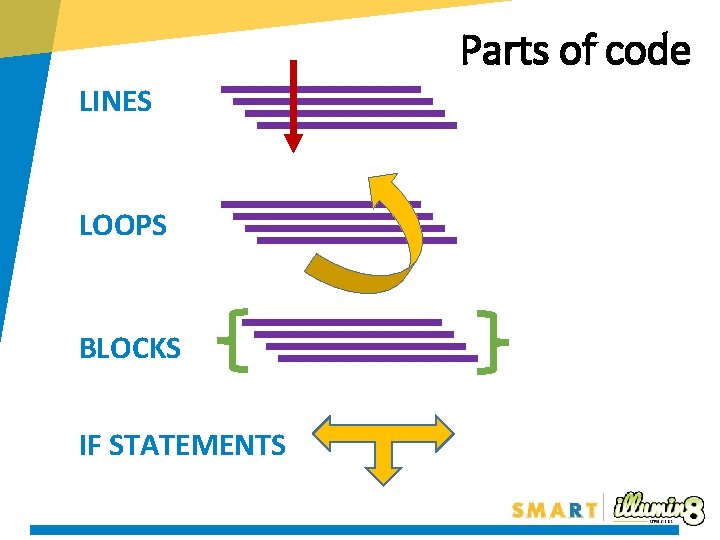
Parts of code LINES LOOPS BLOCKS IF STATEMENTS
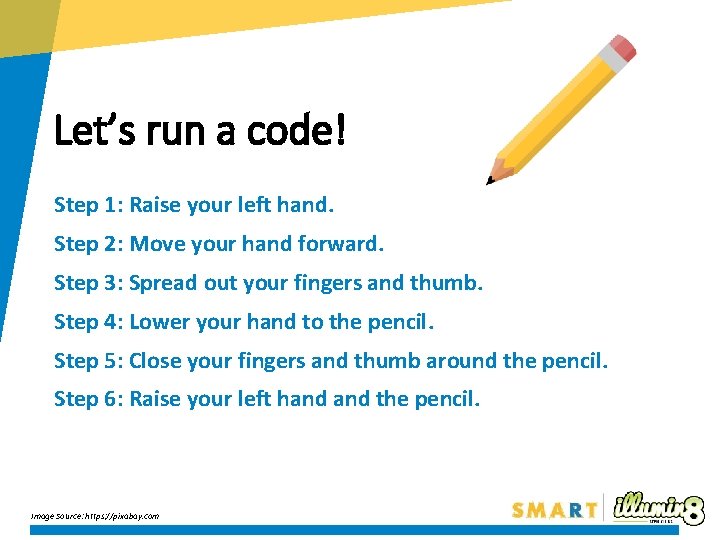
Let’s run a code! Step 1: Raise your left hand. Step 2: Move your hand forward. Step 3: Spread out your fingers and thumb. Step 4: Lower your hand to the pencil. Step 5: Close your fingers and thumb around the pencil. Step 6: Raise your left hand the pencil. Image Source: https: //pixabay. com
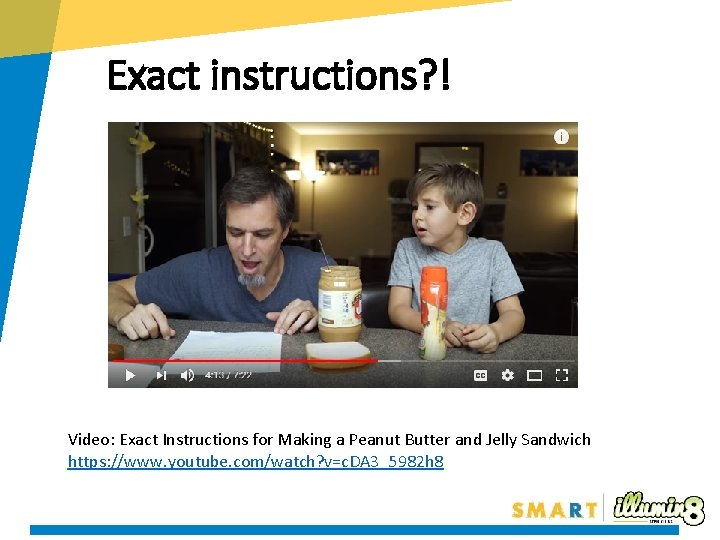
Exact instructions? ! Video: Exact Instructions for Making a Peanut Butter and Jelly Sandwich https: //www. youtube. com/watch? v=c. DA 3_5982 h 8
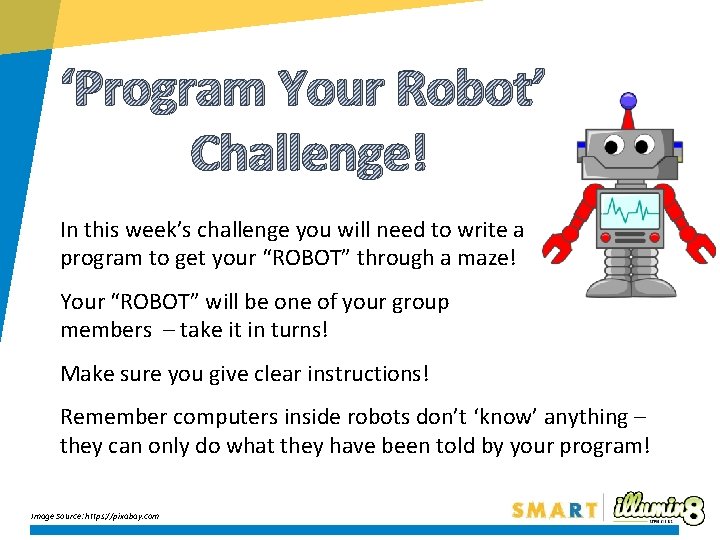
‘Program Your Robot’ Challenge! In this week’s challenge you will need to write a program to get your “ROBOT” through a maze! Your “ROBOT” will be one of your group members – take it in turns! Make sure you give clear instructions! Remember computers inside robots don’t ‘know’ anything – they can only do what they have been told by your program! Image Source: https: //pixabay. com
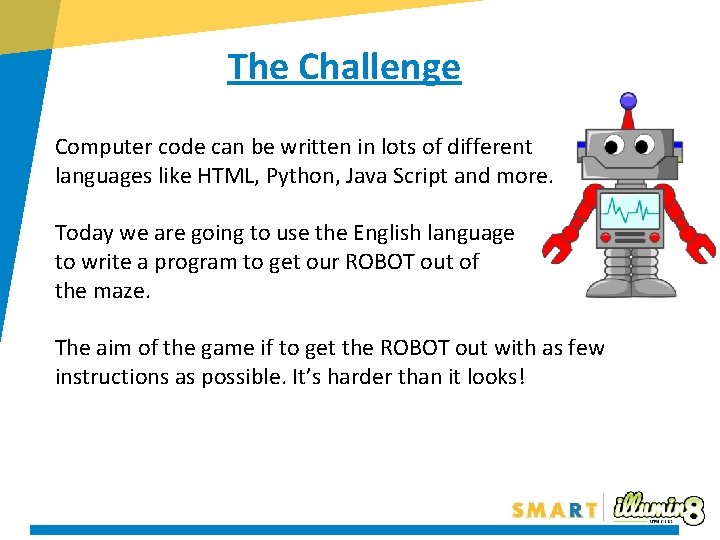
The Challenge Computer code can be written in lots of different languages like HTML, Python, Java Script and more. Today we are going to use the English language to write a program to get our ROBOT out of the maze. The aim of the game if to get the ROBOT out with as few instructions as possible. It’s harder than it looks!
How do we walk? Think about all the things you unconsciously think about when you walk forwards…. the coding might look like this: Lift leg, Move left foot forwards, Place left foot down Lift right leg, Move right foot forwards, Place right foot down There are lots of small parts to the task of walking! Many of them repeat… We can tell our ROBOTS to repeat things a set number of times, instead of writing them out over and over again!!! REPEAT x 10: [Lift leg, Move left foot forwards, Place left foot down, Lift right leg, Move right foot forwards, Place right foot down]
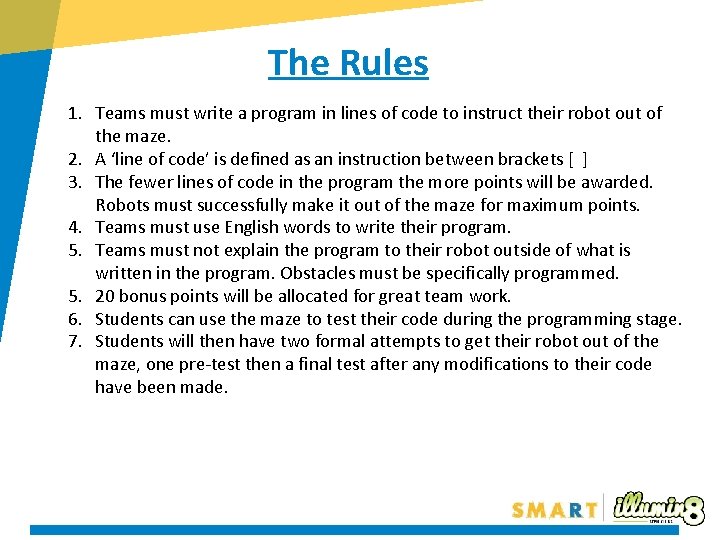
The Rules 1. Teams must write a program in lines of code to instruct their robot out of the maze. 2. A ‘line of code’ is defined as an instruction between brackets [ ] 3. The fewer lines of code in the program the more points will be awarded. Robots must successfully make it out of the maze for maximum points. 4. Teams must use English words to write their program. 5. Teams must not explain the program to their robot outside of what is written in the program. Obstacles must be specifically programmed. 5. 20 bonus points will be allocated for great team work. 6. Students can use the maze to test their code during the programming stage. 7. Students will then have two formal attempts to get their robot out of the maze, one pre-test then a final test after any modifications to their code have been made.
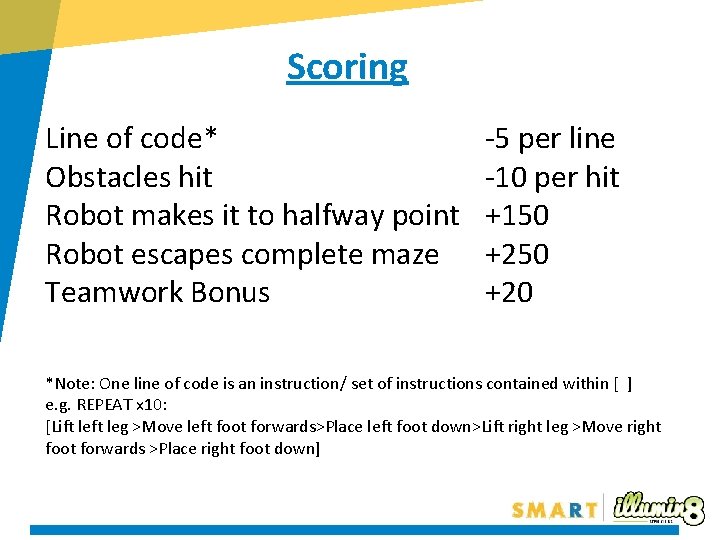
Scoring Line of code* Obstacles hit Robot makes it to halfway point Robot escapes complete maze Teamwork Bonus -5 per line -10 per hit +150 +250 +20 *Note: One line of code is an instruction/ set of instructions contained within [ ] e. g. REPEAT x 10: [Lift leg >Move left foot forwards>Place left foot down>Lift right leg >Move right foot forwards >Place right foot down]
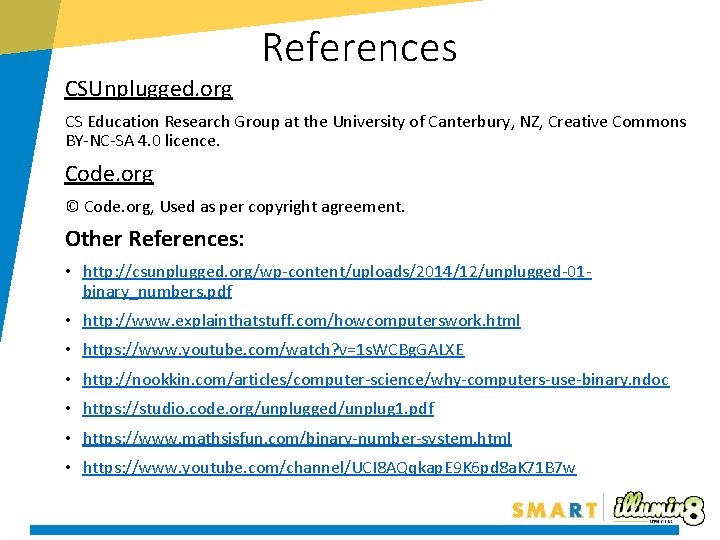
References CSUnplugged. org CS Education Research Group at the University of Canterbury, NZ, Creative Commons BY-NC-SA 4. 0 licence. Code. org © Code. org, Used as per copyright agreement. Other References: • http: //csunplugged. org/wp-content/uploads/2014/12/unplugged-01 binary_numbers. pdf • http: //www. explainthatstuff. com/howcomputerswork. html • https: //www. youtube. com/watch? v=1 s. WCBg. GALXE • http: //nookkin. com/articles/computer-science/why-computers-use-binary. ndoc • https: //studio. code. org/unplugged/unplug 1. pdf • https: //www. mathsisfun. com/binary-number-system. html • https: //www. youtube. com/channel/UCI 8 AQqkap. E 9 K 6 pd 8 a. K 71 B 7 w