
Computer Vision TP 10 Pattern Recognition Miguel Tavares


![[Sikora 2001]](https://slidetodoc.com/presentation_image_h2/6fbec030f128eb0846790fd232ef8612/image-53.jpg "[Sikora 2001]")

- Slides: 65
Computer Vision – TP 10 Pattern Recognition Miguel Tavares Coimbra
Outline • Introduction to Pattern Recognition • Statistical Pattern Recognition • Visual Features
Topic: Introduction to Pattern Recognition • Statistical Pattern Recognition • Visual Features
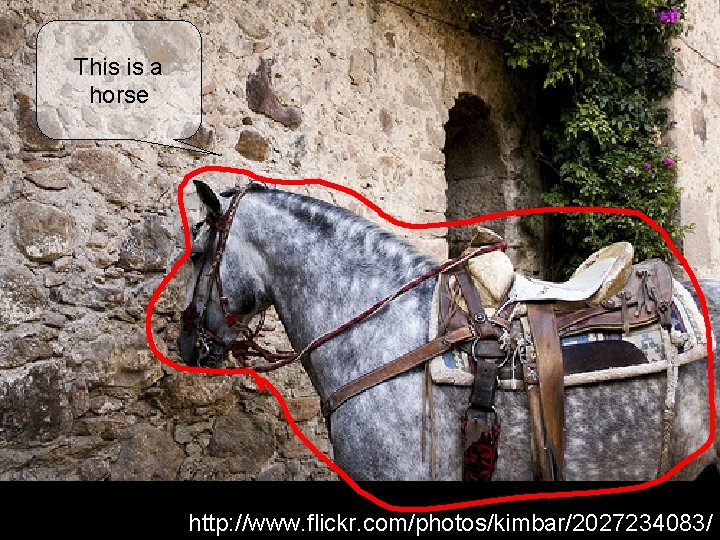
This is a horse http: //www. flickr. com/photos/kimbar/2027234083/
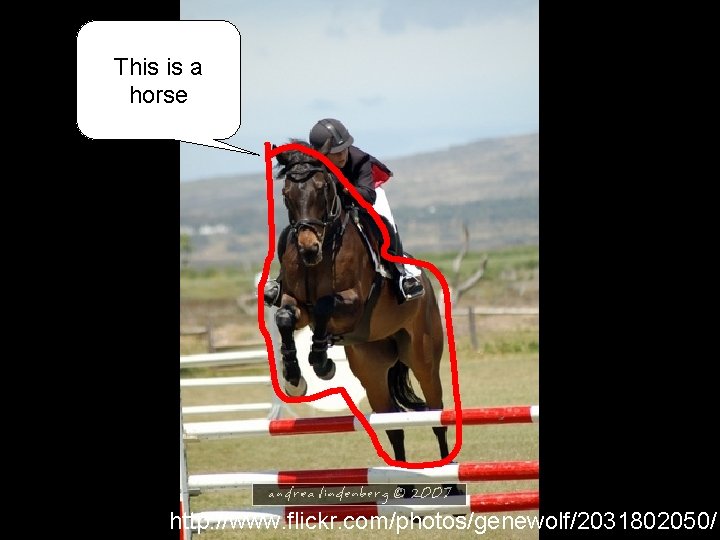
This is a horse http: //www. flickr. com/photos/genewolf/2031802050/
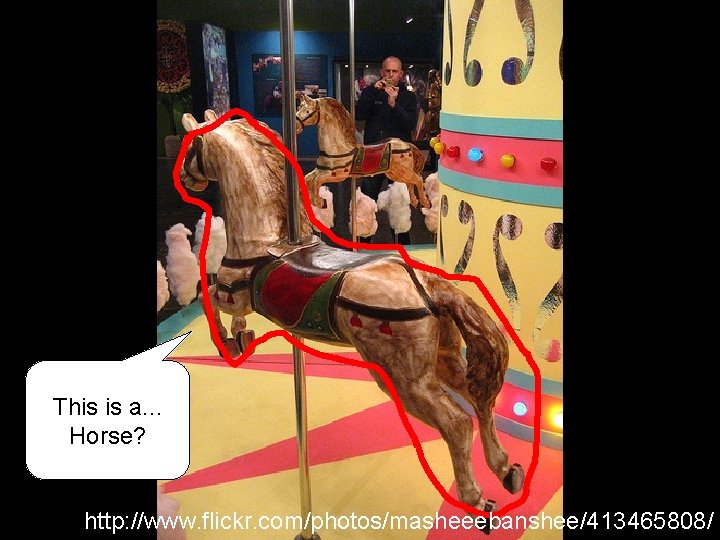
This is a. . . Horse? http: //www. flickr. com/photos/masheeebanshee/413465808/
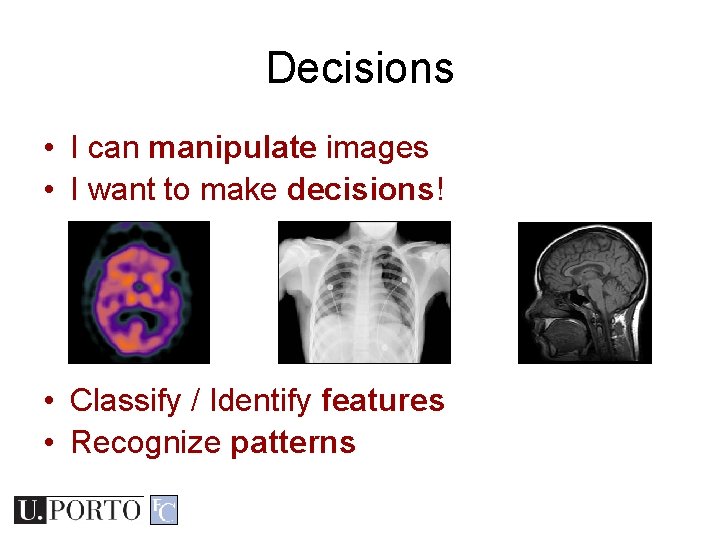
Decisions • I can manipulate images • I want to make decisions! • Classify / Identify features • Recognize patterns
One definition • Pattern recognition "the act of taking in raw data and taking an action based on the category of the data" Wikipedia • How do I do this so well? • How can I make machines do this?
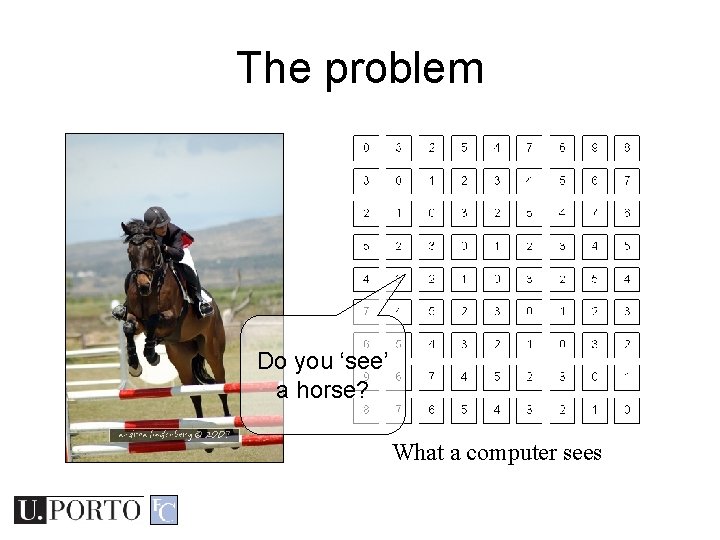
The problem Do you ‘see’ a horse? What a computer sees
Mathematics • We only deal with numbers. – How do we represent knowledge? – How do we represent visual features? – How do we classify them? • Very complex problem!! – Let’s break it into smaller ones. . .
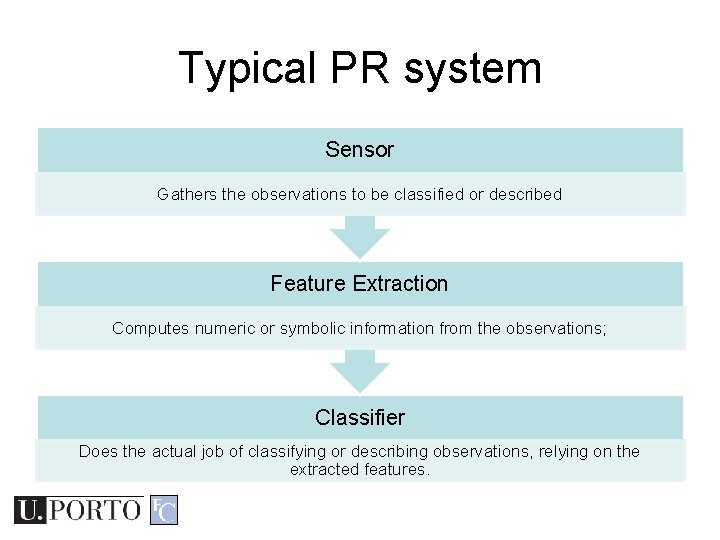
Typical PR system Sensor Gathers the observations to be classified or described Feature Extraction Computes numeric or symbolic information from the observations; Classifier Does the actual job of classifying or describing observations, relying on the extracted features.
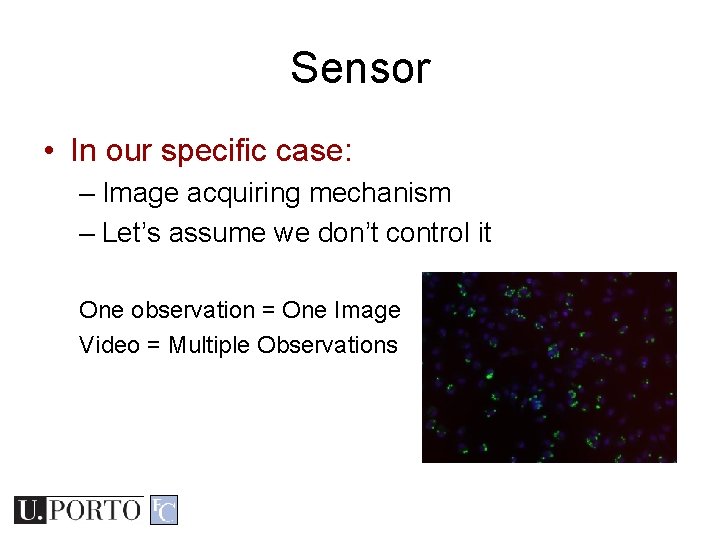
Sensor • In our specific case: – Image acquiring mechanism – Let’s assume we don’t control it One observation = One Image Video = Multiple Observations
Feature Extraction • What exactly are features? – Colour, texture, shape, etc – Animal with 4 legs – Horse jumping • These vary a lot! • Some imply some sort of ‘recognition’ e. g. How do I know the horse is jumping?
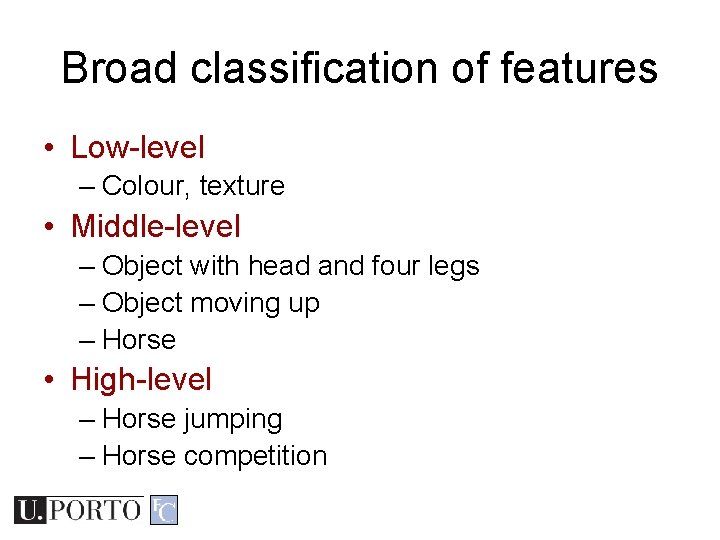
Broad classification of features • Low-level – Colour, texture • Middle-level – Object with head and four legs – Object moving up – Horse • High-level – Horse jumping – Horse competition
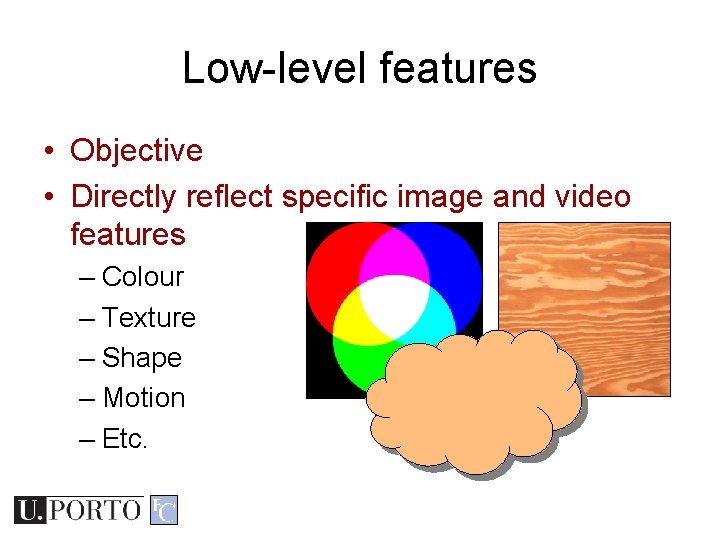
Low-level features • Objective • Directly reflect specific image and video features – Colour – Texture – Shape – Motion – Etc.
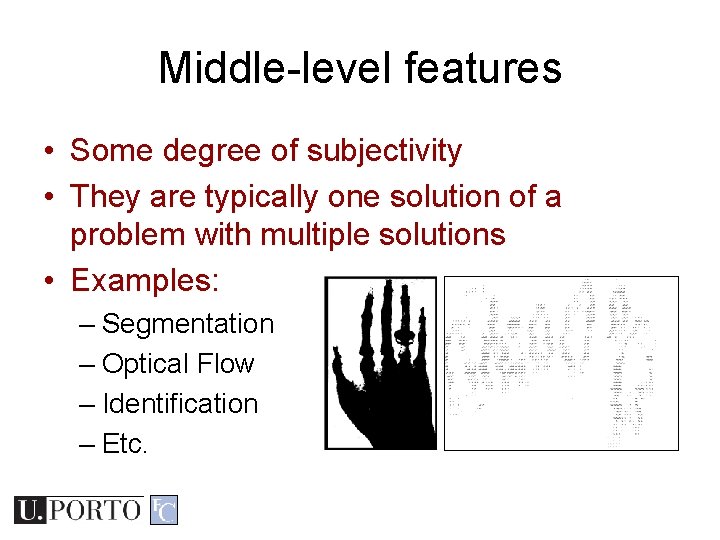
Middle-level features • Some degree of subjectivity • They are typically one solution of a problem with multiple solutions • Examples: – Segmentation – Optical Flow – Identification – Etc.
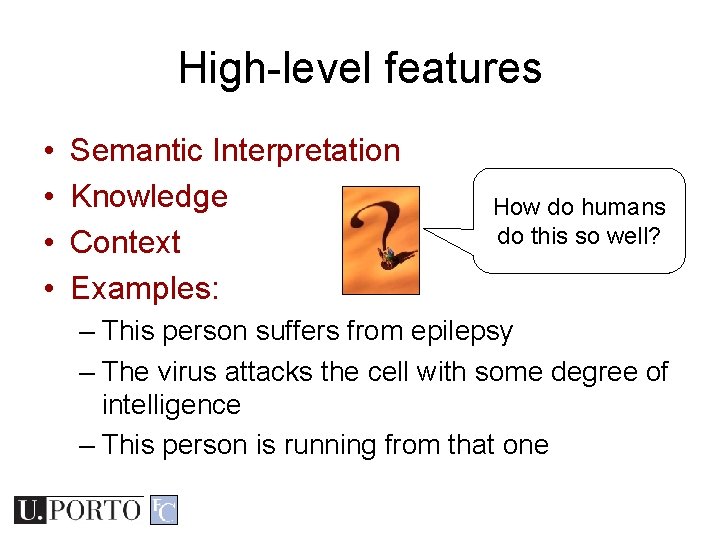
High-level features • • Semantic Interpretation Knowledge Context Examples: How do humans do this so well? – This person suffers from epilepsy – The virus attacks the cell with some degree of intelligence – This person is running from that one
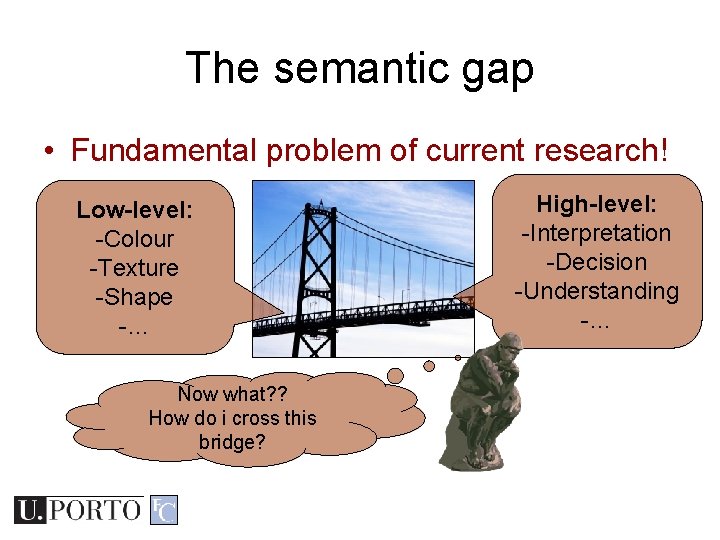
The semantic gap • Fundamental problem of current research! Low-level: -Colour -Texture -Shape -… Now what? ? How do i cross this bridge? High-level: -Interpretation -Decision -Understanding -…
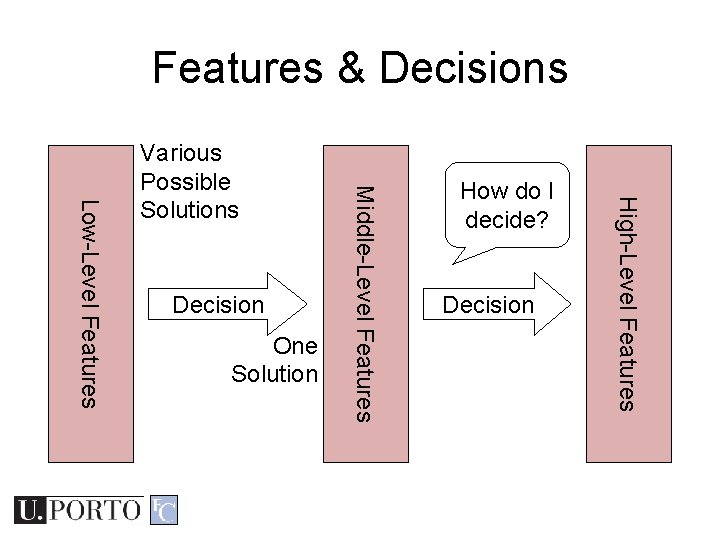
Features & Decisions One Solution How do I decide? Decision High-Level Features Decision Middle-Level Features Low-Level Features Various Possible Solutions
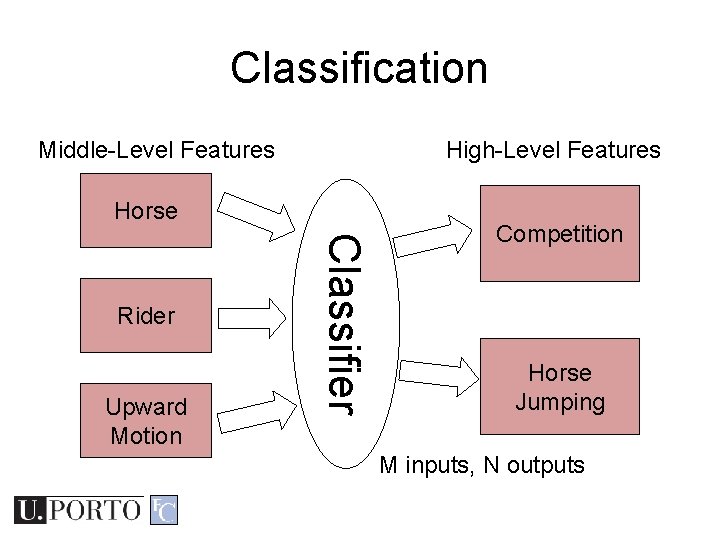
Classification Middle-Level Features High-Level Features Horse Upward Motion Classifier Rider Competition Horse Jumping M inputs, N outputs
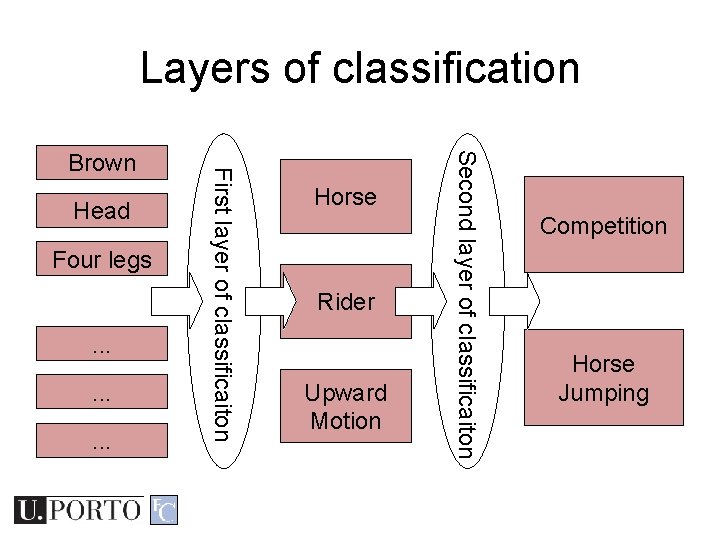
Layers of classification Four legs. . Horse Rider Upward Motion Second layer of classificaiton Head First layer of classificaiton Brown Competition Horse Jumping
Classifiers • How do I map my M inputs to my N outputs? • Mathematical tools: – Distance-based classifiers – Rule-based classifiers – Neural Networks – Support Vector Machines –. . .
Types of PR methods • Statistical pattern recognition – based on statistical characterizations of patterns, assuming that the patterns are generated by a probabilistic system • Syntactical (or structural) pattern recognition – based on the structural interrelationships of features
Topic: Statistical Pattern Recognition • Introduction to Pattern Recognition • Statistical Pattern Recognition • Visual Features
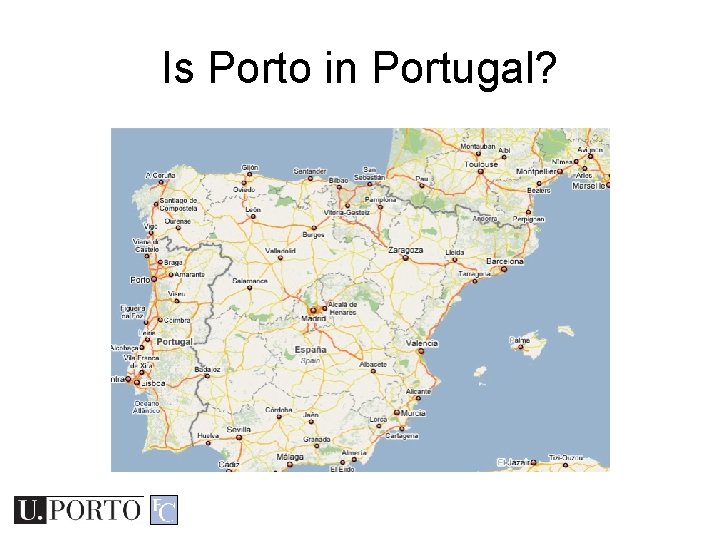
Is Porto in Portugal?
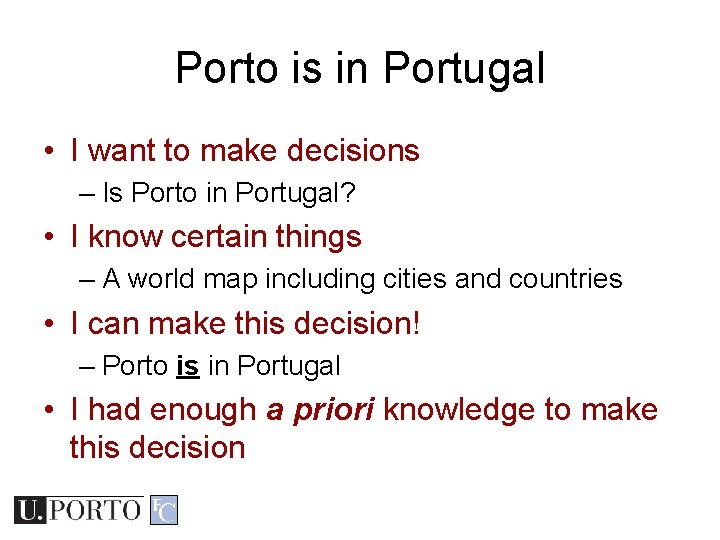
Porto is in Portugal • I want to make decisions – Is Porto in Portugal? • I know certain things – A world map including cities and countries • I can make this decision! – Porto is in Portugal • I had enough a priori knowledge to make this decision
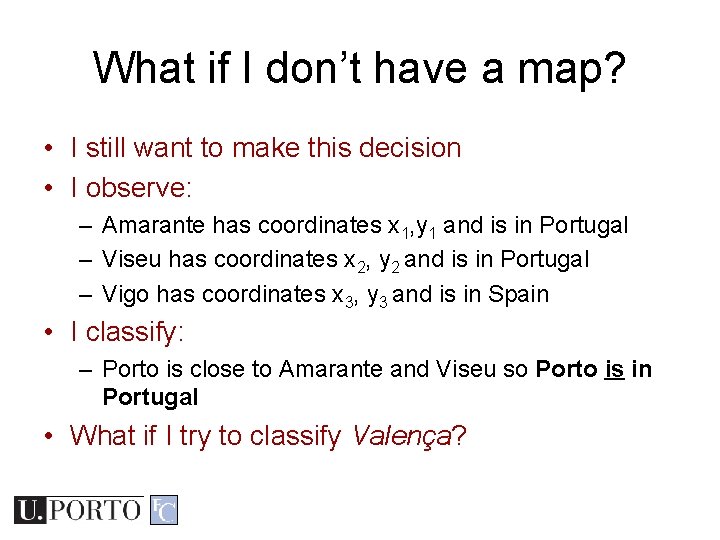
What if I don’t have a map? • I still want to make this decision • I observe: – Amarante has coordinates x 1, y 1 and is in Portugal – Viseu has coordinates x 2, y 2 and is in Portugal – Vigo has coordinates x 3, y 3 and is in Spain • I classify: – Porto is close to Amarante and Viseu so Porto is in Portugal • What if I try to classify Valença?
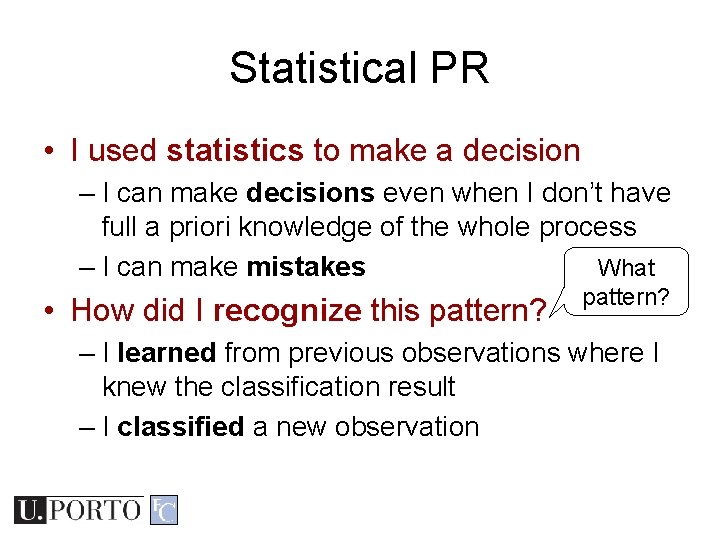
Statistical PR • I used statistics to make a decision – I can make decisions even when I don’t have full a priori knowledge of the whole process – I can make mistakes What • How did I recognize this pattern? – I learned from previous observations where I knew the classification result – I classified a new observation
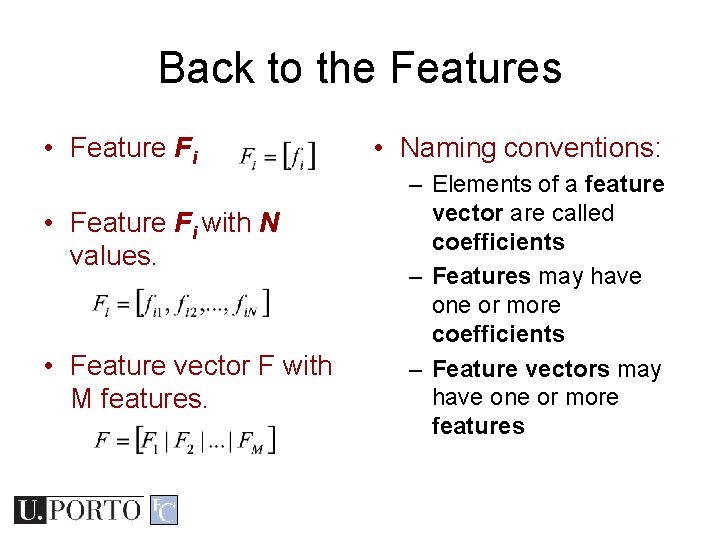
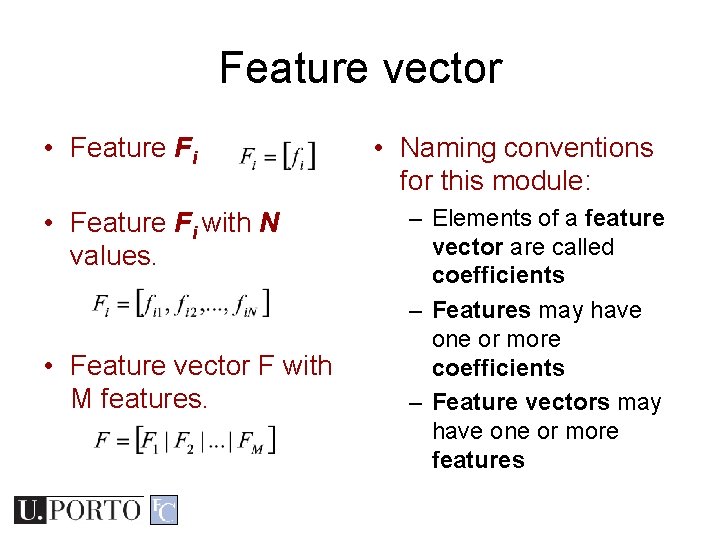
Back to the Features • Feature Fi with N values. • Feature vector F with M features. • Naming conventions: – Elements of a feature vector are called coefficients – Features may have one or more coefficients – Feature vectors may have one or more features
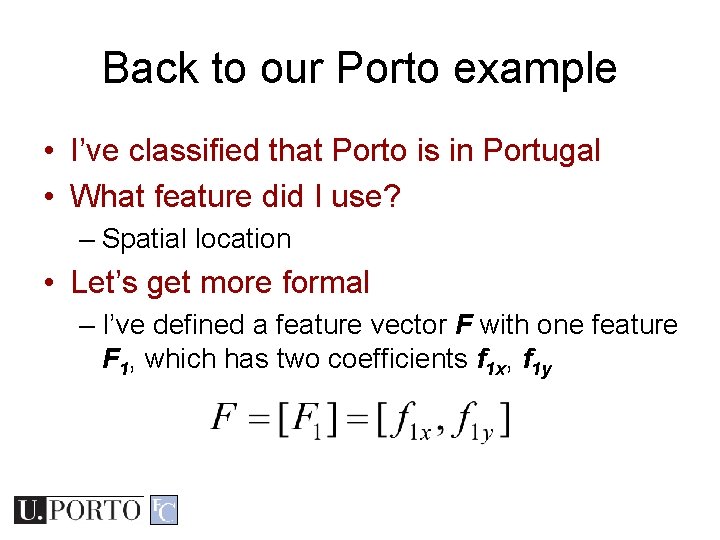
Back to our Porto example • I’ve classified that Porto is in Portugal • What feature did I use? – Spatial location • Let’s get more formal – I’ve defined a feature vector F with one feature F 1, which has two coefficients f 1 x, f 1 y
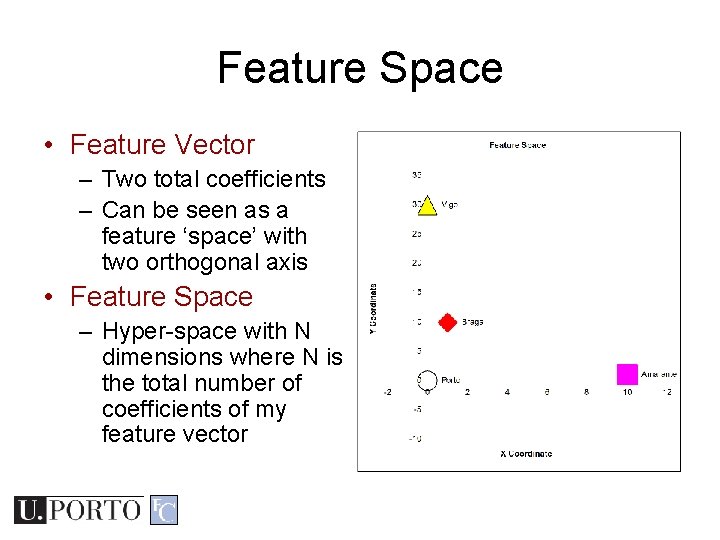
Feature Space • Feature Vector – Two total coefficients – Can be seen as a feature ‘space’ with two orthogonal axis • Feature Space – Hyper-space with N dimensions where N is the total number of coefficients of my feature vector
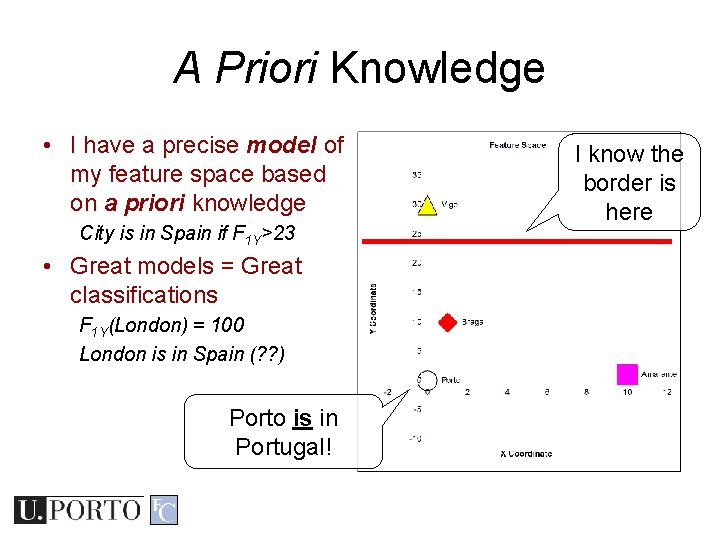
A Priori Knowledge • I have a precise model of my feature space based on a priori knowledge City is in Spain if F 1 Y>23 • Great models = Great classifications F 1 Y(London) = 100 London is in Spain (? ? ) Porto is in Portugal! I know the border is here
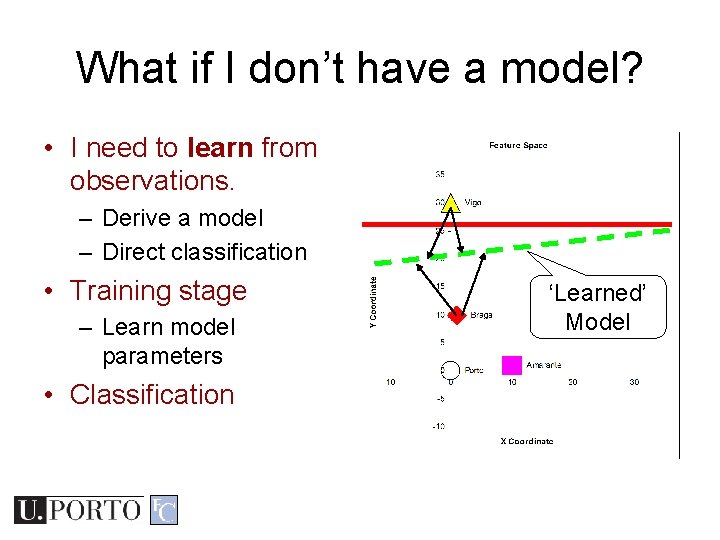
What if I don’t have a model? • I need to learn from observations. – Derive a model – Direct classification • Training stage – Learn model parameters • Classification ‘Learned’ Model
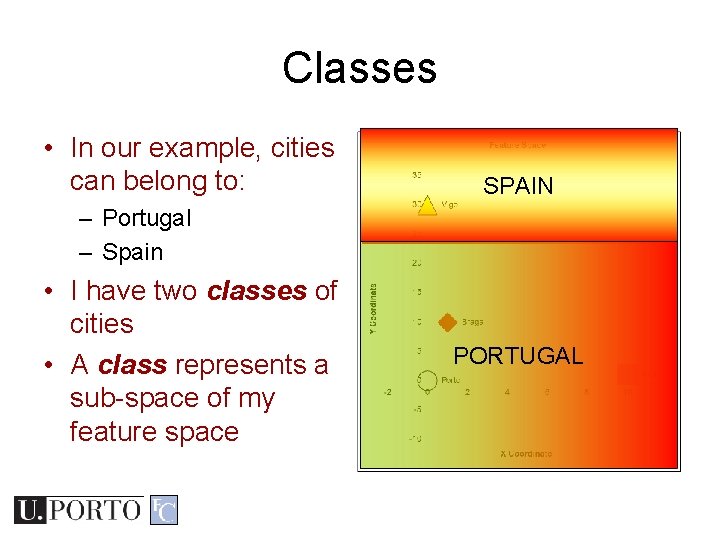
Classes • In our example, cities can belong to: SPAIN – Portugal – Spain • I have two classes of cities • A class represents a sub-space of my feature space PORTUGAL
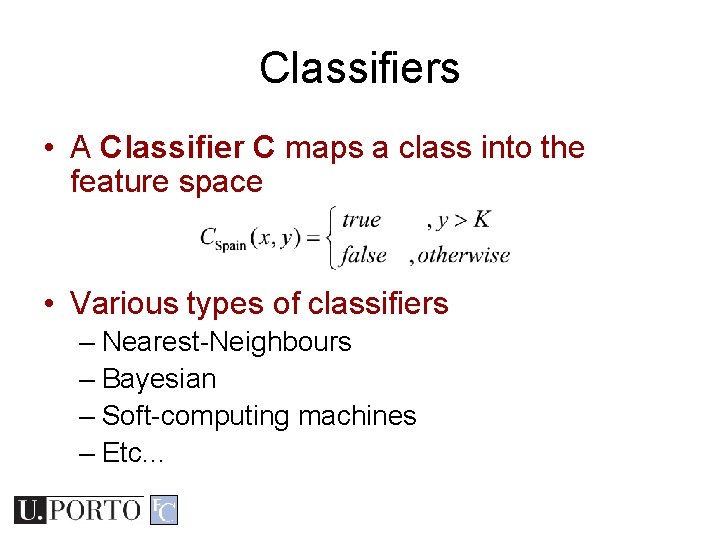
Classifiers • A Classifier C maps a class into the feature space • Various types of classifiers – Nearest-Neighbours – Bayesian – Soft-computing machines – Etc. . .
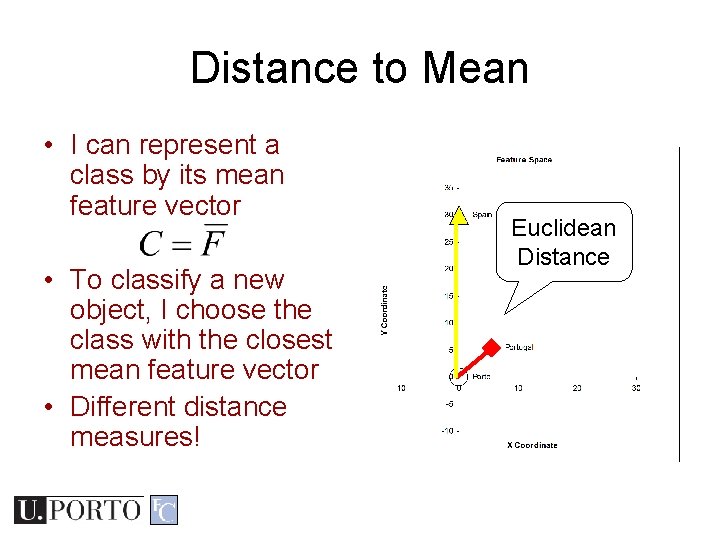
Distance to Mean • I can represent a class by its mean feature vector • To classify a new object, I choose the class with the closest mean feature vector • Different distance measures! Euclidean Distance
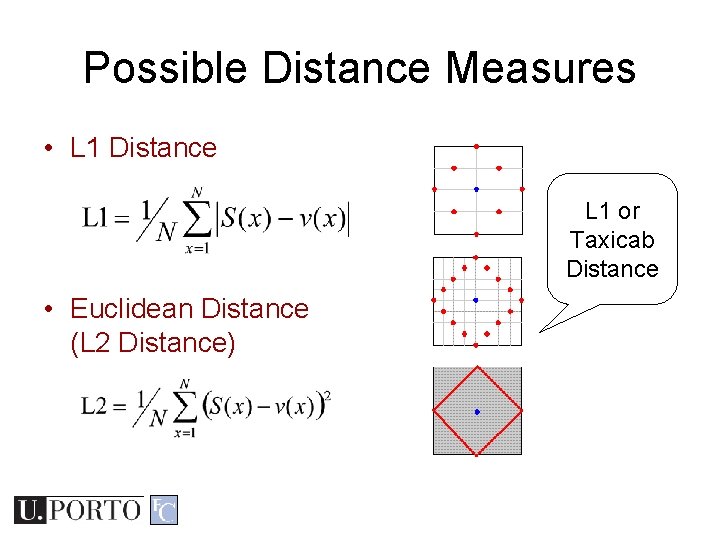
Possible Distance Measures • L 1 Distance L 1 or Taxicab Distance • Euclidean Distance (L 2 Distance)
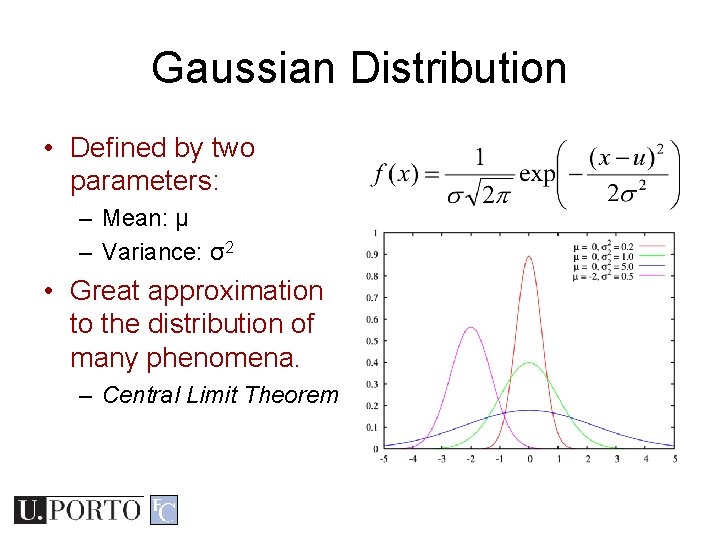
Gaussian Distribution • Defined by two parameters: – Mean: μ – Variance: σ2 • Great approximation to the distribution of many phenomena. – Central Limit Theorem
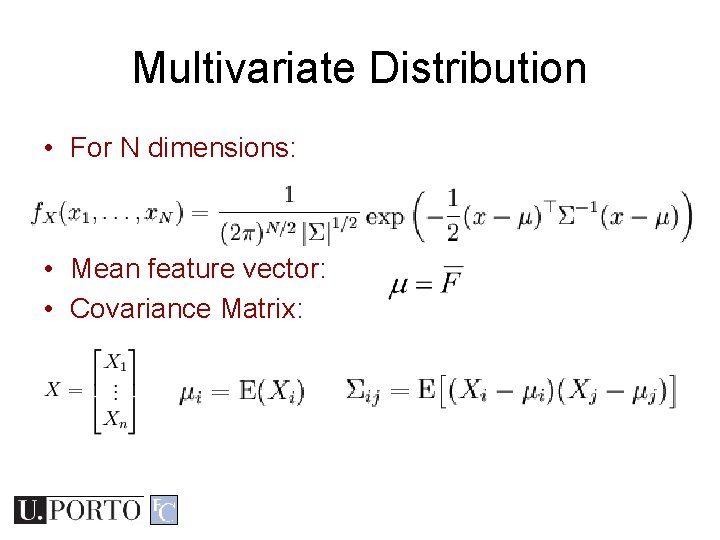
Multivariate Distribution • For N dimensions: • Mean feature vector: • Covariance Matrix:
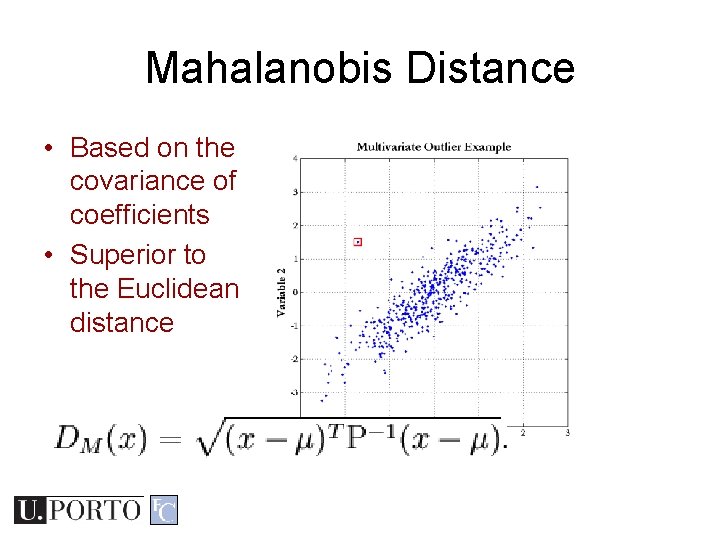
Mahalanobis Distance • Based on the covariance of coefficients • Superior to the Euclidean distance
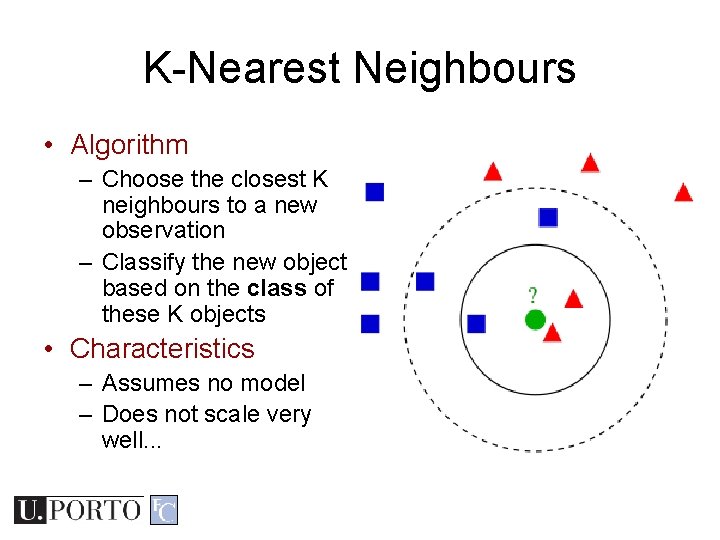
K-Nearest Neighbours • Algorithm – Choose the closest K neighbours to a new observation – Classify the new object based on the class of these K objects • Characteristics – Assumes no model – Does not scale very well. . .
Topic: Visual Features • Introduction to Pattern Recognition • Statistical Pattern Recognition • Visual Features
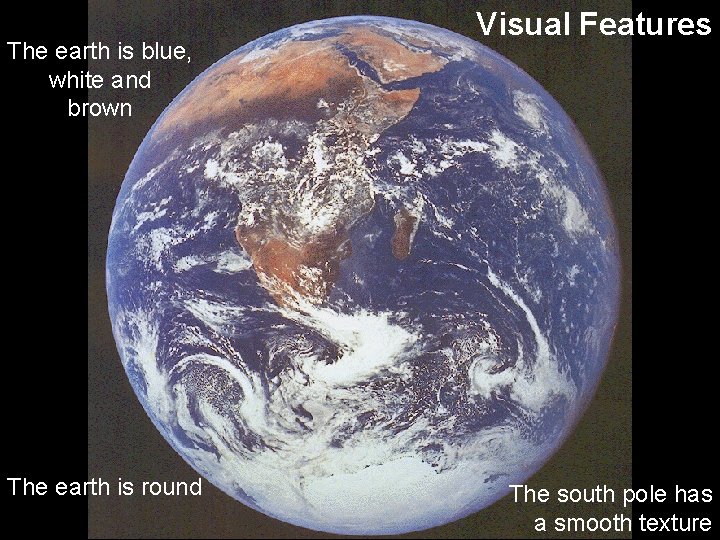
The earth is blue, white and brown The earth is round Visual Features The south pole has a smooth texture
Visual Features • Features – Measure specific characteristics – Numerical values – May have multiple values • Visual Features – Quantify visual characteristics of an image – Popular features • Colour, Texture, Shape
Feature vector • Feature Fi with N values. • Feature vector F with M features. • Naming conventions for this module: – Elements of a feature vector are called coefficients – Features may have one or more coefficients – Feature vectors may have one or more features
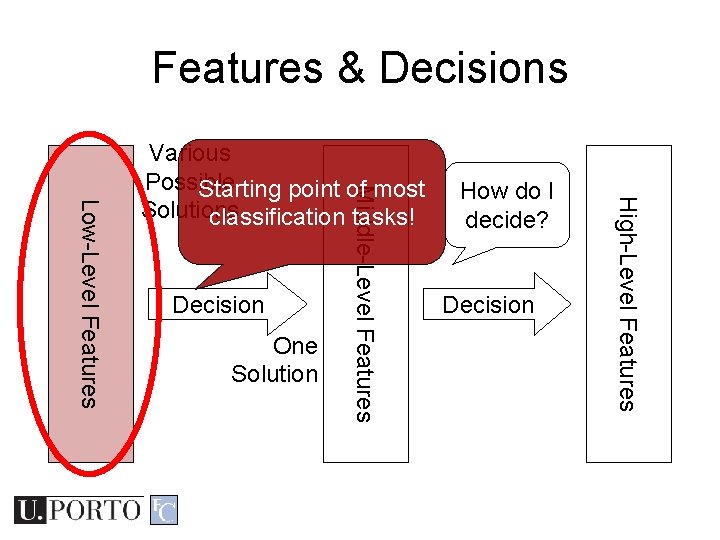
Features & Decisions One Solution How do I decide? Decision High-Level Features Decision Middle-Level Features Low-Level Features Various Possible Starting point of most Solutions classification tasks!
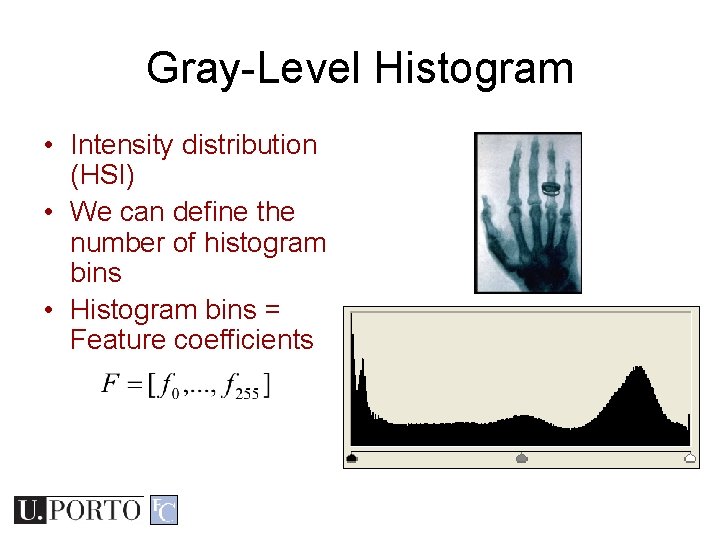
Gray-Level Histogram • Intensity distribution (HSI) • We can define the number of histogram bins • Histogram bins = Feature coefficients
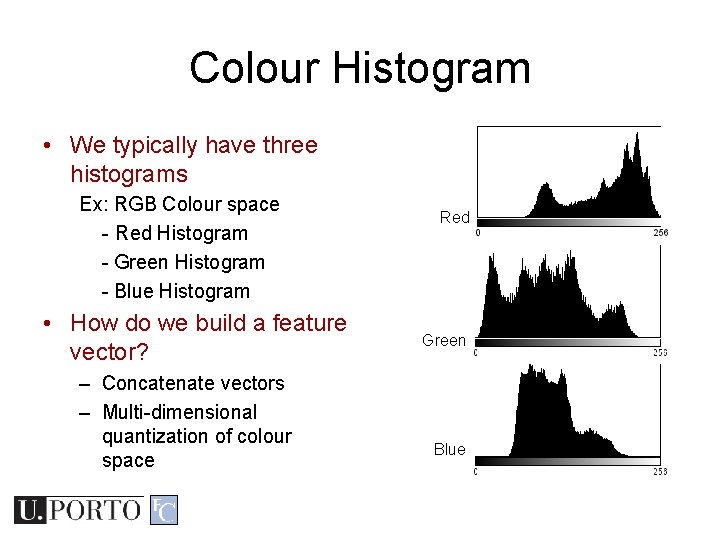
Colour Histogram • We typically have three histograms Ex: RGB Colour space - Red Histogram - Green Histogram - Blue Histogram • How do we build a feature vector? – Concatenate vectors – Multi-dimensional quantization of colour space Red Green Blue
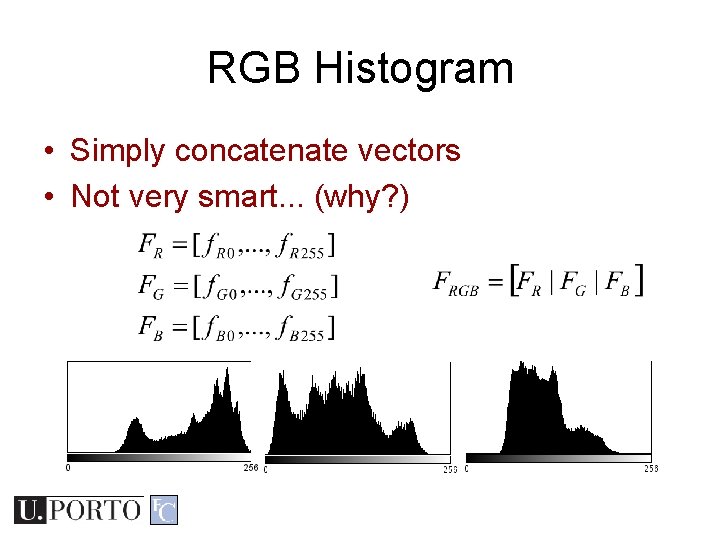
RGB Histogram • Simply concatenate vectors • Not very smart. . . (why? )
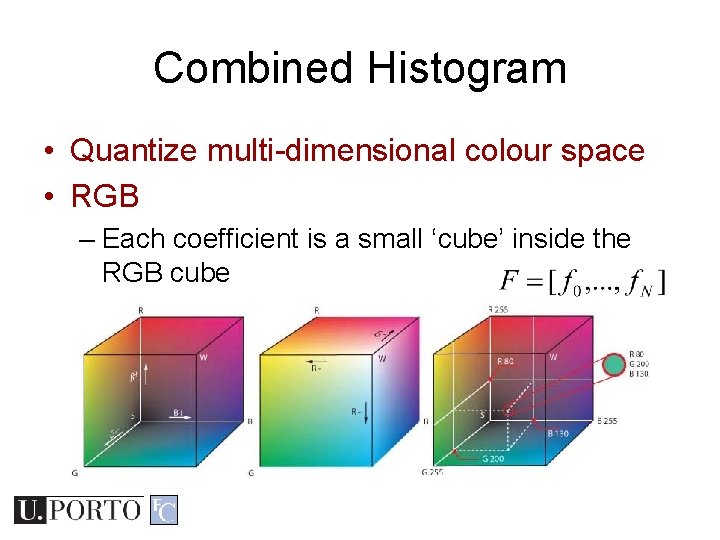
Combined Histogram • Quantize multi-dimensional colour space • RGB – Each coefficient is a small ‘cube’ inside the RGB cube
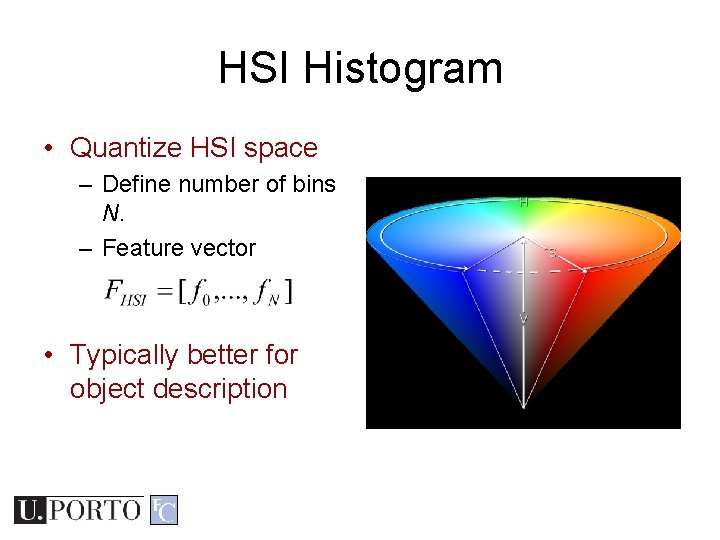
HSI Histogram • Quantize HSI space – Define number of bins N. – Feature vector • Typically better for object description
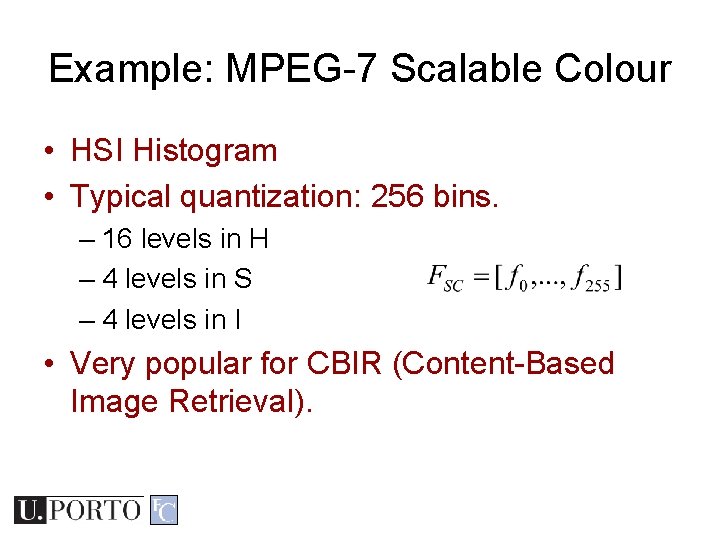
Example: MPEG-7 Scalable Colour • HSI Histogram • Typical quantization: 256 bins. – 16 levels in H – 4 levels in S – 4 levels in I • Very popular for CBIR (Content-Based Image Retrieval).
[Sikora 2001]
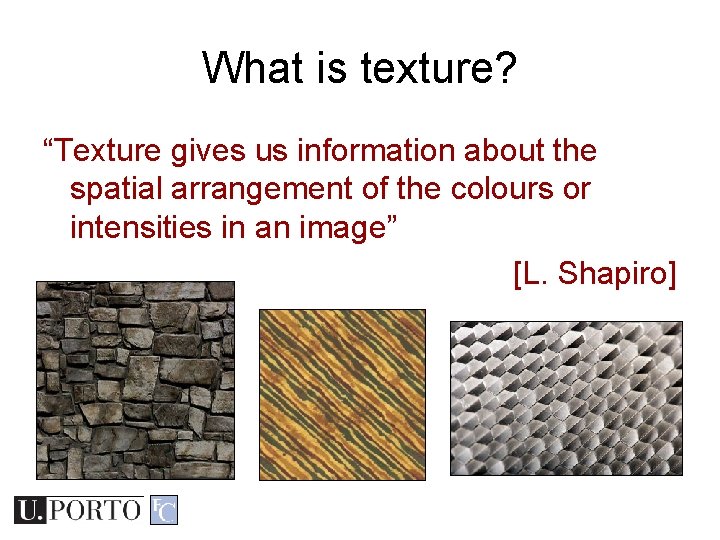
What is texture? “Texture gives us information about the spatial arrangement of the colours or intensities in an image” [L. Shapiro]
Two approaches to texture • Structural approach – Texture is a set of primitive texels in some regular or repeated relationship – Good for regular, ‘man-made’ textures • Statistical approach – Texture is a quantitative measure of the arrangement of intensities in a region – More general and easier to compute
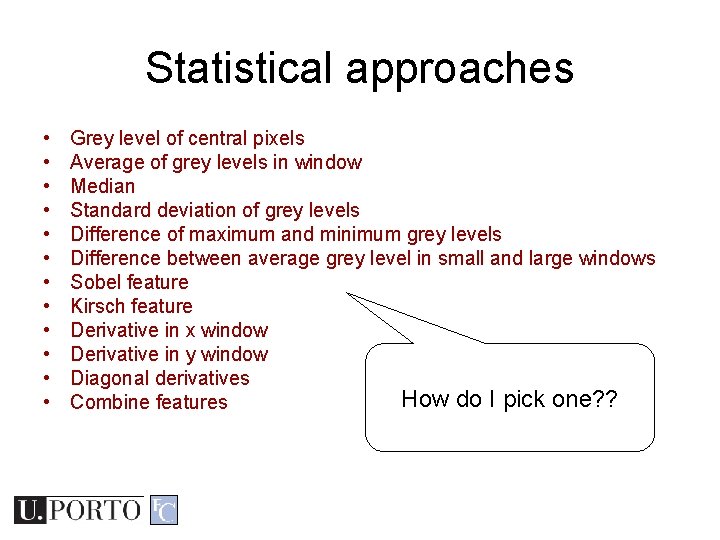
Statistical approaches • • • Grey level of central pixels Average of grey levels in window Median Standard deviation of grey levels Difference of maximum and minimum grey levels Difference between average grey level in small and large windows Sobel feature Kirsch feature Derivative in x window Derivative in y window Diagonal derivatives How do I pick one? ? Combine features
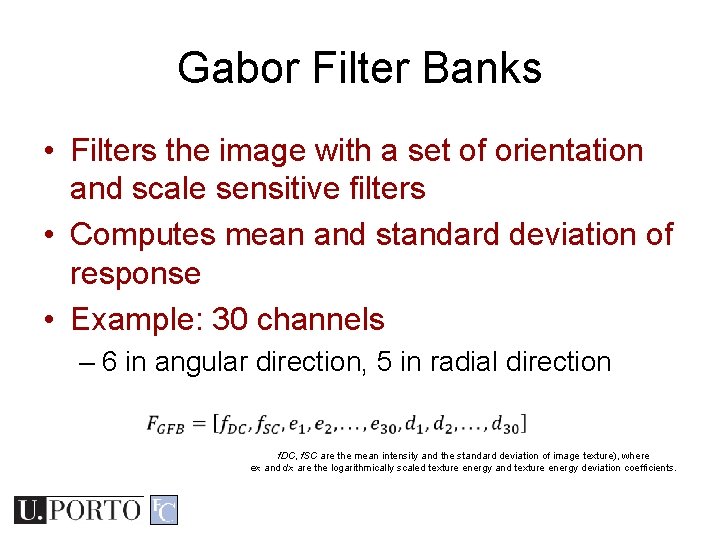
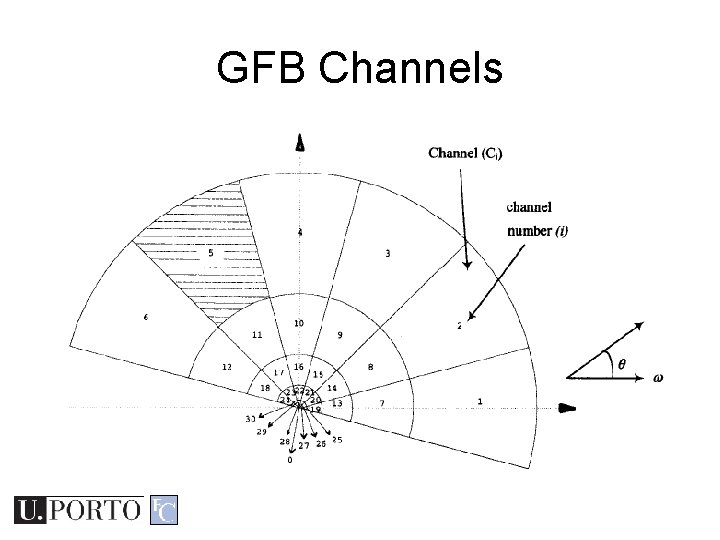
Gabor Filter Banks • Filters the image with a set of orientation and scale sensitive filters • Computes mean and standard deviation of response • Example: 30 channels – 6 in angular direction, 5 in radial direction f. DC, f. SC are the mean intensity and the standard deviation of image texture), where ex and dx are the logarithmically scaled texture energy and texture energy deviation coefficients.
GFB Channels
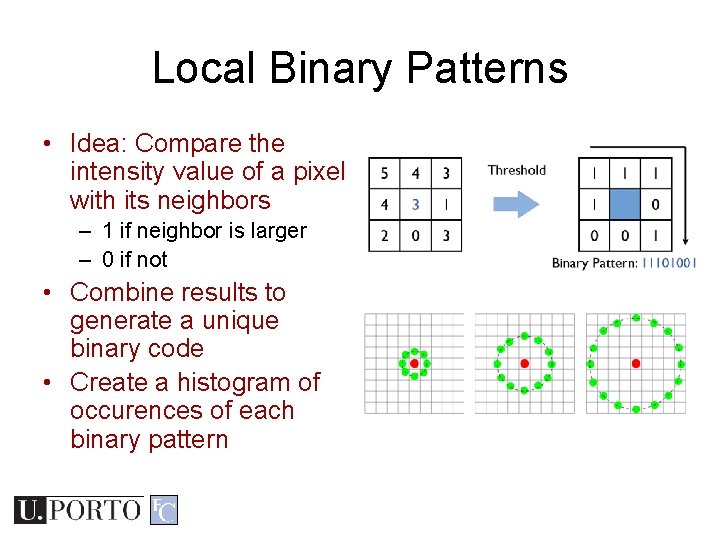
Local Binary Patterns • Idea: Compare the intensity value of a pixel with its neighbors – 1 if neighbor is larger – 0 if not • Combine results to generate a unique binary code • Create a histogram of occurences of each binary pattern
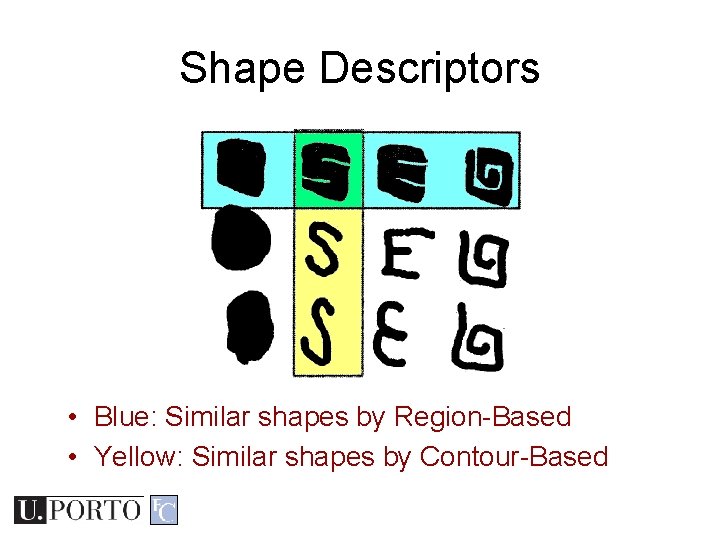
Shape Descriptors • Blue: Similar shapes by Region-Based • Yellow: Similar shapes by Contour-Based
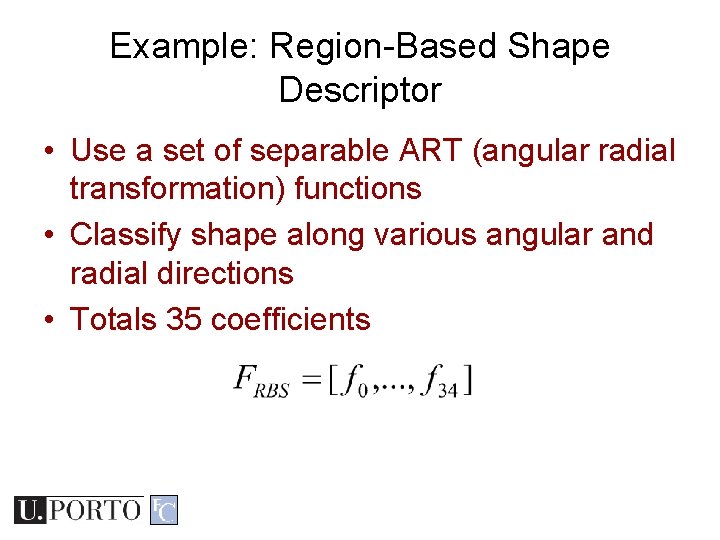
Example: Region-Based Shape Descriptor • Use a set of separable ART (angular radial transformation) functions • Classify shape along various angular and radial directions • Totals 35 coefficients
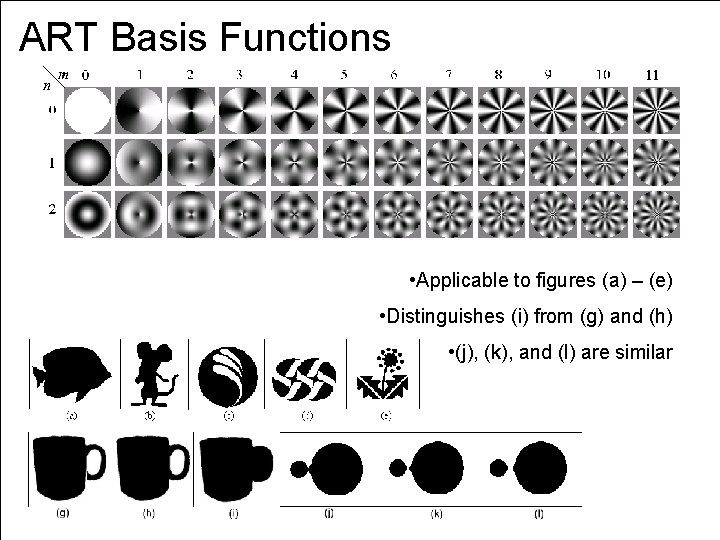
ART Basis Functions • Applicable to figures (a) – (e) • Distinguishes (i) from (g) and (h) • (j), (k), and (l) are similar
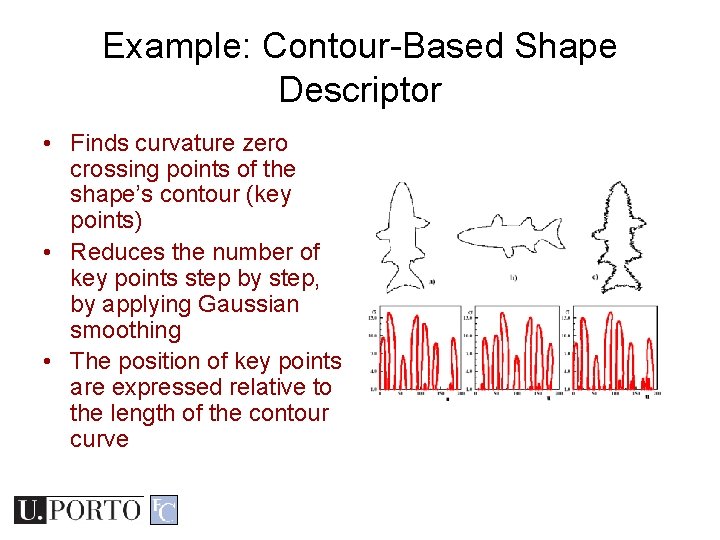
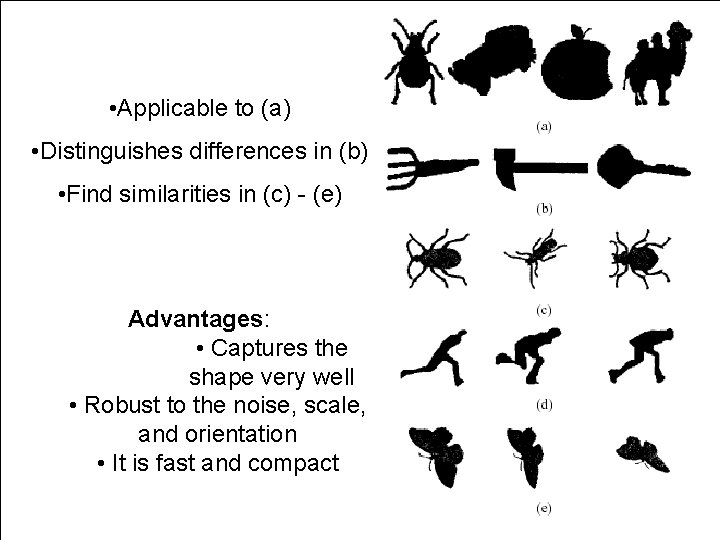
Example: Contour-Based Shape Descriptor • Finds curvature zero crossing points of the shape’s contour (key points) • Reduces the number of key points step by step, by applying Gaussian smoothing • The position of key points are expressed relative to the length of the contour curve
• Applicable to (a) • Distinguishes differences in (b) • Find similarities in (c) - (e) Advantages: • Captures the shape very well • Robust to the noise, scale, and orientation • It is fast and compact
Resources • Szeliski, “Computer Vision: Algorithms and Applications”, Springer, 2011 – Chapter 14 – “Recognition”