
Computer Systems Topic 10 File Management V 1



- Slides: 33
Computer Systems Topic 10: File Management V 1. 0 © NCC Education Limited
File Management Topic 10 - 10. 2 Scope and Coverage This topic will cover: • File systems operation and organisation – FAT, NTFS, i-nodes – Directories/folders – Security, sharing and access rights • Data Protection – Backup – File/folder organisation • Windows file management exercises V 1. 0 © NCC Education Limited
File Management Topic 10 - 10. 3 Learning Outcomes By the end of this topic, students will be able to: • Perform routine maintenance tasks on a computer system V 1. 0 © NCC Education Limited
File Management Topic 10 - 10. 4 File Systems - 1 • A file system organises a collection of data (which may include programs) in a way that can be handled by the operating system and accessed by users via a user interface. • Make use of underlying storage devices (disks or equivalent) to actually store the data. • Organise the data physically on the disk. V 1. 0 © NCC Education Limited
File Management Topic 10 - 10. 5 File Systems - 2 • Structure the data into files and maintain directories of those files. • Usually hierarchical organisation to help managing large number of files – Directory and subdirectory in UNIX, Linux and older Microsoft systems – Folders and subfolders in current Microsoft terminology V 1. 0 © NCC Education Limited
File Management Topic 10 - 10. 6 Files - 1 • In computer terms, a file is a collection of related data, often but not always structured into records. • Programs are stored in files. • All user data is stored in files. – The structure of data files is determined by the originating package that created them. V 1. 0 © NCC Education Limited
File Management Topic 10 - 10. 7 Files - 2 • Files have file names to identify them – Unique within the directory, but not necessarily across the file system • A directory entry is used to record the management information necessary to access the file. V 1. 0 © NCC Education Limited
File Management Topic 10 - 10. 8 Directory Entries • The exact contents of a directory entry depends on the operating system (strictly the file system as some operating systems support more than one file system). – – – V 1. 0 File name Date stamps (created, last accessed, last modified) Ownership and access rights Pointer to file contents Not all directory entry information is displayed to the user. © NCC Education Limited
File Management Topic 10 - 10. 9 Example Directory Entries V 1. 0 © NCC Education Limited
File Management Topic 10 - 10. 10 File Types • The contents of the file, called the file type, is determined differently by different systems. – Microsoft systems use the file name extension such as. exe or. doc. – Apple systems have a field right at the start of each file. – UNIX/Linux does not determine the file type at all • It assumes that the user will know what the file is and select the correct application. V 1. 0 © NCC Education Limited
File Management Topic 10 - 10. 11 Permissions • One of the fields in the directory entry determines who may do what with a file. Various possibilities are available depending on file system. – Read, write, delete are common across most systems – Create (a new file within the current directory) also common – Execute is used in UNIX/Linux – May also have others, such as copy – May have different permissions depending on who you are logged on as. V 1. 0 © NCC Education Limited
File Management Topic 10 - 10. 12 Attributes • A file may have different attributes, which apply irrespective of who you are logged in as. – Read Only is the most common. • If you wish to change or delete the file, you have to change the attribute first. • You will need the appropriate permission to change the attribute. V 1. 0 © NCC Education Limited
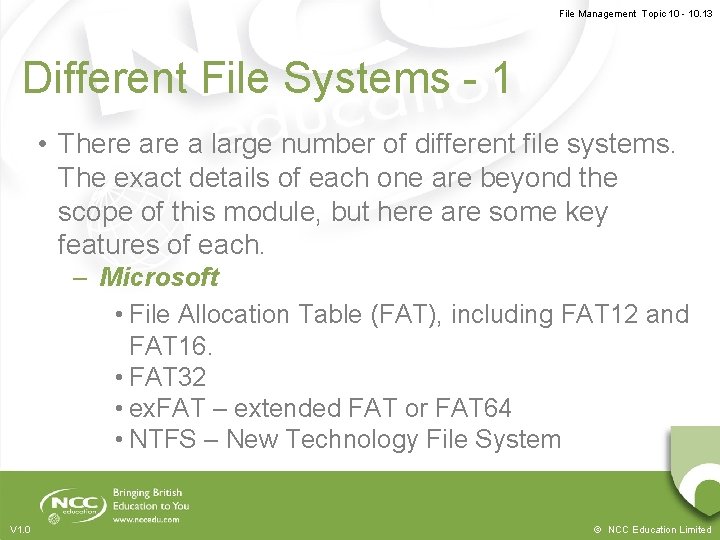
File Management Topic 10 - 10. 13 Different File Systems - 1 • There a large number of different file systems. The exact details of each one are beyond the scope of this module, but here are some key features of each. – Microsoft • File Allocation Table (FAT), including FAT 12 and FAT 16. • FAT 32 • ex. FAT – extended FAT or FAT 64 • NTFS – New Technology File System V 1. 0 © NCC Education Limited
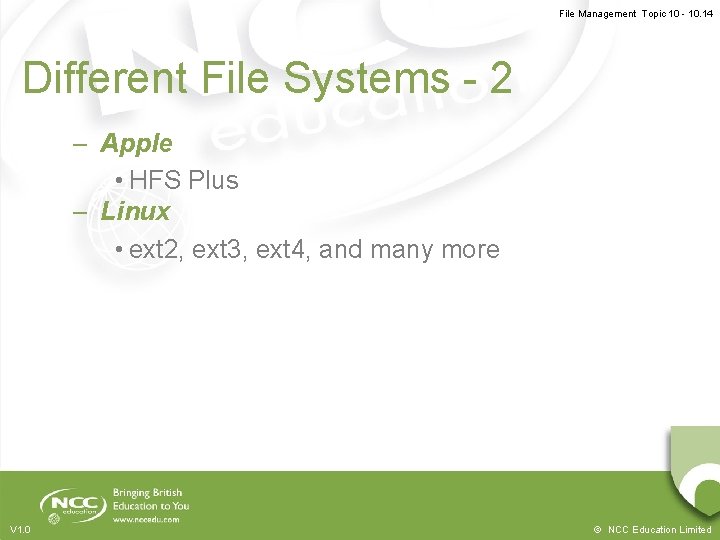
File Management Topic 10 - 10. 14 Different File Systems - 2 – Apple • HFS Plus – Linux • ext 2, ext 3, ext 4, and many more V 1. 0 © NCC Education Limited
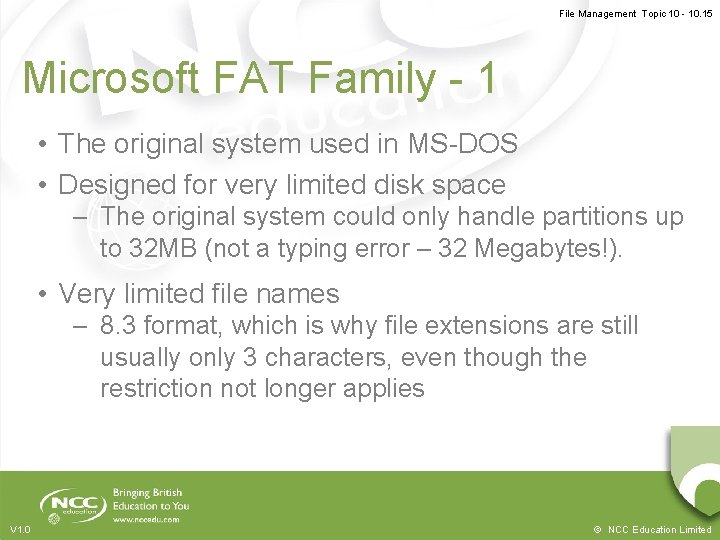
File Management Topic 10 - 10. 15 Microsoft FAT Family - 1 • The original system used in MS-DOS • Designed for very limited disk space – The original system could only handle partitions up to 32 MB (not a typing error – 32 Megabytes!). • Very limited file names – 8. 3 format, which is why file extensions are still usually only 3 characters, even though the restriction not longer applies V 1. 0 © NCC Education Limited
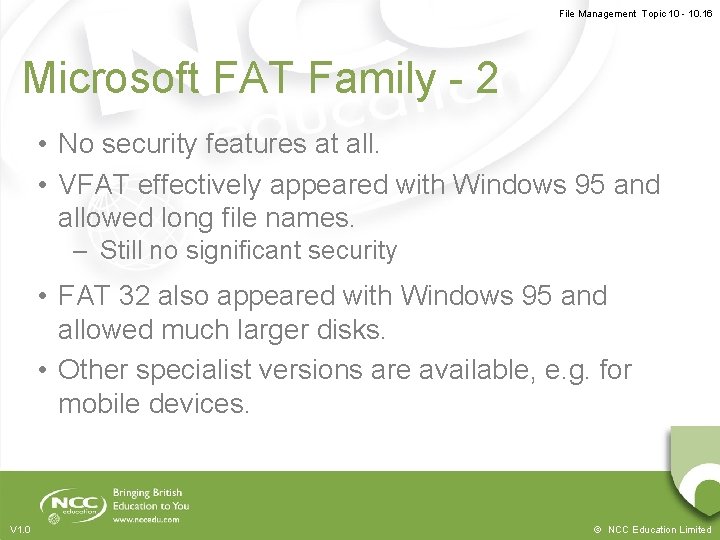
File Management Topic 10 - 10. 16 Microsoft FAT Family - 2 • No security features at all. • VFAT effectively appeared with Windows 95 and allowed long file names. – Still no significant security • FAT 32 also appeared with Windows 95 and allowed much larger disks. • Other specialist versions are available, e. g. for mobile devices. V 1. 0 © NCC Education Limited
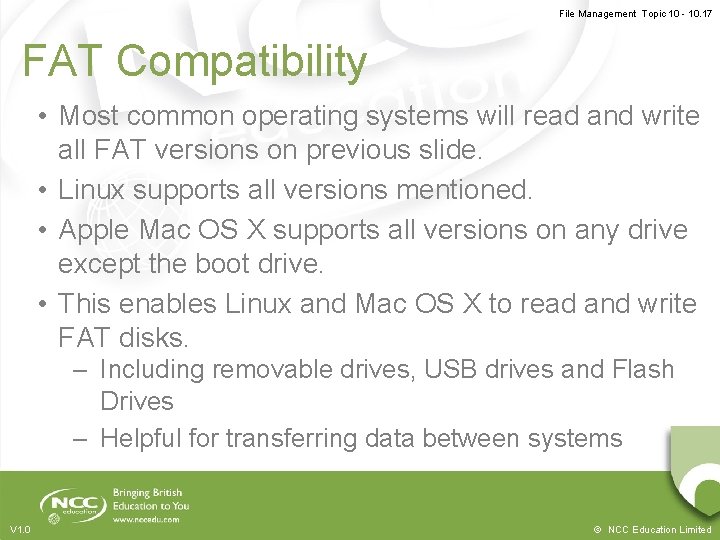
File Management Topic 10 - 10. 17 FAT Compatibility • Most common operating systems will read and write all FAT versions on previous slide. • Linux supports all versions mentioned. • Apple Mac OS X supports all versions on any drive except the boot drive. • This enables Linux and Mac OS X to read and write FAT disks. – Including removable drives, USB drives and Flash Drives – Helpful for transferring data between systems V 1. 0 © NCC Education Limited
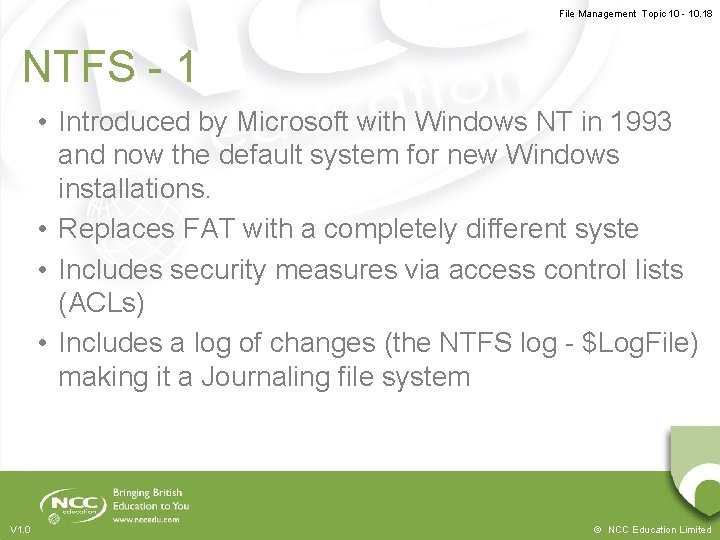
File Management Topic 10 - 10. 18 NTFS - 1 • Introduced by Microsoft with Windows NT in 1993 and now the default system for new Windows installations. • Replaces FAT with a completely different syste • Includes security measures via access control lists (ACLs) • Includes a log of changes (the NTFS log - $Log. File) making it a Journaling file system V 1. 0 © NCC Education Limited
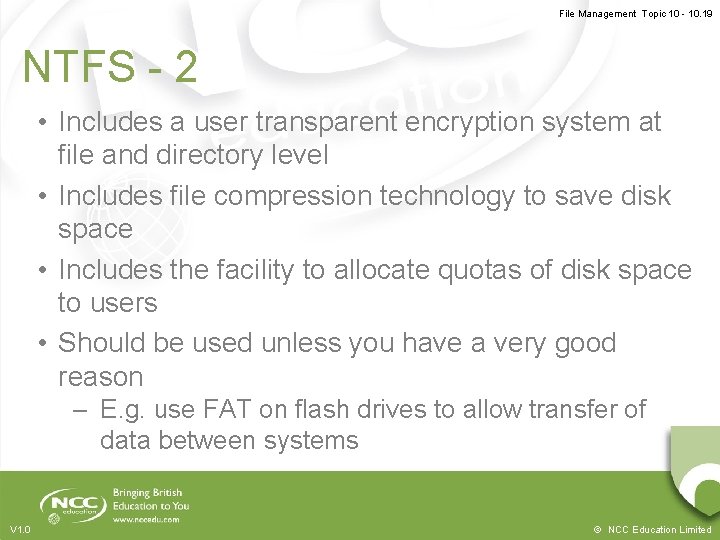
File Management Topic 10 - 10. 19 NTFS - 2 • Includes a user transparent encryption system at file and directory level • Includes file compression technology to save disk space • Includes the facility to allocate quotas of disk space to users • Should be used unless you have a very good reason – E. g. use FAT on flash drives to allow transfer of data between systems V 1. 0 © NCC Education Limited
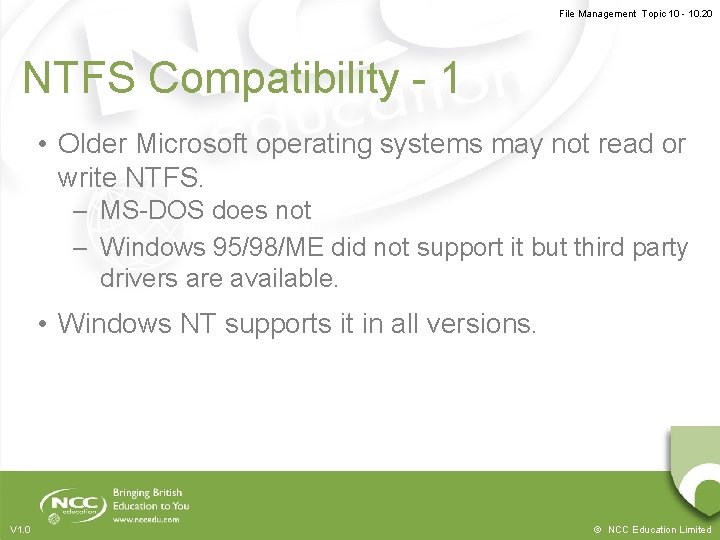
File Management Topic 10 - 10. 20 NTFS Compatibility - 1 • Older Microsoft operating systems may not read or write NTFS. – MS-DOS does not – Windows 95/98/ME did not support it but third party drivers are available. • Windows NT supports it in all versions. V 1. 0 © NCC Education Limited
File Management Topic 10 - 10. 21 NTFS Compatibility - 2 • All current Windows versions from XP onwards do support it. – XP is the point where the 95/98/ME line ends, being merged with the NT line to give XP. – NTFS is the default file system for XP onwards. • Linux supports it since kernel 2. 2 or by using a separate driver/utility (NTFS-3 g or ntfsprogs). • Apple Mac OS X supports NTFS using NTFS-3 G. V 1. 0 © NCC Education Limited
File Management Topic 10 - 10. 22 APPLE HFS Plus (HFS+) • The file system used by Apple on all Macs – Developed from the original HFS (Hierarchical File System) and released with Mac OS 8. 1 in 1998. – v 10. 2. 2 released 2002 has journaling. – v 10. 6, which came out with snow leopard, adds compression. V 1. 0 © NCC Education Limited
File Management Topic 10 - 10. 23 HFS+ Compatibility - 1 • Linux does support HFS+, but there are some issues. – Volumes over 2 TB may be corrupted, so later versions of Linux kernel will not mount them. V 1. 0 © NCC Education Limited
File Management Topic 10 - 10. 24 HFS+ Compatibility - 2 • Commercial packages are available for Windows to read (and sometimes write) HFS+ – Mac. Drive allows reading. – Paragon HFS+ for Windows driver allows read and write. – Apple have released a read only driver for XP and later. – Microsoft have released a HFS+ driver for the Xbox to allow it to read HFS+ formatted i. Pods. – HFSExplorer is a free (GPL) driver that allows read only access, but is less complete than others. V 1. 0 © NCC Education Limited
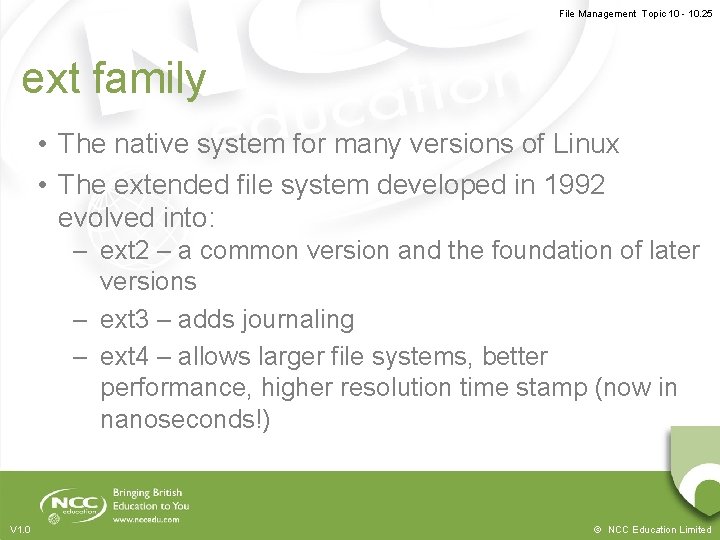
File Management Topic 10 - 10. 25 ext family • The native system for many versions of Linux • The extended file system developed in 1992 evolved into: – ext 2 – a common version and the foundation of later versions – ext 3 – adds journaling – ext 4 – allows larger file systems, better performance, higher resolution time stamp (now in nanoseconds!) V 1. 0 © NCC Education Limited
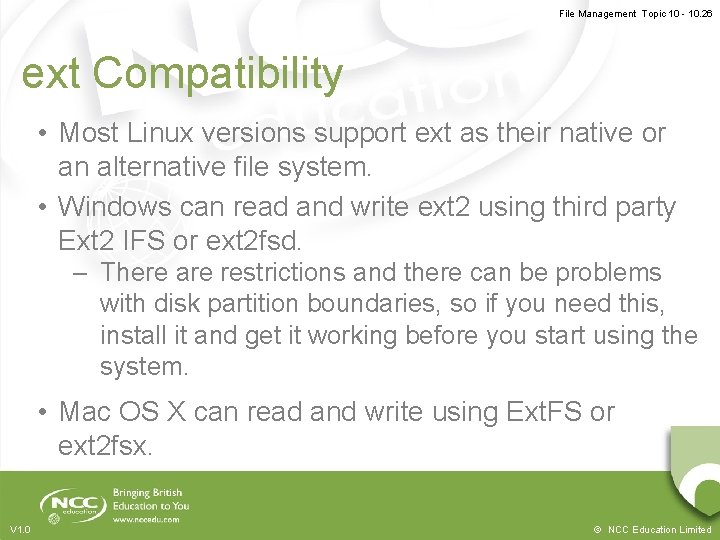
File Management Topic 10 - 10. 26 ext Compatibility • Most Linux versions support ext as their native or an alternative file system. • Windows can read and write ext 2 using third party Ext 2 IFS or ext 2 fsd. – There are restrictions and there can be problems with disk partition boundaries, so if you need this, install it and get it working before you start using the system. • Mac OS X can read and write using Ext. FS or ext 2 fsx. V 1. 0 © NCC Education Limited
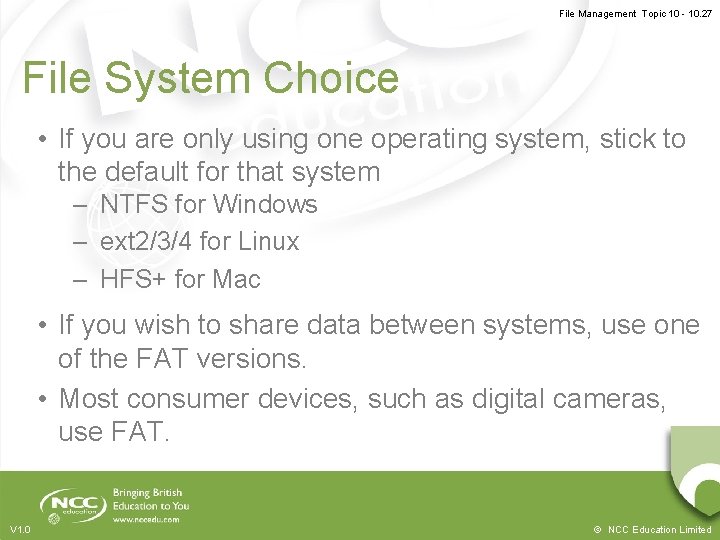
File Management Topic 10 - 10. 27 File System Choice • If you are only using one operating system, stick to the default for that system – NTFS for Windows – ext 2/3/4 for Linux – HFS+ for Mac • If you wish to share data between systems, use one of the FAT versions. • Most consumer devices, such as digital cameras, use FAT. V 1. 0 © NCC Education Limited
File Management Topic 10 - 10. 28 Driving File Systems • This topic’s lab session is about using file systems. There are many online tutorials on how to manage your files and how to drive Windows, OS X and Linux file systems. • This topic’s lab session gives a series of tasks for you to perform, but does not tell you how to do them. • Time to search the Internet V 1. 0 © NCC Education Limited
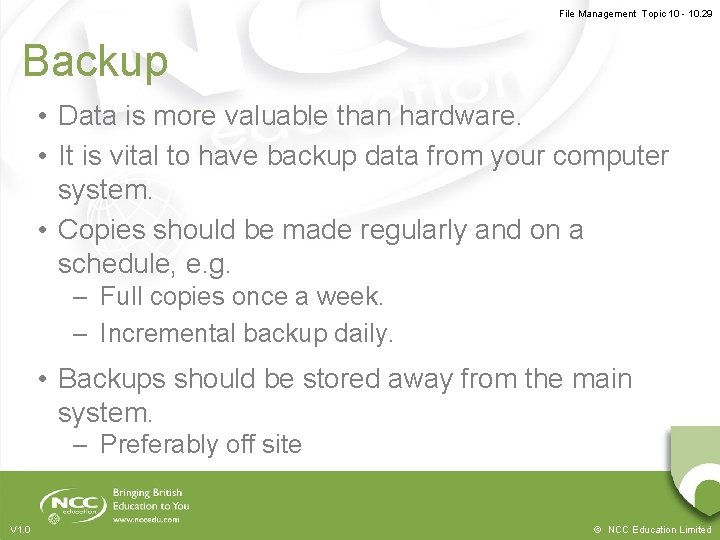
File Management Topic 10 - 10. 29 Backup • Data is more valuable than hardware. • It is vital to have backup data from your computer system. • Copies should be made regularly and on a schedule, e. g. – Full copies once a week. – Incremental backup daily. • Backups should be stored away from the main system. – Preferably off site V 1. 0 © NCC Education Limited
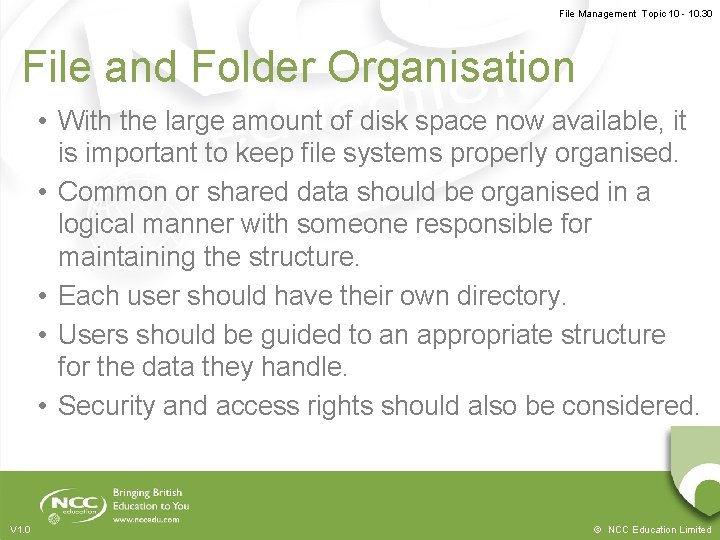
File Management Topic 10 - 10. 30 File and Folder Organisation • With the large amount of disk space now available, it is important to keep file systems properly organised. • Common or shared data should be organised in a logical manner with someone responsible for maintaining the structure. • Each user should have their own directory. • Users should be guided to an appropriate structure for the data they handle. • Security and access rights should also be considered. V 1. 0 © NCC Education Limited
File Management Topic 10 - 10. 31 Sources – Technical - 1 • As with any technical aspect of computing, there is a vast amount of information on the Internet. – Microsoft provide lots of user information, but little technical background about NTFS. – Many of the Linux sites (e. g. www. linux. org, www. linux. com) provide detailed discussions on the various Linux file systems. V 1. 0 © NCC Education Limited
File Management Topic 10 - 10. 32 Sources – Technical - 2 – There are many pages on Wikipedia on file systems, in particular http: //tinyurl. com/6 rtuu provides a compatibility table, but as always, treat them as a starting point and check with other sources. V 1. 0 © NCC Education Limited
File Management Topic 10 - 10. 33 Topic 10 – File Management Any Questions? V 1. 0 © NCC Education Limited