
Computer Systems Nat 45 Computing Science Computer Structure
- Slides: 12
Computer Systems Nat 4/5 Computing Science Computer Structure: Lesson 1: Processor Structure
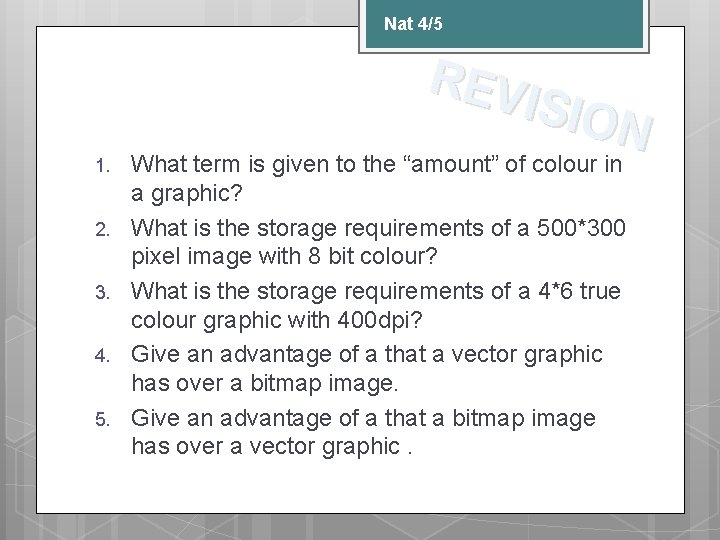
Nat 4/5 REV ISIO N 1. 2. 3. 4. 5. What term is given to the “amount” of colour in a graphic? What is the storage requirements of a 500*300 pixel image with 8 bit colour? What is the storage requirements of a 4*6 true colour graphic with 400 dpi? Give an advantage of a that a vector graphic has over a bitmap image. Give an advantage of a that a bitmap image has over a vector graphic.
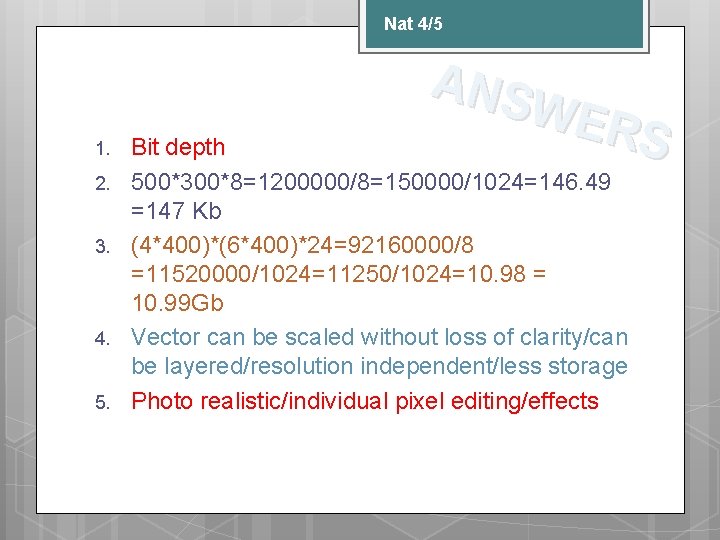
Nat 4/5 1. 2. 3. 4. 5. ANS WER S Bit depth 500*300*8=1200000/8=150000/1024=146. 49 =147 Kb (4*400)*(6*400)*24=92160000/8 =11520000/1024=11250/1024=10. 98 = 10. 99 Gb Vector can be scaled without loss of clarity/can be layered/resolution independent/less storage Photo realistic/individual pixel editing/effects
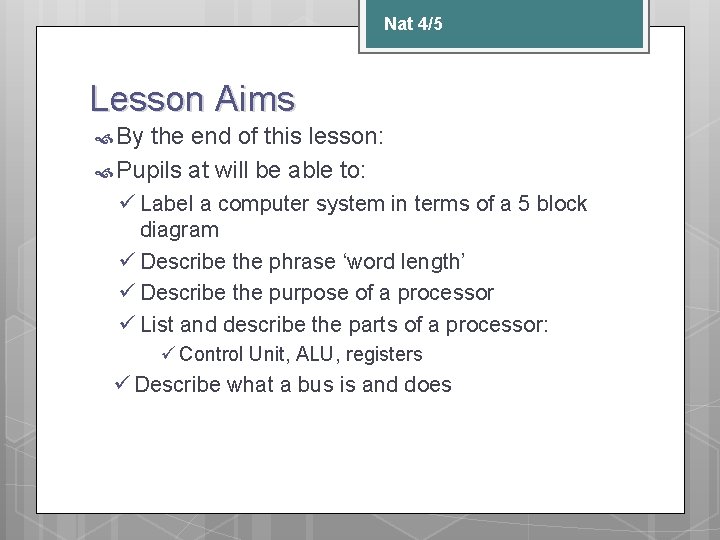
Nat 4/5 Lesson Aims By the end of this lesson: Pupils at will be able to: ü Label a computer system in terms of a 5 block diagram ü Describe the phrase ‘word length’ ü Describe the purpose of a processor ü List and describe the parts of a processor: ü Control Unit, ALU, registers ü Describe what a bus is and does
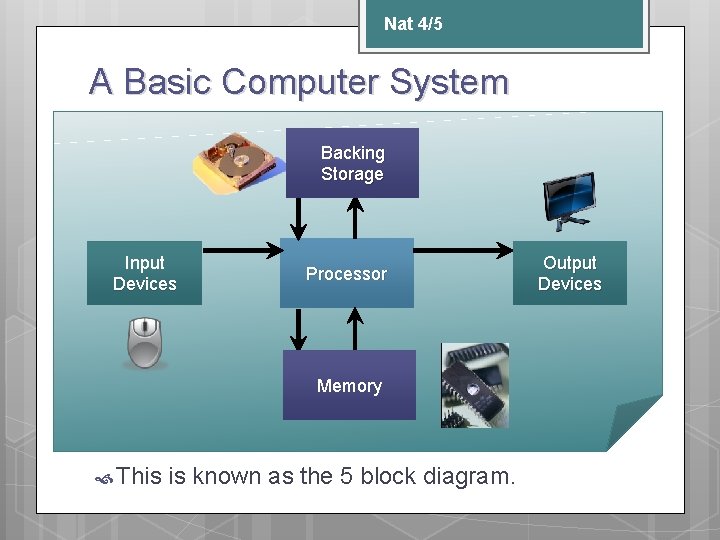
Nat 4/5 A Basic Computer System Backing Storage Input Devices Processor Memory This is known as the 5 block diagram. Output Devices
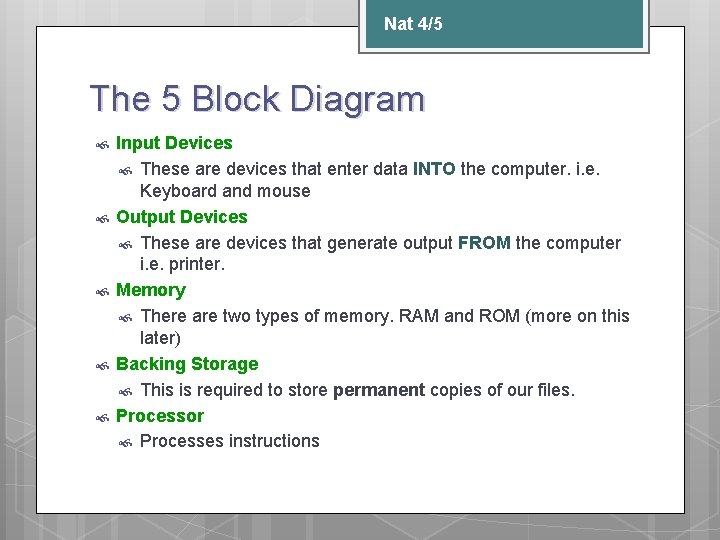
Nat 4/5 The 5 Block Diagram Input Devices These are devices that enter data INTO the computer. i. e. Keyboard and mouse Output Devices These are devices that generate output FROM the computer i. e. printer. Memory There are two types of memory. RAM and ROM (more on this later) Backing Storage This is required to store permanent copies of our files. Processor Processes instructions
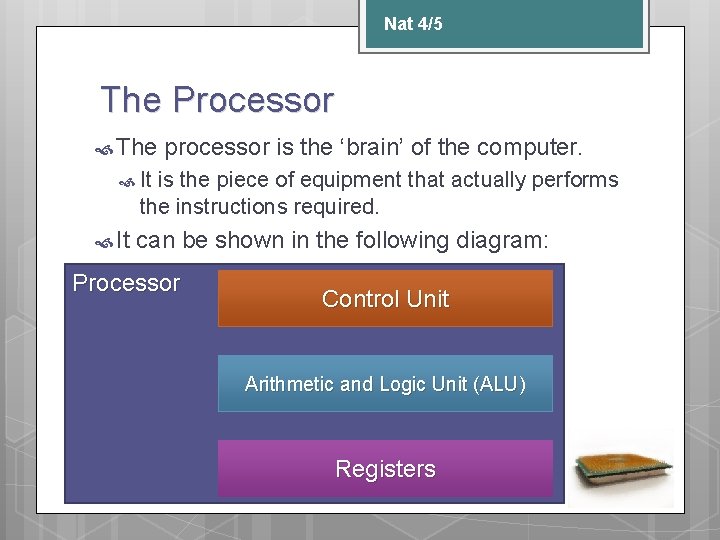
Nat 4/5 The Processor The processor is the ‘brain’ of the computer. It is the piece of equipment that actually performs the instructions required. It can be shown in the following diagram: Processor Control Unit Arithmetic and Logic Unit (ALU) Registers
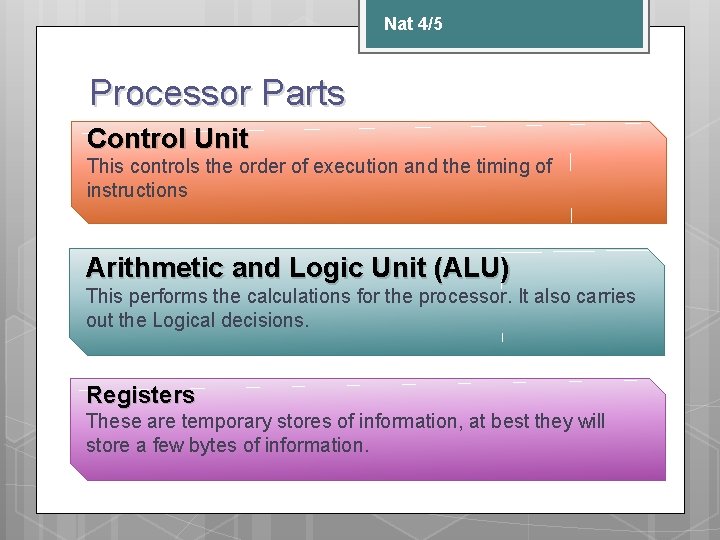
Nat 4/5 Processor Parts Control Unit This controls the order of execution and the timing of instructions Arithmetic and Logic Unit (ALU) This performs the calculations for the processor. It also carries out the Logical decisions. Registers These are temporary stores of information, at best they will store a few bytes of information.
Nat 4/5 32 bit and 64 bit computing? You often hear a processor being described as 32 bit or 64 bit. This is usually referring to the ‘word length’ of the computer This is the largest binary number that the processor can manipulate in one operation.
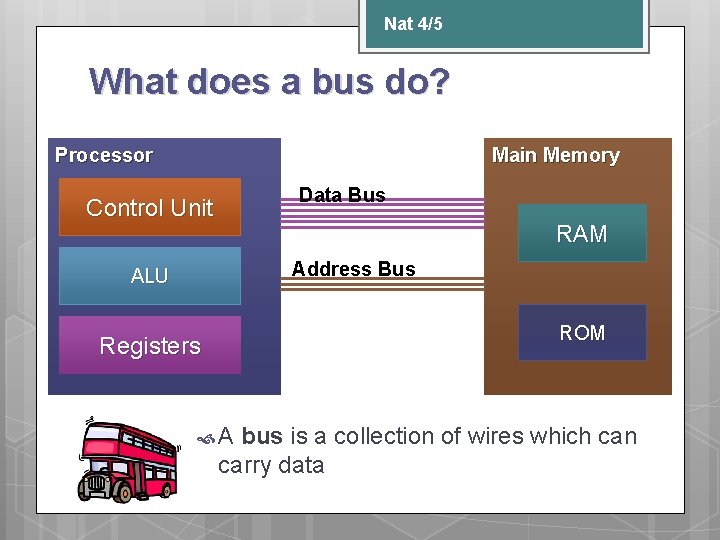
Nat 4/5 What does a bus do? Processor Main Memory Data Bus Control Unit RAM Address Bus ALU ROM Registers A bus is a collection of wires which can carry data
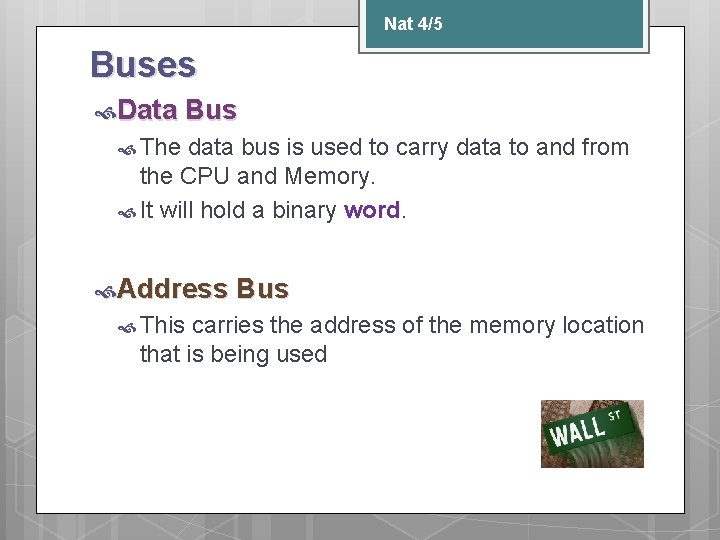
Nat 4/5 Buses Data Bus The data bus is used to carry data to and from the CPU and Memory. It will hold a binary word. Address This Bus carries the address of the memory location that is being used
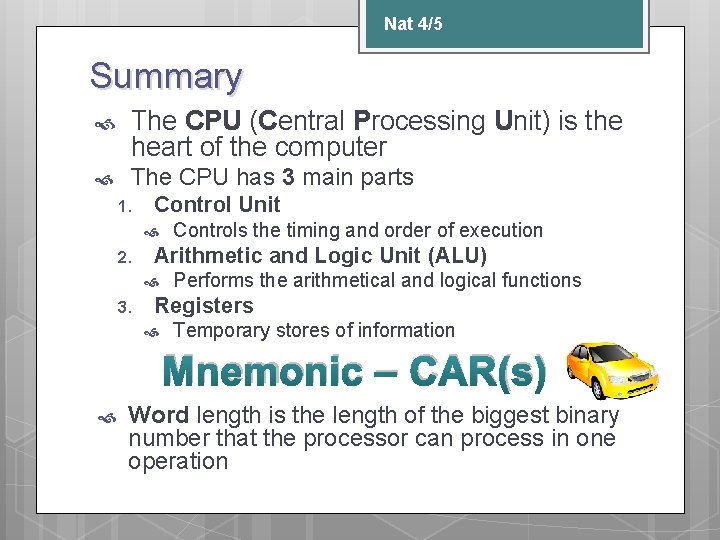
Nat 4/5 Summary The CPU (Central Processing Unit) is the heart of the computer The CPU has 3 main parts 1. Control Unit 2. Arithmetic and Logic Unit (ALU) 3. Controls the timing and order of execution Performs the arithmetical and logical functions Registers Temporary stores of information Mnemonic – CAR(s) Word length is the length of the biggest binary number that the processor can process in one operation