
Computer Systems Management CSE 131 Instructor Sambuddho Chakravarty
Computer Systems Management CSE 131 Instructor: Sambuddho Chakravarty (Semester: Monsoon 2017) Week 8: Oct 9 – Oct 13
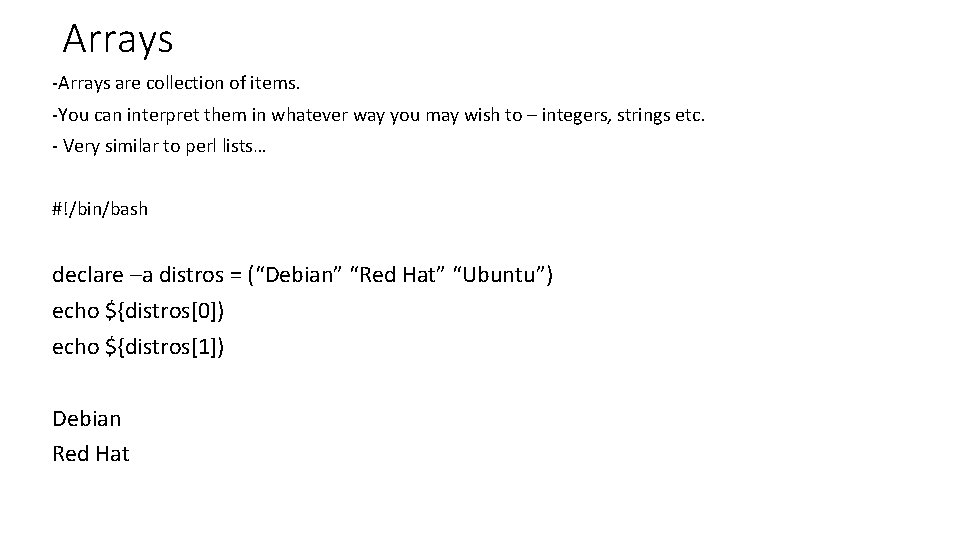
Arrays -Arrays are collection of items. -You can interpret them in whatever way you may wish to – integers, strings etc. - Very similar to perl lists… #!/bin/bash declare –a distros = (“Debian” “Red Hat” “Ubuntu”) echo ${distros[0]) echo ${distros[1]) Debian Red Hat

Extracting Individual Substring from an Array #!/bin/bash declare –a distros = (“Debian” “Red Hat” “Ubuntu”) echo ${distros[2]: 0: 4}
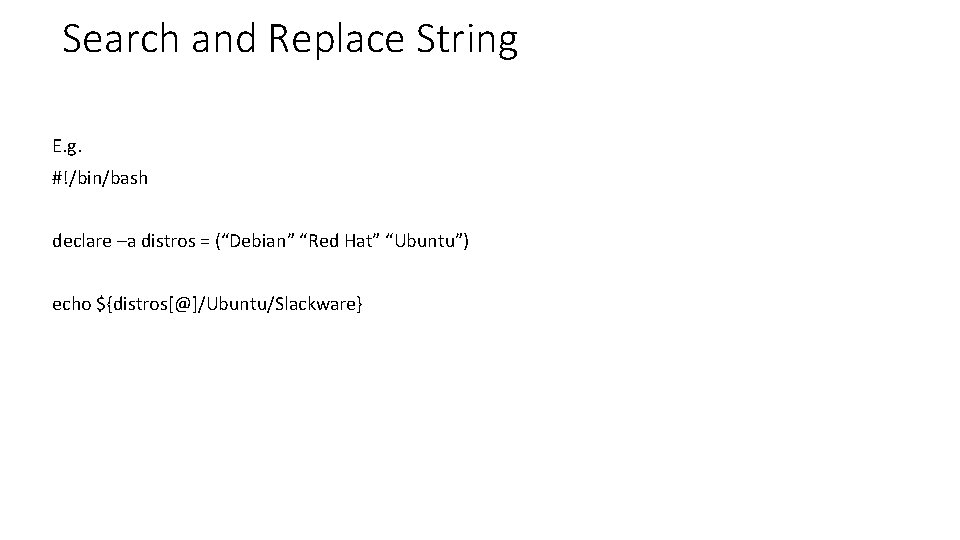
Search and Replace String E. g. #!/bin/bash declare –a distros = (“Debian” “Red Hat” “Ubuntu”) echo ${distros[@]/Ubuntu/Slackware}
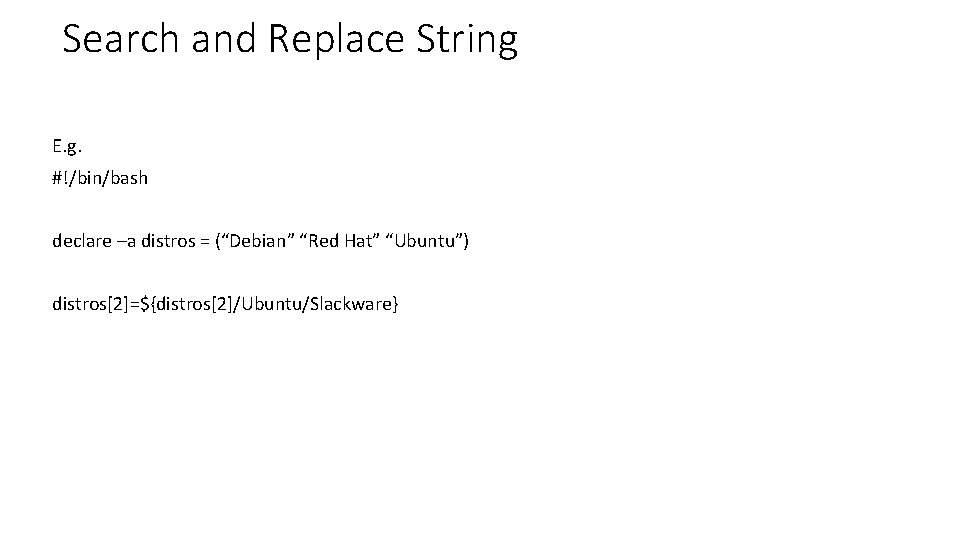
Search and Replace String E. g. #!/bin/bash declare –a distros = (“Debian” “Red Hat” “Ubuntu”) distros[2]=${distros[2]/Ubuntu/Slackware}
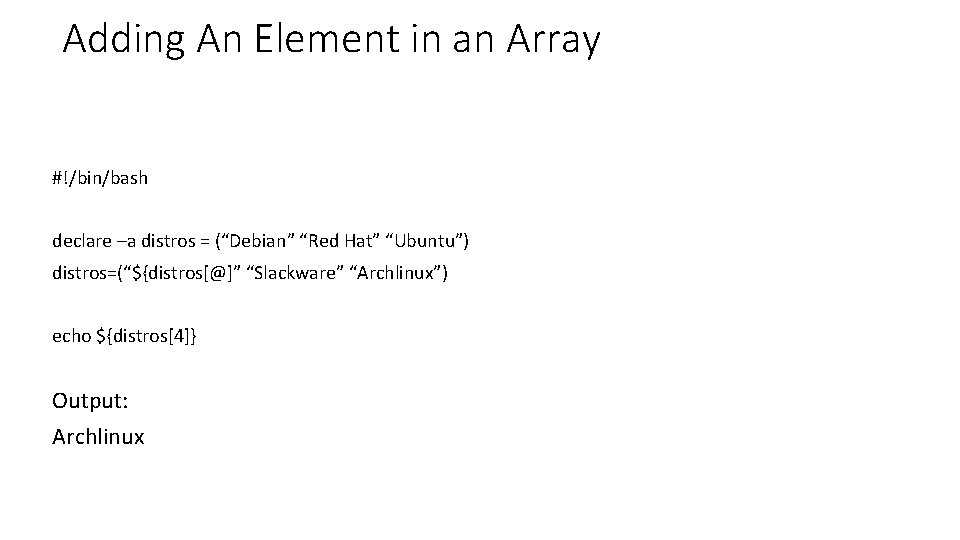
Adding An Element in an Array #!/bin/bash declare –a distros = (“Debian” “Red Hat” “Ubuntu”) distros=(“${distros[@]” “Slackware” “Archlinux”) echo ${distros[4]} Output: Archlinux
![Copying An Array #!/bin/bash declare –a distros = (“Debian” “Red Hat” “Ubuntu”) linux_distros=(“${distros[@]}”) echo](http://slidetodoc.com/presentation_image_h/2d2c08147307e2b46c7abef1e053fd09/image-7.jpg "Copying An Array #!/bin/bash declare –a distros = (“Debian” “Red Hat” “Ubuntu”) linux_distros=(“${distros[@]}”) echo")
Copying An Array #!/bin/bash declare –a distros = (“Debian” “Red Hat” “Ubuntu”) linux_distros=(“${distros[@]}”) echo ${linux_distros[@]} Output: Debian Red Hat Ubuntu
![Reading User Inputs #!/bin/bash filecontent=( `cat "logfile" `) echo ${filecontent[@])](http://slidetodoc.com/presentation_image_h/2d2c08147307e2b46c7abef1e053fd09/image-8.jpg "Reading User Inputs #!/bin/bash filecontent=( `cat \"logfile\" `) echo ${filecontent[@])")
Reading User Inputs #!/bin/bash filecontent=( `cat "logfile" `) echo ${filecontent[@])
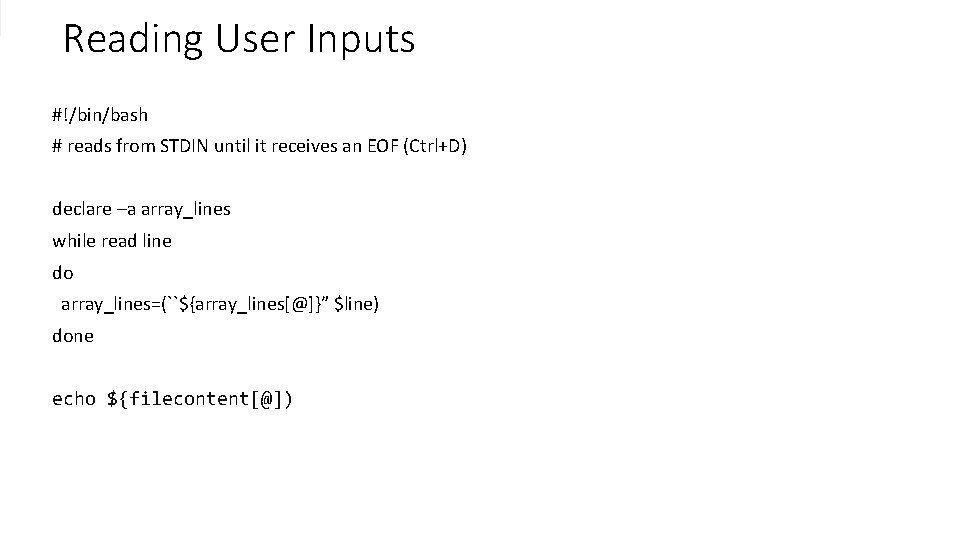
Reading User Inputs #!/bin/bash # reads from STDIN until it receives an EOF (Ctrl+D) declare –a array_lines while read line do array_lines=(``${array_lines[@]}” $line) done echo ${filecontent[@])
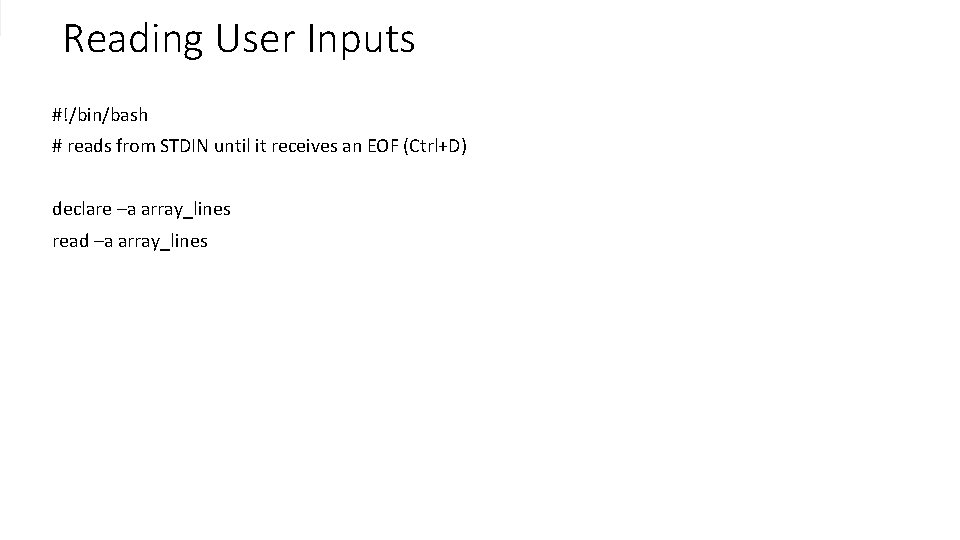
Reading User Inputs #!/bin/bash # reads from STDIN until it receives an EOF (Ctrl+D) declare –a array_lines read –a array_lines
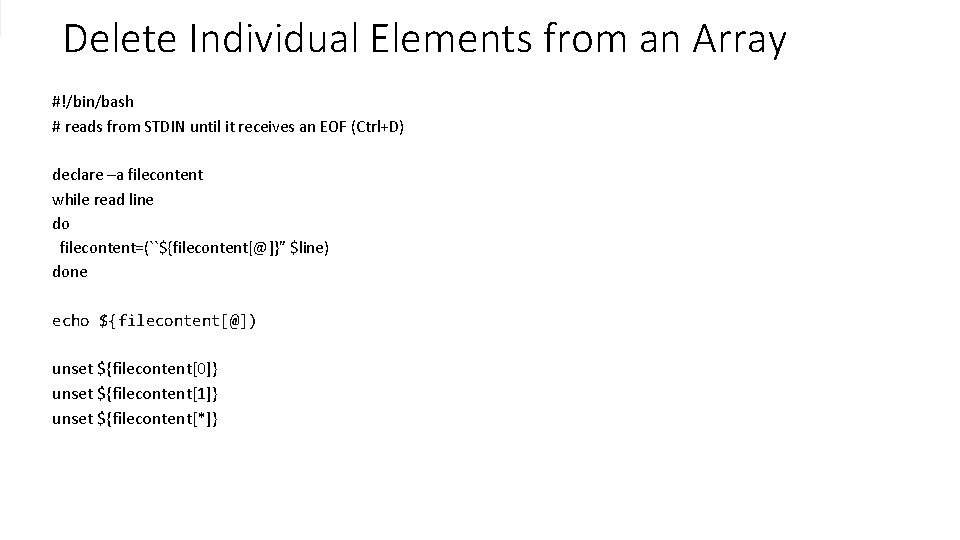
Delete Individual Elements from an Array #!/bin/bash # reads from STDIN until it receives an EOF (Ctrl+D) declare –a filecontent while read line do filecontent=(``${filecontent[@]}” $line) done echo ${filecontent[@]) unset ${filecontent[0]} unset ${filecontent[1]} unset ${filecontent[*]}
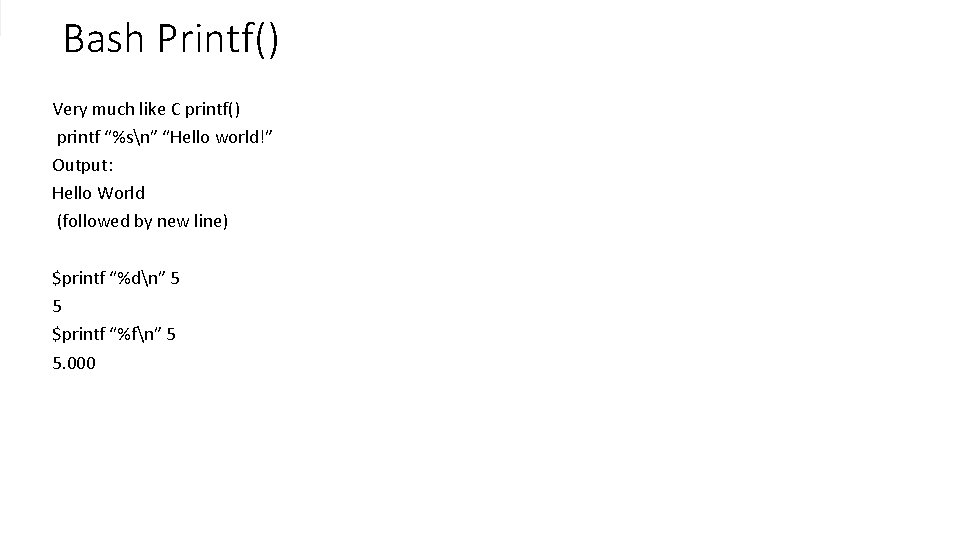
Bash Printf() Very much like C printf() printf “%sn” “Hello world!” Output: Hello World (followed by new line) $printf “%dn” 5 5 $printf “%fn” 5 5. 000
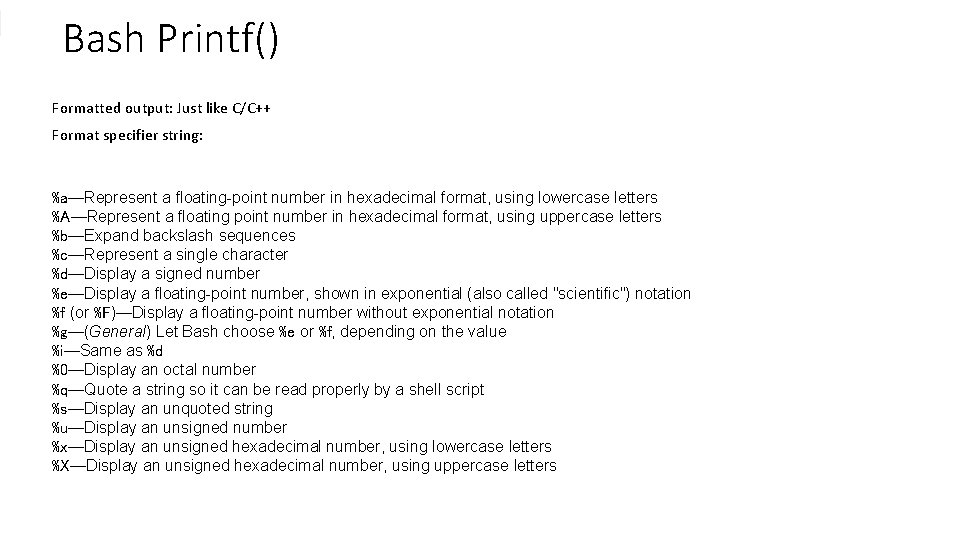
Bash Printf() Formatted output: Just like C/C++ Format specifier string: %a—Represent a floating-point number in hexadecimal format, using lowercase letters %A—Represent a floating point number in hexadecimal format, using uppercase letters %b—Expand backslash sequences %c—Represent a single character %d—Display a signed number %e—Display a floating-point number, shown in exponential (also called "scientific") notation %f (or %F)—Display a floating-point number without exponential notation %g—(General) Let Bash choose %e or %f, depending on the value %i—Same as %d %0—Display an octal number %q—Quote a string so it can be read properly by a shell script %s—Display an unquoted string %u—Display an unsigned number %x—Display an unsigned hexadecimal number, using lowercase letters %X—Display an unsigned hexadecimal number, using uppercase letters
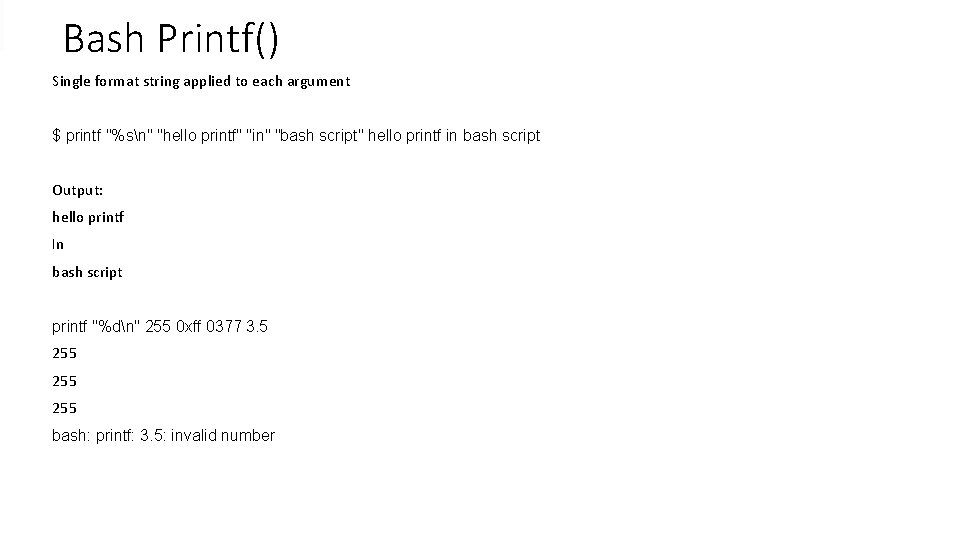
Bash Printf() Single format string applied to each argument $ printf "%sn" "hello printf" "in" "bash script" hello printf in bash script Output: hello printf In bash script printf "%dn" 255 0 xff 0377 3. 5 255 255 bash: printf: 3. 5: invalid number
- Slides: 14