
Computer Systems Management CSE 131 Instructor Sambuddho Chakravarty
Computer Systems Management CSE 131 Instructor: Sambuddho Chakravarty (Semester: Monsoon 2017) Week 7: Oct 3 and Oct 6
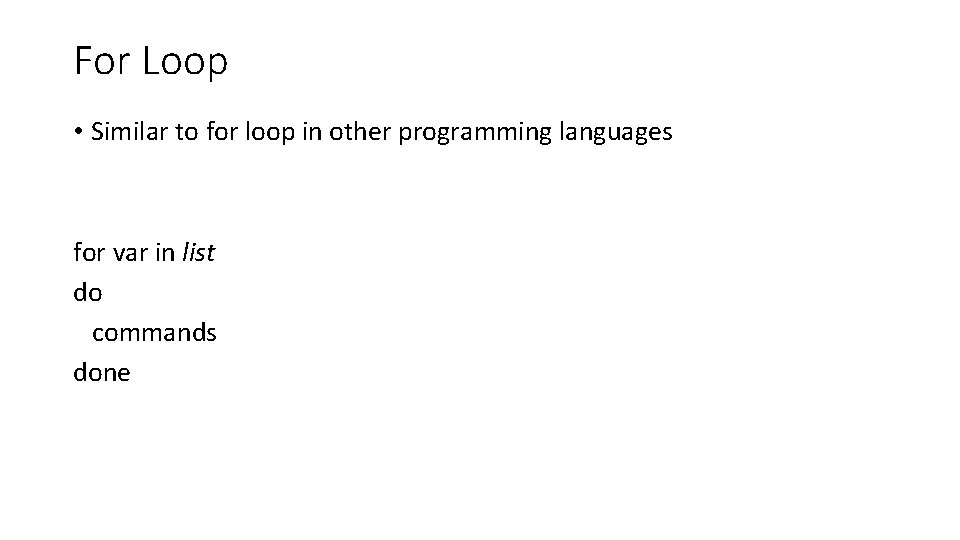
For Loop • Similar to for loop in other programming languages for var in list do commands done

Reading list of values #!/bin/bash for test in Delhi Mumbai Bangalore Chennai Hyderabad Patna Kolkata do echo “$test is a city in India” done Delhi is a city in India Mumbai is city in India Bangalore is city in India …
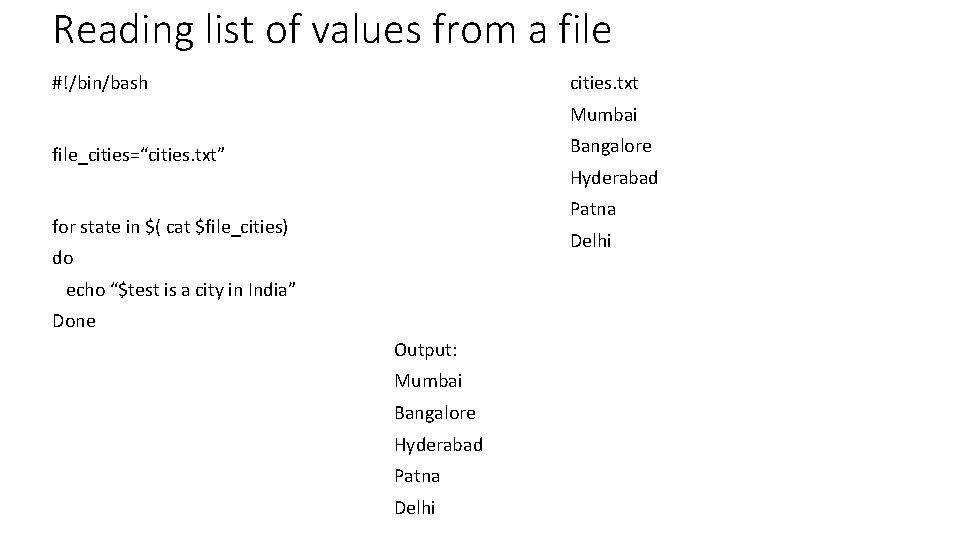
Reading list of values from a file #!/bin/bash cities. txt Mumbai Bangalore file_cities=“cities. txt” Hyderabad Patna for state in $( cat $file_cities) Delhi do echo “$test is a city in India” Done Output: Mumbai Bangalore Hyderabad Patna Delhi
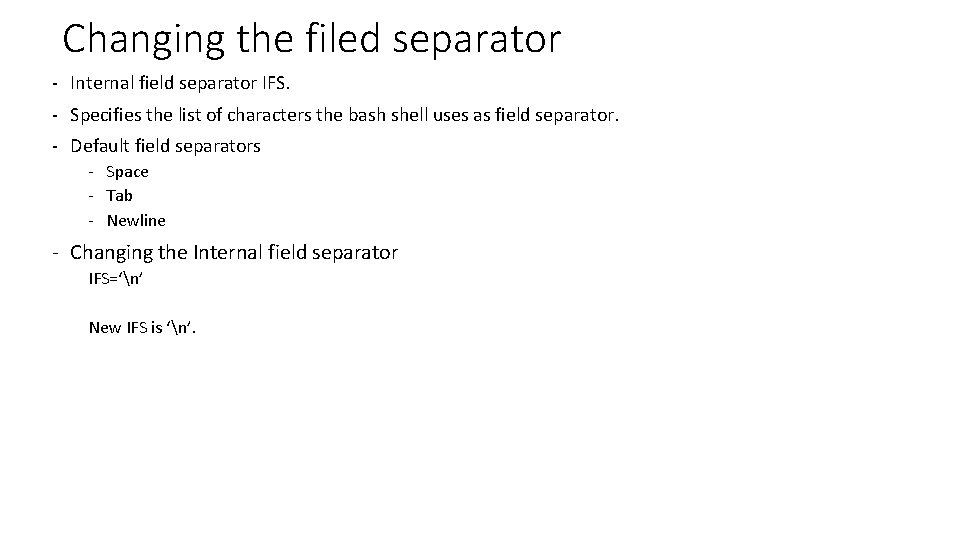
Changing the filed separator - Internal field separator IFS. - Specifies the list of characters the bash shell uses as field separator. - Default field separators - Space - Tab - Newline - Changing the Internal field separator IFS=‘n’ New IFS is ‘n’.
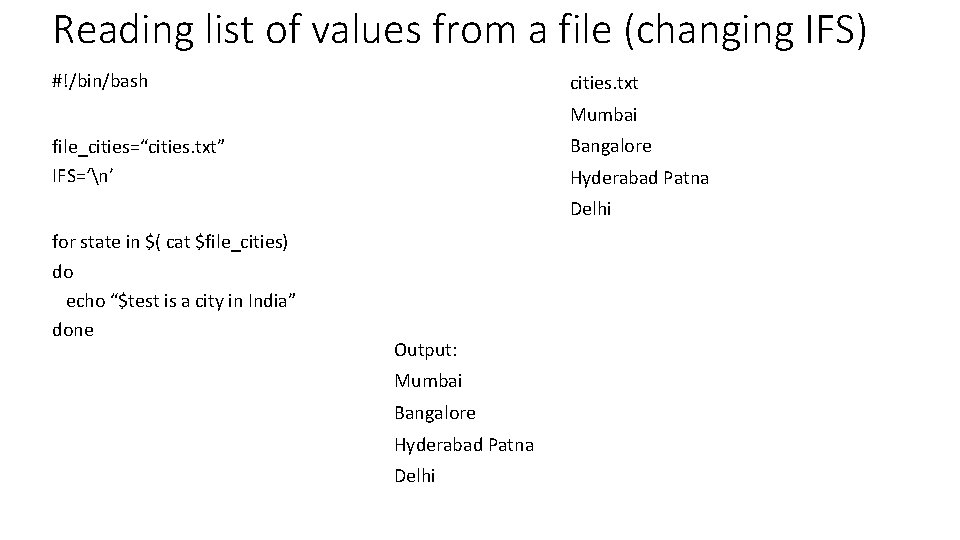
Reading list of values from a file (changing IFS) #!/bin/bash cities. txt Mumbai Bangalore file_cities=“cities. txt” IFS=‘n’ Hyderabad Patna Delhi for state in $( cat $file_cities) do echo “$test is a city in India” done Output: Mumbai Bangalore Hyderabad Patna Delhi
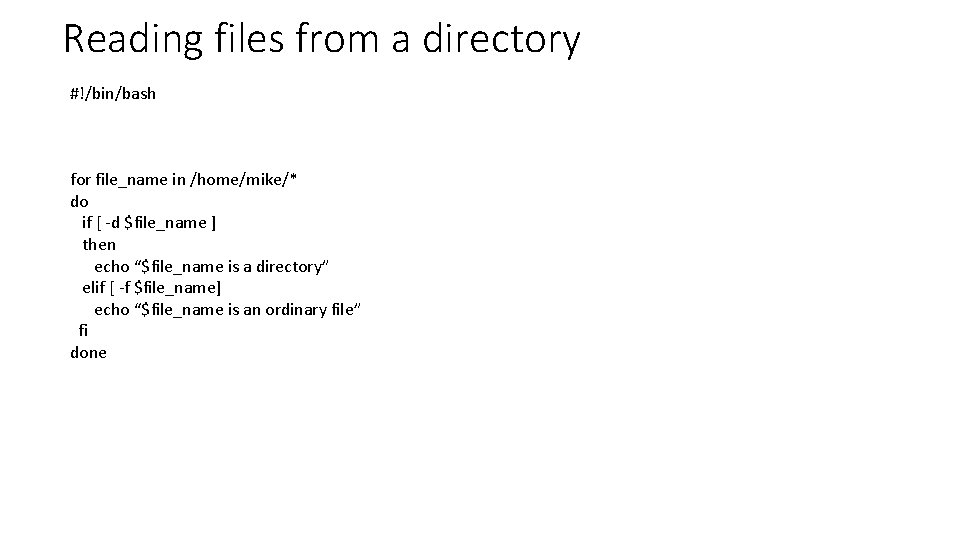
Reading files from a directory #!/bin/bash for file_name in /home/mike/* do if [ -d $file_name ] then echo “$file_name is a directory” elif [ -f $file_name] echo “$file_name is an ordinary file” fi done
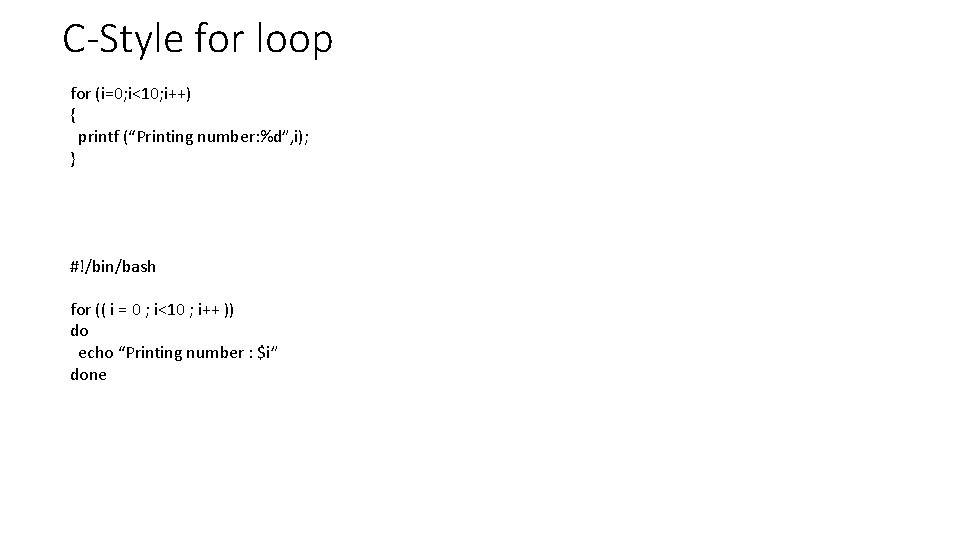
C-Style for loop for (i=0; i<10; i++) { printf (“Printing number: %d”, i); } #!/bin/bash for (( i = 0 ; i<10 ; i++ )) do echo “Printing number : $i” done
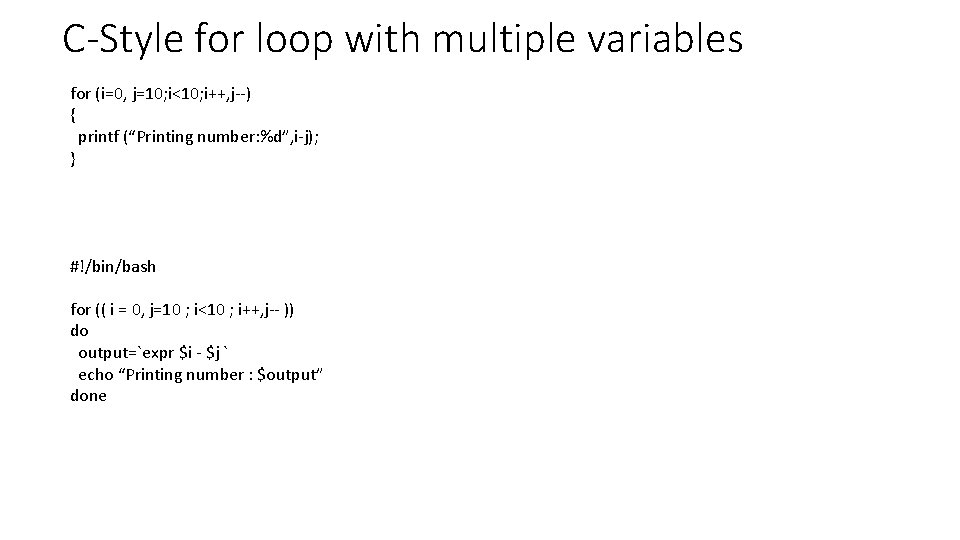
C-Style for loop with multiple variables for (i=0, j=10; i<10; i++, j--) { printf (“Printing number: %d”, i-j); } #!/bin/bash for (( i = 0, j=10 ; i<10 ; i++, j-- )) do output=`expr $i - $j ` echo “Printing number : $output” done
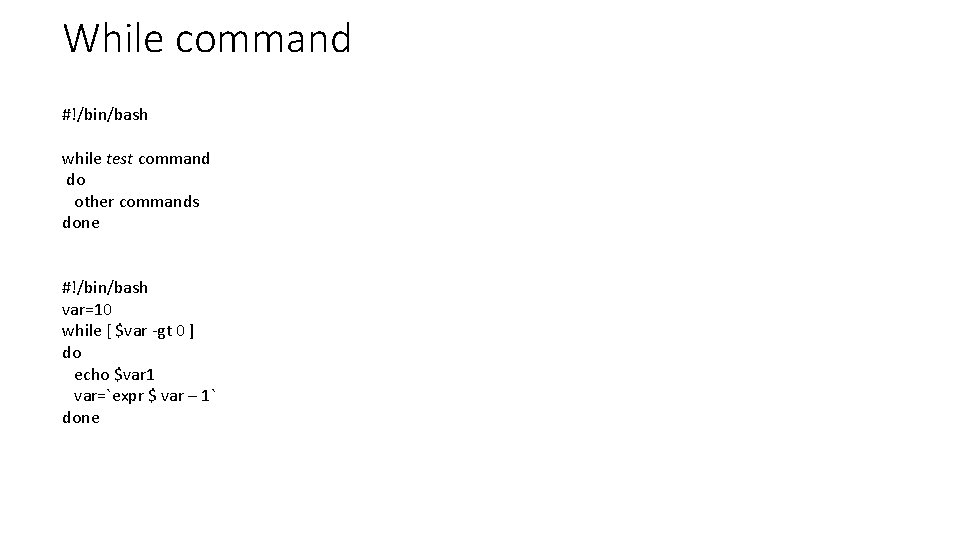
While command #!/bin/bash while test command do other commands done #!/bin/bash var=10 while [ $var -gt 0 ] do echo $var 1 var=`expr $ var – 1` done

Nested loops #!/bin/bash for i in 0 1 2 3 4 5 6 7 8 9 do for j in 0 1 2 3 4 5 6 7 8 9 do echo "$i$j" done

Nested loops #!/bin/bash for i in 1 2 3 4 5 # First loop. do for k in $(seq -5 -$i) do echo -n ' ‘ done for j in $(seq 1 $i) do echo -n "* " done # outputs # **** #*****
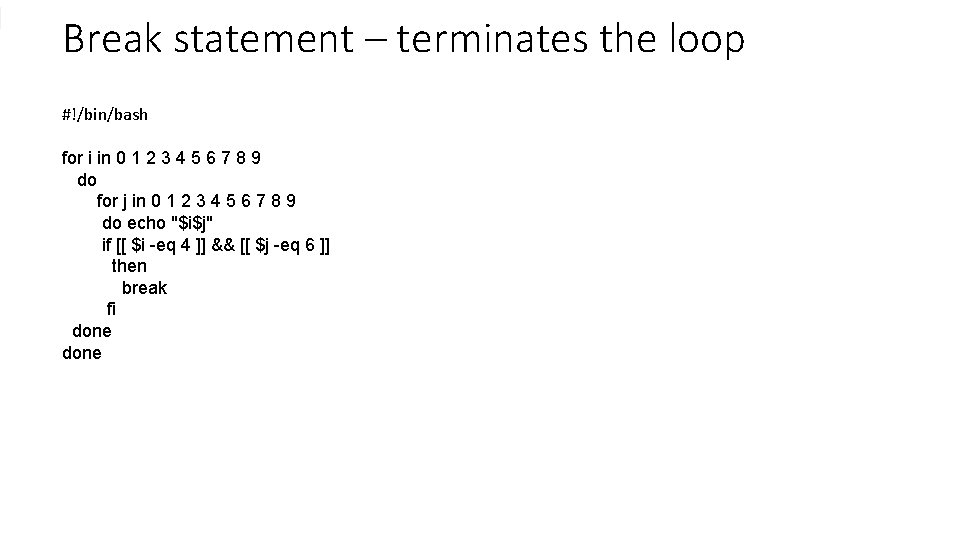
Break statement – terminates the loop #!/bin/bash for i in 0 1 2 3 4 5 6 7 8 9 do for j in 0 1 2 3 4 5 6 7 8 9 do echo "$i$j" if [[ $i -eq 4 ]] && [[ $j -eq 6 ]] then break fi done
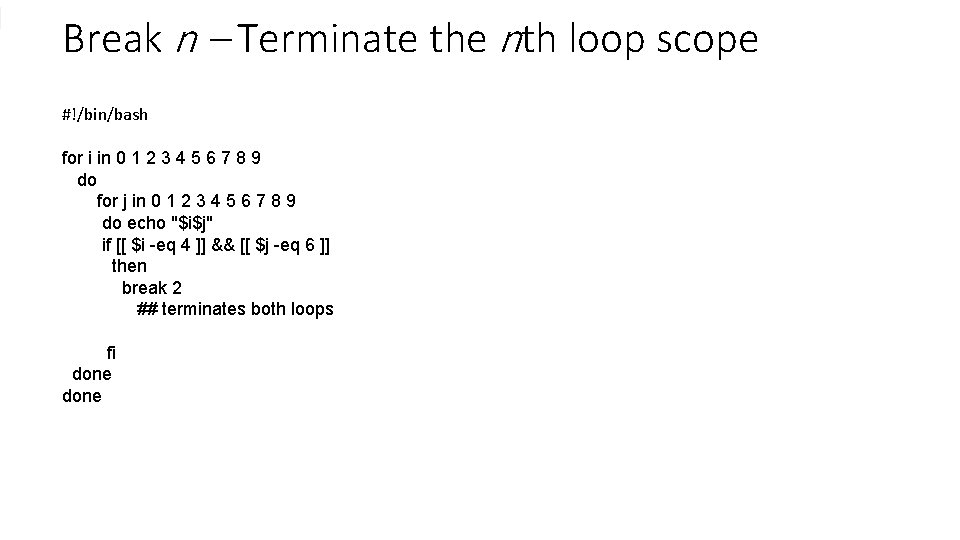
Break n – Terminate the nth loop scope #!/bin/bash for i in 0 1 2 3 4 5 6 7 8 9 do for j in 0 1 2 3 4 5 6 7 8 9 do echo "$i$j" if [[ $i -eq 4 ]] && [[ $j -eq 6 ]] then break 2 ## terminates both loops fi done
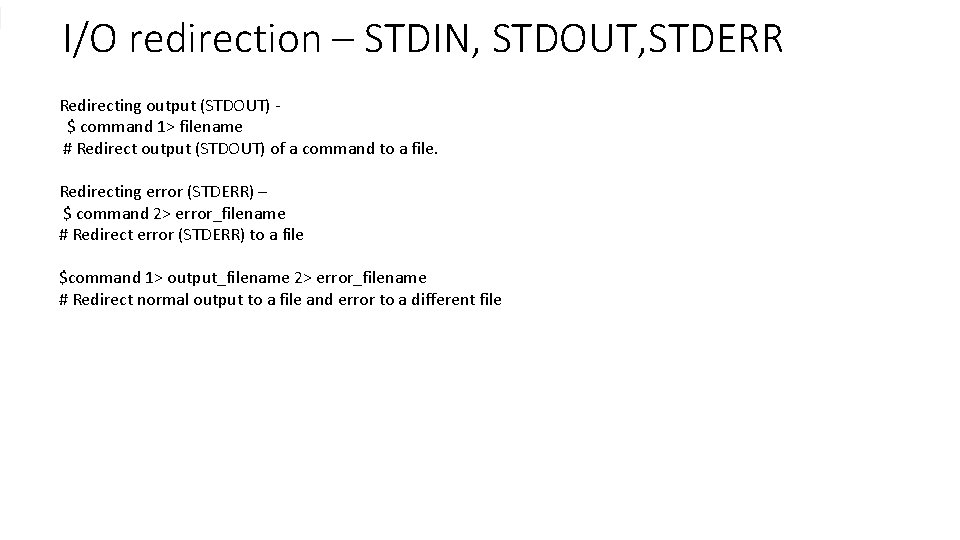
I/O redirection – STDIN, STDOUT, STDERR Redirecting output (STDOUT) $ command 1> filename # Redirect output (STDOUT) of a command to a file. Redirecting error (STDERR) – $ command 2> error_filename # Redirect error (STDERR) to a file $command 1> output_filename 2> error_filename # Redirect normal output to a file and error to a different file
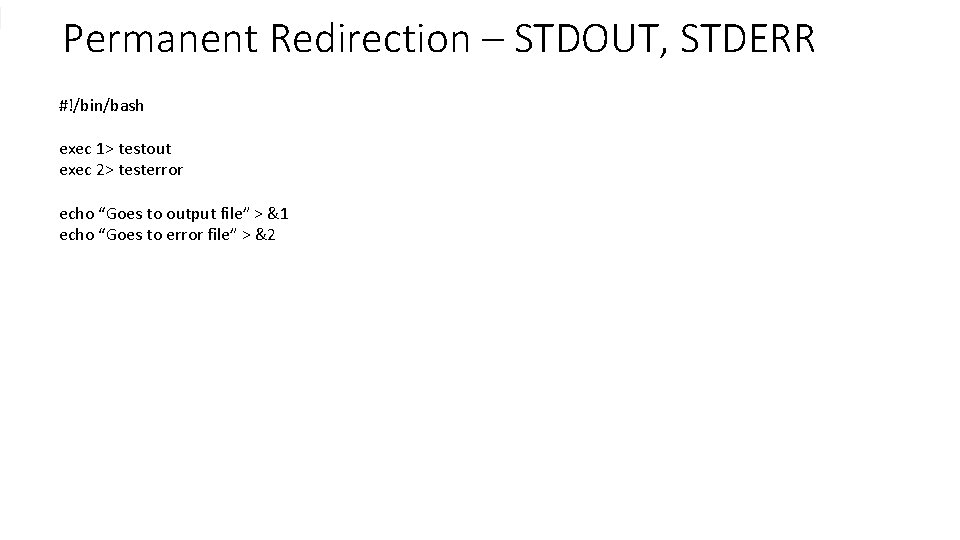
Permanent Redirection – STDOUT, STDERR #!/bin/bash exec 1> testout exec 2> testerror echo “Goes to output file” > &1 echo “Goes to error file” > &2
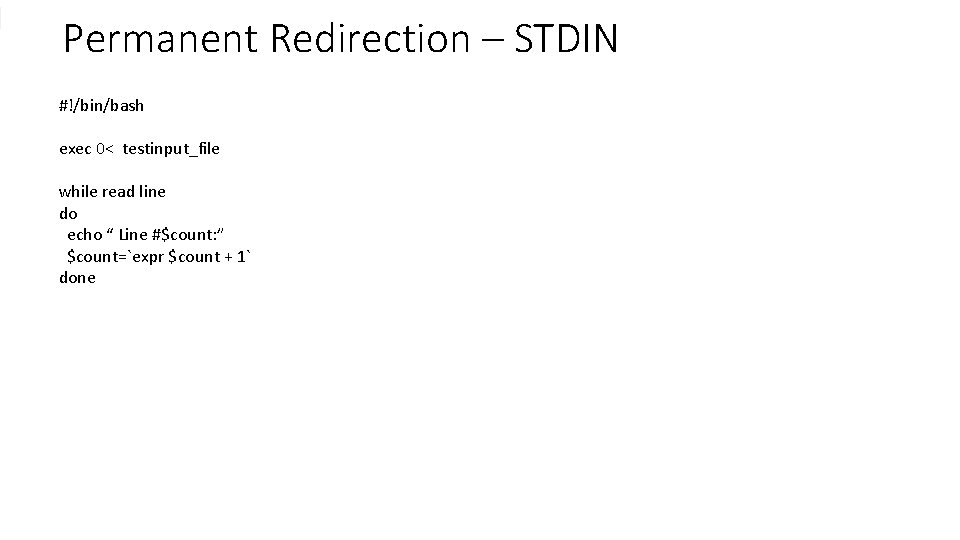
Permanent Redirection – STDIN #!/bin/bash exec 0< testinput_file while read line do echo “ Line #$count: ” $count=`expr $count + 1` done
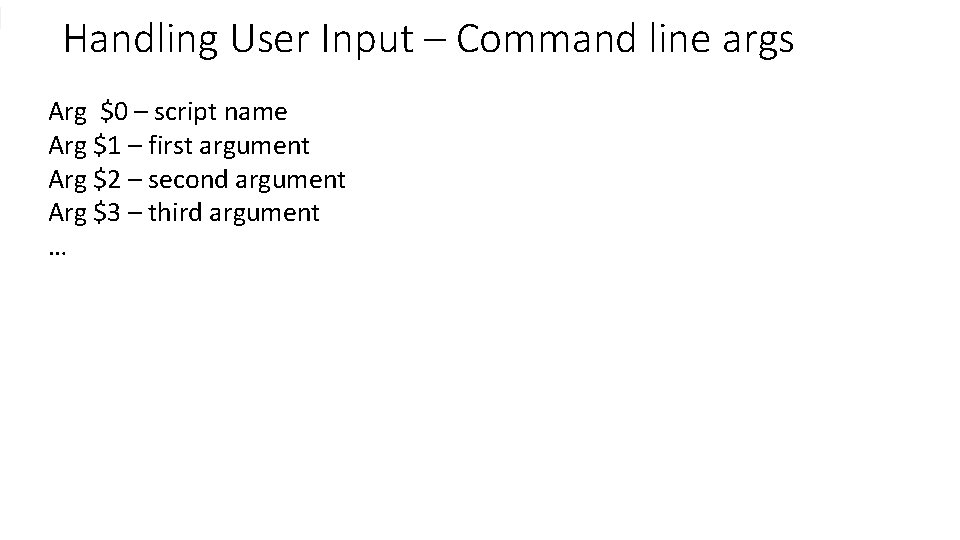
Handling User Input – Command line args Arg $0 – script name Arg $1 – first argument Arg $2 – second argument Arg $3 – third argument …
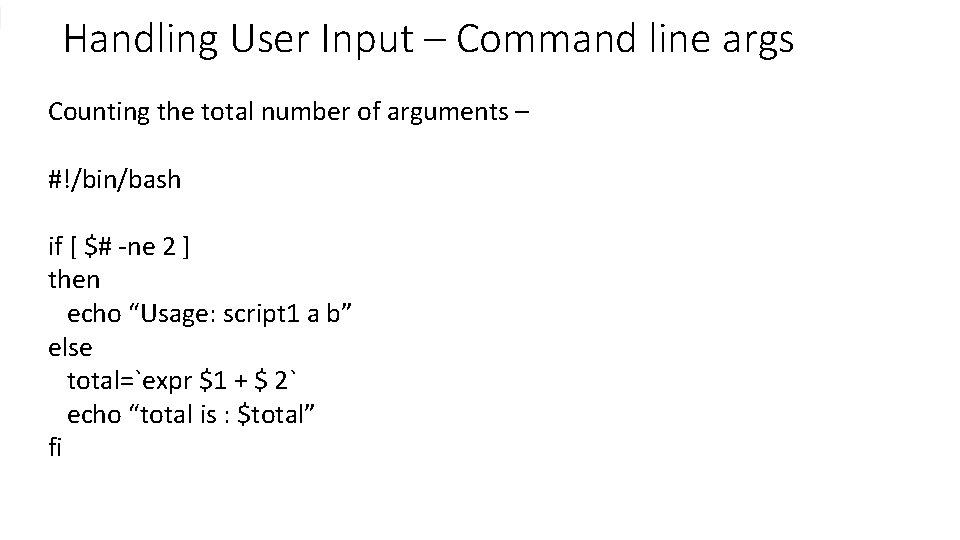
Handling User Input – Command line args Counting the total number of arguments – #!/bin/bash if [ $# -ne 2 ] then echo “Usage: script 1 a b” else total=`expr $1 + $ 2` echo “total is : $total” fi
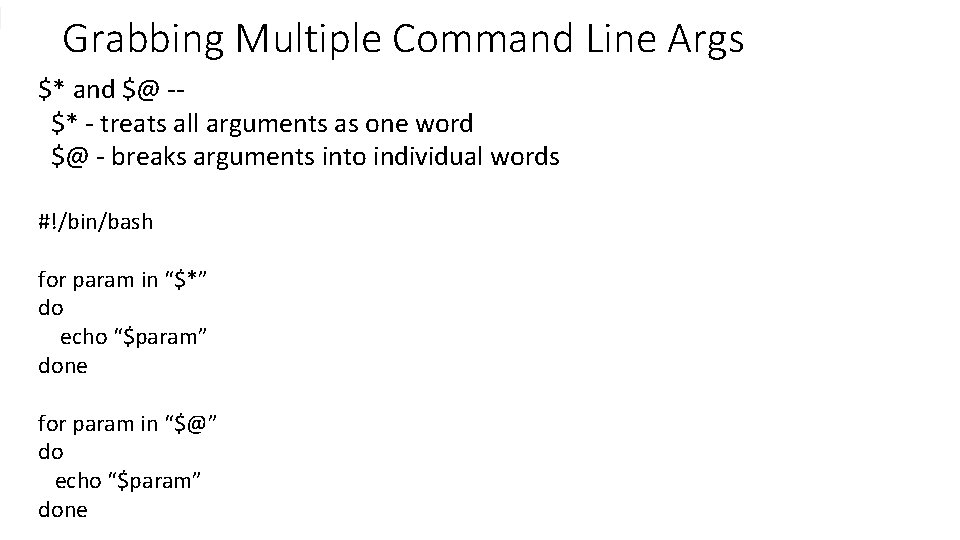
Grabbing Multiple Command Line Args $* and $@ -$* - treats all arguments as one word $@ - breaks arguments into individual words #!/bin/bash for param in “$*” do echo “$param” done for param in “$@” do echo “$param” done
- Slides: 20