
COMPUTER SOFTWARE TESTOUT IT FUNDAMENTALS PRO Identify common












- Slides: 37
COMPUTER SOFTWARE TESTOUT IT FUNDAMENTALS PRO
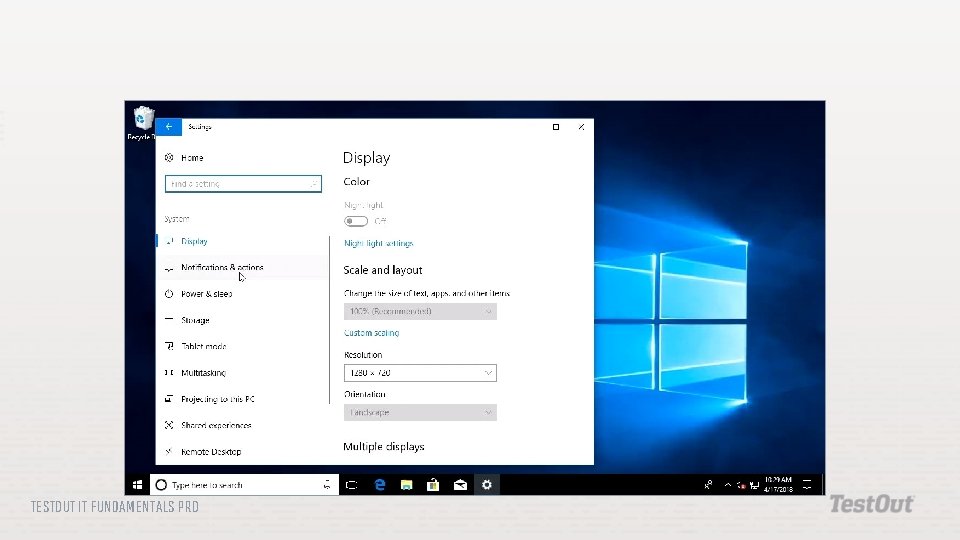
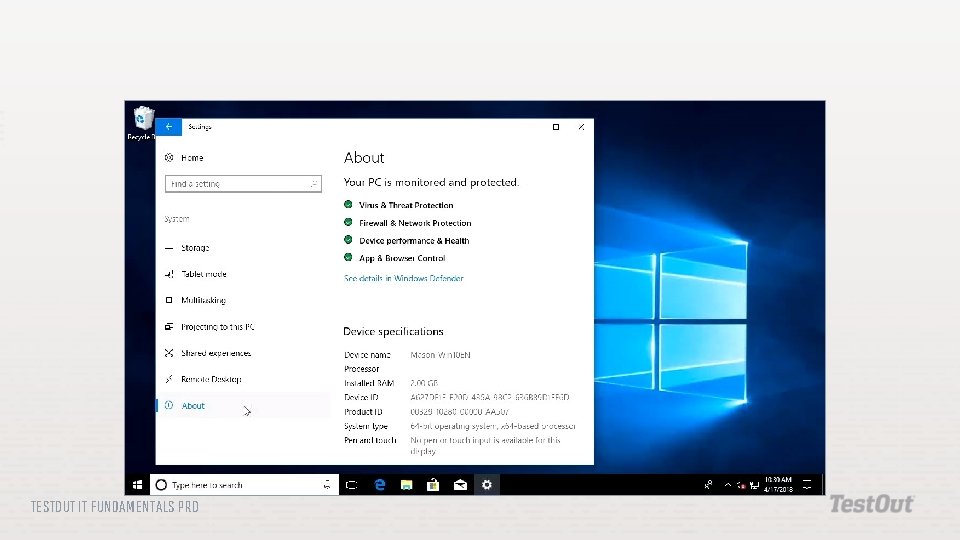
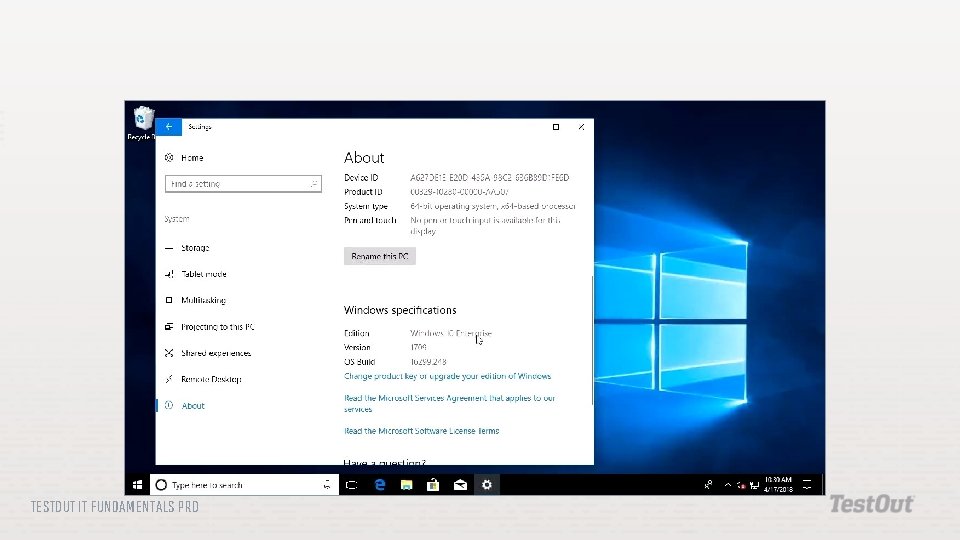
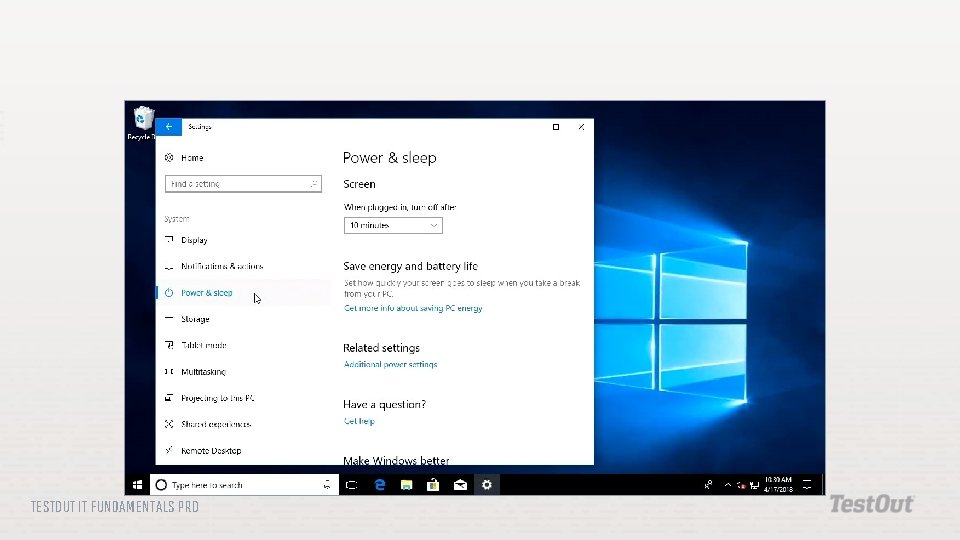
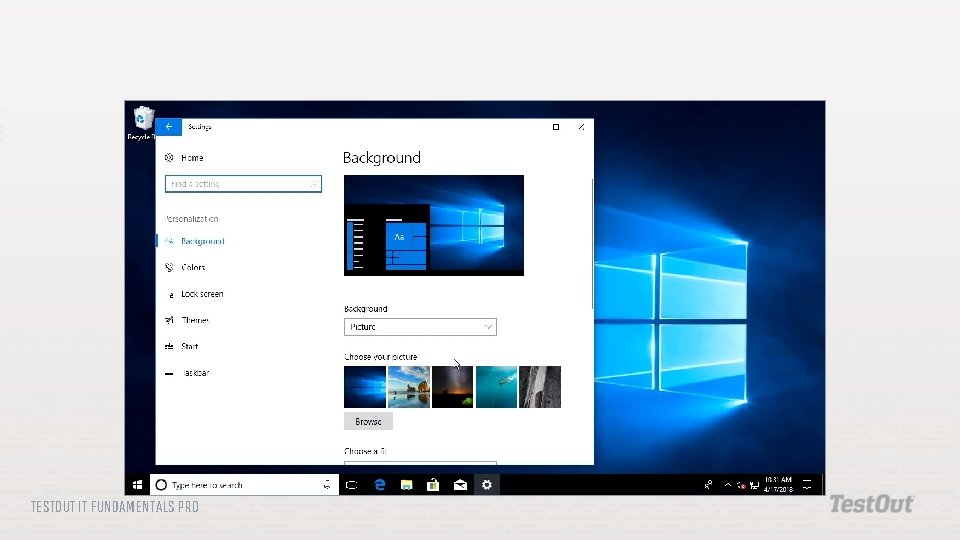
Identify common operating systems, including systems designed for mobile devices. Describe the basic functions of different types of operating systems. Identify and describe components of the Windows 10 operating system. Change display settings in Windows. Use the Settings app to view system information. TESTOUT IT FUNDAMENTALS PRO
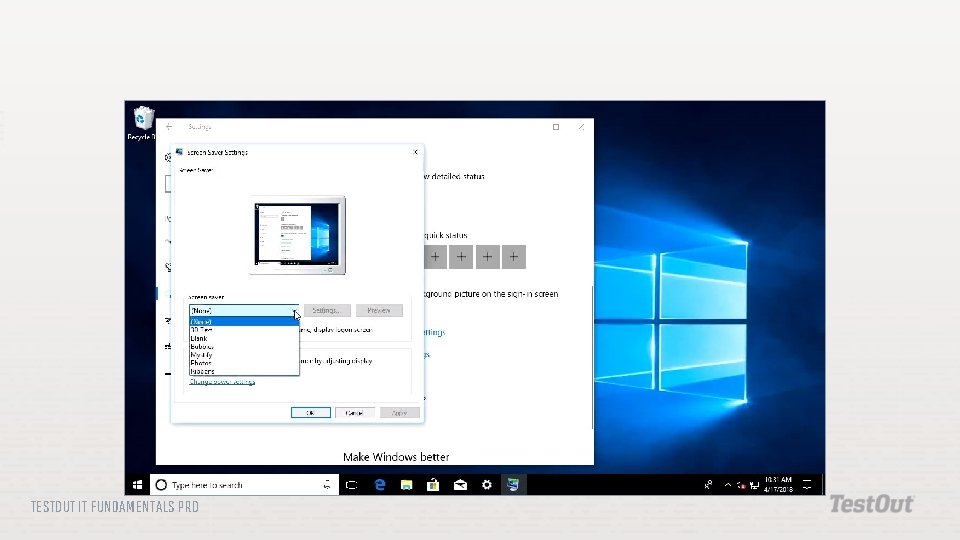
Configure a screen saver through the Settings app. Describe the purpose of the configuration settings stored in the Windows registry. Use i. OS on a mobile device to check email account settings, Wi. Fi settings, Bluetooth settings, and the i. OS version. TESTOUT IT FUNDAMENTALS PRO
Operating System Graphical User Interface Command Line Interface Disk Management Application Management Service Management TESTOUT IT FUNDAMENTALS PRO
Device Management Access Control/Protection Windows Settings App Windows Update Windows Registry Editor TESTOUT IT FUNDAMENTALS PRO
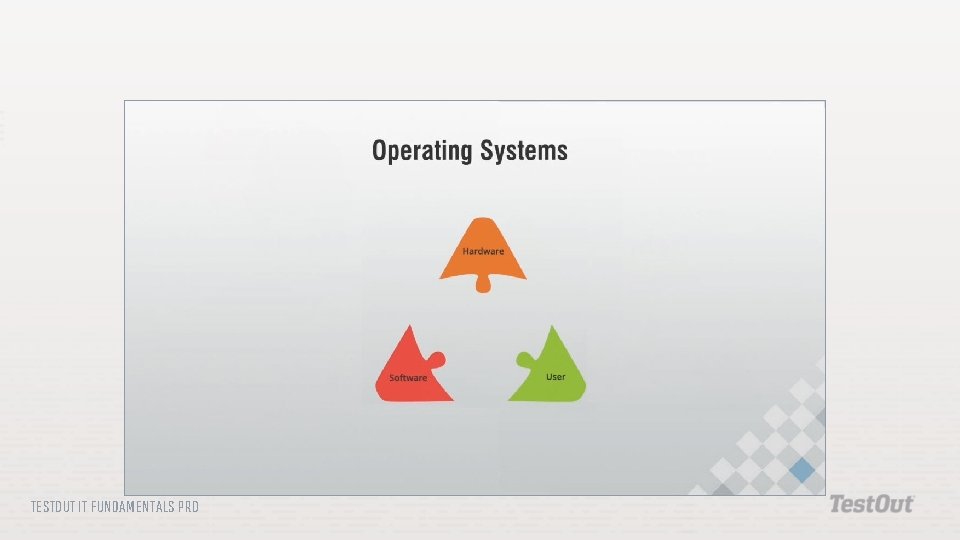
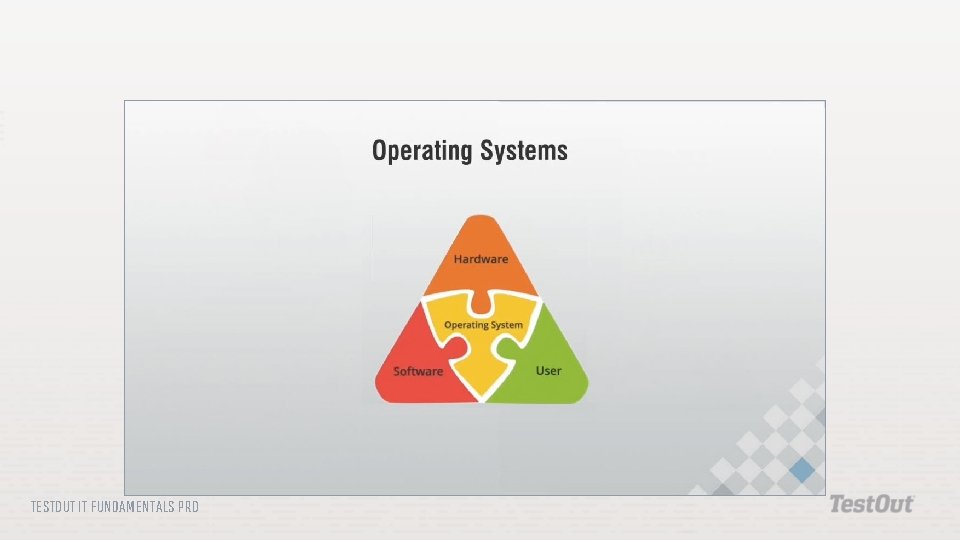
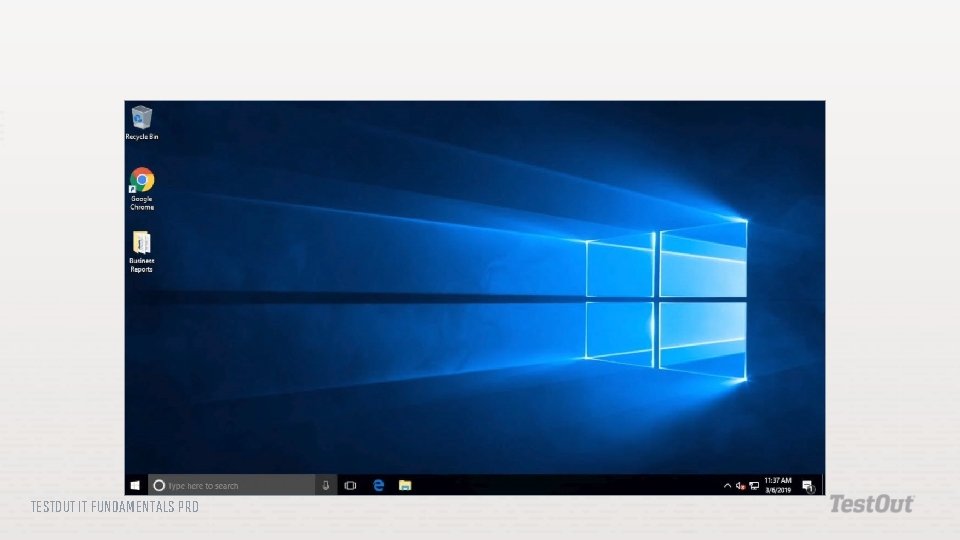
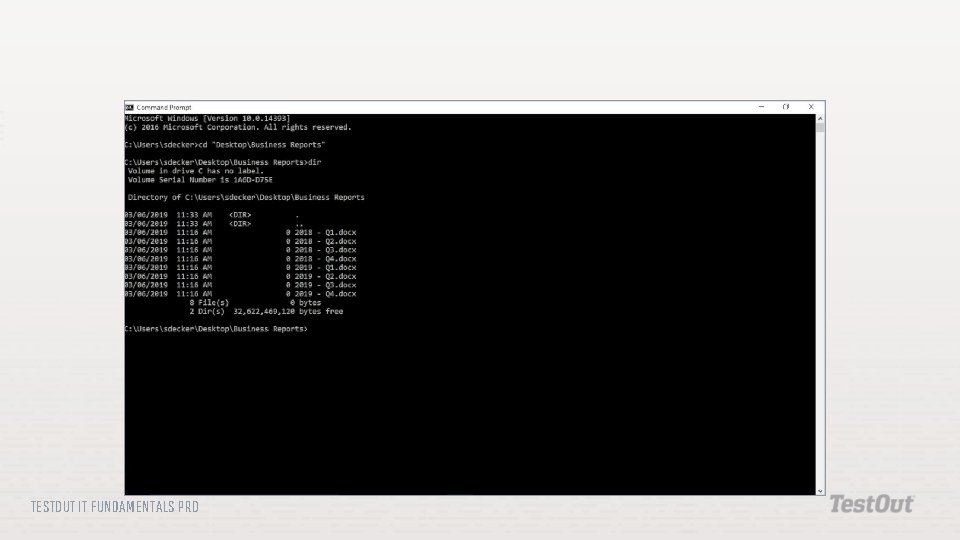
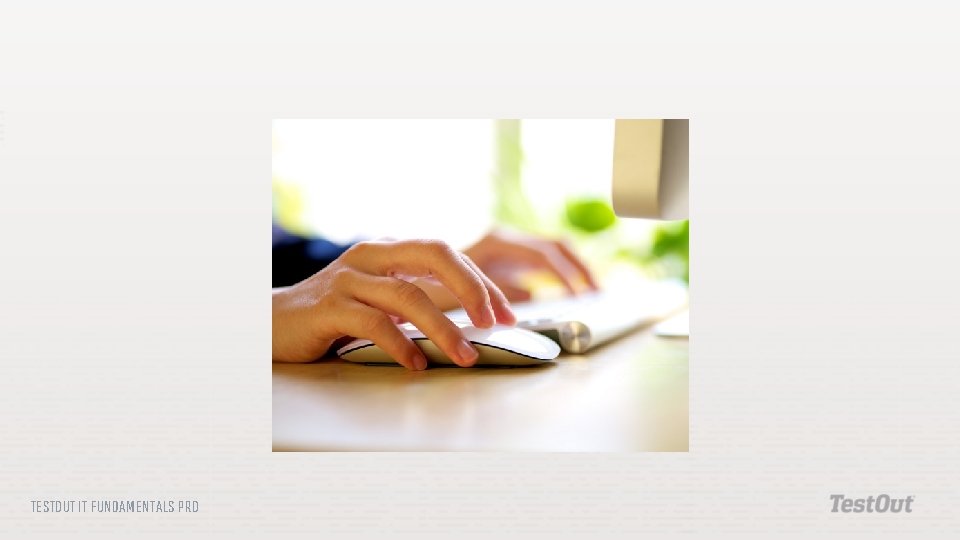
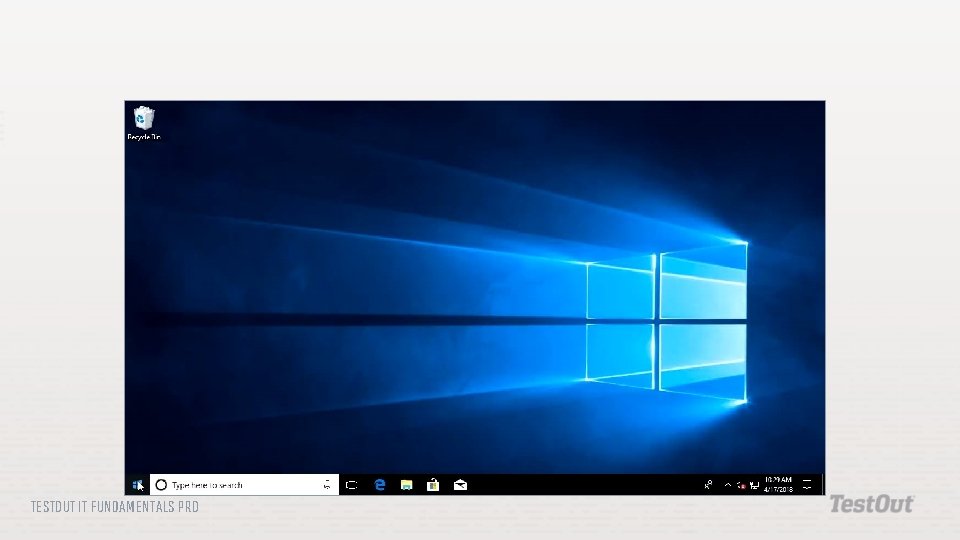
Operating System: A computer program that makes it so people, hardware, and software can interface with each other in a meaningful way. Graphical User Interface: An operating system interface that allows a user to interact with the computer by displaying pictures, icons, and other images on a screen to represent files, folders, and system controls and by accepting input from a mouse or a touch screen. Command Line Interface: An operating system interface that allows a user to interact with the computer by displaying text on a screen and accepting input from the keyboard. The input is entered as commands. The command line is used primarily by IT and other tech professionals. TESTOUT IT FUNDAMENTALS PRO
Disk Management: A role of the operating system that helps keep storage devices well organized and maintained. Application Management: A role of the operating system that manages applications or programs that are installed on a system. Applications are run, configured, and deleted through application management. Service Management: A role of the operating system that runs processes or programs automatically in the background. These programs are services that perform functions like indexing files for better searches, verifying that software is up to date, and backing up files. TESTOUT IT FUNDAMENTALS PRO
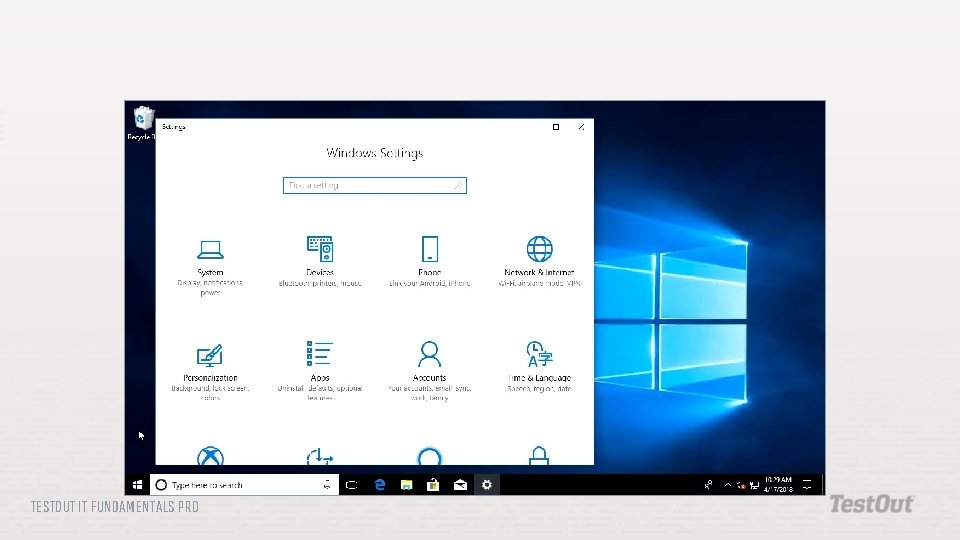
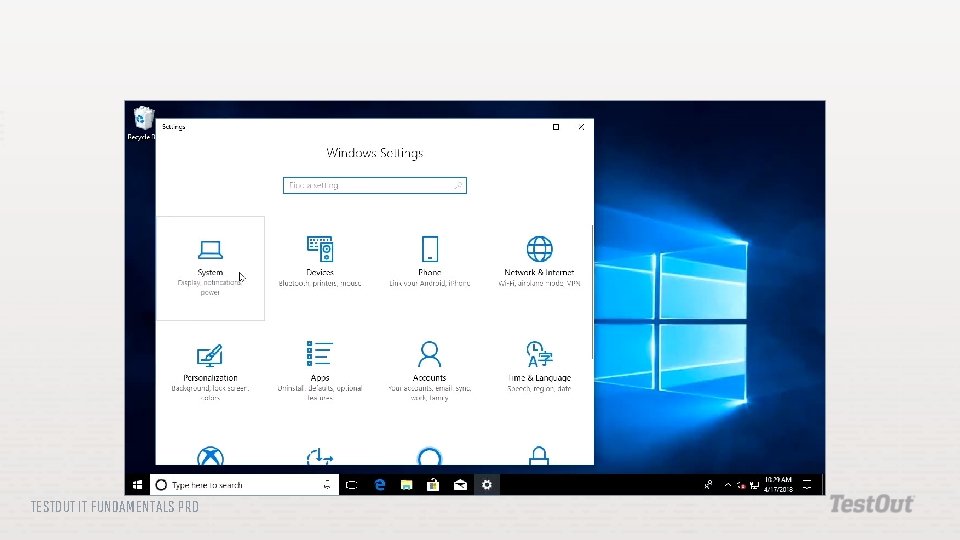
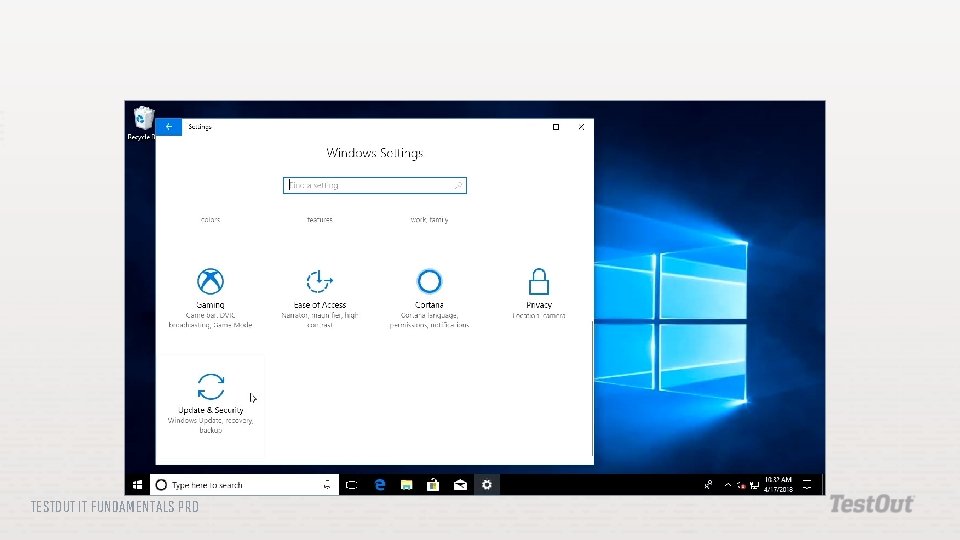
Device Management : A role of the operating system that determines the hardware that is connected to the system, interprets instructions from the hardware, and sends instructions to it. Device management includes managing device drivers. Access Control/Protection : A role of the operating system that requires users to log in with their credentials before accessing sensitive information on the computer. It also manages antivirus and antimalware software to prevent malicious files from accessing the computer. Windows Settings App: In Windows 10, an application that organizes the settings and customizes how the computer looks and functions. TESTOUT IT FUNDAMENTALS PRO
Windows Update: A feature of the Windows operating system that keeps the system up to date. Windows Registry: A database that stores settings for the operating system and other programs. These settings are stored as keys and values. Registry Editor: A utility of the Windows operating system which lets you view and change all the keys in the registry, giving users greater control over their computers. TESTOUT IT FUNDAMENTALS PRO
TESTOUT IT FUNDAMENTALS PRO
TESTOUT IT FUNDAMENTALS PRO
TESTOUT IT FUNDAMENTALS PRO
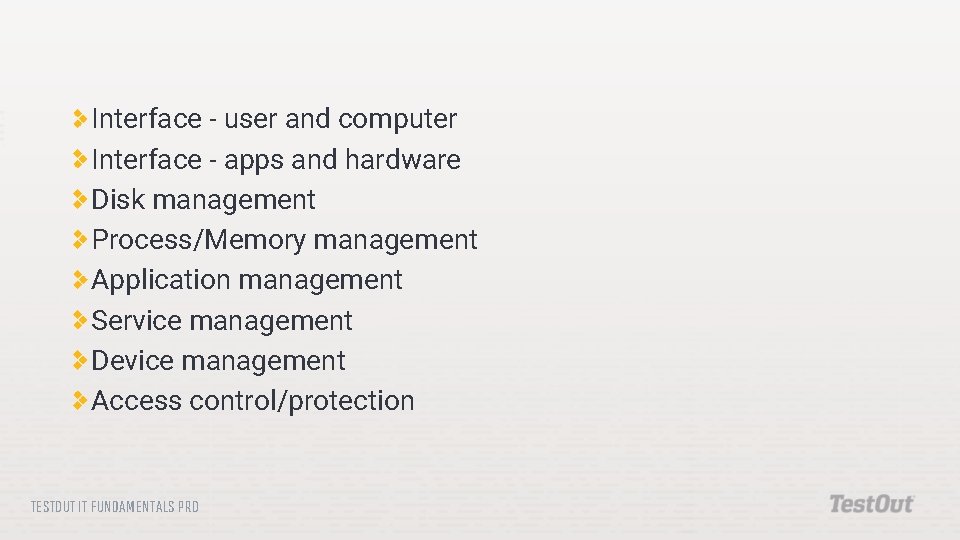
Interface - user and computer Interface - apps and hardware Disk management Process/Memory management Application management Service management Device management Access control/protection TESTOUT IT FUNDAMENTALS PRO
TESTOUT IT FUNDAMENTALS PRO
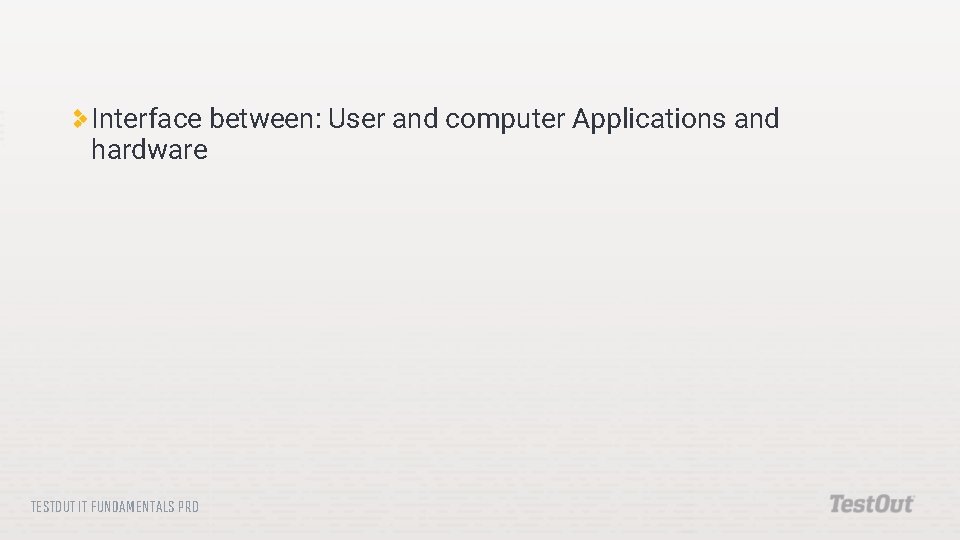
Interface between: User and computer Applications and hardware TESTOUT IT FUNDAMENTALS PRO
TESTOUT IT FUNDAMENTALS PRO
TESTOUT IT FUNDAMENTALS PRO
TESTOUT IT FUNDAMENTALS PRO
TESTOUT IT FUNDAMENTALS PRO
Graphical User Interface Command Line TESTOUT IT FUNDAMENTALS PRO
TESTOUT IT FUNDAMENTALS PRO
TESTOUT IT FUNDAMENTALS PRO
TESTOUT IT FUNDAMENTALS PRO
TESTOUT IT FUNDAMENTALS PRO
TESTOUT IT FUNDAMENTALS PRO
TESTOUT IT FUNDAMENTALS PRO
TESTOUT IT FUNDAMENTALS PRO
TESTOUT IT FUNDAMENTALS PRO
TESTOUT IT FUNDAMENTALS PRO
TESTOUT IT FUNDAMENTALS PRO
TESTOUT IT FUNDAMENTALS PRO
TESTOUT IT FUNDAMENTALS PRO
TESTOUT IT FUNDAMENTALS PRO
TESTOUT IT FUNDAMENTALS PRO
TESTOUT IT FUNDAMENTALS PRO
Do the following labs: 4. 2. 8 Explore the Windows 10 OS 4. 2. 10 Change Windows Settings 4. 2. 12 Explore i. OS TESTOUT IT FUNDAMENTALS PRO
How does the operating system coordinate the work of hardware and software? How are mobile and desktop operating systems similar? How are they different? TESTOUT IT FUNDAMENTALS PRO