
Computer Sharing Centre Third Instructor Training Presentation Introduction

- Slides: 12
Computer Sharing Centre Third Instructor Training Presentation
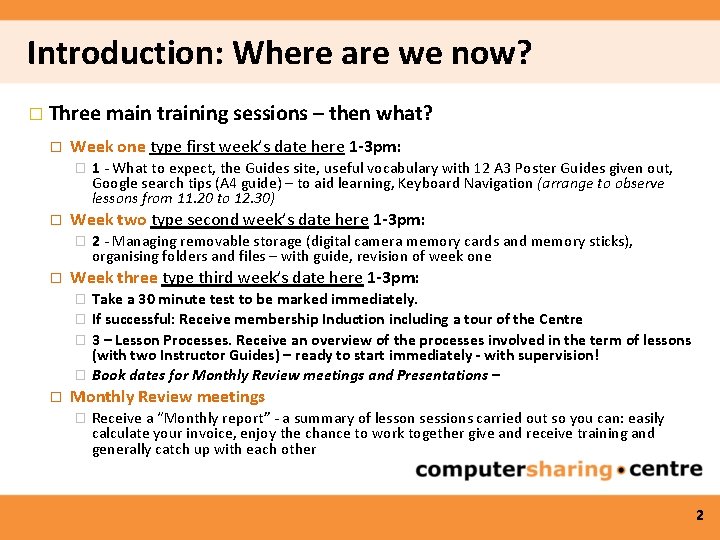
Introduction: Where are we now? � Three main training sessions – then what? � Week one type first week’s date here 1 -3 pm: � � Week two type second week’s date here 1 -3 pm: � � 2 - Managing removable storage (digital camera memory cards and memory sticks), organising folders and files – with guide, revision of week one Week three type third week’s date here 1 -3 pm: � � � 1 - What to expect, the Guides site, useful vocabulary with 12 A 3 Poster Guides given out, Google search tips (A 4 guide) – to aid learning, Keyboard Navigation (arrange to observe lessons from 11. 20 to 12. 30) Take a 30 minute test to be marked immediately. If successful: Receive membership Induction including a tour of the Centre 3 – Lesson Processes. Receive an overview of the processes involved in the term of lessons (with two Instructor Guides) – ready to start immediately - with supervision! Book dates for Monthly Review meetings and Presentations – Monthly Review meetings � Receive a “Monthly report” - a summary of lesson sessions carried out so you can: easily calculate your invoice, enjoy the chance to work together give and receive training and generally catch up with each other 2
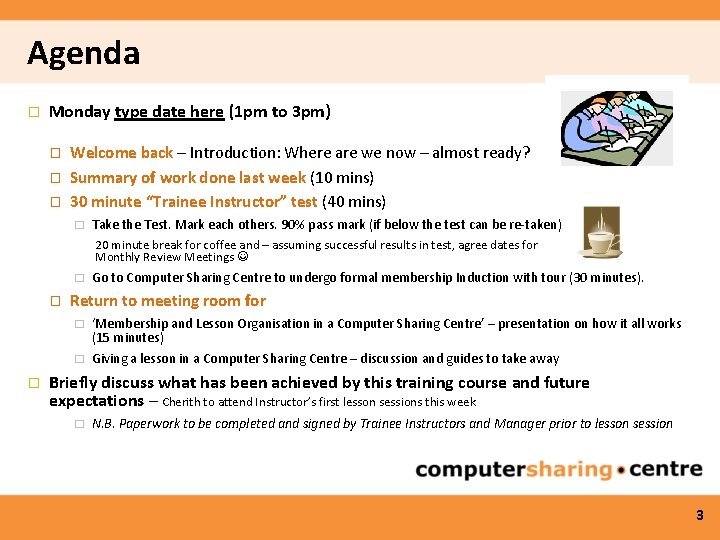
Agenda � Monday type date here (1 pm to 3 pm) � � � Welcome back – Introduction: Where are we now – almost ready? Summary of work done last week (10 mins) 30 minute “Trainee Instructor” test (40 mins) � Take the Test. Mark each others. 90% pass mark (if below the test can be re-taken) 20 minute break for coffee and – assuming successful results in test, agree dates for Monthly Review Meetings � � � Go to Computer Sharing Centre to undergo formal membership Induction with tour (30 minutes). Return to meeting room for � ‘Membership and Lesson Organisation in a Computer Sharing Centre’ – presentation on how it all works (15 minutes) � Giving a lesson in a Computer Sharing Centre – discussion and guides to take away Briefly discuss what has been achieved by this training course and future expectations – Cherith to attend Instructor’s first lesson sessions this week � N. B. Paperwork to be completed and signed by Trainee Instructors and Manager prior to lesson session 3
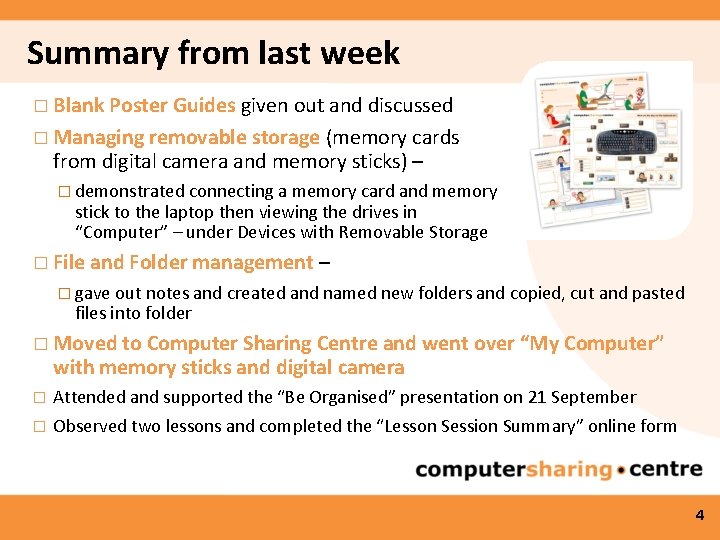
Summary from last week � Blank Poster Guides given out and discussed � Managing removable storage (memory cards from digital camera and memory sticks) – � demonstrated connecting a memory card and memory stick to the laptop then viewing the drives in “Computer” – under Devices with Removable Storage � File and Folder management – � gave out notes and created and named new folders and copied, cut and pasted files into folder � Moved to Computer Sharing Centre and went over “My Computer” with memory sticks and digital camera � Attended and supported the “Be Organised” presentation on 21 September � Observed two lessons and completed the “Lesson Session Summary” online form 4
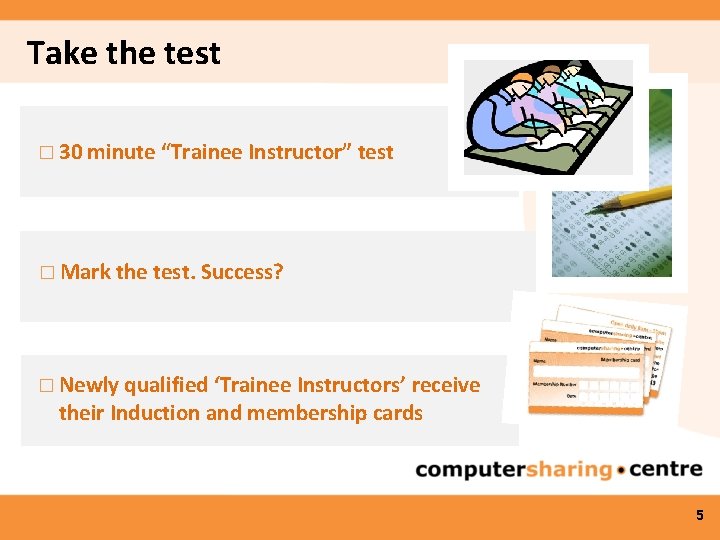
Take the test � 30 minute “Trainee Instructor” test � Mark the test. Success? � Newly qualified ‘Trainee Instructors’ receive their Induction and membership cards 5
Take a break 6
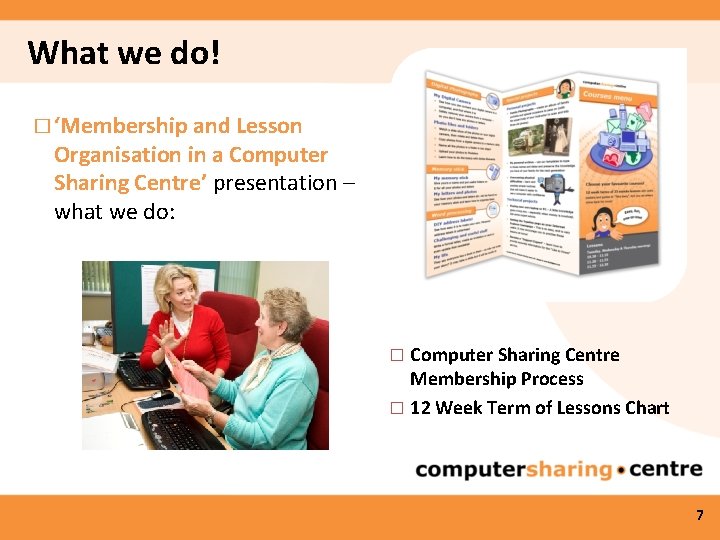
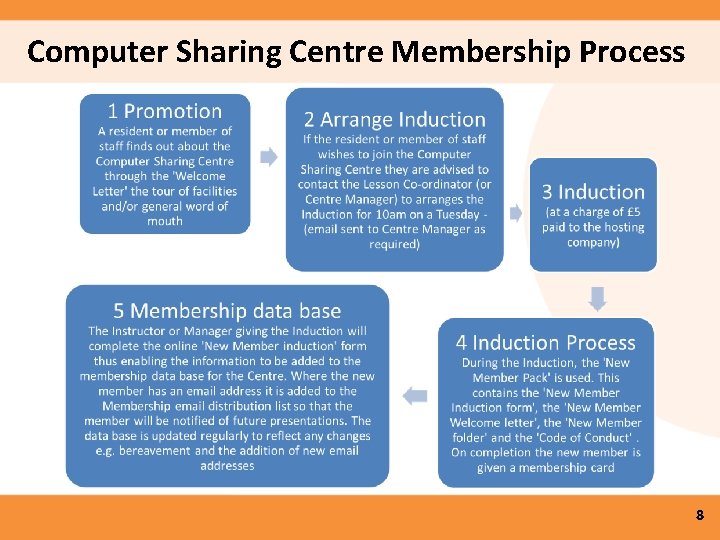
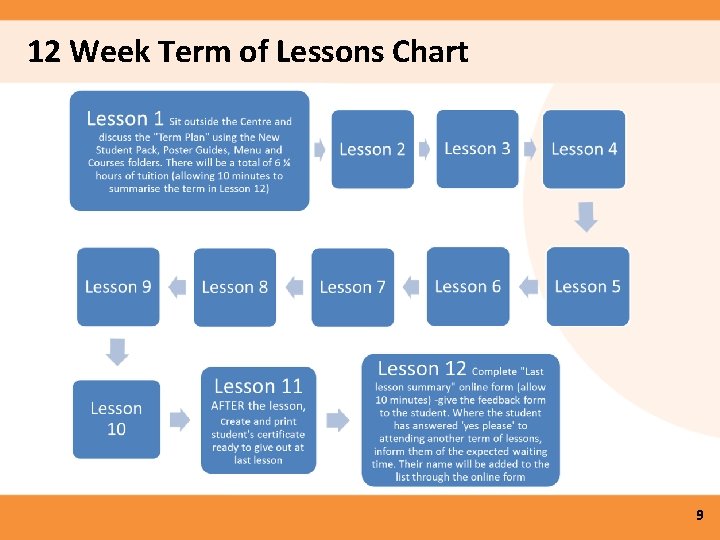
What we do! � ‘Membership and Lesson Organisation in a Computer Sharing Centre’ presentation – what we do: Computer Sharing Centre Membership Process � 12 Week Term of Lessons Chart � 7
Computer Sharing Centre Membership Process 8
12 Week Term of Lessons Chart 9
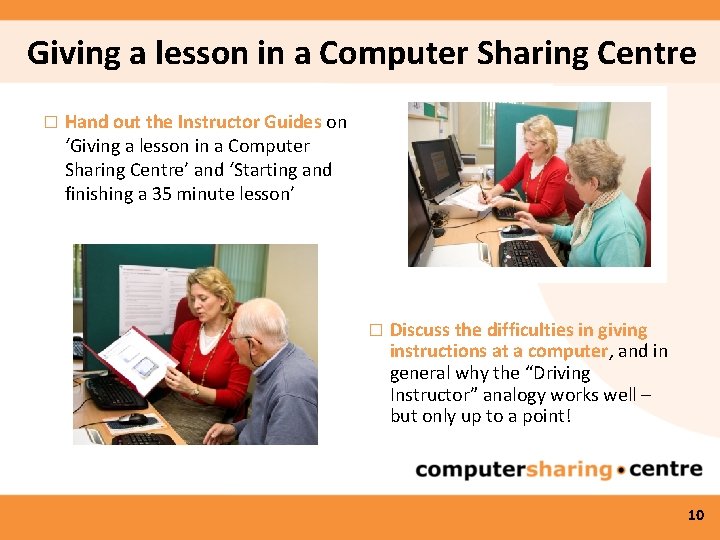
Giving a lesson in a Computer Sharing Centre � Hand out the Instructor Guides on ‘Giving a lesson in a Computer Sharing Centre’ and ‘Starting and finishing a 35 minute lesson’ � Discuss the difficulties in giving instructions at a computer, and in general why the “Driving Instructor” analogy works well – but only up to a point! 10
What have we achieved? � Discuss what has been achieved by this training course and future expectations - 11
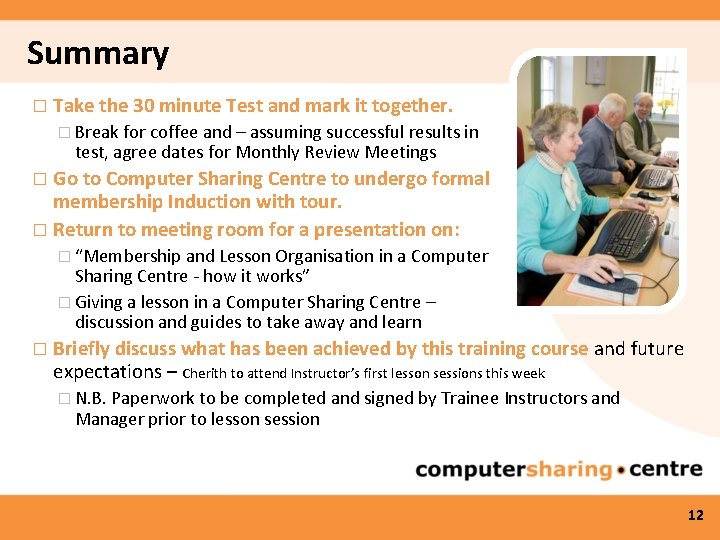
Summary � Take the 30 minute Test and mark it together. � Break for coffee and – assuming successful results in test, agree dates for Monthly Review Meetings Go to Computer Sharing Centre to undergo formal membership Induction with tour. � Return to meeting room for a presentation on: � � “Membership and Lesson Organisation in a Computer Sharing Centre - how it works” � Giving a lesson in a Computer Sharing Centre – discussion and guides to take away and learn � Briefly discuss what has been achieved by this training course and future expectations – Cherith to attend Instructor’s first lesson sessions this week � N. B. Paperwork to be completed and signed by Trainee Instructors and Manager prior to lesson session 12