
Computer Security Damian Gordon Operating System File Manager
- Slides: 114
Computer Security Damian Gordon
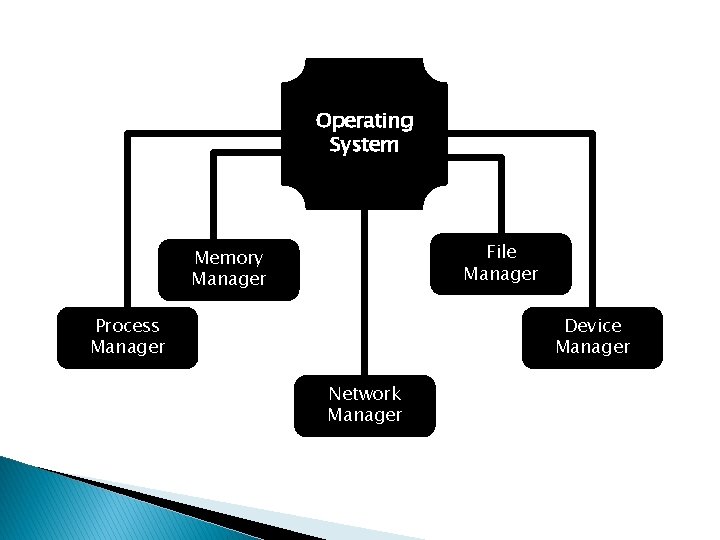
Operating System File Manager Memory Manager Process Manager Device Manager Network Manager
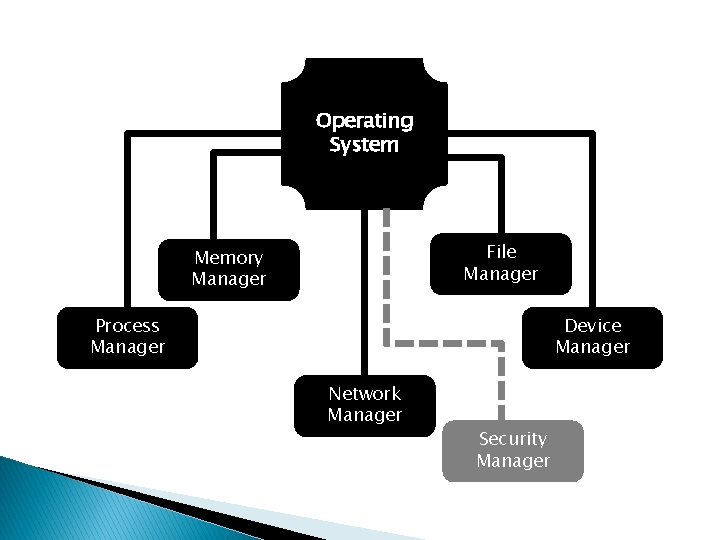
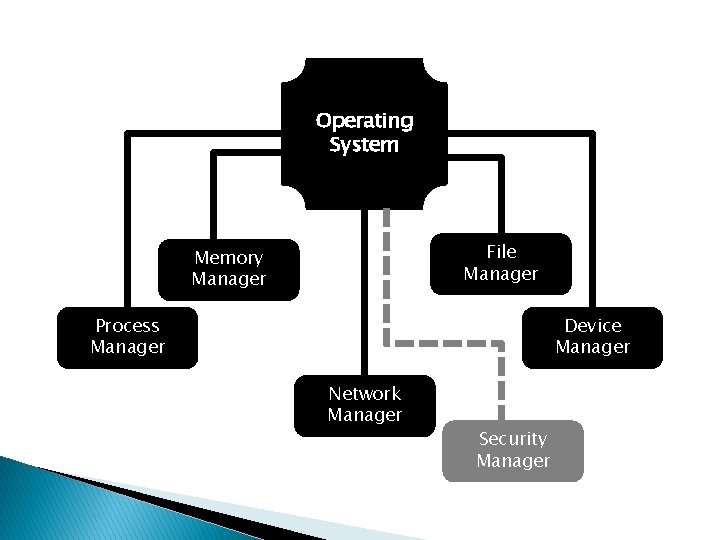
Operating System File Manager Memory Manager Process Manager Device Manager Network Manager Security Manager
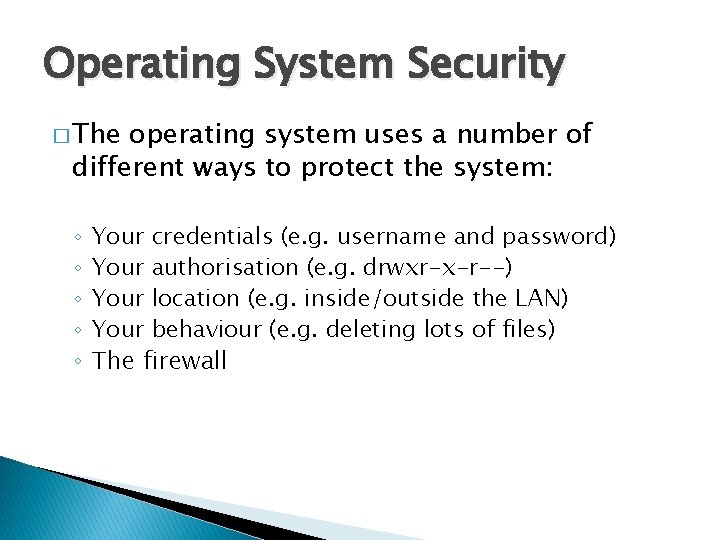
Operating System Security � The operating system uses a number of different ways to protect the system: ◦ ◦ ◦ Your credentials (e. g. username and password) Your authorisation (e. g. drwxr-x-r--) Your location (e. g. inside/outside the LAN) Your behaviour (e. g. deleting lots of files) The firewall
Intentional Attacks
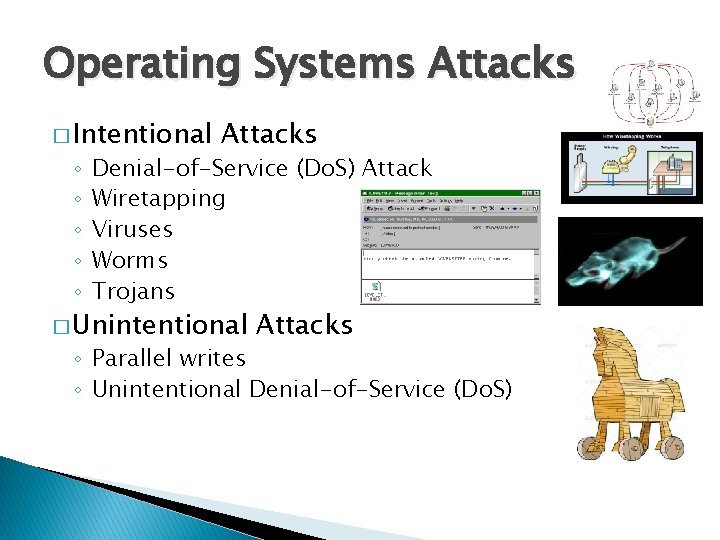
Intentional Attacks � Denial-of-Service � Wiretapping � Viruses � Worms � Trojans (Do. S) Attack
Denial-of-Service (Do. S) Attack
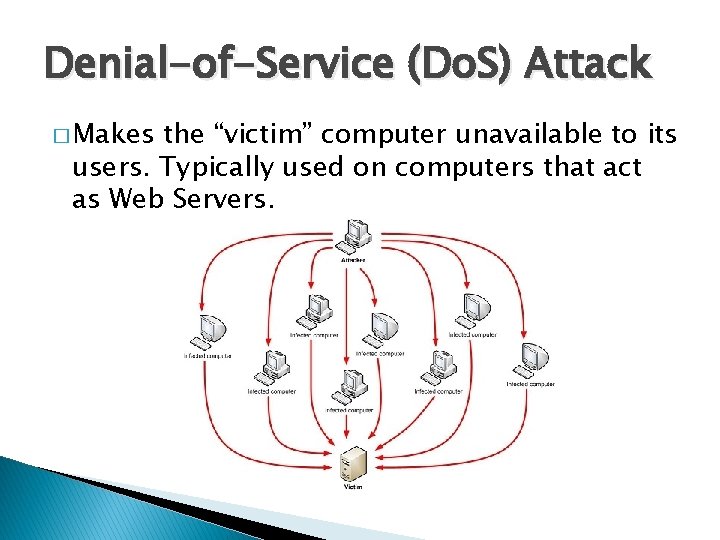
Denial-of-Service (Do. S) Attack � Makes the “victim” computer unavailable to its users. Typically used on computers that act as Web Servers.
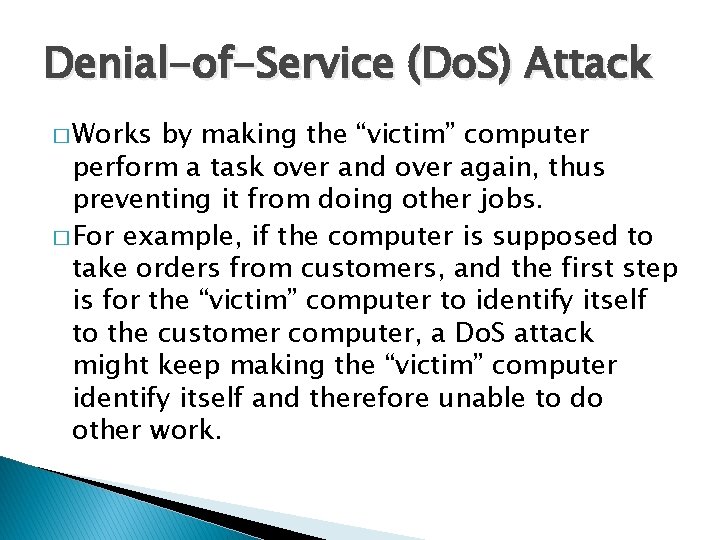
Denial-of-Service (Do. S) Attack � Works by making the “victim” computer perform a task over and over again, thus preventing it from doing other jobs. � For example, if the computer is supposed to take orders from customers, and the first step is for the “victim” computer to identify itself to the customer computer, a Do. S attack might keep making the “victim” computer identify itself and therefore unable to do other work.
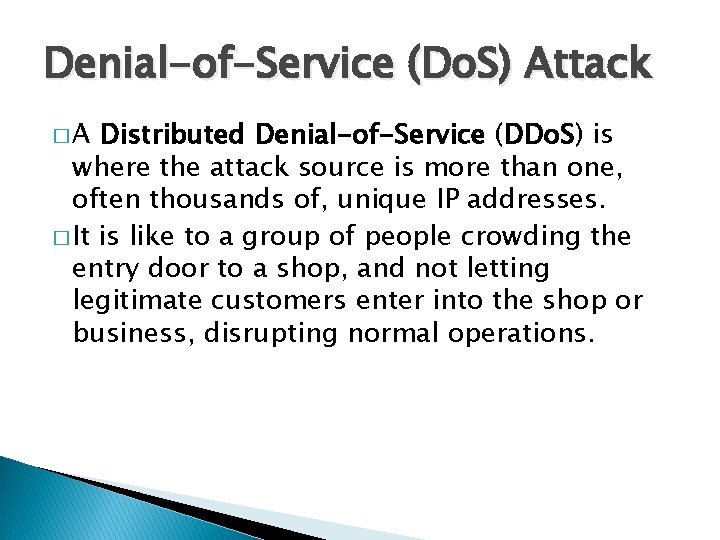
Denial-of-Service (Do. S) Attack � A Distributed Denial-of-Service (DDo. S) is where the attack source is more than one, often thousands of, unique IP addresses. � It is like to a group of people crowding the entry door to a shop, and not letting legitimate customers enter into the shop or business, disrupting normal operations.
Denial-of-Service (Do. S) Attack � How does it work? � There a variety of approaches that can work, we’ll look at a HTTP POST Do. S attack.
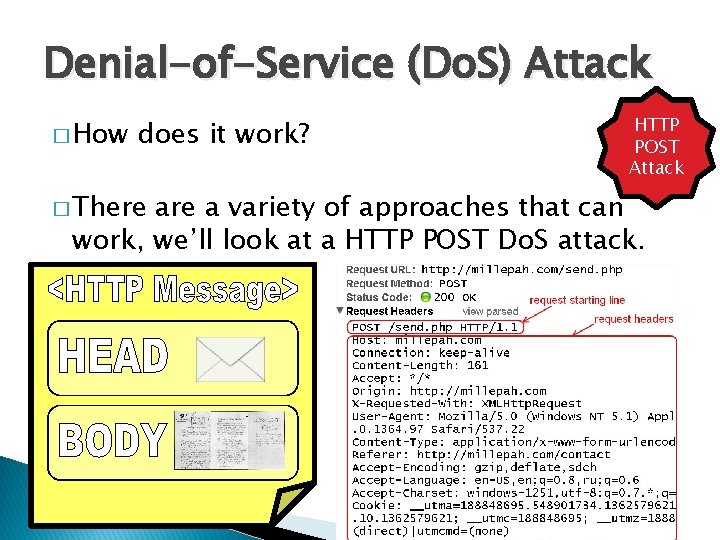
Denial-of-Service (Do. S) Attack � How does it work? � There HTTP POST Attack are a variety of approaches that can work, we’ll look at a HTTP POST Do. S attack.
Denial-of-Service (Do. S) Attack HTTP POST Attack �A legitimate HTTP POST header, which includes a 'Content-Length' field to specify the size of the message body to follow. However, the attacker then proceeds to send the actual message body at an extremely slow rate (e. g. 1 byte/110 seconds).
Denial-of-Service (Do. S) Attack HTTP POST Attack � Due to the entire message being complete, the target server will attempt to obey the 'Content-Length' field in the header, and wait for the entire body of the message to be transmitted, which can take a very long time.
Denial-of-Service (Do. S) Attack HTTP POST Attack � The attacker establishes hundreds or even thousands of such connections, until all resources for incoming connections on the server (the victim) are used up, hence making any further (including legitimate) connections impossible until all data has been sent.
Do. S Attack Case Study � Bollywood versus Anonymous
Do. S Attack Case Study � Bollywood versus Anonymous is the nickname for the Hindi language film industry, based in Mumbai, the capital of Maharashtra in India. Bollywood is also one of the largest centres of film production in the world, and is more formally referred to as Hindi cinema.
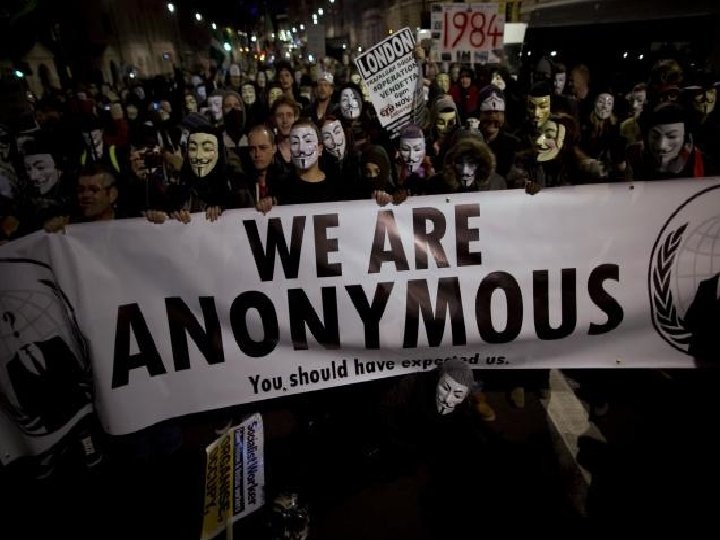
Do. S Attack Case Study � Bollywood � Anonymous versus Anonymous are a loosely associated international network of activist and hacktivist groups. The group became known for a series of wellpublicized publicity stunts and Denial-of-Service (Do. S) attacks on government, religious, and corporate websites.
Do. S Attack Case Study � Bollywood � Anonymous versus Anonymous are a loosely associated international network of activist and hacktivist groups. The group became known for a series of wellpublicized publicity stunts and Denial-of-Service (Do. S) attacks on government, religious, and corporate websites.
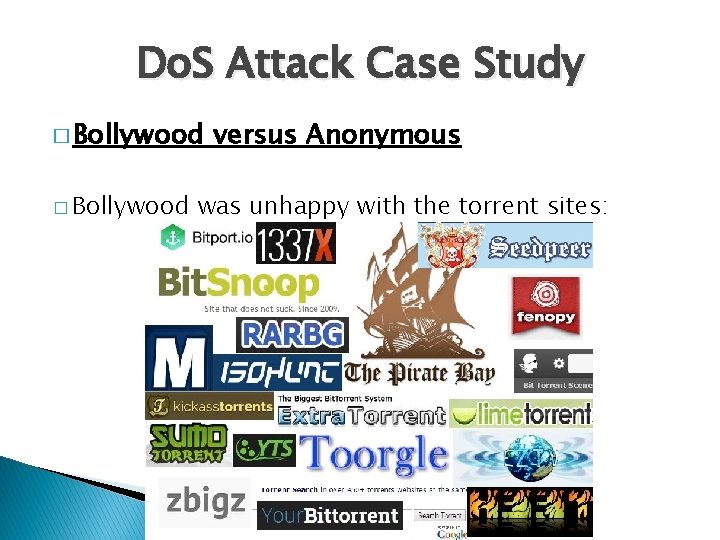
Do. S Attack Case Study � Bollywood versus Anonymous was unhappy with the torrent sites:
Do. S Attack Case Study � Bollywood � In versus Anonymous 2010, several Bollywood companies hired Aiplex Software to launch DDo. S attacks on websites that did not respond to takedown notices.
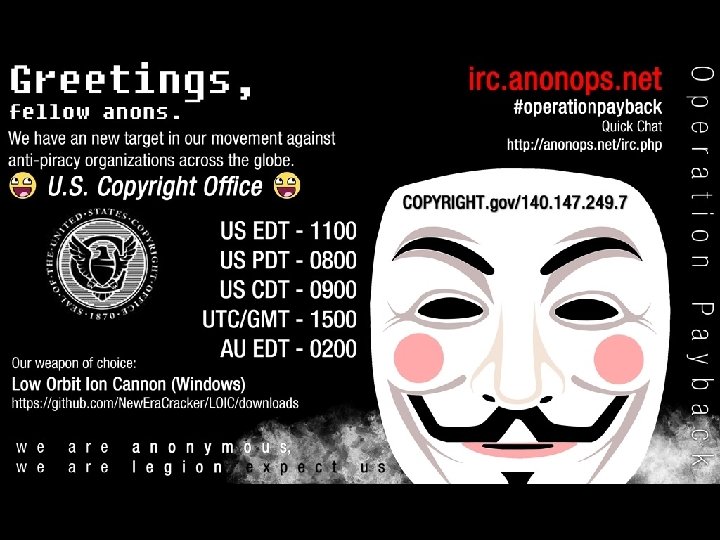
Do. S Attack Case Study � Bollywood � Piracy versus Anonymous activists then created Operation Payback in September 2010 in retaliation
Do. S Attack Case Study � Bollywood versus Anonymous � The original plan was to attack Aiplex Software directly, but upon finding some hours before the planned DDo. S that another individual had taken down the firm's website on their own, Operation Payback moved to launching attacks against the websites of copyright stringent organisations Motion Picture Association of America (MPAA) and International Federation of the Phonographic Industry, giving the two websites a combined total downtime of 30 hours.
Do. S Attack Case Study � Bollywood � In versus Anonymous the following two days, Operation Payback attacked a multitude of sites affiliated with the MPAA, the Recording Industry Association of America (RIAA), and British Phonographic Industry. Law firms such as ACS: Law, Davenport Lyons and Dunlap, Grubb & Weaver (of the US Copyright Group) were also attacked.
Wiretapping
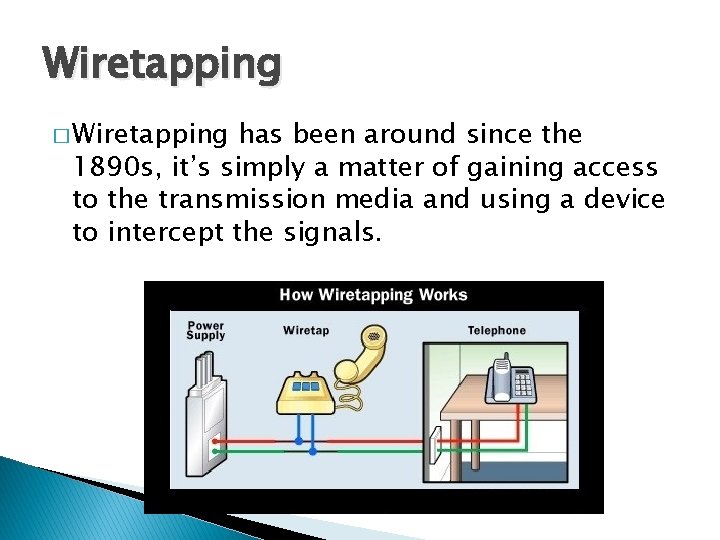
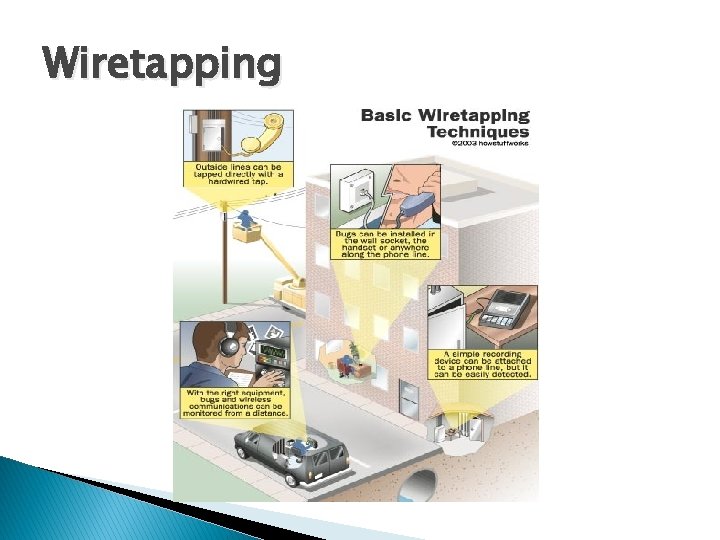
Wiretapping � Wiretapping has been around since the 1890 s, it’s simply a matter of gaining access to the transmission media and using a device to intercept the signals.
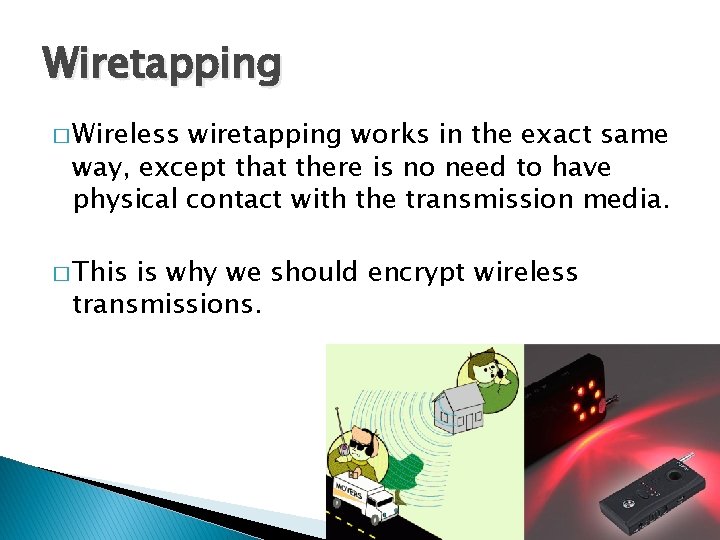
Wiretapping � Wireless wiretapping works in the exact same way, except that there is no need to have physical contact with the transmission media. � This is why we should encrypt wireless transmissions.
Wiretapping
Wiretapping � There are two forms of wiretapping: ◦ Passive Wiretapping is where you are recording the data transmitted, but not interfering with it. ◦ Active Wiretapping is where you are recording the data and also modifying it before it is sent onto the receiver.
Wiretapping Case Study � The USA PATRIOT Act � Title II: Enhanced Surveillance Procedures USA Patriot Act
Wiretapping Case Study � The USA PATRIOT Act � Title II: Enhanced Surveillance Procedures � Section USA Patriot Act 209 made it easier for authorities to gain access to voicemail as they no longer must apply for a wiretap order, and instead just apply for a normal search warrant. � The FBI can secretly conduct a physical search or wiretap on U. S. citizens to obtain evidence of crime without proving probable cause, as the Fourth Amendment explicitly requires.
Wiretapping Case Study � The � On USA PATRIOT Act What it doesn’t cover USA Patriot Act February 9, 2016, the FBI asked Apple Inc. to create a new version of the phone's i. OS operating system that could be installed and run in the phone's random access memory to disable certain security features that Apple refers to as "Govt. OS“, the FBI had recovered an Apple i. Phone 5 C owned by the San Bernardino County, California government, that had been issued to its employee, Syed Rizwan Farook, one of the shooters involved in the December 2015 San Bernardino attack. The attack killed 14 people and seriously injured 22.
Wiretapping Case Study � The USA PATRIOT Act � Apple What it doesn’t cover USA Patriot Act declined due to its policy to never undermine the security features of its products. The FBI responded by successfully applying to a United States magistrate judge, Sherri Pym, to issue a court order, mandating Apple to create and provide the requested software. The order was not a subpoena, but rather was issued under the All Writs Act of 1789.
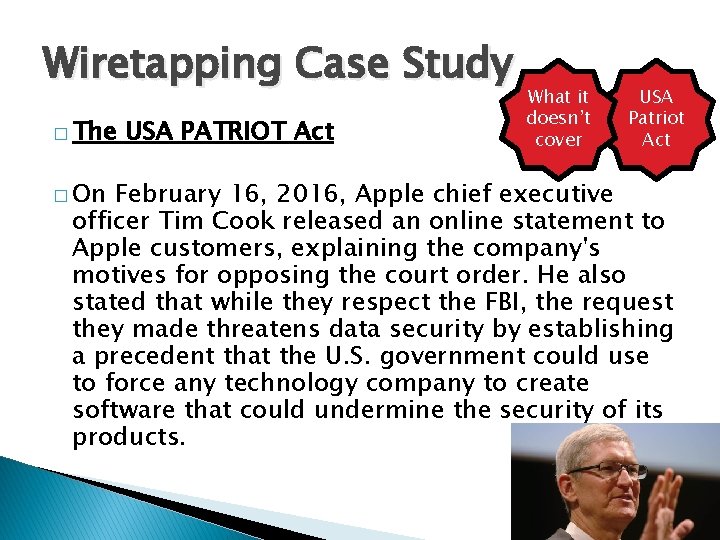
Wiretapping Case Study � The � On USA PATRIOT Act What it doesn’t cover USA Patriot Act February 16, 2016, Apple chief executive officer Tim Cook released an online statement to Apple customers, explaining the company's motives for opposing the court order. He also stated that while they respect the FBI, the request they made threatens data security by establishing a precedent that the U. S. government could use to force any technology company to create software that could undermine the security of its products.
Wiretapping Case Study � The � On USA PATRIOT Act What it doesn’t cover USA Patriot Act March 28, 2016, the FBI said it had unlocked the i. Phone with the third party's help, and an anonymous official said that the hack's applications were limited; the Department of Justice vacated the case.
Wiretapping Case Study � For more detail: What it doesn’t cover USA Patriot Act � In September 2015, Apple released a white paper detailing the security measures in its i. OS 9 operating system. � The i. Phone 5 C model can be protected by a fourdigit PIN code. After more than ten incorrect attempts to unlock the phone with the wrong PIN, the contents of the phone will erase the AES encryption key that protects its stored data. � https: //www. apple. com/business/docs/i. OS_Secu rity_Guide. pdf
Viruses
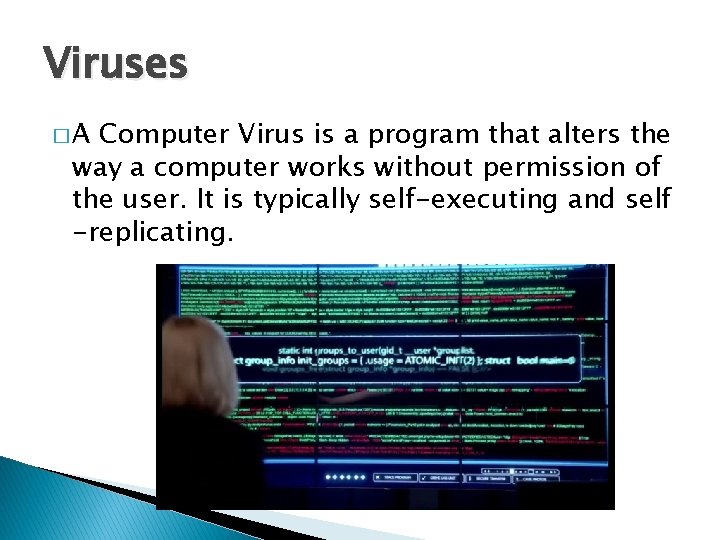
Viruses �A Computer Virus is a program that alters the way a computer works without permission of the user. It is typically self-executing and self -replicating.
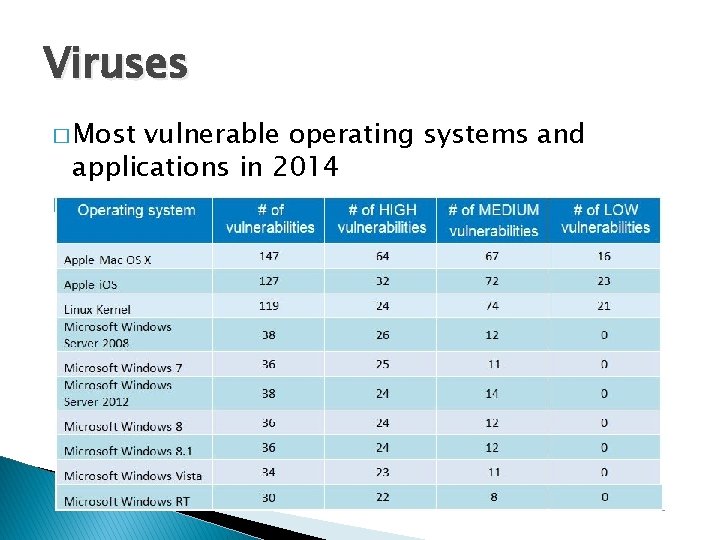
Viruses �A Virus is typically written for a specific operating system, so a virus that works on Windows usually won’t work on Linux. � Virus writers exploit vulnerabilities in a specific operating systems.
Viruses � Most vulnerable operating systems and applications in 2014 �
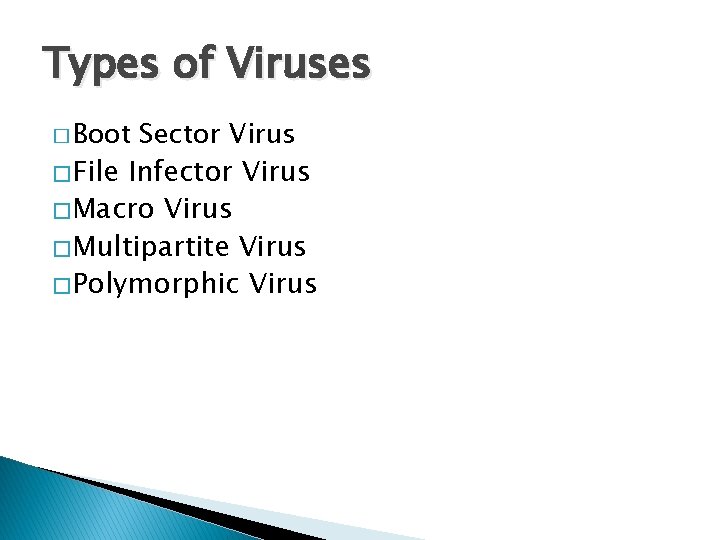
Types of Viruses � Boot Sector Virus � File Infector Virus � Macro Virus � Multipartite Virus � Polymorphic Virus
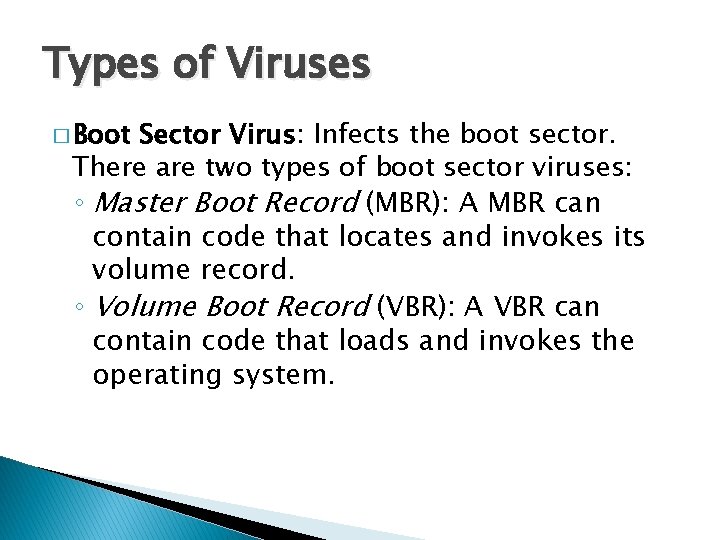
Types of Viruses � Boot Sector Virus: Infects the boot sector. There are two types of boot sector viruses: ◦ Master Boot Record (MBR): A MBR can contain code that locates and invokes its volume record. ◦ Volume Boot Record (VBR): A VBR can contain code that loads and invokes the operating system.
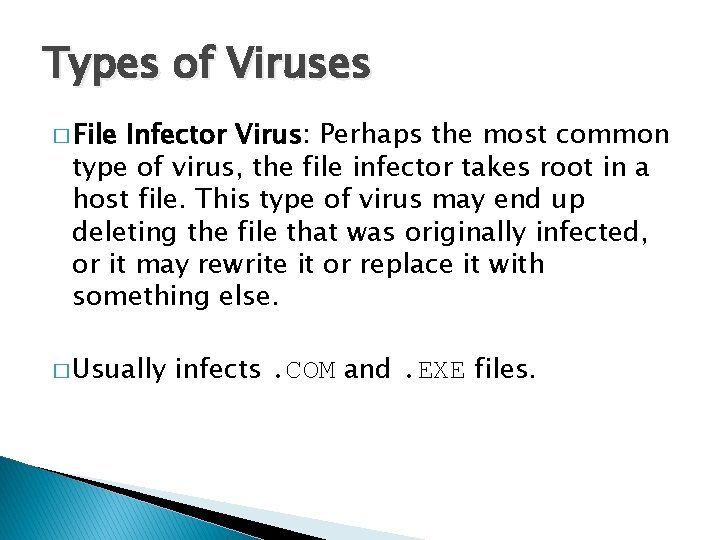
Types of Viruses � File Infector Virus: Perhaps the most common type of virus, the file infector takes root in a host file. This type of virus may end up deleting the file that was originally infected, or it may rewrite it or replace it with something else. � Usually infects. COM and. EXE files.
Types of Viruses � Macro Virus: This is a virus that can be hidden in data files, like Word documents and Spreadsheets. � Disable macros on files that you don’t trust.
Types of Viruses � Multipartite Virus: A virus of this type may spread in multiple ways, and it may take different actions on an infected computer depending on variables, such as the operating system installed or the existence of certain files. � Can infect boot sector and files.
Types of Viruses � Polymorphic Virus: A polymorphic Virus can mutate over time or after every contaminated file and changes the code that is used to deliver the payload.
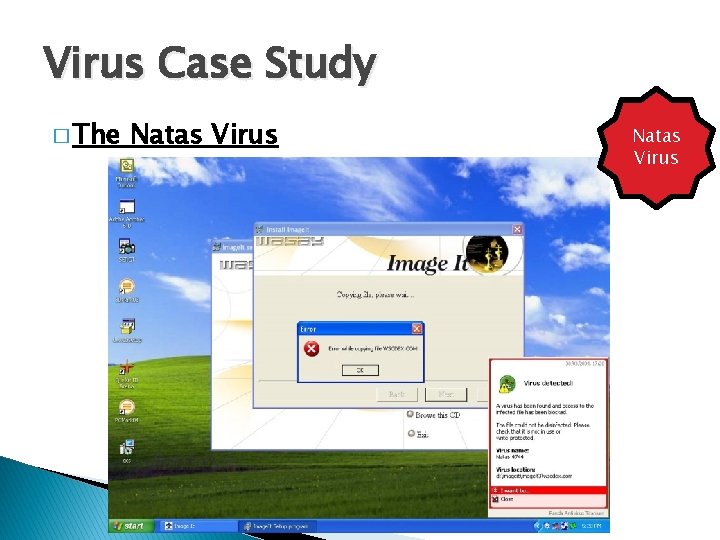
Virus Case Study � The Natas Virus
Virus Case Study � The Natas Virus � Natas Virus is a memory-resident stealth virus which is highly polymorphic, that affects master boot records, boot sectors of diskettes, files. COM and also. exe programs.
Virus Case Study � The Natas Virus � Natas Virus (Satan spelled backwards) is a computer virus written by James Gentile, a then 18 -year-old hacker from San Diego, California who went by the alias of "Little Loc" and later "Priest". � The virus was made for a Mexican politician who wanted to win the Mexican elections by affecting all the Mexican Federal Electoral Institute (IFE) computers with a floppy disk.
Virus Case Study � The Natas Virus virus first appeared in Mexico City in May 1992, spread by a consultant using infected floppy disks. The virus became widespread in Mexico and the southwest United States. � The virus also made its way to the other side of the USA, infecting computers at the United States Secret Service knocking their network offline for approximately three days.
Virus Case Study � The Natas Virus � When Natas Virus a file infected with Natas is executed, it becomes memory resident, taking up 5, 664 bytes in memory and infects the master boot record and COMMAND. COM. The virus infects files when they are executed, opened or copied, appending its 4, 746 bytes to. COM, . EXE and. OVL files.
Worms
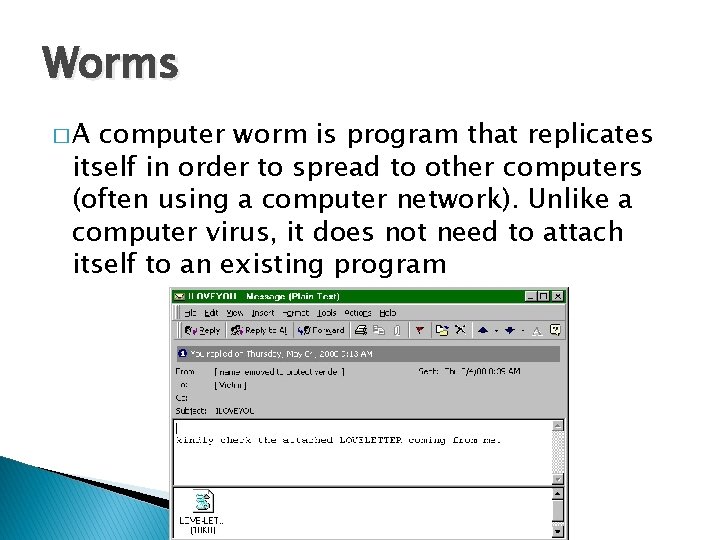
Worms �A computer worm is program that replicates itself in order to spread to other computers (often using a computer network). Unlike a computer virus, it does not need to attach itself to an existing program
Worms � Worms usually slow down processor time, and take up memory space, they also typically take up network bandwidth. � Some worms that have been created are designed only to spread, and do not attempt to change the systems they pass through. However, as the Morris worm and Mydoom showed, even these worms can cause major disruption by increasing network traffic.
Helpful Worms � Since the start of computer networks there have been attempts to create useful worms, for example, the Nachi family of worms tried to download and install patches from Microsoft's website to fix vulnerabilities in the host system—by exploiting those same vulnerabilities.
Helpful Worms � In practice, although this may have made these systems more secure, it generated considerable network traffic, rebooted the machine in the course of patching it, and did its work without the consent of the computer's owner. � Several worms, like XSS worms, have been written to research how worms spread. For example, the effects of changes in social activity or user behaviour.
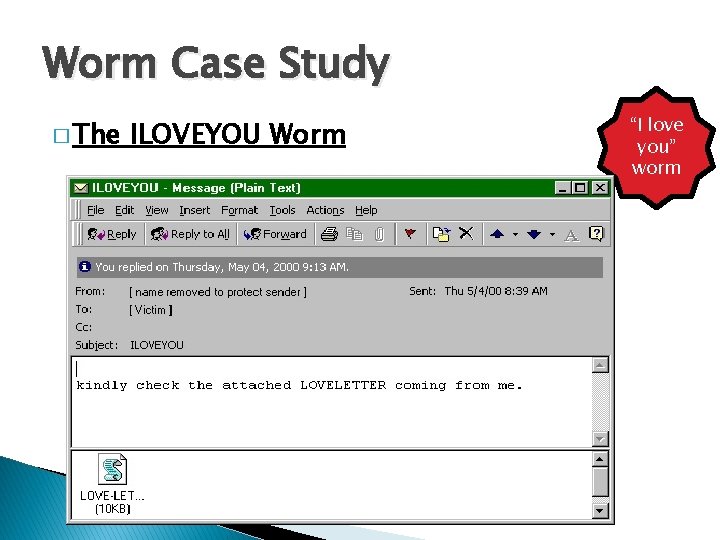
Worm Case Study � The ILOVEYOU Worm “I love you” worm
Worm Case Study � The ILOVEYOU Worm � ILOVEYOU, “I love you” worm sometimes referred to as Love Letter, was a computer worm that attacked tens of millions of Windows personal computers on and after May 4 th, 2000. � it started spreading as an email message with the subject line "ILOVEYOU" and the attachment "LOVE-LETTER-FOR-YOU. txt. vbs“
Worm Case Study � The ILOVEYOU Worm “I love you” worm did damage on the local machine, overwriting random types of files (including Office files, image files, and audio files; however after overwriting MP 3 files the virus would hide the file), and sent a copy of itself to all addresses in the Windows Address Book used by Microsoft Outlook.
Worm Case Study � The ILOVEYOU Worm “I love you” worm originated in the Philippines, thereafter across the world, moving first to Hong Kong, then to Europe, and finally the United States, as employees began their workday that Friday morning. The outbreak was later estimated to have caused US $5. 58. 7 billion in damages worldwide, and estimated to cost the US $15 billion to remove the worm.
Trojans
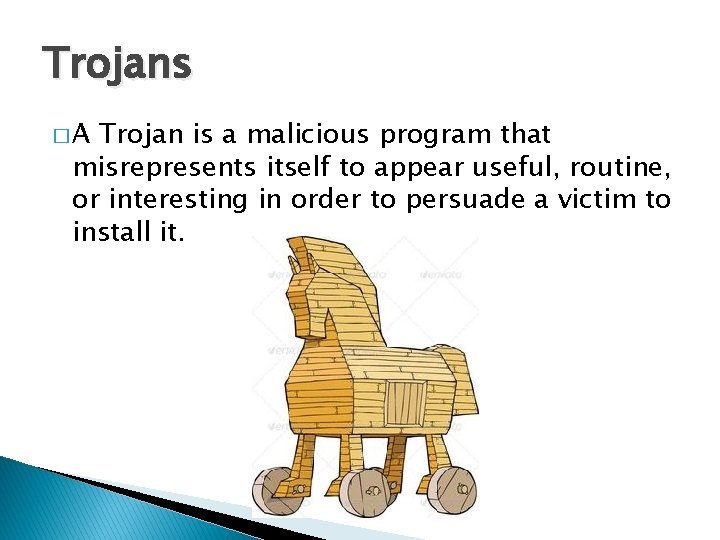
Trojans �A Trojan is a malicious program that misrepresents itself to appear useful, routine, or interesting in order to persuade a victim to install it.
Trojans � Trojans are generally spread by some form of social engineering, for example where a user is duped into executing an e-mail attachment disguised to be unsuspicious, (e. g. , a routine form to be filled in), or by downloading. � Unlike computer viruses and worms, Trojans generally do not attempt to inject themselves into other files or otherwise propagate themselves.
Trojans � Types of things Trojans do: ◦ Destructive Behaviour ◦ Use of Resources, or Identity ◦ Money, Theft, or Ransom ◦ Data Theft ◦ Spying, Surveillance, or Stalking
Trojans � Destructive Behaviour ◦ Crashing the computer or device. ◦ Modification or deletion of files. ◦ Data corruption. ◦ Formatting disks, destroying all contents. ◦ Spread malware across the network. ◦ Spy on user activities and access sensitive information.
Trojans � Use of Resources, or Identity ◦ Use of the machine as part of a botnet (e. g. to perform automated spamming) ◦ Using computer resources for mining cryptocurrencies ◦ Using the infected computer as proxy for illegal activities and/or attacks on other computers. ◦ Infecting other connected devices on the network.
Trojans � Money, Theft, or Ransom ◦ Electronic money theft ◦ Installing ransomware such as Crypto. Locker
Trojans � Data Theft ◦ Data theft, including for industrial espionage ◦ User passwords or payment card information ◦ User personally identifiable information ◦ Trade secrets
Trojans � Spying, Surveillance, or Stalking ◦ Keystroke logging ◦ Watching the user's screen ◦ Viewing the user's webcam ◦ Controlling the computer system remotely
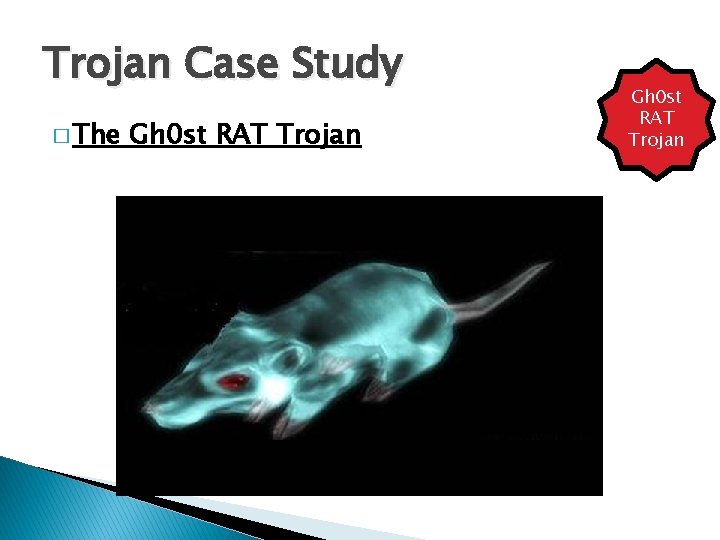
Trojan Case Study � The Gh 0 st RAT Trojan
Trojan Case Study � The Gh 0 st RAT Trojan � Gh 0 st RAT Trojan RAT is a Trojan horse for the Windows platform that was used to hack into some of the most sensitive computer networks on Earth. It is a cyber spying computer program. The "Rat" part of the name refers to the software's ability to operate as a "Remote Administration Tool".
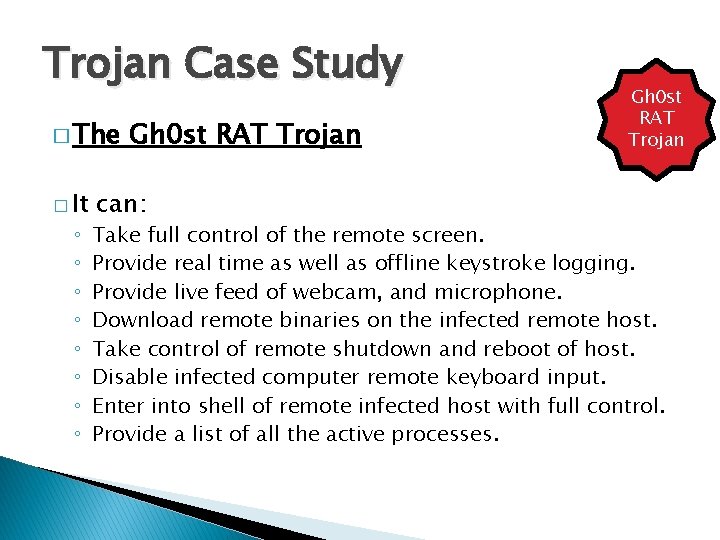
Trojan Case Study � The � It ◦ ◦ ◦ ◦ Gh 0 st RAT Trojan can: Gh 0 st RAT Trojan Take full control of the remote screen. Provide real time as well as offline keystroke logging. Provide live feed of webcam, and microphone. Download remote binaries on the infected remote host. Take control of remote shutdown and reboot of host. Disable infected computer remote keyboard input. Enter into shell of remote infected host with full control. Provide a list of all the active processes.
Trojan Case Study � The Gh 0 st RAT Trojan � Gh 0 st RAT Trojan Rat was originally made by the C. Rufus Security Team in 2005. Just as with other well -featured “off-the-shelf” trojans like Poison Ivy, Hupigon and Dark. Comet it has been used by all sorts of people – from script kiddies to resourceful targeted attack actors.
Trojan Case Study � The � In Gh 0 st RAT Trojan less than two years (2007 -2009) Gh 0 st Rat infiltrated at least 1, 295 computers in 103 countries, including many belonging to embassies, foreign ministries and other government offices, as well as the Dalai Lama’s Tibetan exile centres in India, Brussels, London and New York.
Unintentional Attacks
Unintentional Attacks � An unintentional attack is any breach of security that was not as a result of a planned intrusion. � For example, if two processes are updating the same record and it results in an incomplete modification of the record, that is an unintentional attack.
Unintentional Attacks � The Year 2000 problem (aka the Millennium bug, or the Y 2 K bug) was caused by programmers who reduced the four-digit year to two digits. � This made the year 2000 indistinguishable from 1900.
Unintentional Attacks � Unintentional Denial-of-Service � When Michael Jackson died in 2009, websites such as Google and Twitter slowed down or even crashed. Many sites' servers thought the requests were from a virus or spyware trying to cause a denial-of-service attack, warning users that their queries looked like "automated requests from a computer virus or spyware application".
System Protection
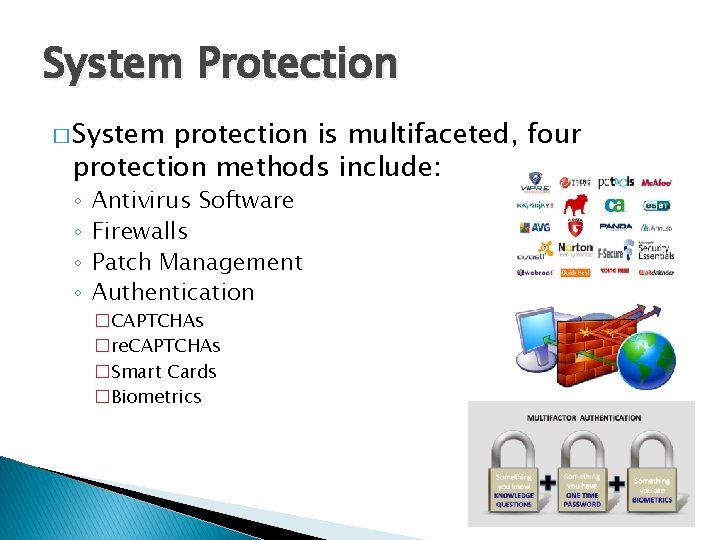
System Protection � System protection is multifaceted, four protection methods include: ◦ ◦ Antivirus Software Firewalls Patch Management Authentication
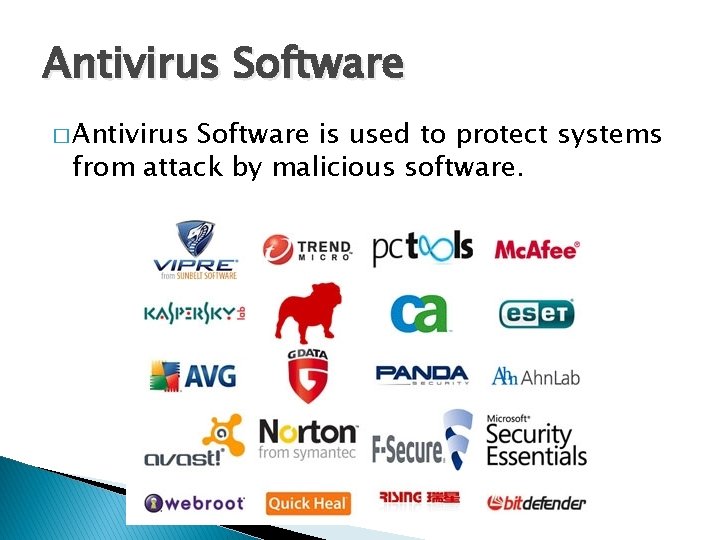
Antivirus Software � Antivirus Software is used to protect systems from attack by malicious software.
Antivirus Software � The software can be preventative, diagnostic, or a combination of both. � As new viruses are identified security vendors and government agencies provide information and updates about them.
Antivirus Software � Antivirus software is usually capable of repairing files infected by a virus, but it generally cannot repair the damage done by worms, Trojans, and blended approaches. � This is since viruses usually add code to an existing file, whereas worms, Trojans, and blended approaches usually fully replace files.
Antivirus Software � Examples ◦ ◦ ◦ ◦ ◦ of Antivirus software include: Bitdefender Antivirus Plus Kaspersky Anti-Virus Webroot Secure. Anywhere Anti. Virus Emsisoft Anti-Malware F-Secure Anti-Virus 2015 Malwarebytes Anti-Exploit Mc. Afee Anti. Virus Plus Panda Antivirus Pro Trend Micro Antivirus+ Security Voodoo. Soft Voodoo. Shield
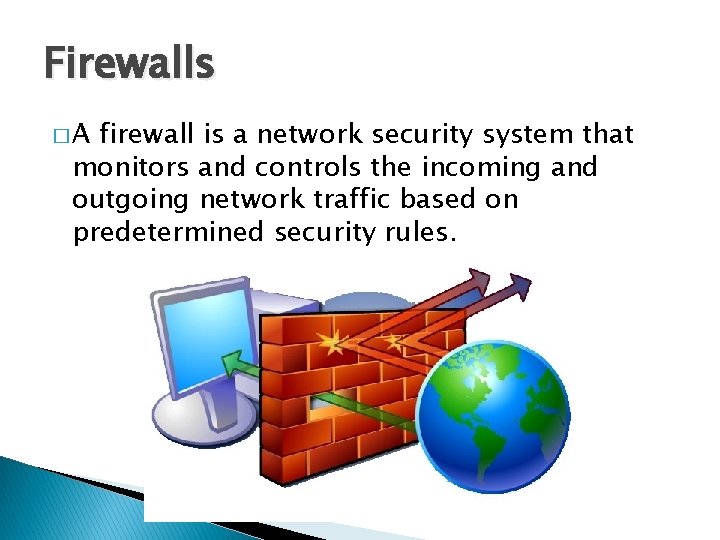
Firewalls �A firewall is a network security system that monitors and controls the incoming and outgoing network traffic based on predetermined security rules.
Firewalls � Network firewalls can be software programs running on general purpose hardware, or hardware-based firewall computer appliances, that filter traffic between two or more networks. � Firewall appliances may also offer other functionality to the internal network they protect such as acting as a DHCP or VPN server for that network.
Firewalls � Network firewalls can be software programs running on general purpose hardware, or hardware-based firewall computer appliances, that filter traffic between two or more networks. � Firewall appliances may also offer other functionality to the internal network they protect such as acting as a DHCP or VPN server for that network.
Firewalls � Firewalls typically: ◦ Log activities that access the internet ◦ Maintain access control based on the senders’ and receivers’ IP addresses ◦ Maintain access control based on the services being requested ◦ Hide the internal network from unauthorized users ◦ Verify that virus protection is installed and running ◦ Perform authentication based on the source of a request from the Internet
Firewalls � Firewalls use a combination of packet filtering and proxy servers. ◦ Packet Filtering means that the firewall reviews all of the header information of each packet coming into the computer and going out to make sure there is noting suspicious present. ◦ Proxy Servers sit in between the local computer and network, and intercept all requests to the local computer from the network, and verify them before passing them onto the local computer.
Firewalls � Examples ◦ ◦ ◦ ◦ of Firewalls include: Bullguard Zone. Alarm Mc. Afee Norton AVG Anti-virus Bitdefender Avira Kaspersky Lab
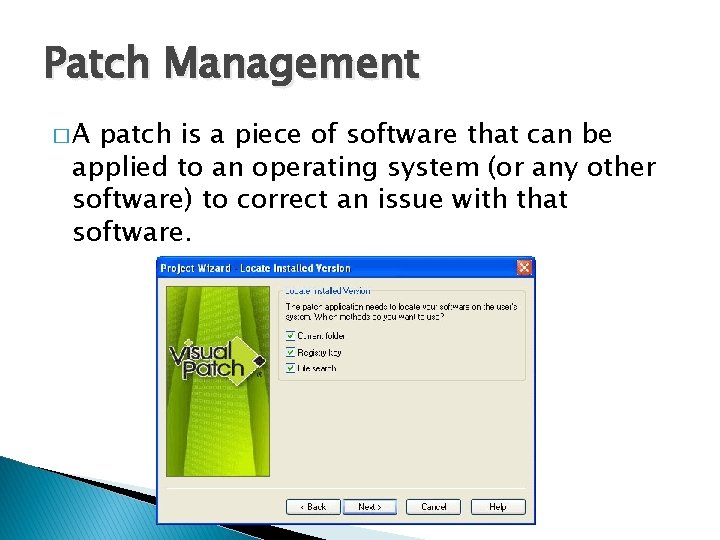
Patch Management �A patch is a piece of software that can be applied to an operating system (or any other software) to correct an issue with that software.
Patch Management � Most operating systems will have several patches after their initial release and usually update the version of the program when successfully installed. � Software patches can be found through the software developer's website, or are automatically downloaded after each system restart.
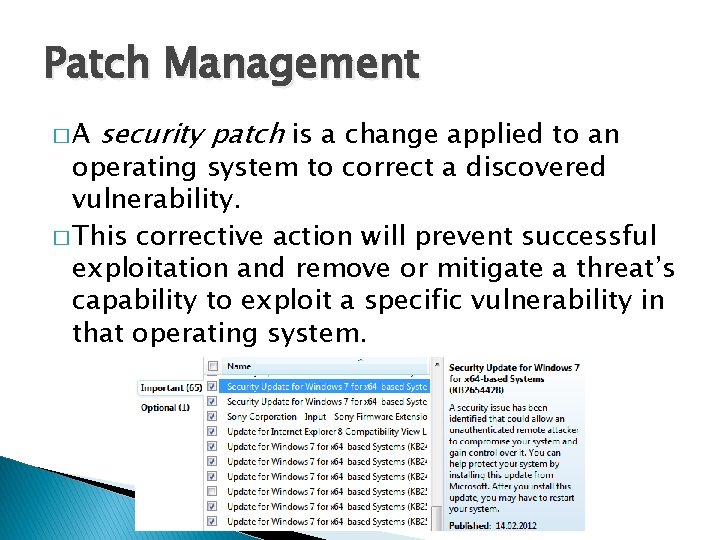
Patch Management �A security patch is a change applied to an operating system to correct a discovered vulnerability. � This corrective action will prevent successful exploitation and remove or mitigate a threat’s capability to exploit a specific vulnerability in that operating system.
Patch Management � Security patches are the primary method of fixing security vulnerabilities in operating systems. � Currently Microsoft releases its security patches once a month, and other operating systems and software projects have security teams dedicated to releasing the most reliable software patches as soon after a vulnerability announcement as possible.
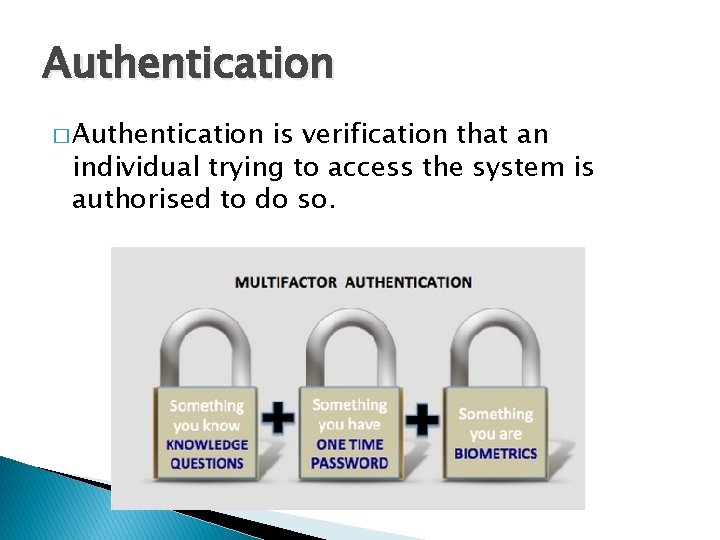
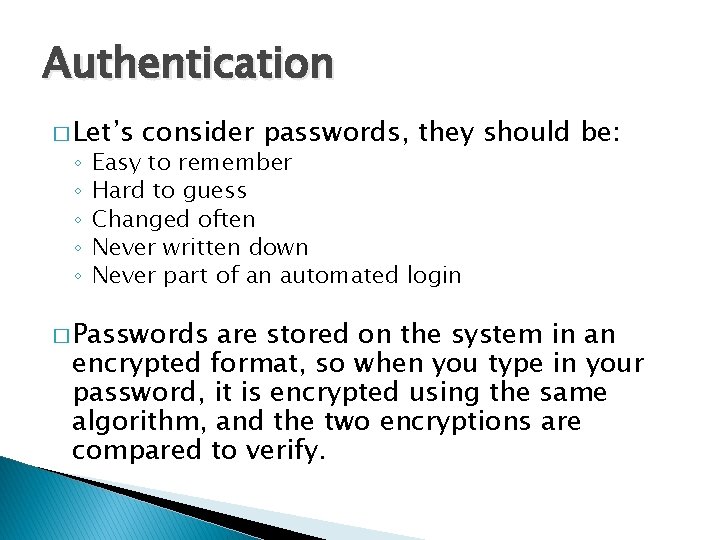
Authentication � Authentication is verification that an individual trying to access the system is authorised to do so.
Authentication � Let’s ◦ ◦ ◦ consider passwords, they should be: Easy to remember Hard to guess Changed often Never written down Never part of an automated login � Passwords are stored on the system in an encrypted format, so when you type in your password, it is encrypted using the same algorithm, and the two encryptions are compared to verify.
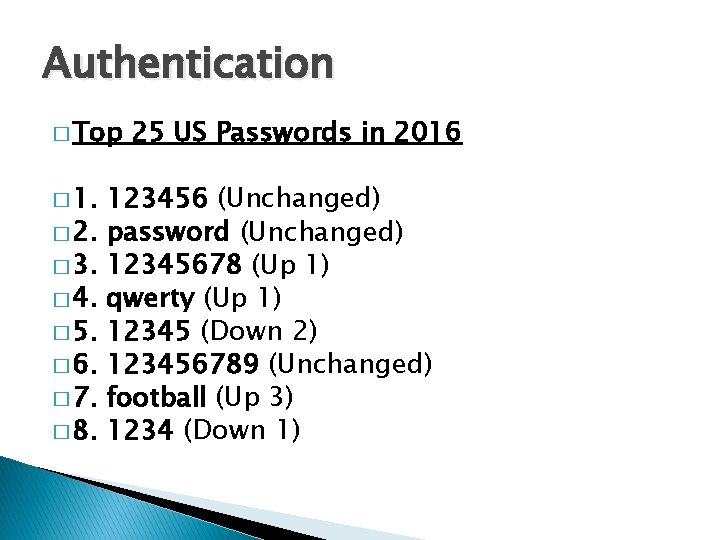
Authentication � Top � 1. � 2. � 3. � 4. � 5. � 6. � 7. � 8. 25 US Passwords in 2016 123456 (Unchanged) password (Unchanged) 12345678 (Up 1) qwerty (Up 1) 12345 (Down 2) 123456789 (Unchanged) football (Up 3) 1234 (Down 1)
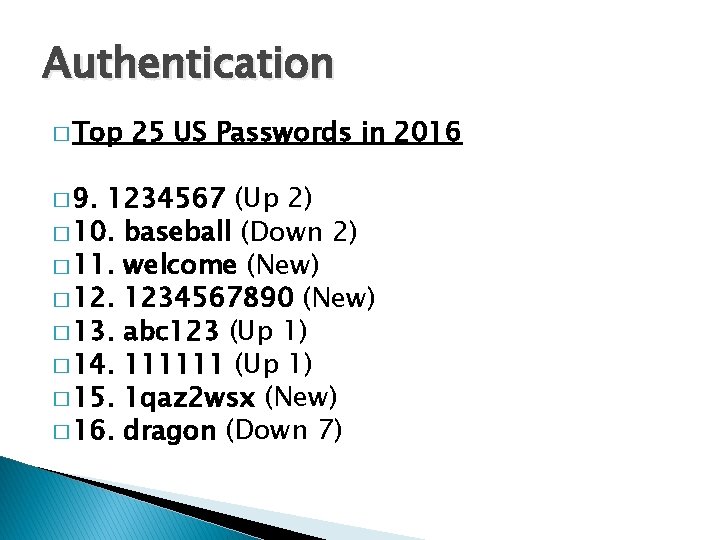
Authentication � Top � 9. 25 US Passwords in 2016 1234567 (Up 2) � 10. baseball (Down 2) � 11. welcome (New) � 12. 1234567890 (New) � 13. abc 123 (Up 1) � 14. 111111 (Up 1) � 15. 1 qaz 2 wsx (New) � 16. dragon (Down 7)
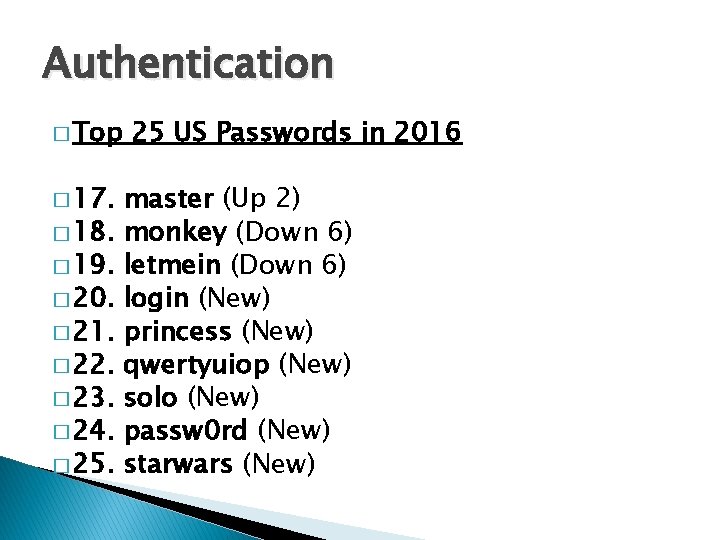
Authentication � Top � 17. � 18. � 19. � 20. � 21. � 22. � 23. � 24. � 25. 25 US Passwords in 2016 master (Up 2) monkey (Down 6) letmein (Down 6) login (New) princess (New) qwertyuiop (New) solo (New) passw 0 rd (New) starwars (New)
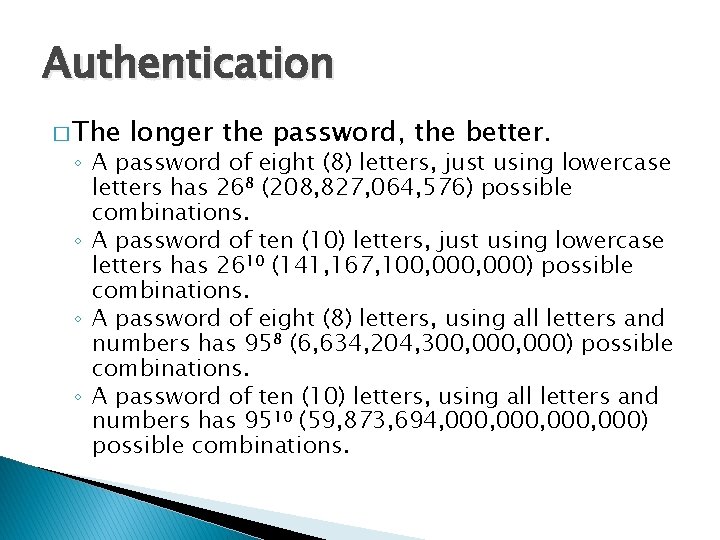
Authentication � The longer the password, the better. ◦ A password of eight (8) letters, just using lowercase letters has 268 (208, 827, 064, 576) possible combinations. ◦ A password of ten (10) letters, just using lowercase letters has 2610 (141, 167, 100, 000) possible combinations. ◦ A password of eight (8) letters, using all letters and numbers has 958 (6, 634, 204, 300, 000) possible combinations. ◦ A password of ten (10) letters, using all letters and numbers has 9510 (59, 873, 694, 000, 000) possible combinations.
Authentication � Where are the passwords stored? ◦ On Windows: �c: windowssystem 32configSAM ◦ On Linux �/etc/shadow ◦ On Unix and (some) Apple �/etc/passwd
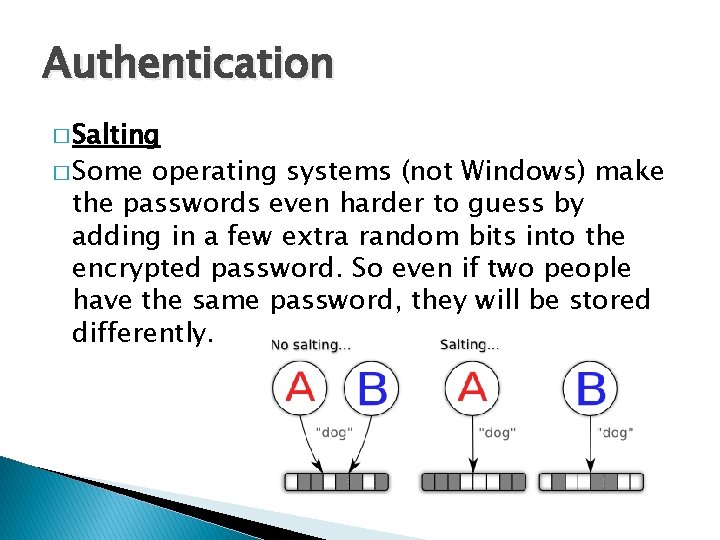
Authentication � Salting � Some operating systems (not Windows) make the passwords even harder to guess by adding in a few extra random bits into the encrypted password. So even if two people have the same password, they will be stored differently.
Authentication � Alternatives ◦ ◦ to passwords: CAPTCHAs re. CAPTCHAs Smart Cards Biometrics
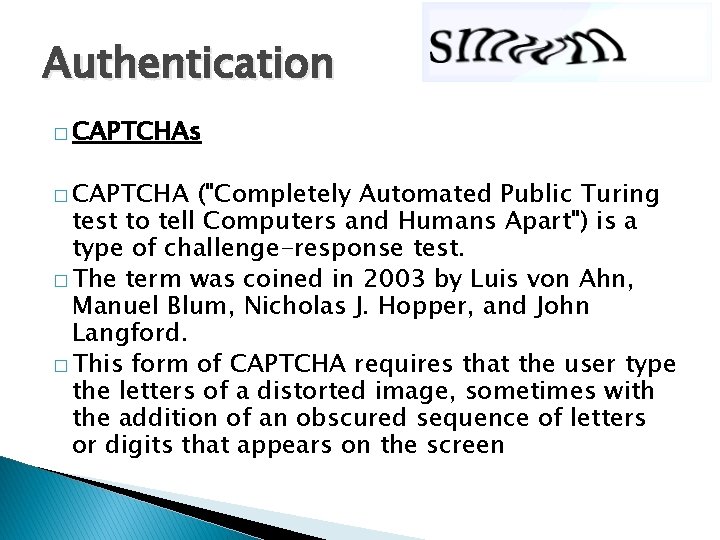
Authentication � CAPTCHAs � CAPTCHA ("Completely Automated Public Turing test to tell Computers and Humans Apart") is a type of challenge-response test. � The term was coined in 2003 by Luis von Ahn, Manuel Blum, Nicholas J. Hopper, and John Langford. � This form of CAPTCHA requires that the user type the letters of a distorted image, sometimes with the addition of an obscured sequence of letters or digits that appears on the screen
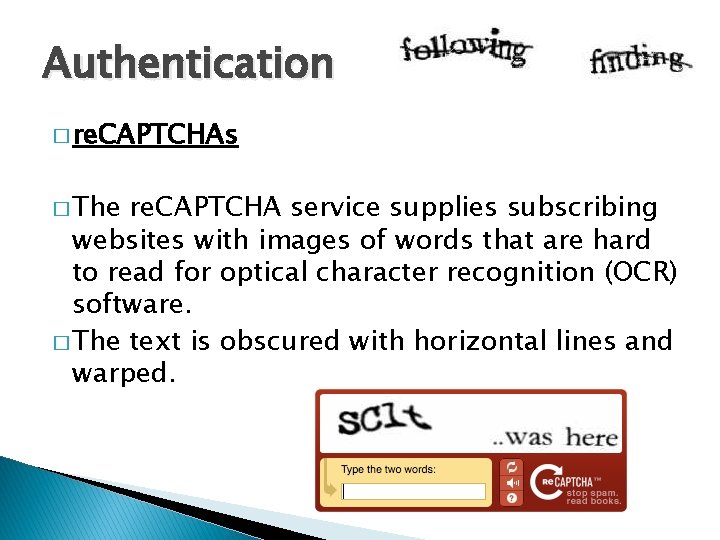
Authentication � re. CAPTCHAs � The re. CAPTCHA service supplies subscribing websites with images of words that are hard to read for optical character recognition (OCR) software. � The text is obscured with horizontal lines and warped.
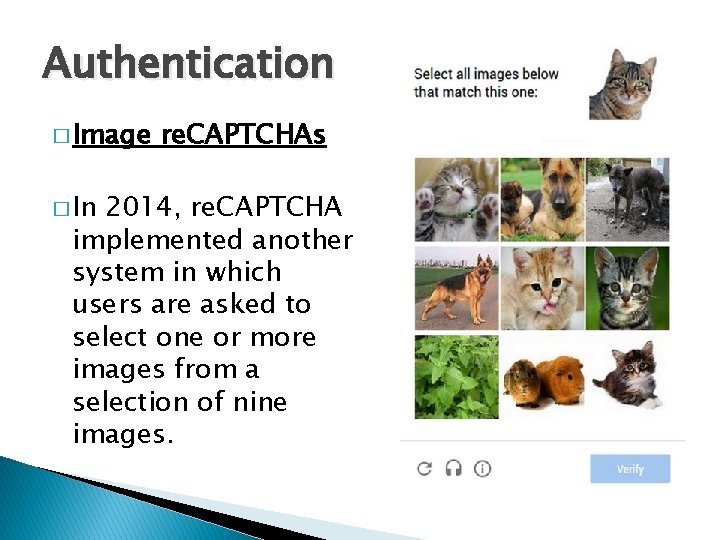
Authentication � Image � In re. CAPTCHAs 2014, re. CAPTCHA implemented another system in which users are asked to select one or more images from a selection of nine images.
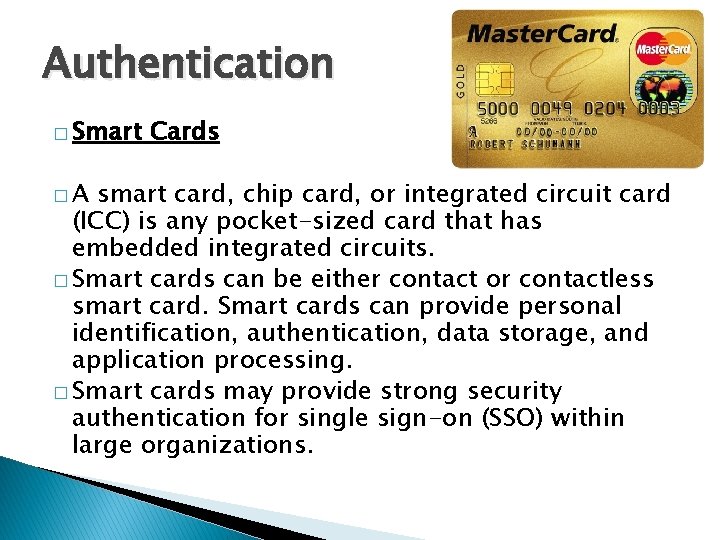
Authentication � Smart �A Cards smart card, chip card, or integrated circuit card (ICC) is any pocket-sized card that has embedded integrated circuits. � Smart cards can be either contact or contactless smart card. Smart cards can provide personal identification, authentication, data storage, and application processing. � Smart cards may provide strong security authentication for single sign-on (SSO) within large organizations.
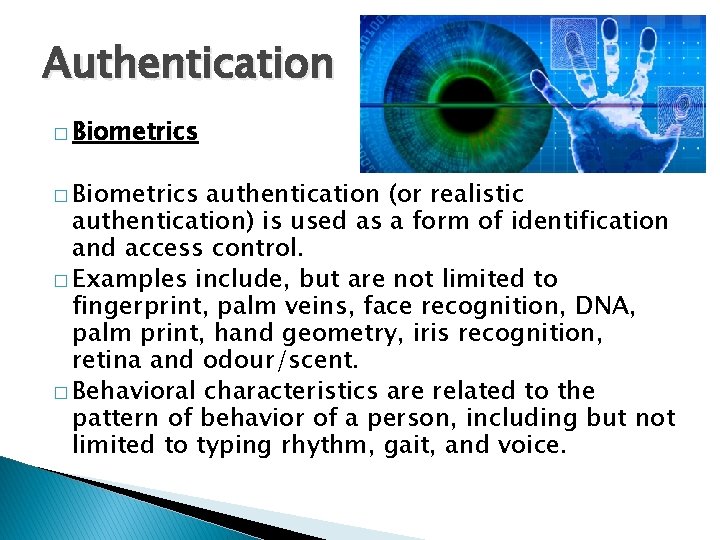
Authentication � Biometrics authentication (or realistic authentication) is used as a form of identification and access control. � Examples include, but are not limited to fingerprint, palm veins, face recognition, DNA, palm print, hand geometry, iris recognition, retina and odour/scent. � Behavioral characteristics are related to the pattern of behavior of a person, including but not limited to typing rhythm, gait, and voice.
Computer Security (Summary) Damian Gordon
Operating System File Manager Memory Manager Process Manager Device Manager Network Manager Security Manager
Operating System Security � The operating system uses a number of different ways to protect the system: ◦ ◦ ◦ Your credentials (e. g. username and password) Your authorisation (e. g. drwxr-x-r--) Your location (e. g. inside/outside the LAN) Your behaviour (e. g. deleting lots of files) The firewall
Operating Systems Attacks � Intentional ◦ ◦ ◦ Attacks Denial-of-Service (Do. S) Attack Wiretapping Viruses Worms Trojans � Unintentional Attacks ◦ Parallel writes ◦ Unintentional Denial-of-Service (Do. S)
System Protection � System protection is multifaceted, four protection methods include: ◦ ◦ Antivirus Software Firewalls Patch Management Authentication �CAPTCHAs �re. CAPTCHAs �Smart Cards �Biometrics