
Computer Security CS 426 Lecture 36 Perimeter Defense
- Slides: 19
Computer Security CS 426 Lecture 36 Perimeter Defense and Firewalls CS 426 Fall 2010/Lecture 36 1
Announcements • There will be a quiz on Wed • There will be a guest lecture on Friday, by Prof. Chris Clifton CS 426 Fall 2010/Lecture 36 2
Readings for This Lecture • Readings • Perimeter Security Fundamentals CS 426 Fall 2010/Lecture 36 3
Elements of Perimeter Defense (Fortified Boundary) • Border Routers: – the last router you control before an untrusted network (such as Internet) • Firewalls: – a chokepoint device that decide what traffic is to be allowed or denied – static packet filters, stateful firewalls, proxies • Intrusion detection system – an alarm system that detects malicious events and alerts – network-based (NIDS) and host-based (HIDS) CS 426 Fall 2010/Lecture 36 4
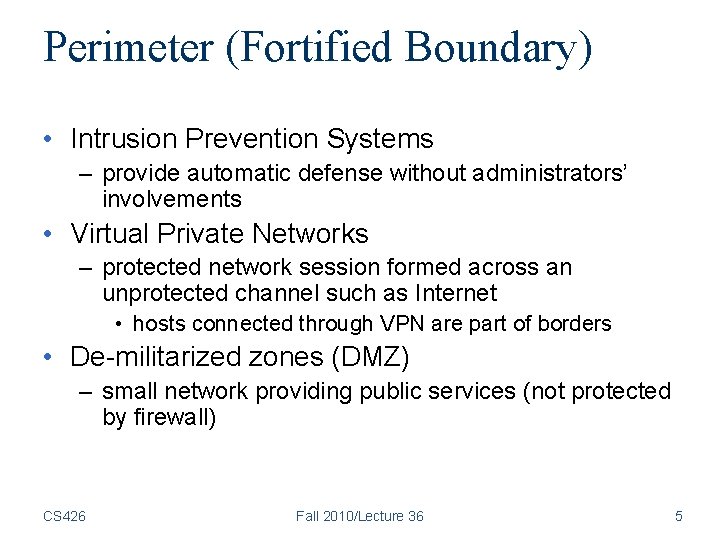
Perimeter (Fortified Boundary) • Intrusion Prevention Systems – provide automatic defense without administrators’ involvements • Virtual Private Networks – protected network session formed across an unprotected channel such as Internet • hosts connected through VPN are part of borders • De-militarized zones (DMZ) – small network providing public services (not protected by firewall) CS 426 Fall 2010/Lecture 36 5
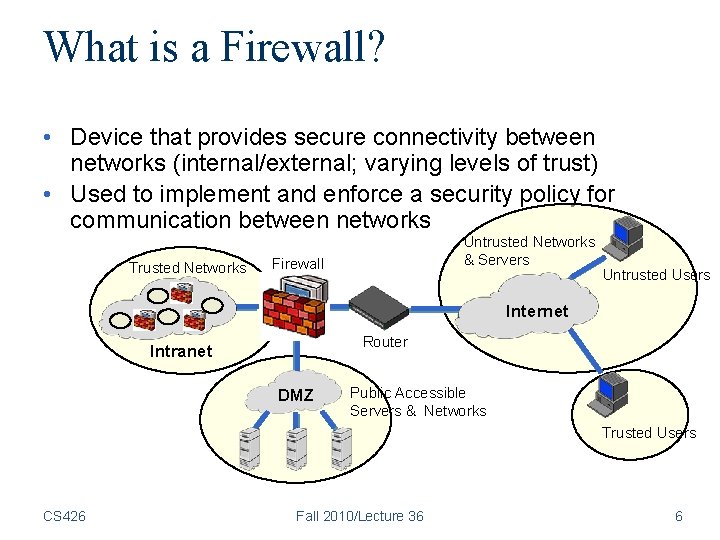
What is a Firewall? • Device that provides secure connectivity between networks (internal/external; varying levels of trust) • Used to implement and enforce a security policy for communication between networks Trusted Networks Untrusted Networks & Servers Firewall Untrusted Users Internet Router Intranet DMZ Public Accessible Servers & Networks Trusted Users CS 426 Fall 2010/Lecture 36 6
Usage of Firewall • Controlling inbound communications – Prevent vulnerable programs from being exploited • Controlling outbound communications is generally harder CS 426 Fall 2010/Lecture 36 7
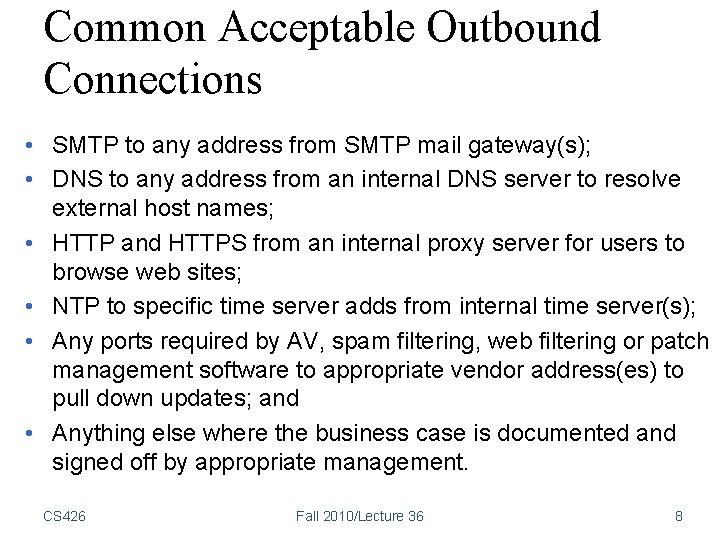
Common Acceptable Outbound Connections • SMTP to any address from SMTP mail gateway(s); • DNS to any address from an internal DNS server to resolve external host names; • HTTP and HTTPS from an internal proxy server for users to browse web sites; • NTP to specific time server adds from internal time server(s); • Any ports required by AV, spam filtering, web filtering or patch management software to appropriate vendor address(es) to pull down updates; and • Anything else where the business case is documented and signed off by appropriate management. CS 426 Fall 2010/Lecture 36 8
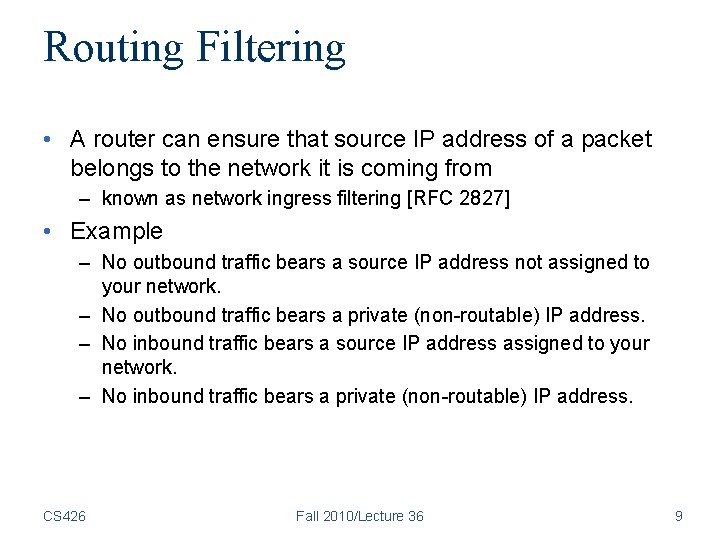
Routing Filtering • A router can ensure that source IP address of a packet belongs to the network it is coming from – known as network ingress filtering [RFC 2827] • Example – No outbound traffic bears a source IP address not assigned to your network. – No outbound traffic bears a private (non-routable) IP address. – No inbound traffic bears a source IP address assigned to your network. – No inbound traffic bears a private (non-routable) IP address. CS 426 Fall 2010/Lecture 36 9
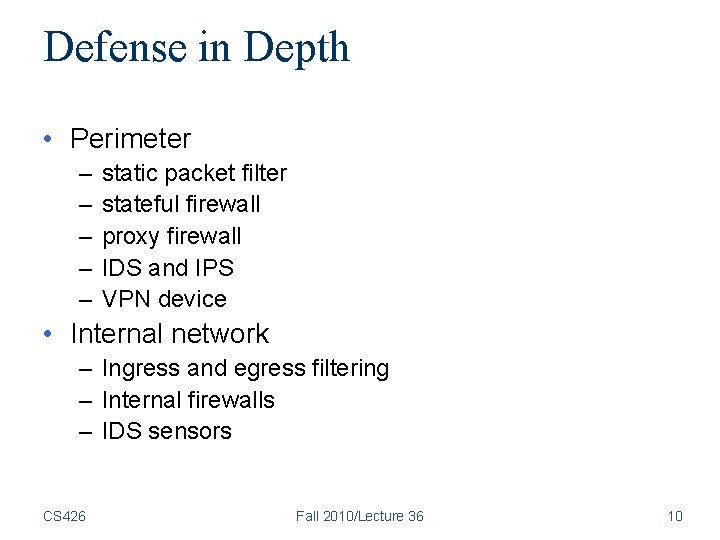
Defense in Depth • Perimeter – – – static packet filter stateful firewall proxy firewall IDS and IPS VPN device • Internal network – Ingress and egress filtering – Internal firewalls – IDS sensors CS 426 Fall 2010/Lecture 36 10
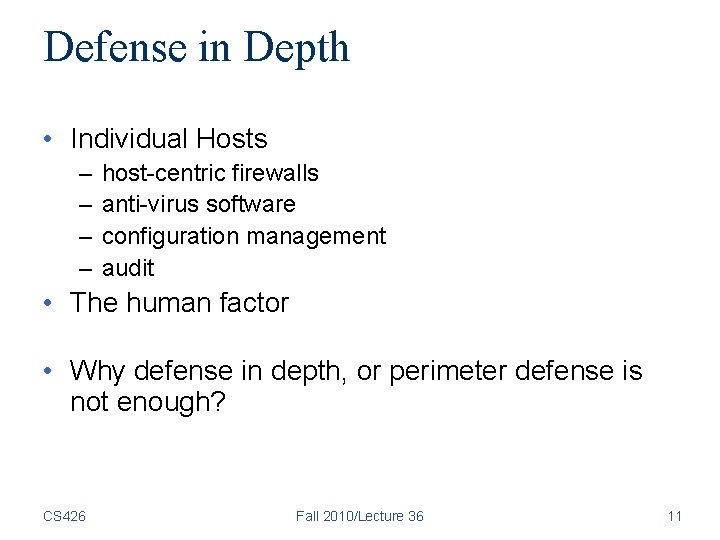
Defense in Depth • Individual Hosts – – host-centric firewalls anti-virus software configuration management audit • The human factor • Why defense in depth, or perimeter defense is not enough? CS 426 Fall 2010/Lecture 36 11
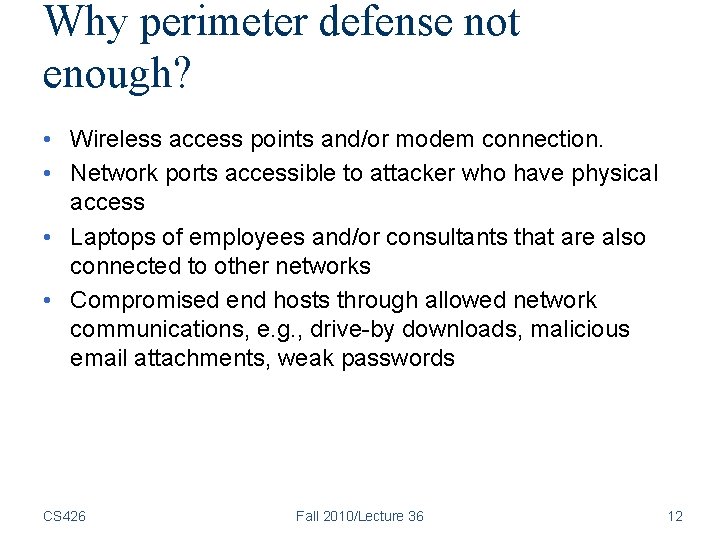
Why perimeter defense not enough? • Wireless access points and/or modem connection. • Network ports accessible to attacker who have physical access • Laptops of employees and/or consultants that are also connected to other networks • Compromised end hosts through allowed network communications, e. g. , drive-by downloads, malicious email attachments, weak passwords CS 426 Fall 2010/Lecture 36 12
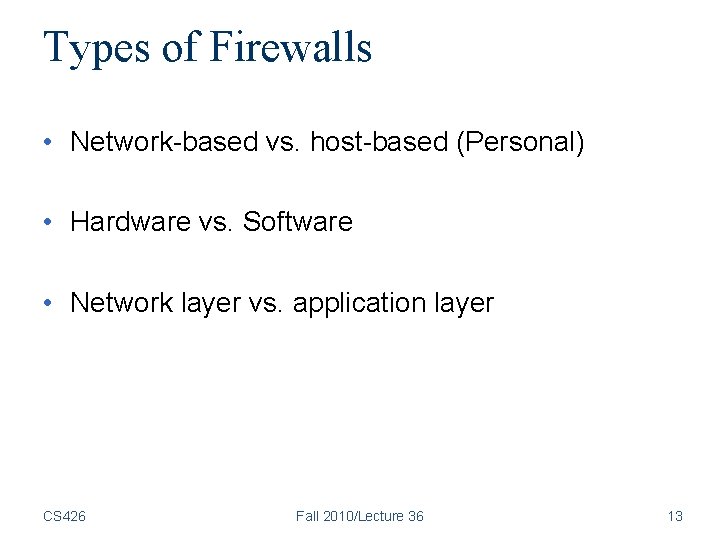
Types of Firewalls • Network-based vs. host-based (Personal) • Hardware vs. Software • Network layer vs. application layer CS 426 Fall 2010/Lecture 36 13
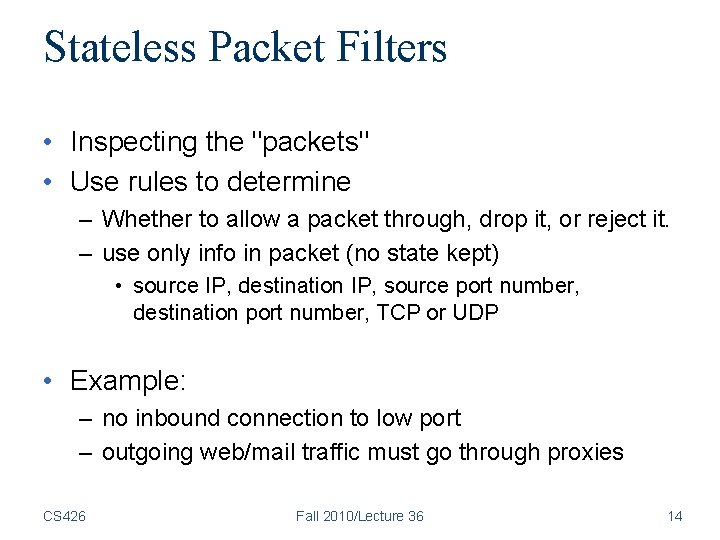
Stateless Packet Filters • Inspecting the "packets" • Use rules to determine – Whether to allow a packet through, drop it, or reject it. – use only info in packet (no state kept) • source IP, destination IP, source port number, destination port number, TCP or UDP • Example: – no inbound connection to low port – outgoing web/mail traffic must go through proxies CS 426 Fall 2010/Lecture 36 14
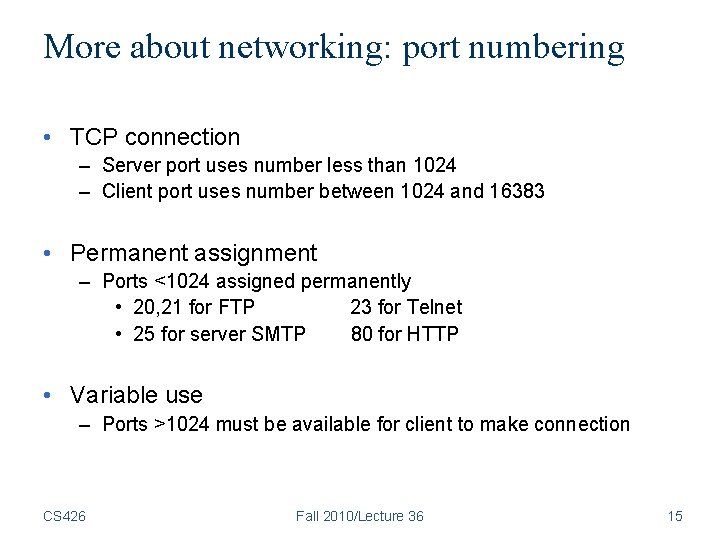
More about networking: port numbering • TCP connection – Server port uses number less than 1024 – Client port uses number between 1024 and 16383 • Permanent assignment – Ports <1024 assigned permanently • 20, 21 for FTP 23 for Telnet • 25 for server SMTP 80 for HTTP • Variable use – Ports >1024 must be available for client to make connection CS 426 Fall 2010/Lecture 36 15
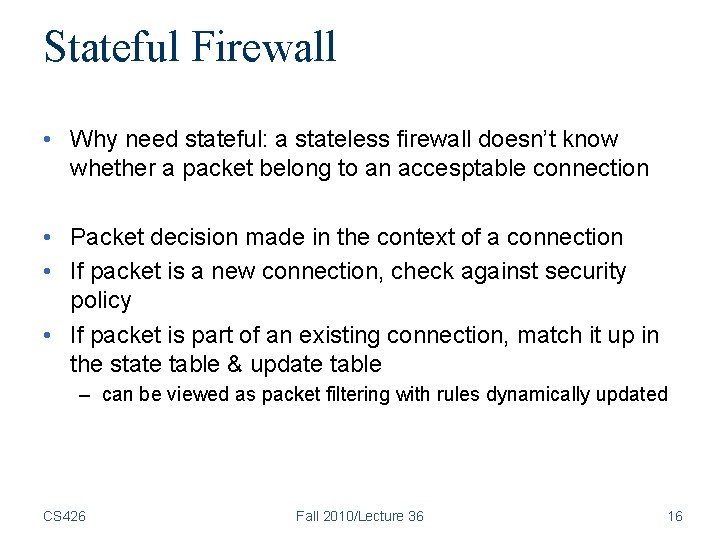
Stateful Firewall • Why need stateful: a stateless firewall doesn’t know whether a packet belong to an accesptable connection • Packet decision made in the context of a connection • If packet is a new connection, check against security policy • If packet is part of an existing connection, match it up in the state table & update table – can be viewed as packet filtering with rules dynamically updated CS 426 Fall 2010/Lecture 36 16
Proxy Firewalls (Application Layer Firewalls) • Relay for connections • Client Proxy Server • Understands specific applications – Limited proxies available – Proxy ‘impersonates’ both sides of connection • Resource intensive – process per connection • HTTP proxies may cache web pages CS 426 Fall 2010/Lecture 36 17
Personal Firewalls • Running on one PC, controlling network access – Windows firewall, iptables (Linux), Zone. Alarm, etc. • Typically determines network access based on application programs • Typically block most incoming traffic, harder to define policies for outgoing traffic • Can be bypassed/disabled if host is compromised CS 426 Fall 2010/Lecture 36 18
Coming Attractions … • Network Intrusion Detection and Prevention CS 426 Fall 2010/Lecture 36 19