
Computer Science II More with files Goals for
- Slides: 6
Computer Science II More with files.
Goals for today • • Review file commands from last class. Be able to read a program that uses files Be able to fix a program that uses files Be able to write a program that uses files and checks if the file exists.
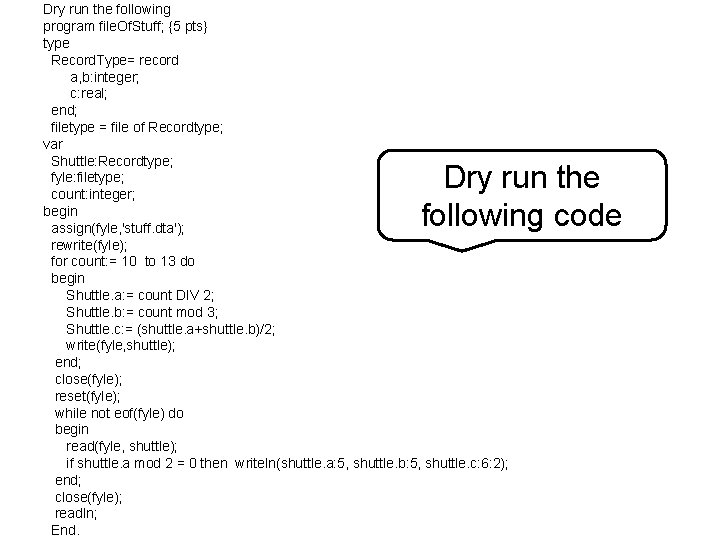
Dry run the following program file. Of. Stuff; {5 pts} type Record. Type= record a, b: integer; c: real; end; filetype = file of Recordtype; var Shuttle: Recordtype; fyle: filetype; count: integer; begin assign(fyle, 'stuff. dta'); rewrite(fyle); for count: = 10 to 13 do begin Shuttle. a: = count DIV 2; Shuttle. b: = count mod 3; Shuttle. c: = (shuttle. a+shuttle. b)/2; write(fyle, shuttle); end; close(fyle); reset(fyle); while not eof(fyle) do begin read(fyle, shuttle); if shuttle. a mod 2 = 0 then writeln(shuttle. a: 5, shuttle. b: 5, shuttle. c: 6: 2); end; close(fyle); readln; End. Dry run the following code
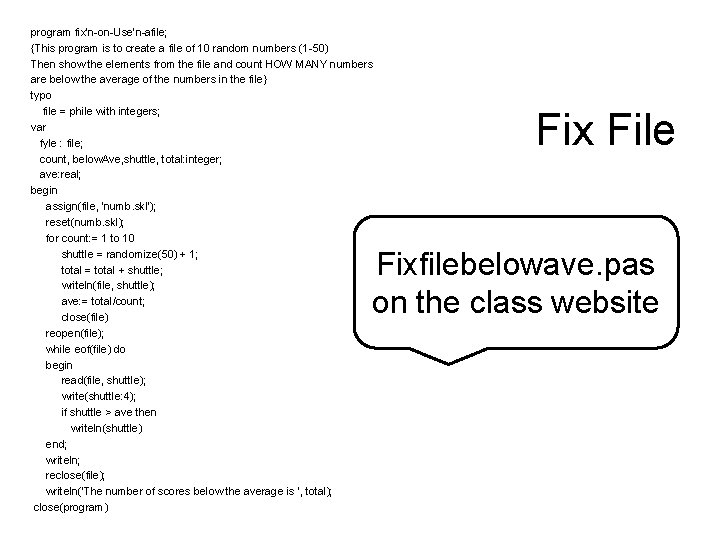
program fix'n-on-Use'n-afile; {This program is to create a file of 10 random numbers (1 -50) Then show the elements from the file and count HOW MANY numbers are below the average of the numbers in the file} typo file = phile with integers; var fyle : file; count, below. Ave, shuttle, total: integer; ave: real; begin assign(file, 'numb. skl'); reset(numb. skl); for count: = 1 to 10 shuttle = randomize(50) + 1; total = total + shuttle; writeln(file, shuttle); ave: = total/count; close(file) reopen(file); while eof(file) do begin read(file, shuttle); write(shuttle: 4); if shuttle > ave then writeln(shuttle) end; writeln; reclose(file); writeln('The number of scores below the average is ', total); close(program) Fix File Fixfilebelowave. pas on the class website
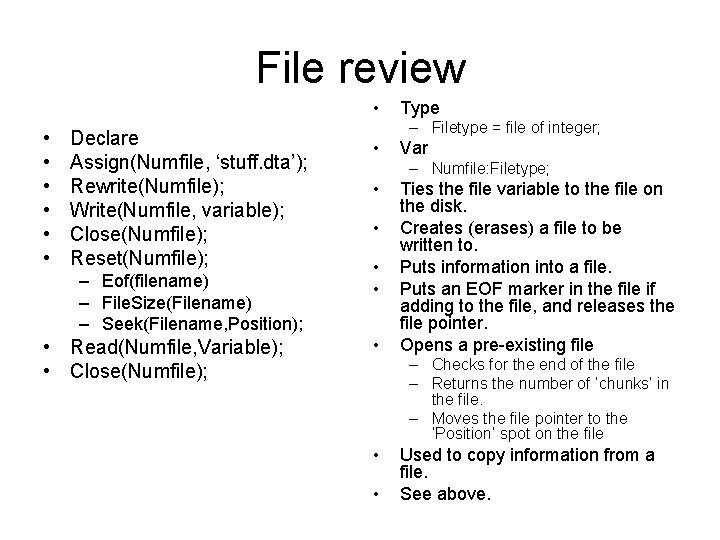
File review • • Declare Assign(Numfile, ‘stuff. dta’); Rewrite(Numfile); Write(Numfile, variable); Close(Numfile); Reset(Numfile); – Eof(filename) – File. Size(Filename) – Seek(Filename, Position); • Read(Numfile, Variable); • Close(Numfile); Type – Filetype = file of integer; • Var – Numfile: Filetype; • • • Ties the file variable to the file on the disk. Creates (erases) a file to be written to. Puts information into a file. Puts an EOF marker in the file if adding to the file, and releases the file pointer. Opens a pre-existing file – Checks for the end of the file – Returns the number of ‘chunks’ in the file. – Moves the file pointer to the ‘Position’ spot on the file • • Used to copy information from a file. See above.
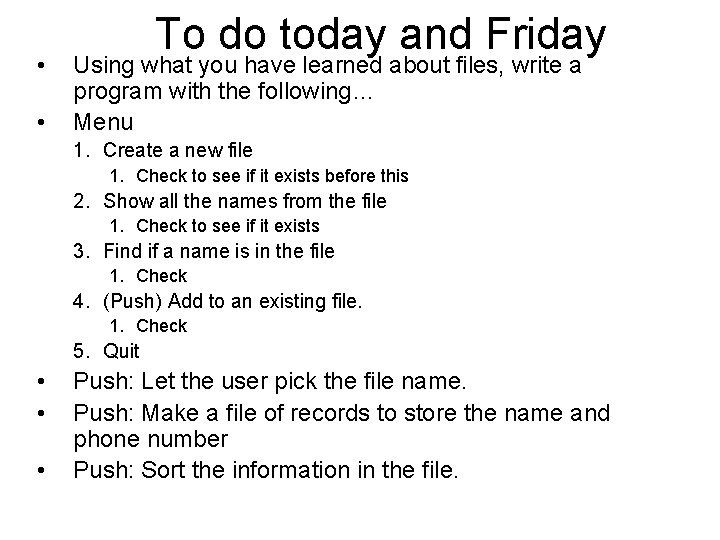
• • To do today and Friday Using what you have learned about files, write a program with the following… Menu 1. Create a new file 1. Check to see if it exists before this 2. Show all the names from the file 1. Check to see if it exists 3. Find if a name is in the file 1. Check 4. (Push) Add to an existing file. 1. Check 5. Quit • • • Push: Let the user pick the file name. Push: Make a file of records to store the name and phone number Push: Sort the information in the file.